
AppRecs review analysis
AppRecs rating . Trustworthiness 79 out of 100. Review manipulation risk 35 out of 100. Based on a review sample analyzed.
★
AppRecs Rating
Ratings breakdown
5 star
73%
4 star
5%
3 star
2%
2 star
0%
1 star
20%
What to know
✓
Credible reviews
79% trustworthiness score from analyzed reviews
✓
High user satisfaction
78% of sampled ratings are 4+ stars (4.1★ average)
About OneLern Teacher
Augmenting the entire teaching experience!
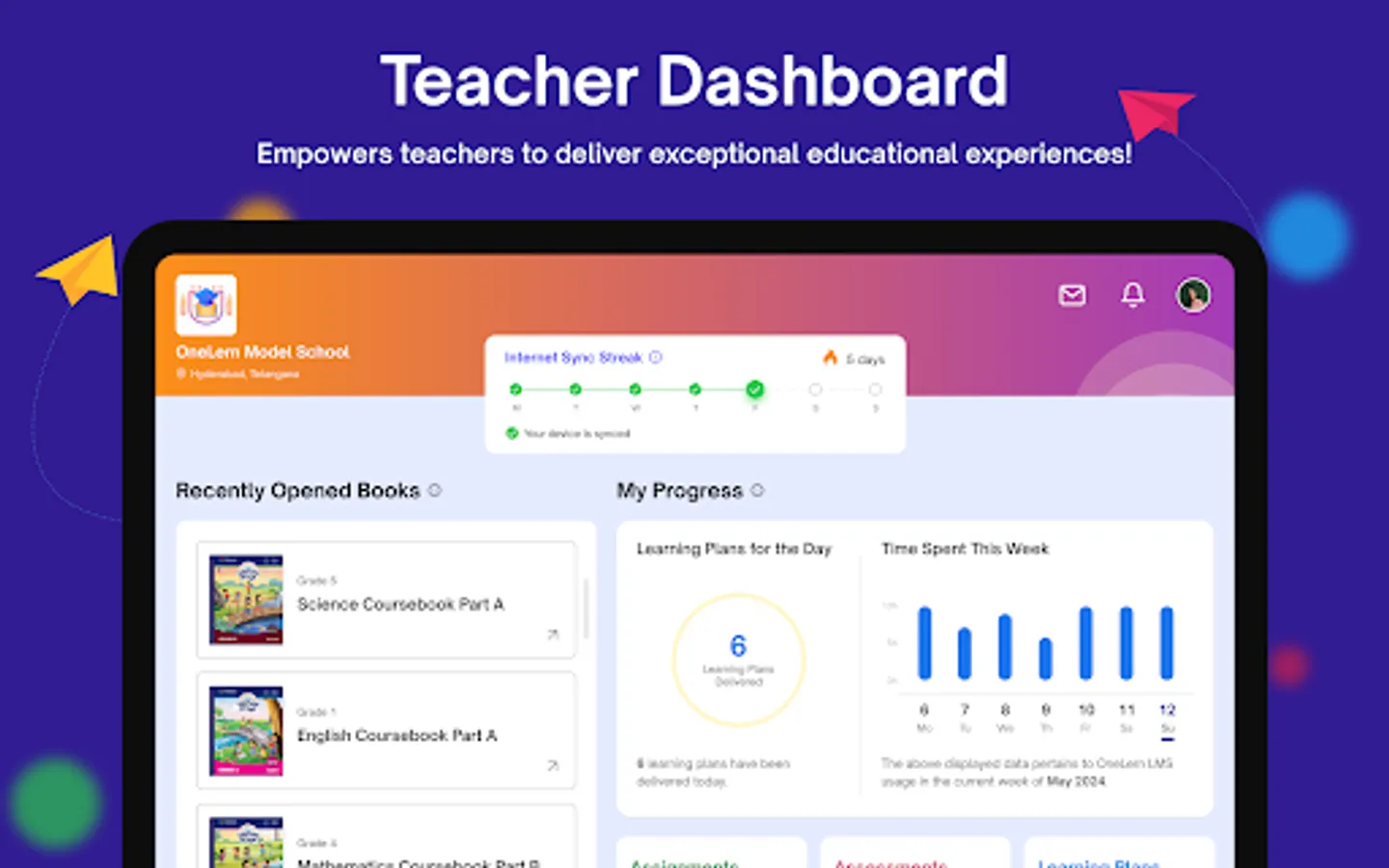
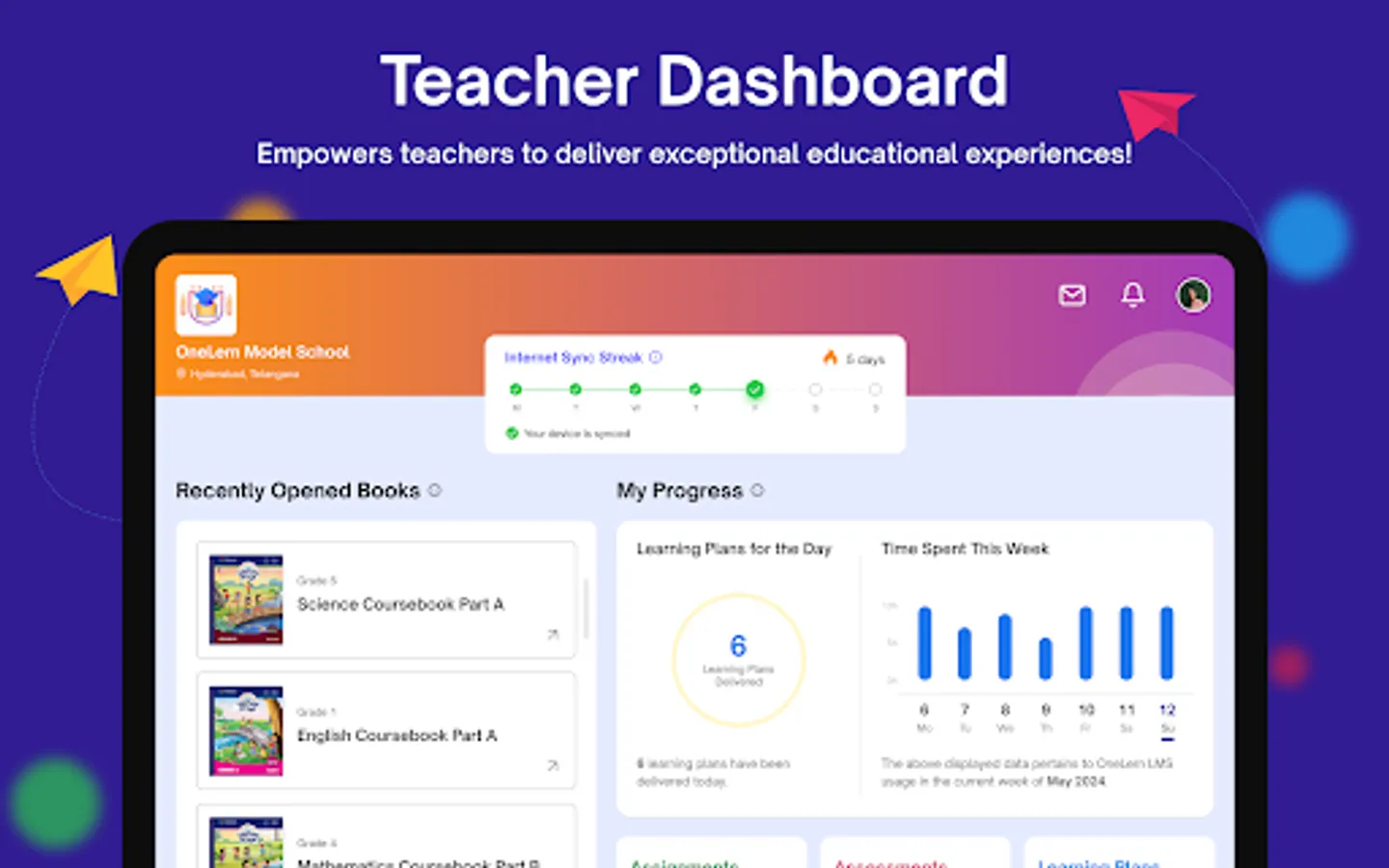
OneLern provides teachers the support they need and allows them to plan their lessons, with content, assignments, and submissions across subjects and curriculums, all through a dedicated device. OneLern analytical engine provides teachers with deeper insights into each student’s progress
Salient Features of OneLern Teacher app:
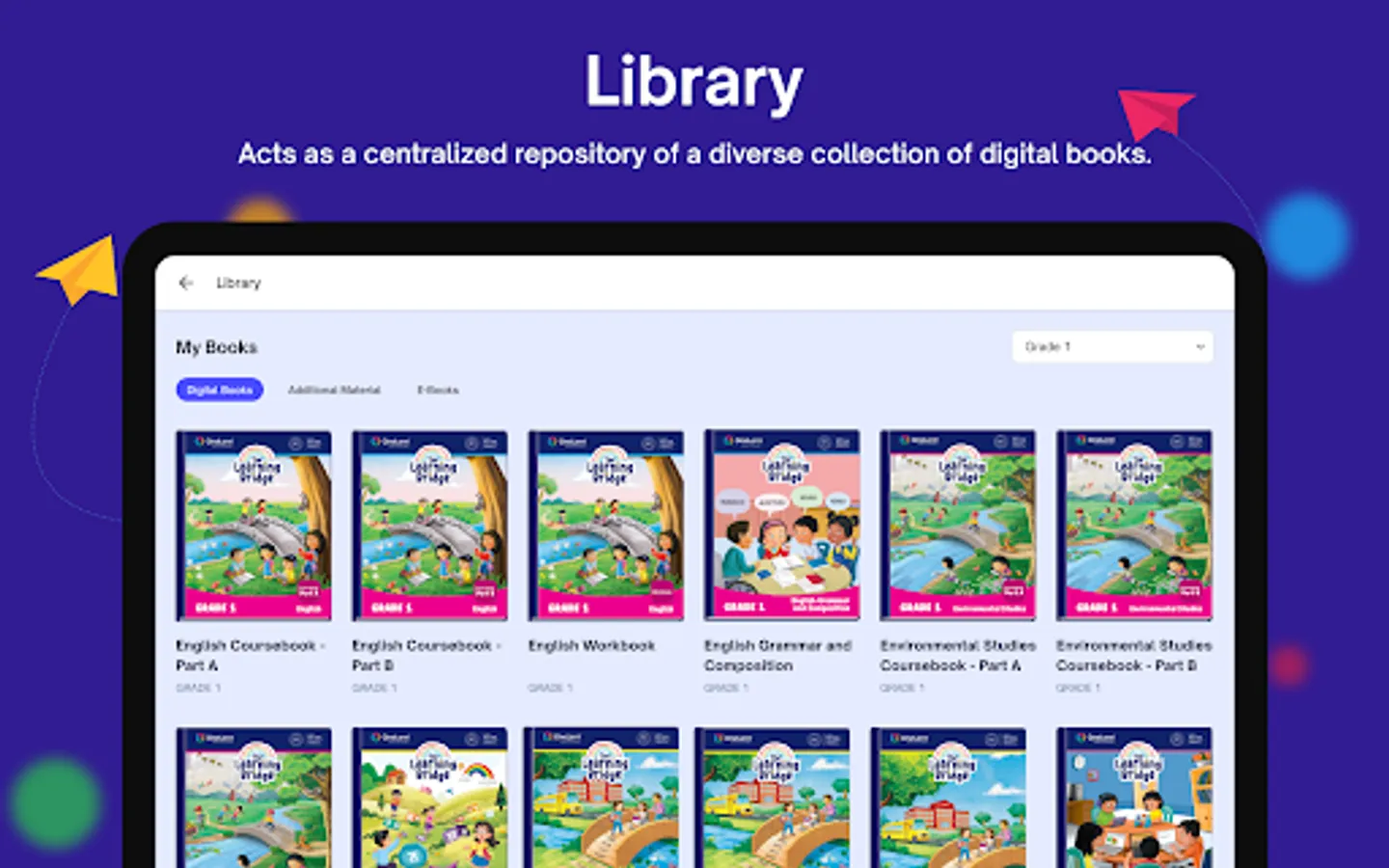
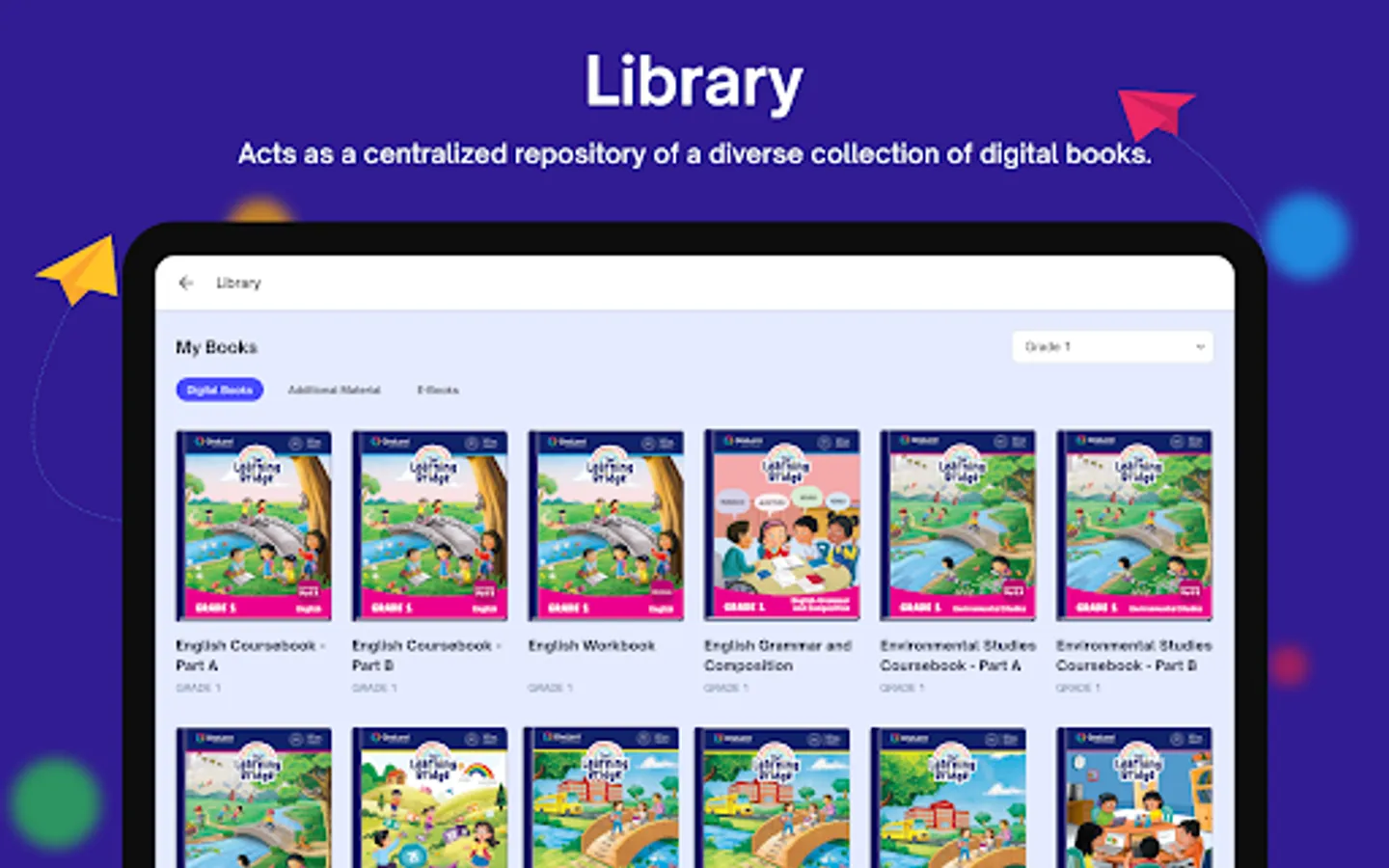
• Provide digital books for conducting classes.
• Provides digital books offline (SD-Card) as well.
• Teachers can add custom question banks (SD-Card).
• Teachers can additional activities.
• Supports integration of third party content delivered through SD-Card.
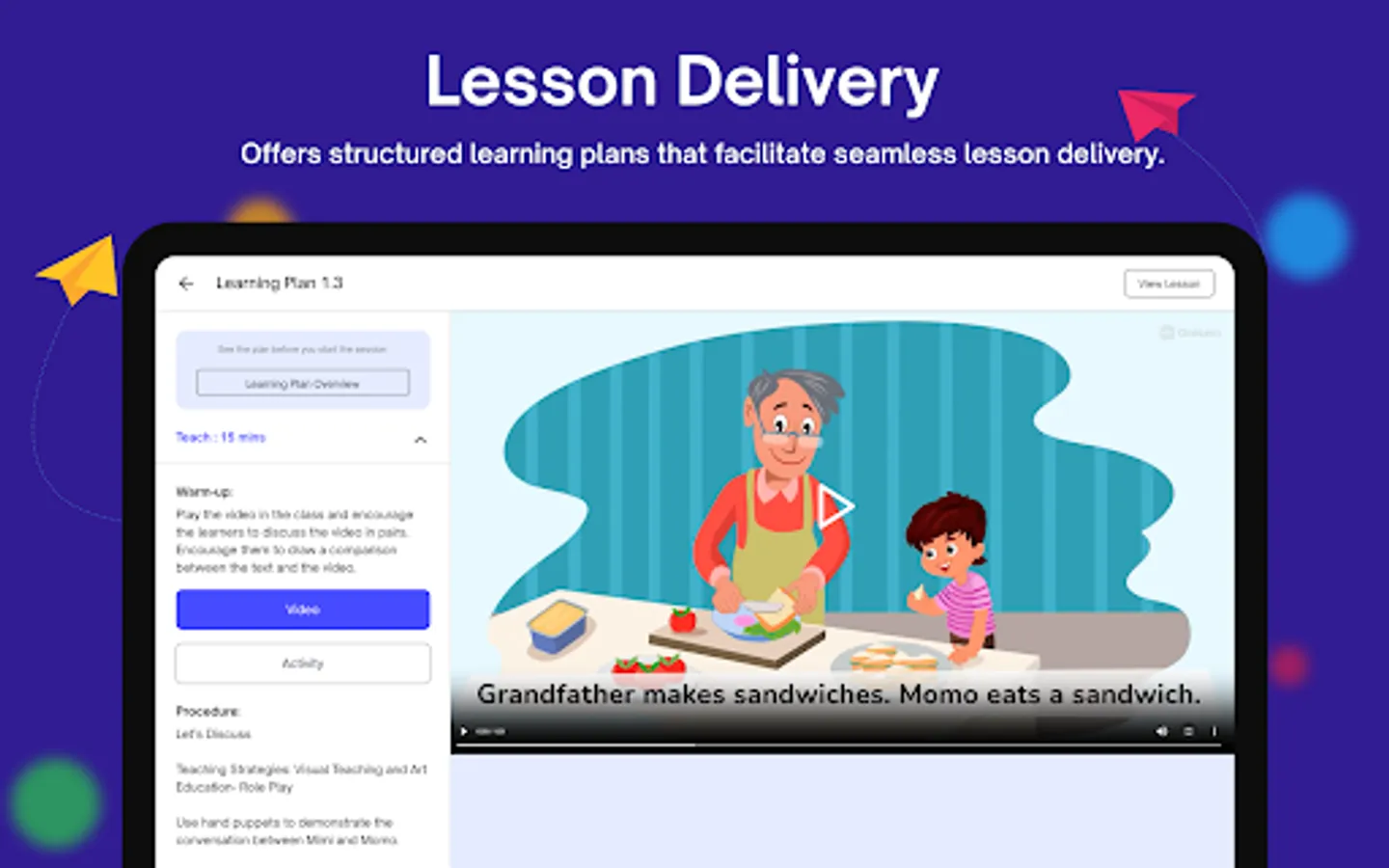
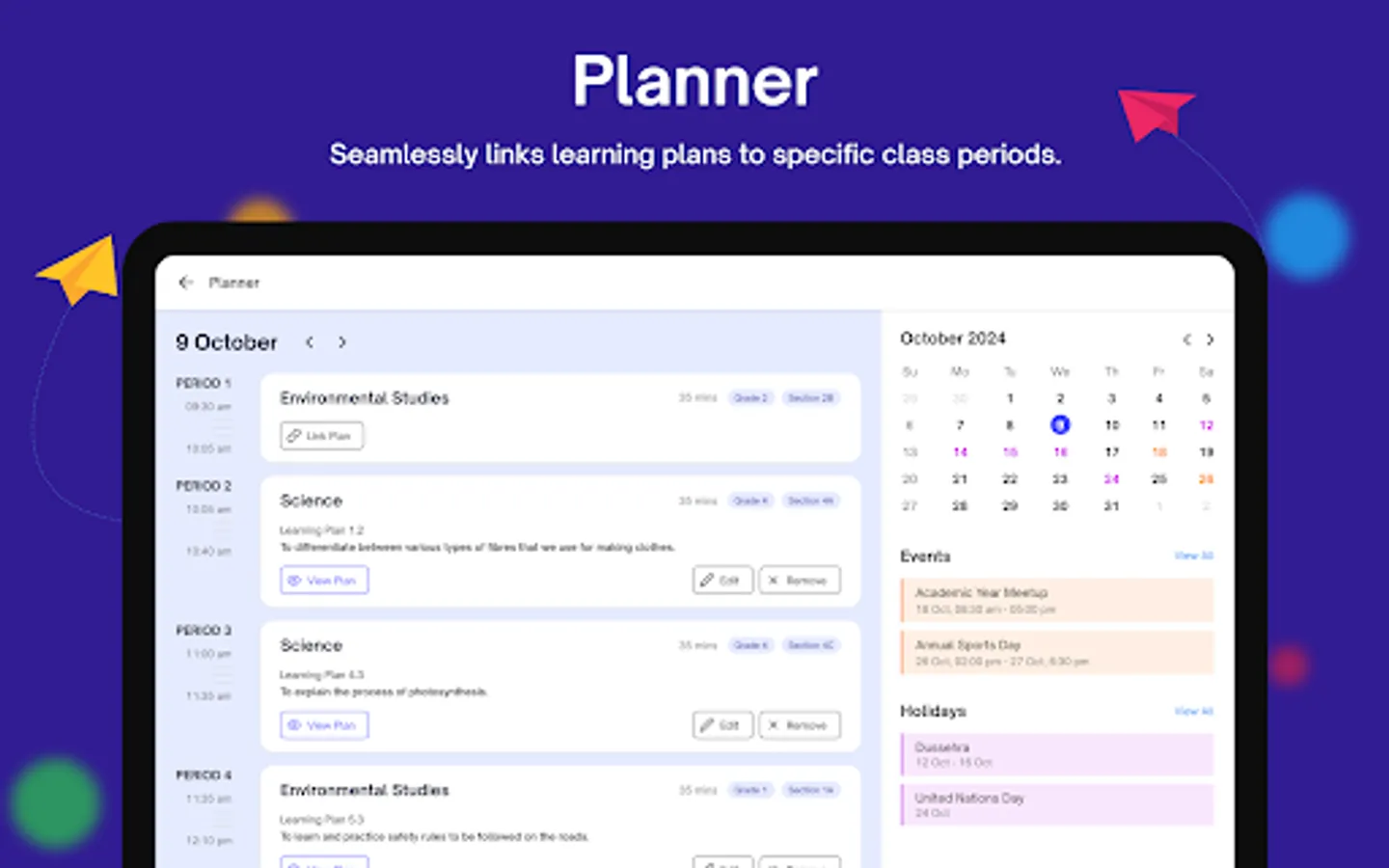
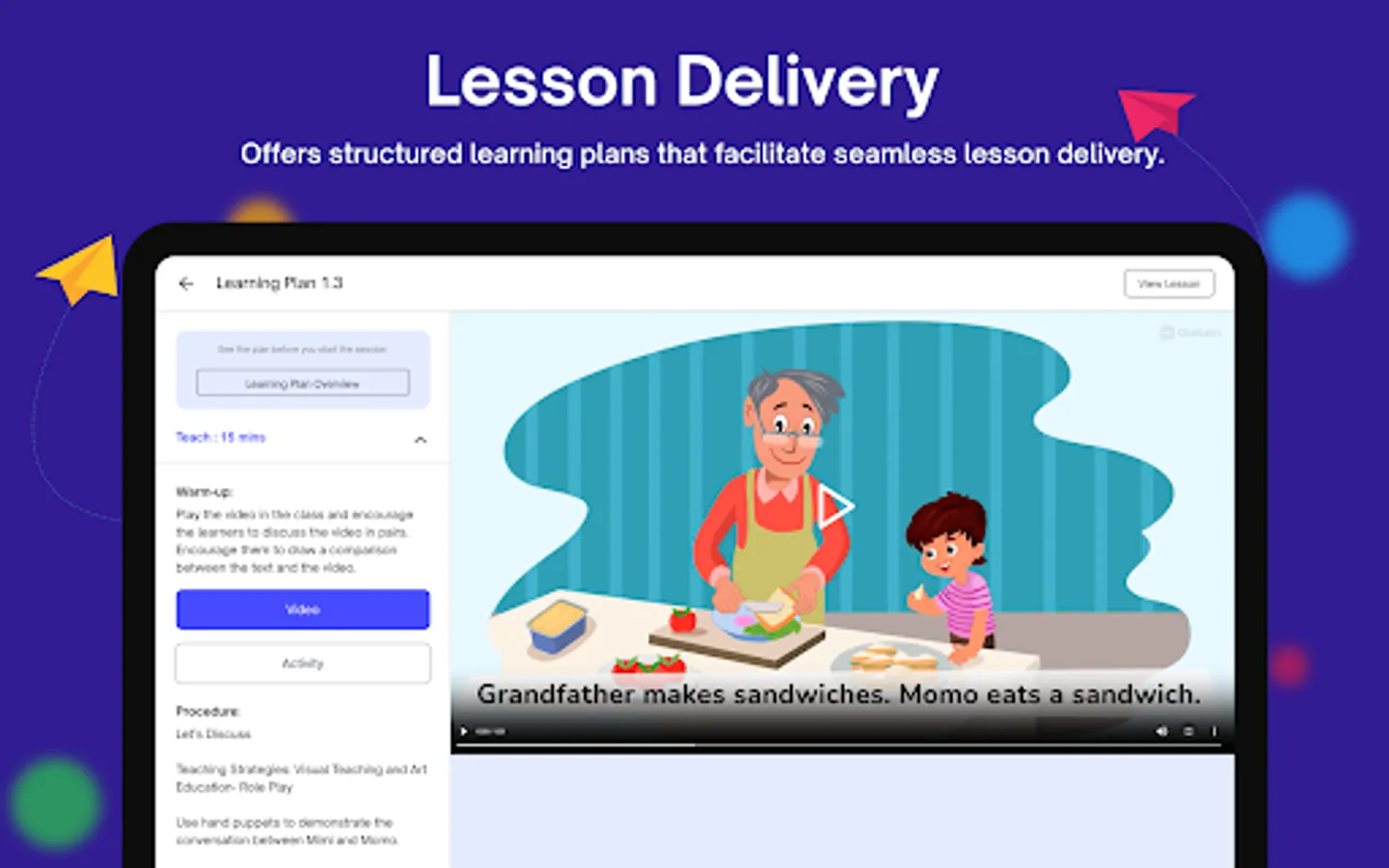
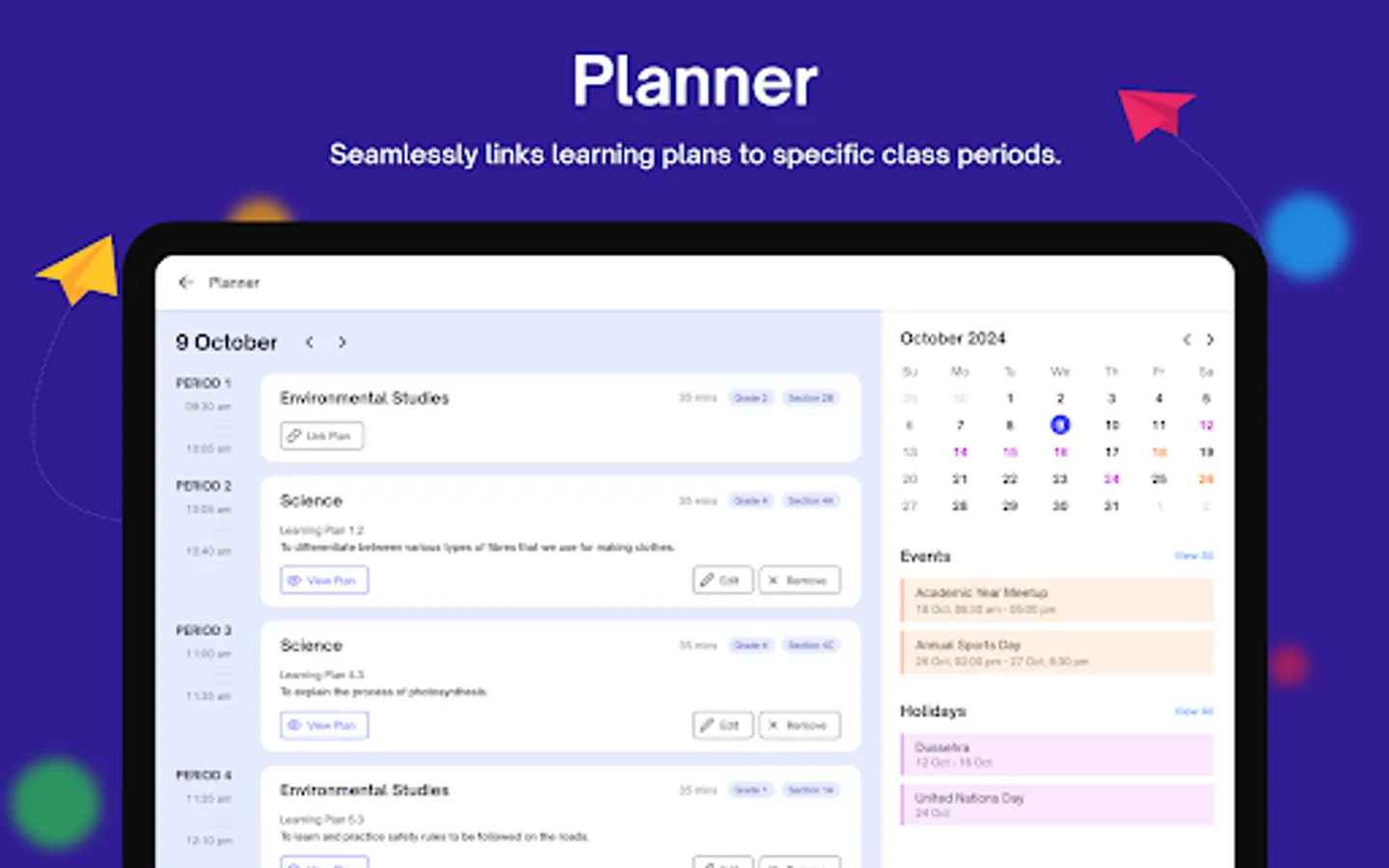
• Planning delivery of lesson plans associated with digital books.
• Access interactive digital activities part of eBooks.
• Solve students’ problems through doubts.
• Publish additional material through publish content and many more.
• Provides timetable for various classes.
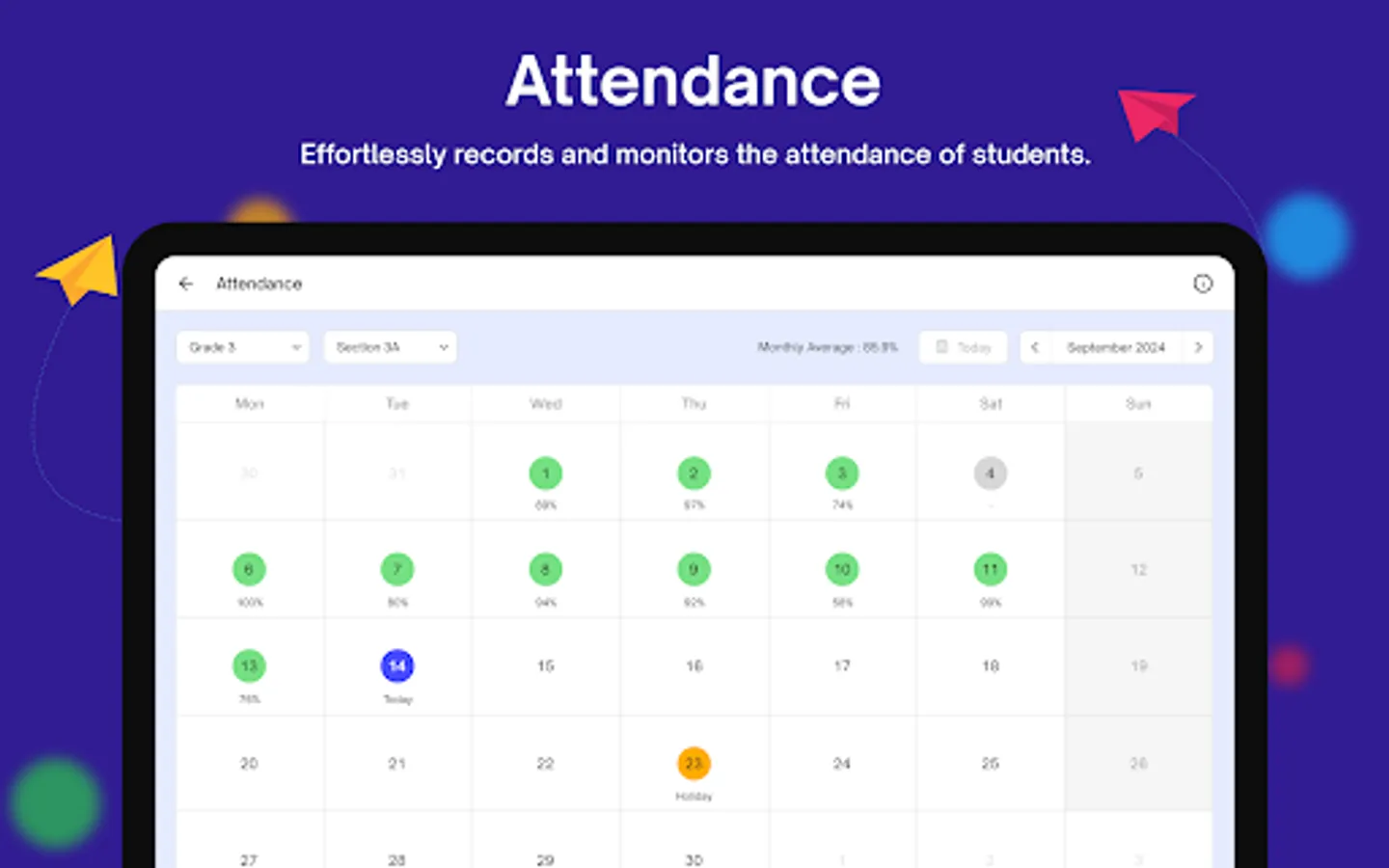
• Teachers can mark Attendance.
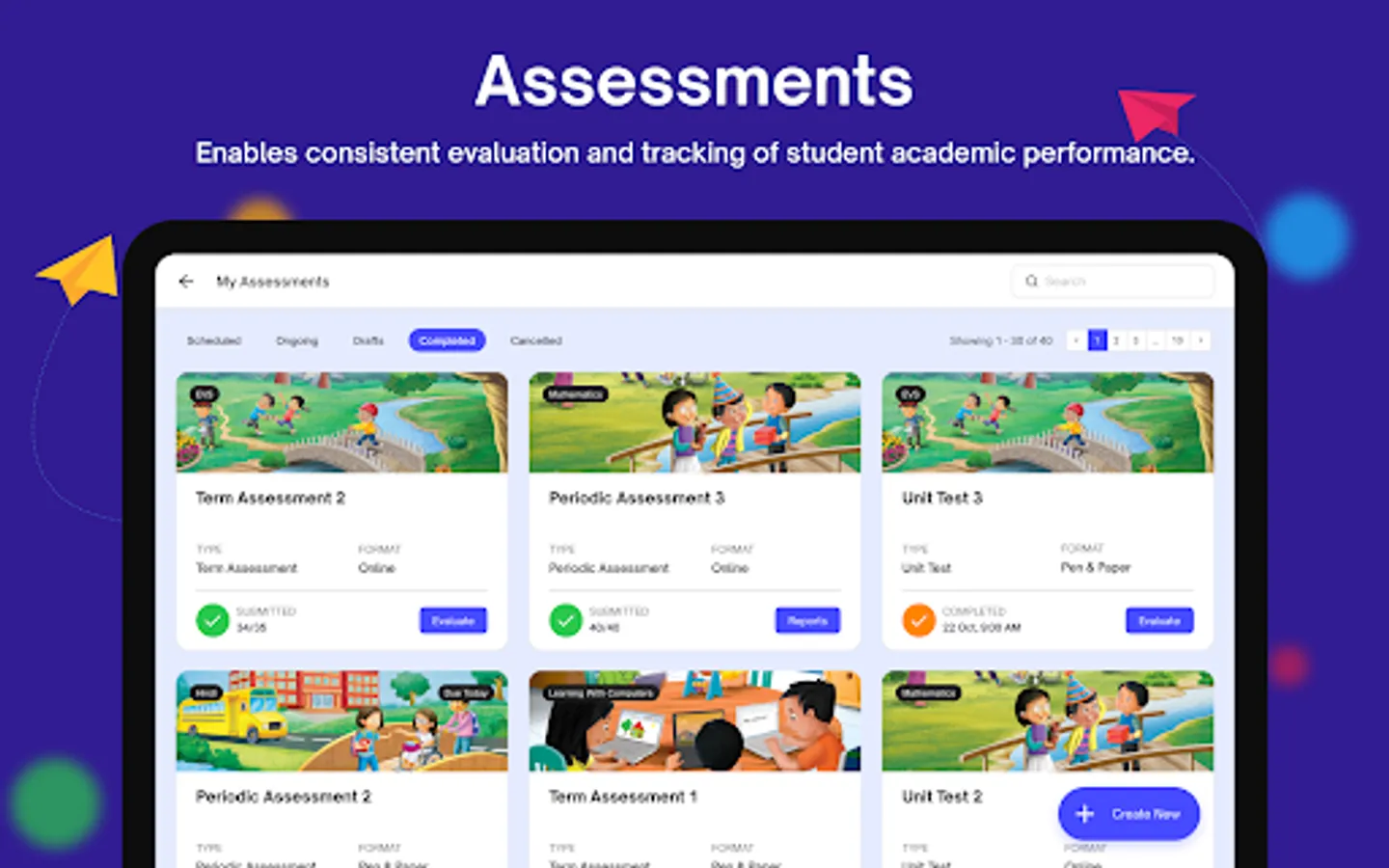
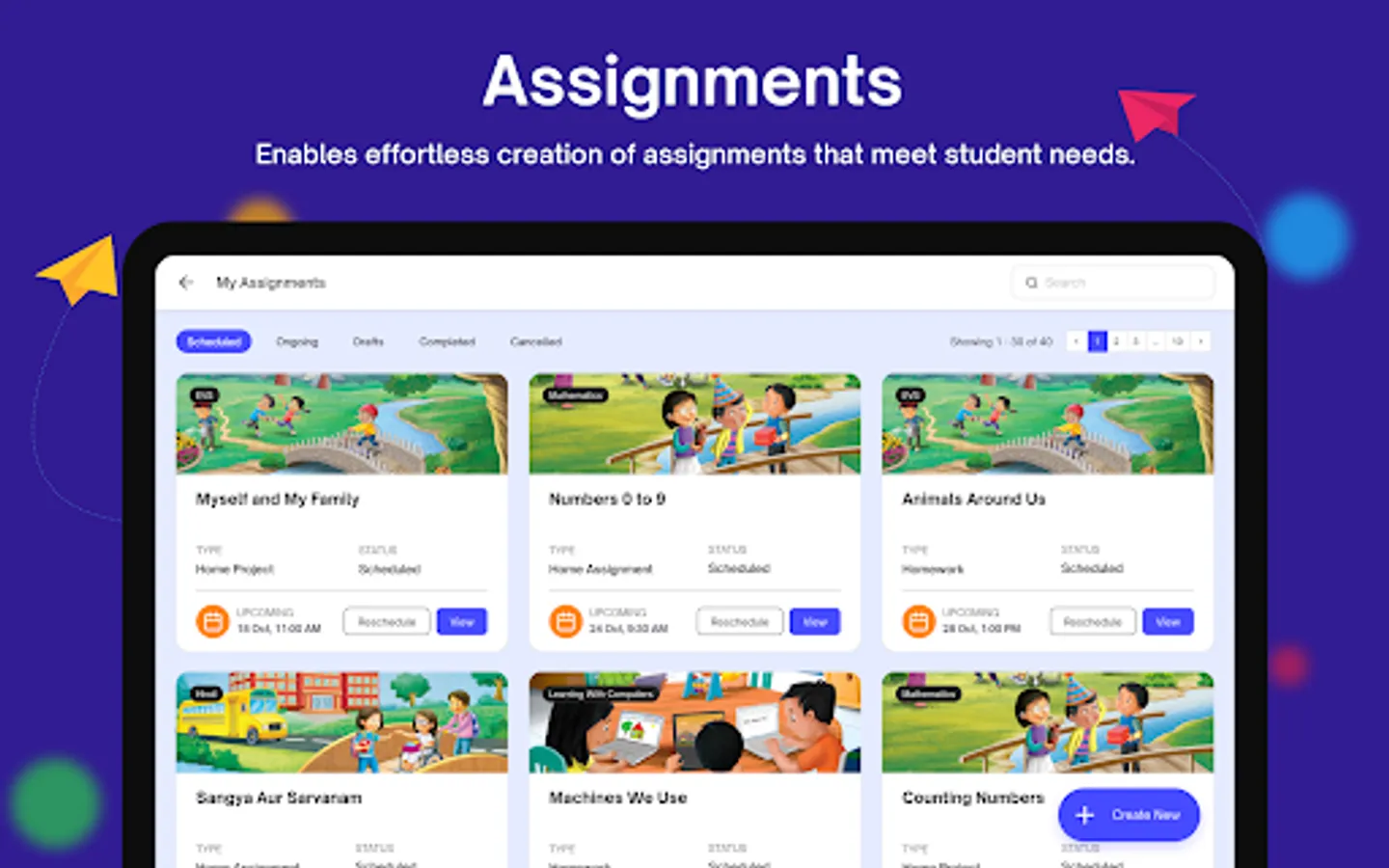
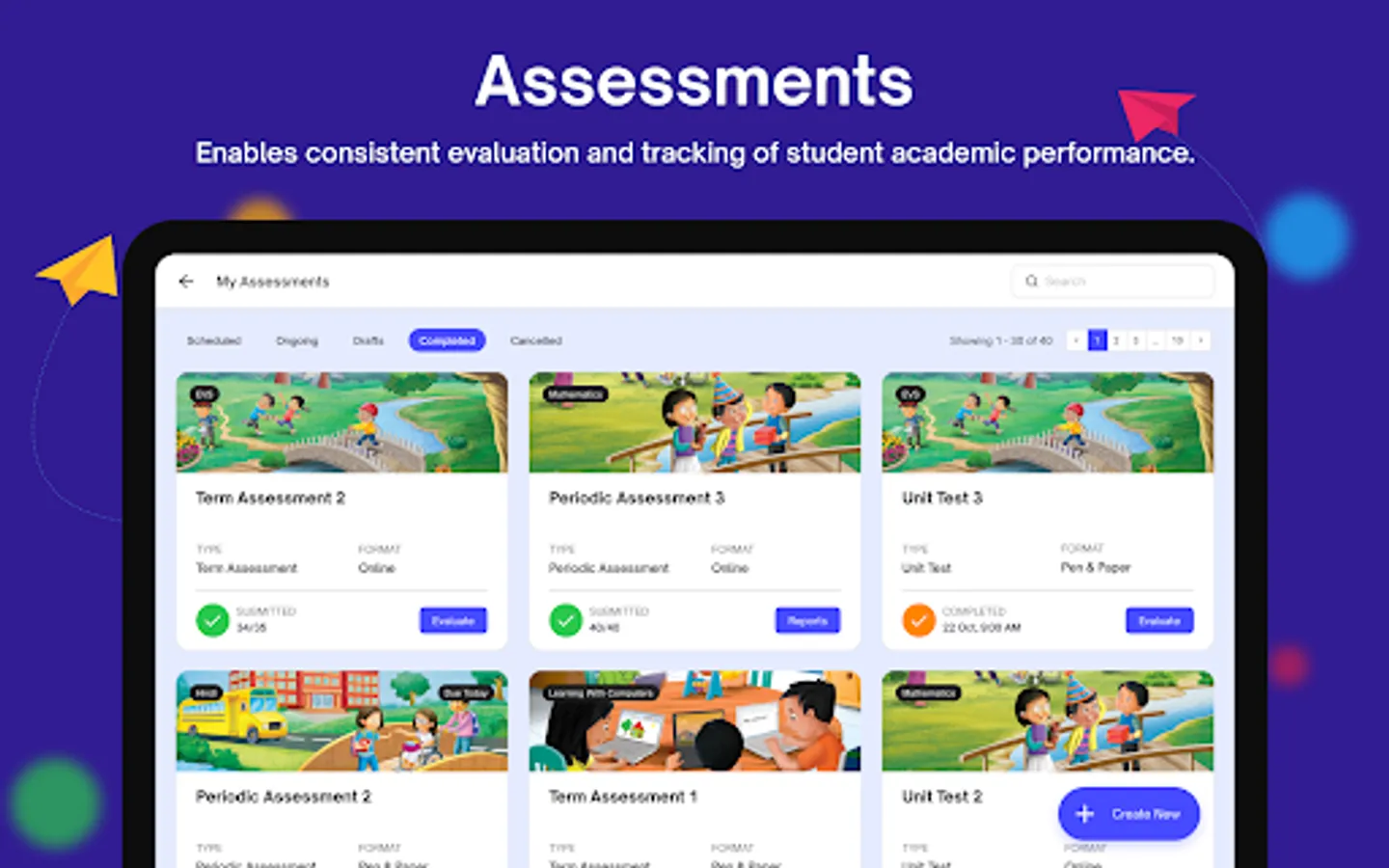
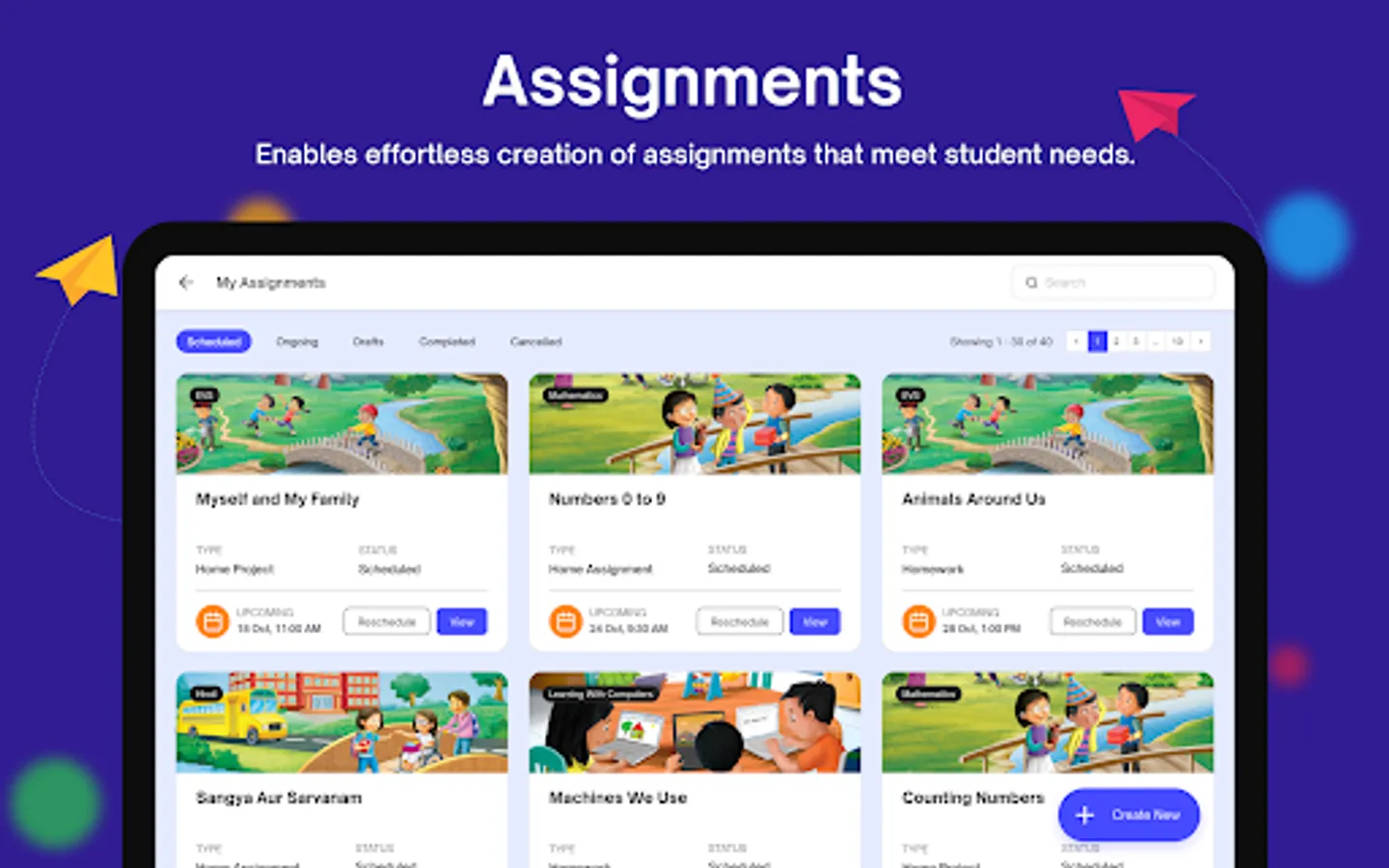
• Teachers can plan Assignments & Assessments (Offline & Online).
• Supports read-along for Pre-Primary digital books.
• Supports voice-over for students with reading - disabilities.
• In-app notifications for various events & reminders.
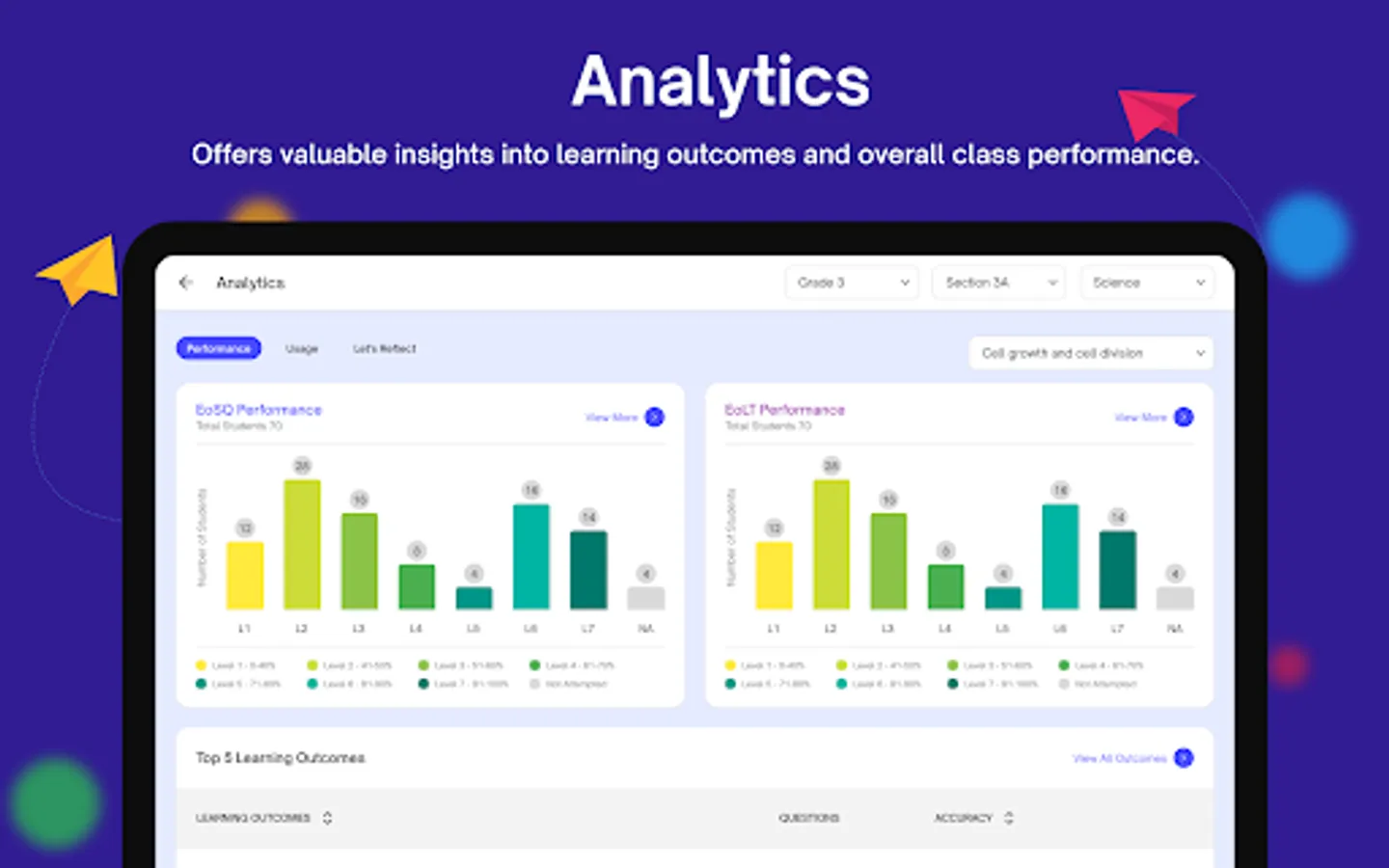
• Provides performance and usage analytics.
Note:
• App users shall approve storage permissions while launching the app for the first time for the app to function.
Permissions:
• "android.permission.INTERNET"
To get internet for the app to function online.
• "android.permission.ACCESS_NETWORK_STATE"
To get information whether the user is online or offline.
• "android.permission.MANAGE_EXTERNAL_STORAGE"
To access the content saved on storage (SD-Card & Internal).
• "android.permission.RECORD_AUDIO"
To record audio for activity's
OneLern provides teachers the support they need and allows them to plan their lessons, with content, assignments, and submissions across subjects and curriculums, all through a dedicated device. OneLern analytical engine provides teachers with deeper insights into each student’s progress
Salient Features of OneLern Teacher app:
• Provide digital books for conducting classes.
• Provides digital books offline (SD-Card) as well.
• Teachers can add custom question banks (SD-Card).
• Teachers can additional activities.
• Supports integration of third party content delivered through SD-Card.
• Planning delivery of lesson plans associated with digital books.
• Access interactive digital activities part of eBooks.
• Solve students’ problems through doubts.
• Publish additional material through publish content and many more.
• Provides timetable for various classes.
• Teachers can mark Attendance.
• Teachers can plan Assignments & Assessments (Offline & Online).
• Supports read-along for Pre-Primary digital books.
• Supports voice-over for students with reading - disabilities.
• In-app notifications for various events & reminders.
• Provides performance and usage analytics.
Note:
• App users shall approve storage permissions while launching the app for the first time for the app to function.
Permissions:
• "android.permission.INTERNET"
To get internet for the app to function online.
• "android.permission.ACCESS_NETWORK_STATE"
To get information whether the user is online or offline.
• "android.permission.MANAGE_EXTERNAL_STORAGE"
To access the content saved on storage (SD-Card & Internal).
• "android.permission.RECORD_AUDIO"
To record audio for activity's
OneLern Teacher Screenshots
Tap to Rate:
Reviews for OneLern Teacher
rinki rajput
11/25/2025
nice work
Venamma Juttu
11/11/2025
good