
In this screen recording app, you can initiate recordings through quick access menus and customize video quality settings. Includes options for recording system and microphone sounds, front camera overlay, and screen touches.
AppRecs review analysis
AppRecs rating 3.9. Trustworthiness 78 out of 100. Review manipulation risk 32 out of 100. Based on a review sample analyzed.
★★★☆☆
3.9
AppRecs Rating
Ratings breakdown
5 star
50%
4 star
10%
3 star
20%
2 star
10%
1 star
10%
What to know
✓
Credible reviews
78% trustworthiness score from analyzed reviews
✓
Good user ratings
60% positive sampled reviews
✓
Authentic reviews
Natural distribution, no red flags
About Screen recording
Screen recording is a tool provided by OPPO that lets you conveniently record your screen.
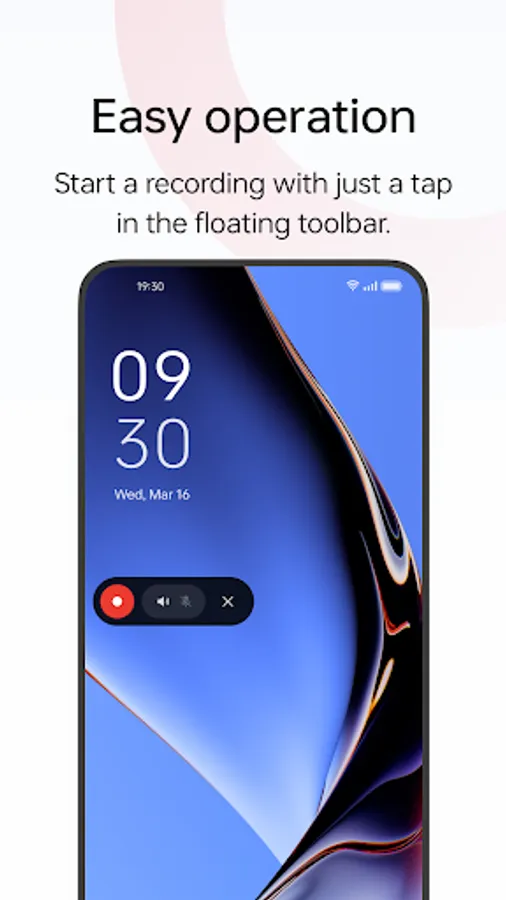
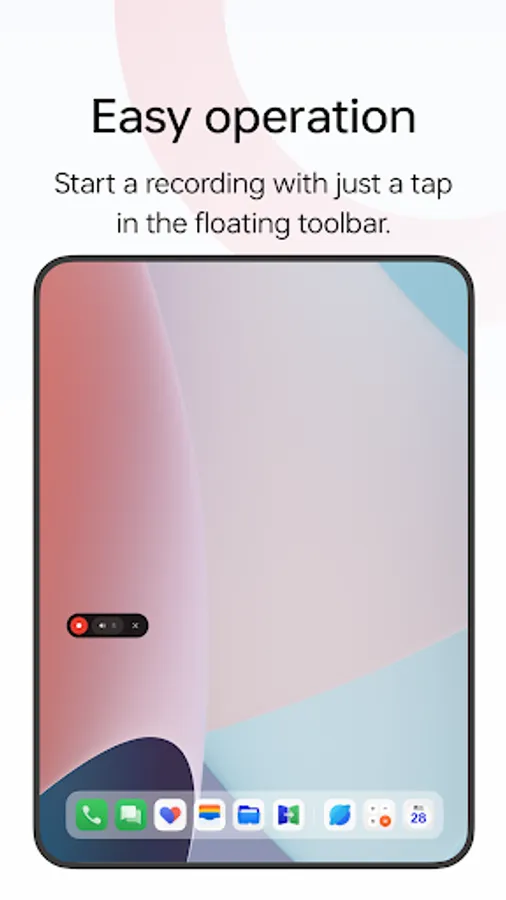
Multiple ways to open this tool
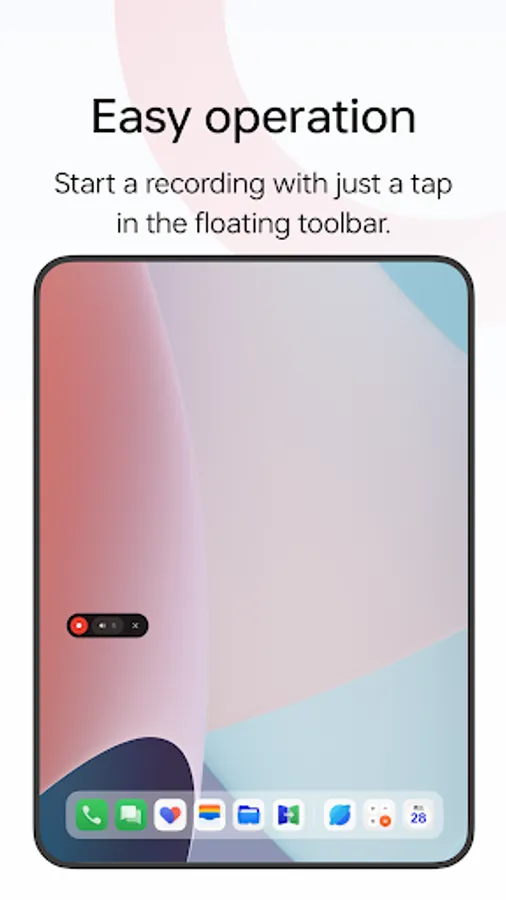
- Bring up the Smart Sidebar from the screen edge and tap "Screen recording".
- Swipe down from the top of the screen to bring up Quick Settings and tap "Screen recording".
- Swipe down in an empty area on the Home screen, search for "Screen recording" and tap the icon of this tool.
- Open a game in Game Space, swipe from the upper-left corner of the screen to the lower-right corner, and choose "Screen recording" from the menu.
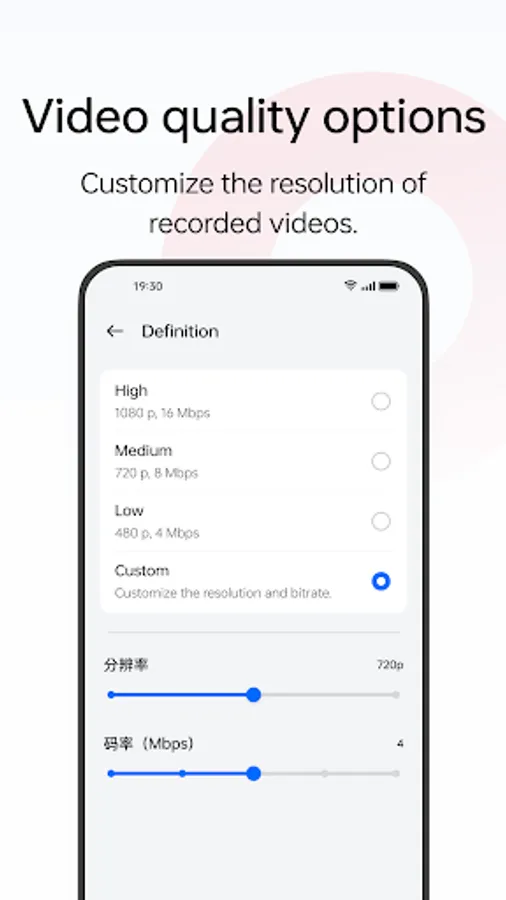
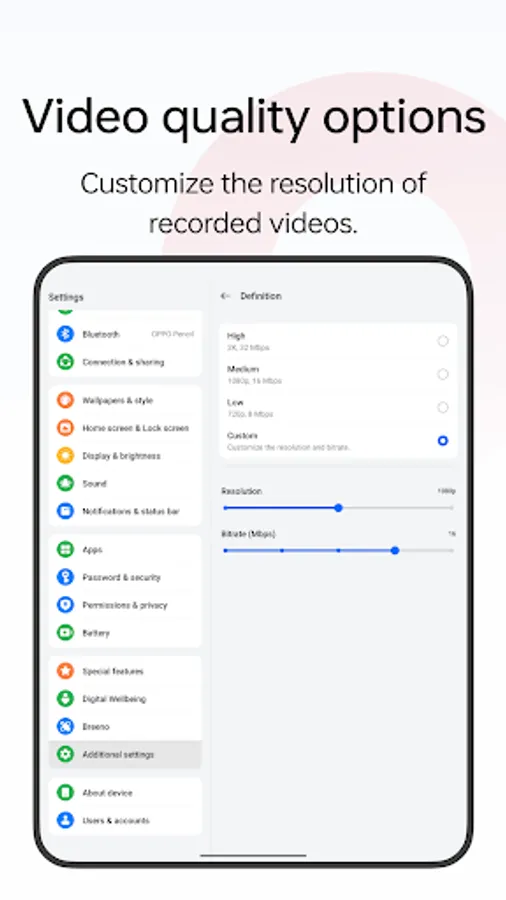
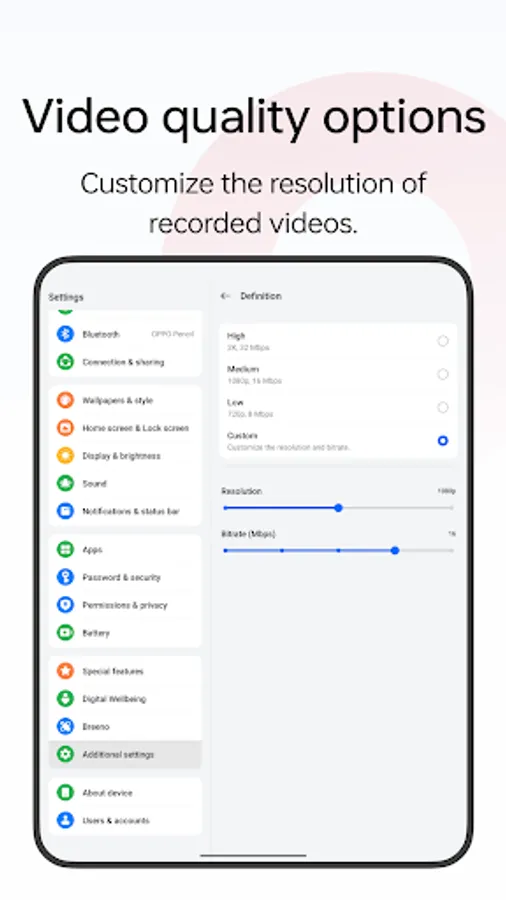
Various video quality options
- Choose the definition, frame rate, and coding format you want to record with.
Useful settings
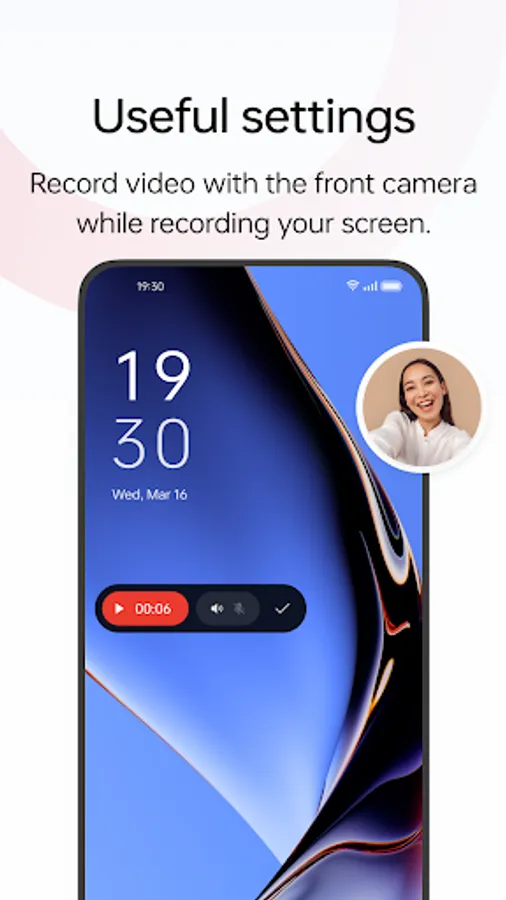
- You can record the system sound, external sound through the microphone, or both at once.
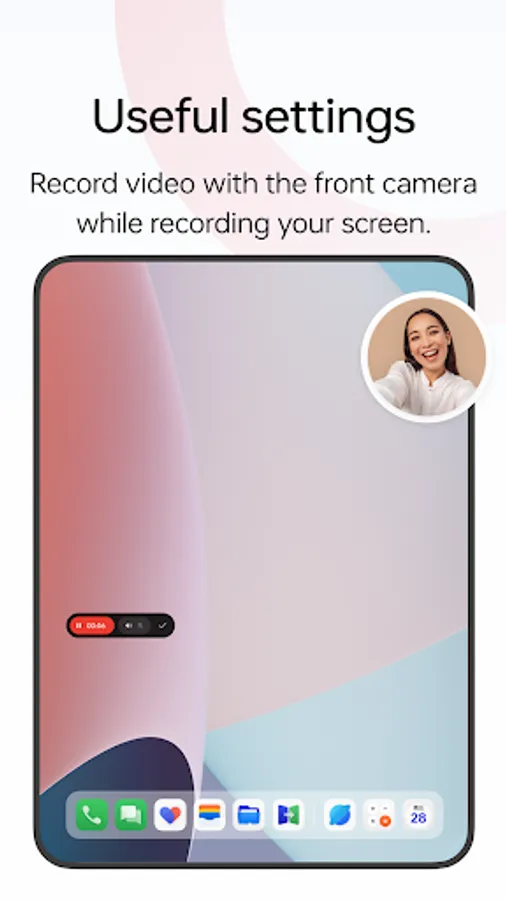
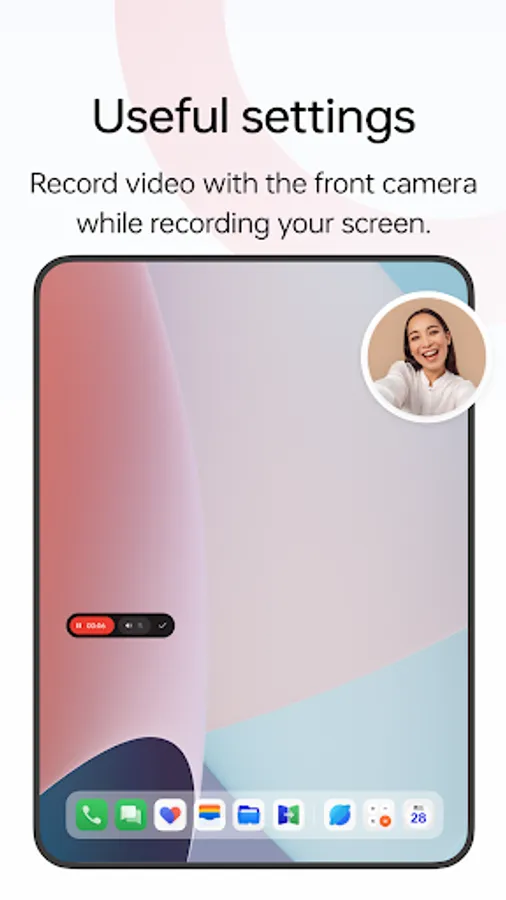
- You can record video with the front camera while simultaneously recording your screen.
- Screen touches can also be recorded.
- You can pause or resume a recording by tapping the button on the recorder toolbar.
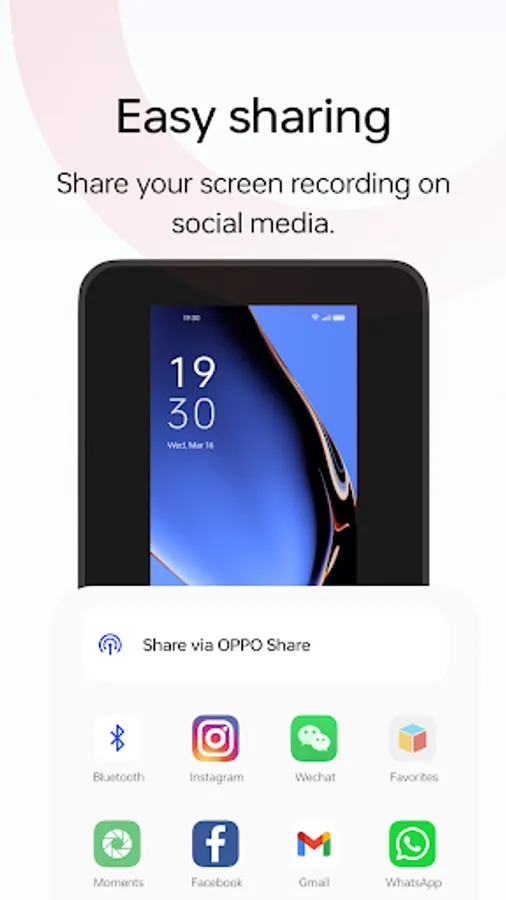
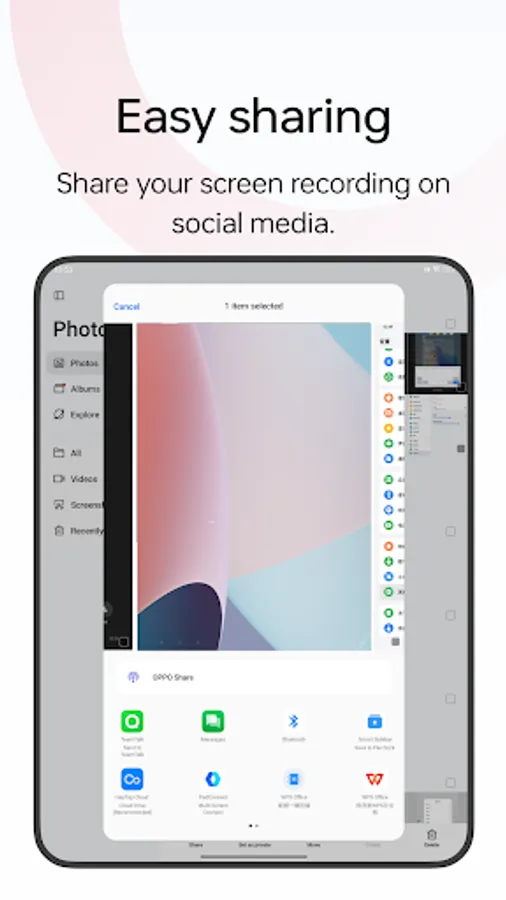
Share your recordings
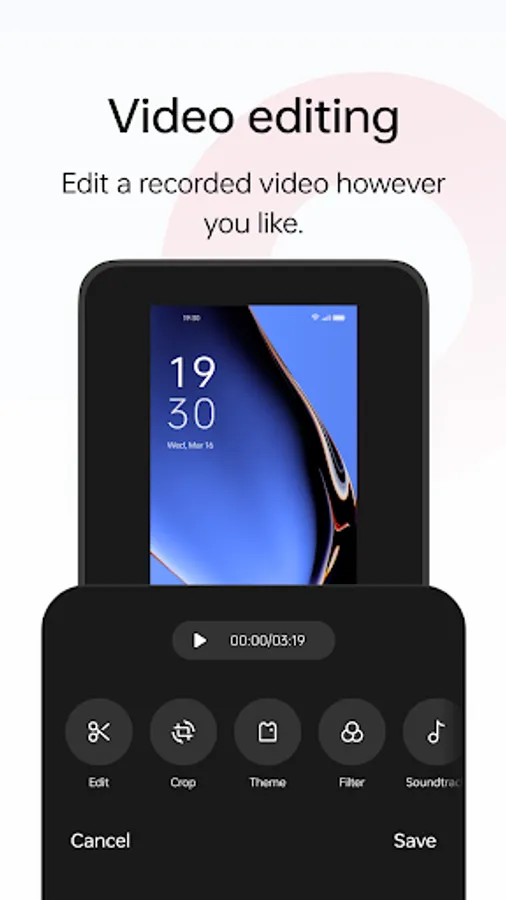
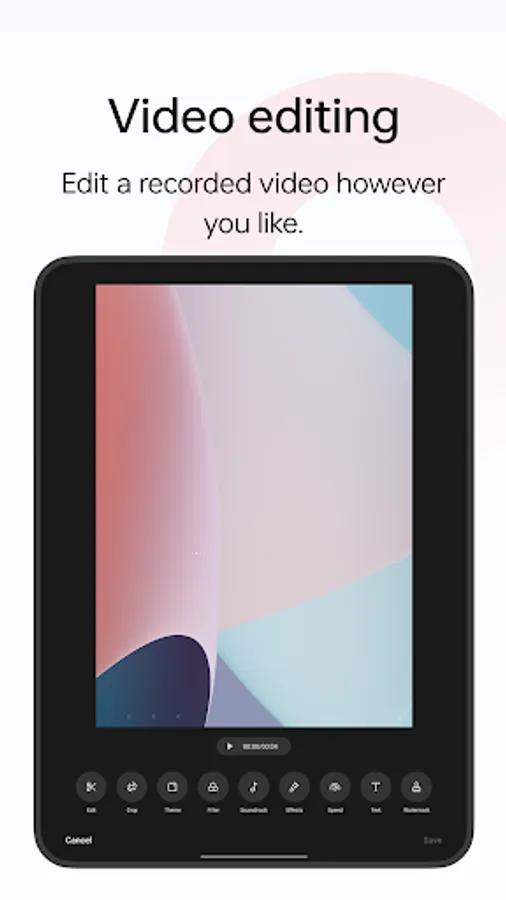
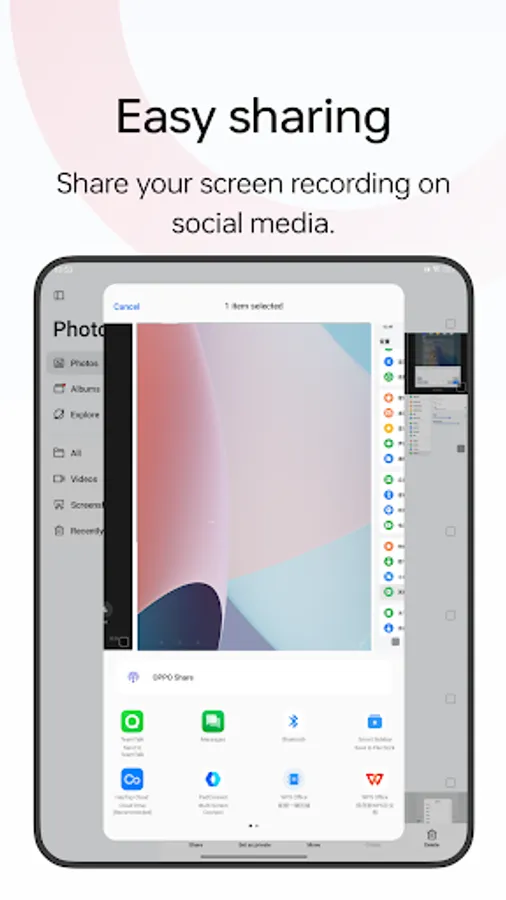
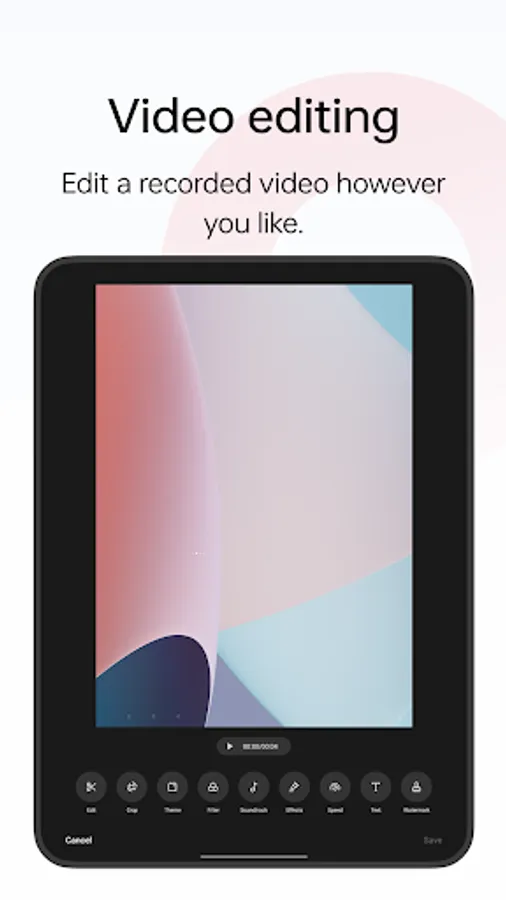
- When a recording is complete, a floating window will appear. You can tap "Share" under the window to share it or tap the window itself to edit the video before sharing.
Multiple ways to open this tool
- Bring up the Smart Sidebar from the screen edge and tap "Screen recording".
- Swipe down from the top of the screen to bring up Quick Settings and tap "Screen recording".
- Swipe down in an empty area on the Home screen, search for "Screen recording" and tap the icon of this tool.
- Open a game in Game Space, swipe from the upper-left corner of the screen to the lower-right corner, and choose "Screen recording" from the menu.
Various video quality options
- Choose the definition, frame rate, and coding format you want to record with.
Useful settings
- You can record the system sound, external sound through the microphone, or both at once.
- You can record video with the front camera while simultaneously recording your screen.
- Screen touches can also be recorded.
- You can pause or resume a recording by tapping the button on the recorder toolbar.
Share your recordings
- When a recording is complete, a floating window will appear. You can tap "Share" under the window to share it or tap the window itself to edit the video before sharing.
Screen recording Screenshots
Tap to Rate:
Reviews for Screen recording
Vaibhav Shelke
10/15/2025
good
Prabhati Lal Yogi
6/17/2025
excellent 👍