About Teleprompter
On top screen service set for your favorite applications.
The Accessibility API used to display Screen Cast API output on top UI screen, these services are required, and cannot be simplified.
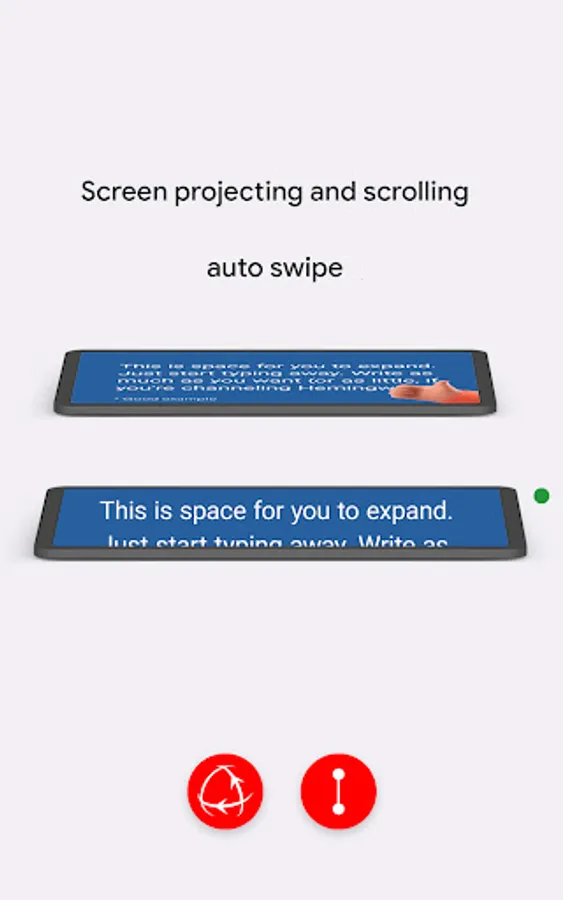
Projection (overcome distortion)
1. Tap "play" icon, put device vertically
2. Tap "rotate" icon, then tilt the device forwards or backwards, or left or right. 3. Keep device stable in this position for 2 seconds.
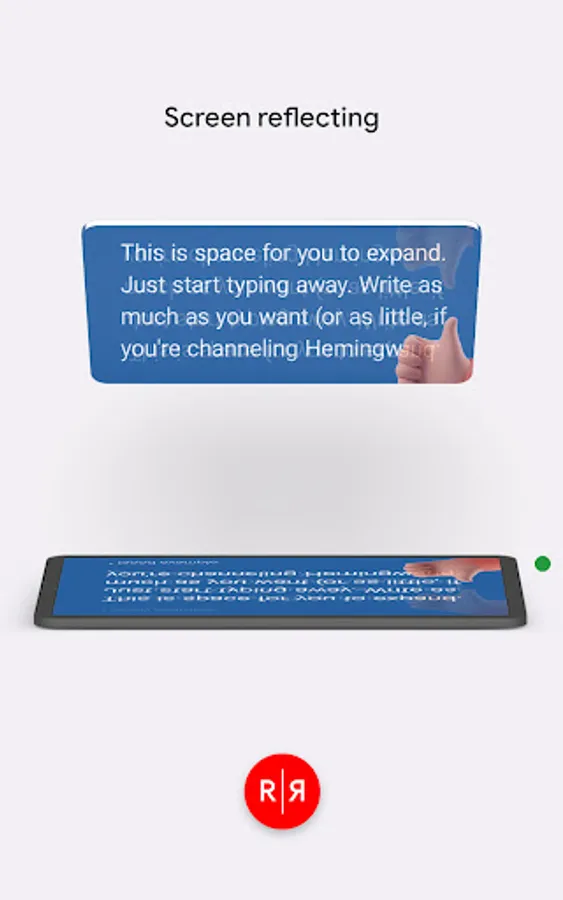
Reflection (achieve mirror effect)
1. Tap "play" icon
2. Tap "reflect" icon, for more reflection orientation tilt the device forwards or backwards, or left or right.
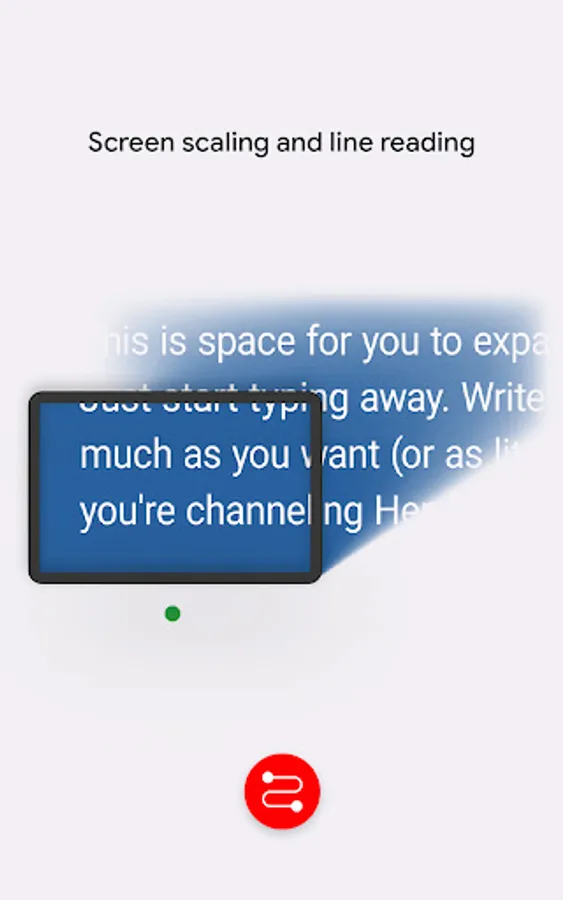
Scroll and scale (vertical, horizontal, distortion reading)
1. Tap "play" icon,
2. Then "next" icon,
3. Tap on "vertical" or "horizontal" zigzag reading
4. Slide left or right to scale up or down.
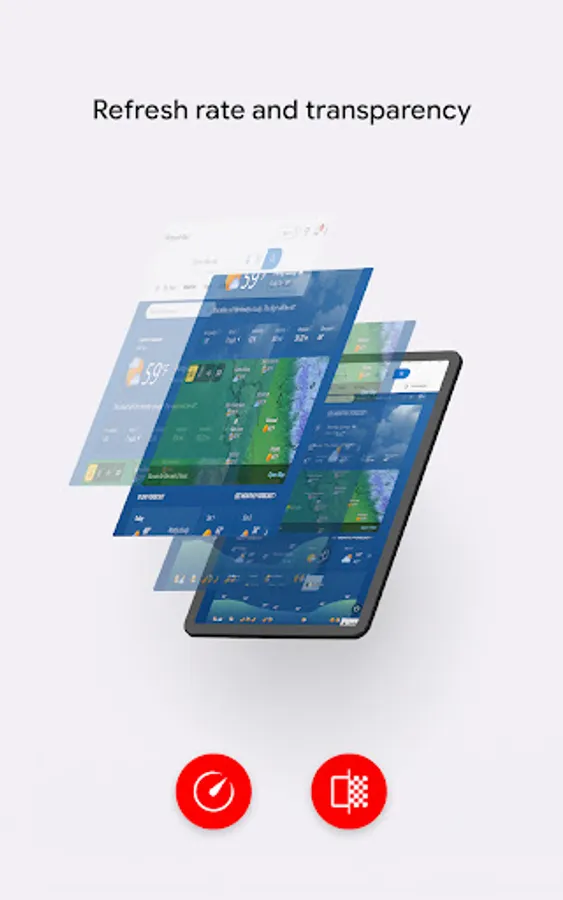
Refresh (manual, auto)
1. Tap on "play" icon.
2. Tap "clock" icon.
3. Slide left or right to expand or reduce refresh time
4. Tap on "square" or "cross" icons to stop or exit app.
All services might be used individually or as combination.
The Accessibility API used to display Screen Cast API output on top UI screen, these services are required, and cannot be simplified.
Projection (overcome distortion)
1. Tap "play" icon, put device vertically
2. Tap "rotate" icon, then tilt the device forwards or backwards, or left or right. 3. Keep device stable in this position for 2 seconds.
Reflection (achieve mirror effect)
1. Tap "play" icon
2. Tap "reflect" icon, for more reflection orientation tilt the device forwards or backwards, or left or right.
Scroll and scale (vertical, horizontal, distortion reading)
1. Tap "play" icon,
2. Then "next" icon,
3. Tap on "vertical" or "horizontal" zigzag reading
4. Slide left or right to scale up or down.
Refresh (manual, auto)
1. Tap on "play" icon.
2. Tap "clock" icon.
3. Slide left or right to expand or reduce refresh time
4. Tap on "square" or "cross" icons to stop or exit app.
All services might be used individually or as combination.