
Bridge - Sync with iPhone
Orienlabs LLC
4.4 ★
69 ratings
10,000+
downloads
Free
In this notification sync app, you can connect your Android watch to your iPhone and receive notifications on your watch. Includes local data processing, secure connection, and automatic reconnection features.
AppRecs review analysis
AppRecs rating 4.4. Trustworthiness 79 out of 100. Review manipulation risk 15 out of 100. Based on a review sample analyzed.
★★★★☆
4.4
AppRecs Rating
Ratings breakdown
5 star
56%
4 star
34%
3 star
10%
2 star
0%
1 star
0%
What to know
✓
Low review manipulation risk
15% review manipulation risk
✓
Credible reviews
79% trustworthiness score from analyzed reviews
✓
High user satisfaction
90% of sampled ratings are 4+ stars (4.4★ average)
About Bridge - Sync with iPhone
[OnePlus watches are not currently supported]
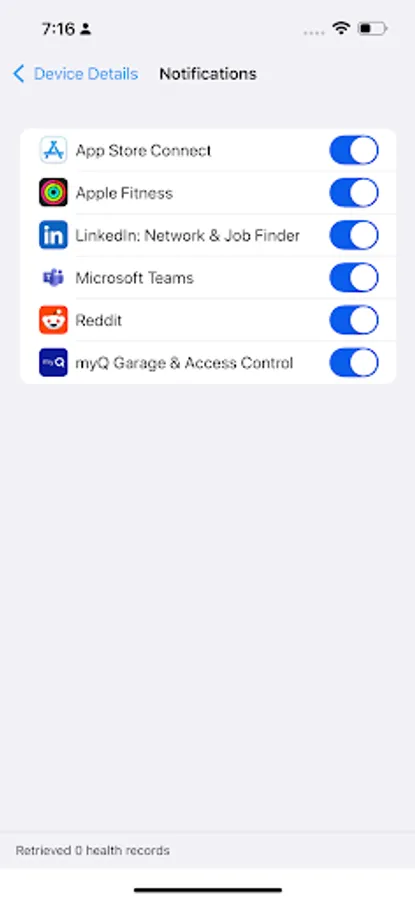
🔔 Real-Time Notifications
• Receive all iPhone notifications instantly on your watch
• View full notification content including images and emojis
• Get time-sensitive alerts for calls and messages
• Maintain continuous connection in the background
🔒 Privacy Focused
• All data is processed locally on your devices
• No external servers or cloud storage
• End-to-end encryption for secure data transfer
• Complete control over which notifications you receive
⚡ Efficient & Reliable
• Optimized for battery life
• Stable Bluetooth connection
• Automatic reconnection
• Background service for uninterrupted operation
💫 Key Features:
• Smart notification handling
• Rich notification content support
• Continuous background sync
• Battery-efficient operation
• Secure, private connection
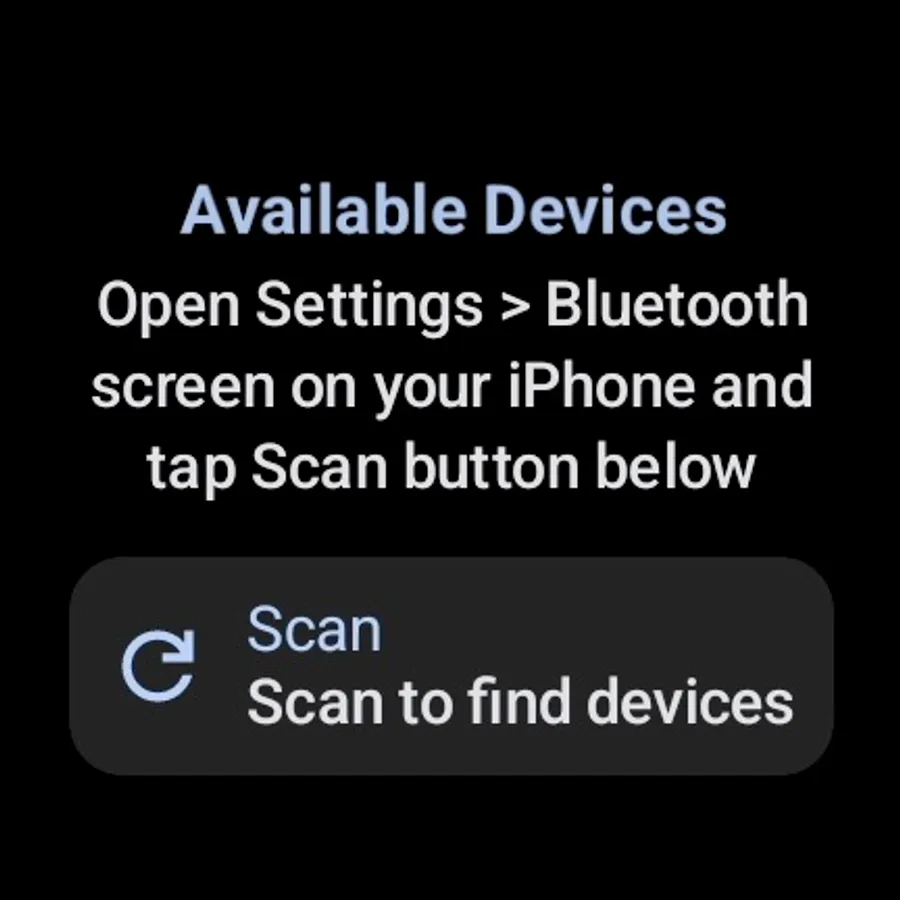
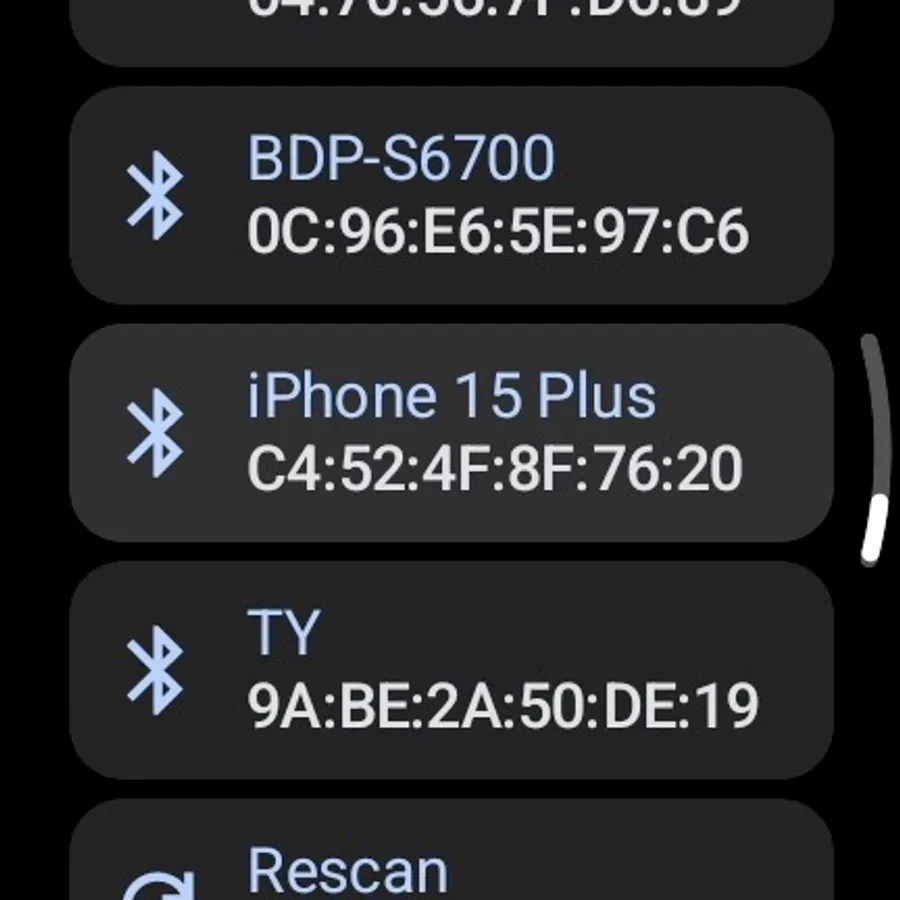
• Easy setup process
🎯 Supported Devices:
Works with all Wear OS watches, including:
• Google Pixel Watch series
• Samsung Galaxy Watch series
• Fossil Gen 6
• TicWatch series
• Montblanc Summit series
And many more!
📱 Requirements:
• Wear OS watch running Wear OS 4.0 or later
• iPhone running iOS 15.0 or later
• Bluetooth 4.0 or later
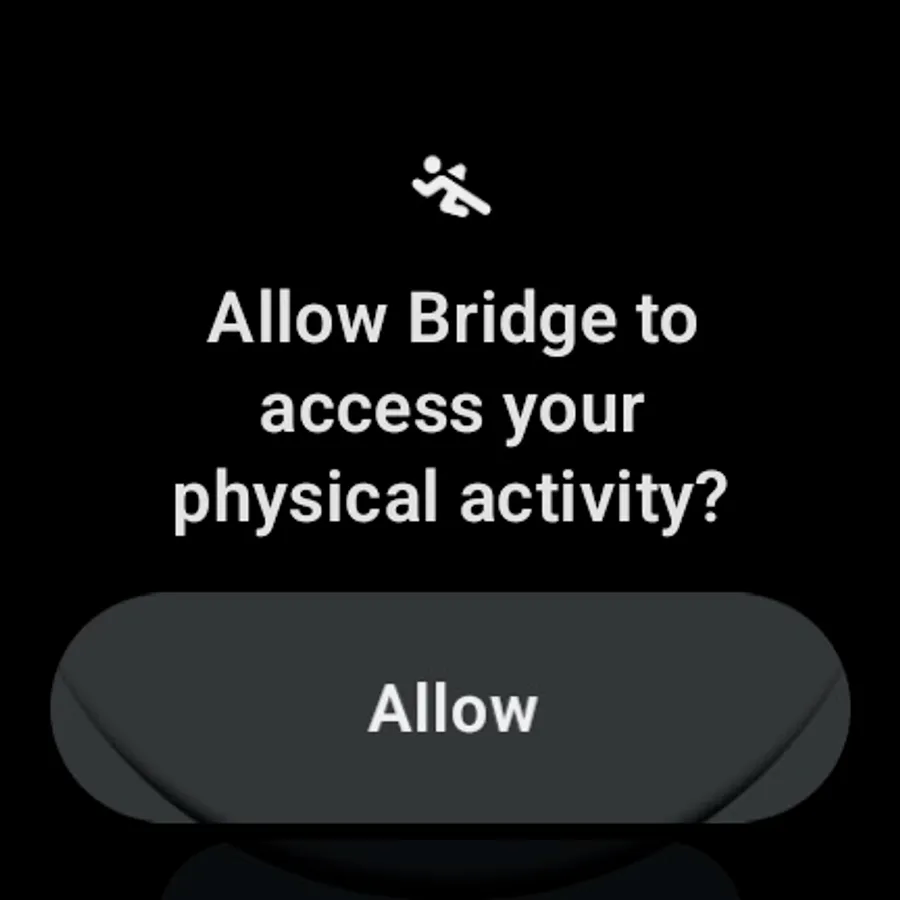
Note: This app requires certain permissions to function properly:
• Bluetooth permissions for device connection
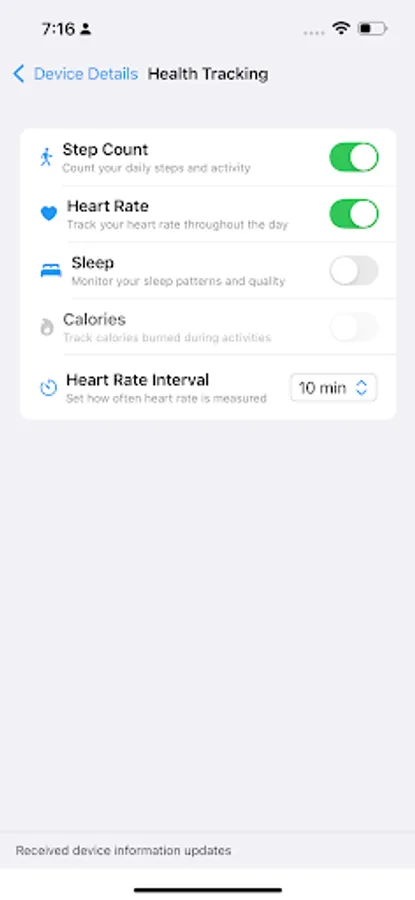
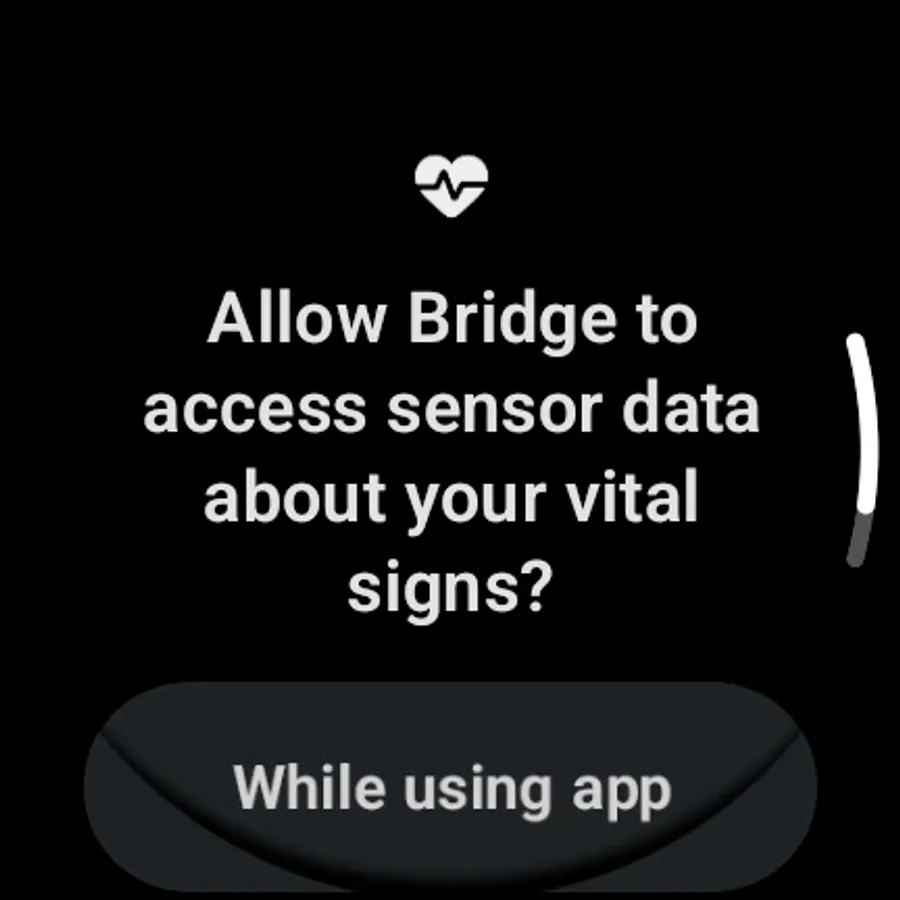
• Foreground service permission are required to maintain bluetooth connection for real time data transfer between paired devices, and collection of health data
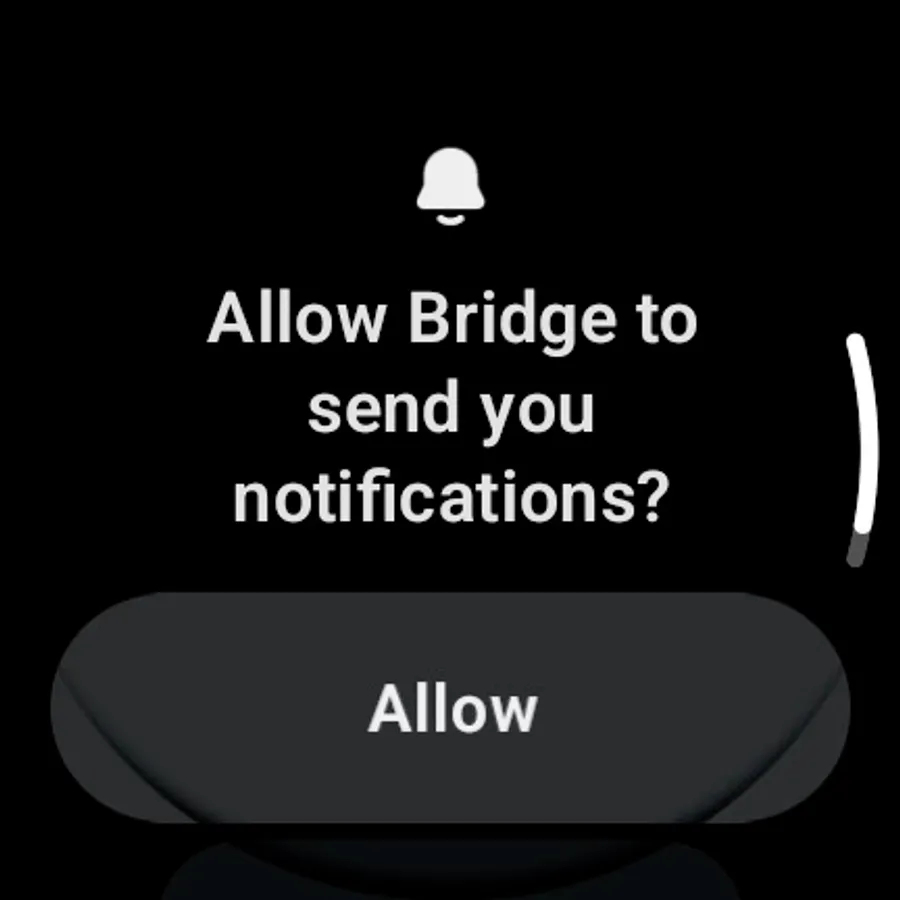
• Notification access for syncing notifications
Support:
Have questions? Contact us at bridge@olabs.app or visit our website at https://olabs.app
Follow us on Reddit: https://www.reddit.com/r/orienlabs
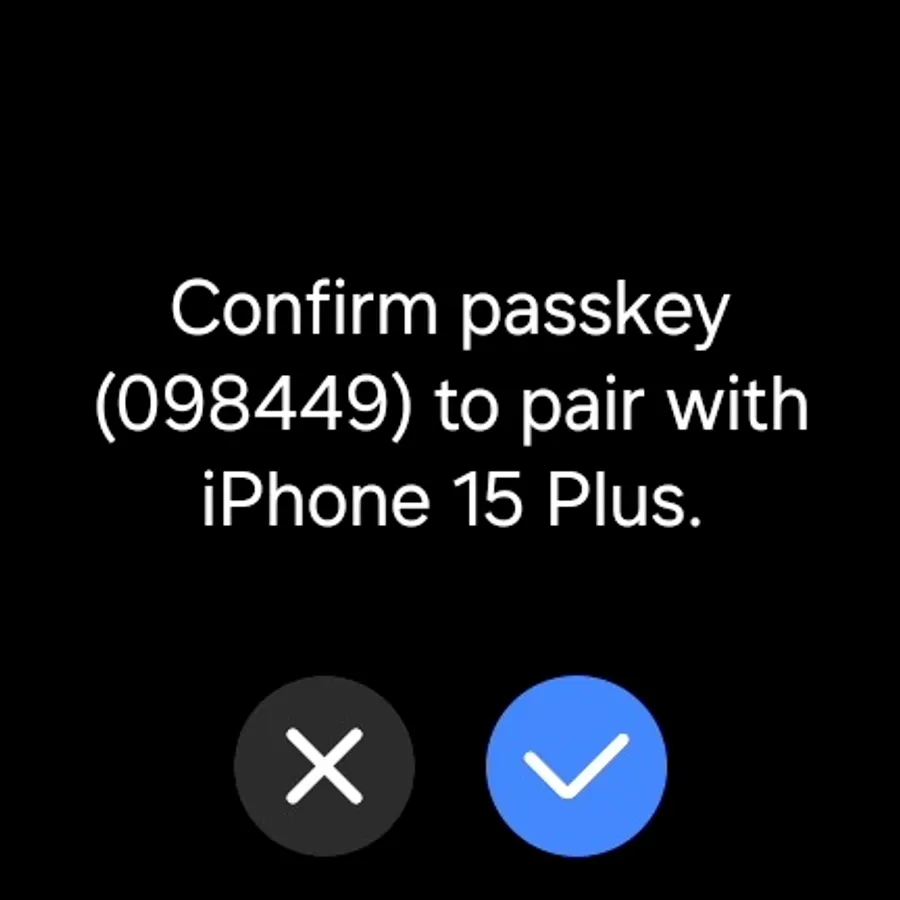
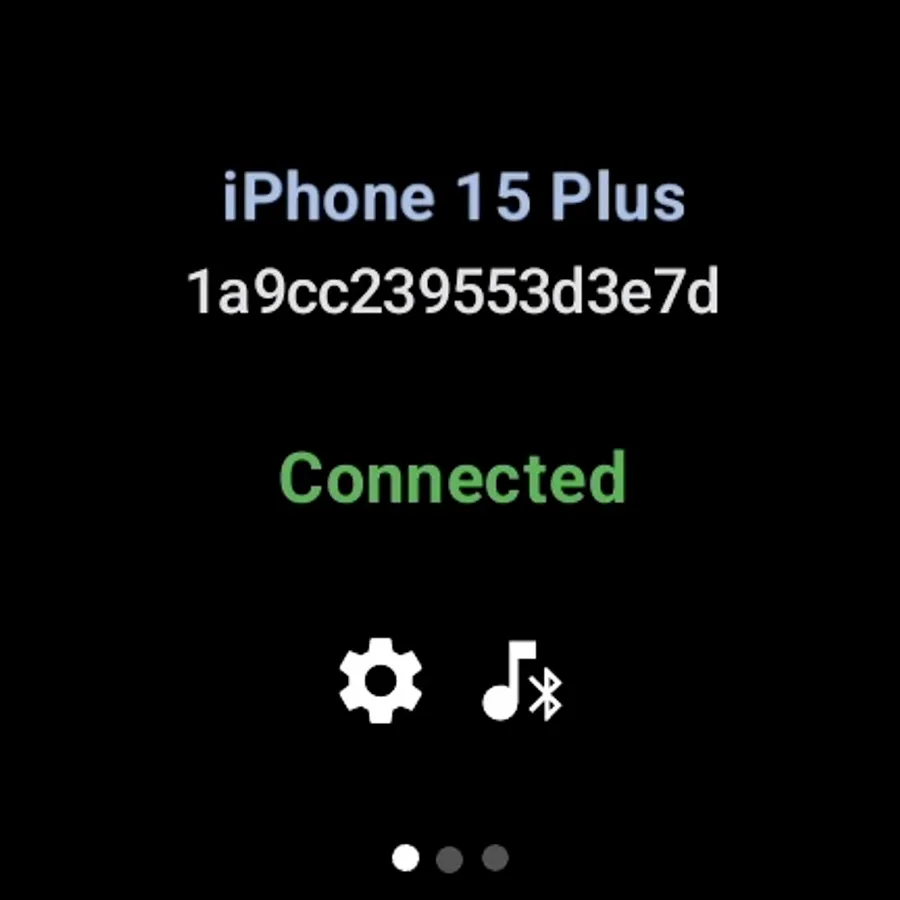
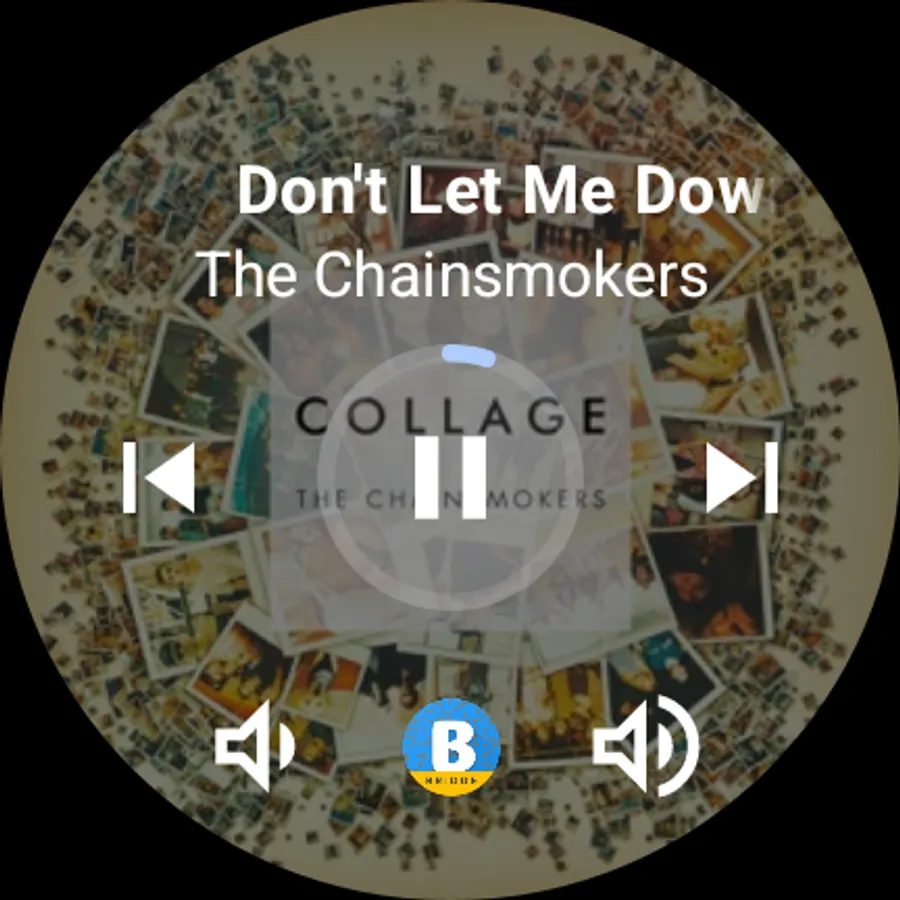
Bridge - Sync with iPhone Screenshots
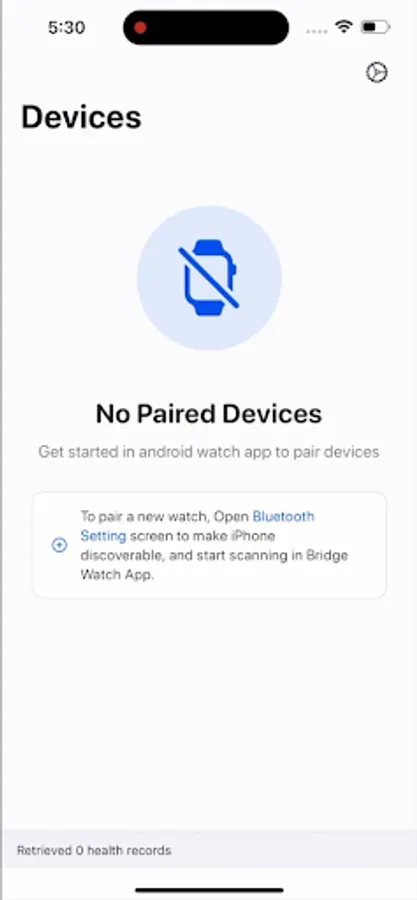
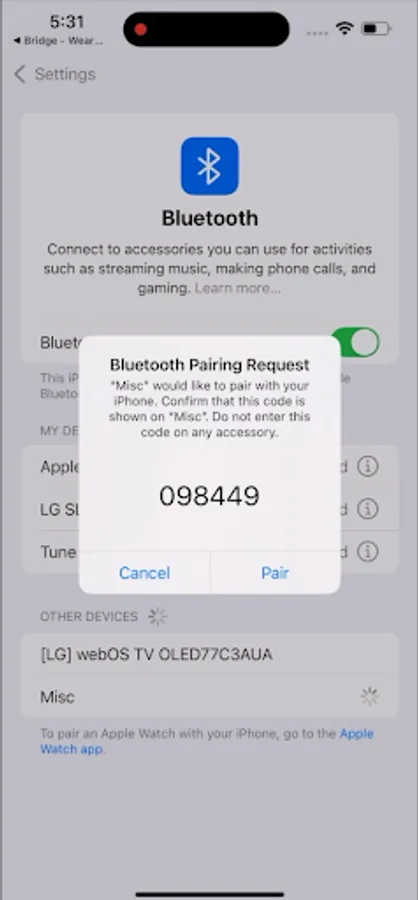
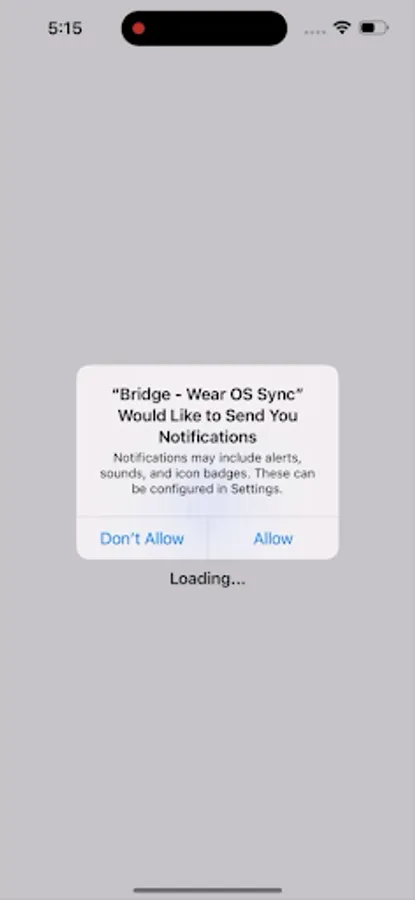
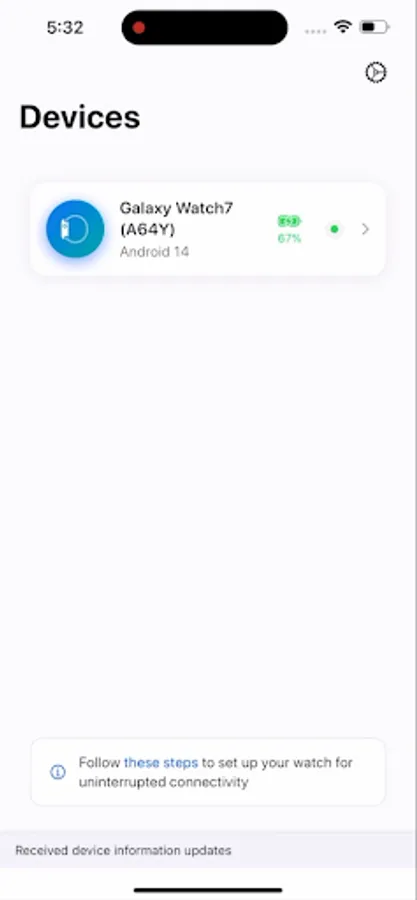
Tap to Rate:
Reviews for Bridge - Sync with iPhone
Tariq Al nuaimi
12/26/2025
Free doesn't have too much ads completely reliable and tracking better than merg☠️ an more and the new UI looks nice just one thing add a connect button because sometimes I can connect with the meaning I can call issue and also can you make it thank you I know all of that everything is great 5 stars just the a Dutton ask quite literally yit
Vemal Manimaaran
11/1/2025
Everything is fine except battery life.Samsung ultra watch battery usually last 2.5 days but nw only a day or less update: The battery life issue resolved. but I saw notifications delay for few seconds between device n watch.