AppRecs review analysis
AppRecs rating 1.5. Trustworthiness 73 out of 100. Review manipulation risk 25 out of 100. Based on a review sample analyzed.
★☆☆☆☆
1.5
AppRecs Rating
Ratings breakdown
5 star
0%
4 star
0%
3 star
33%
2 star
0%
1 star
67%
What to know
✓
Low review manipulation risk
25% review manipulation risk
✓
Credible reviews
73% trustworthiness score from analyzed reviews
⚠
Mixed user feedback
Average 1.7★ rating suggests room for improvement
About ApkSi Apks Installer
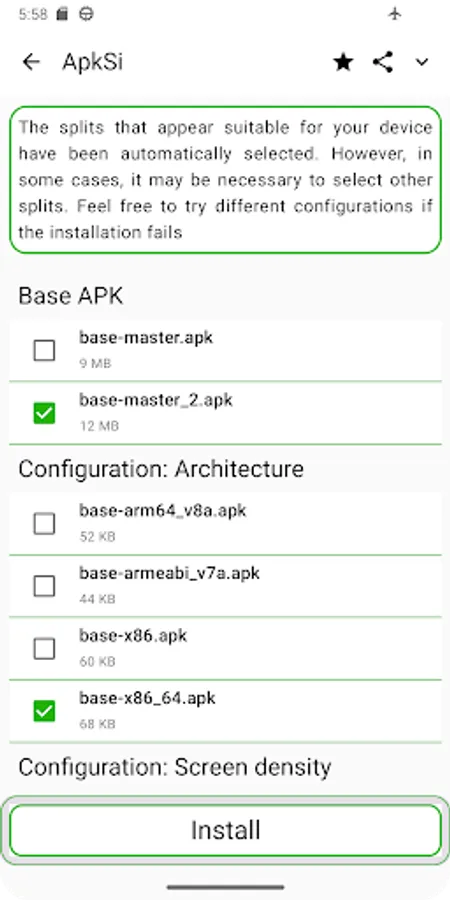
ApkSi is a powerful and user-friendly tool specifically designed to install application packages on Android, including APKs, XAPK, and APKM, even those containing splits. These packages divide applications into multiple files optimized for different device configurations, such as architecture, screen density, and localization.
### How does ApkSi work?
1. Download the installation file: Get the APK, XAPK, or APKM package you want to install from a trusted source.
2. Open ApkSi: Launch the ApkSi application on your device.
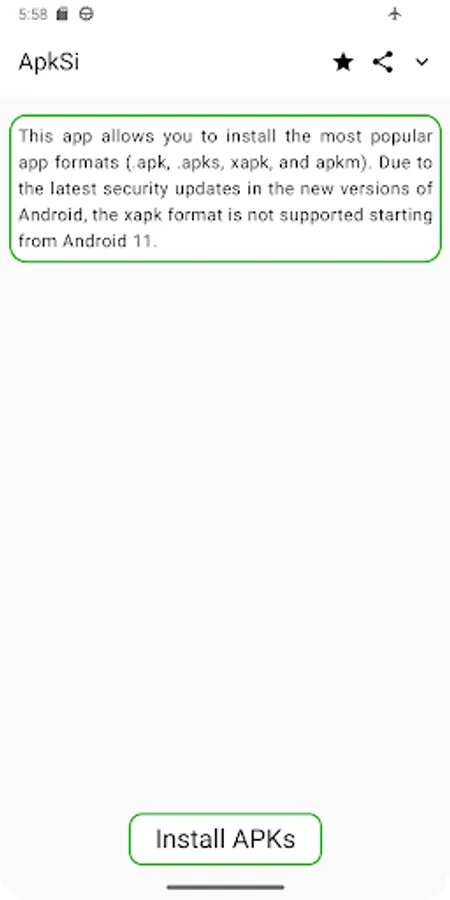
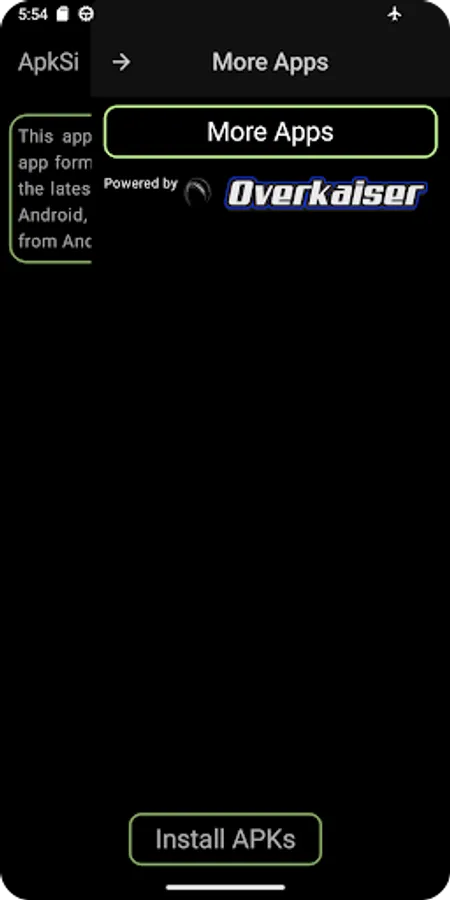
3. Select the file: Tap the Install APKs button and choose the downloaded file from your file explorer.
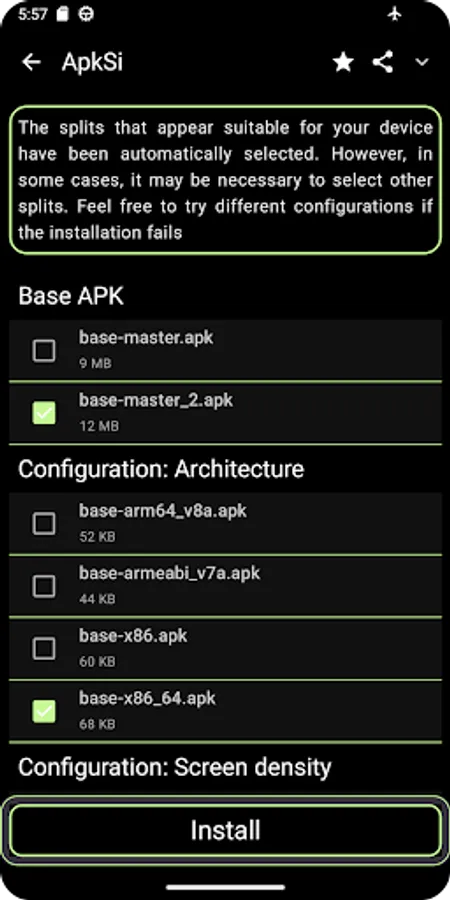
4. Quick and easy installation: ApkSi automatically analyzes the splits required for your device and installs them efficiently.
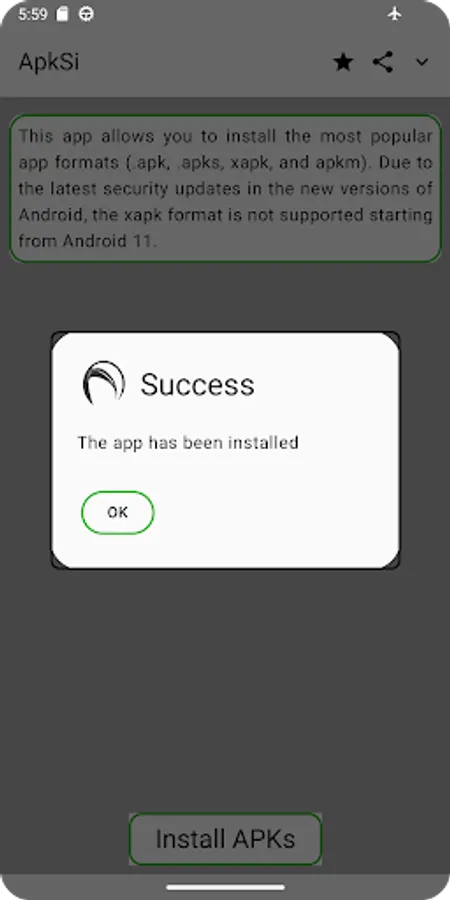
5. Enjoy your app: Once the installation is complete, the app will be ready to use on your device.
### Why choose ApkSi?
- Extended compatibility: Supports the most widely used formats on Android, including APK, XAPK, and APKM.
- Optimized installation: Automatically detects the necessary files for your device.
- User-friendly interface: Provides a smooth and hassle-free experience, even for beginners.
- Fast and secure: Ensures a quick installation while maintaining process integrity and avoiding errors.
ApkSi is the fastest and easiest way to install your favorite apps through installation packages. Simplify the process and avoid complications with this essential tool for your Android device.
### How does ApkSi work?
1. Download the installation file: Get the APK, XAPK, or APKM package you want to install from a trusted source.
2. Open ApkSi: Launch the ApkSi application on your device.
3. Select the file: Tap the Install APKs button and choose the downloaded file from your file explorer.
4. Quick and easy installation: ApkSi automatically analyzes the splits required for your device and installs them efficiently.
5. Enjoy your app: Once the installation is complete, the app will be ready to use on your device.
### Why choose ApkSi?
- Extended compatibility: Supports the most widely used formats on Android, including APK, XAPK, and APKM.
- Optimized installation: Automatically detects the necessary files for your device.
- User-friendly interface: Provides a smooth and hassle-free experience, even for beginners.
- Fast and secure: Ensures a quick installation while maintaining process integrity and avoiding errors.
ApkSi is the fastest and easiest way to install your favorite apps through installation packages. Simplify the process and avoid complications with this essential tool for your Android device.