Microphone Manager
SUNSHINE SOFTWARE LABS
Free
(in-app purchases)
rated 3.2 stars
50,000+
downloads
About Microphone Manager
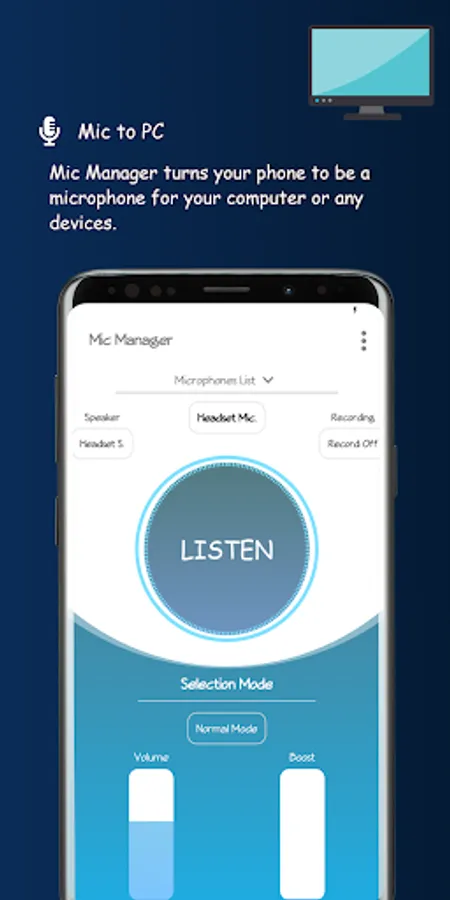
Microphone Manager turns your phone into a 🎤 for your computer or any devices. You can use it for voice chatting, recording, and recognition. Just like REAL microphone devices!
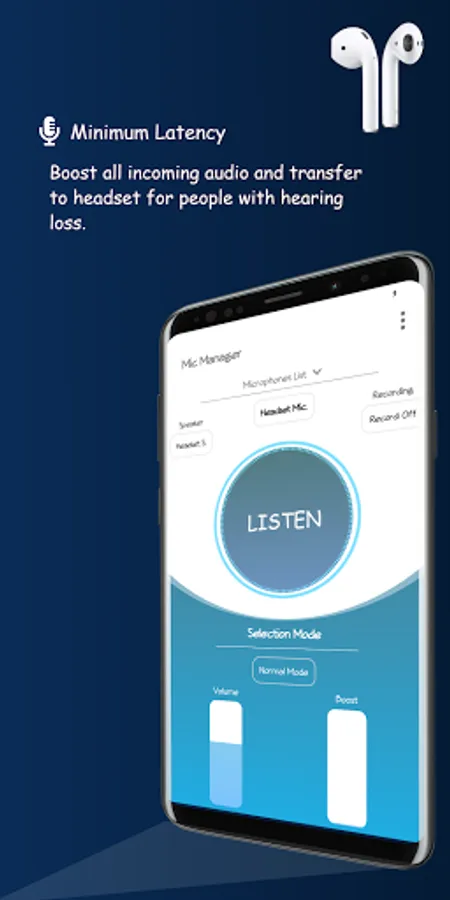
Microphone Manager significantly boosts all incoming audio and transfers it to the headset for people with hearing loss.
If you have a Bluetooth headset, you can also transfer your voice to your computer or any devices with an aux cable.
Features:
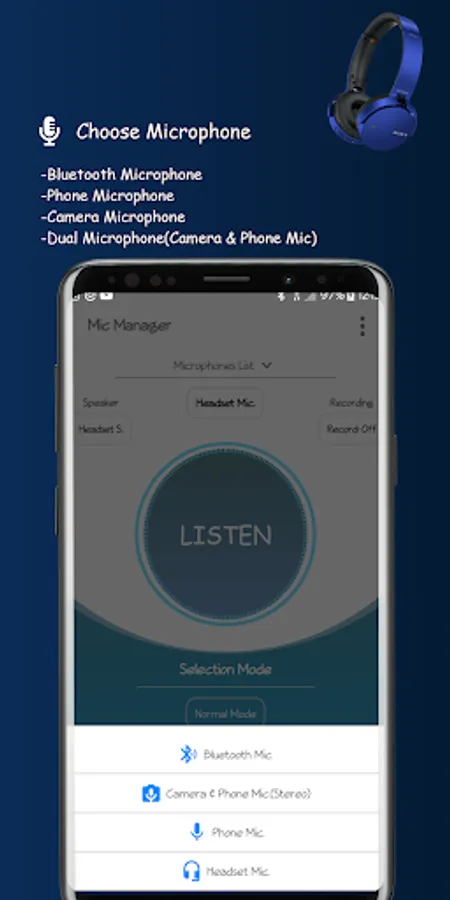
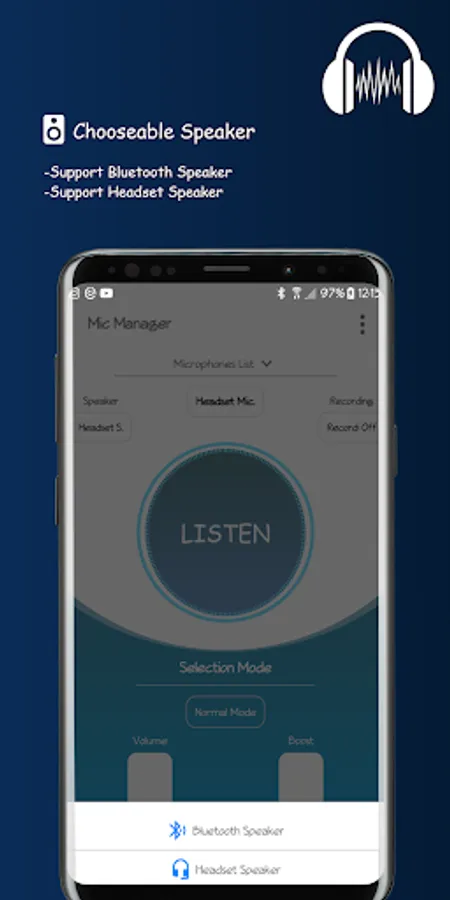
Supports Bluetooth Devices 🎧
Supports Phone Microphone 📞
Supports Camera Microphone 📸
Supports Dual Microphone (Camera & Phone Mic) 📷📞
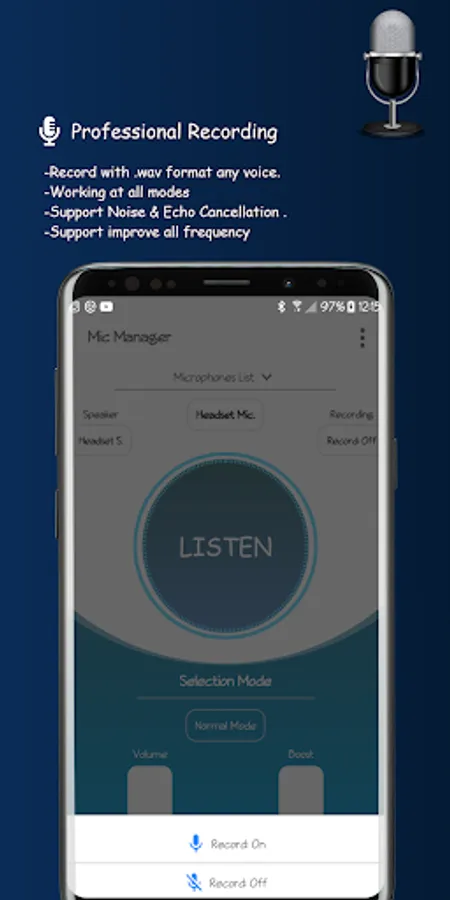
Supports Recording 🎙️
Can also control the volume of playing sound 🔊
Improves what you hear by amplifying the sound surrounding 🔊
Allows you to use your device as a microphone for any type of computer, console, or speaker 🖥️🔊
3 Different Modes
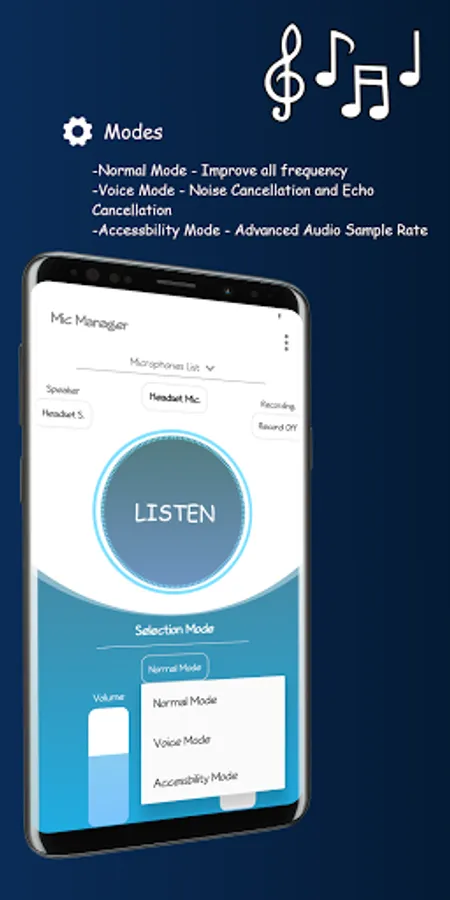
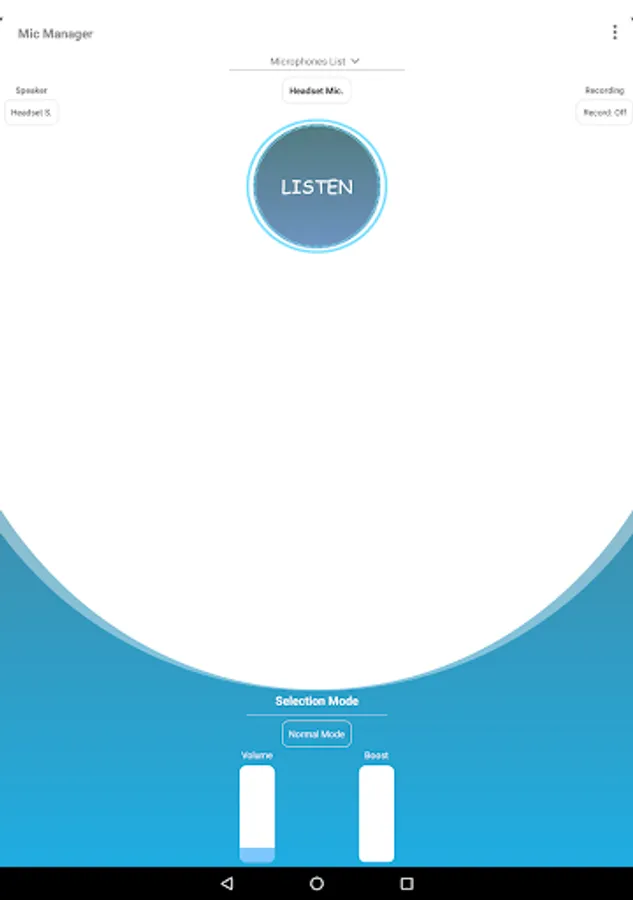
Normal Mode - Improves all frequencies (Bass & Mid & Treble) 🎵
Voice Mode - Noise Cancellation and Echo Cancellation are supported 🔇
Accessibility Mode - Advanced Audio Sample Rate 🎚️
Material Design 🎨
No Any Limits ❌
Simple and easy usable ⚙️
To use this application, a headset is required.
Improve your hearing today with this super cool and simple app! Feel free to share with us any suggestions or questions which make our app even greater.
Any suggestions or questions, please contact us through excellency3001@gmail.com
Microphone Manager significantly boosts all incoming audio and transfers it to the headset for people with hearing loss.
If you have a Bluetooth headset, you can also transfer your voice to your computer or any devices with an aux cable.
Features:
Supports Bluetooth Devices 🎧
Supports Phone Microphone 📞
Supports Camera Microphone 📸
Supports Dual Microphone (Camera & Phone Mic) 📷📞
Supports Recording 🎙️
Can also control the volume of playing sound 🔊
Improves what you hear by amplifying the sound surrounding 🔊
Allows you to use your device as a microphone for any type of computer, console, or speaker 🖥️🔊
3 Different Modes
Normal Mode - Improves all frequencies (Bass & Mid & Treble) 🎵
Voice Mode - Noise Cancellation and Echo Cancellation are supported 🔇
Accessibility Mode - Advanced Audio Sample Rate 🎚️
Material Design 🎨
No Any Limits ❌
Simple and easy usable ⚙️
To use this application, a headset is required.
Improve your hearing today with this super cool and simple app! Feel free to share with us any suggestions or questions which make our app even greater.
Any suggestions or questions, please contact us through excellency3001@gmail.com
Microphone Manager Screenshots
Reviews for Microphone Manager
S Sx
12/20/2025
ok
Frank Seibert
12/21/2024
Uninstalled
krish anmol
12/5/2024
Mobiqwick
Michael Wesselman
10/23/2024
Not what I expected
Bloop ers
8/30/2024
Since there's no "feedback" or "get help" options: I want to give this app a try, but pressing the "Listen" button, there is a "Permissions Granted" pop up, but nothing seems to happen (I can't tell if it's complaining it doesn't have permissions even though it does, or just not working). Additionally, if I swap off of it, the system notifies me that "Mic Manager keeps stopping" - perhaps the app is just freezing when it tries to work? 1 star as app is effectively unusable without fixes.
Tap to Rate: