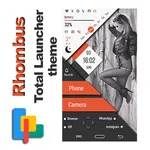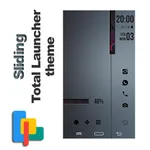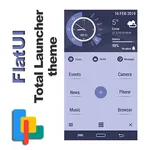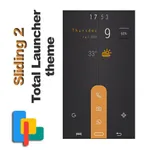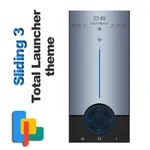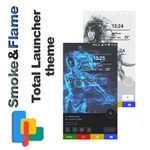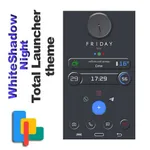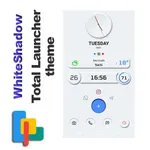
OzzY Theme for Total Launcher
OzzY
3.3 ★
131 ratings
10,000+
downloads
Free
In this app, you can browse and select themes for Total Launcher by sliding or searching through options. Includes links to themes on Google Play Store and instructions for installation and application.
AppRecs review analysis
AppRecs rating 2.9. Trustworthiness 83 out of 100. Review manipulation risk 36 out of 100. Based on a review sample analyzed.
★★☆☆☆
2.9
AppRecs Rating
Ratings breakdown
5 star
35%
4 star
25%
3 star
5%
2 star
0%
1 star
35%
What to know
✓
Credible reviews
83% trustworthiness score from analyzed reviews
⚠
Pricing complaints
Many low ratings mention paywalls or pricing
⚠
High negative review ratio
35% of sampled ratings are 1–2 stars
About OzzY Theme for Total Launcher
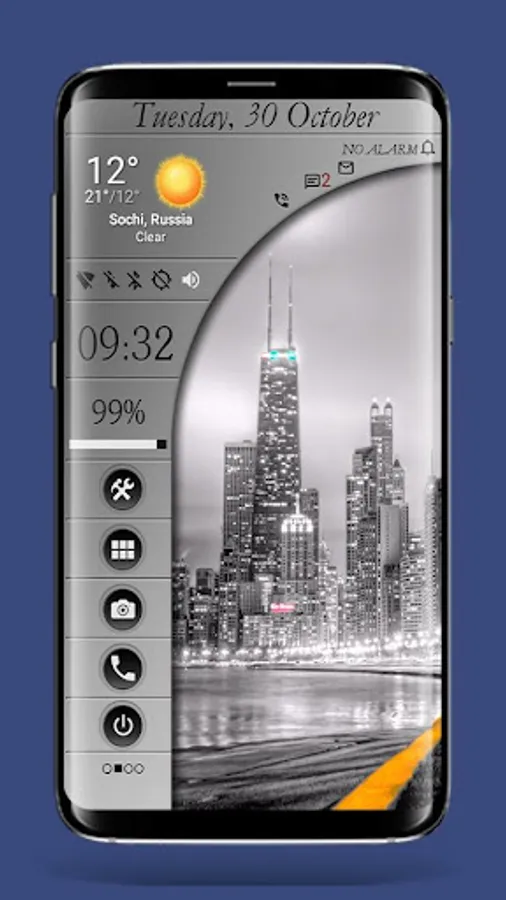
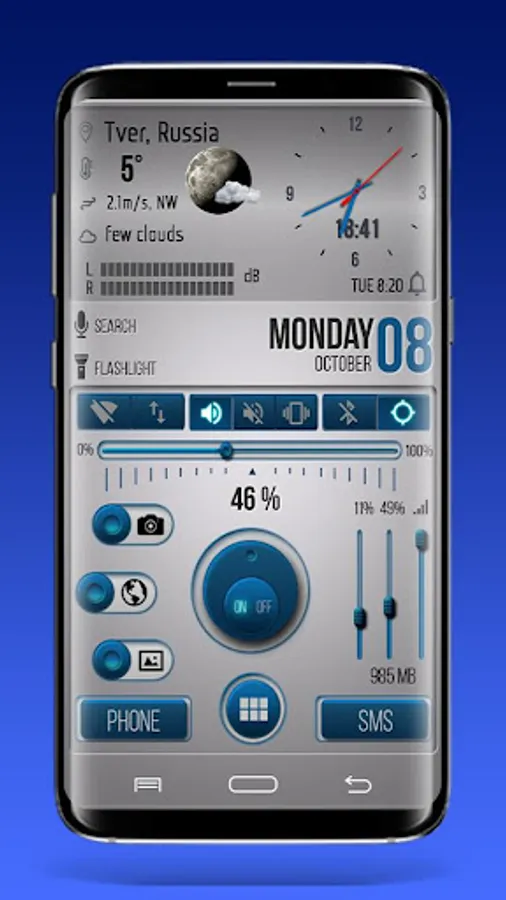
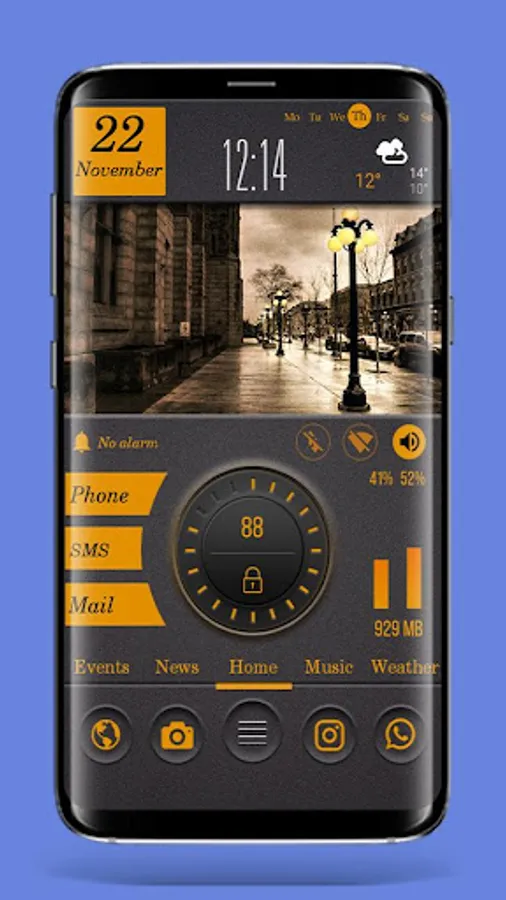
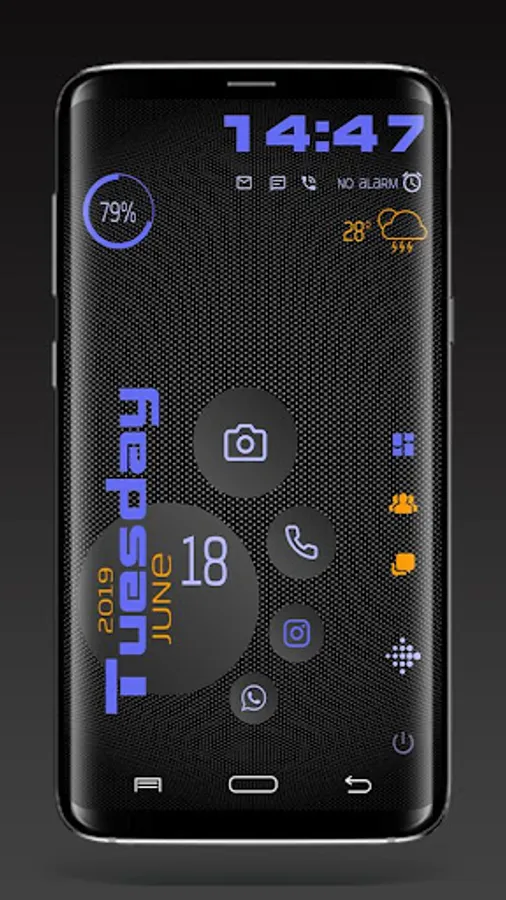
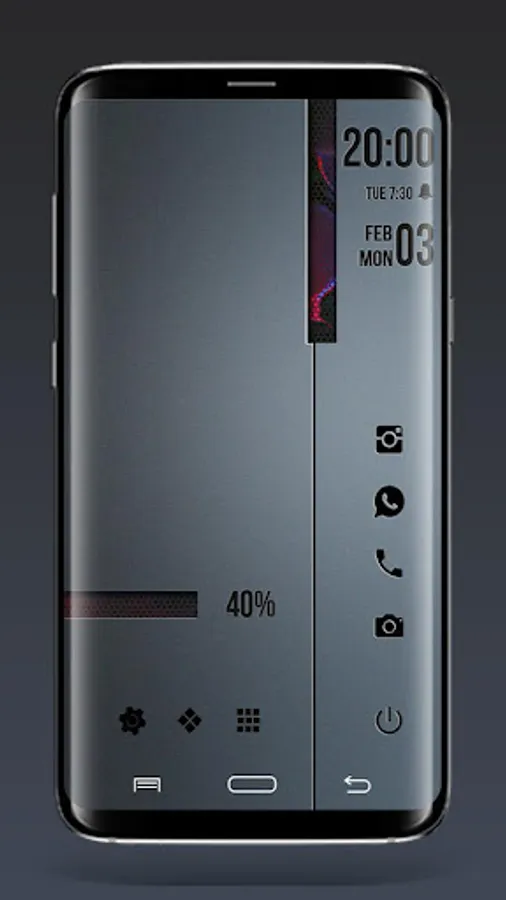
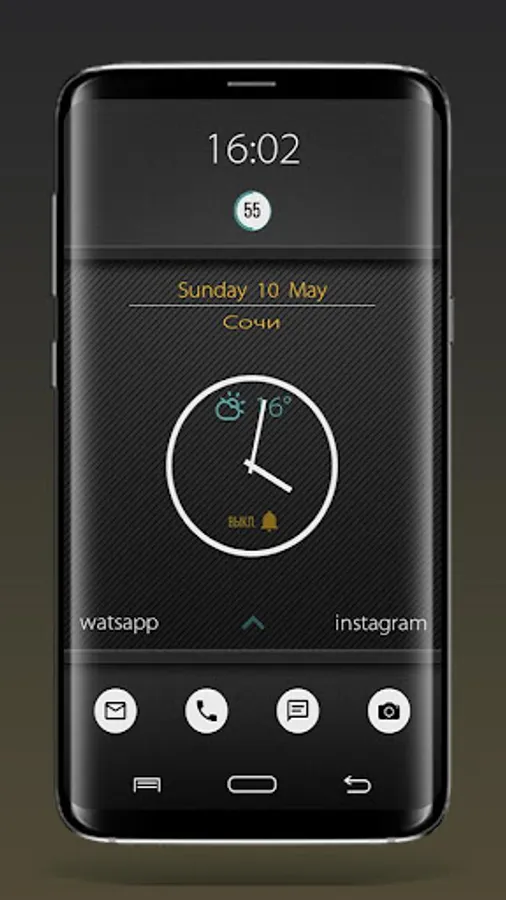
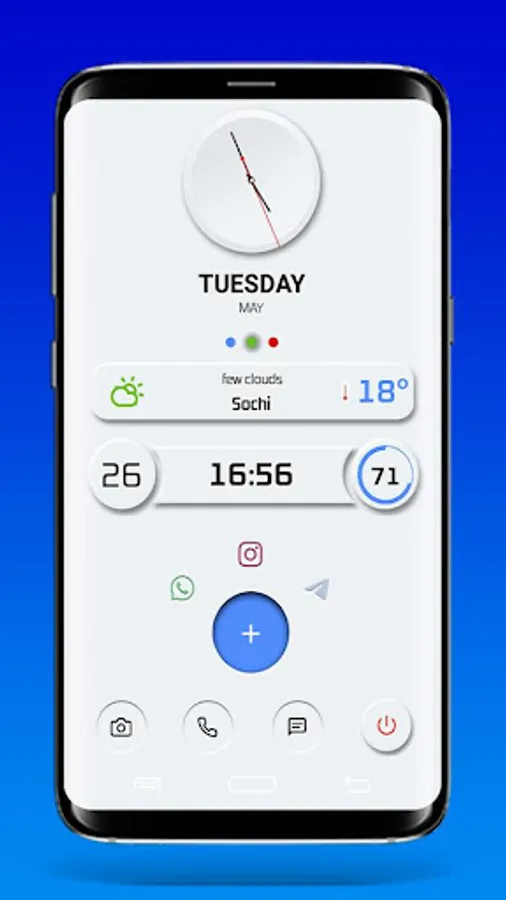
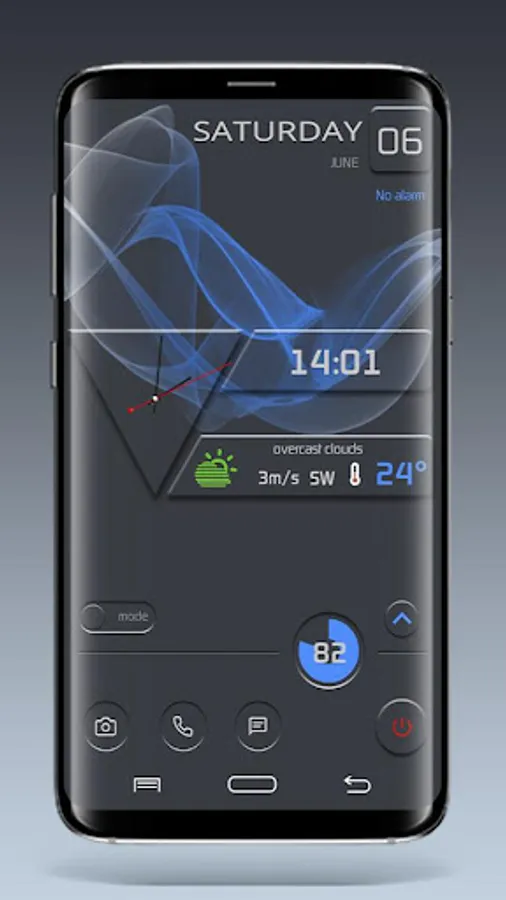
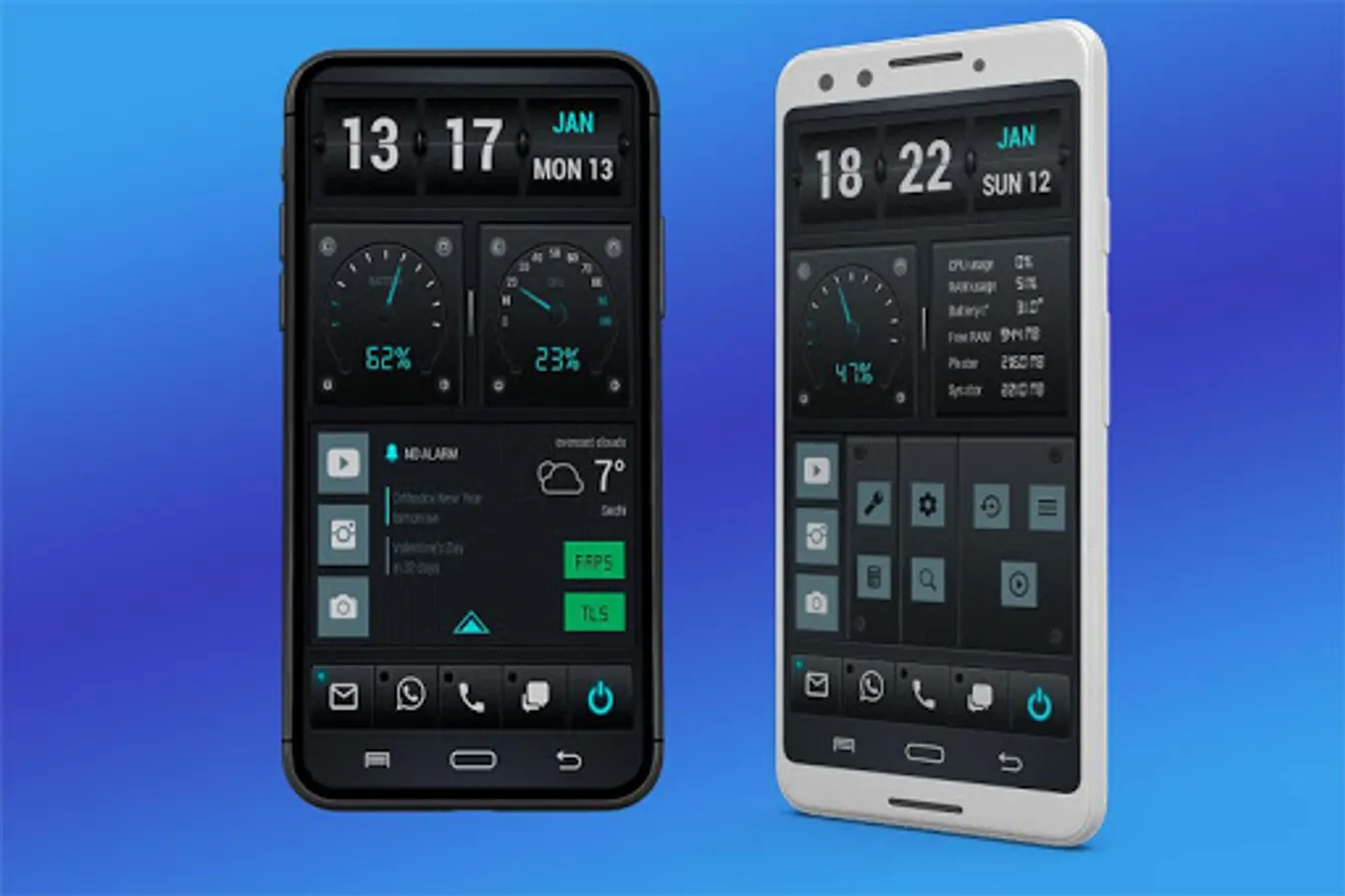
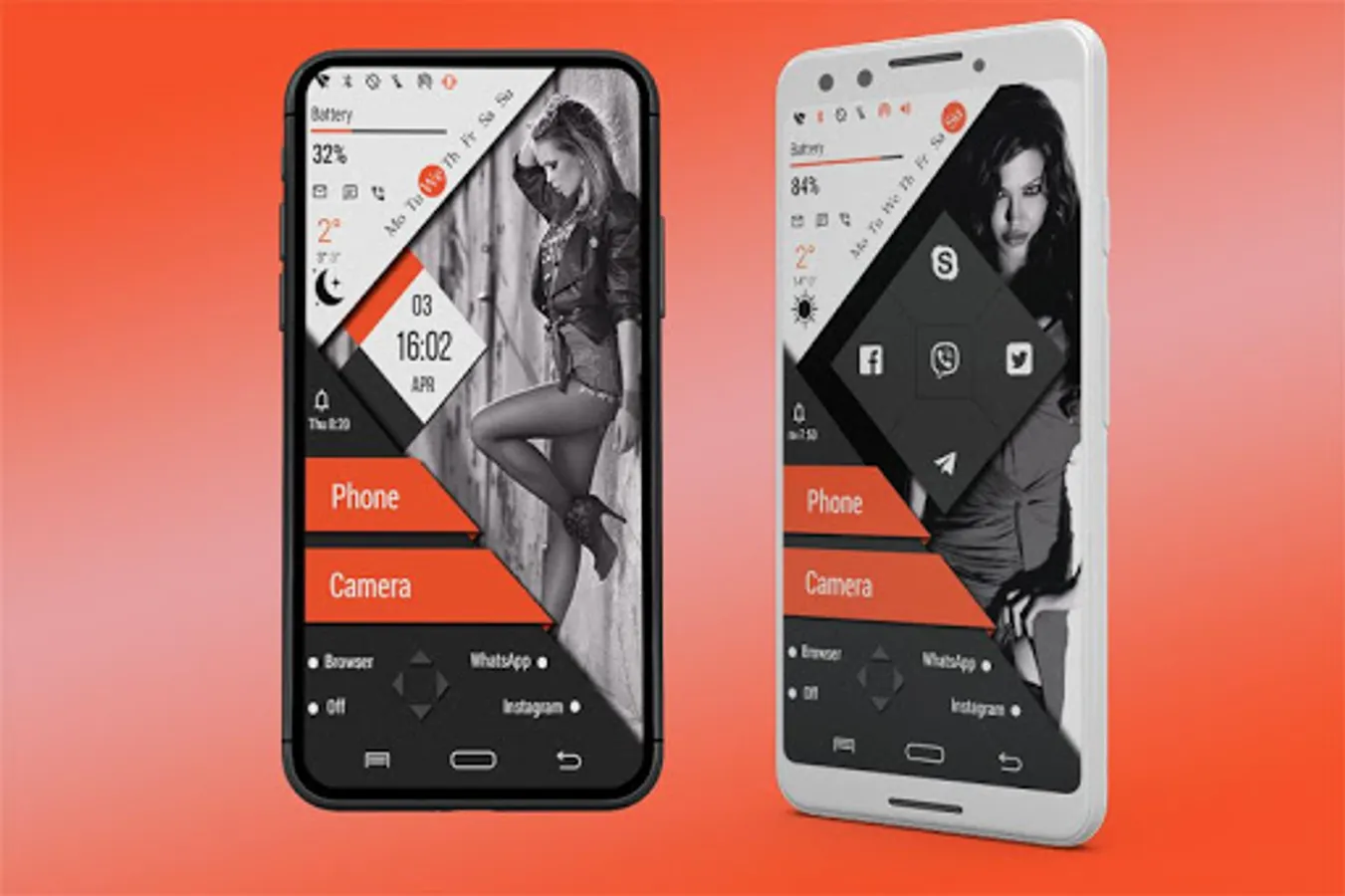
This application will allow you to quickly find and install several excellent themes for Total Launcher.
To use these themes, the installed Total Launcher is required!
https://play.google.com/store/apps/details?id=com.ss.launcher2
ATTENTION!
The application contains only links to OzzY themes created specifically for Total Launcher.
How to Use :
1. Open OzzY Total Launcher Themes Collections app after you install it from Google Play Store.
2. Choose one of the fancy themes by sliding the screen (or search by name by tapping the search button) and tap Download to download it. You will be redirected to the theme link on Google Play Store. Install it.
3. Once you installed it, you can either Apply the theme directly or go back to OzzY TL Themes App and apply the installed theme from there by tapping Apply, then choose Commit.
To use these themes, the installed Total Launcher is required!
https://play.google.com/store/apps/details?id=com.ss.launcher2
ATTENTION!
The application contains only links to OzzY themes created specifically for Total Launcher.
How to Use :
1. Open OzzY Total Launcher Themes Collections app after you install it from Google Play Store.
2. Choose one of the fancy themes by sliding the screen (or search by name by tapping the search button) and tap Download to download it. You will be redirected to the theme link on Google Play Store. Install it.
3. Once you installed it, you can either Apply the theme directly or go back to OzzY TL Themes App and apply the installed theme from there by tapping Apply, then choose Commit.
OzzY Theme for Total Launcher Screenshots

Tap to Rate:
Reviews for OzzY Theme for Total Launcher
R O
7/14/2025
this launcher doesn't say it costs it says free until you download it and they want payment witch would be fine if it would actually open and work,
Alick Magaisa
5/30/2025
excellent