German Lucas' Whiteboard
Apps by Pablo
3.6 ★
139 ratings
100,000+
downloads
Free
With this whiteboard app, you can draw, erase, and fill areas using accessible tools and a variety of colors. Includes color name pronunciations, tool options, and photo editing features.
AppRecs review analysis
AppRecs rating 3.6. Trustworthiness 0 out of 100. Review manipulation risk 0 out of 100. Based on a review sample analyzed.
★★★☆☆
3.6
AppRecs Rating
Ratings breakdown
5 star
56%
4 star
11%
3 star
0%
2 star
0%
1 star
33%
What to know
✓
Good user ratings
67% positive sampled reviews
✓
Authentic reviews
No red flags detected
⚠
High negative review ratio
33% of sampled ratings are 1–2 stars
About German Lucas' Whiteboard
Painting is a good practice for everyone. It lets you free your creativity and explore new ideas, a blank paper is where everything can arise.
An easy whiteboard, with all the tools always available, allows you to concentrate on the drawing and not on the app, which makes a more enriching experience with better usability.
Knowing more colors, since many times you do not know how they are said, allows you to perceive more nuances in the drawings.
Interface
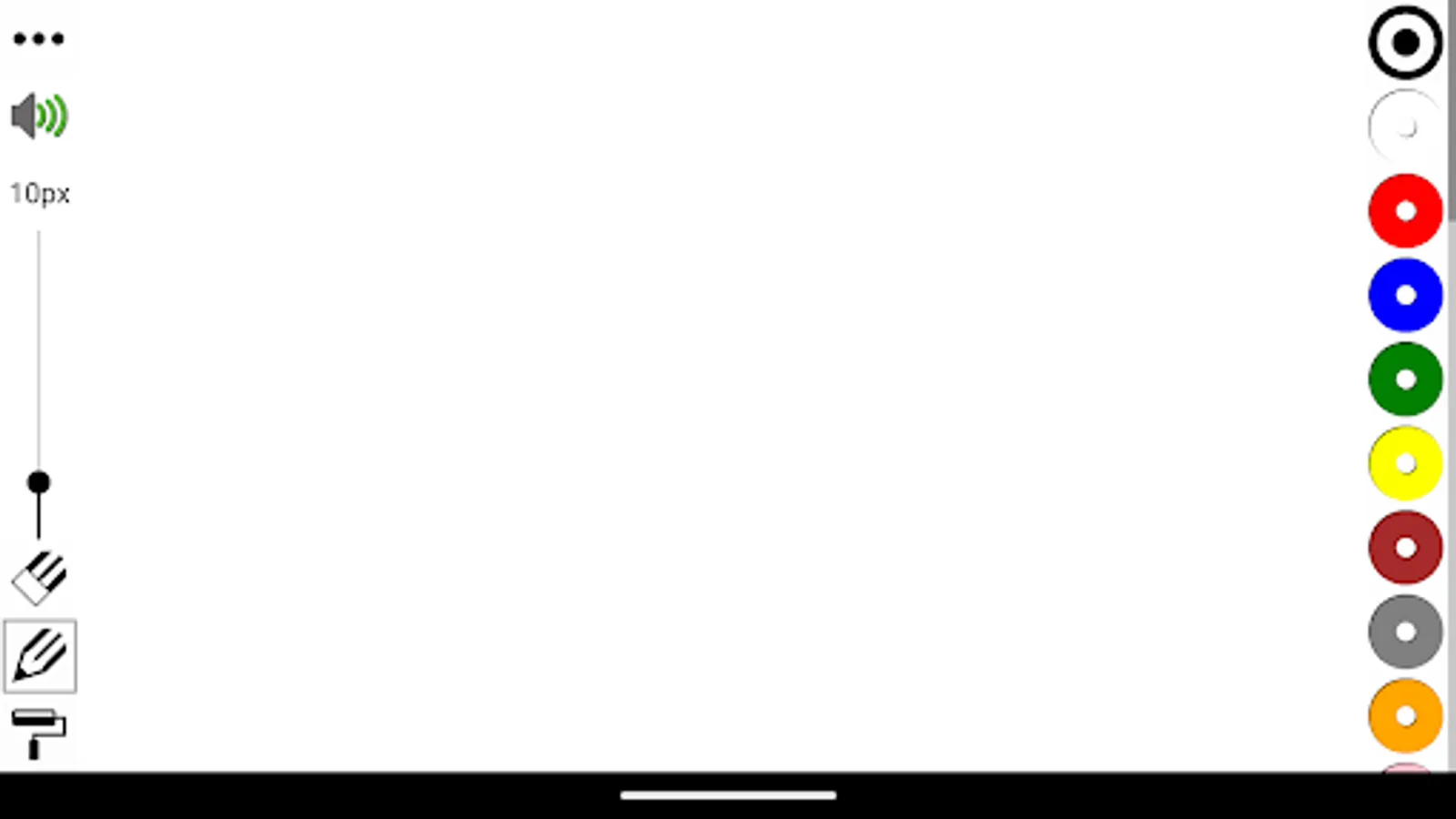
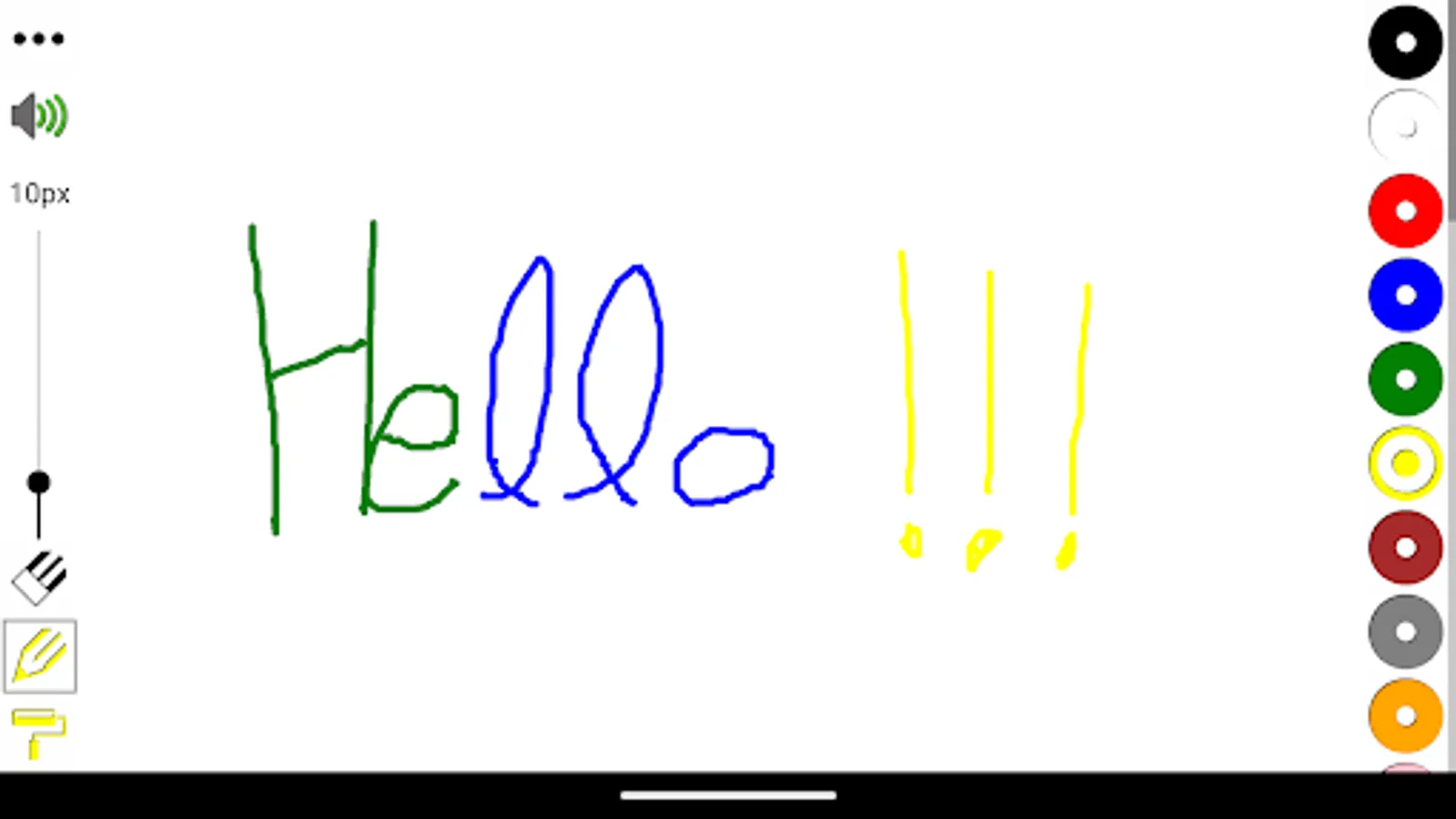
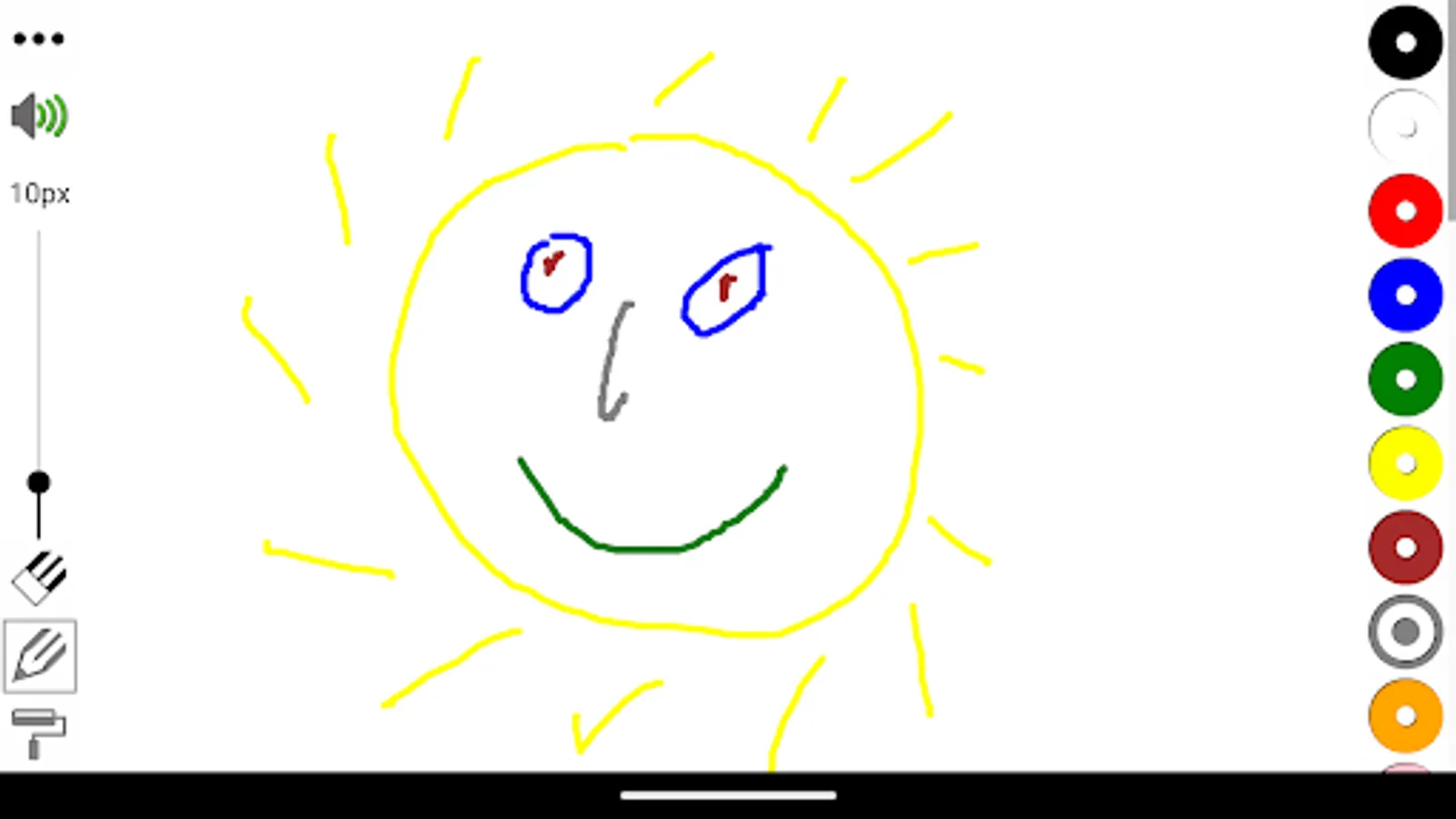
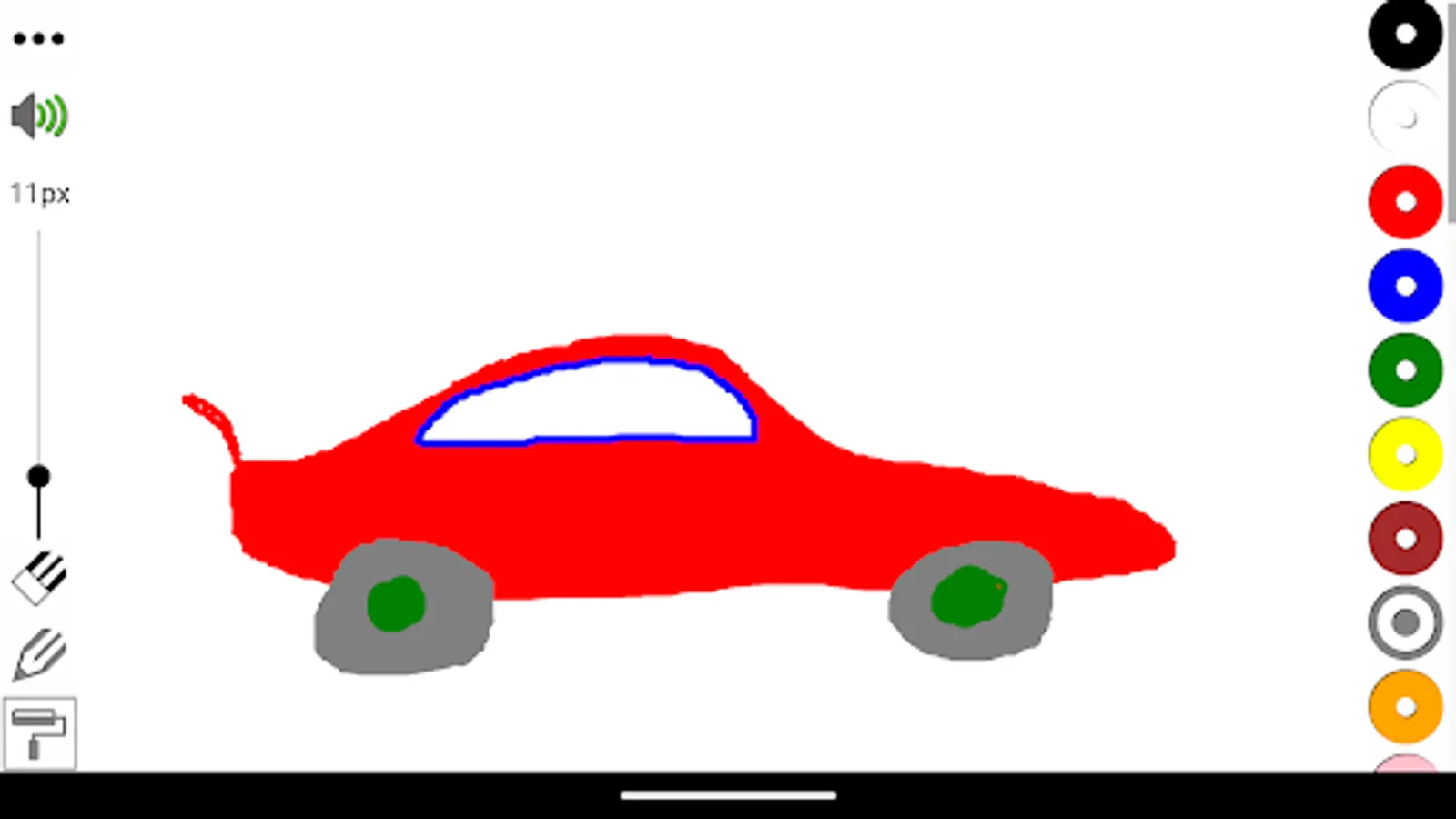
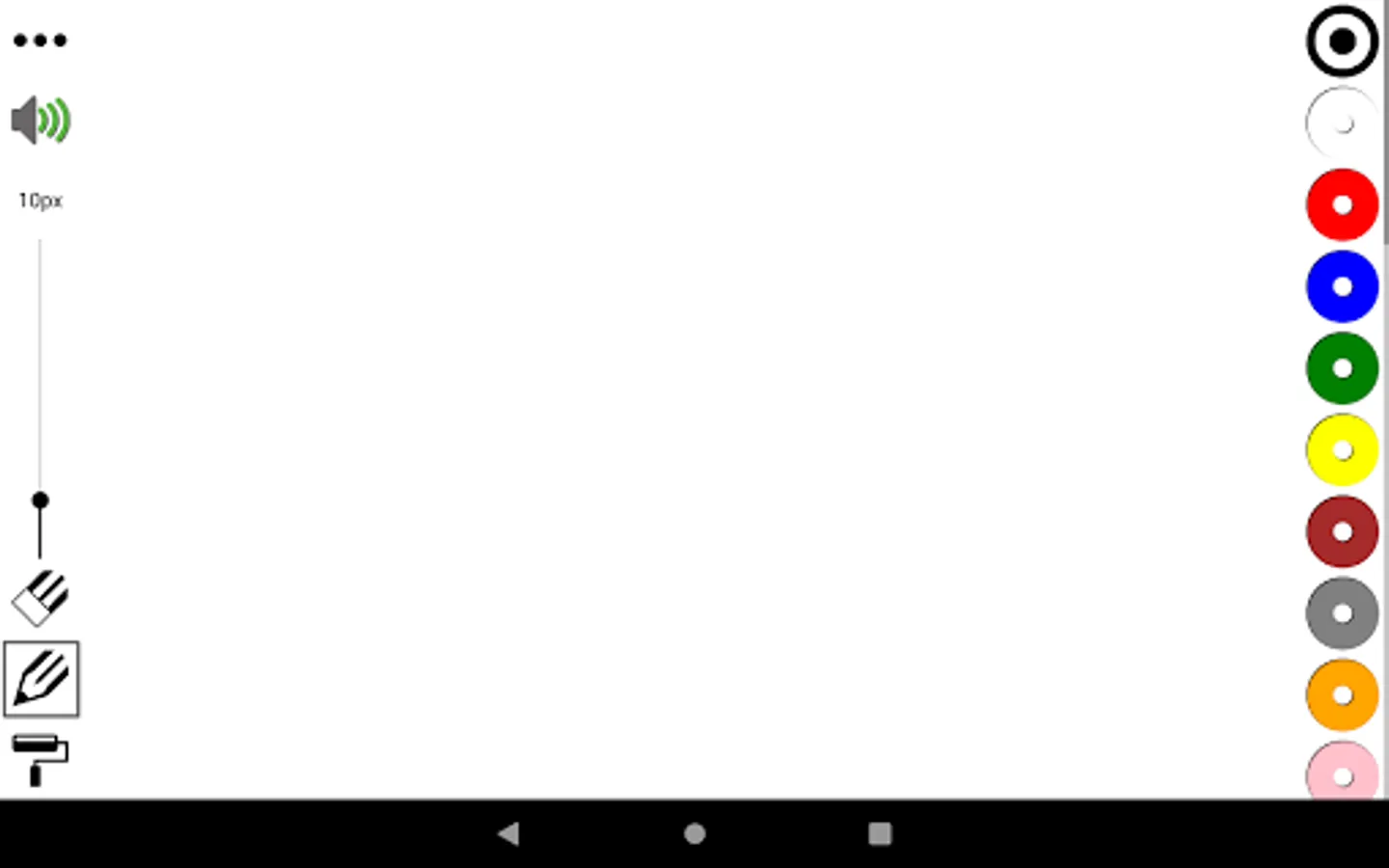
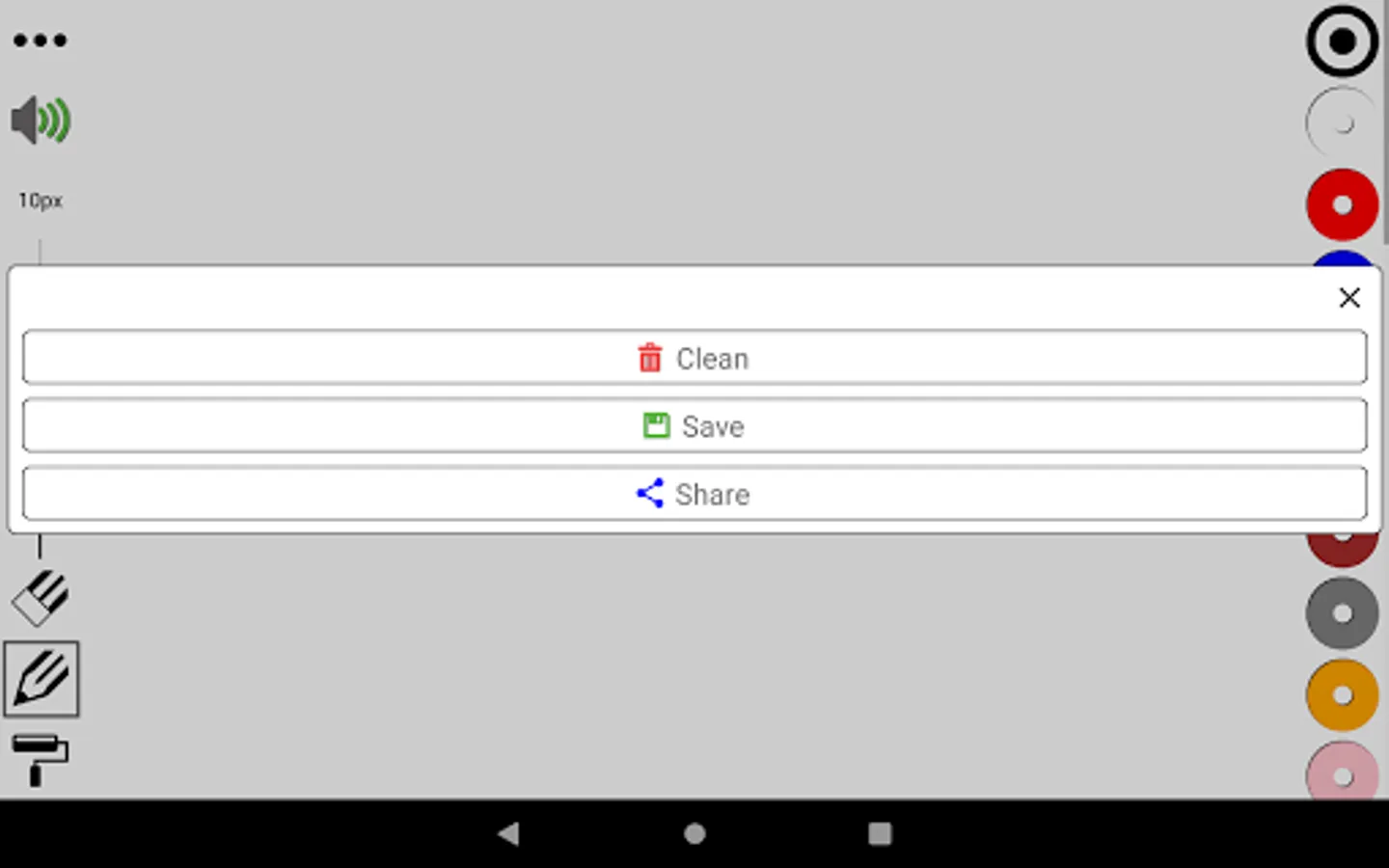
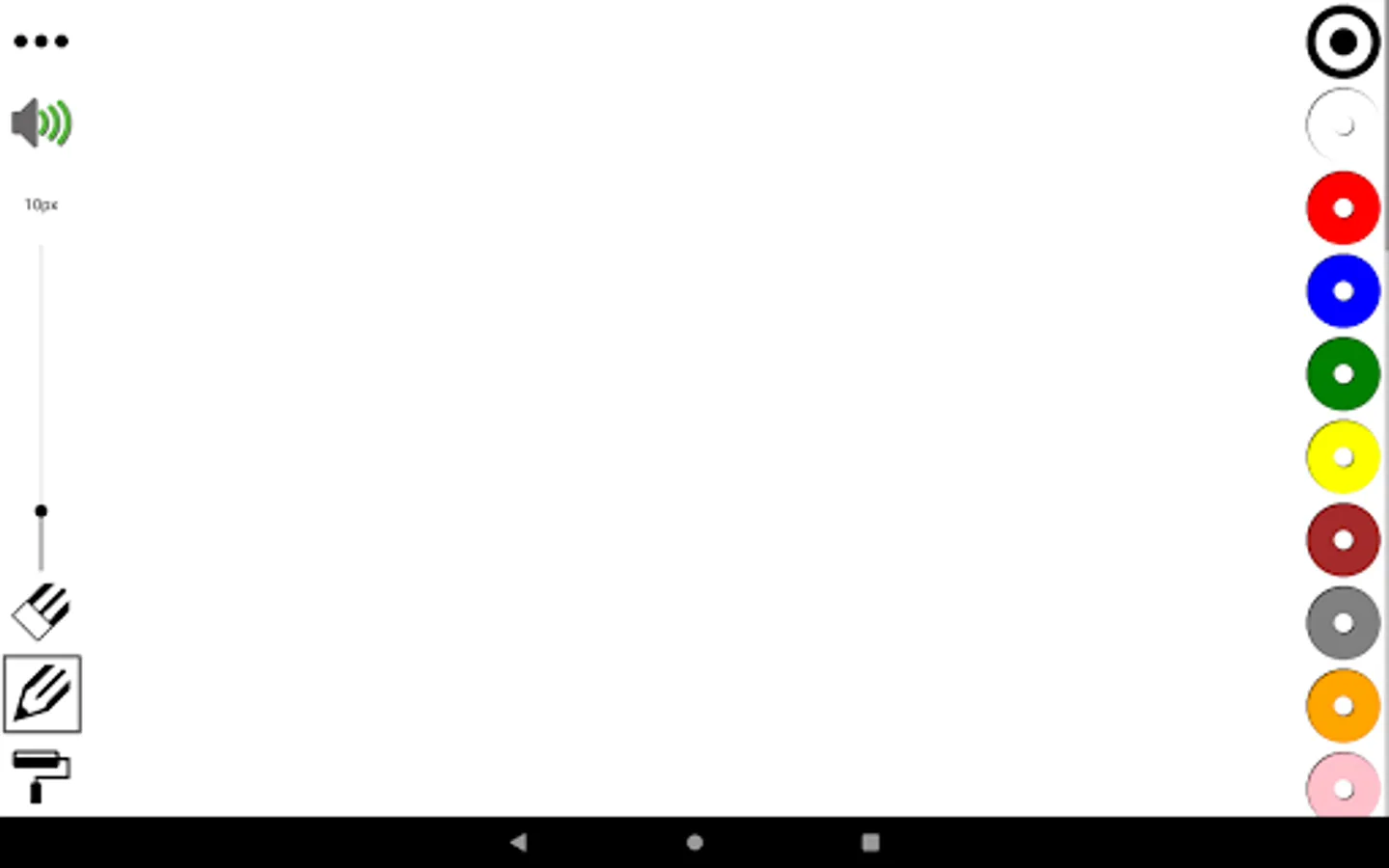
The colors are on the right side, you have 32 to choose from, you can scroll up and down until you find the one you are looking for, when you click on a color, you will hear how it is said.
The tools are on the left side, and from top to bottom you will find:
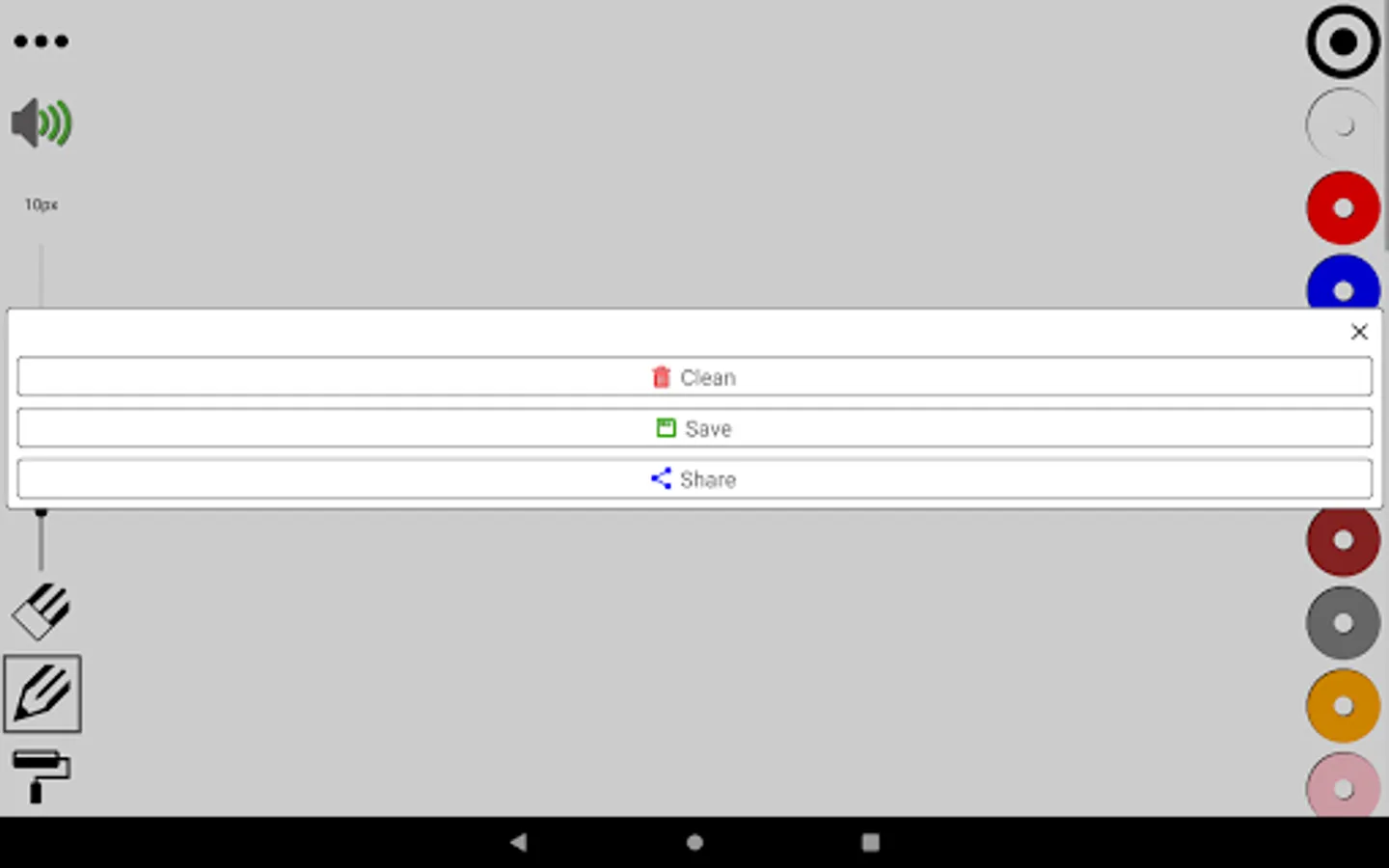
- three dots, more actions
- speaker, mute or enable sound
- thickness level, change the thickness of the drawing tool, there are 3 to choose
- eraser, erase parts of the drawing
- pencil, draw
- roller, fill the area you want
You also can edit photos from your gallery, just share it with the Lucas' Whiteboard.
An easy whiteboard, with all the tools always available, allows you to concentrate on the drawing and not on the app, which makes a more enriching experience with better usability.
Knowing more colors, since many times you do not know how they are said, allows you to perceive more nuances in the drawings.
Interface
The colors are on the right side, you have 32 to choose from, you can scroll up and down until you find the one you are looking for, when you click on a color, you will hear how it is said.
The tools are on the left side, and from top to bottom you will find:
- three dots, more actions
- speaker, mute or enable sound
- thickness level, change the thickness of the drawing tool, there are 3 to choose
- eraser, erase parts of the drawing
- pencil, draw
- roller, fill the area you want
You also can edit photos from your gallery, just share it with the Lucas' Whiteboard.
German Lucas' Whiteboard Screenshots
Tap to Rate: