With this transportation management app, you can view, cancel, and modify your paratransit trips, and set notification preferences. Includes trip details, alerts management, and contact information updates.
AppRecs review analysis
AppRecs rating 3.9. Trustworthiness 79 out of 100. Review manipulation risk 21 out of 100. Based on a review sample analyzed.
★★★☆☆
3.9
AppRecs Rating
Ratings breakdown
5 star
64%
4 star
9%
3 star
14%
2 star
5%
1 star
9%
What to know
✓
Low review manipulation risk
21% review manipulation risk
✓
Credible reviews
79% trustworthiness score from analyzed reviews
✓
High user satisfaction
73% of sampled ratings are 4+ stars (4.1★ average)
About Pace TripCheck
The TripCheck app from Pace Paratransit helps passengers keep track of their paratransit rides by allowing you to view trip information, cancel trips, and opt in and out of email, text and phone call alerts. This app offers similar functionality to the web version of TripCheck at www.PaceBus.com/TripCheck.
Chicago and Suburban ADA Paratransit riders, as well as users of Pace-operated Dial-a-Ride services, can use TripCheck. To get started, all you need is your TripCheck ID and password.
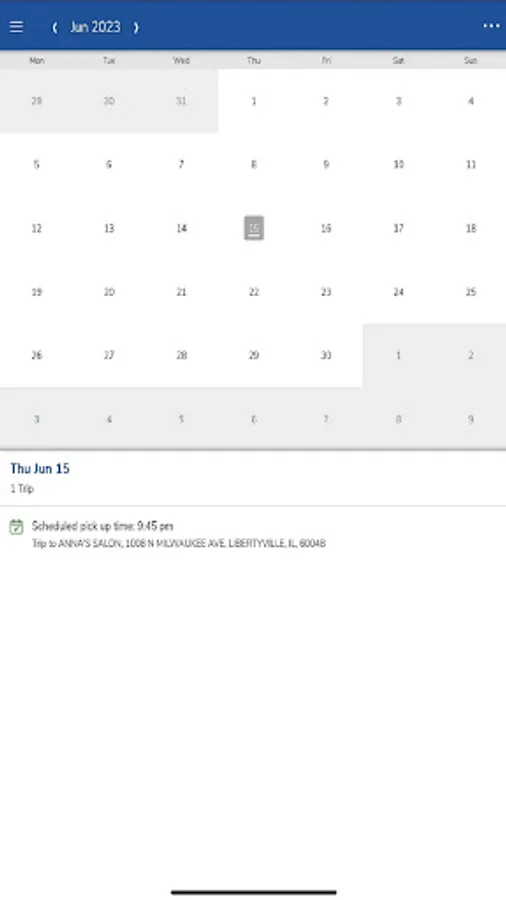
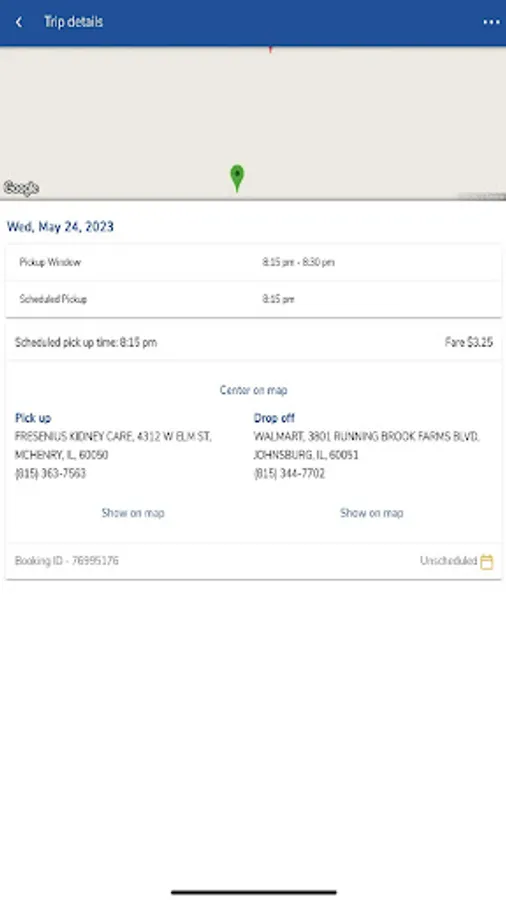
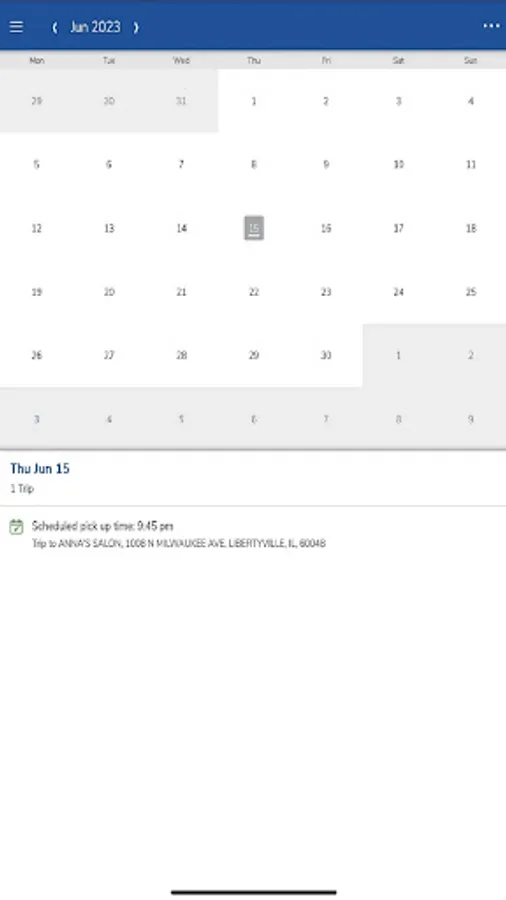
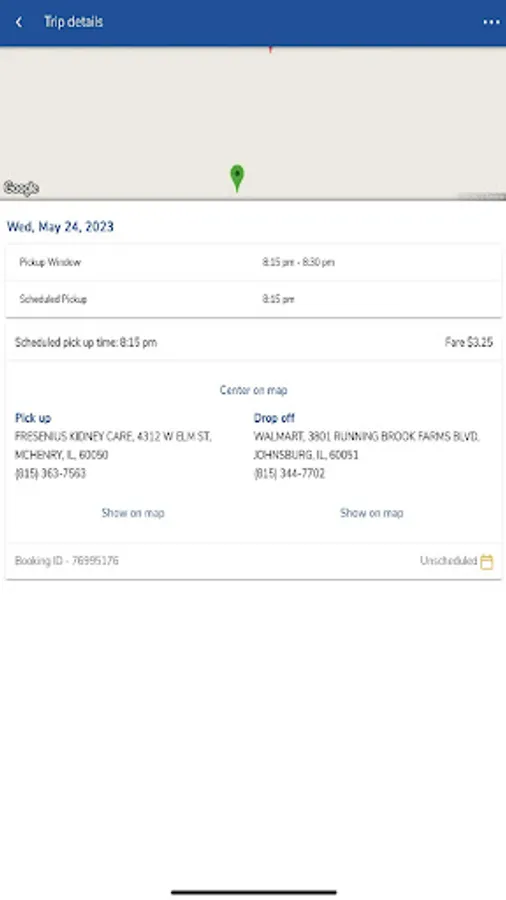
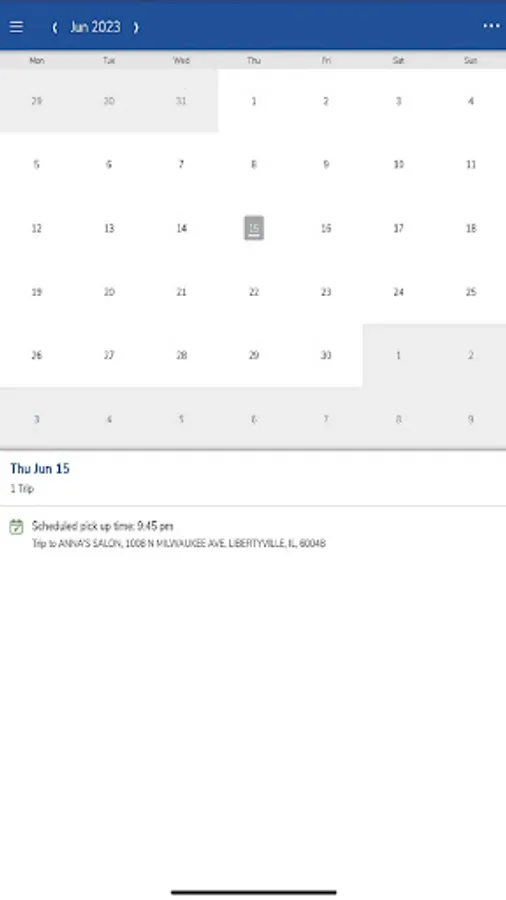
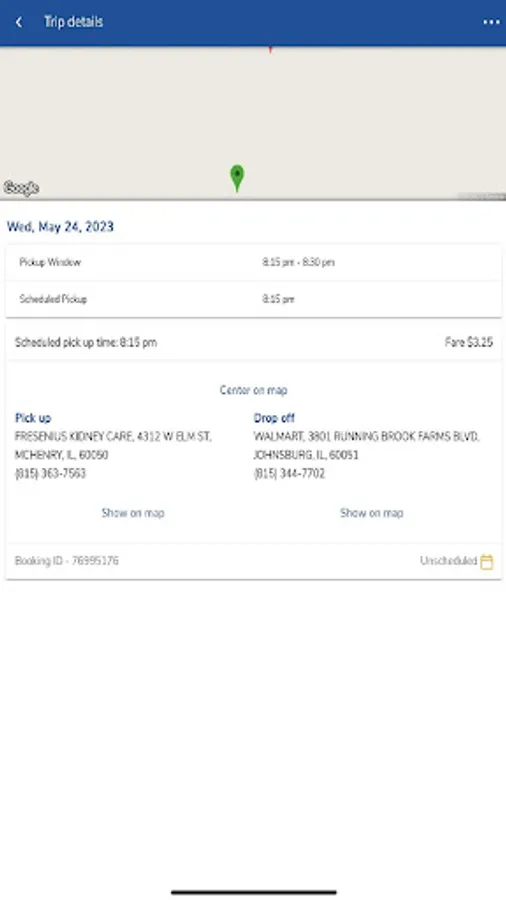
Customers can view trip information in the app at any time by logging in and clicking “Trips”. Customers can also cancel a reservation using the app. The Trips section contains a calendar in which all your scheduled trips appear. By clicking on any given trip, you’ll be able to see the scheduled pickup time, the pickup address, and the dropoff address. Riders with a subscription trip can also see the details of and request to change that subscription.
The TripCheck app allows you to manage some of your contact information as well as opt in and out of email and text message alerts. This can be done on the My Profile page. Those automatic email and text message alerts include:
• Trip booking (sent whenever you book a trip)
• Trip cancellation (sent whenever you cancel a trip)
• Imminent arrival (sent 20 minutes prior to scheduled pickup time)
• Next-day itinerary (sent nightly with scheduled trips for the next day)
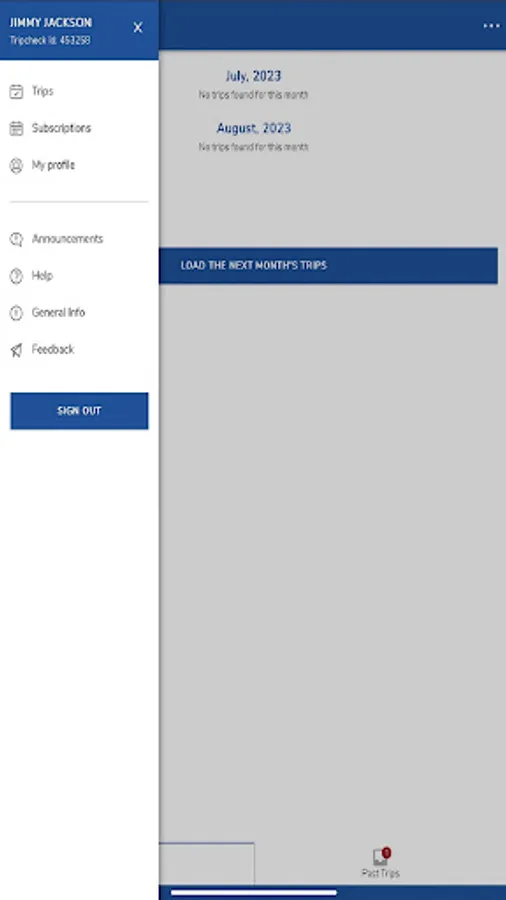
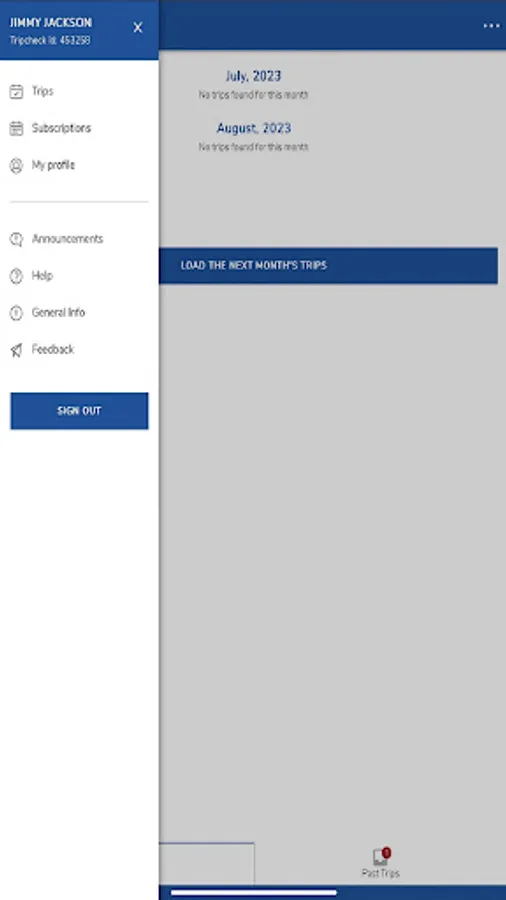
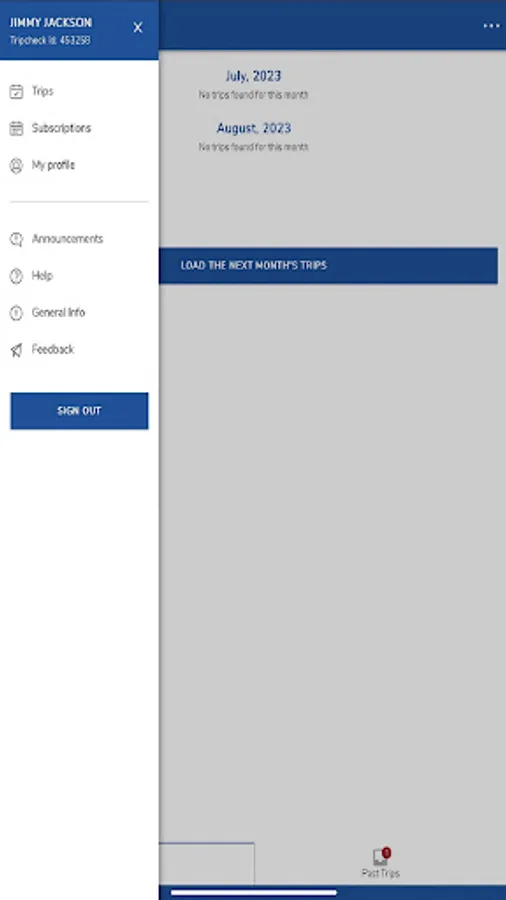
To set your preferences on receiving alerts from the Trip Check system, click "My Profile" on the left navigation bar. Here, you can update some personal information and set alert preferences.
Chicago and Suburban ADA Paratransit riders, as well as users of Pace-operated Dial-a-Ride services, can use TripCheck. To get started, all you need is your TripCheck ID and password.
Customers can view trip information in the app at any time by logging in and clicking “Trips”. Customers can also cancel a reservation using the app. The Trips section contains a calendar in which all your scheduled trips appear. By clicking on any given trip, you’ll be able to see the scheduled pickup time, the pickup address, and the dropoff address. Riders with a subscription trip can also see the details of and request to change that subscription.
The TripCheck app allows you to manage some of your contact information as well as opt in and out of email and text message alerts. This can be done on the My Profile page. Those automatic email and text message alerts include:
• Trip booking (sent whenever you book a trip)
• Trip cancellation (sent whenever you cancel a trip)
• Imminent arrival (sent 20 minutes prior to scheduled pickup time)
• Next-day itinerary (sent nightly with scheduled trips for the next day)
To set your preferences on receiving alerts from the Trip Check system, click "My Profile" on the left navigation bar. Here, you can update some personal information and set alert preferences.