LineBula White - Icon Pack
GomoTheGom
5.0 ★
55 ratings
1,000+
downloads
Free
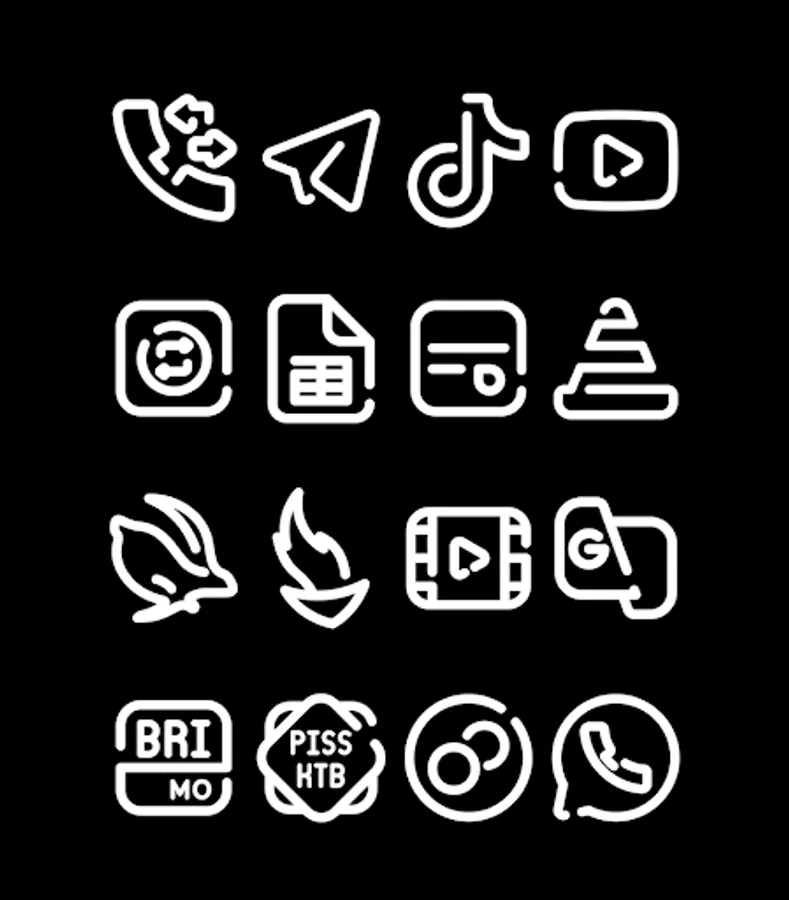
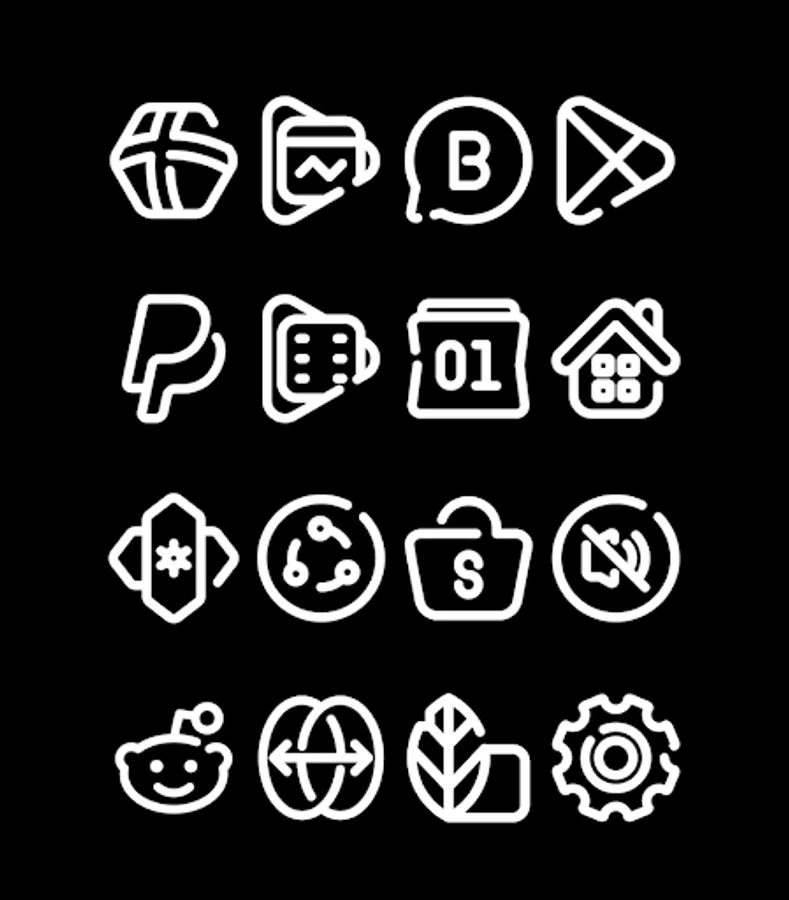
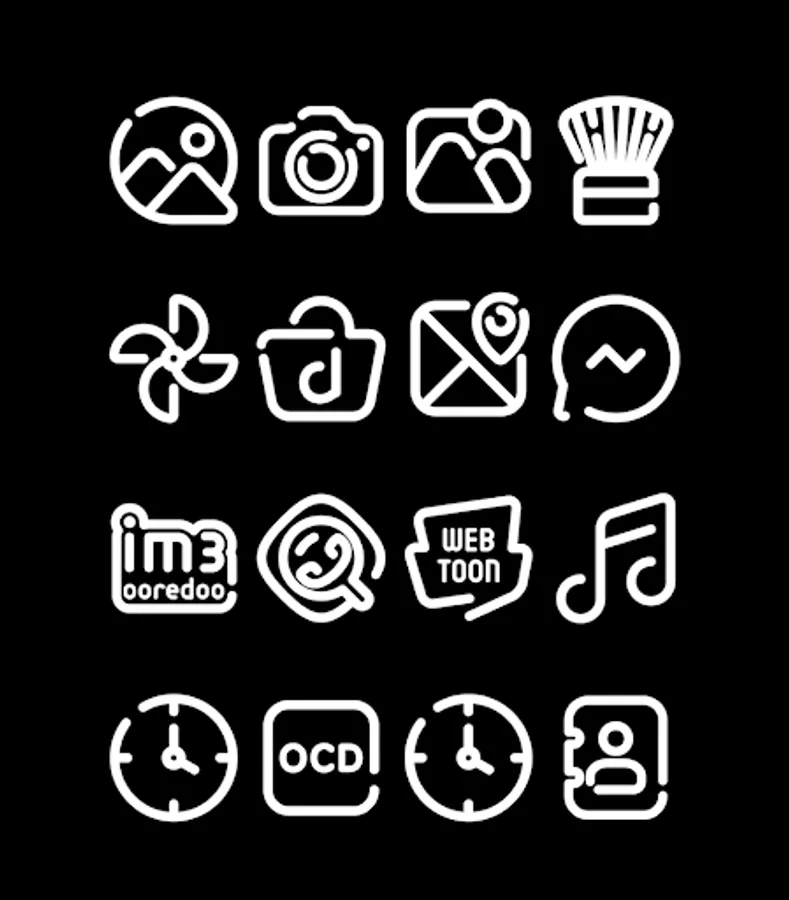
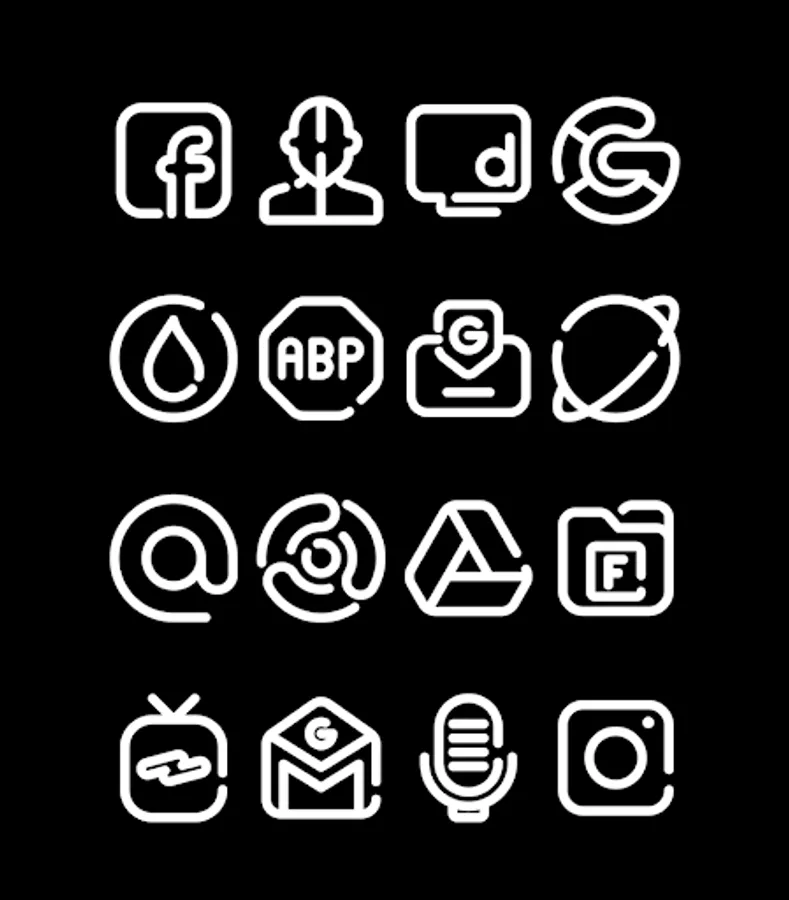
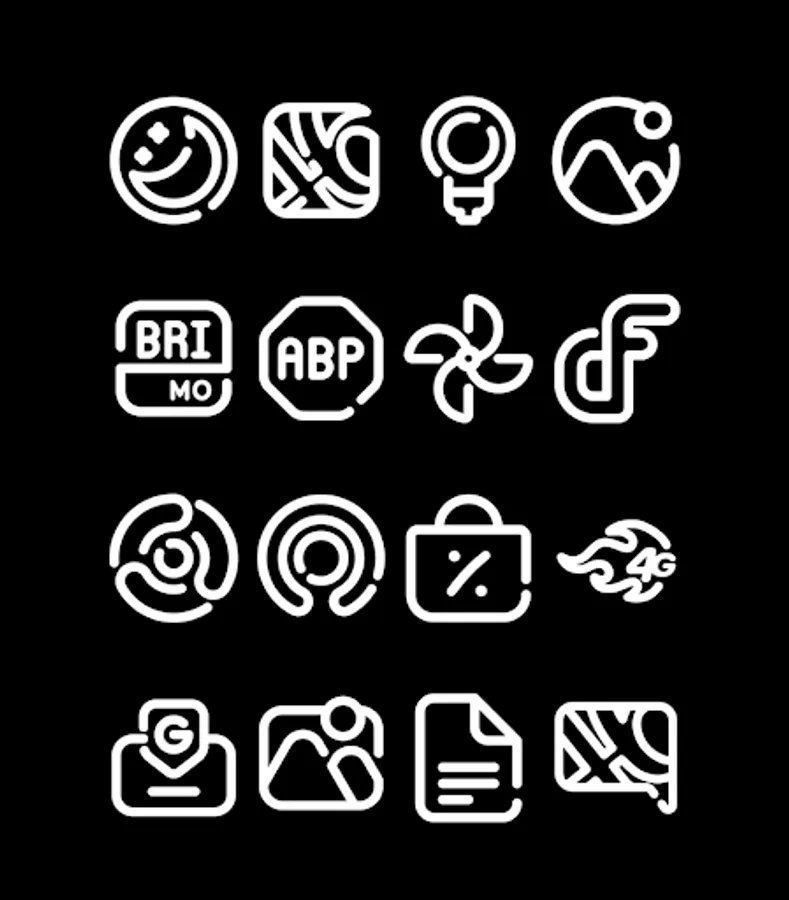
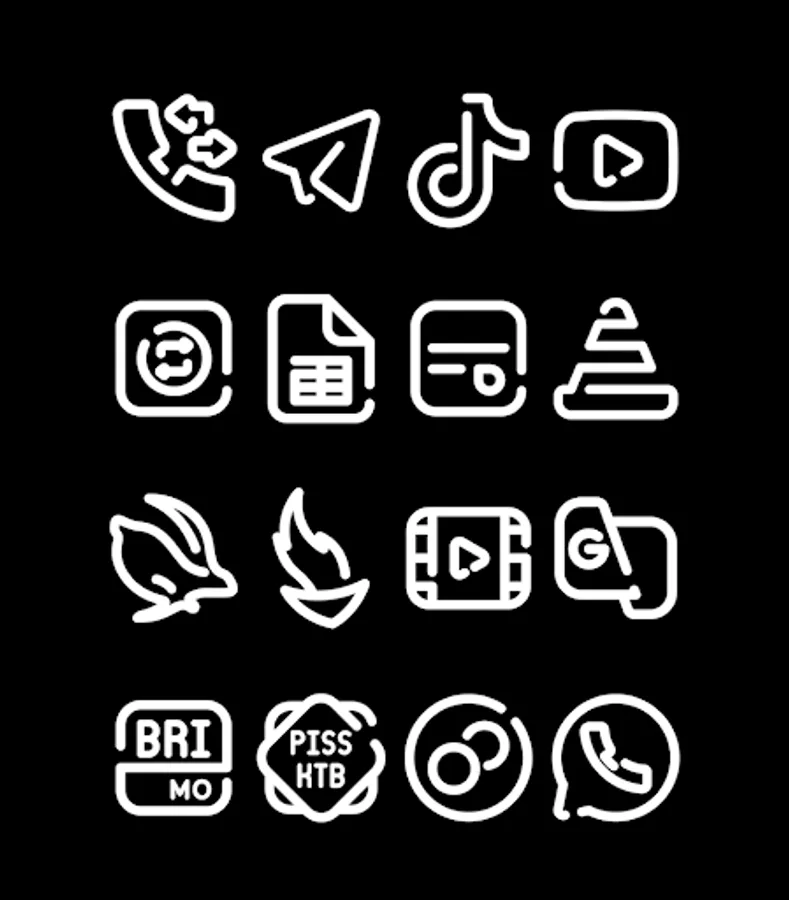
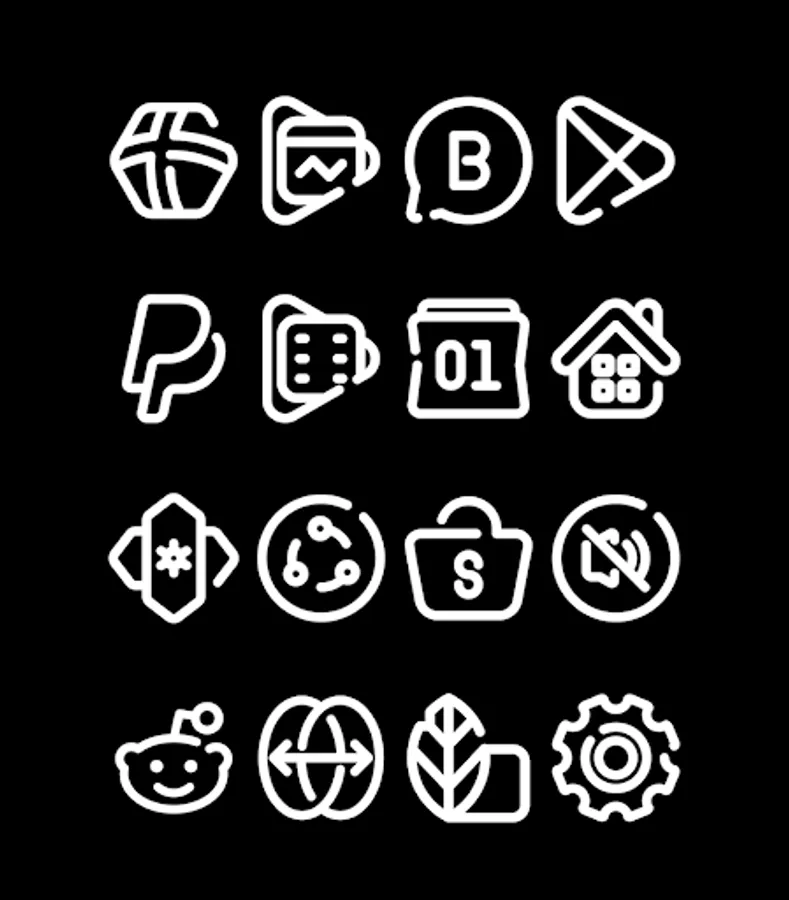
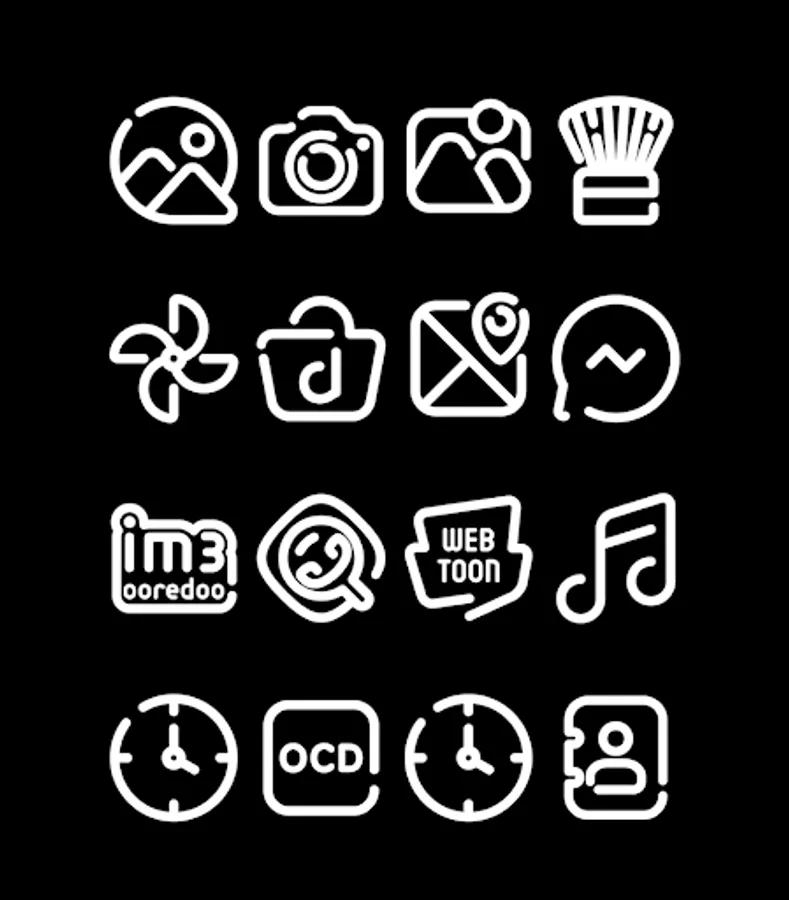
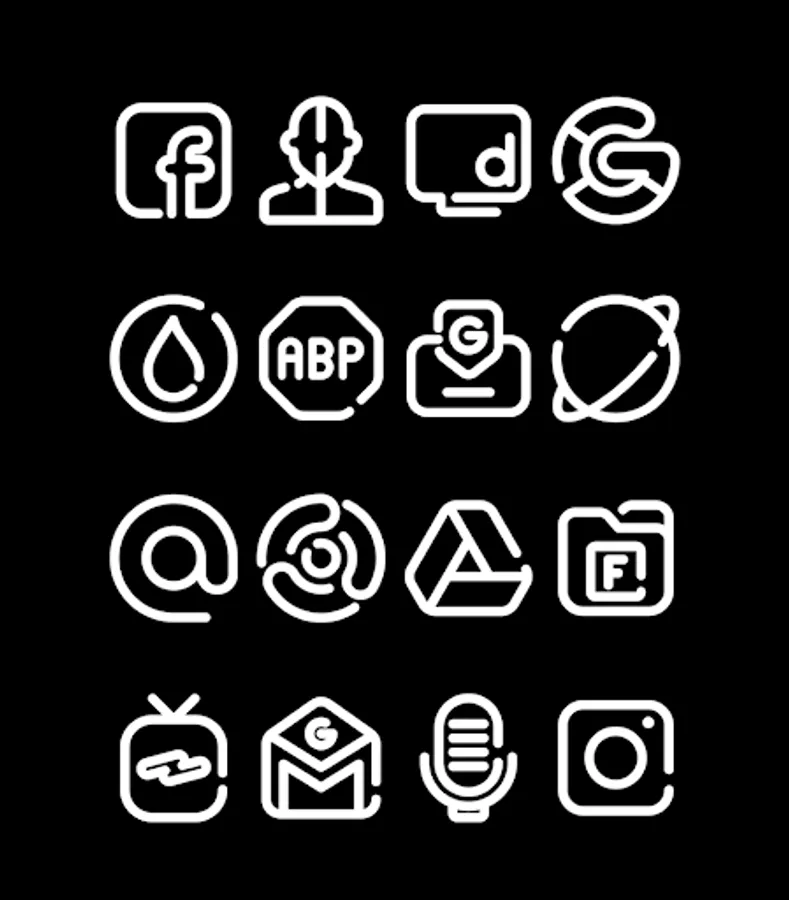
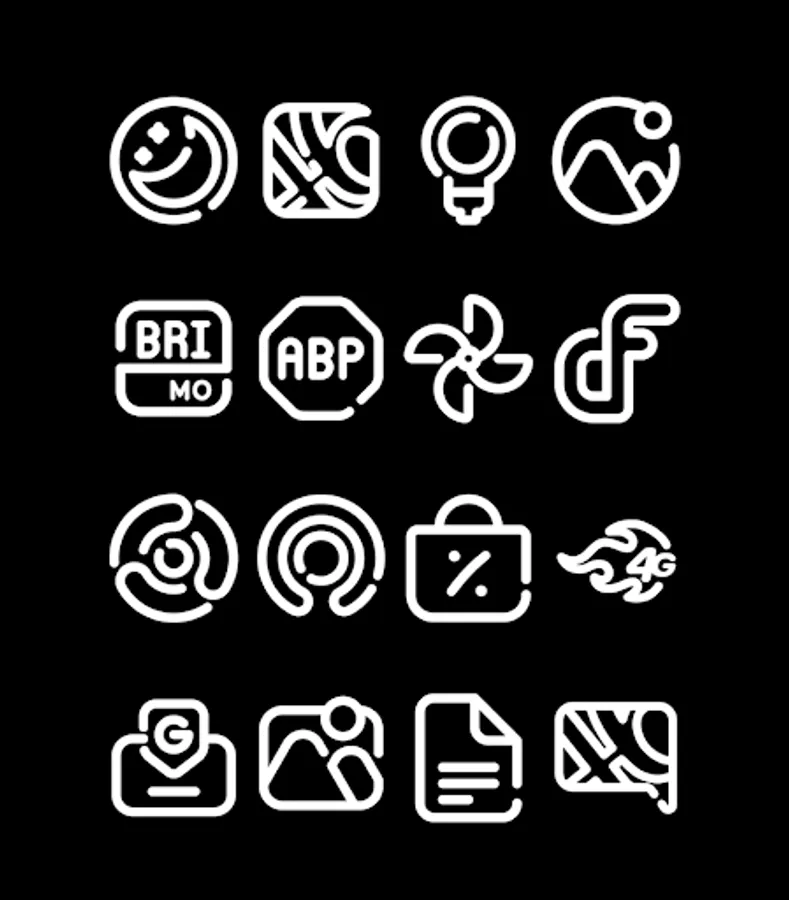
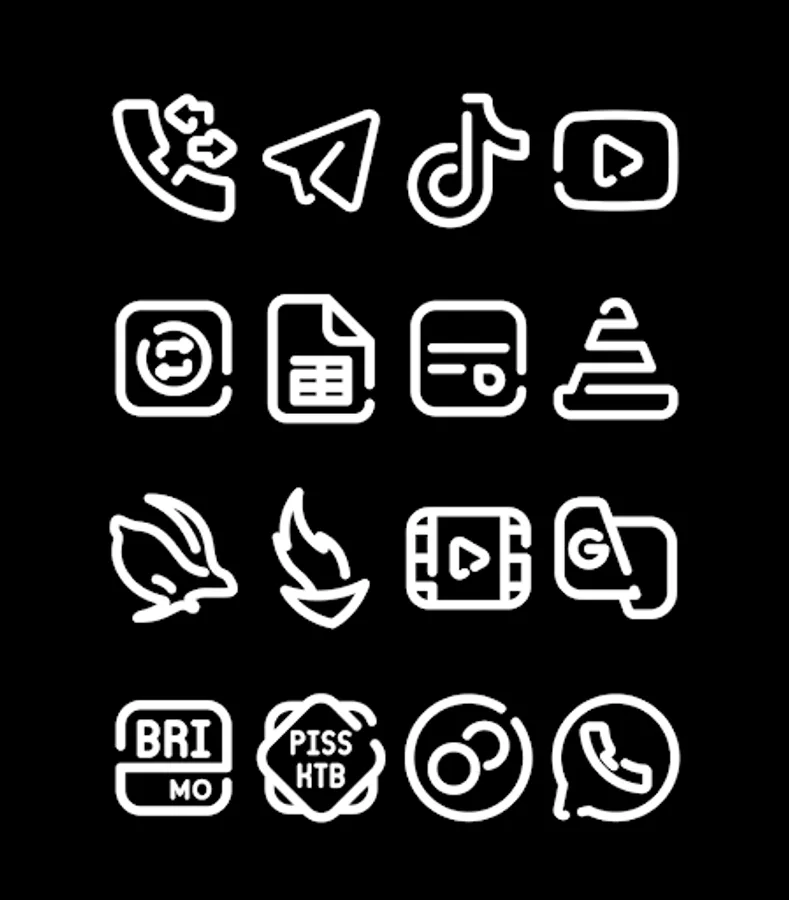
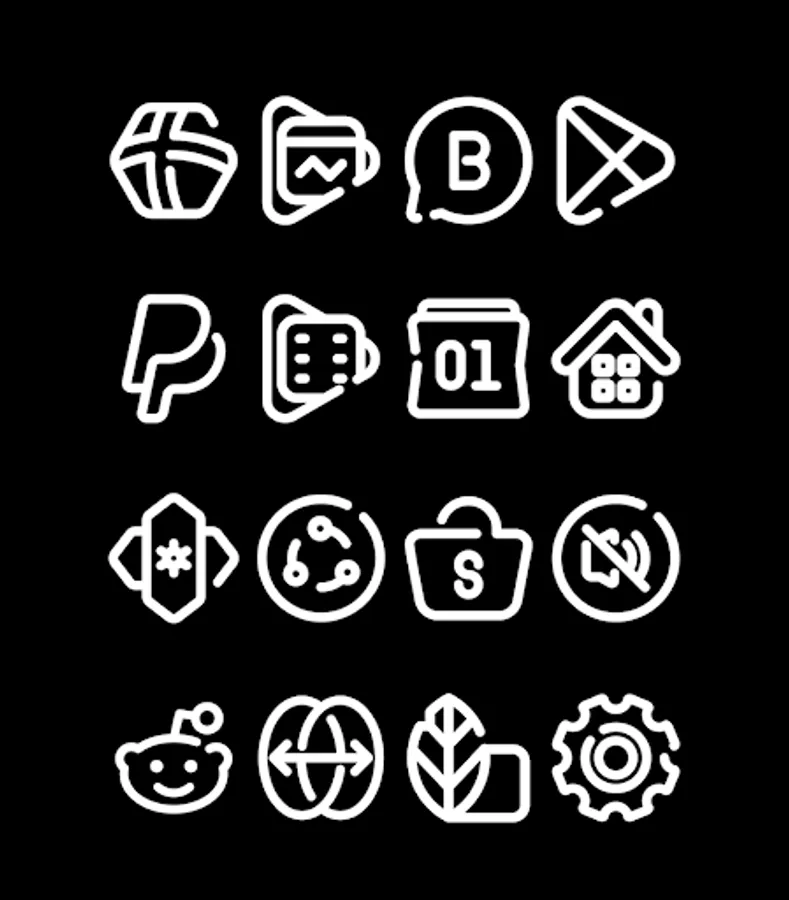
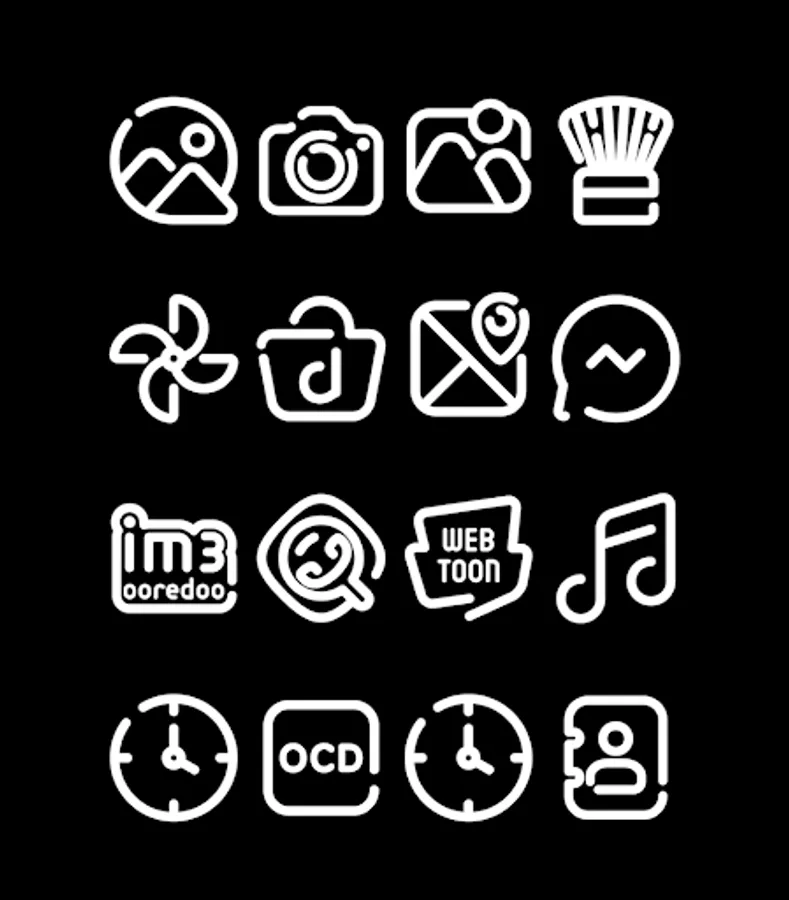
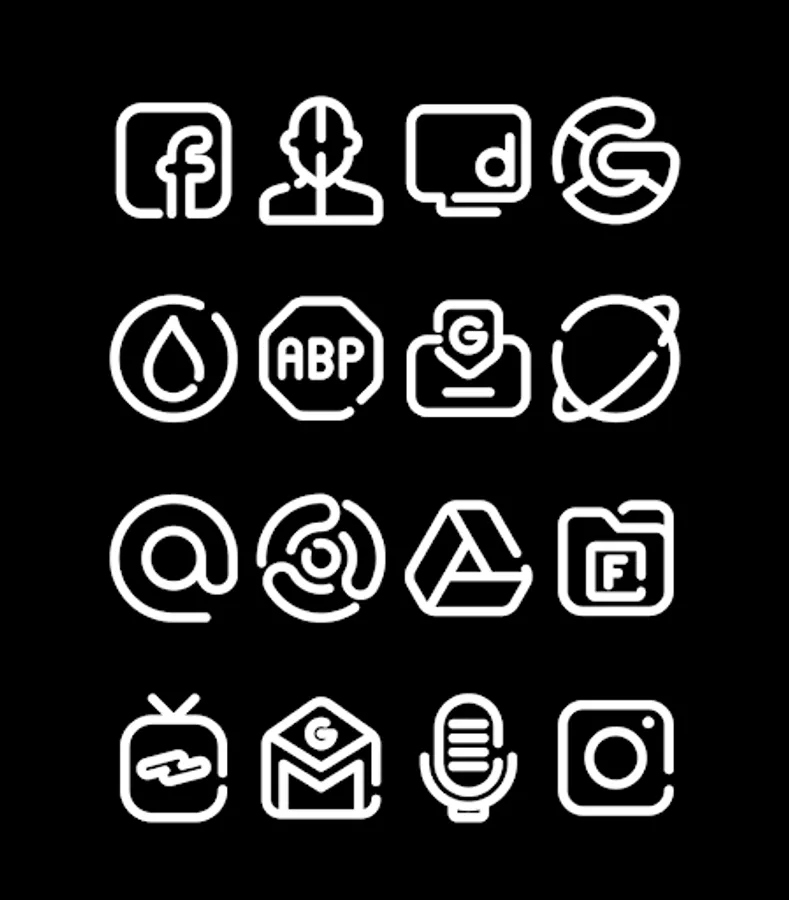
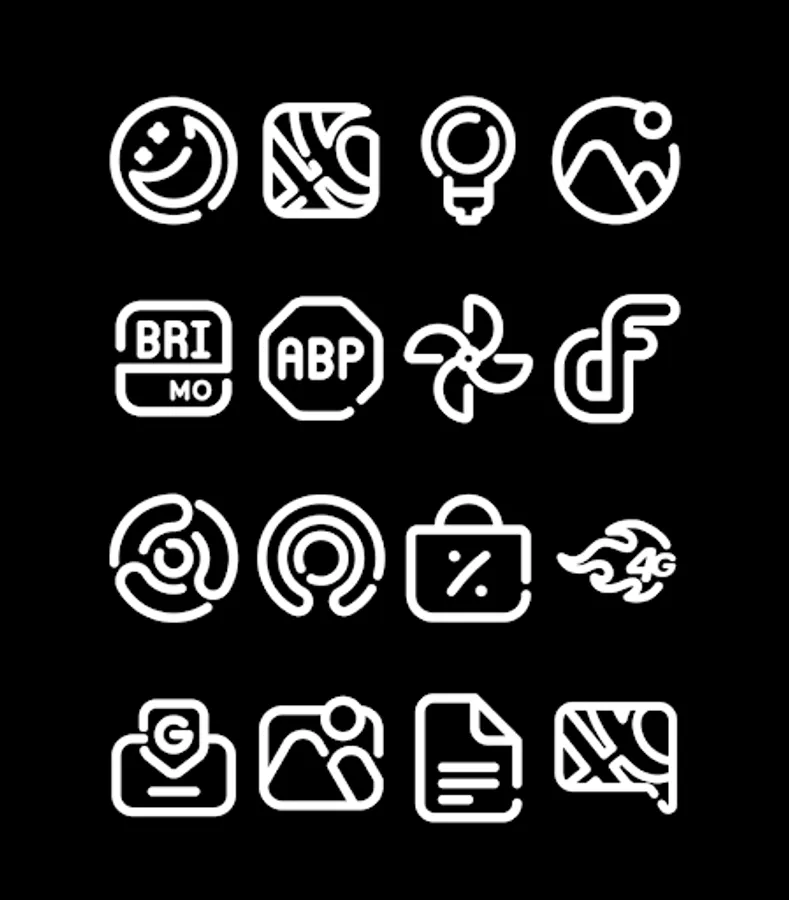
In this icon pack, you can browse and apply a collection of over 3000 icons to customize your device's appearance. Includes support for multiple launchers, HD icon resolution, and regular updates.
AppRecs review analysis
AppRecs rating 4.5. Trustworthiness 71 out of 100. Review manipulation risk 34 out of 100. Based on a review sample analyzed.
★★★★☆
4.5
AppRecs Rating
Ratings breakdown
5 star
100%
4 star
0%
3 star
0%
2 star
0%
1 star
0%
What to know
✓
Credible reviews
71% trustworthiness score from analyzed reviews
✓
High user satisfaction
100% of sampled ratings are 5 stars
✓
Authentic reviews
No red flags detected
About LineBula White - Icon Pack
FEATURES
- 3000+ icons and counting
- HD Icon resolution 256x256px
- Dynamic Calendar
- Support for many launchers
- Regular updates
How to apply Linebula White Icon Pack?
This Linebula White icon pack supports numbers of popular launcher such as nova launcher, evie launcher and many more. Follow these steps to apply
1. Open Linebula White icon pack Pack App
2. Navigate to Apply Icon Pack Screen
3. The app shows a list of launcher that are supported such as nova launcher, evie launcher etc. Select the launcher installed on your phone to apply icons from this icon pack.
4. The app will automatically applies the icons from this icon pack for nova launcher.
Note: If launcher doesn't show while applying from the icon pack. Please try applying from the launcher itself.
Supported Launcher:
Nova Launcher
, Apex Launcher, ADW Launcher, ABC Launcher, Evie Launcher, Next Launcher, Holo Launcher, Lucid Launcher, M Launcher , N Launcher, Arrow Launcher, Action Launcher, Aviate Launcher, KK Launcher, Nine Launcher, Blur Launcher, Trebuchet Launcher, Unicon Launcher, Smart Launcher, Go Launcher(doesn't support icon masking), Zero Launcher(doesn't support icon masking)
DISCLAIMER
You may need a 3rd party launcher to apply the icon pack. If your stock launcher doesn't support icon pack, you can use apps like Awesome Icons or Unicon to change your icons without using a 3rd party launcher.
More Design Information On Google+, Instagram, Twitter.
https://plus.google.com/118122394503523102122
https://www.instagram.com/panoto.gomo/
https://twitter.com/panoto_gomo
special thanks to Dani Mahardika for Candybar Dashboard.
LineBula White - Icon Pack Screenshots
Tap to Rate:
Reviews for LineBula White - Icon Pack
Glyn Sloman
10/19/2024
Can't find how to use these in Microsoft launcher. There's nothing in settings to apply them
Visakh Vikram
10/18/2024
The icon masking does a fantastic job in masking the missing icons so that they don't look out of place with the rest of the icons, hopefully the updates will continue and more icons will be added in rhe future. Also would be nice if you introduce few stock wallpapers that goes with the white icons .