
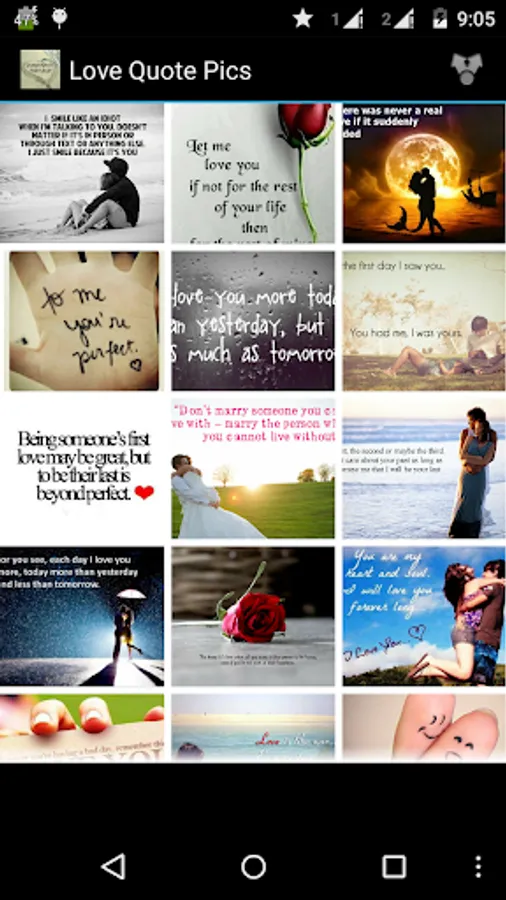
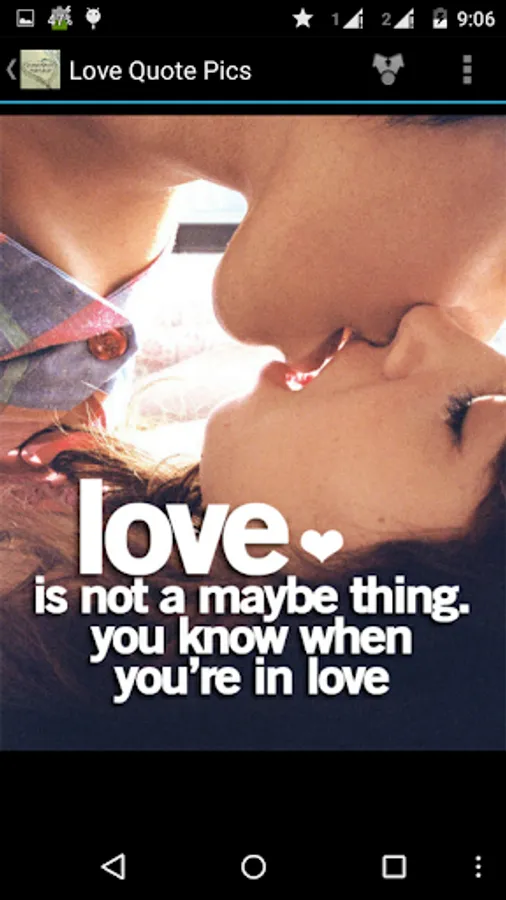
In this app, you can browse, share, and set love quote images as wallpapers. Includes options for social sharing, setting wallpapers, and managing image favorites.
AppRecs review analysis
AppRecs rating 3.3. Trustworthiness 0 out of 100. Review manipulation risk 0 out of 100. Based on a review sample analyzed.
★★★☆☆
3.3
AppRecs Rating
Ratings breakdown
5 star
53%
4 star
0%
3 star
7%
2 star
7%
1 star
34%
What to know
✓
Authentic reviews
No red flags detected
⚠
High negative review ratio
40% of sampled ratings are 1–2 stars
About Love Quotes pics
All lovable syaing in pics format that you can share it with your loved once an express your feelings.
you can also set beautiful images set as wallpaper.
Enjoy the best collection of Love Quote images.
This images you can use as love cards as well.
Features:
- Share Images/Wallpapers through All Share, Google+, Gmail, SMS, Whats App, Skype, Facebook, Twitter, Picassa and other installed social sharing
- Set as wallpaper
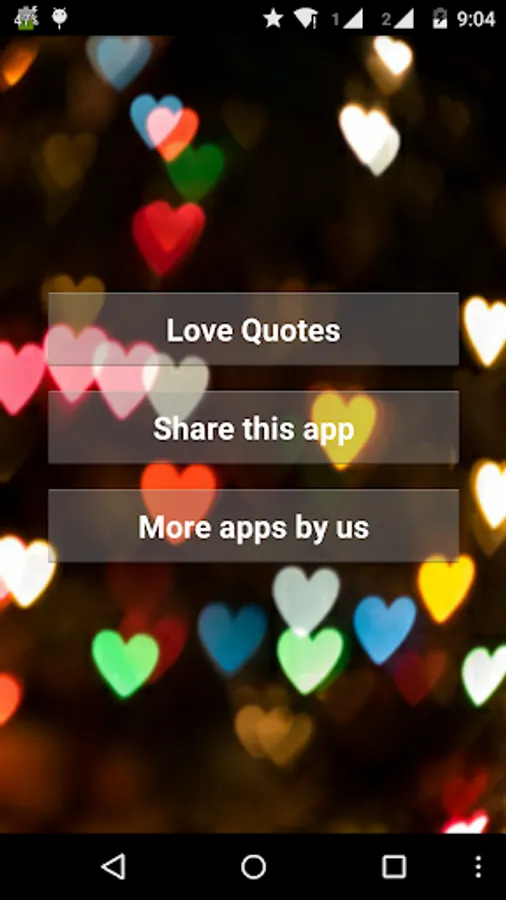
- Share App With Friends.
- Free application
- Post directly on facebook, twitter etc...
- Share by email and sms
- Share by WhatsApp, Line etc ...
How to Use:
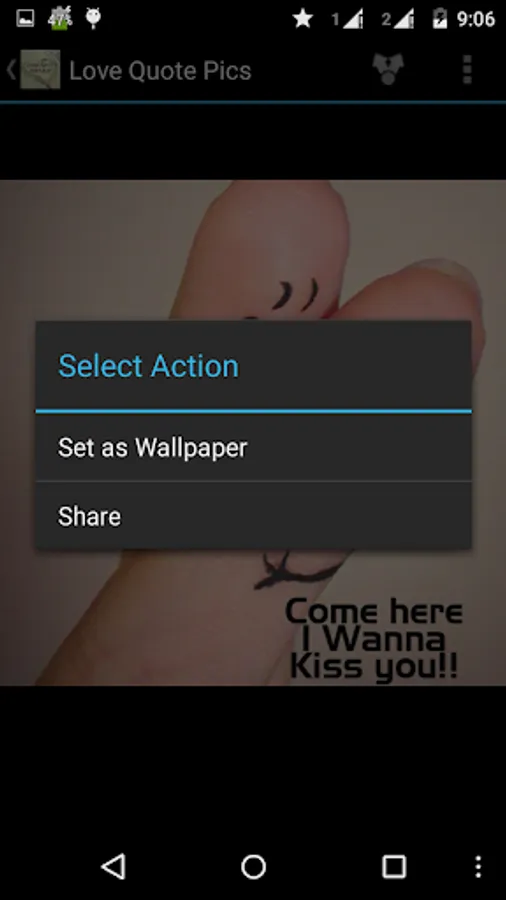
- Long Press on the image details page and you will get option as Set as Wallpaper and Share.
- By selecting Set as Wallpaper option you will be able to set the image as wallpaper for your device.
- Share option will allow you to share the image via all installed social media application installed on your device.
Thank you very much.
Enjoy this application..
Note:
This application contain third party banner and fullscreen advertisement by Admob.
you can also set beautiful images set as wallpaper.
Enjoy the best collection of Love Quote images.
This images you can use as love cards as well.
Features:
- Share Images/Wallpapers through All Share, Google+, Gmail, SMS, Whats App, Skype, Facebook, Twitter, Picassa and other installed social sharing
- Set as wallpaper
- Share App With Friends.
- Free application
- Post directly on facebook, twitter etc...
- Share by email and sms
- Share by WhatsApp, Line etc ...
How to Use:
- Long Press on the image details page and you will get option as Set as Wallpaper and Share.
- By selecting Set as Wallpaper option you will be able to set the image as wallpaper for your device.
- Share option will allow you to share the image via all installed social media application installed on your device.
Thank you very much.
Enjoy this application..
Note:
This application contain third party banner and fullscreen advertisement by Admob.
Love Quotes pics Screenshots




Tap to Rate: