Digital Signature – E Sign
Parity Zone
4.3 ★
149 ratings
50,000+
downloads
Free
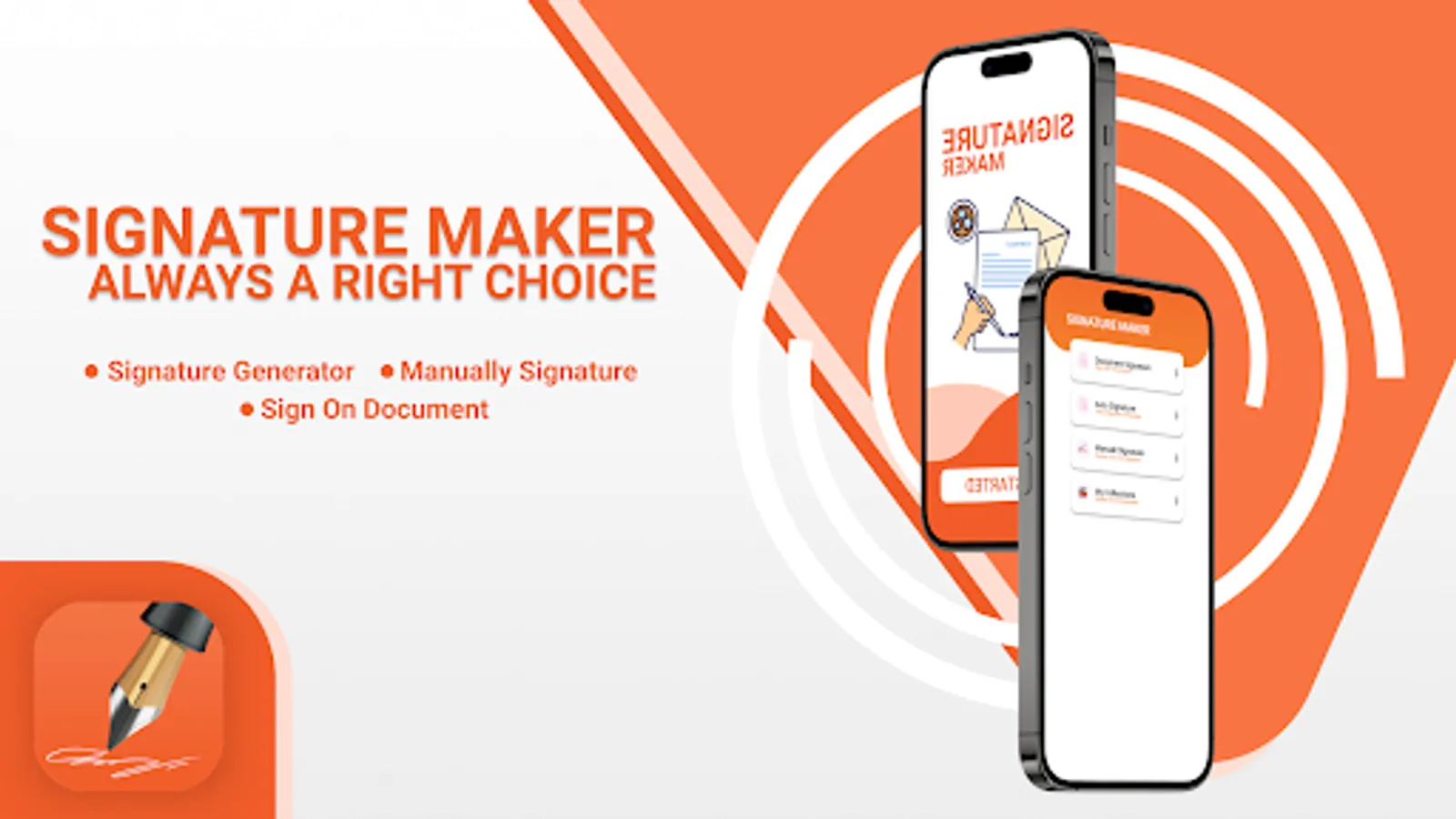
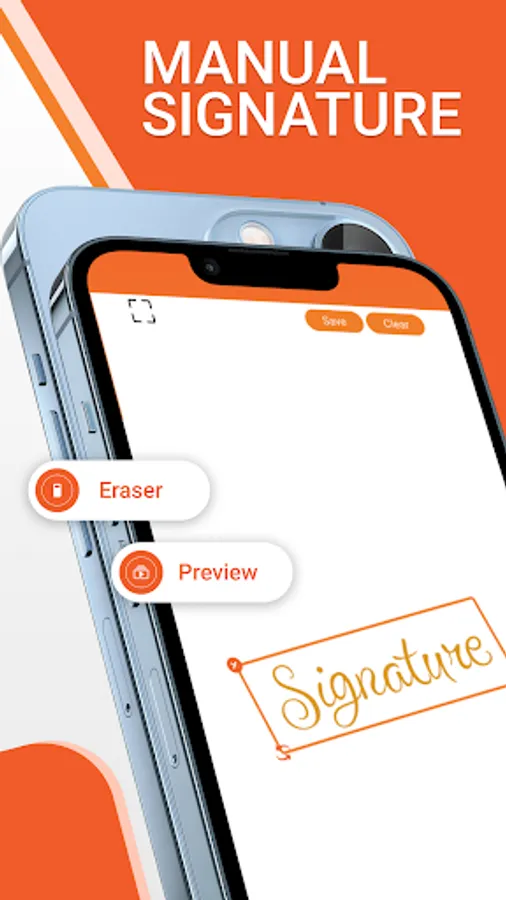
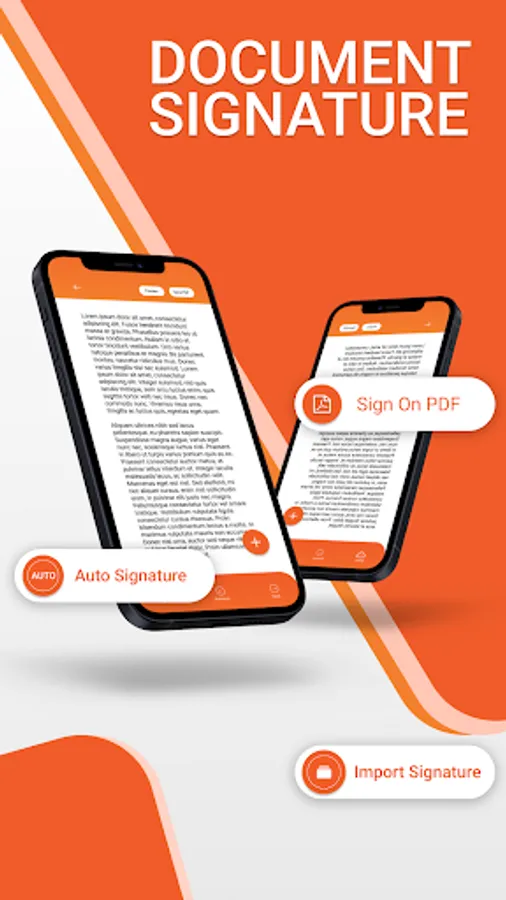
In this digital signature app, you can generate and use electronic signatures on various online documents by drawing, typing, or uploading your signature. Includes features for creating signatures from your name, handwritten input, or camera images.
AppRecs review analysis
AppRecs rating 4.1. Trustworthiness 0 out of 100. Review manipulation risk 0 out of 100. Based on a review sample analyzed.
★★★★☆
4.1
AppRecs Rating
Ratings breakdown
5 star
71%
4 star
10%
3 star
10%
2 star
0%
1 star
10%
What to know
✓
High user satisfaction
81% of sampled ratings are 4+ stars (4.3★ average)
✓
Authentic reviews
Natural distribution, no red flags
⚠
Ad complaints
Many low ratings mention excessive ads
About Digital Signature – E Sign
This digital signature app will produce your digital signature which you can use on any online or digital document. In today’s world, it’s very important to have your digital signature, which is need of time and can be used for any online document.
This digital signature app also called e-signature/electronic signature or online signature app.
There are many uses of this app in today's, world, you can signs any official document, education documents, bank documents, use digital signature at the end of any app .
How to use this app ?
The app can be used in two different ways, you can generate your signature by entering your Name, second you can directly tap into the app and can generate your digital signature directly.
1. User can directly use pen to draw or write his/her signature , further he/she can use this signature on any digital document
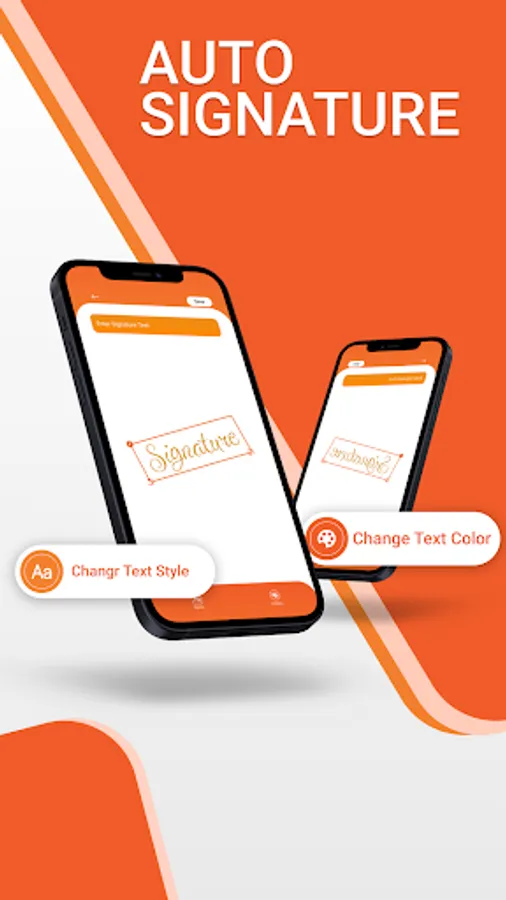
2. You can input your name to the app, and the app will automatically generate multiple signature, where you can choose one of your choice.
3. It have camera, where you can take photo of your signature and can use it as it is. ..
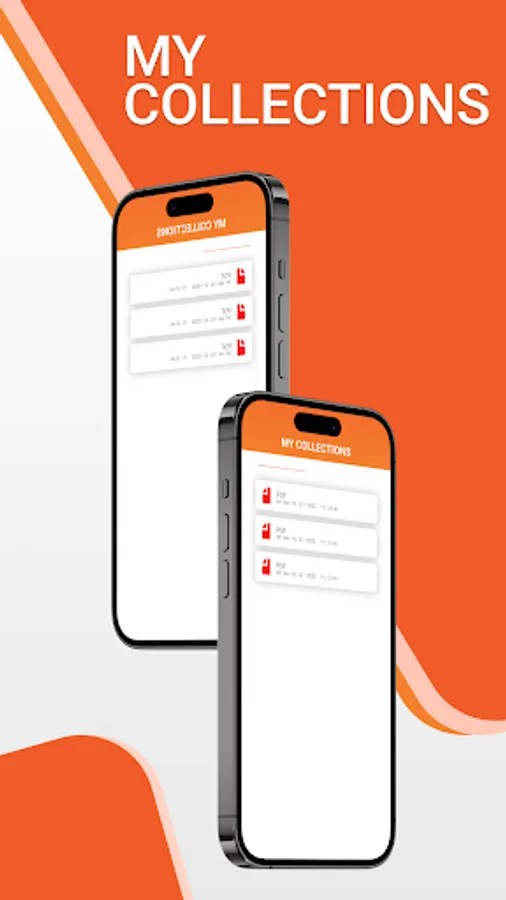
4. You may share, use all of the generated digital signature anywhere on any digital document.
This digital signature app also called e-signature/electronic signature or online signature app.
There are many uses of this app in today's, world, you can signs any official document, education documents, bank documents, use digital signature at the end of any app .
How to use this app ?
The app can be used in two different ways, you can generate your signature by entering your Name, second you can directly tap into the app and can generate your digital signature directly.
1. User can directly use pen to draw or write his/her signature , further he/she can use this signature on any digital document
2. You can input your name to the app, and the app will automatically generate multiple signature, where you can choose one of your choice.
3. It have camera, where you can take photo of your signature and can use it as it is. ..
4. You may share, use all of the generated digital signature anywhere on any digital document.
Digital Signature – E Sign Screenshots
Tap to Rate:
Reviews for Digital Signature – E Sign
Chisuwo Mwiinga
3/30/2025
cool
Siva P
2/20/2024
Waste