With this note-taking app, you can create, view, and organize urgent notes easily. It supports backups to SD Card and Google Drive and offers restore options. Includes backup and restore features, easy-to-use interface, and lightweight design.
AppRecs review analysis
AppRecs rating 4.5. Trustworthiness 0 out of 100. Review manipulation risk 0 out of 100. Based on a review sample analyzed.
★★★★☆
4.5
AppRecs Rating
Ratings breakdown
5 star
96%
4 star
0%
3 star
0%
2 star
4%
1 star
0%
What to know
✓
High user satisfaction
96% of sampled ratings are 5 stars
✓
Authentic reviews
No red flags detected
About Notes
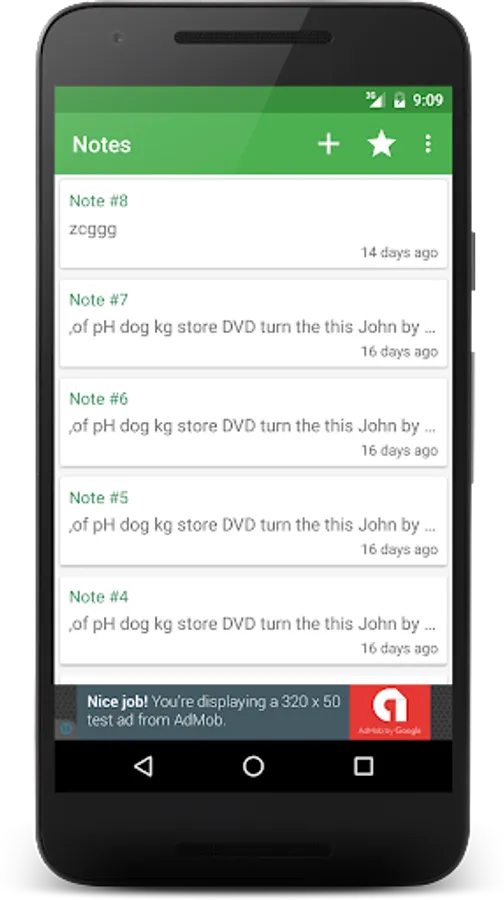
A light-weight application to store all the necessary and urgent notes.
Features:
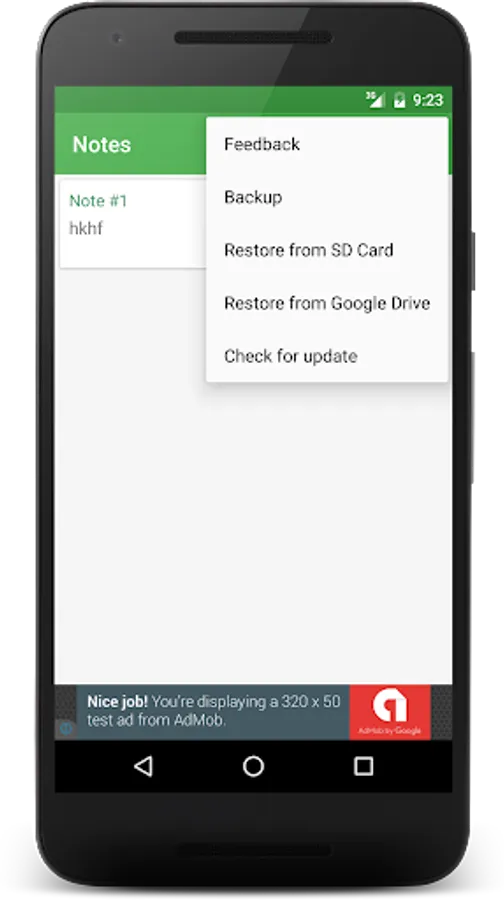
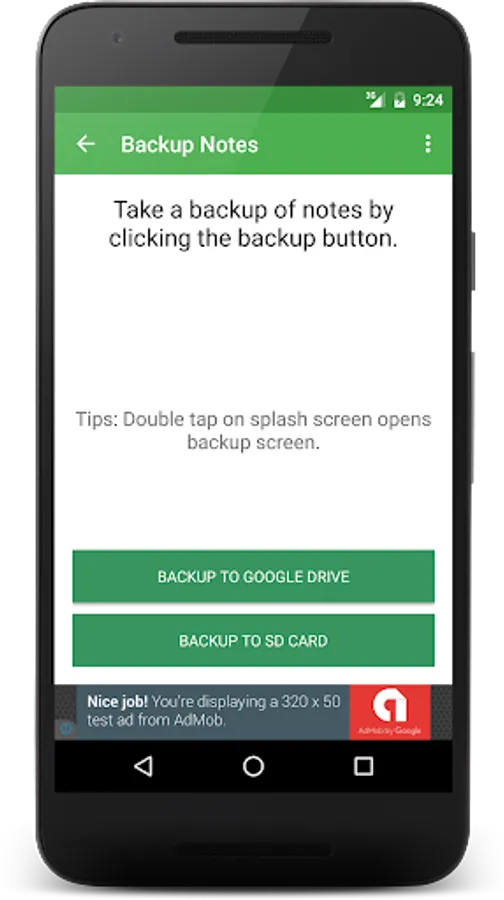
- Backup to SD Card and Google Drive
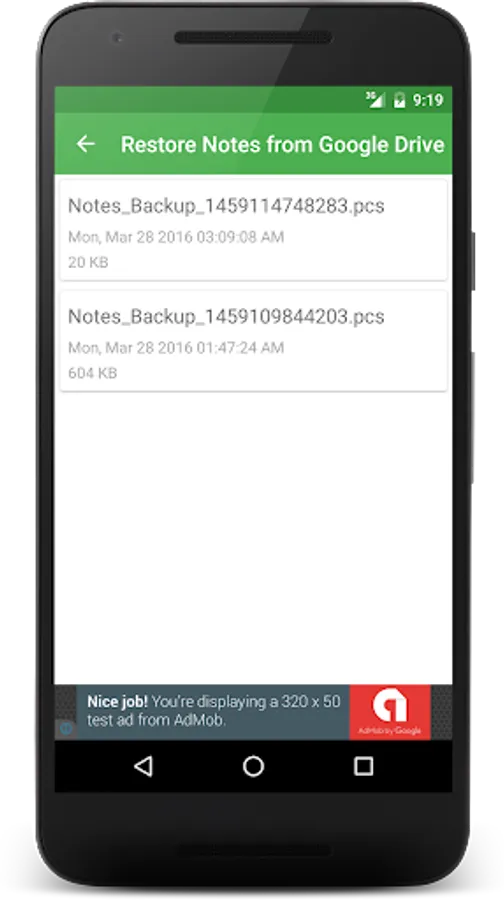
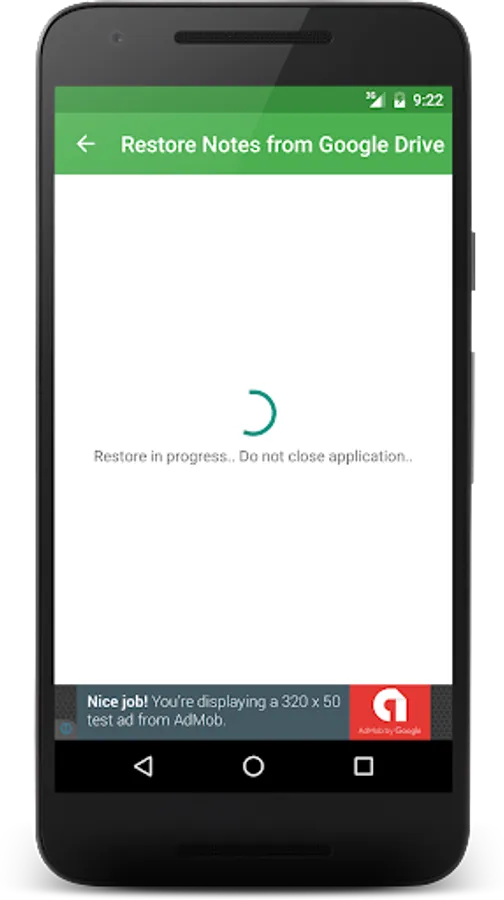
- Restore from backup on SD Card and Google Drive
- Light-weight application
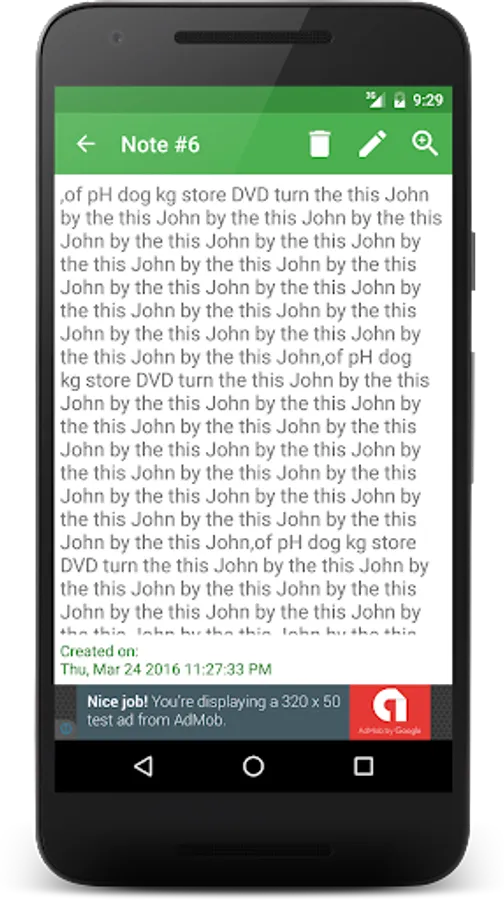
- View note creation
- Easy to use
If you experience any problem like app is not opening after splash (which must not happen), in that case,
- Double tap the splash screen to open Backup. Create backup of notes (prefer "Backup to Google Drive" option)
- Open application manager
- Choose Notes from list
- Clear data
- Launch Notes
- From option menu choose restore option based on the backup created in first step.
Features:
- Backup to SD Card and Google Drive
- Restore from backup on SD Card and Google Drive
- Light-weight application
- View note creation
- Easy to use
If you experience any problem like app is not opening after splash (which must not happen), in that case,
- Double tap the splash screen to open Backup. Create backup of notes (prefer "Backup to Google Drive" option)
- Open application manager
- Choose Notes from list
- Clear data
- Launch Notes
- From option menu choose restore option based on the backup created in first step.
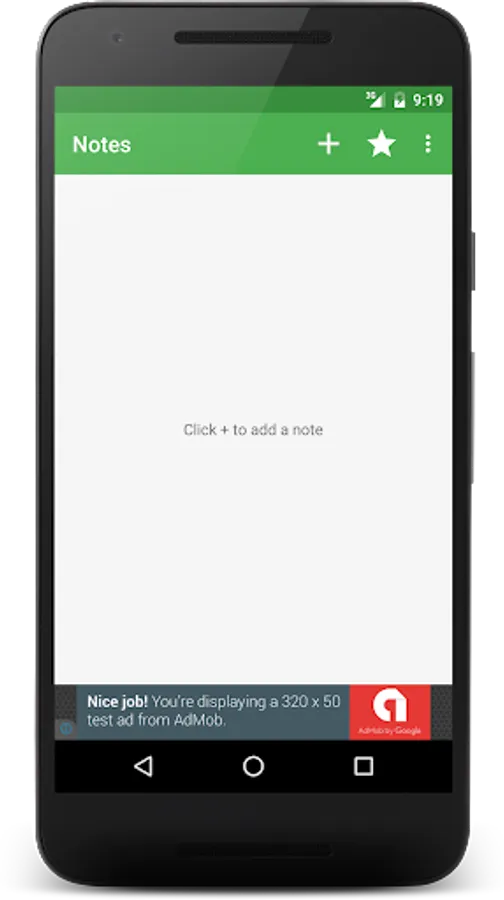
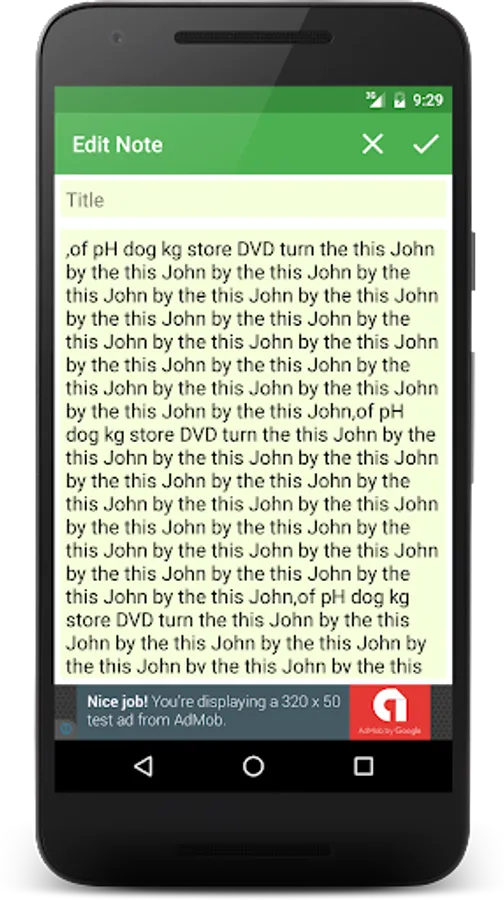
Notes Screenshots
Tap to Rate: