
With this app, you can create buttons to send SSH commands to Linux hosts from your Android device, customizing labels and connection details. Includes options for specifying commands, connection credentials, and SSH port.
AppRecs review analysis
AppRecs rating 4.3. Trustworthiness 81 out of 100. Review manipulation risk 21 out of 100. Based on a review sample analyzed.
★★★★☆
4.3
AppRecs Rating
Ratings breakdown
5 star
64%
4 star
21%
3 star
0%
2 star
2%
1 star
14%
What to know
✓
Low review manipulation risk
21% review manipulation risk
✓
Credible reviews
81% trustworthiness score from analyzed reviews
✓
High user satisfaction
85% of sampled ratings are 4+ stars (4.2★ average)
About SSH button
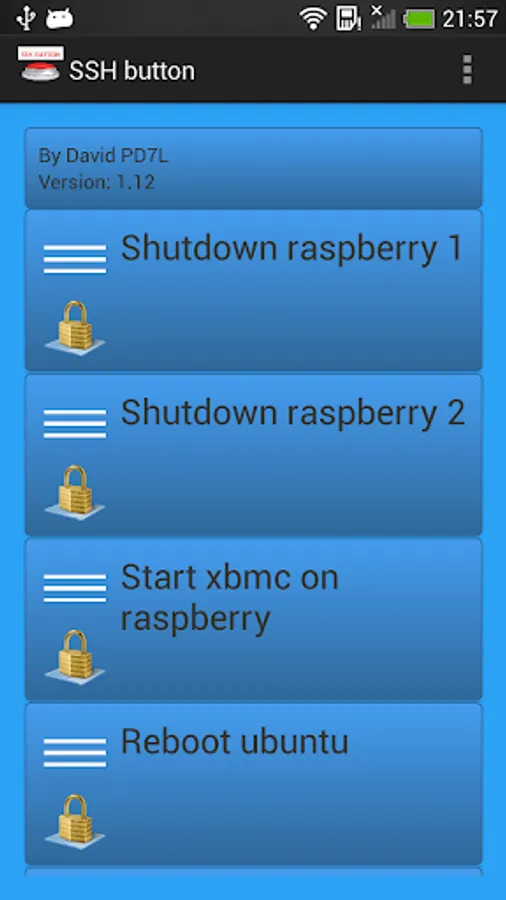
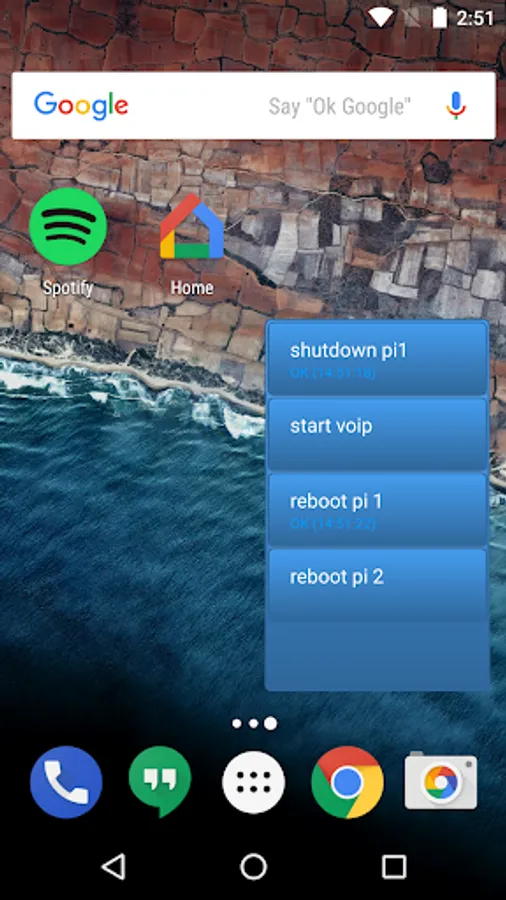
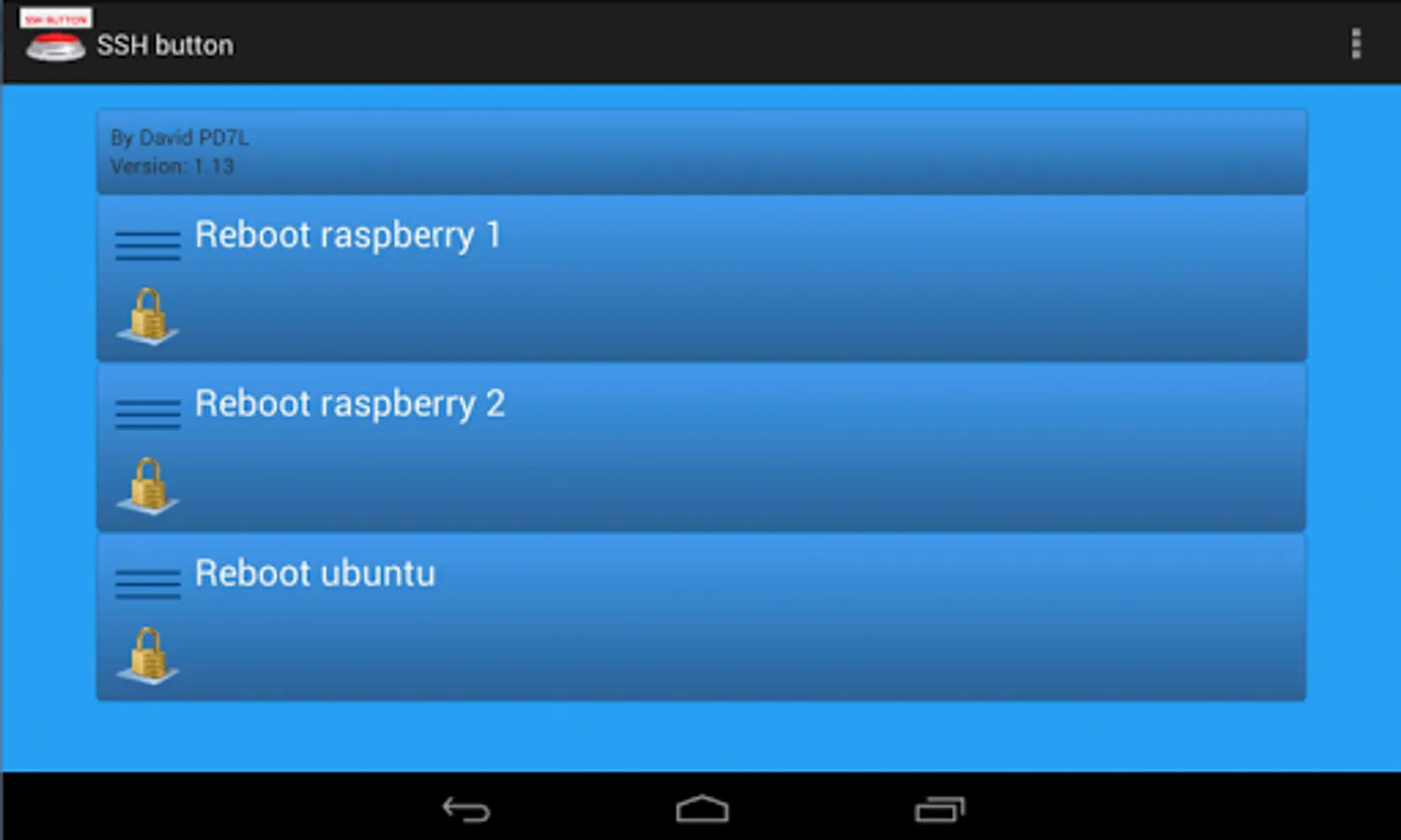
Simply create a new button and add the command you want to sent to the linux device.
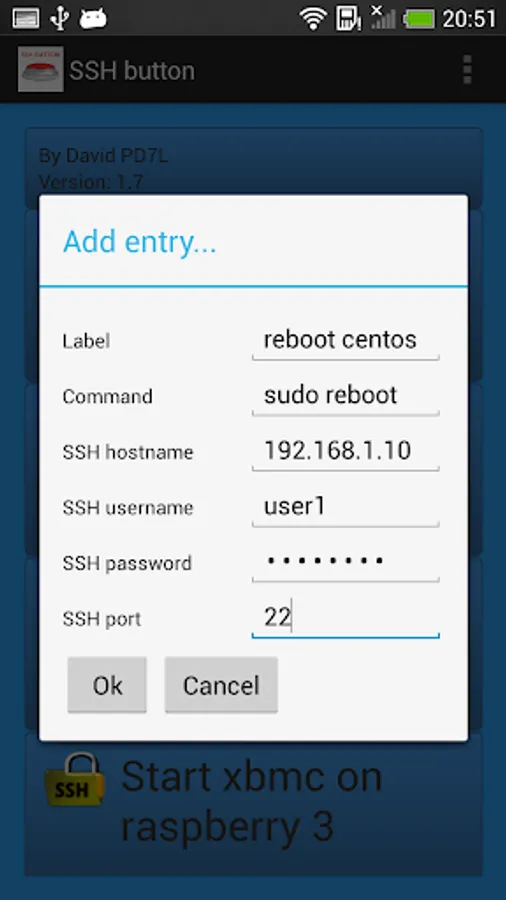
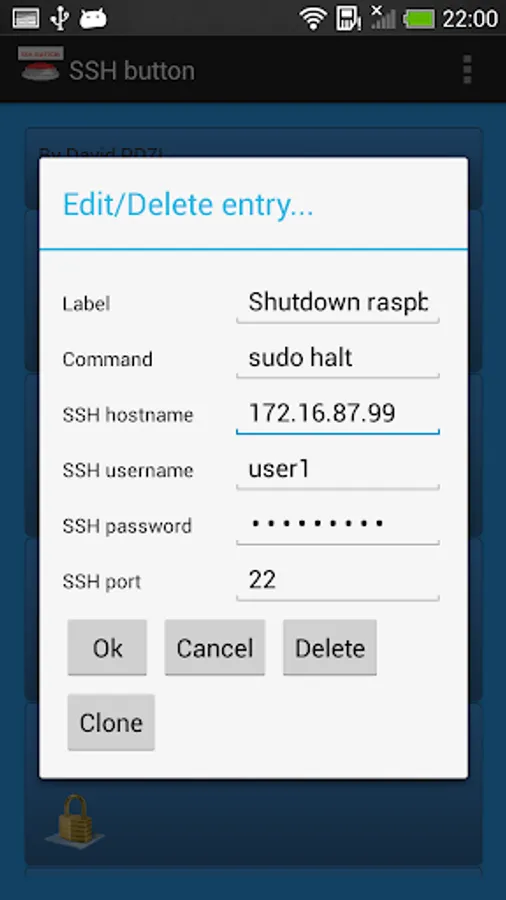
You can specify per button:
- Label ( e.g. reboot raspberry or start application )
- Command to sent ( e.g. sudo reboot or sudo service httpd restart)
- ip adres or hostname
- username
- password
- Private key ( optional )
- ssh port
Keep in mind that you only use Linux/Unix commands that return immediately!!
SSH button Screenshots
Tap to Rate:
Reviews for SSH button
Katie Nelson
12/12/2025
I love the app!! It does what I need to disable or arm my home security setup. It would be nice if it had an interface overhaul so it could use different themes. All I really need is two big round buttons on my scrren that are green and red for arm and disarm.
Jan Dolinár
5/4/2025
Great app, exactly what I was looking for. Simple, small and working.