AppRecs review analysis
AppRecs rating 4.5. Trustworthiness 62 out of 100. Review manipulation risk 31 out of 100. Based on a review sample analyzed.
★★★★☆
4.5
AppRecs Rating
Ratings breakdown
5 star
100%
4 star
0%
3 star
0%
2 star
0%
1 star
0%
What to know
✓
High user satisfaction
100% of sampled ratings are 5 stars
About PDF Compressor
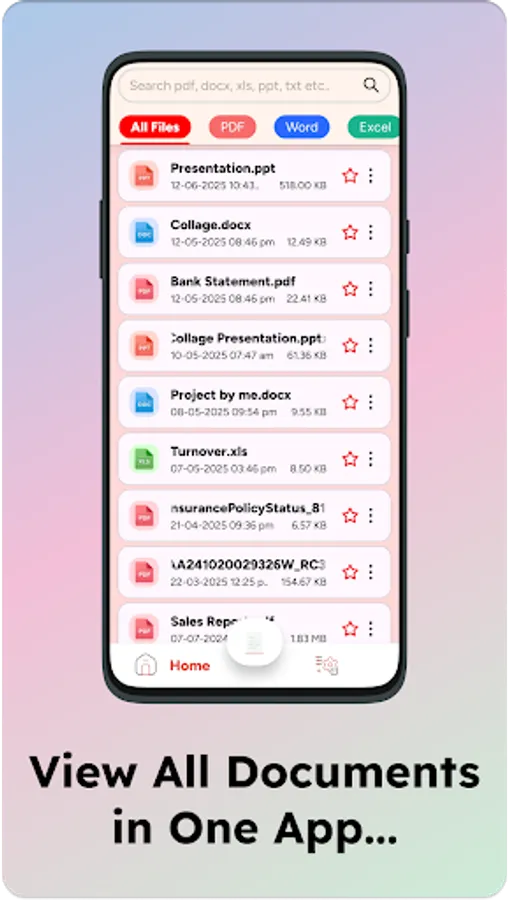
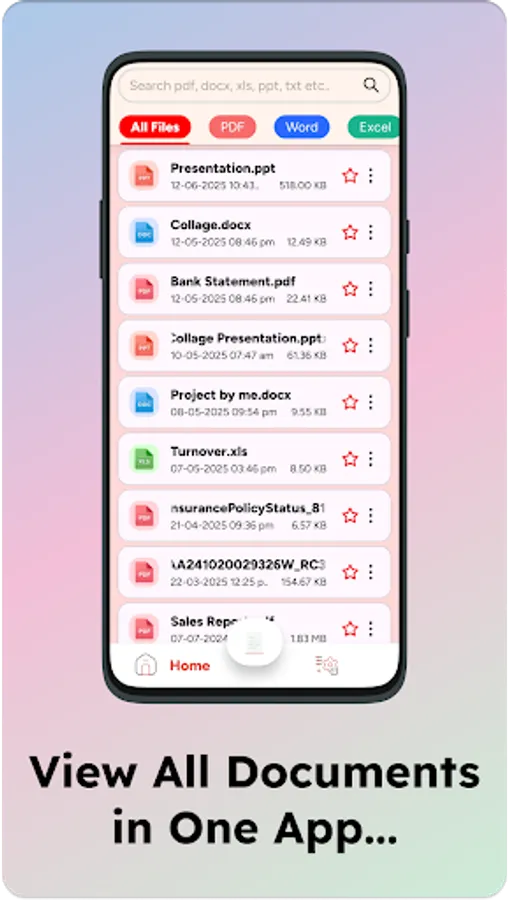
📄 PDF Edit, Scan & Compress – All-in-One PDF Toolkit for Your Mobile! 📱
Looking for a fast, secure and easy-to-use PDF tool? Meet PDF Edit, Scan & Compress, the ultimate PDF utility app that empowers you to scan documents, edit PDF files, merge, split, compress and manage PDFs – all from your smartphone. 💼
Whether you're a student, professional or business owner, this app is designed to make your digital document workflow easier, faster and smarter.
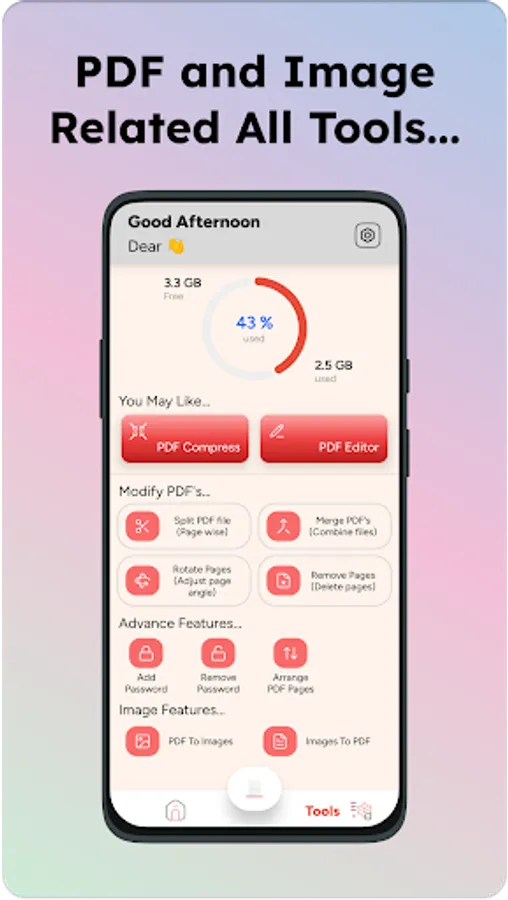
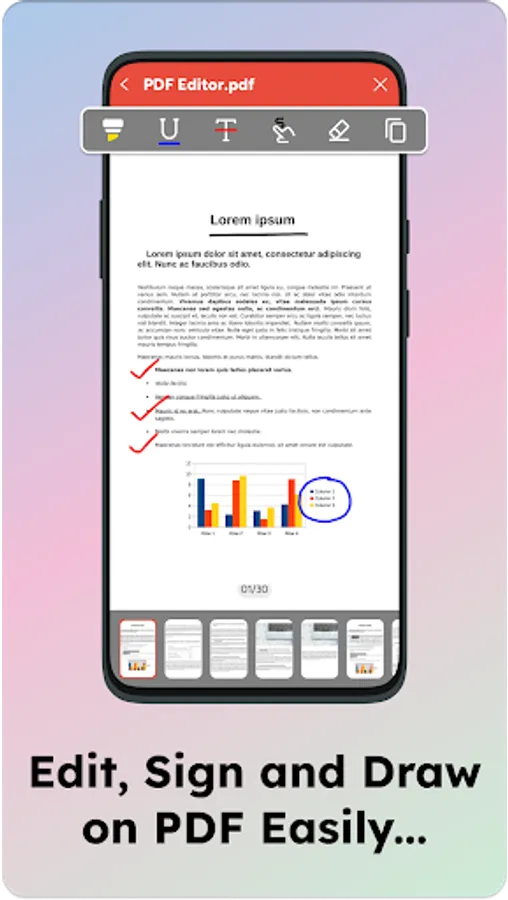
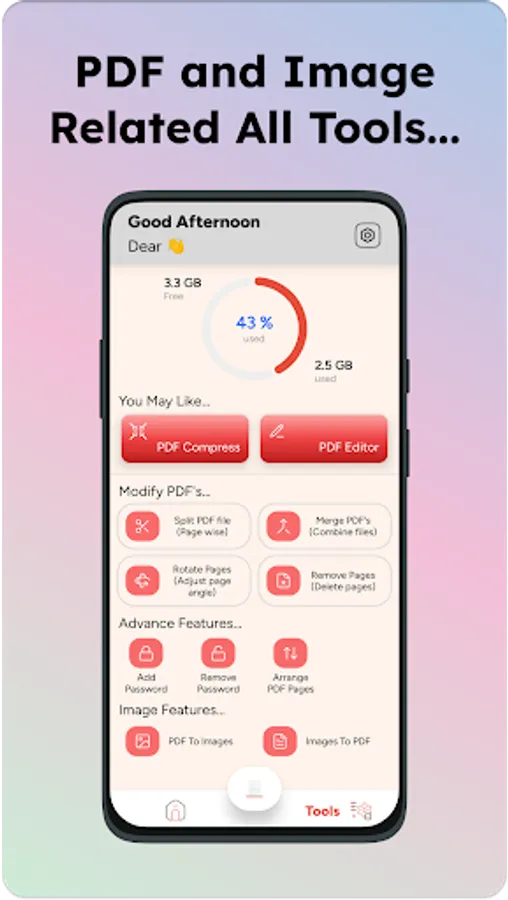
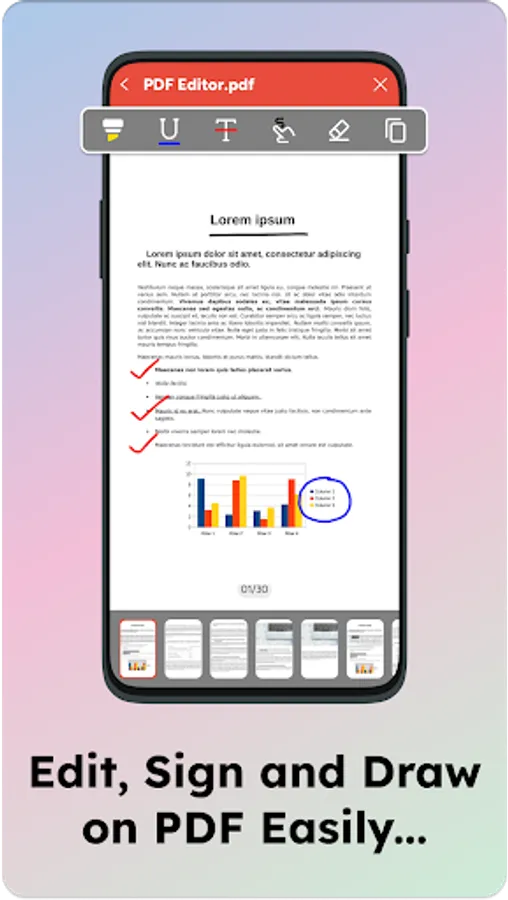
🔧 PDF Editor
• Edit PDF text & images seamlessly
• Add or remove pages
• Annotate, highlight, underline and strike-through text
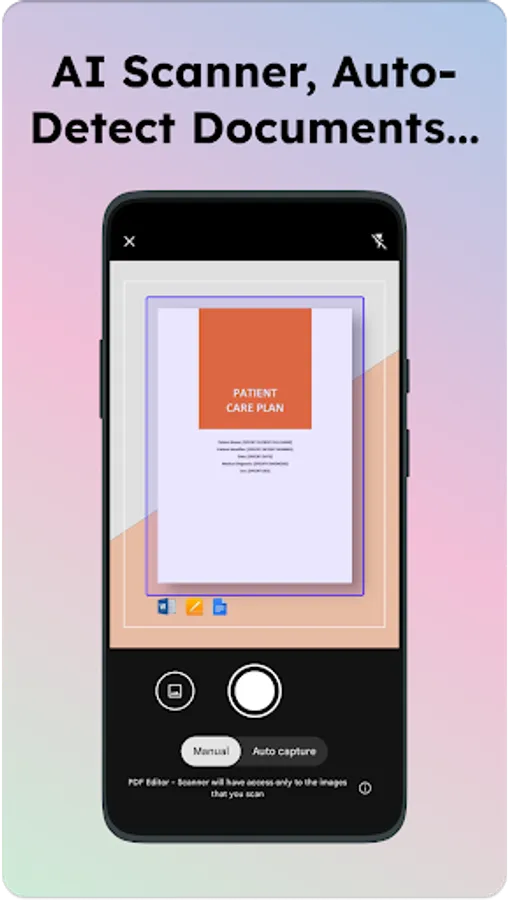
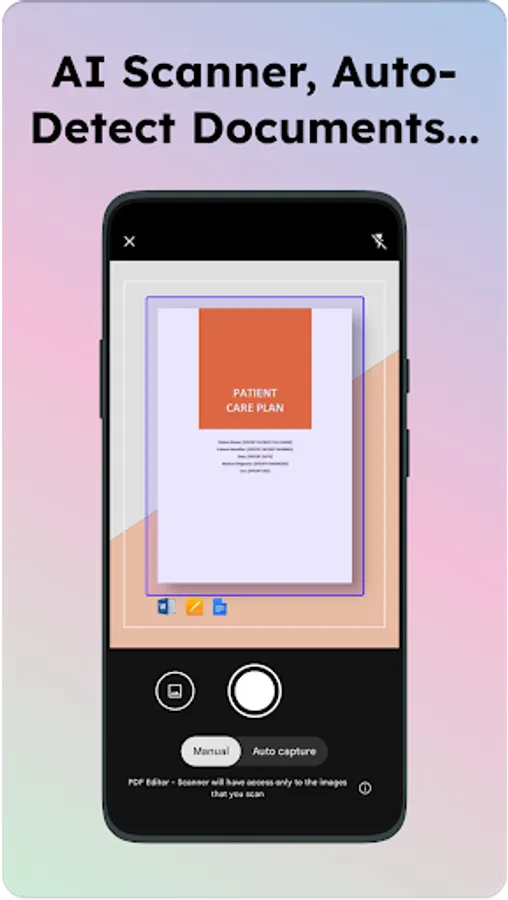
📸 PDF Scanner
• Use your phone camera to scan any document
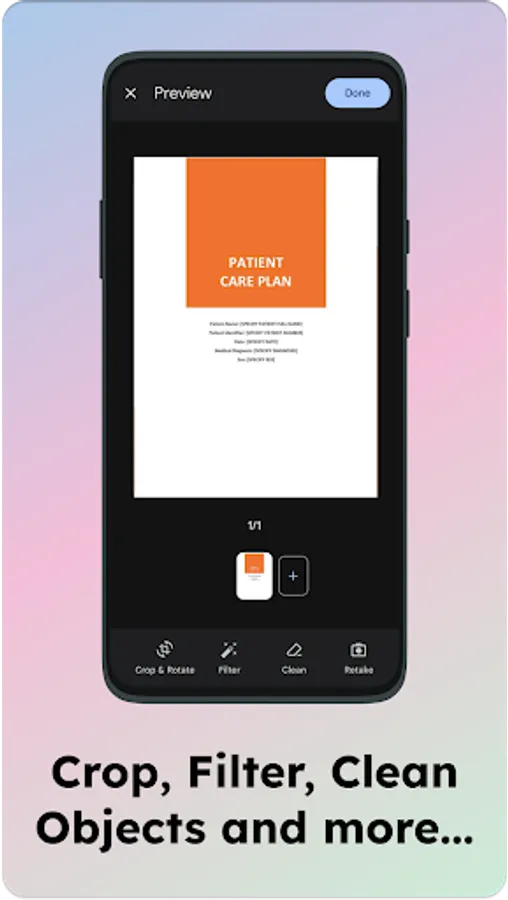
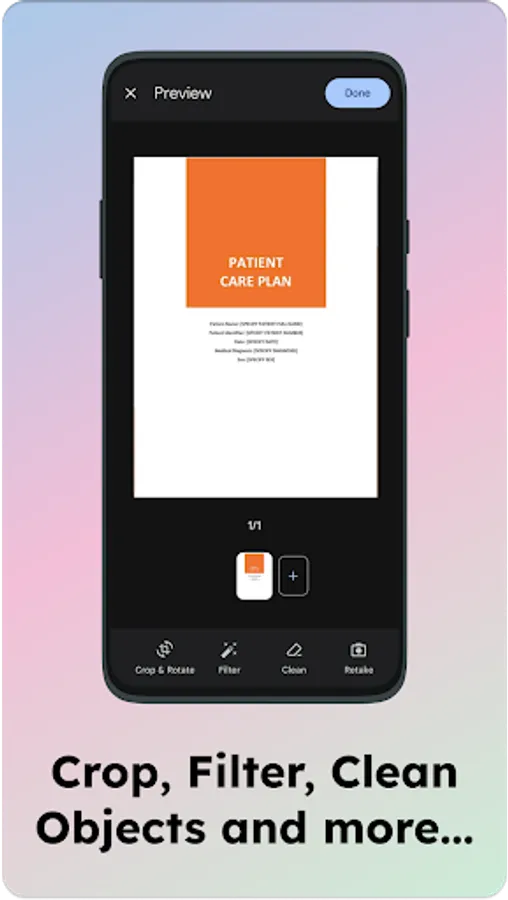
• Auto-detect document edges for perfect cropping
• Convert images to high-quality PDFs
• Save as grayscale, black & white or color PDF
📦 PDF Compressor
• Compress PDF files without losing quality
• Choose from multiple compression levels
• Reduce file size for easy sharing via email or messaging
🧩 Merge & Split PDF
• Merge multiple PDF files into one
• Split large PDFs into smaller, more manageable files
• Rearrange or delete specific pages
🖊️ PDF Signature Tool
• Add handwritten signatures
• Sign directly on-screen using touch
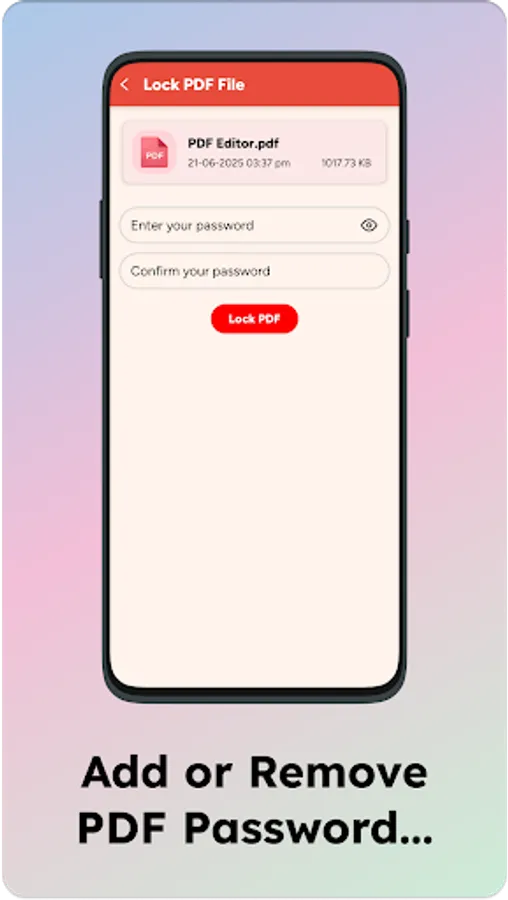
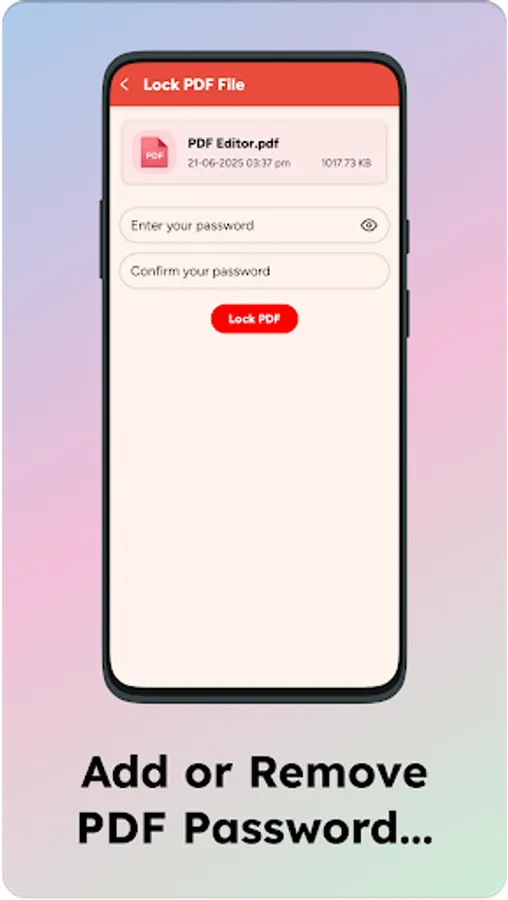
🔐 Secure & Private
• No data is shared to anyone
• 100% offline mode – no internet required for core features
• Your files stay on your device unless you choose to share them
• We respect your privacy and comply with Google Play’s Data Safety policies
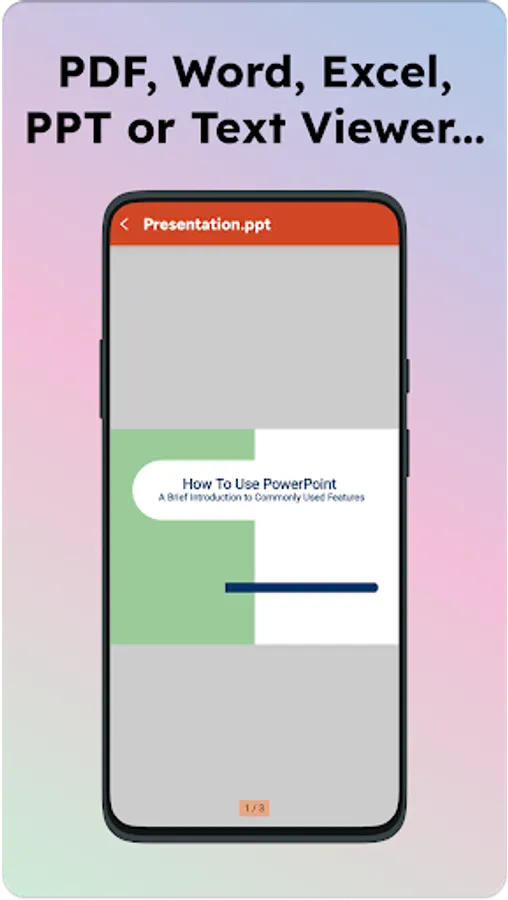
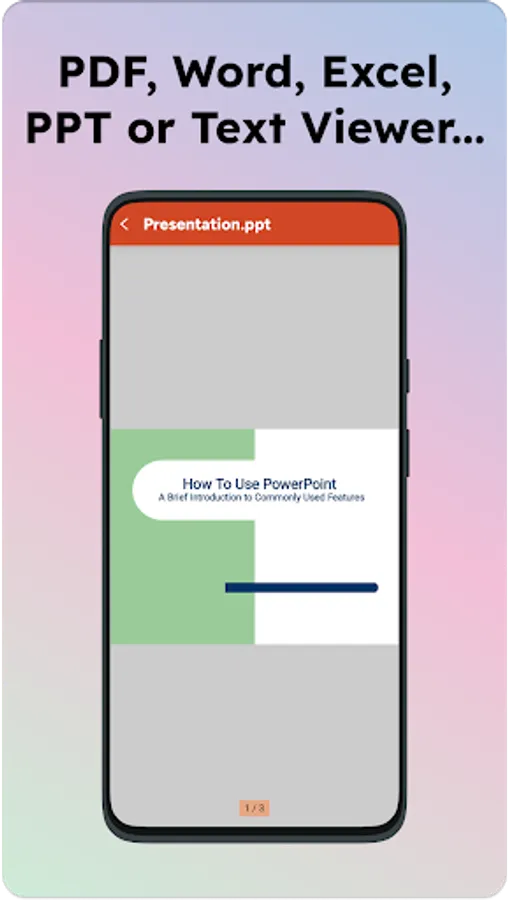
🌐 Convert Files Easily
• Convert images (JPG, PNG) to PDF
• OCR (Optical Character Recognition) support to extract text from PDFs
✅ Fast & Lightweight – Designed to work smoothly on all Android devices
✅ Intuitive Interface – Simple layout for easy navigation
✅ Regular Updates – Continuous improvements and new features
✅ No Watermark – Enjoy clean PDF exports
• Everyone – Manage your PDFs smarter, anytime, anywhere
• Students – Scan notes, annotate PDFs and manage assignments
• Business Professionals – Sign contracts, compress reports, send documents on the go
• Legal Experts – Securely handle and edit legal PDFs
📥 Download PDF Edit, Scan & Compress today and take full control of your documents – anytime, anywhere!
📌 Simplify Your Document Life – With Just One App!
Looking for a fast, secure and easy-to-use PDF tool? Meet PDF Edit, Scan & Compress, the ultimate PDF utility app that empowers you to scan documents, edit PDF files, merge, split, compress and manage PDFs – all from your smartphone. 💼
Whether you're a student, professional or business owner, this app is designed to make your digital document workflow easier, faster and smarter.
🛠️ Key Features:
🔧 PDF Editor
• Edit PDF text & images seamlessly
• Add or remove pages
• Annotate, highlight, underline and strike-through text
📸 PDF Scanner
• Use your phone camera to scan any document
• Auto-detect document edges for perfect cropping
• Convert images to high-quality PDFs
• Save as grayscale, black & white or color PDF
📦 PDF Compressor
• Compress PDF files without losing quality
• Choose from multiple compression levels
• Reduce file size for easy sharing via email or messaging
🧩 Merge & Split PDF
• Merge multiple PDF files into one
• Split large PDFs into smaller, more manageable files
• Rearrange or delete specific pages
🖊️ PDF Signature Tool
• Add handwritten signatures
• Sign directly on-screen using touch
🔐 Secure & Private
• No data is shared to anyone
• 100% offline mode – no internet required for core features
• Your files stay on your device unless you choose to share them
• We respect your privacy and comply with Google Play’s Data Safety policies
🌐 Convert Files Easily
• Convert images (JPG, PNG) to PDF
• OCR (Optical Character Recognition) support to extract text from PDFs
🚀 Why Choose Us?
✅ Fast & Lightweight – Designed to work smoothly on all Android devices
✅ Intuitive Interface – Simple layout for easy navigation
✅ Regular Updates – Continuous improvements and new features
✅ No Watermark – Enjoy clean PDF exports
📚 Ideal For:
• Everyone – Manage your PDFs smarter, anytime, anywhere
• Students – Scan notes, annotate PDFs and manage assignments
• Business Professionals – Sign contracts, compress reports, send documents on the go
• Legal Experts – Securely handle and edit legal PDFs
📥 Download PDF Edit, Scan & Compress today and take full control of your documents – anytime, anywhere!
📌 Simplify Your Document Life – With Just One App!