PDFgear: PDF Editor & Reader
PDF GEAR TECH PTE. LTD.
4.7 ★
store rating
1,000,000+
downloads
Free
AppRecs review analysis
AppRecs rating 3.7. Trustworthiness 68 out of 100. Review manipulation risk 29 out of 100. Based on a review sample analyzed.
★★★☆☆
3.7
AppRecs Rating
Ratings breakdown
5 star
88%
4 star
4%
3 star
2%
2 star
1%
1 star
5%
What to know
✓
Low review manipulation risk
29% review manipulation risk
✓
High user satisfaction
88% of sampled ratings are 5 stars
⚠
Review quality concerns
34% of sampled 5-star reviews are very short
About PDFgear: PDF Editor & Reader
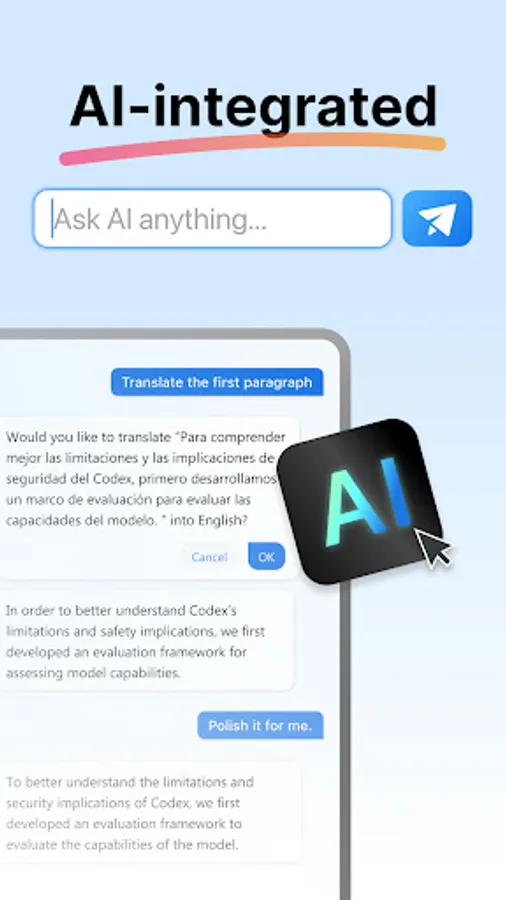
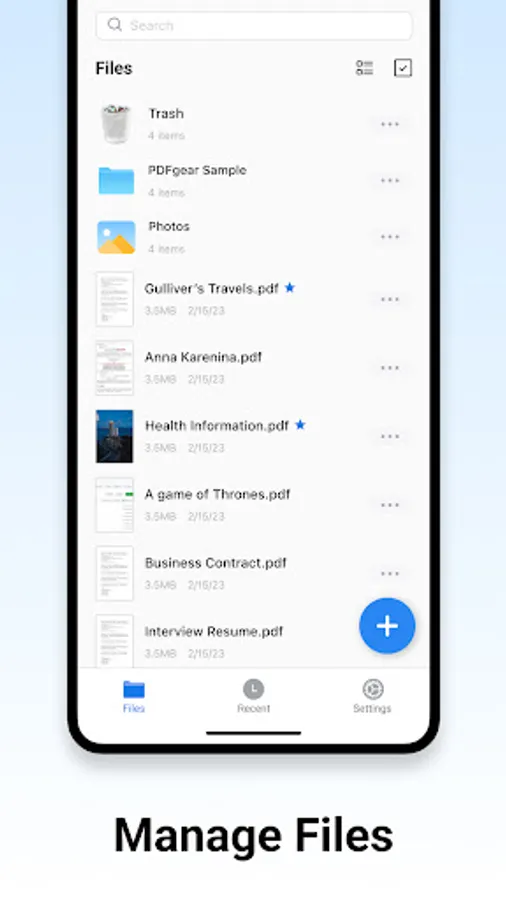
PDFgear is a full-featured and free PDF editor, which provides read, edit, annotation, page management, and print PDF documents.
"It's called PDFgear, and it's a holy grail I never thought I'd find." - Digital Trends
"PDFgear is a full toolkit for doing pretty much anything you could want to do with a PDF." - Lifewire
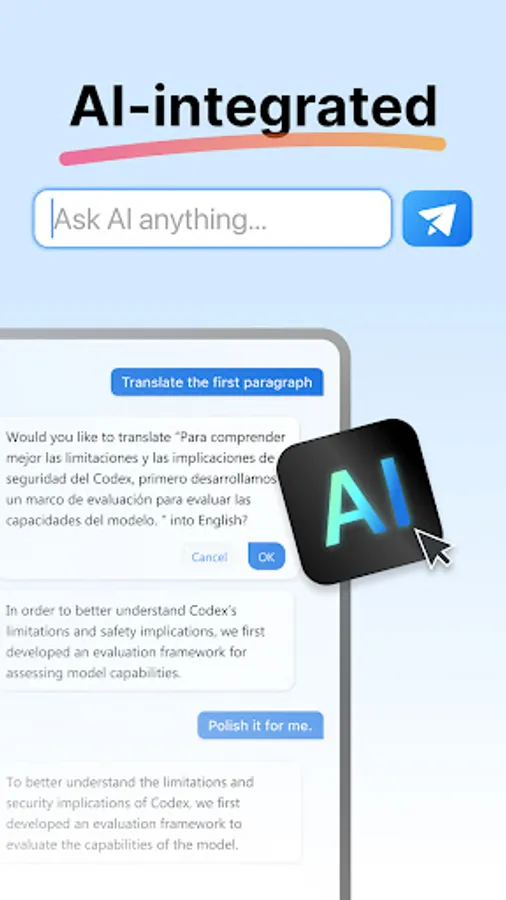
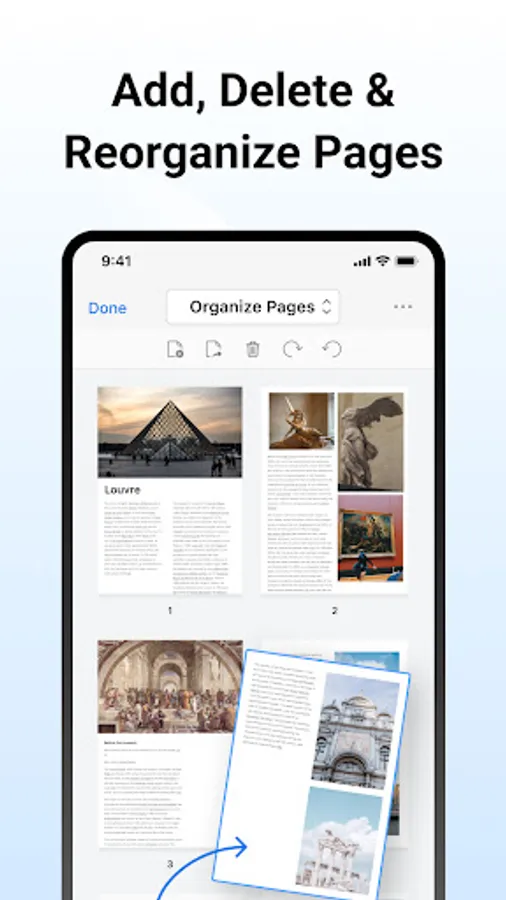
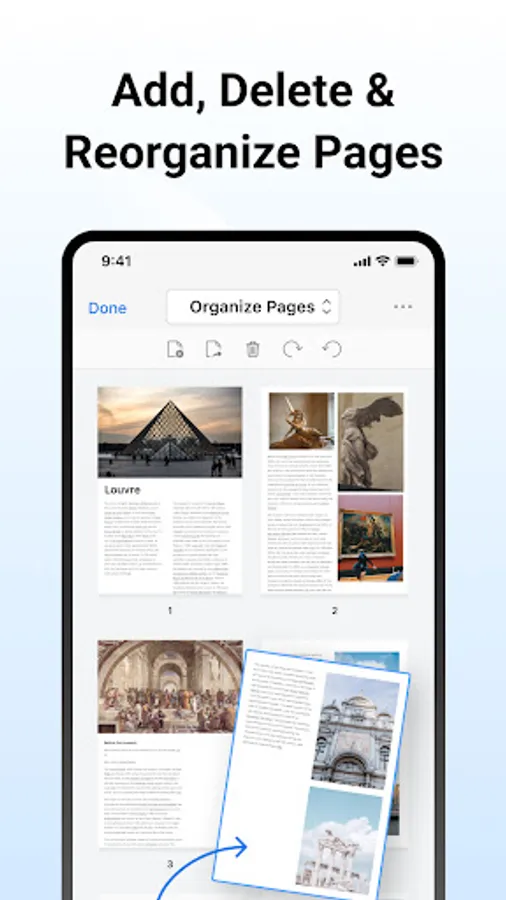
PDFgear is a full-featured, easy-to-use, and free PDF Editor & PDF Reader. With practical functions like view, edit, and page reorganizing in PDFgear, the comprehensive PDF toolkit, users could handle their PDF files with more efficiency. PDFgear offers even more - split PDF into several files, rotate page direction, add or delete pages and so on.
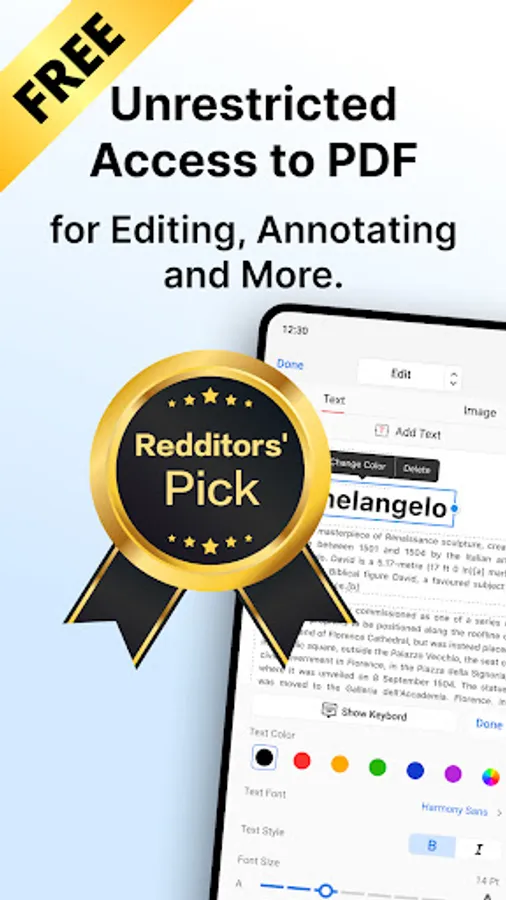
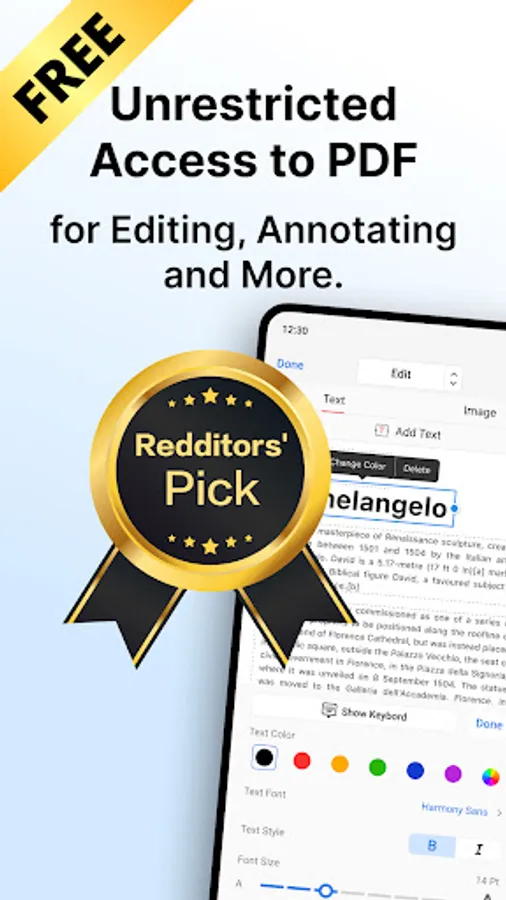
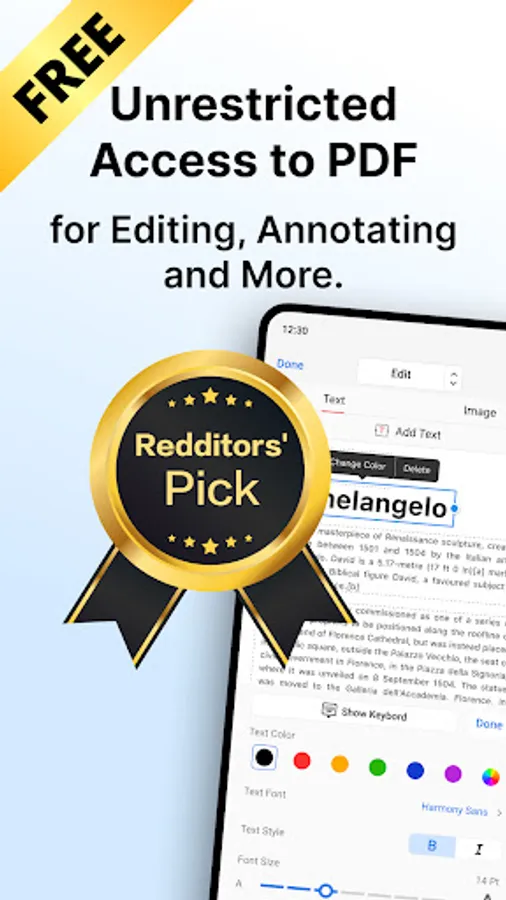
PDFgear provides free use for all functions without any limits like trial watermark, page count, etc. The concise design brings users a satisfying experience, and the powerful performance makes the perfect document.
PDFgear will be the only PDF solution for you, and it will make your study and work easier to carry out PDFs!
VIEW & PRINT
• View PDF in single-page or double-page display mode
• Preview the thumbnails of pages easily
• Dark Mode supported with native effect
• Zoom in or out the PDF in a great range
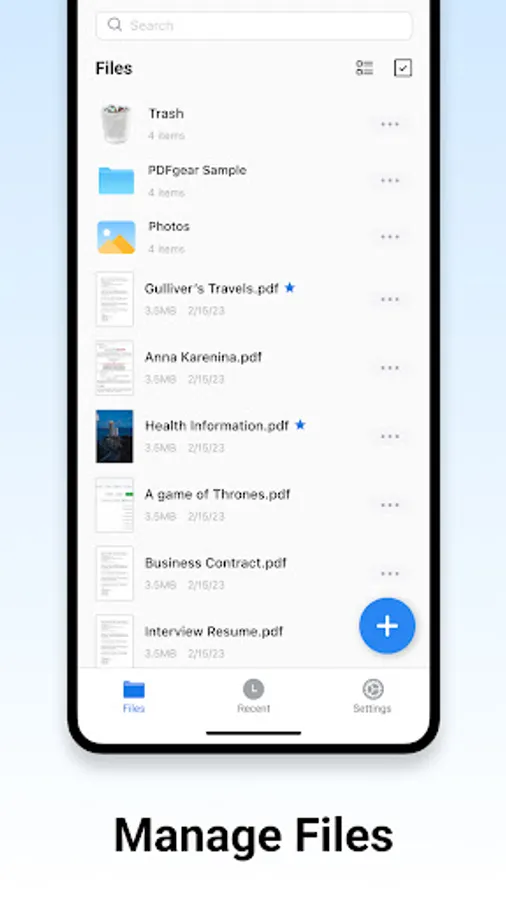
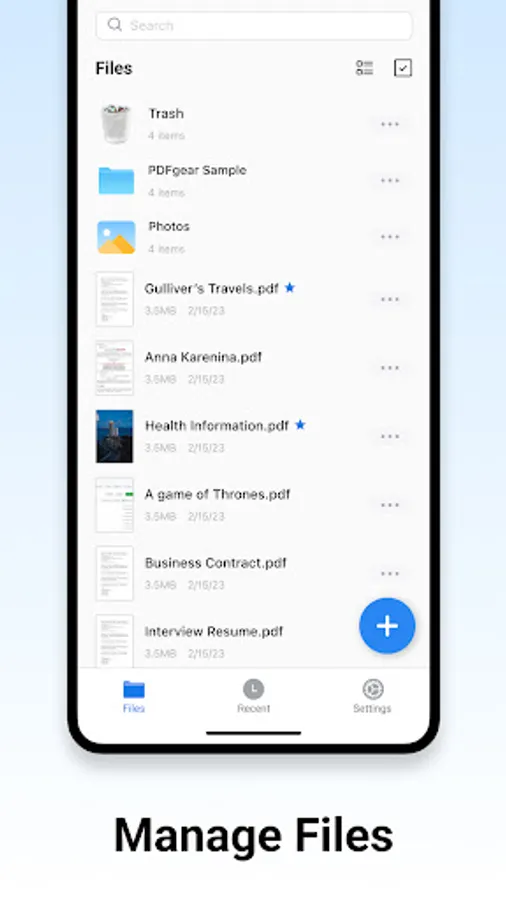
• Open recent PDFs conveniently
• Search texts in PDFs rapidly and locate the texts precisely
• Print PDFs directly from your device
ANNOTATE PDF
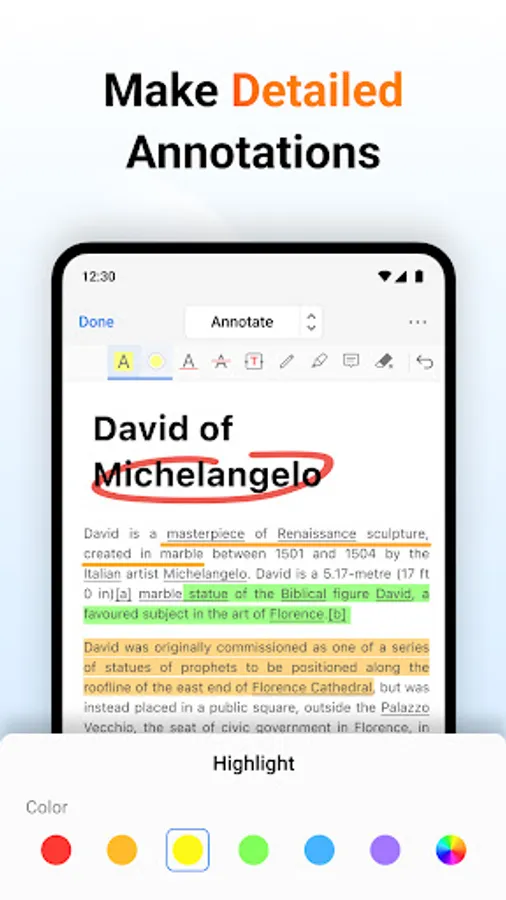
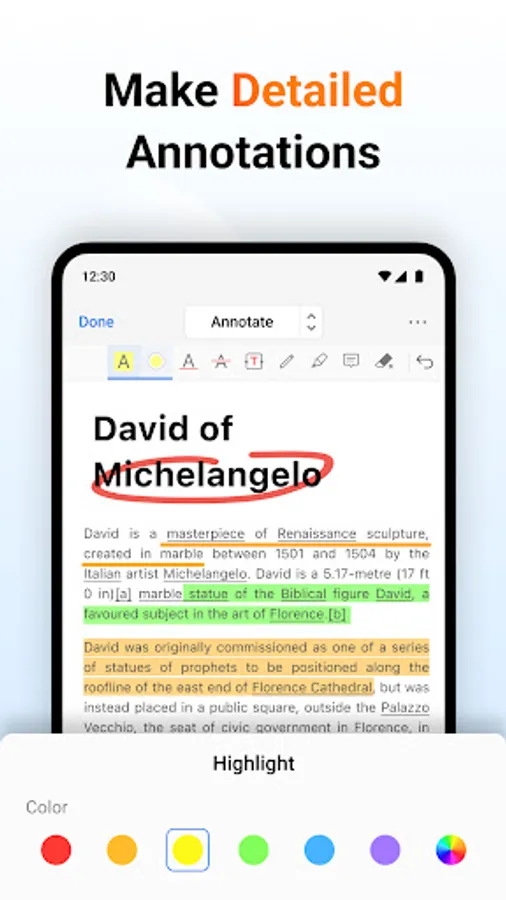
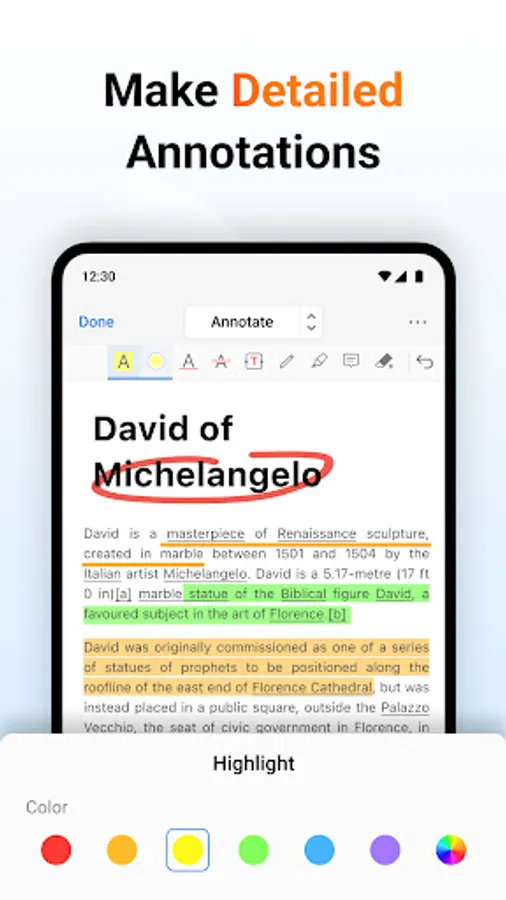
• Markup texts in PDF with highlight, underline & strikethrough in user-defined colors
• Add Annotations by simply selecting texts in PDF
• Create rectangles, circles, lines, arrows & free hands with customized colors
• Insert Text Boxes and Notes into PDF with the font size and color you like
EDIT TEXT & IMAGE
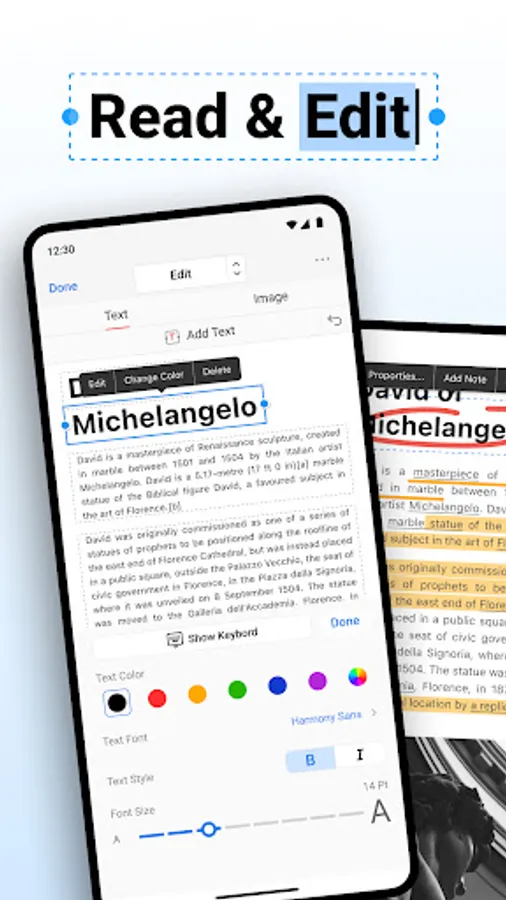
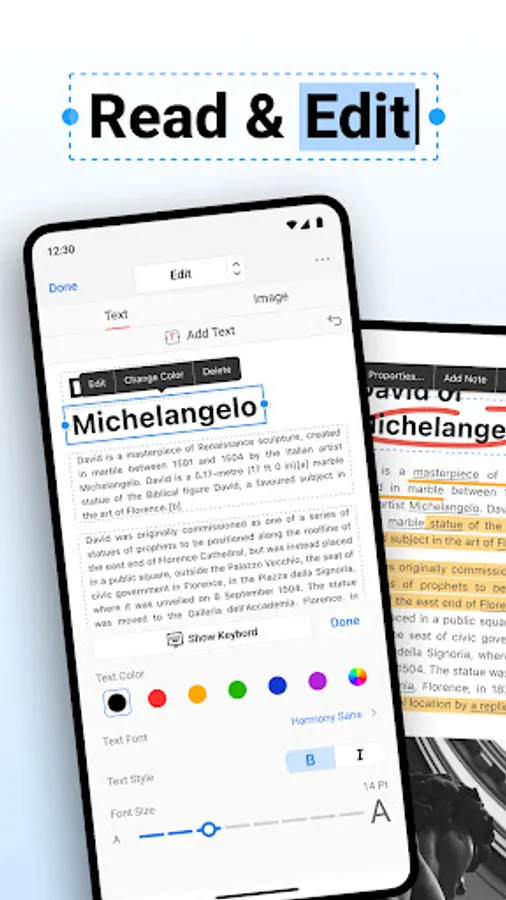
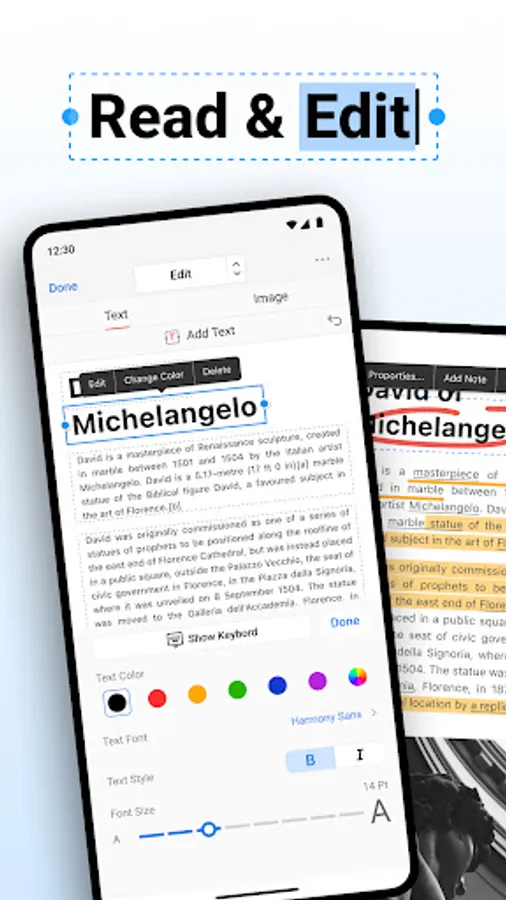
• Edit text content and properties like fonts, including adding or deleting words and paragraphs
• Resize, crop images, and insert new images
CONVERSION:
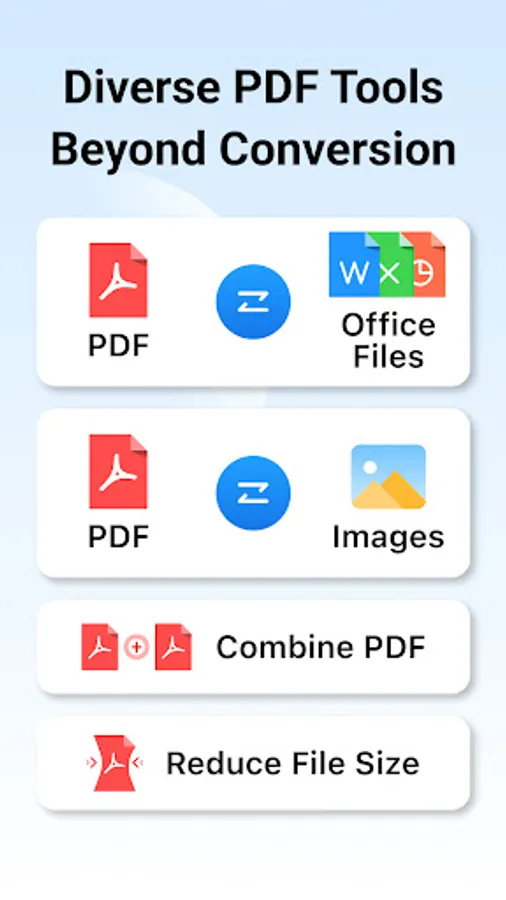
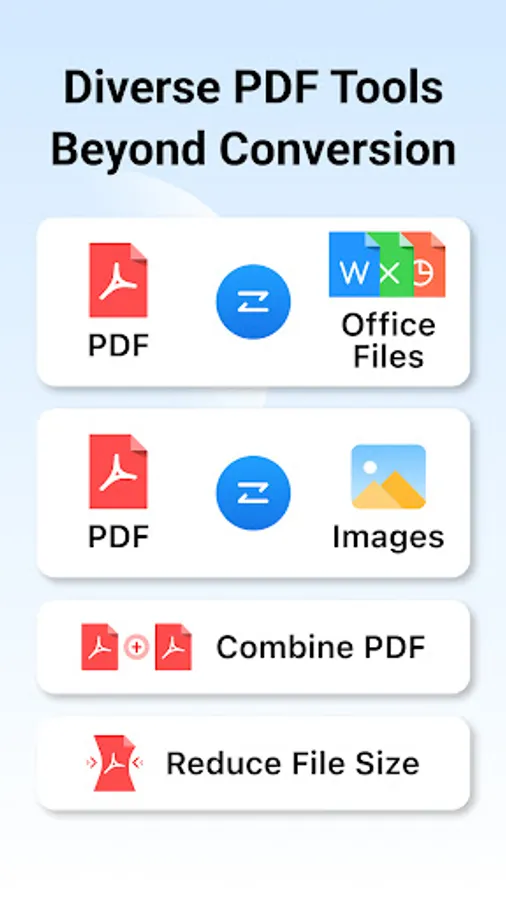
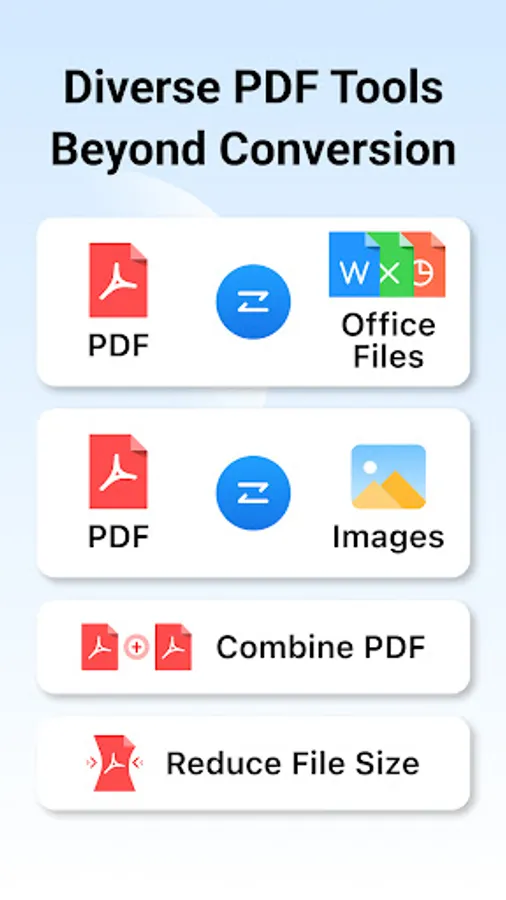
• Convert PDFs to Word, Excel, PowerPoint, PNG, and JPG formats
• Create PDFs from Word, Excel, PowerPoint, and images
COMPRESSION:
• Easily reduce PDF file size for efficient storage and sharing
Bookmark
• View bookmarks in the PDF, and direct to the place of the bookmark easily
• Add bookmark at any place of PDF documents
• Supports rename, delete, and expand/collapse bookmarks in PDF
PAGE EDITOR
• Merge & split PDFs freely
• Append pages from other PDF files to the existing one
• Add new blank pages at the place you set
• Extract pages from the PDF to create a new one
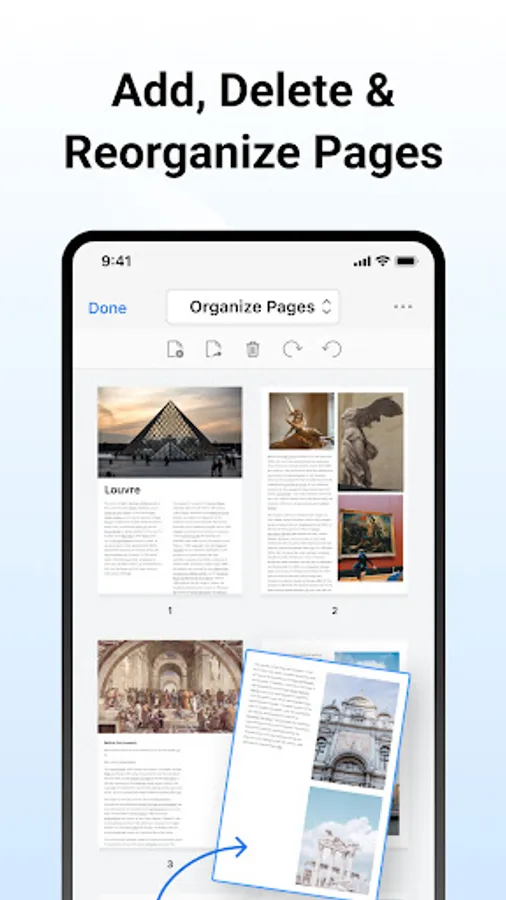
• Rotate, reorder & delete pages
Terms of service: https://www.pdfgear.com/terms-conditions/
Privacy Policy: https://www.pdfgear.com/privacy/
Contact us at: https://www.pdfgear.com/contact-us/
"It's called PDFgear, and it's a holy grail I never thought I'd find." - Digital Trends
"PDFgear is a full toolkit for doing pretty much anything you could want to do with a PDF." - Lifewire
PDFgear is a full-featured, easy-to-use, and free PDF Editor & PDF Reader. With practical functions like view, edit, and page reorganizing in PDFgear, the comprehensive PDF toolkit, users could handle their PDF files with more efficiency. PDFgear offers even more - split PDF into several files, rotate page direction, add or delete pages and so on.
PDFgear provides free use for all functions without any limits like trial watermark, page count, etc. The concise design brings users a satisfying experience, and the powerful performance makes the perfect document.
PDFgear will be the only PDF solution for you, and it will make your study and work easier to carry out PDFs!
VIEW & PRINT
• View PDF in single-page or double-page display mode
• Preview the thumbnails of pages easily
• Dark Mode supported with native effect
• Zoom in or out the PDF in a great range
• Open recent PDFs conveniently
• Search texts in PDFs rapidly and locate the texts precisely
• Print PDFs directly from your device
ANNOTATE PDF
• Markup texts in PDF with highlight, underline & strikethrough in user-defined colors
• Add Annotations by simply selecting texts in PDF
• Create rectangles, circles, lines, arrows & free hands with customized colors
• Insert Text Boxes and Notes into PDF with the font size and color you like
EDIT TEXT & IMAGE
• Edit text content and properties like fonts, including adding or deleting words and paragraphs
• Resize, crop images, and insert new images
CONVERSION:
• Convert PDFs to Word, Excel, PowerPoint, PNG, and JPG formats
• Create PDFs from Word, Excel, PowerPoint, and images
COMPRESSION:
• Easily reduce PDF file size for efficient storage and sharing
Bookmark
• View bookmarks in the PDF, and direct to the place of the bookmark easily
• Add bookmark at any place of PDF documents
• Supports rename, delete, and expand/collapse bookmarks in PDF
PAGE EDITOR
• Merge & split PDFs freely
• Append pages from other PDF files to the existing one
• Add new blank pages at the place you set
• Extract pages from the PDF to create a new one
• Rotate, reorder & delete pages
Terms of service: https://www.pdfgear.com/terms-conditions/
Privacy Policy: https://www.pdfgear.com/privacy/
Contact us at: https://www.pdfgear.com/contact-us/