In this app, you can create, organize, and search log entries with customizable categories. Includes features for attaching files, viewing logs in list or calendar, and exporting data.
AppRecs review analysis
AppRecs rating 3.7. Trustworthiness 0 out of 100. Review manipulation risk 0 out of 100. Based on a review sample analyzed.
★★★☆☆
3.7
AppRecs Rating
Ratings breakdown
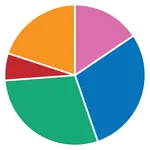
5 star
49%
4 star
17%
3 star
9%
2 star
8%
1 star
17%
What to know
✓
Good user ratings
66% positive sampled reviews
✓
Authentic reviews
Natural distribution, no red flags
About My Logs
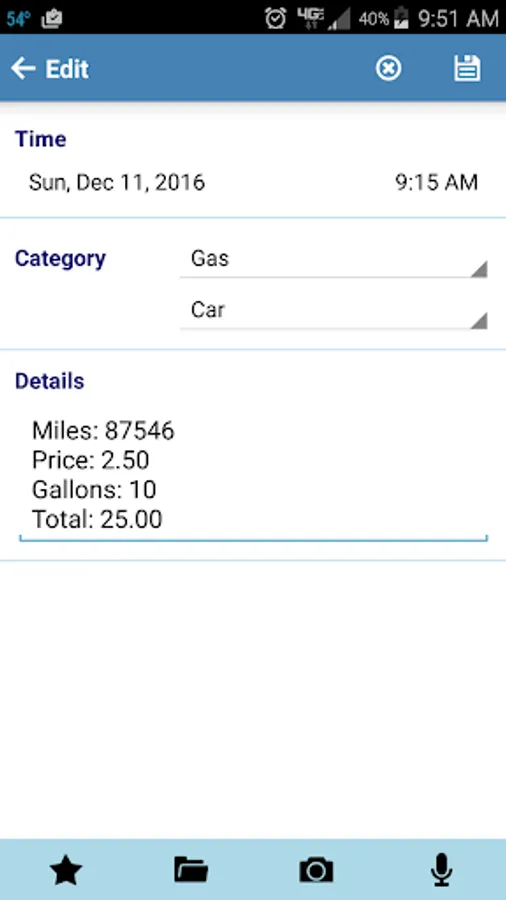
My Logs is an application which functions as a log, journal, or note book. Each log entry is given a time stamp and assigned to a category. Create log categories that are useful for you. Keep track of Exercise, ToDo's, Medication, Work Activities, etc...
* Users Guide: http://www.ambitico.com/docs/MyLogs/mylogs_usersguide.html
* No Internet Permissions, your private data is safe with you. Beware of other log apps that can access your log entries without your knowledge.
* Categorized Log Entries. Comes with predefined categories to get you going. If you do not see a category that you need, you can rename existing categories, create new ones, or delete those you don't want to see.
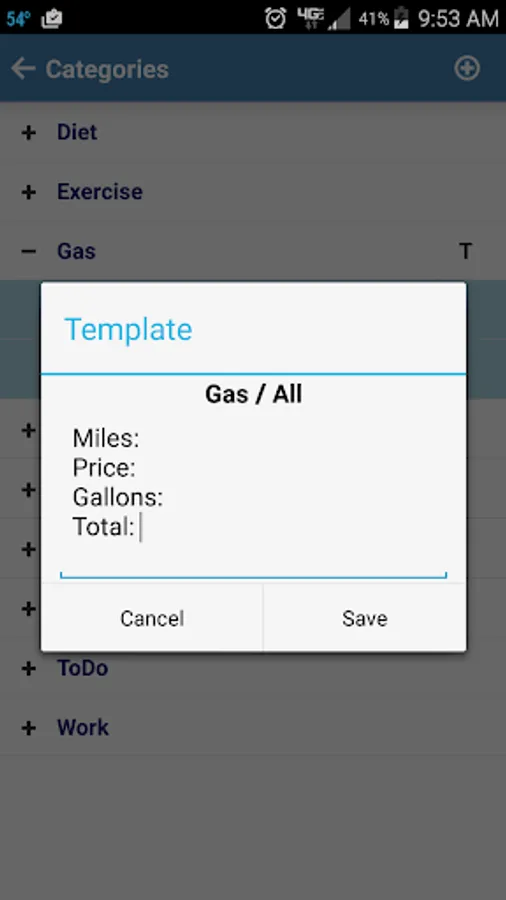
* Templates: pre-define log details with text when adding a new log entry
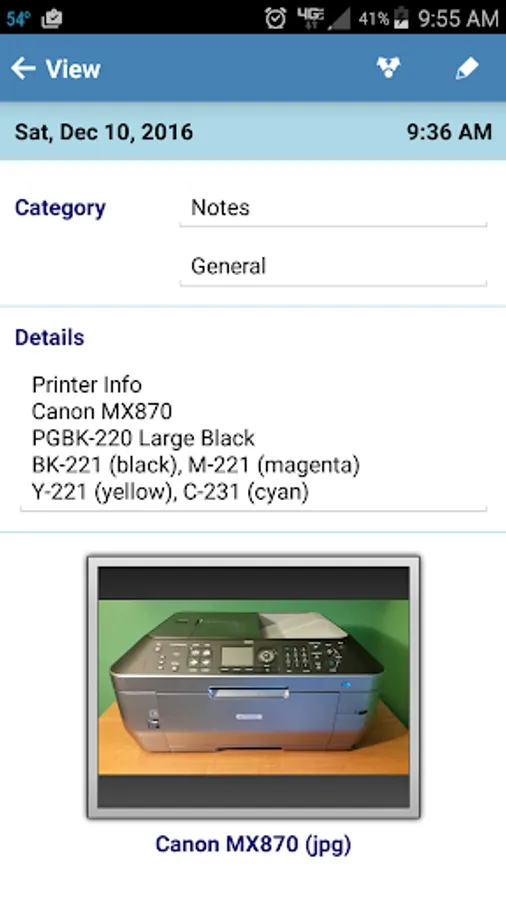
* Attach files, photos, or recordings to log entry
* Recognizes Web, Phone, and Email text in log description creating clickable links
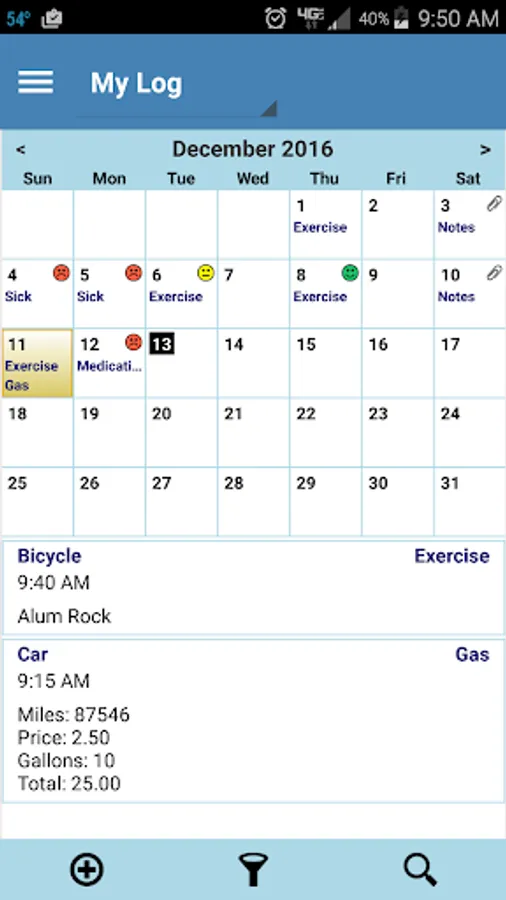
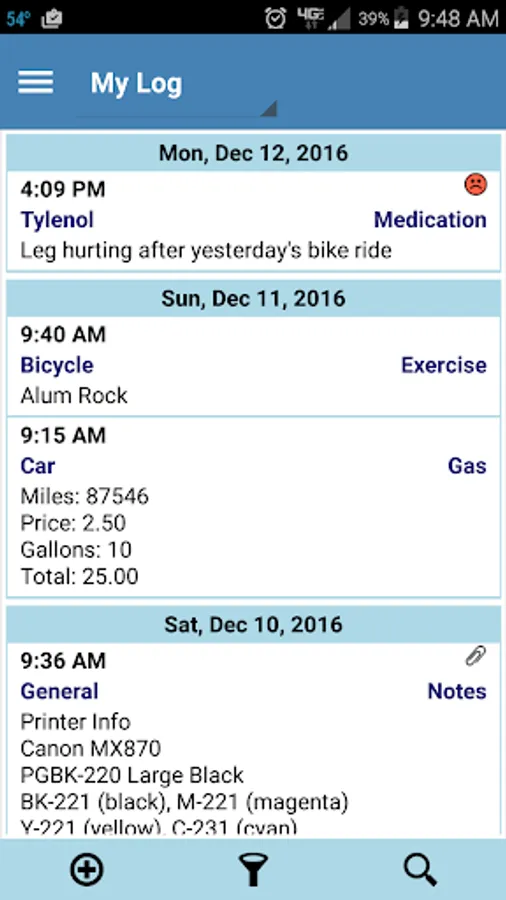
* View log entries in a List or Calendar view
* Swipe left/right to switch between List/Calendar view
* When in Calendar view, swipe up/down to change month
* Rate logs for additional significance
* Highly configurable. Create new log categories as well as rename existing
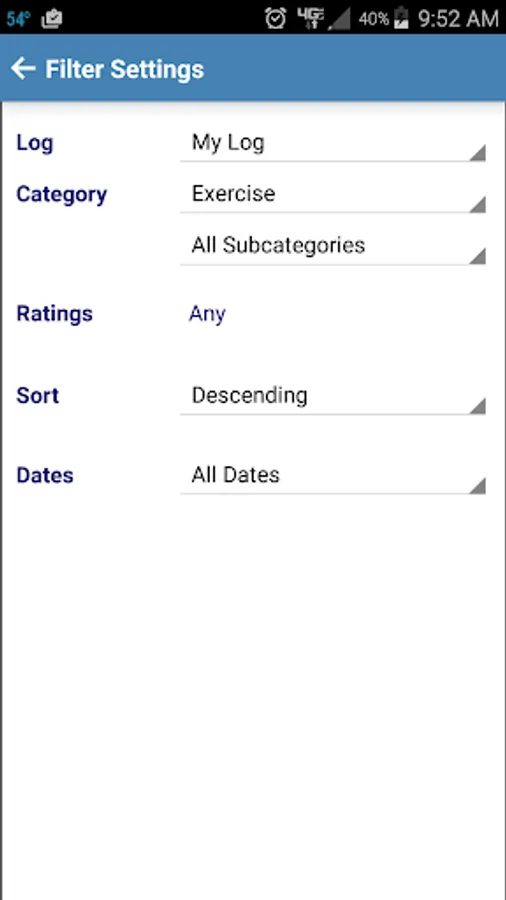
* Filter log entries by category, date, and rating
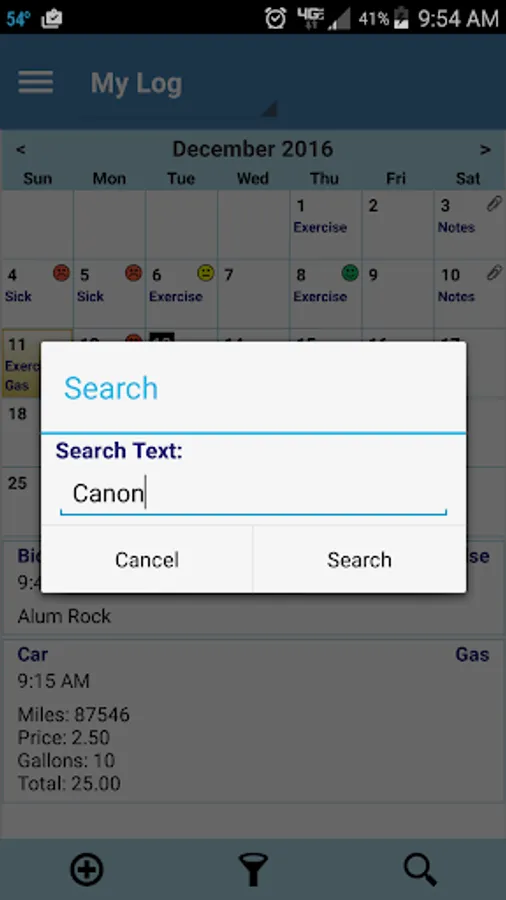
* Search logs for specified text. Highlight search text in log description
* Use Calendar view to set date filter by long pressing on a date
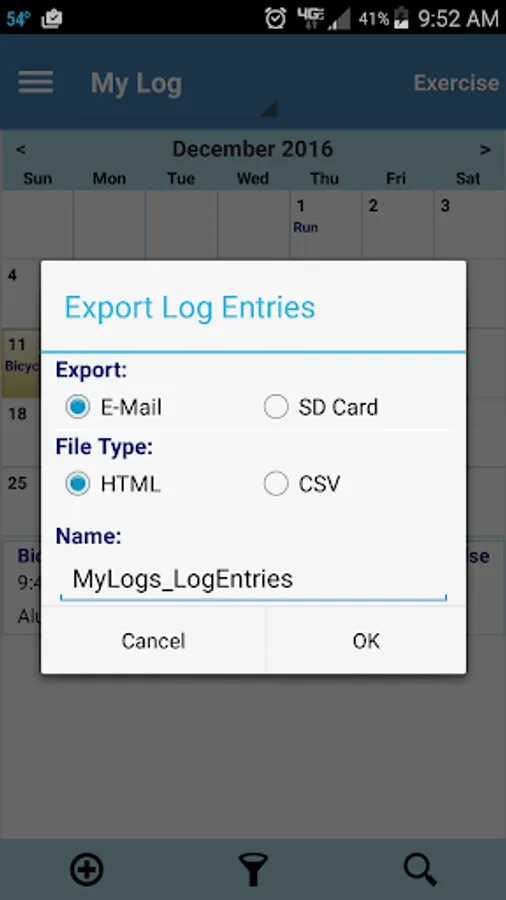
* Save logs as csv or html file with option to email
* Preference to treat "," as delimiter in log description when exporting as .csv file. Use commas in the log description to create separate cells in a spread sheet. Good for recording and plotting data entered in the log description.
* Backup and restore database (NOTE: It is highly recommended that you regularly backup your logs and save to a different storage media)
* Automatic backup of database to SD card
* Uses the phones system time (12 or 24 hr) and date format to ensure consistent time and date format between apps. (Note: You can override the system date and time settings from MyLogs preference settings)
IMPORTANT: If you have questions or issues, please contact us via email (support@ambitico.com). Do not post questions in the market as we are unable to respond.
NOTE: A number of users have given 1 star related to log categories. My Logs comes with predefined log categories to get you going. There is no limit to what you can log. If you do not see a category that fits your needs, you can rename existing categories or create new ones.
Please see Users Guide: http://www.ambitico.com/docs/MyLogs/mylogs_usersguide.html
For help, contact support@ambitico.com
Key: app, log, logging, logger, data logger, life logger, diary, note, memo, journal, secure, notepad, free.
* Users Guide: http://www.ambitico.com/docs/MyLogs/mylogs_usersguide.html
* No Internet Permissions, your private data is safe with you. Beware of other log apps that can access your log entries without your knowledge.
* Categorized Log Entries. Comes with predefined categories to get you going. If you do not see a category that you need, you can rename existing categories, create new ones, or delete those you don't want to see.
* Templates: pre-define log details with text when adding a new log entry
* Attach files, photos, or recordings to log entry
* Recognizes Web, Phone, and Email text in log description creating clickable links
* View log entries in a List or Calendar view
* Swipe left/right to switch between List/Calendar view
* When in Calendar view, swipe up/down to change month
* Rate logs for additional significance
* Highly configurable. Create new log categories as well as rename existing
* Filter log entries by category, date, and rating
* Search logs for specified text. Highlight search text in log description
* Use Calendar view to set date filter by long pressing on a date
* Save logs as csv or html file with option to email
* Preference to treat "," as delimiter in log description when exporting as .csv file. Use commas in the log description to create separate cells in a spread sheet. Good for recording and plotting data entered in the log description.
* Backup and restore database (NOTE: It is highly recommended that you regularly backup your logs and save to a different storage media)
* Automatic backup of database to SD card
* Uses the phones system time (12 or 24 hr) and date format to ensure consistent time and date format between apps. (Note: You can override the system date and time settings from MyLogs preference settings)
IMPORTANT: If you have questions or issues, please contact us via email (support@ambitico.com). Do not post questions in the market as we are unable to respond.
NOTE: A number of users have given 1 star related to log categories. My Logs comes with predefined log categories to get you going. There is no limit to what you can log. If you do not see a category that fits your needs, you can rename existing categories or create new ones.
Please see Users Guide: http://www.ambitico.com/docs/MyLogs/mylogs_usersguide.html
For help, contact support@ambitico.com
Key: app, log, logging, logger, data logger, life logger, diary, note, memo, journal, secure, notepad, free.