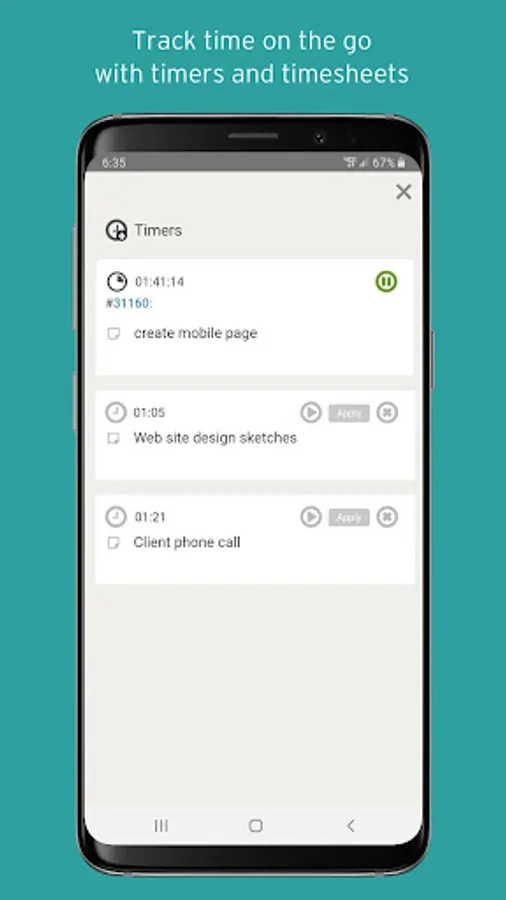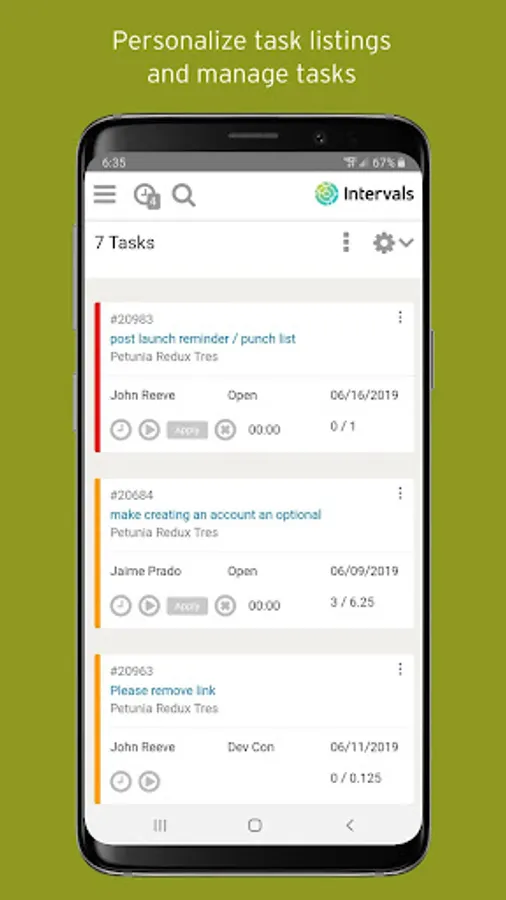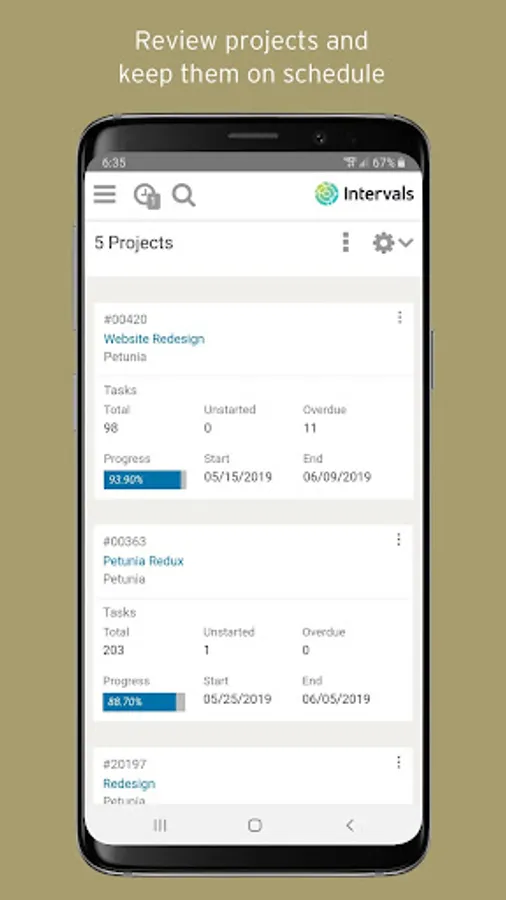
With this project management app, you can track time, manage tasks, and review project activity on the go. Includes timers, task prioritization, project notes, and team management tools.
AppRecs review analysis
AppRecs rating 3.8. Trustworthiness 68 out of 100. Review manipulation risk 28 out of 100. Based on a review sample analyzed.
★★★☆☆
3.8
AppRecs Rating
Ratings breakdown
5 star
87%
4 star
0%
3 star
0%
2 star
0%
1 star
13%
What to know
✓
Low review manipulation risk
28% review manipulation risk
✓
High user satisfaction
87% of sampled ratings are 4+ stars (4.3★ average)
About Intervals
The mobile companion for your desktop Intervals account. Easily track your time, manage your tasks, and check in on your projects when you are away from your desk with the Intervals Mobile App.
Use the mobile timers to track time while away from your desk. Create and edit projects, set and review projects budgets, and search for and edit project notes. Update tasks and convert work requests into tasks.
Features include:
- Time tracking with timers
- Weekly timesheets
- Task management
- Task collaboration
- Task assignment and prioritization
- Manage the request queue
- Document management
- Project management
- Create & edit projects
- Manage project teams
- Project notes
- Set estimated work & project budgets
- View a project feed of activity
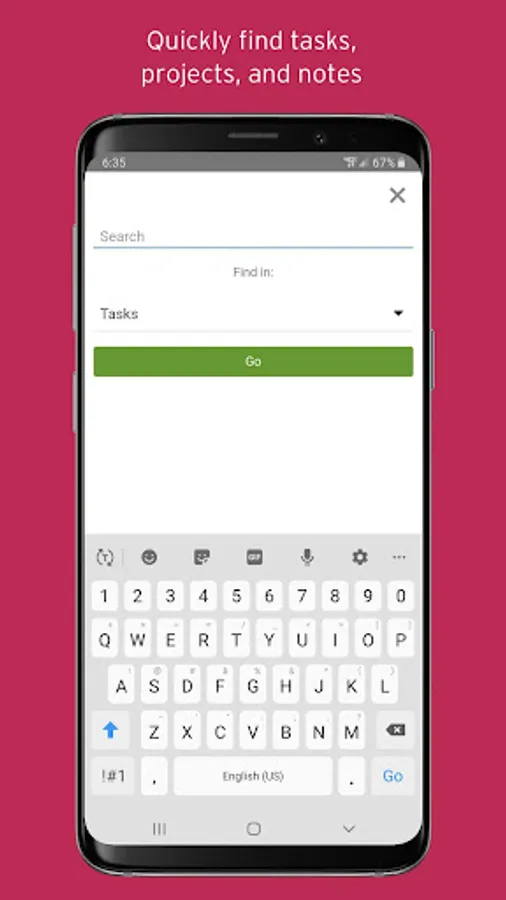
- Global search
Requirements:
- Must have a valid desktop user account to log into the mobile app
Use the mobile timers to track time while away from your desk. Create and edit projects, set and review projects budgets, and search for and edit project notes. Update tasks and convert work requests into tasks.
Features include:
- Time tracking with timers
- Weekly timesheets
- Task management
- Task collaboration
- Task assignment and prioritization
- Manage the request queue
- Document management
- Project management
- Create & edit projects
- Manage project teams
- Project notes
- Set estimated work & project budgets
- View a project feed of activity
- Global search
Requirements:
- Must have a valid desktop user account to log into the mobile app