Think: Personal Diary, Journal
Winning Studio Apps
4.0 ★
29 ratings
1,000+
downloads
Free
+ in-app
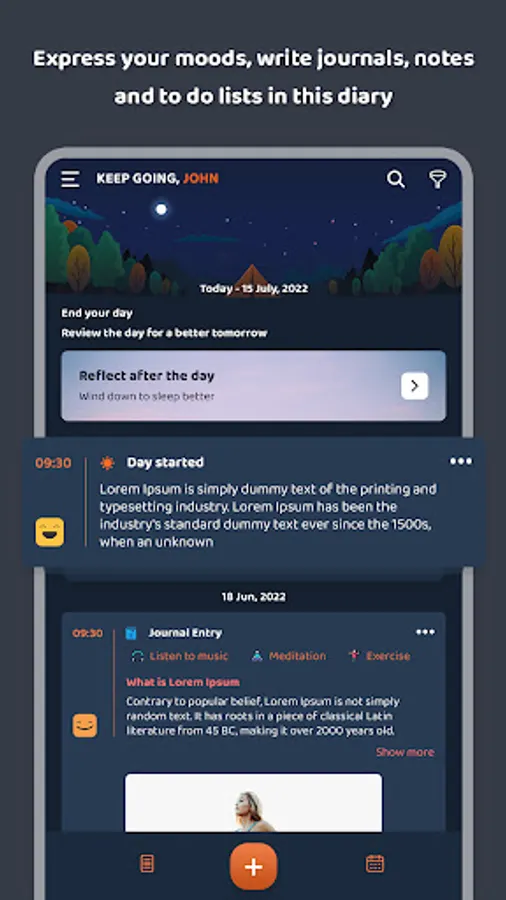
In this personal diary and journal app, users can document their daily moods, activities, and thoughts while adding images to enhance entries. Includes mood tracking, customizable templates, themes, notification settings, and Google Drive backup options.
AppRecs review analysis
AppRecs rating 4.0. Trustworthiness 0 out of 100. Review manipulation risk 0 out of 100. Based on a review sample analyzed.
★★★★☆
4.0
AppRecs Rating
Ratings breakdown
5 star
70%
4 star
0%
3 star
15%
2 star
0%
1 star
15%
What to know
✓
High user satisfaction
70% of sampled ratings are 4+ stars (4.0★ average)
About Think: Personal Diary, Journal
Write about your daily moods and journals and increase happiness in your life with images, you can add images related to your moods and activities.
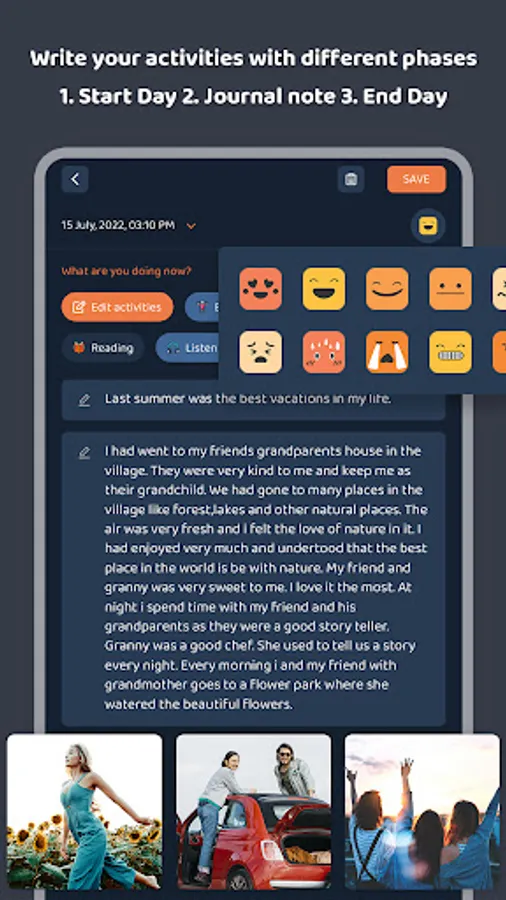
Write your activities in three different phases 1. Start Day 2. Journal note 3. End Day.
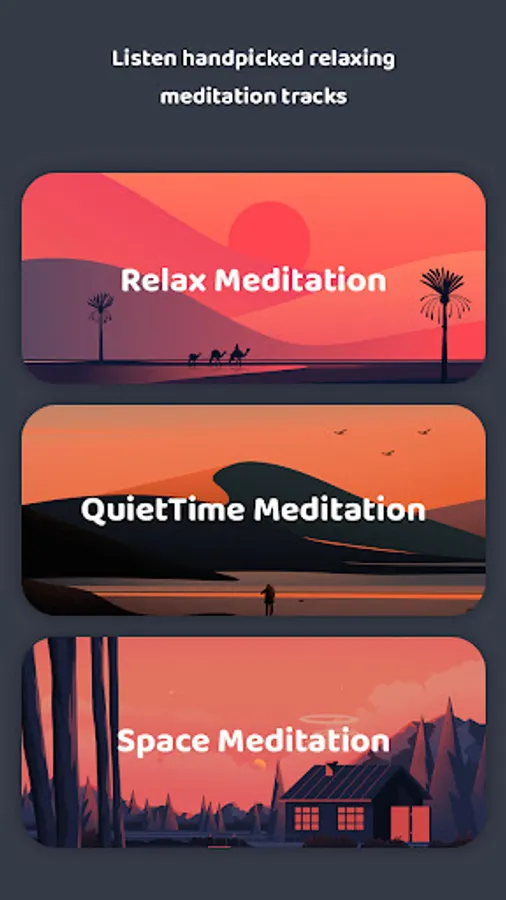
Practicing meditation is a great way to help clean the mind, and body, strengthen your ability to breathe easily, and be happier throughout the rest of your day.
* Start of my day
- When your day started choose your mood, write anything about your goal, and select the best suitable affirmation. There are about 70+ affirmations are there.
* Journal Note
- Add your journal note with multiple activities like reading, listening to music, working, etc. You can create your custom activities as well.
- Add images related to your activities in your journal.
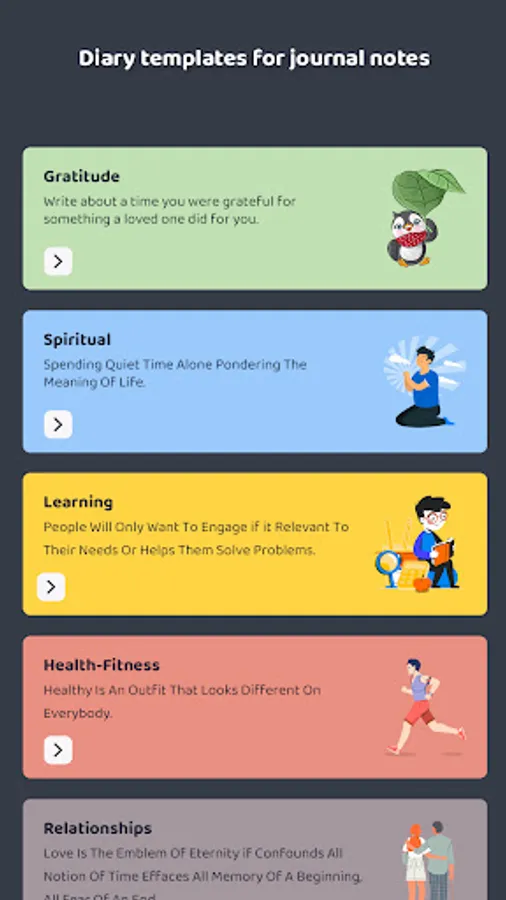
- For your journal post there are multiple templates available, you can use those templates as well.
* End of the day
- At- End of the day, you can think about meditation and get a completed tag on your end-day entries.
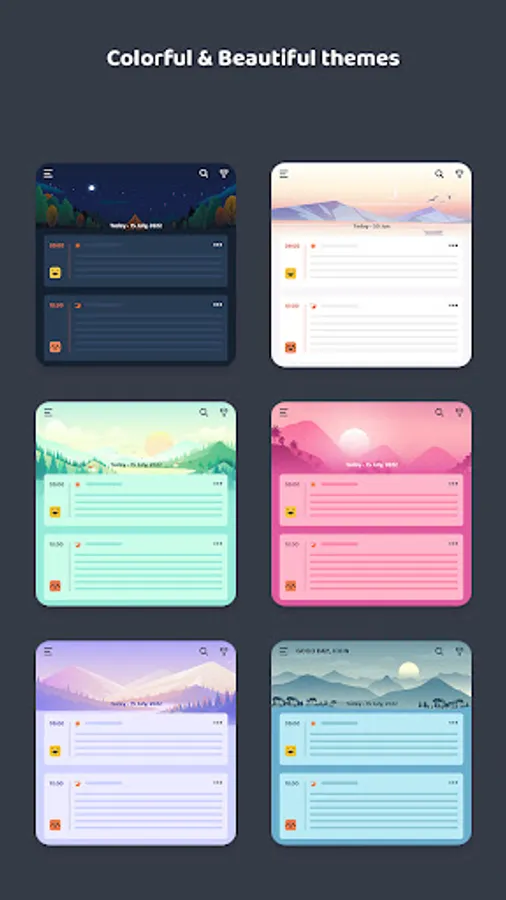
- Choose your multiple themes for a great user experience. There are 6 types of themes are there.
- You can create multiple activities. You can hide - unhide activities, unhide (active) activities will be seen on the entry page section.
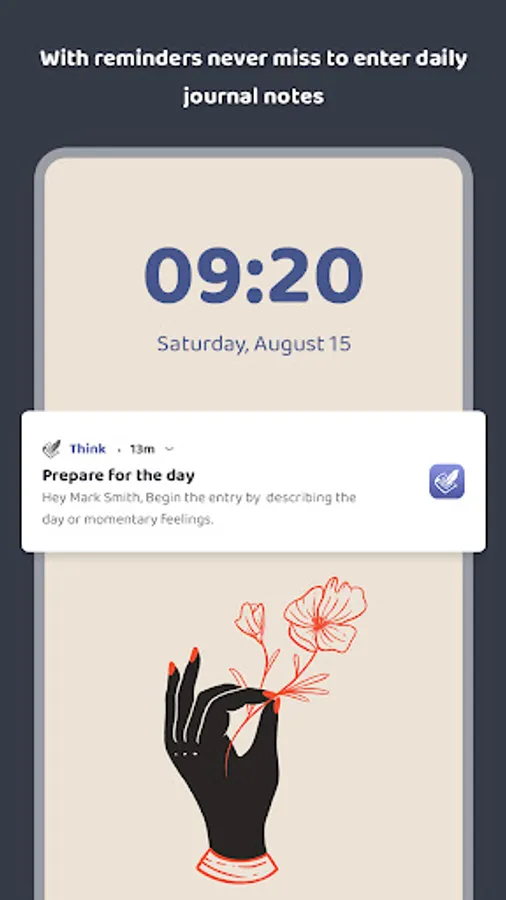
- You will get reminded by the notification setting panel, which you can change later, three types of notification are there.
- For your security purpose there is an app lock that is using your device authentication.
- Backup & restore your data with Google drive backup facilities.
Calendar View :
- You can easily see your journal entries date-wise from the calendar view, you can edit or delete them.
- See all the images by media view, media appear according to your entries.
Write your activities in three different phases 1. Start Day 2. Journal note 3. End Day.
Practicing meditation is a great way to help clean the mind, and body, strengthen your ability to breathe easily, and be happier throughout the rest of your day.
* Start of my day
- When your day started choose your mood, write anything about your goal, and select the best suitable affirmation. There are about 70+ affirmations are there.
* Journal Note
- Add your journal note with multiple activities like reading, listening to music, working, etc. You can create your custom activities as well.
- Add images related to your activities in your journal.
- For your journal post there are multiple templates available, you can use those templates as well.
* End of the day
- At- End of the day, you can think about meditation and get a completed tag on your end-day entries.
- Choose your multiple themes for a great user experience. There are 6 types of themes are there.
- You can create multiple activities. You can hide - unhide activities, unhide (active) activities will be seen on the entry page section.
- You will get reminded by the notification setting panel, which you can change later, three types of notification are there.
- For your security purpose there is an app lock that is using your device authentication.
- Backup & restore your data with Google drive backup facilities.
Calendar View :
- You can easily see your journal entries date-wise from the calendar view, you can edit or delete them.
- See all the images by media view, media appear according to your entries.
Think: Personal Diary, Journal Screenshots


Tap to Rate: