
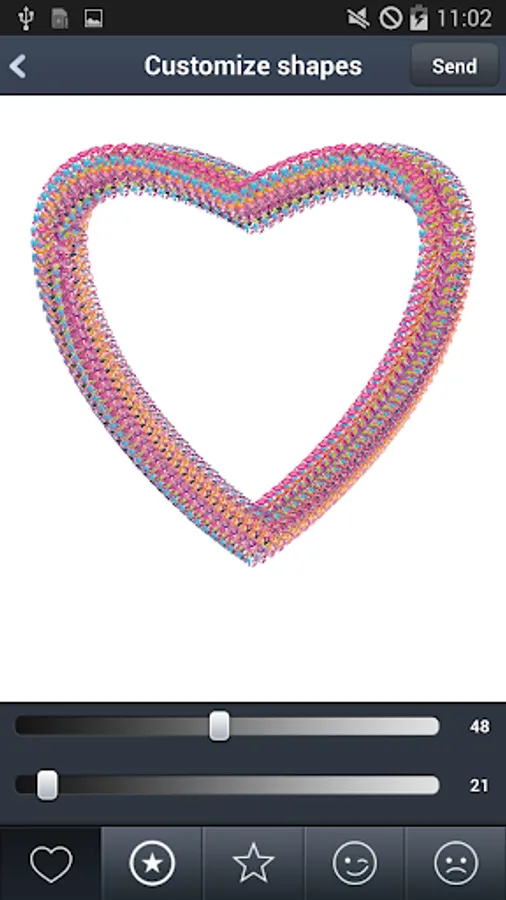
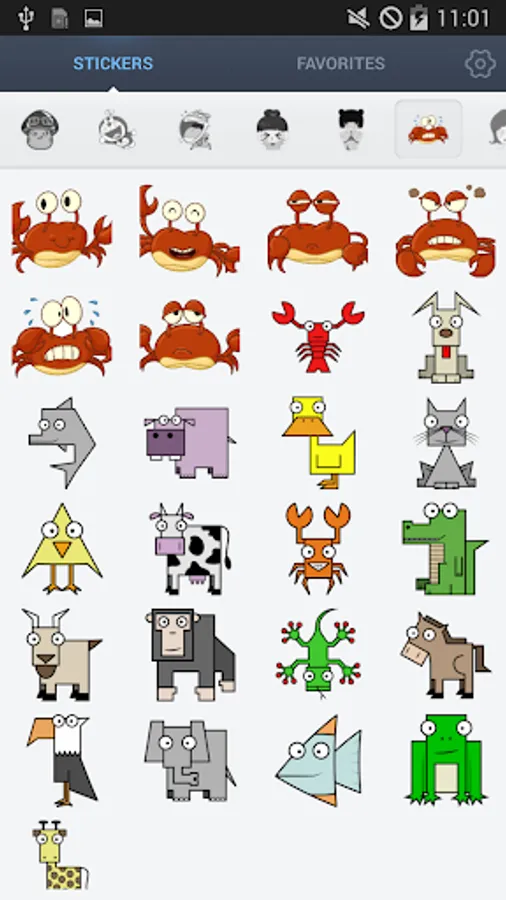
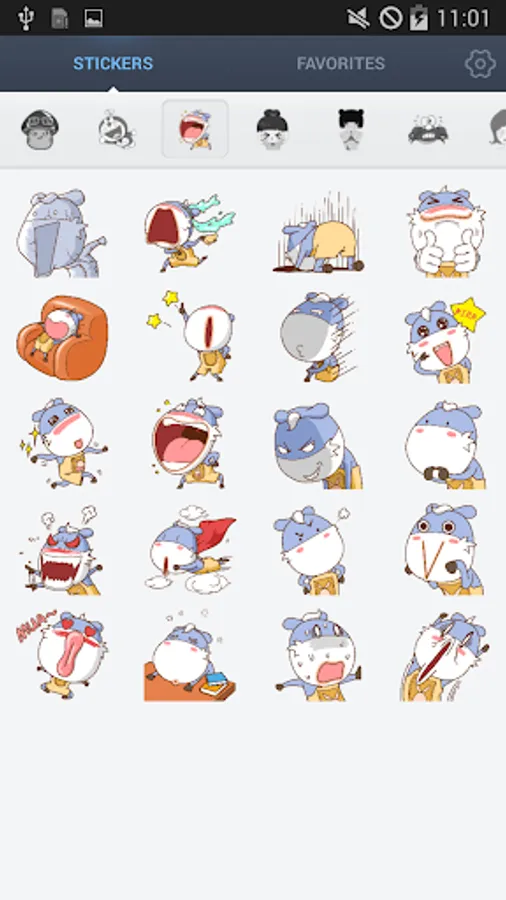
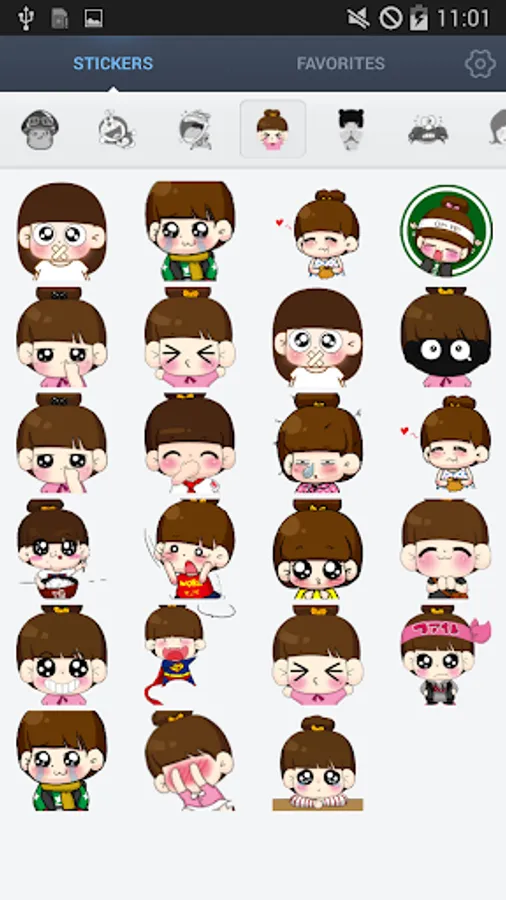
In this messaging app, you can browse and send a variety of cute love stickers and smileys. Includes a sticker library and quick access features for easier sharing.
AppRecs review analysis
AppRecs rating 4.4. Trustworthiness 39 out of 100. Review manipulation risk 39 out of 100. Based on a review sample analyzed.
★★★★☆
4.4
AppRecs Rating
Ratings breakdown
5 star
70%
4 star
15%
3 star
0%
2 star
12%
1 star
3%
What to know
✓
Authentic reviews
Natural distribution, no red flags
⚠
Questionable review trustworthiness
39% trustworthiness - reviews show concerning patterns
⚠
Review quality concerns
50% of sampled 5-star reviews are very short
About Cute Love Stickers
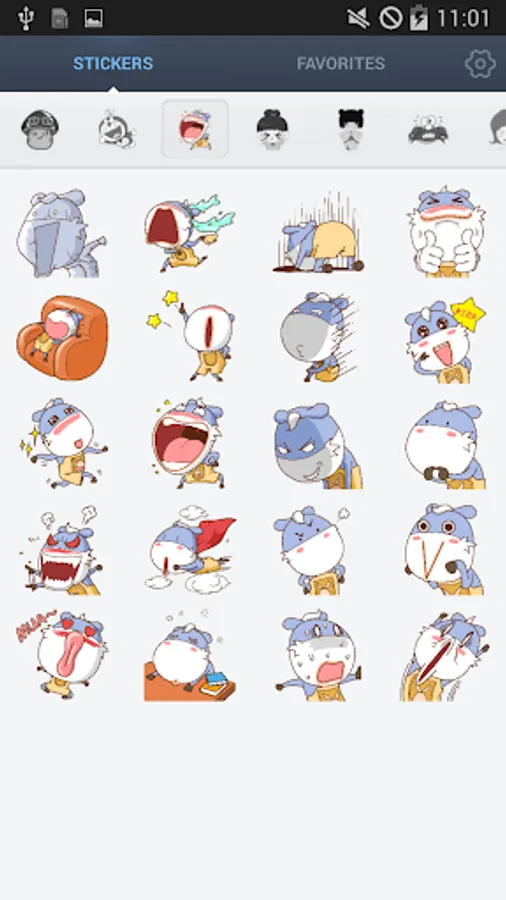
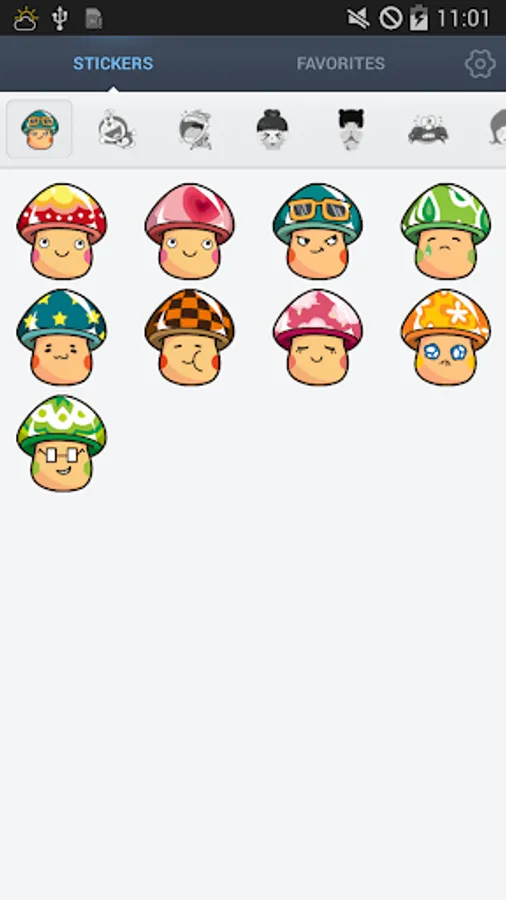
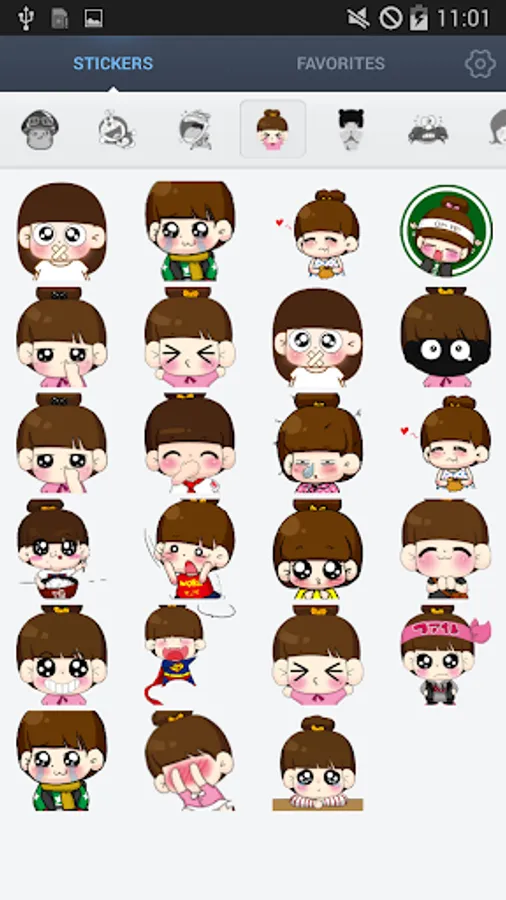
This app is a free library for you to download cute love stickers and smiley.
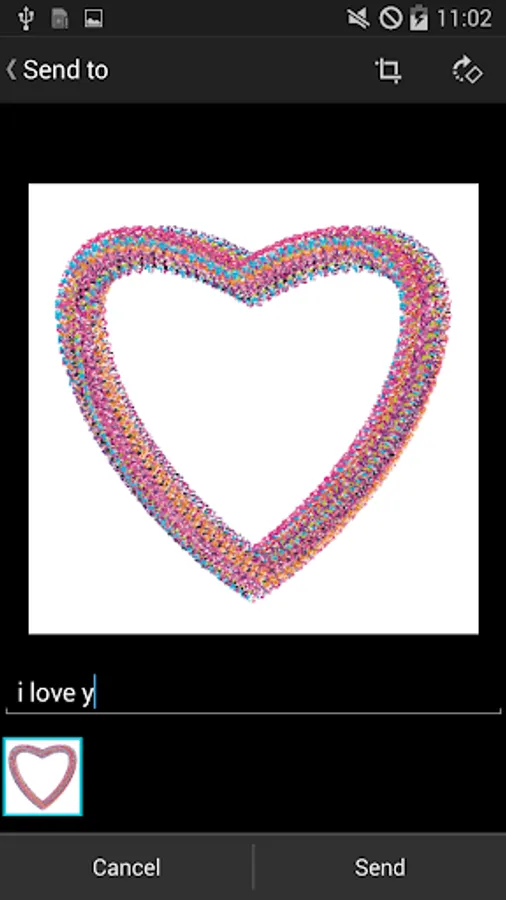
You can use all these cute smiley and cute love stickers when messaging with your friends using any social app (e.g. WhatsApp, Line, WeChat, BBM, SMS)
No longer need to find & open the cute love sticker app every time, you can easily find and start it in the quick launch bar.
How to Use:
1. Tap on an stickers,Smiley and select the platform to share across (e.g. Whatsapp, Line, Twitter), then choose the friend whom to send to.
2. Scroll the sets menu from left to right will allow you to switch to different tabs of smiley.
3. Long-Click the sticker/smiley will add them to Favorite.
Tips:
It will be easy and quick to open this app if you add it into quick launch bar.
How to add to quick launch bar: click on settings and select ‘Display in quick notification bar’
Try and use this cute and love stickers to improve your chatting experience.
You can use all these cute smiley and cute love stickers when messaging with your friends using any social app (e.g. WhatsApp, Line, WeChat, BBM, SMS)
No longer need to find & open the cute love sticker app every time, you can easily find and start it in the quick launch bar.
How to Use:
1. Tap on an stickers,Smiley and select the platform to share across (e.g. Whatsapp, Line, Twitter), then choose the friend whom to send to.
2. Scroll the sets menu from left to right will allow you to switch to different tabs of smiley.
3. Long-Click the sticker/smiley will add them to Favorite.
Tips:
It will be easy and quick to open this app if you add it into quick launch bar.
How to add to quick launch bar: click on settings and select ‘Display in quick notification bar’
Try and use this cute and love stickers to improve your chatting experience.
Cute Love Stickers Screenshots
Tap to Rate:
Reviews for Cute Love Stickers
Sylvia Rock.
12/23/2022
It's good and has different options thank you.
diane swift
6/12/2020
Awesome