EVA System Monitor
Phardera Lab
4.4 ★
970 ratings
10,000+
downloads
$0.99
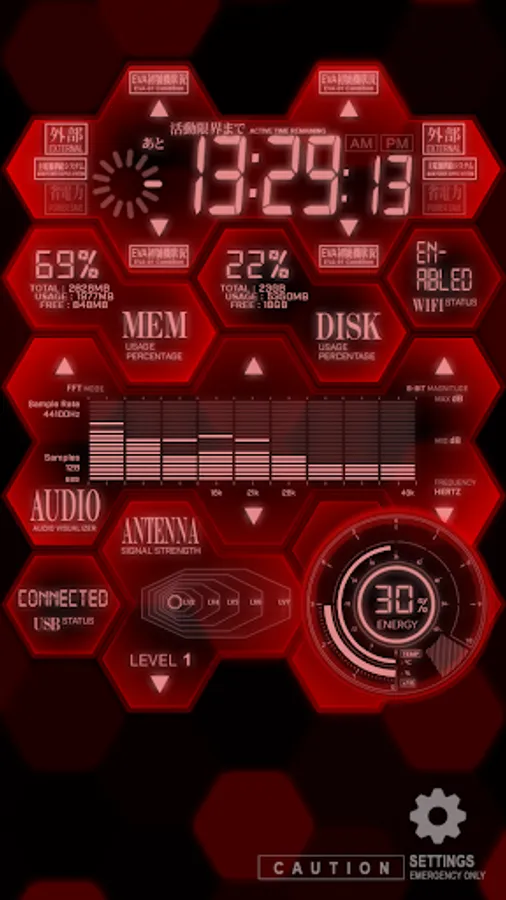
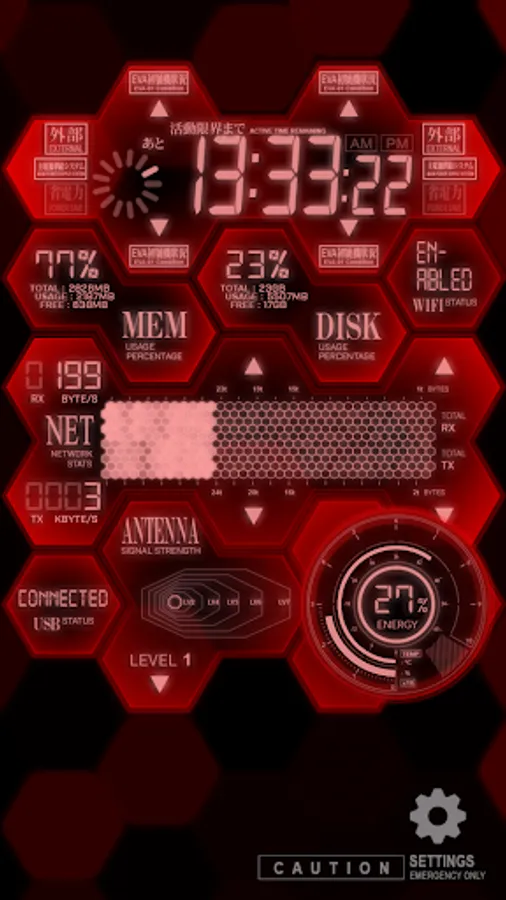
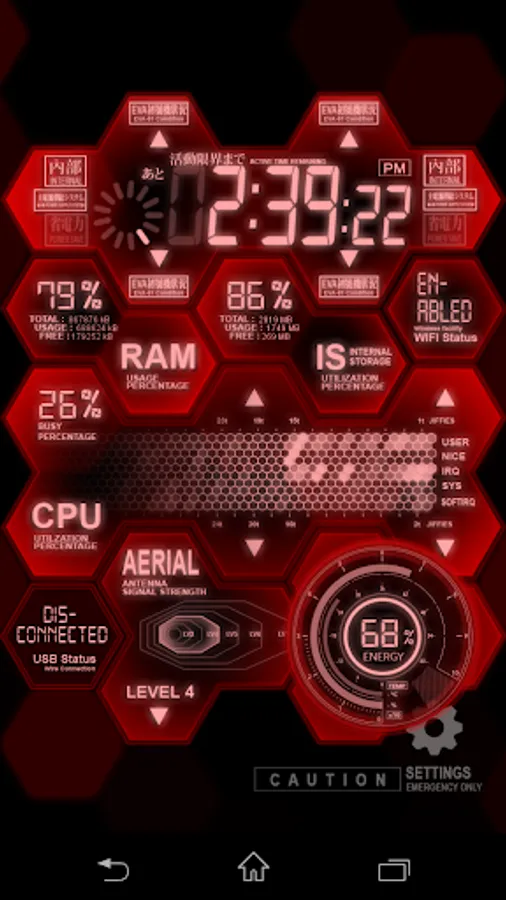
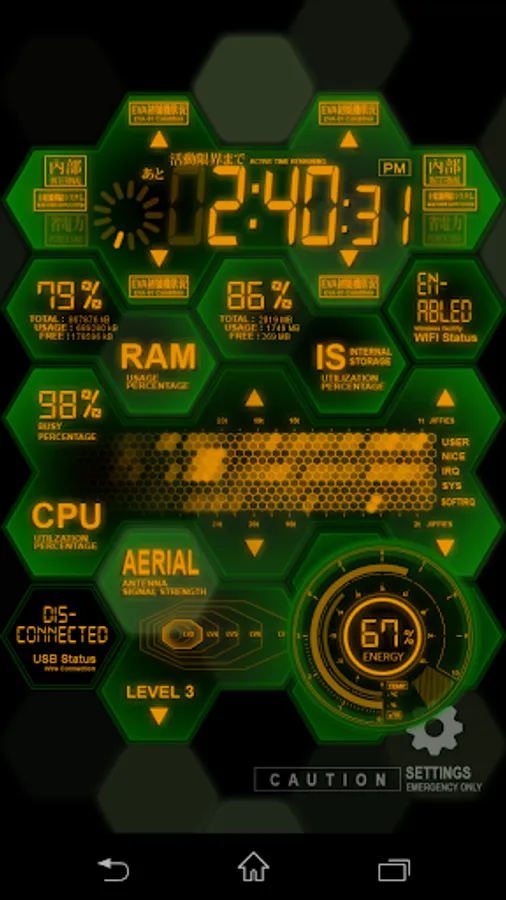
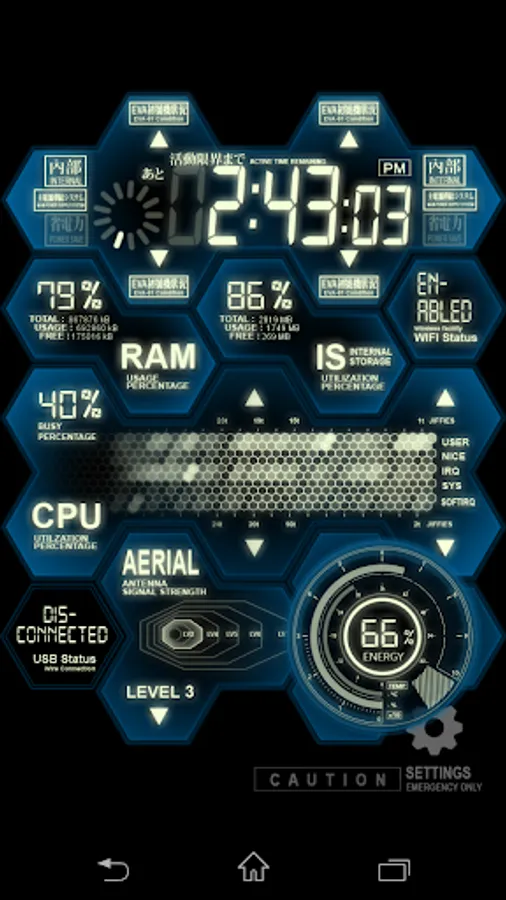
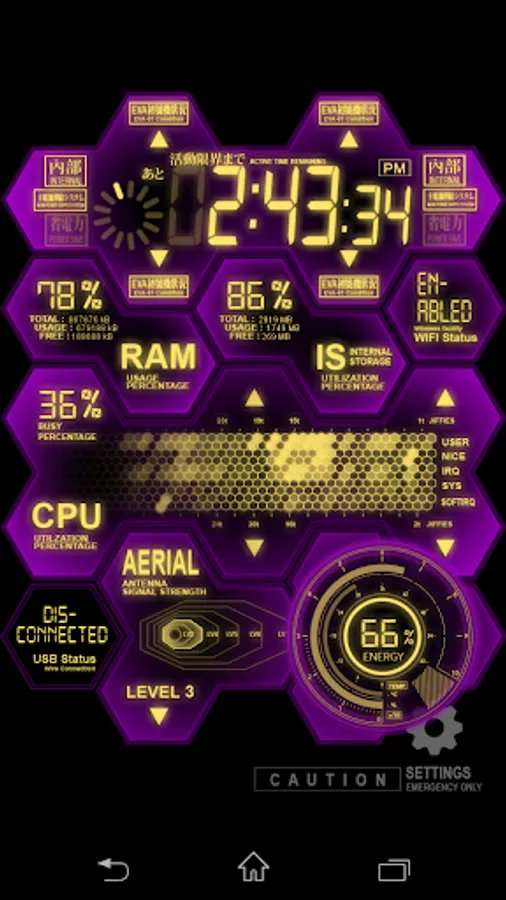
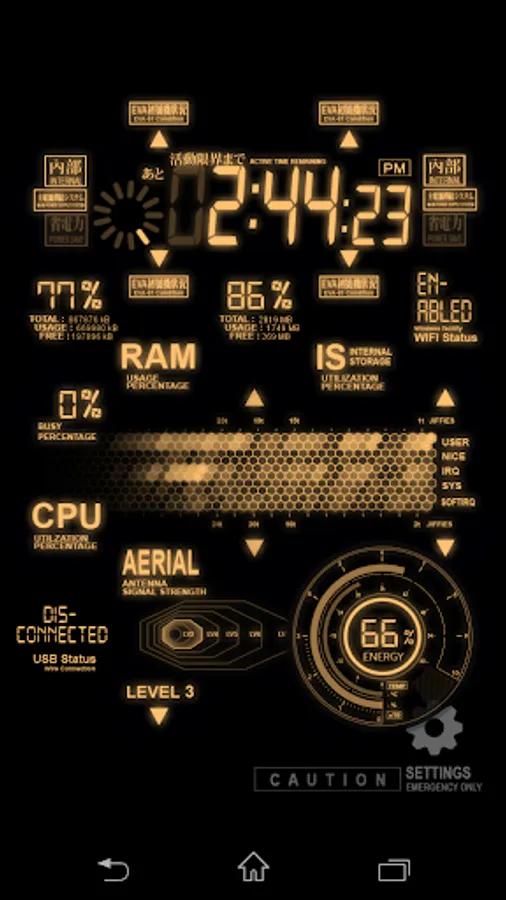
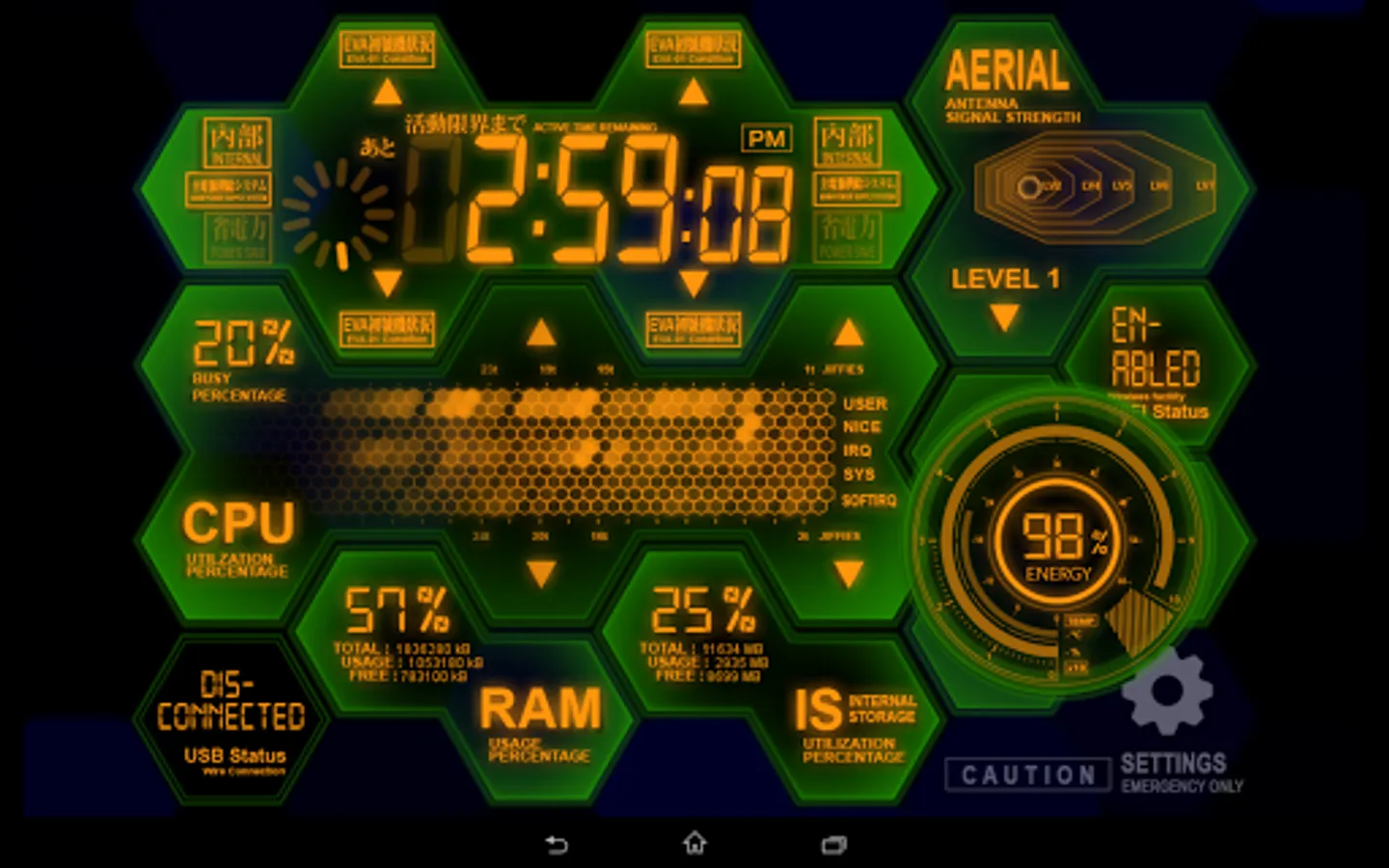
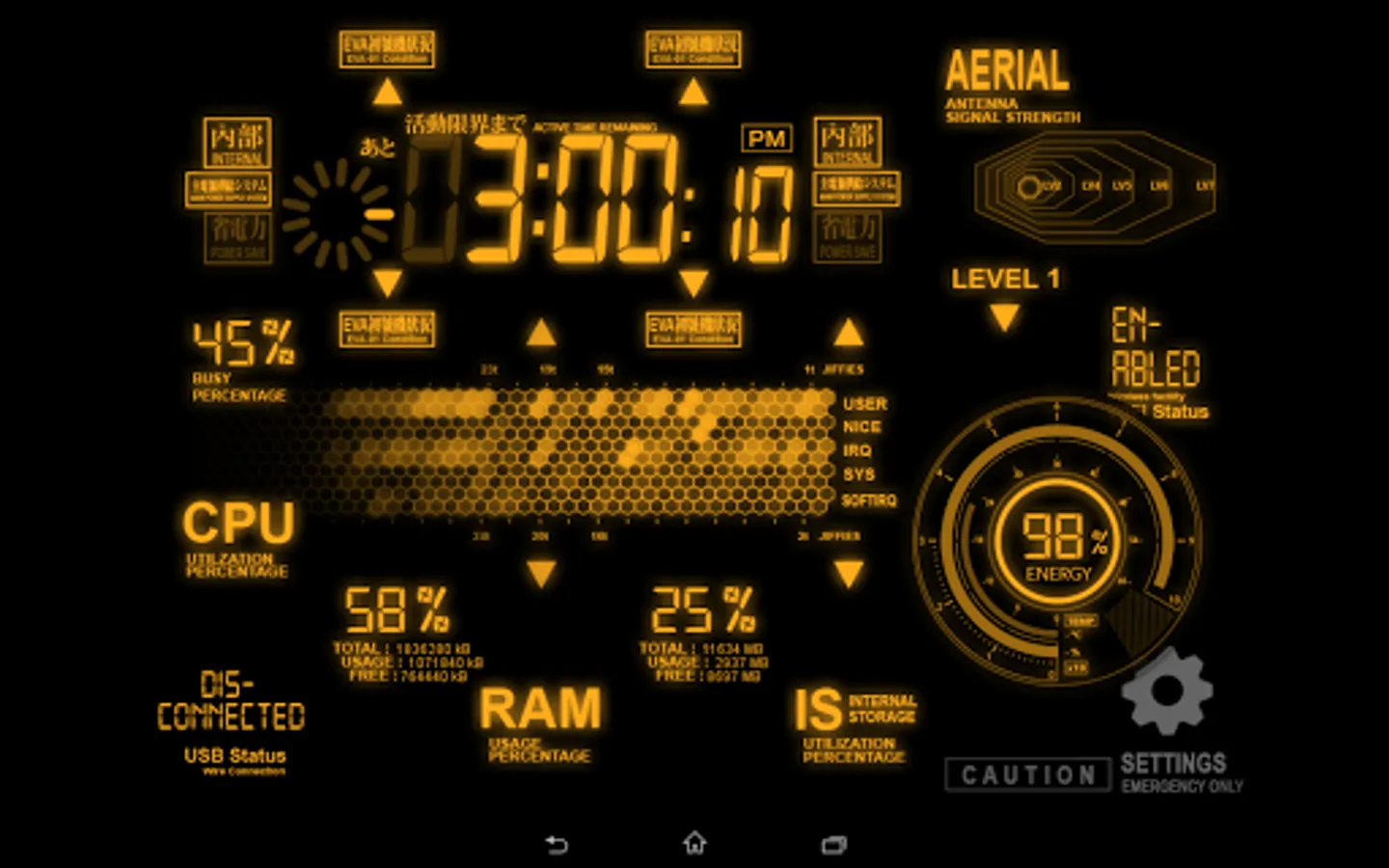
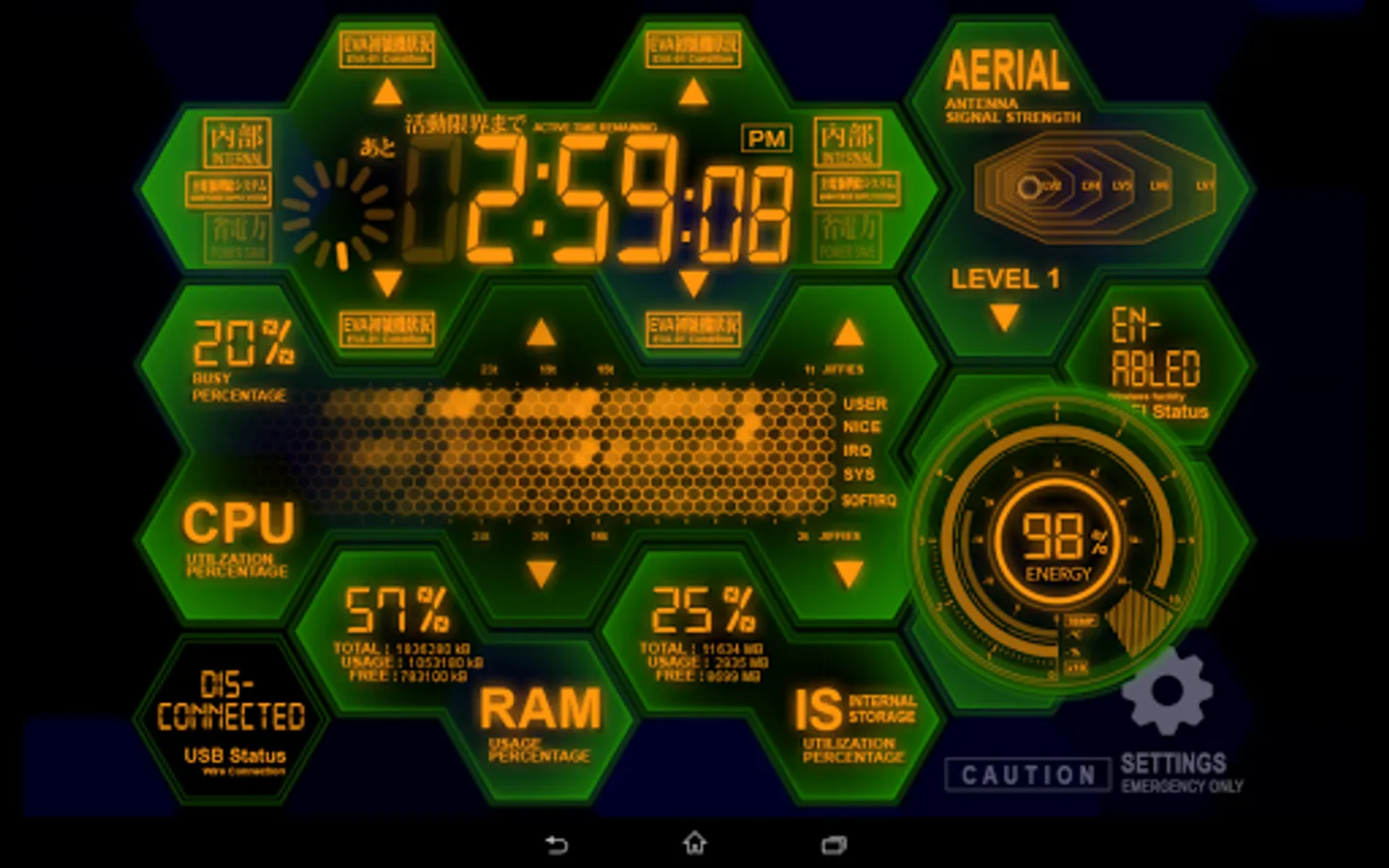
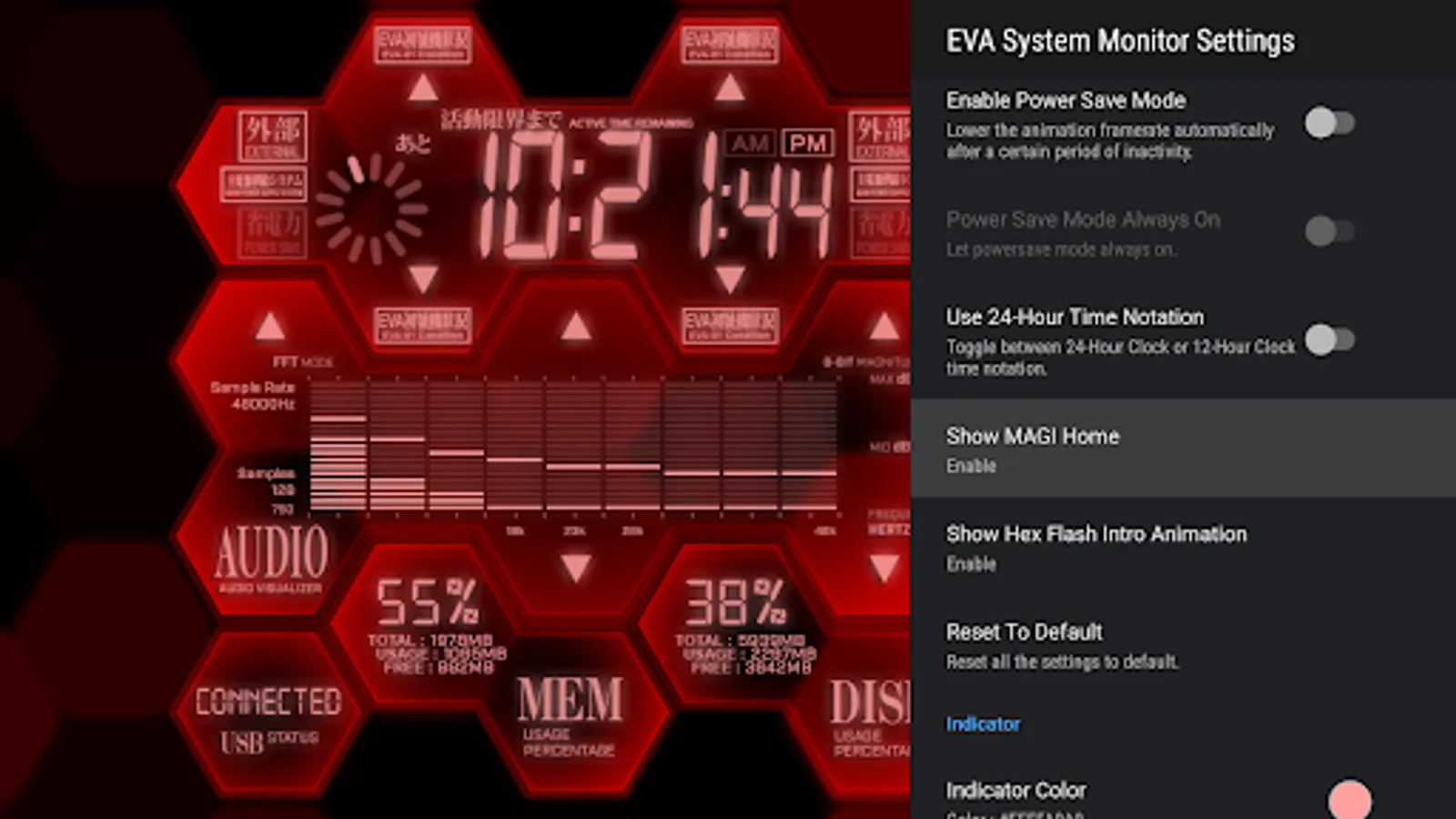
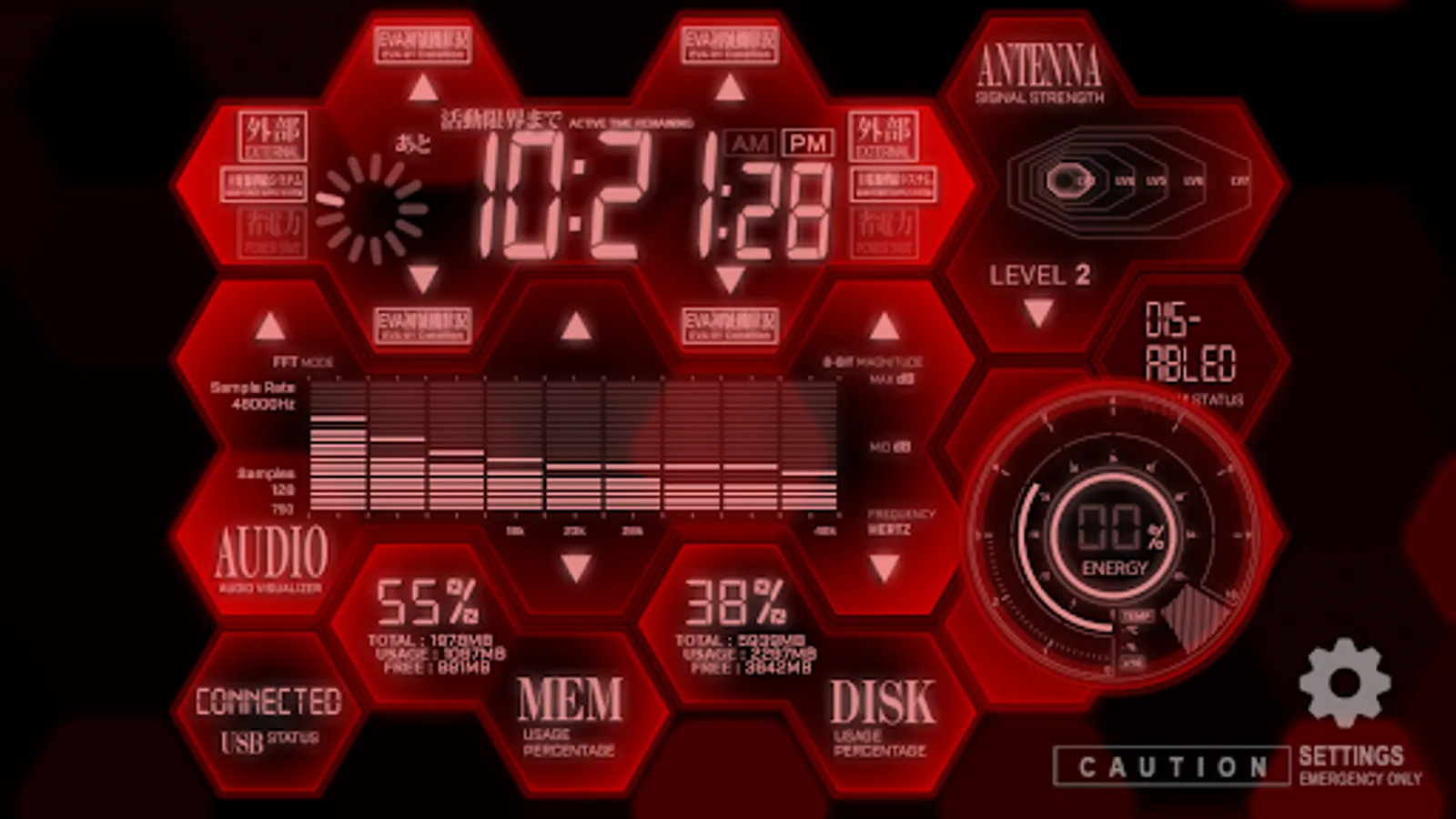
In this system monitoring app, you can view real-time device statistics and customize visual effects. Includes system clock, RAM and storage usage, Wi-Fi and network details, and visualized audio output.
AppRecs review analysis
AppRecs rating 4.4. Trustworthiness 70 out of 100. Review manipulation risk 30 out of 100. Based on a review sample analyzed.
★★★★☆
4.4
AppRecs Rating
Ratings breakdown
5 star
61%
4 star
31%
3 star
4%
2 star
2%
1 star
2%
What to know
✓
Low review manipulation risk
30% review manipulation risk
✓
High user satisfaction
91% of sampled ratings are 4+ stars (4.4★ average)
✓
Authentic reviews
Natural distribution, no red flags
About EVA System Monitor
Experience the perfect blend of technology and anime artistry, transforming your device into a high-tech monitoring center with unique visual effects and comprehensive system monitoring. Our application combines exquisite NERV-style animations with practical system monitoring tools to offer a one-of-a-kind user experience.
Features of the EVA System Monitor include:
- System Clock
- RAM usage
- Internal storage usage
- Wi-Fi status
- CPU and network statistics (not supported on Android 8 or newer versions)
- Network Usage
- Visualized audio output
- USB status
- Mobile network signal strength
- Remaining battery power and temperature
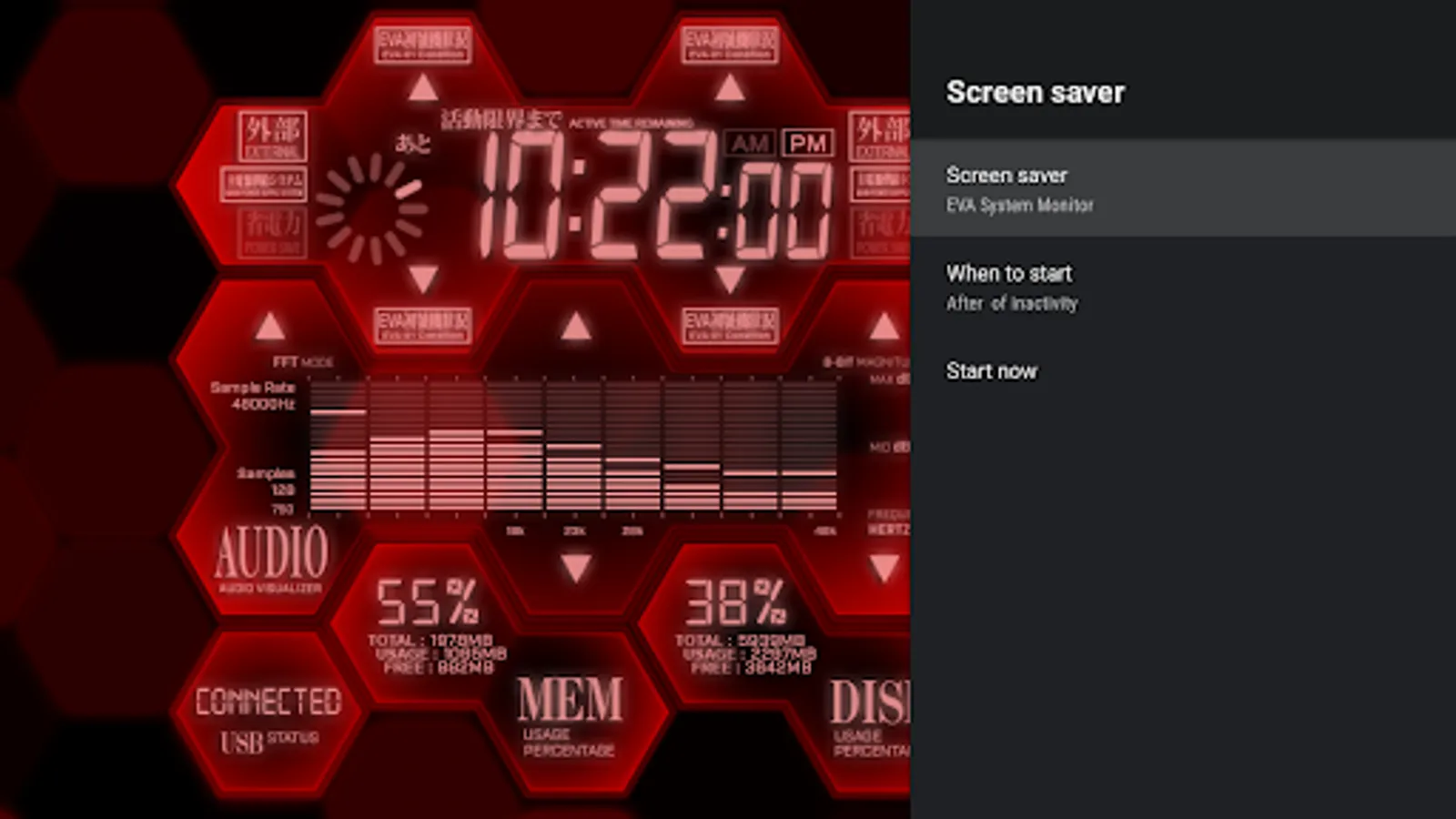
Additionally, it includes a SH-06D NERV MAGI Home animation designed specifically for the lock screen, and supports the Android TV platform (Android TV version cannot use the wallpaper function, but can be set as a screensaver), bringing the charm of a NERV high-tech monitoring center to your large screen.
Whether you are a tech enthusiast or an anime fan, our application will bring an extraordinary visual feast and practical system monitoring functionality to your device. With this app, your device will be more than just an ordinary tool; it will be your personalized piece of tech art. From your phone to your home's Android TV, our application will bring new life and style to each of your devices.
📺 Special Note for TV Users:
1. The app is designed to elevate your device's aesthetic, but it is important to note that on Android TV and Google TV, the app functions solely as a Screensaver. It cannot be set as a Live Wallpaper due to platform restrictions.
2. Setting Screensaver on Google TV: Google TV users, we understand that customizing your screensaver settings through the standard UI is currently not an option. However, there's a workaround for tech-savvy users who are comfortable with using ADB commands. You can set the app as your screensaver by executing the following ADB command:
"adb shell settings put secure screensaver_components com.phardera.evasysmon/com.phardera.lwplib.livewallpaper.UnityDaydreamService"
Features of the EVA System Monitor include:
- System Clock
- RAM usage
- Internal storage usage
- Wi-Fi status
- CPU and network statistics (not supported on Android 8 or newer versions)
- Network Usage
- Visualized audio output
- USB status
- Mobile network signal strength
- Remaining battery power and temperature
Additionally, it includes a SH-06D NERV MAGI Home animation designed specifically for the lock screen, and supports the Android TV platform (Android TV version cannot use the wallpaper function, but can be set as a screensaver), bringing the charm of a NERV high-tech monitoring center to your large screen.
Whether you are a tech enthusiast or an anime fan, our application will bring an extraordinary visual feast and practical system monitoring functionality to your device. With this app, your device will be more than just an ordinary tool; it will be your personalized piece of tech art. From your phone to your home's Android TV, our application will bring new life and style to each of your devices.
📺 Special Note for TV Users:
1. The app is designed to elevate your device's aesthetic, but it is important to note that on Android TV and Google TV, the app functions solely as a Screensaver. It cannot be set as a Live Wallpaper due to platform restrictions.
2. Setting Screensaver on Google TV: Google TV users, we understand that customizing your screensaver settings through the standard UI is currently not an option. However, there's a workaround for tech-savvy users who are comfortable with using ADB commands. You can set the app as your screensaver by executing the following ADB command:
"adb shell settings put secure screensaver_components com.phardera.evasysmon/com.phardera.lwplib.livewallpaper.UnityDaydreamService"
EVA System Monitor Screenshots
Tap to Rate:
Reviews for EVA System Monitor
Mike Rotch
2/19/2025
WORTH IT, using it on the HIBY R4 x Evangelion Digital audio player. It brings it to the next level for Evangelion theme imo.
Daniel Tan
2/18/2025
Any new features updates??