AI Retouch - Remove Object
Shotcut Video Workshop
4.5 ★
store rating
50,000+
downloads
Free
+ in-app
AppRecs review analysis
AppRecs rating 3.0. Trustworthiness 65 out of 100. Review manipulation risk 46 out of 100. Based on a review sample analyzed.
★★☆☆☆
3.0
AppRecs Rating
Ratings breakdown
5 star
82%
4 star
0%
3 star
9%
2 star
0%
1 star
9%
What to know
⚠
Questionable review patterns
46% review manipulation risk - some review patterns appear unusual
⚠
Review quality concerns
71% of sampled 5-star reviews are very short
About AI Retouch - Remove Object
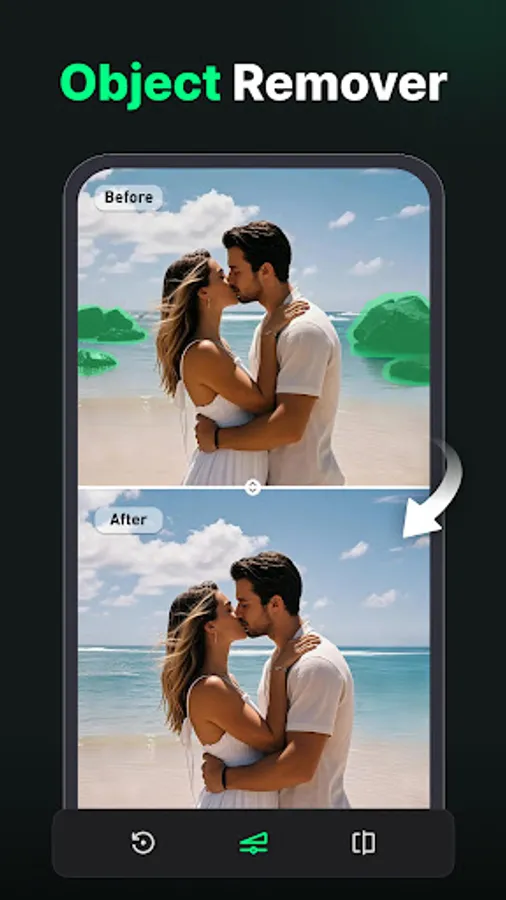
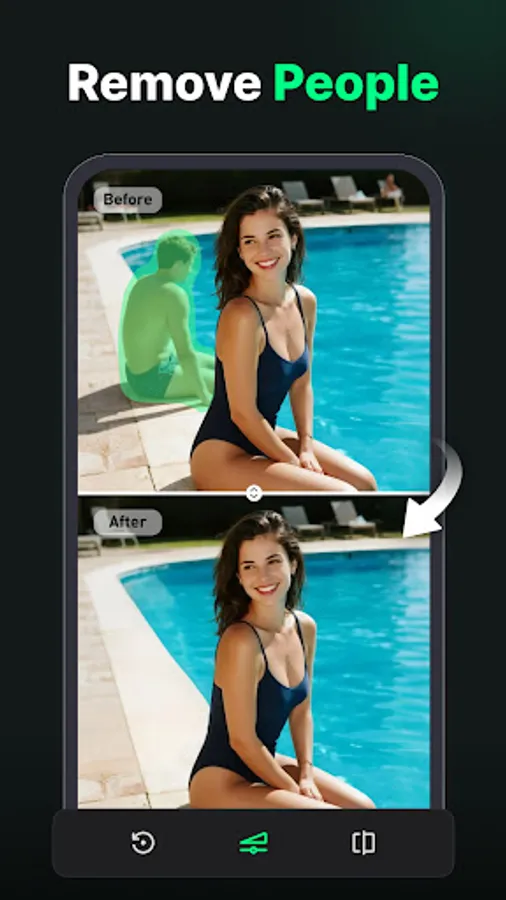
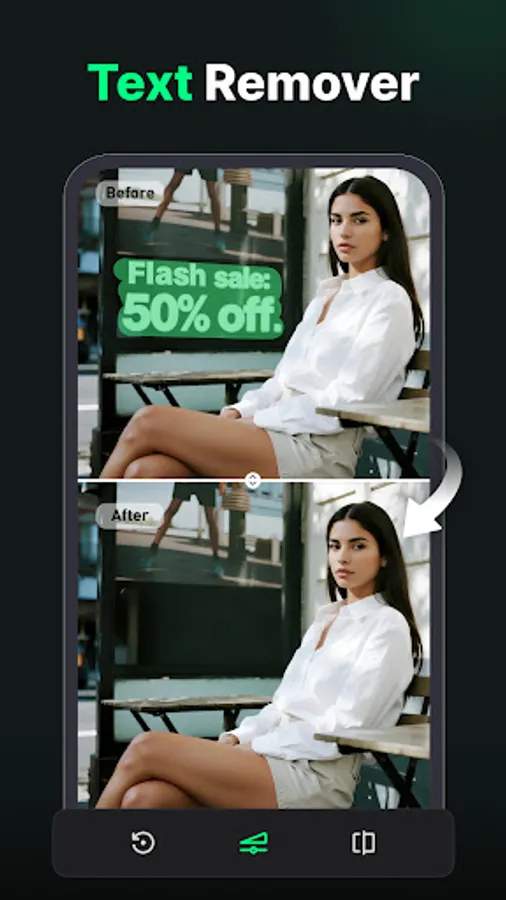
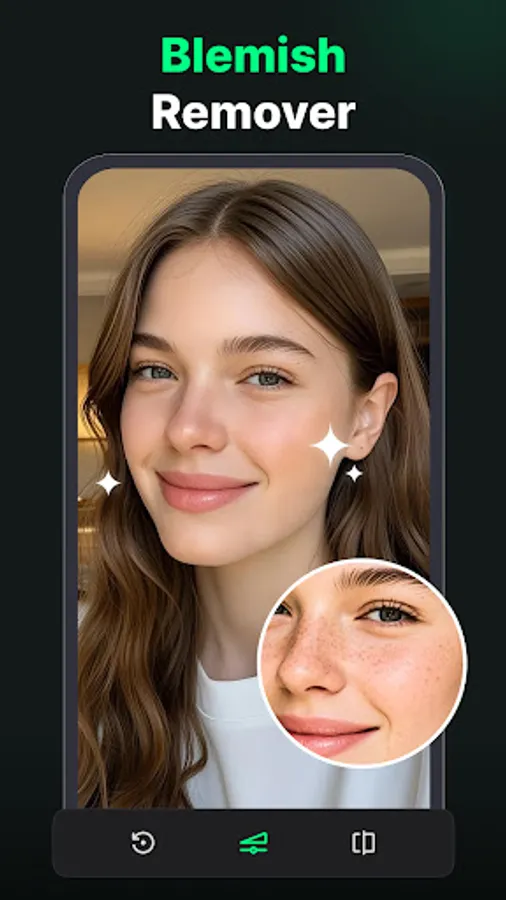
With Object Eraser – AI Retouch & Object Remover, you can delete unwanted objects, remove people, erase text, clean blemishes, or remove watermarks. This object eraser app makes photo editing fast, simple, and professional with AI retouch.
Sometimes your perfect photo is ruined by strangers, clutter, or unwanted details. That’s when the object remover comes in handy. With just one tap, you can erase objects and remove objects from photo naturally. Thanks to AI retouch, every edit looks smooth and realistic.
Why Choose Object Eraser?
✨ Erase Objects Fast: Highlight anything you don’t want, tap once, and the object eraser will clean it instantly.
✨ Remove People from Photo: Got photobombers? Use the object remover to delete them in seconds.
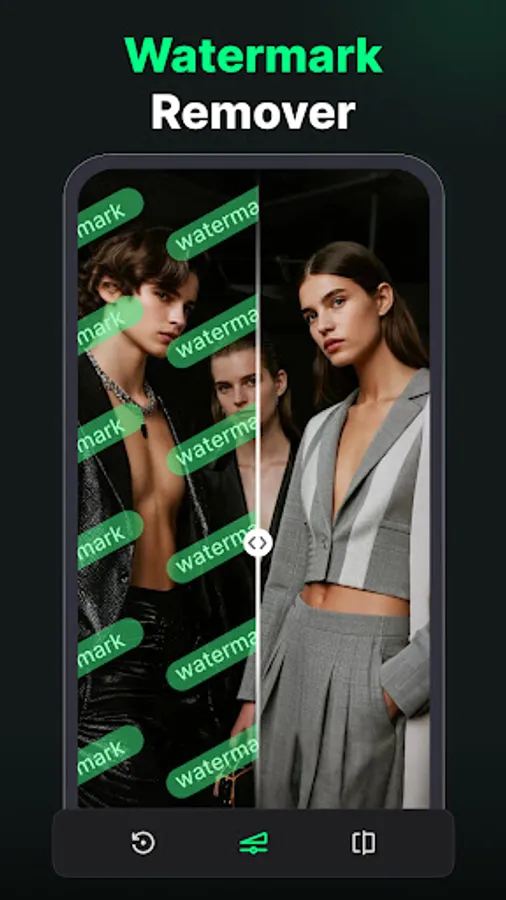
✨ Erase Text & Watermarks: With the object eraser, you can remove text, logos, or watermarks without leaving marks.
✨ AI Retouch for Portraits: Use AI retouch to clean blemishes, scars, or acne for flawless selfies.
✨ Professional Results: Every time you remove objects from photo, the app makes it look natural.
How It Works:
1️⃣ Pick a photo from your gallery.
2️⃣ Brush or highlight the area to erase objects.
3️⃣ Tap the magic object remover button.
4️⃣ Let AI retouch finish the job.
5️⃣ Save or share your cleaned photo.
Perfect for:
📸 Travel Photos – Remove objects from photo like signs, wires, or random people.
👥 Privacy – Use the remove objects from photo to delete private info or strangers.
🛒 E-commerce – Clean product shots by erasing logos, stickers, and clutter.
🤳 Portraits – Use AI retouch with the object eraser to erase blemishes for clean selfies.
With Object Eraser – AI Retouch & Object Remover, you’ll never have to worry about ruined pictures again. Remove objects from photo, fix details, and make your photos look perfect anytime.
📧 Need help? Contact us: getsupport-Android@removeobject.app
Sometimes your perfect photo is ruined by strangers, clutter, or unwanted details. That’s when the object remover comes in handy. With just one tap, you can erase objects and remove objects from photo naturally. Thanks to AI retouch, every edit looks smooth and realistic.
Why Choose Object Eraser?
✨ Erase Objects Fast: Highlight anything you don’t want, tap once, and the object eraser will clean it instantly.
✨ Remove People from Photo: Got photobombers? Use the object remover to delete them in seconds.
✨ Erase Text & Watermarks: With the object eraser, you can remove text, logos, or watermarks without leaving marks.
✨ AI Retouch for Portraits: Use AI retouch to clean blemishes, scars, or acne for flawless selfies.
✨ Professional Results: Every time you remove objects from photo, the app makes it look natural.
How It Works:
1️⃣ Pick a photo from your gallery.
2️⃣ Brush or highlight the area to erase objects.
3️⃣ Tap the magic object remover button.
4️⃣ Let AI retouch finish the job.
5️⃣ Save or share your cleaned photo.
Perfect for:
📸 Travel Photos – Remove objects from photo like signs, wires, or random people.
👥 Privacy – Use the remove objects from photo to delete private info or strangers.
🛒 E-commerce – Clean product shots by erasing logos, stickers, and clutter.
🤳 Portraits – Use AI retouch with the object eraser to erase blemishes for clean selfies.
With Object Eraser – AI Retouch & Object Remover, you’ll never have to worry about ruined pictures again. Remove objects from photo, fix details, and make your photos look perfect anytime.
📧 Need help? Contact us: getsupport-Android@removeobject.app