
AppRecs review analysis
AppRecs rating . Trustworthiness 75 out of 100. Review manipulation risk 16 out of 100. Based on a review sample analyzed.
★
AppRecs Rating
Ratings breakdown
5 star
100%
4 star
0%
3 star
0%
2 star
0%
1 star
0%
What to know
✓
Low review manipulation risk
16% review manipulation risk
✓
Credible reviews
75% trustworthiness score from analyzed reviews
✓
High user satisfaction
100% of sampled ratings are 5 stars
About Photo Cropper
Photo Cropper is a simple, fast, and powerful tool that lets you crop any photo or image to the exact aspect ratio you need. Whether you're preparing a picture for Instagram, a YouTube thumbnail, a TikTok post, or simply want a clean, perfectly framed image — this app makes cropping effortless and precise.
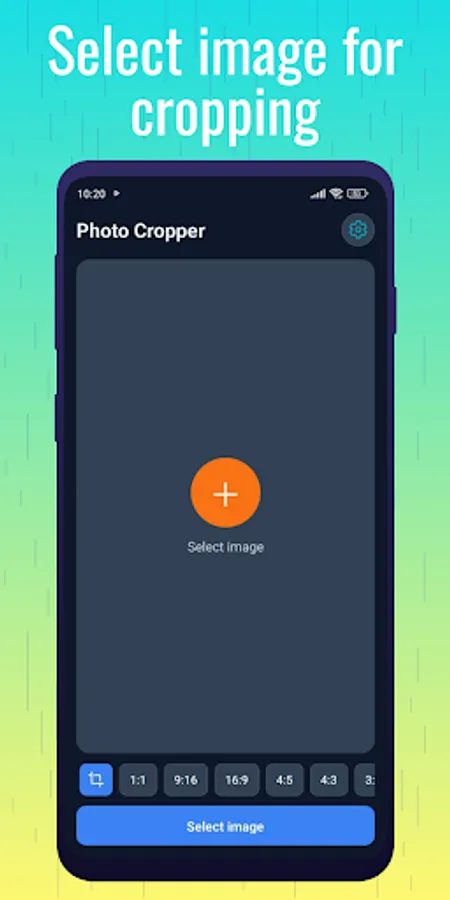
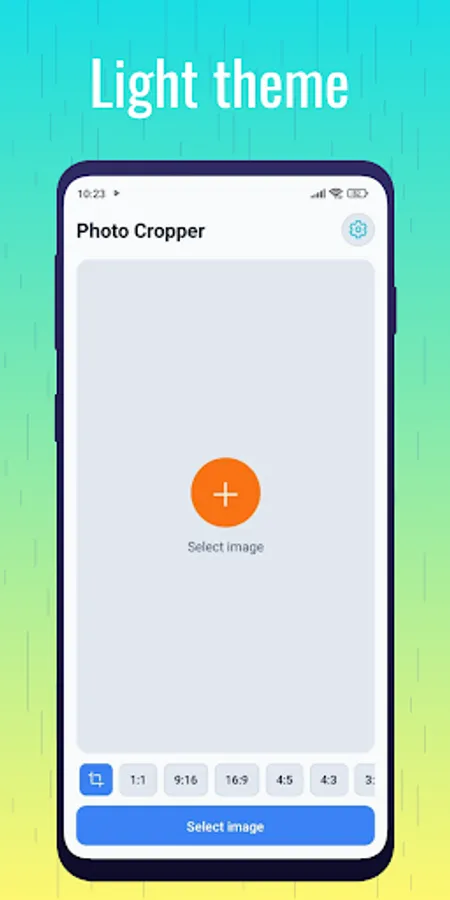
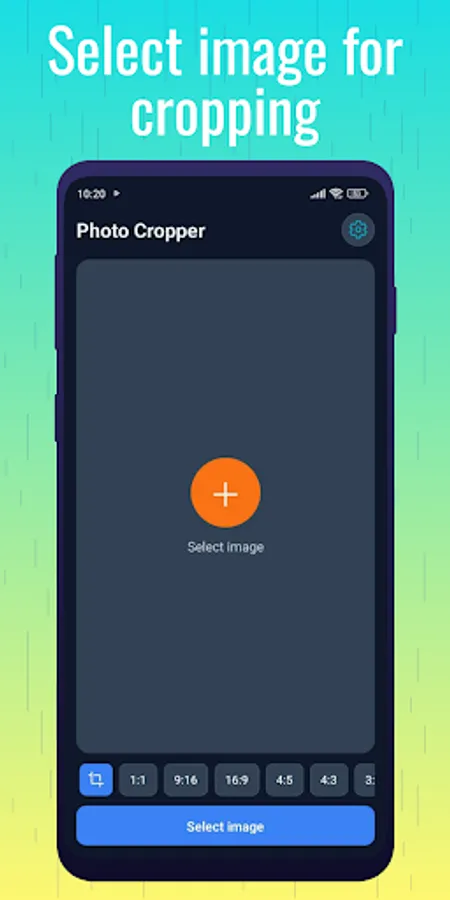
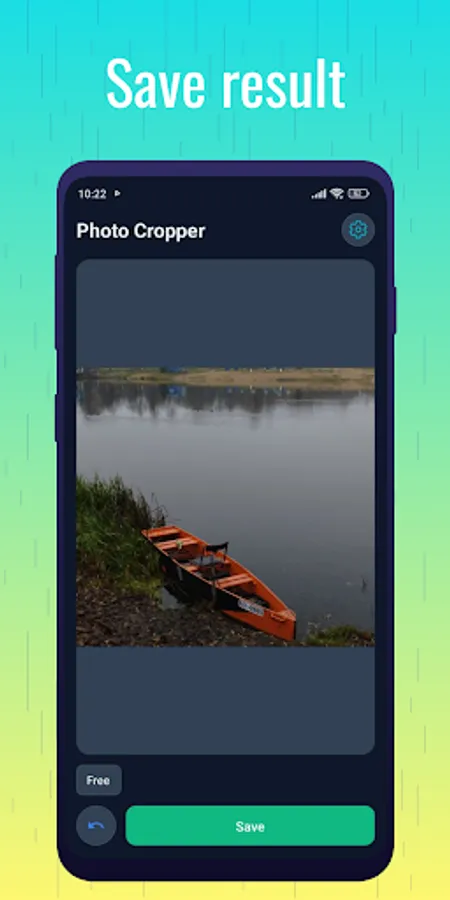
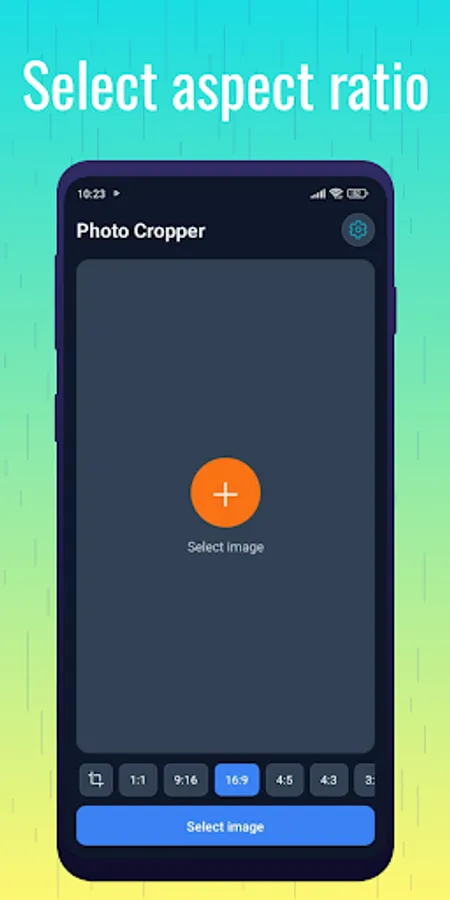
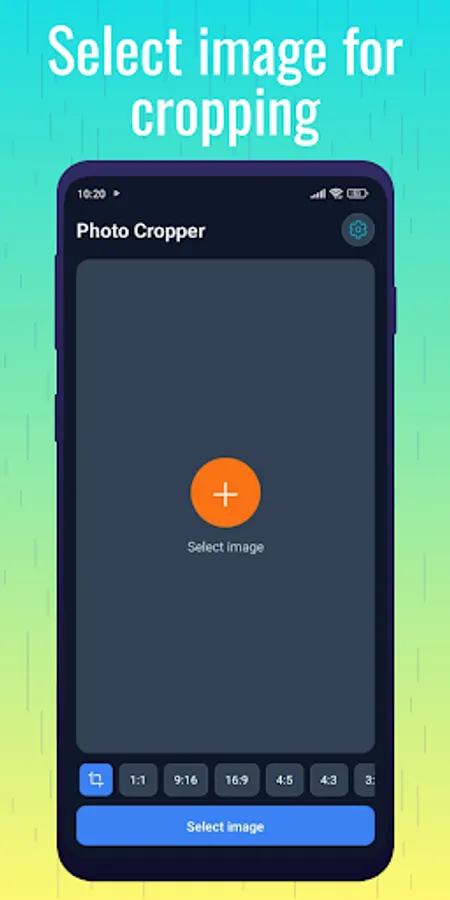
Choose from popular ready-made aspect ratios like 16:9, 4:3, 3:2, 1:1, 4:5, 9:16, 5:4, or freely adjust the crop frame to any custom size you want. Just select your image, pick an aspect ratio, resize the frame, preview the result, and save the cropped photo in high quality.
Photo Cropper is designed for everyone — casual users, social media creators, photographers, designers, and anyone who needs clean, accurately cropped images. The interface is intuitive and easy to use, allowing you to crop a photo in seconds.
Key Features
Crop Photos to Any Aspect Ratio
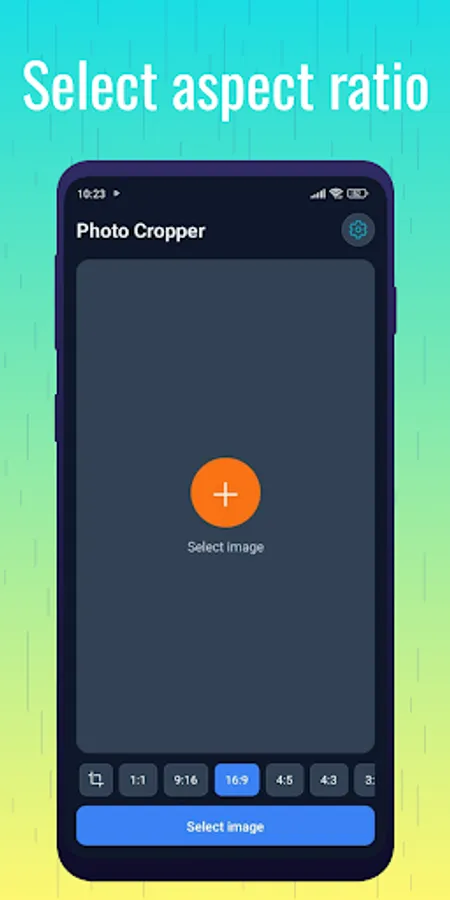
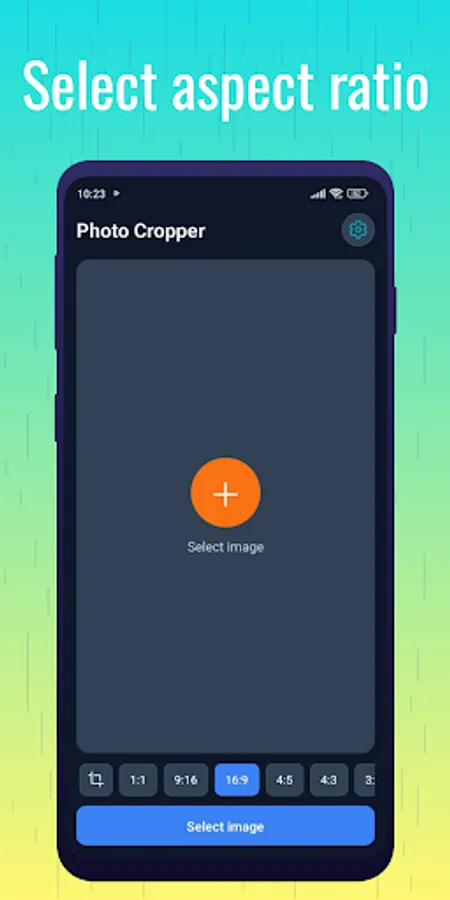
Choose from presets such as 16:9, 4:3, 3:2, 1:1, 4:5, 9:16, 5:4, or use a fully custom crop.
Perfect for All Social Platforms
Create photos ready for:
Instagram (Posts, Stories, Reels)
TikTok & YouTube Shorts (9:16)
YouTube Thumbnails (16:9)
Facebook & Pinterest formats
And more.
Precise Adjustment
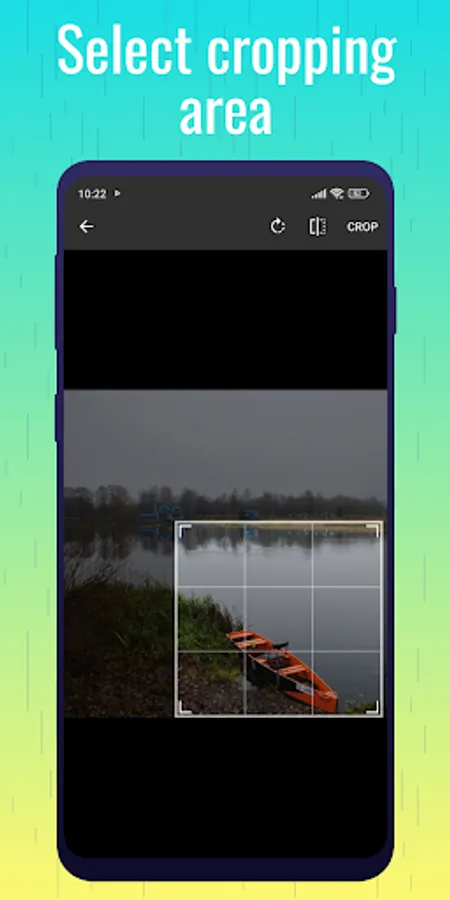
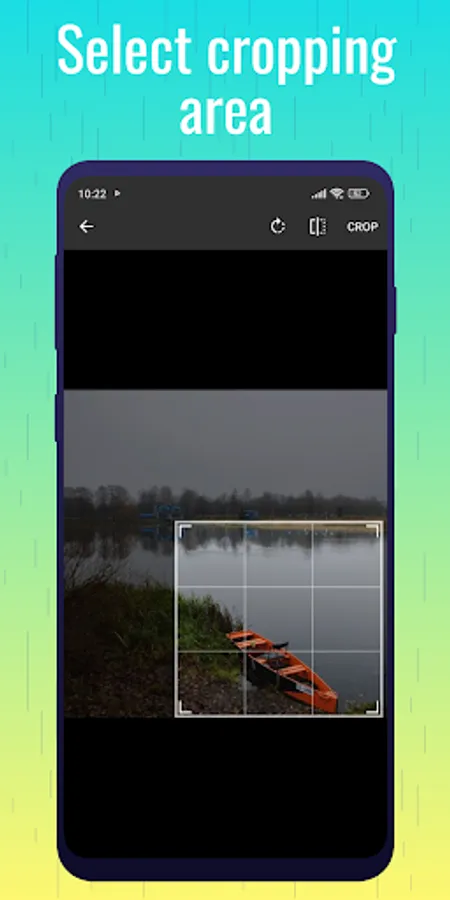
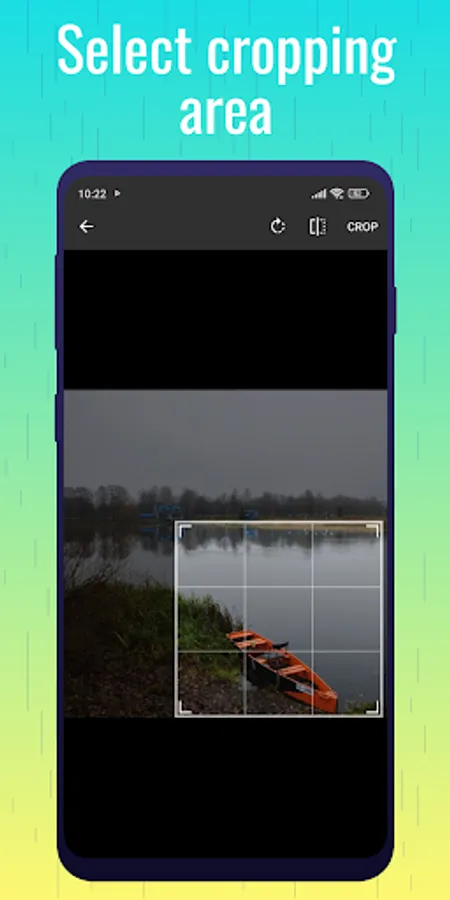
Drag the corners of the crop frame or use smooth controls for pixel-perfect cropping.
Freeform Cropping
Disable aspect ratio lock and crop your image freely.
High-Quality Saving
Cropped photos keep their original resolution and quality.
Supports All Common Image Formats
JPG, PNG, JPEG, WEBP, and more.
Fast and Easy to Use
Clean, minimalistic interface focused on quick editing.
No Watermarks
Your image stays clean — no added logos or text.
Offline & Secure
The app works fully offline. Your images are never uploaded or stored anywhere.
Why Photo Cropper?
Photos often need to be adjusted for different platforms — one for Instagram Stories, another for a YouTube thumbnail, another for a Facebook post. Instead of guessing sizes or using complicated editors, Photo Cropper gives you ready-to-use aspect ratios that match the most popular formats.
It’s perfect for:
Social media users and content creators
Photographers and designers
Students and teachers
Anyone who wants clean, properly framed images
How to Use
Choose a photo from your device.
Select an aspect ratio or create a custom one.
Adjust the crop frame as needed.
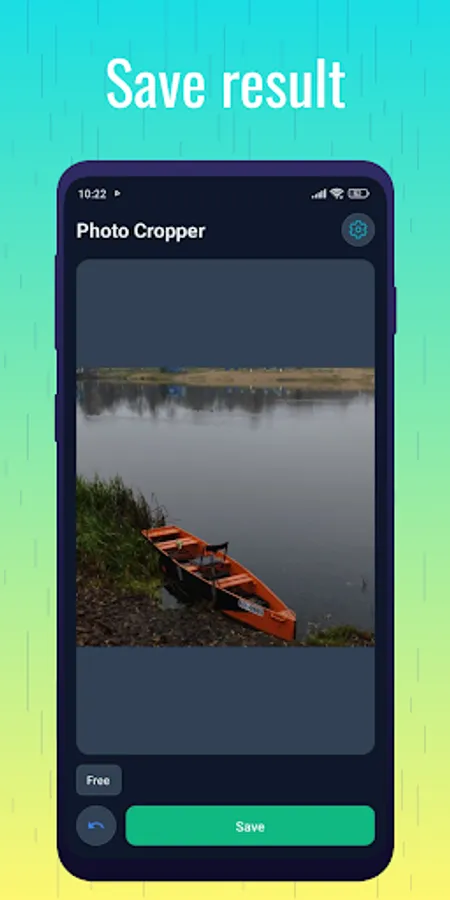
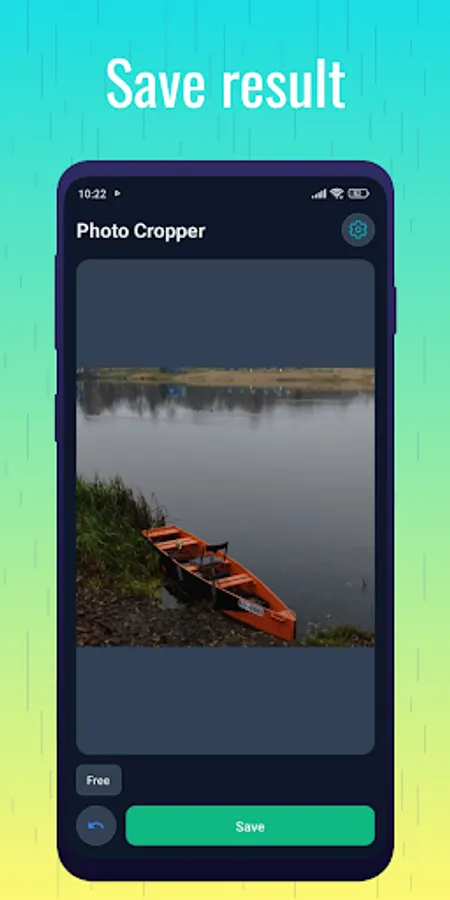
Preview the result.
Save the cropped image to your gallery.
That’s it — simple, clean, and fast.
Choose from popular ready-made aspect ratios like 16:9, 4:3, 3:2, 1:1, 4:5, 9:16, 5:4, or freely adjust the crop frame to any custom size you want. Just select your image, pick an aspect ratio, resize the frame, preview the result, and save the cropped photo in high quality.
Photo Cropper is designed for everyone — casual users, social media creators, photographers, designers, and anyone who needs clean, accurately cropped images. The interface is intuitive and easy to use, allowing you to crop a photo in seconds.
Key Features
Crop Photos to Any Aspect Ratio
Choose from presets such as 16:9, 4:3, 3:2, 1:1, 4:5, 9:16, 5:4, or use a fully custom crop.
Perfect for All Social Platforms
Create photos ready for:
Instagram (Posts, Stories, Reels)
TikTok & YouTube Shorts (9:16)
YouTube Thumbnails (16:9)
Facebook & Pinterest formats
And more.
Precise Adjustment
Drag the corners of the crop frame or use smooth controls for pixel-perfect cropping.
Freeform Cropping
Disable aspect ratio lock and crop your image freely.
High-Quality Saving
Cropped photos keep their original resolution and quality.
Supports All Common Image Formats
JPG, PNG, JPEG, WEBP, and more.
Fast and Easy to Use
Clean, minimalistic interface focused on quick editing.
No Watermarks
Your image stays clean — no added logos or text.
Offline & Secure
The app works fully offline. Your images are never uploaded or stored anywhere.
Why Photo Cropper?
Photos often need to be adjusted for different platforms — one for Instagram Stories, another for a YouTube thumbnail, another for a Facebook post. Instead of guessing sizes or using complicated editors, Photo Cropper gives you ready-to-use aspect ratios that match the most popular formats.
It’s perfect for:
Social media users and content creators
Photographers and designers
Students and teachers
Anyone who wants clean, properly framed images
How to Use
Choose a photo from your device.
Select an aspect ratio or create a custom one.
Adjust the crop frame as needed.
Preview the result.
Save the cropped image to your gallery.
That’s it — simple, clean, and fast.
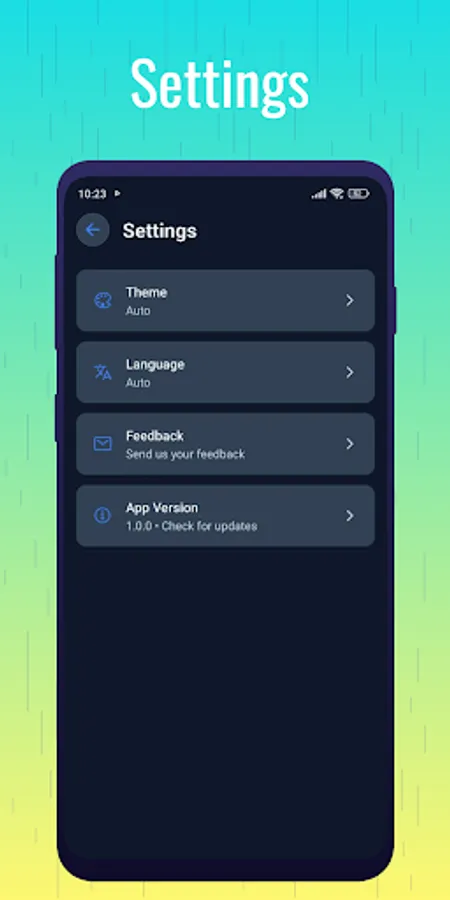
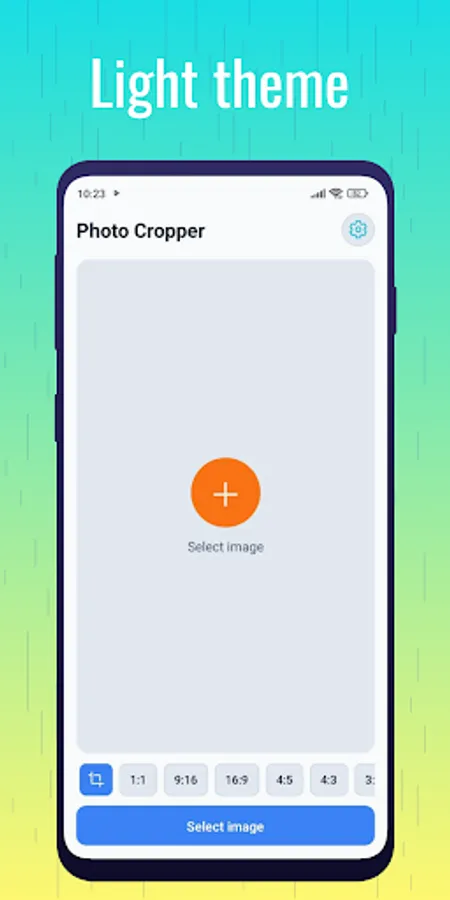
Photo Cropper Screenshots
Tap to Rate:
Reviews for Photo Cropper
Mahi Baloch
12/22/2025
I love this app due to its efficiency and uniqueness.It has user friendly interface and unique features to user.I can rotate each photo easily and quickly.I highly recommend it to you to use.