PinwheelGPT: Kid-Safe AI Chat
Pinwheel.com
2.0 ★
15 ratings
1,000+
downloads
Free
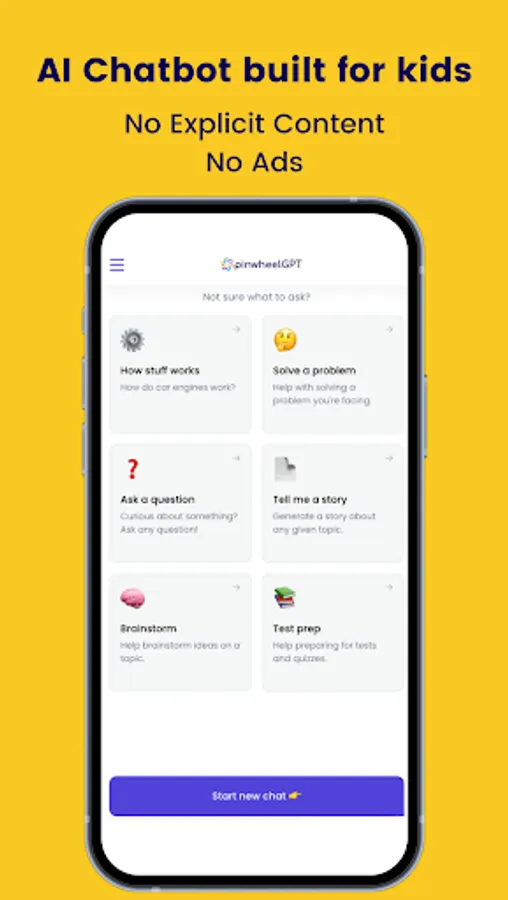
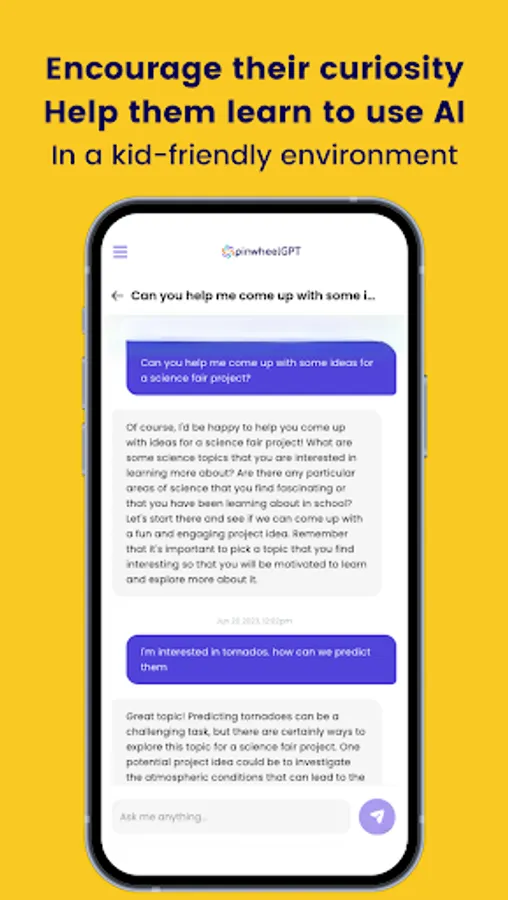
In this kid-safe AI chat app, children can ask questions and receive age-appropriate answers. Includes parent monitoring and conversation history features.
AppRecs review analysis
AppRecs rating 2.0. Trustworthiness 70 out of 100. Review manipulation risk 25 out of 100. Based on a review sample analyzed.
★★☆☆☆
2.0
AppRecs Rating
Ratings breakdown
5 star
7%
4 star
7%
3 star
20%
2 star
13%
1 star
53%
What to know
✓
Low review manipulation risk
25% review manipulation risk
⚠
Mixed user feedback
Average 2.0★ rating suggests room for improvement
About PinwheelGPT: Kid-Safe AI Chat
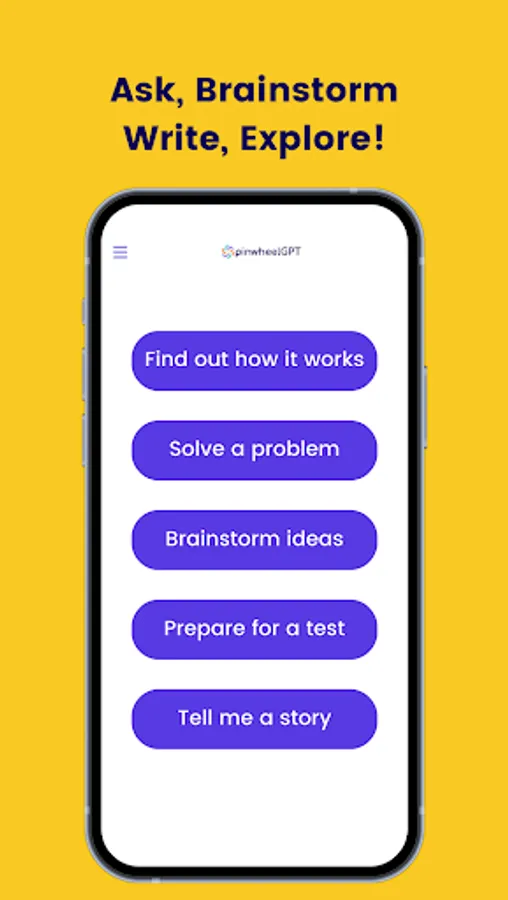
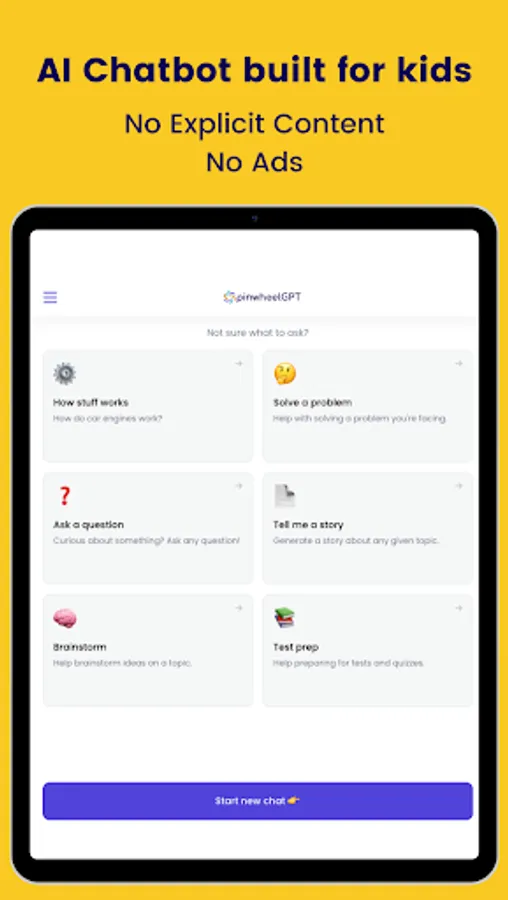
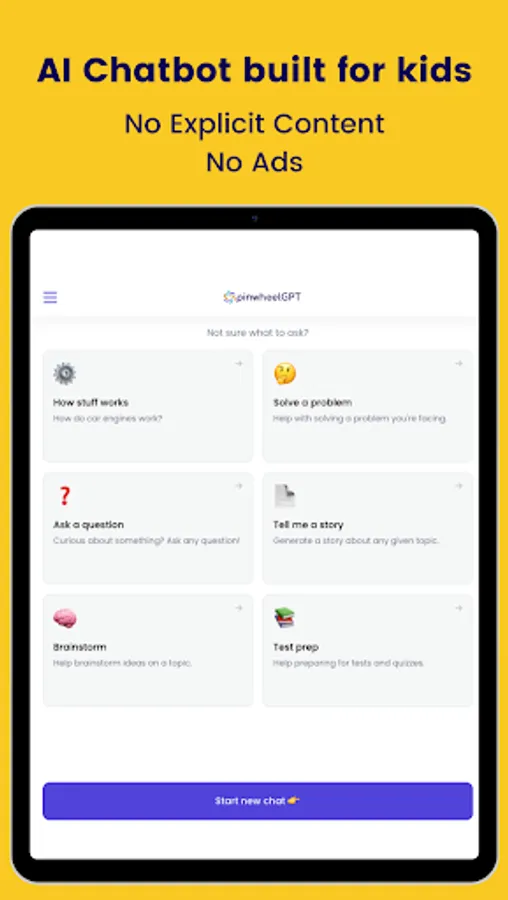
Let your kids' curiosity roam with an AI chat app built just for them. Powered by chatGPT technology, your kids can ask all their questions:
- How does AI work?
- What should I name my pet lizard?
- Tell me a story about dinosaurs.
- Why is my friend ghosting me?
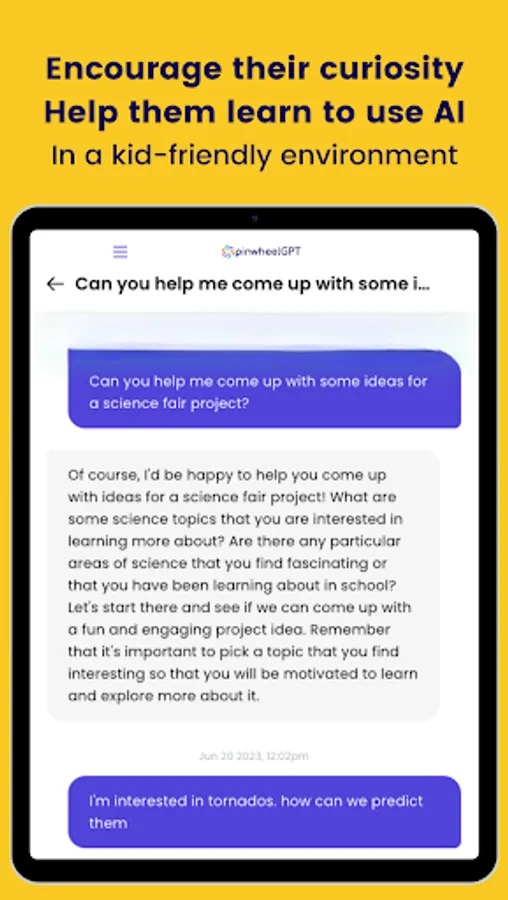
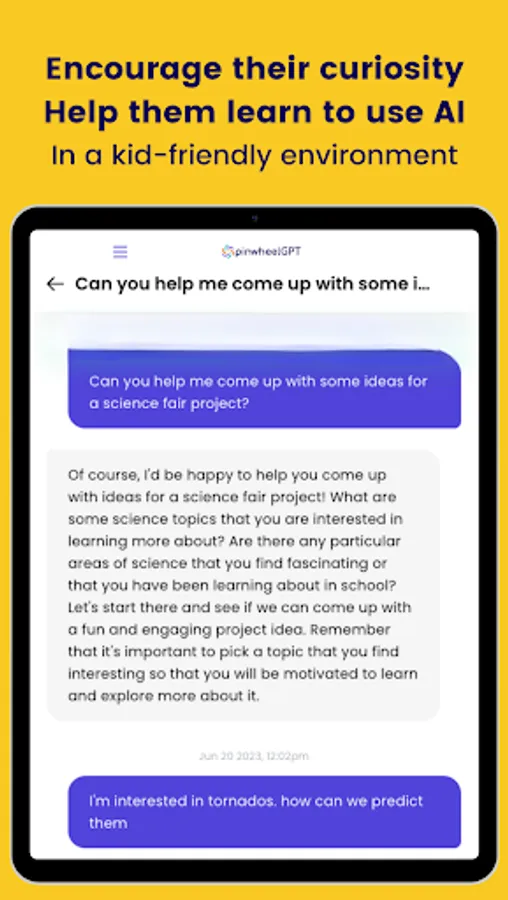
PinwheelGPT gives your child kid-friendly answers to all of their questions, engaging them in a conversation about their interests with:
- No inappropriate answers
- No explicit content
- No images, videos or web links
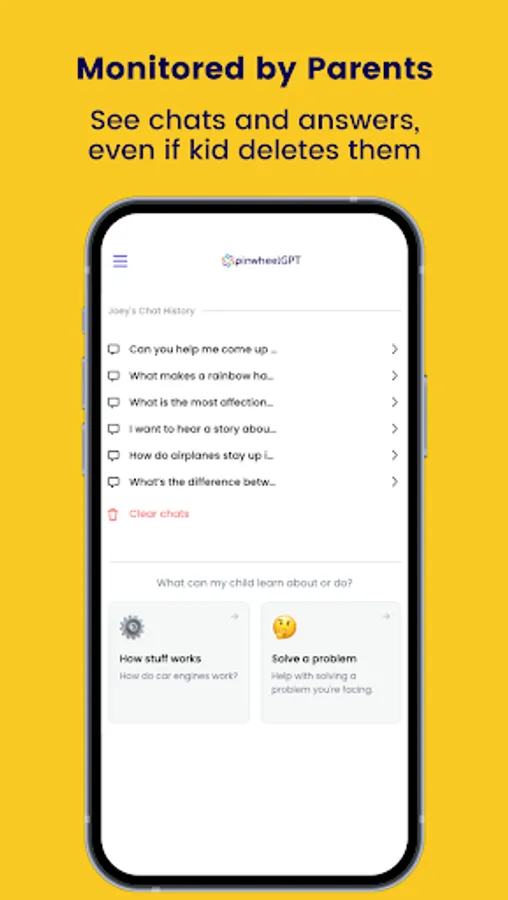
- Parent monitoring for extra guardrails
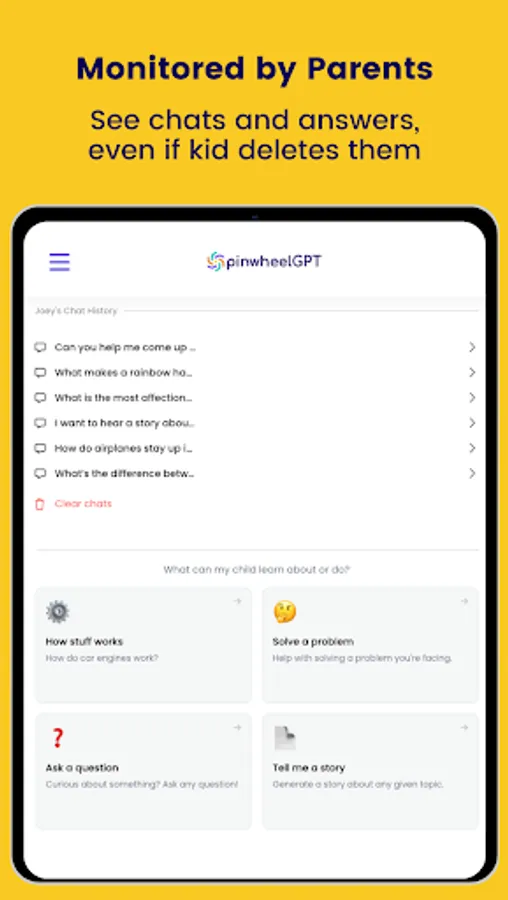
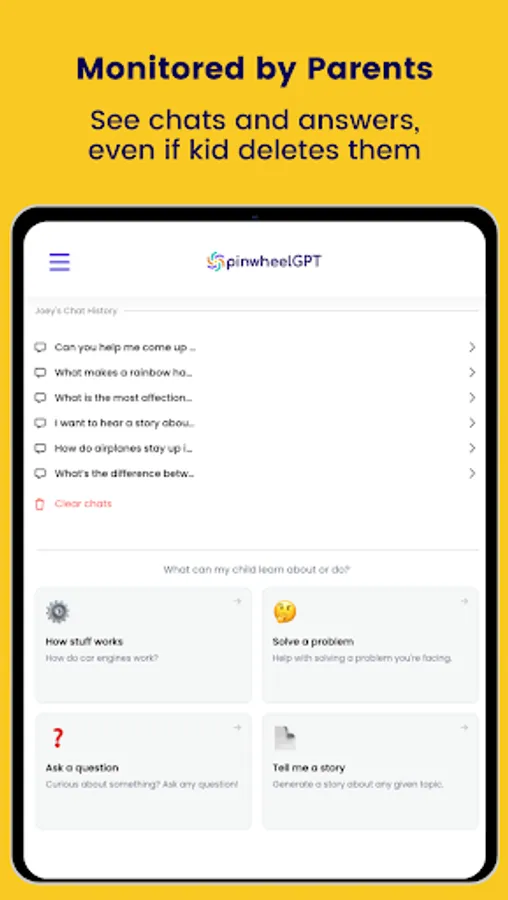
The parent portal lets you see your child’s conversations with the chatbot. So you get insight into what they’re asking, can clarify answers, and help your child learn to use AI technology.
To get started, set up a parent account at ai.pinwheel.com and add your child. Then download this app to your child’s device so they can start chatting!
Cautions
- Instruct children to avoid entering personal information into PinwheelGPT.
- Sometimes AI chatbots give inaccurate answers, which parent monitoring helps correct.
Subscriptions
PinwheelGPT is free up to 20 conversations per month. Subscribe for unlimited conversations.
- How does AI work?
- What should I name my pet lizard?
- Tell me a story about dinosaurs.
- Why is my friend ghosting me?
PinwheelGPT gives your child kid-friendly answers to all of their questions, engaging them in a conversation about their interests with:
- No inappropriate answers
- No explicit content
- No images, videos or web links
- Parent monitoring for extra guardrails
The parent portal lets you see your child’s conversations with the chatbot. So you get insight into what they’re asking, can clarify answers, and help your child learn to use AI technology.
To get started, set up a parent account at ai.pinwheel.com and add your child. Then download this app to your child’s device so they can start chatting!
Cautions
- Instruct children to avoid entering personal information into PinwheelGPT.
- Sometimes AI chatbots give inaccurate answers, which parent monitoring helps correct.
Subscriptions
PinwheelGPT is free up to 20 conversations per month. Subscribe for unlimited conversations.