NanoScan: PDF Scanner & Tools
PiRhoTech
100+
downloads
Free
AppRecs review analysis
AppRecs rating 4.5. Trustworthiness 65 out of 100. Review manipulation risk 20 out of 100. Based on a review sample analyzed.
★★★★☆
4.5
AppRecs Rating
Ratings breakdown
5 star
100%
4 star
0%
3 star
0%
2 star
0%
1 star
0%
What to know
✓
Low review manipulation risk
20% review manipulation risk
✓
High user satisfaction
100% of sampled ratings are 5 stars
About NanoScan: PDF Scanner & Tools
NanoScan: PDF Scanner & Tools
Create professional academic documents instantly with our all-in-one PDF solution!
Cover Page Generator is the ultimate tool for students and professionals who need to create polished, professional-looking cover pages for assignments, lab reports, project papers, and more. With intuitive features for PDF management and document handling, this app streamlines your academic and professional document workflow.
✨ KEY FEATURES
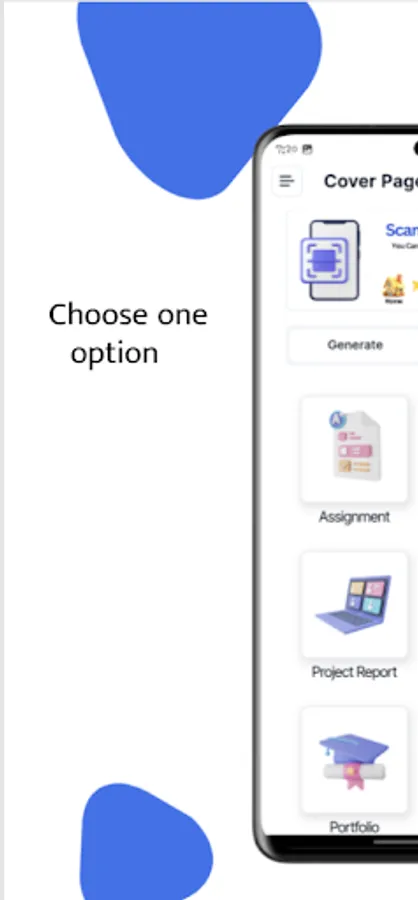
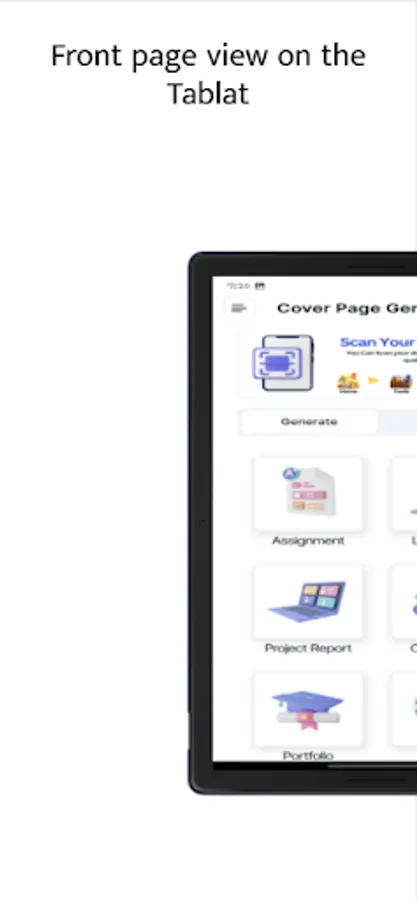
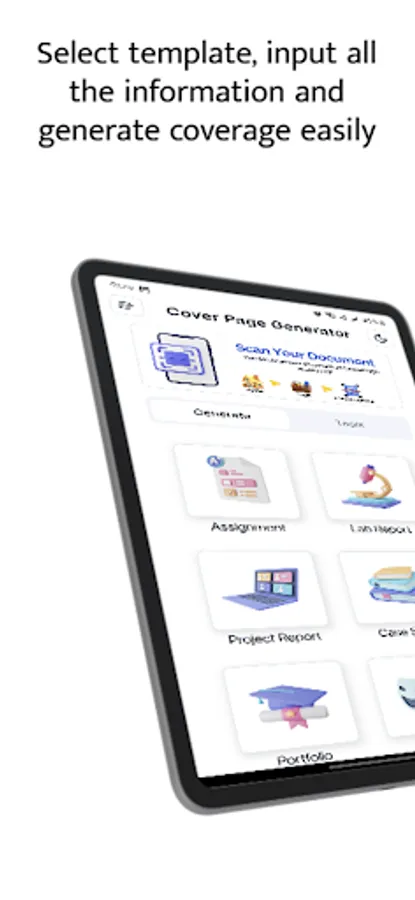
📄 Professional Cover Page Generator
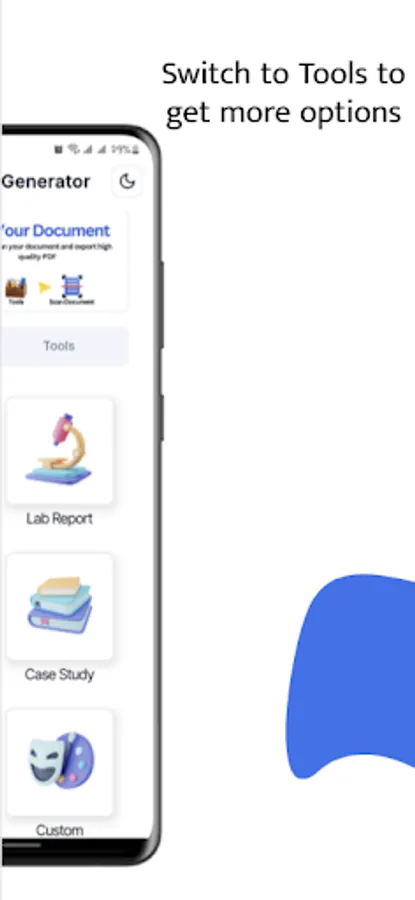
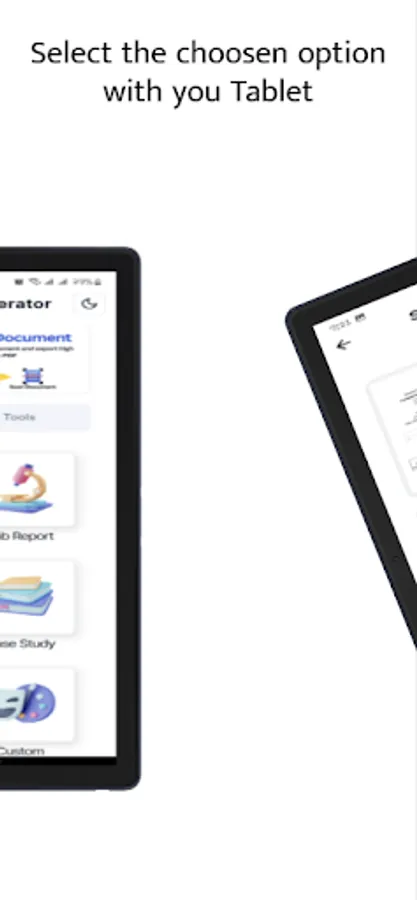
Generate beautifully formatted cover pages for various document types:
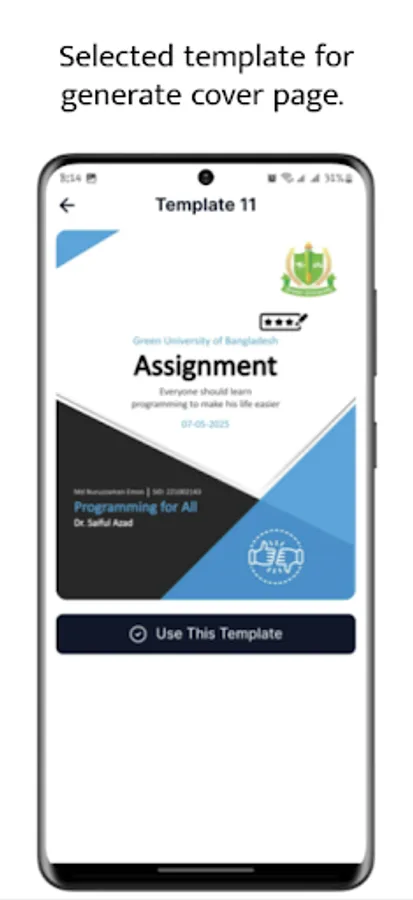
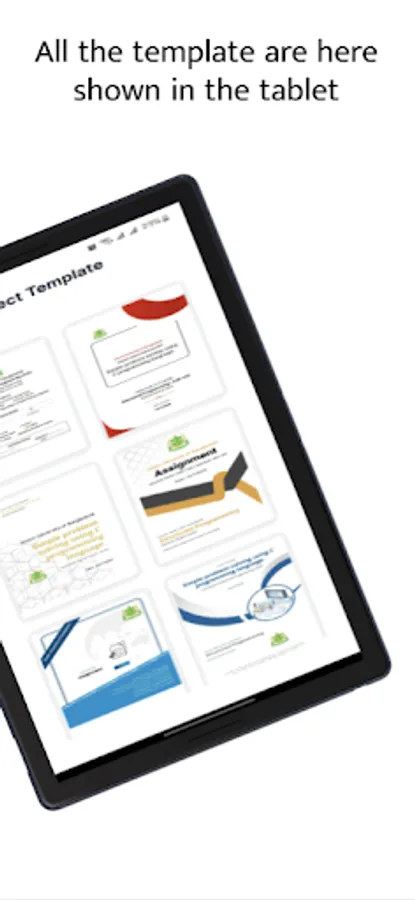
• Assignments with professionally designed templates
• Lab reports with customizable experiment details
• Project reports with clean, professional layouts
• Case studies with proper academic formatting
• Portfolios with modern designs
• Custom cover pages for any document type
📱 Complete PDF Workshop
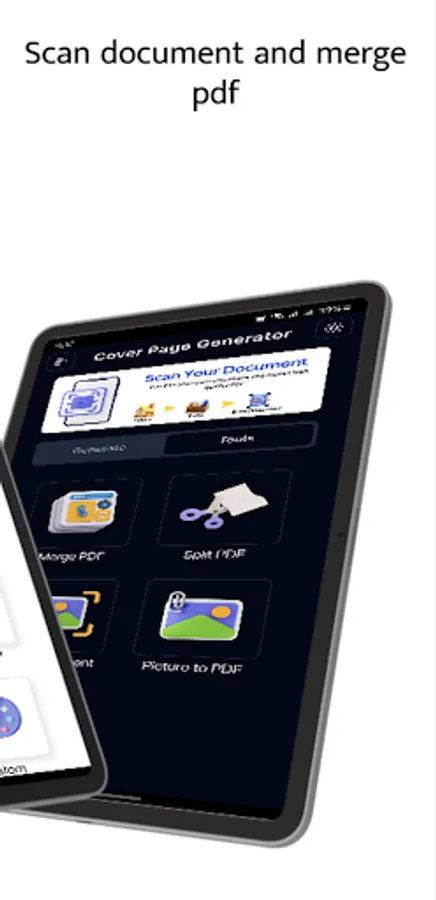
• Image to PDF Converter: Transform your images into perfectly formatted PDF documents
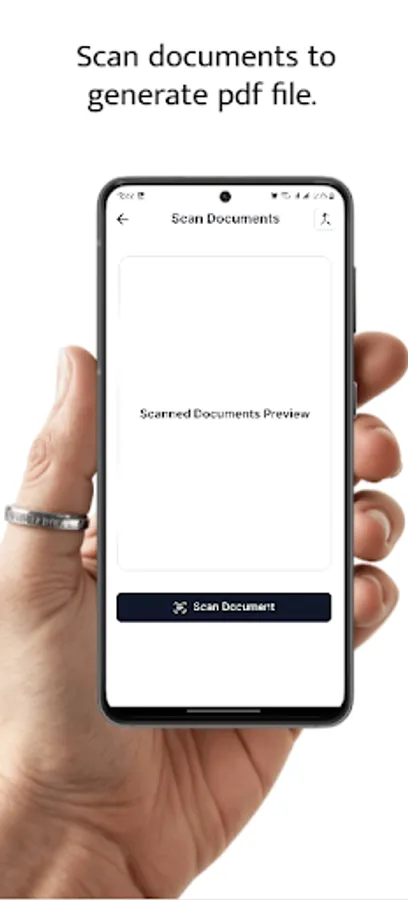
• Document Scanner: Scan physical documents and convert them to high-quality PDFs
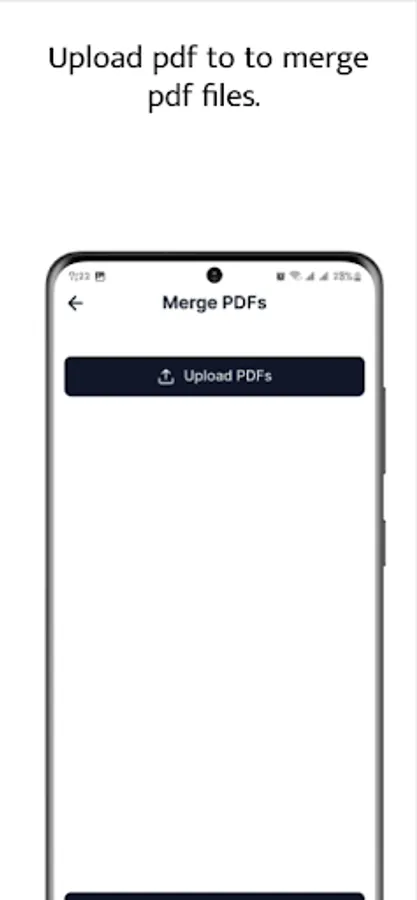
• PDF Merger: Combine multiple PDFs into a single organized document
• Share & Export: Easily share your generated documents via email, messaging apps, or cloud storage
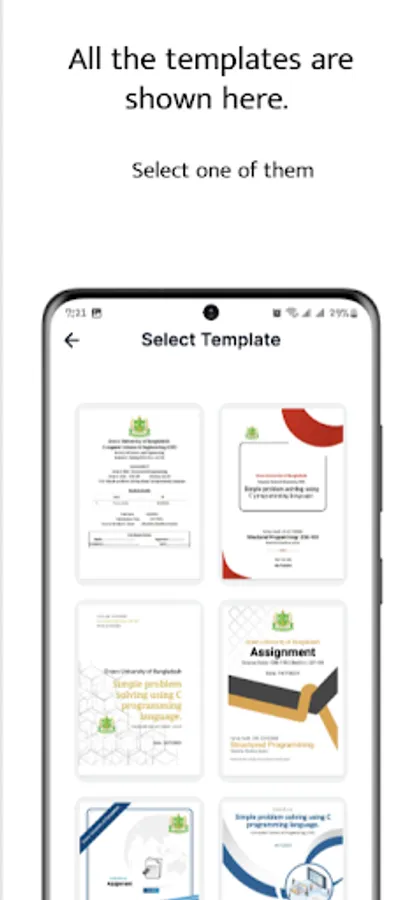
🎓 Institution-Specific Templates
• Pre-loaded templates for various educational institutions
• Custom logo support for your university or organization
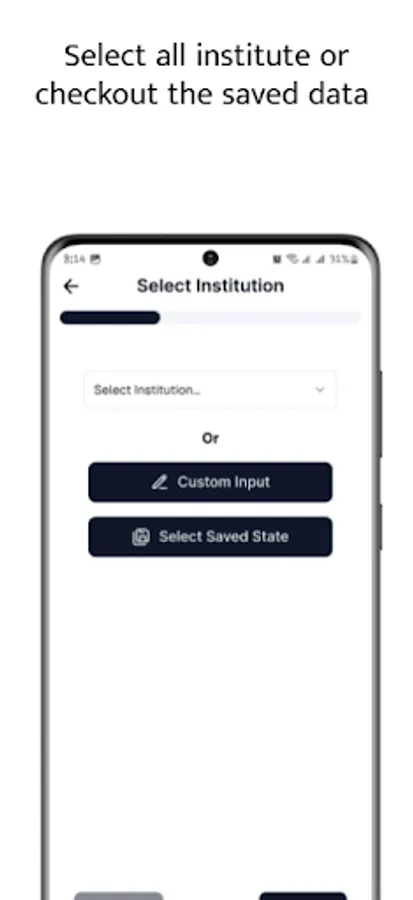
• Save your institution details for quick access later
🔄 User-Friendly Form System
• Guided step-by-step form filling process
• Easy data input for student information
• Quick course detail entry
• Information saved locally for future use
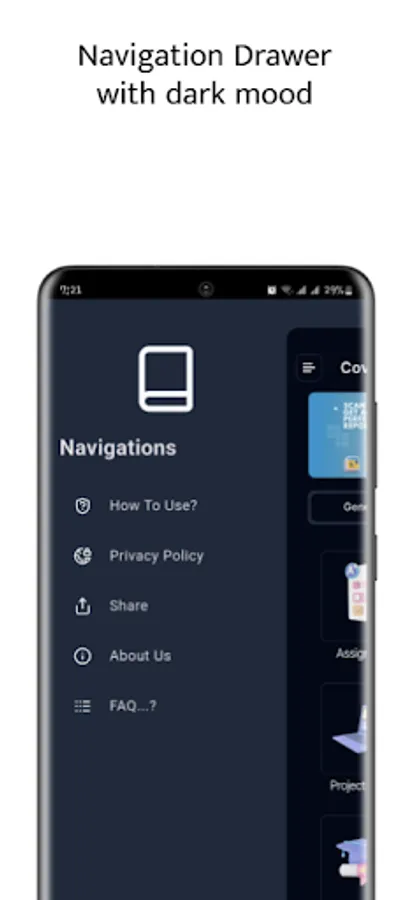
🌙 Dark Mode Support
• Comfortable viewing in any lighting condition
• Toggle between light and dark themes based on your preference
📋 DETAILED DOCUMENT CUSTOMIZATION
Student Information
• Name, ID, section, and program details
• Department and faculty information
• Semester and batch selection
Course Details
• Course title and code
• Assignment or experiment title
• Instructor name and designation
• Date fields for lab experiments and submission deadlines
Document Settings
• A4-sized outputs for universal compatibility
• Professional typesetting and formatting
• High-quality PDF generation
🔍 DOCUMENT MANAGEMENT
Local Storage
• All documents stored securely on your device
• No data sent to external servers
• Complete privacy for your academic work
Export Options
• Download PDFs to your device storage
• Share directly from the app
• Open in other PDF viewers or editors
Smart Features
• Remember previously entered data
• Quick reuse of institution and course information
• Saved templates for your most-used document types
📱 APP FEATURES
User-Friendly Interface
• Clean, modern design
• Intuitive navigation between features
• Responsive layout for all device sizes
Image Handling
• Support for various image formats
• Automatic image resizing for PDF pages
• Maintain aspect ratio when converting images
PDF Tools
• Professional PDF generation from HTML templates
• High-quality document scanning
• Efficient PDF merging capabilities
💼 PERFECT FOR
• College and university students
• Research scholars and academics
• Teaching assistants and faculty
• Professionals preparing formal documents
• Anyone who needs to create professional-looking cover pages
🛠️ TECHNICAL DETAILS
• Minimal storage requirements
• Optimized for Android devices
• Offline functionality - no internet required for core features
• Fast PDF processing
🔒 PRIVACY & SECURITY
• No account required
• No data collection or tracking
• All information stays on your device
• No advertisements
Download Cover Page Generator today and transform the way you create academic and professional documents. Say goodbye to formatting headaches and hello to professional-looking documents in seconds!
Create professional academic documents instantly with our all-in-one PDF solution!
Cover Page Generator is the ultimate tool for students and professionals who need to create polished, professional-looking cover pages for assignments, lab reports, project papers, and more. With intuitive features for PDF management and document handling, this app streamlines your academic and professional document workflow.
✨ KEY FEATURES
📄 Professional Cover Page Generator
Generate beautifully formatted cover pages for various document types:
• Assignments with professionally designed templates
• Lab reports with customizable experiment details
• Project reports with clean, professional layouts
• Case studies with proper academic formatting
• Portfolios with modern designs
• Custom cover pages for any document type
📱 Complete PDF Workshop
• Image to PDF Converter: Transform your images into perfectly formatted PDF documents
• Document Scanner: Scan physical documents and convert them to high-quality PDFs
• PDF Merger: Combine multiple PDFs into a single organized document
• Share & Export: Easily share your generated documents via email, messaging apps, or cloud storage
🎓 Institution-Specific Templates
• Pre-loaded templates for various educational institutions
• Custom logo support for your university or organization
• Save your institution details for quick access later
🔄 User-Friendly Form System
• Guided step-by-step form filling process
• Easy data input for student information
• Quick course detail entry
• Information saved locally for future use
🌙 Dark Mode Support
• Comfortable viewing in any lighting condition
• Toggle between light and dark themes based on your preference
📋 DETAILED DOCUMENT CUSTOMIZATION
Student Information
• Name, ID, section, and program details
• Department and faculty information
• Semester and batch selection
Course Details
• Course title and code
• Assignment or experiment title
• Instructor name and designation
• Date fields for lab experiments and submission deadlines
Document Settings
• A4-sized outputs for universal compatibility
• Professional typesetting and formatting
• High-quality PDF generation
🔍 DOCUMENT MANAGEMENT
Local Storage
• All documents stored securely on your device
• No data sent to external servers
• Complete privacy for your academic work
Export Options
• Download PDFs to your device storage
• Share directly from the app
• Open in other PDF viewers or editors
Smart Features
• Remember previously entered data
• Quick reuse of institution and course information
• Saved templates for your most-used document types
📱 APP FEATURES
User-Friendly Interface
• Clean, modern design
• Intuitive navigation between features
• Responsive layout for all device sizes
Image Handling
• Support for various image formats
• Automatic image resizing for PDF pages
• Maintain aspect ratio when converting images
PDF Tools
• Professional PDF generation from HTML templates
• High-quality document scanning
• Efficient PDF merging capabilities
💼 PERFECT FOR
• College and university students
• Research scholars and academics
• Teaching assistants and faculty
• Professionals preparing formal documents
• Anyone who needs to create professional-looking cover pages
🛠️ TECHNICAL DETAILS
• Minimal storage requirements
• Optimized for Android devices
• Offline functionality - no internet required for core features
• Fast PDF processing
🔒 PRIVACY & SECURITY
• No account required
• No data collection or tracking
• All information stays on your device
• No advertisements
Download Cover Page Generator today and transform the way you create academic and professional documents. Say goodbye to formatting headaches and hello to professional-looking documents in seconds!