Pitikapp Remote Dashboard
Dydil
4.7 ★
store rating
10,000+
downloads
Free
With this remote dashboard app, you can monitor hardware performance and interact with your computer using customizable commands. Includes real-time system data, application shortcuts, and support for user-defined macros.
AppRecs review analysis
AppRecs rating 4.7. Trustworthiness 78 out of 100. Review manipulation risk 20 out of 100. Based on a review sample analyzed.
★★★★☆
4.7
AppRecs Rating
Ratings breakdown
5 star
83%
4 star
12%
3 star
0%
2 star
3%
1 star
3%
What to know
✓
Low review manipulation risk
20% review manipulation risk
✓
Credible reviews
78% trustworthiness score from analyzed reviews
✓
High user satisfaction
83% of sampled ratings are 5 stars
About Pitikapp Remote Dashboard
Whether you are gaming or working, stay in full control of your gear !
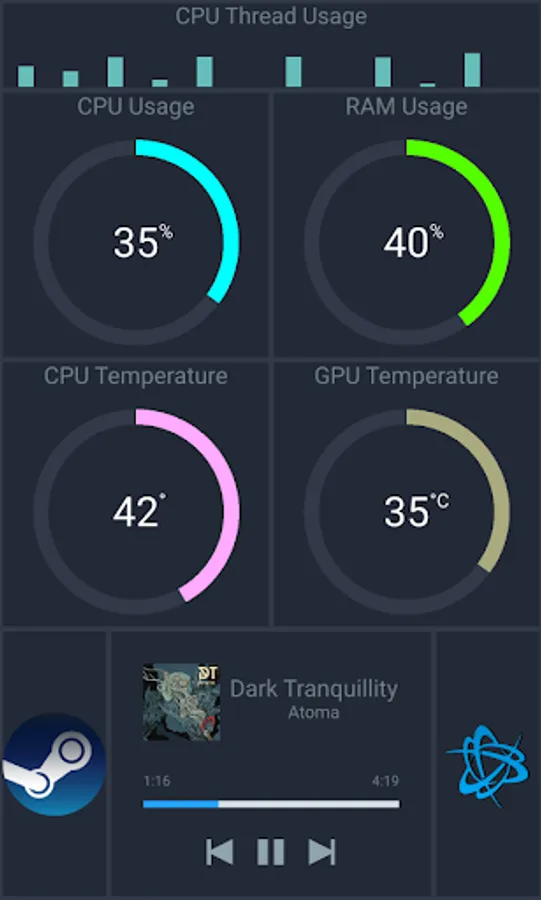
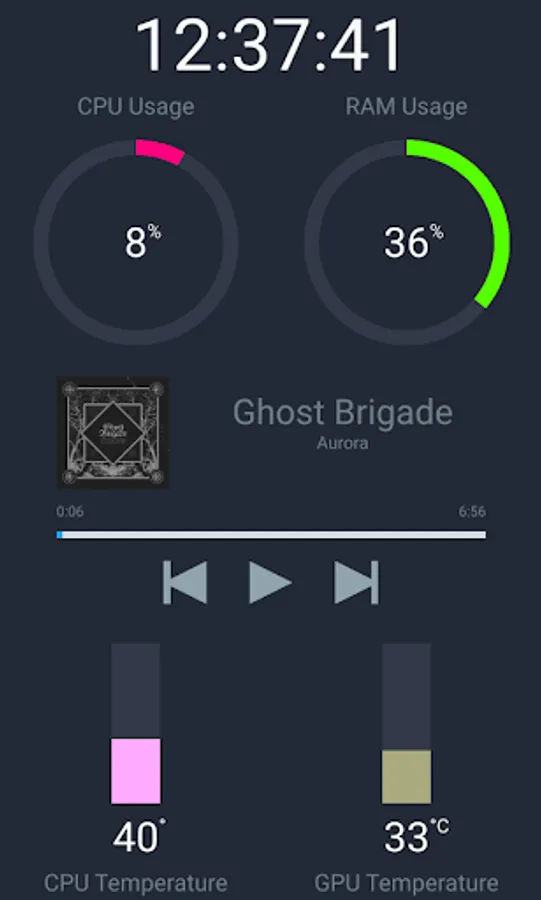
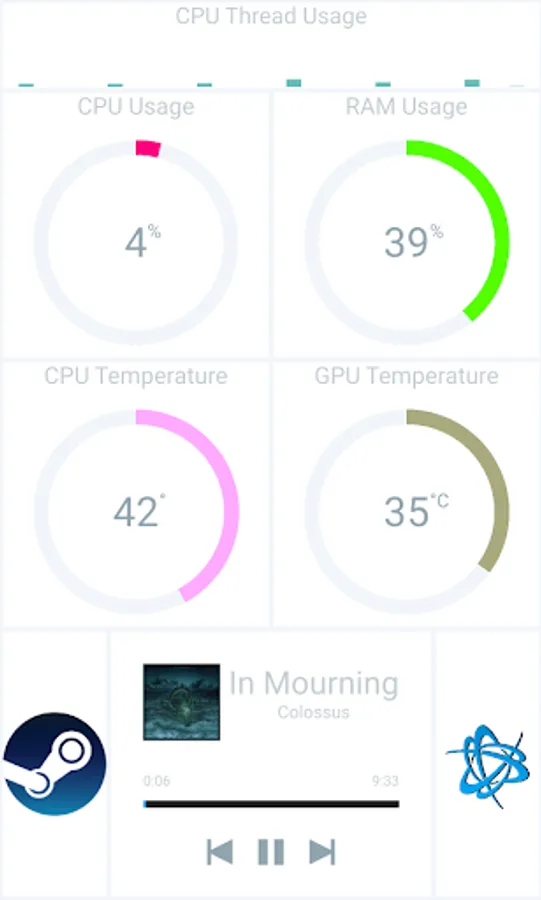
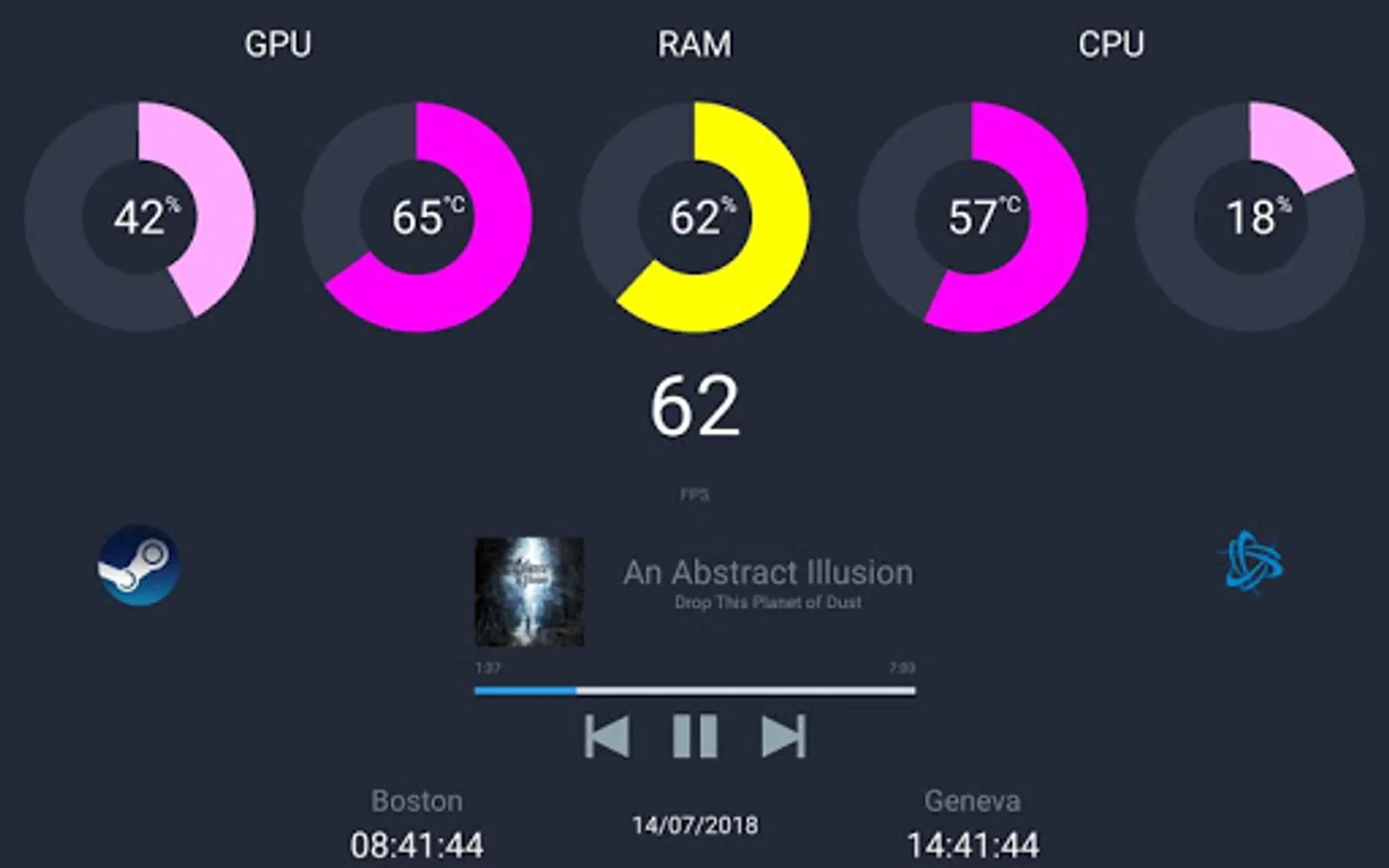
Pitikapp provides highly customizable modules to monitor your computer and to interact with it.
No configuration and no account required.
Features:
✔ Watch your hardware (CPU, GPU, RAM, ...) in real time using data from your favorite tools (GPU-Z, MSI Afterburner, Core Temp)
• Temperature
• Usage
• Fan speed
• Frame rate
✔ Interact with your computer using predefined or custom commands
• Spotify control
• User defined macro
• Application shortcut
✔ Easy setup: simply launch a client and a server and you are ready to go !
This is the client application. An instance of Pitikapp Server must be running on your computer.
For more information and to download the server, visit pitikapp.com.
Pitikapp provides highly customizable modules to monitor your computer and to interact with it.
No configuration and no account required.
Features:
✔ Watch your hardware (CPU, GPU, RAM, ...) in real time using data from your favorite tools (GPU-Z, MSI Afterburner, Core Temp)
• Temperature
• Usage
• Fan speed
• Frame rate
✔ Interact with your computer using predefined or custom commands
• Spotify control
• User defined macro
• Application shortcut
✔ Easy setup: simply launch a client and a server and you are ready to go !
This is the client application. An instance of Pitikapp Server must be running on your computer.
For more information and to download the server, visit pitikapp.com.