Transcribe : Ai speech to text
Pixster Studio
2.6 ★
store rating
10,000+
downloads
Free
+ in-app
AppRecs review analysis
AppRecs rating 2.4. Trustworthiness 76 out of 100. Review manipulation risk 31 out of 100. Based on a review sample analyzed.
★★☆☆☆
2.4
AppRecs Rating
Ratings breakdown
5 star
39%
4 star
0%
3 star
0%
2 star
0%
1 star
61%
What to know
✓
Credible reviews
76% trustworthiness score from analyzed reviews
⚠
Mixed user feedback
Average 2.6★ rating suggests room for improvement
About Transcribe : Ai speech to text
Discover the Transcribe App: Your Ultimate Speech-to-Text Solution!
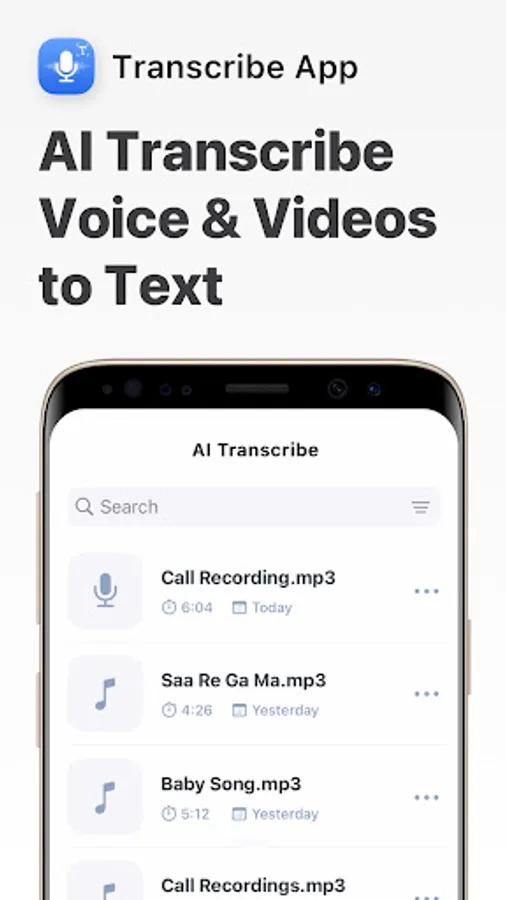
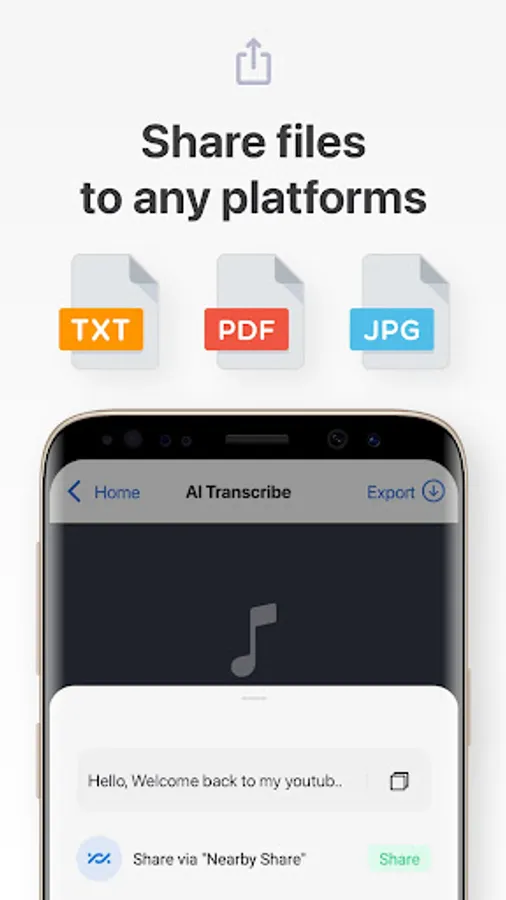
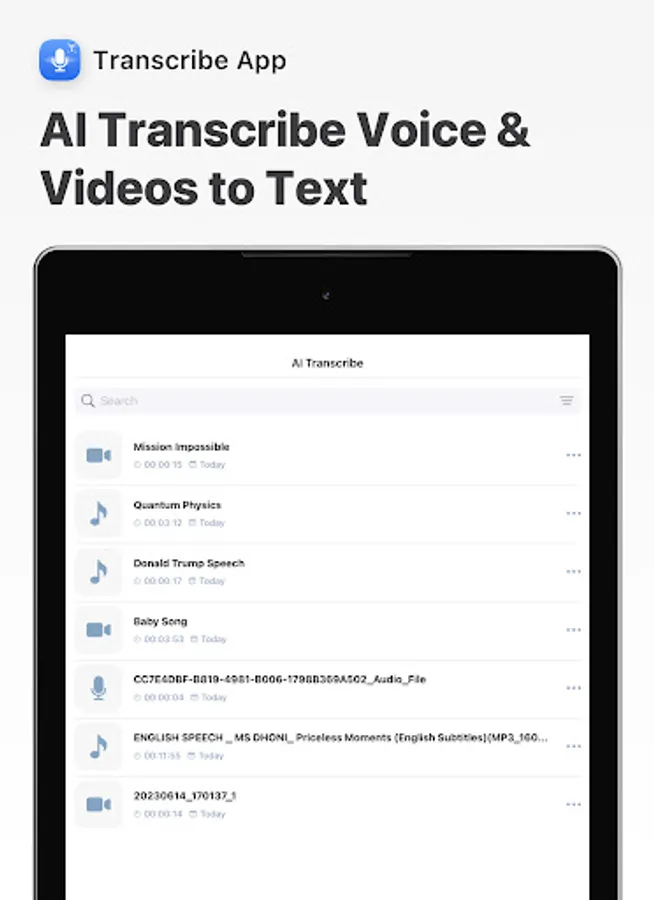
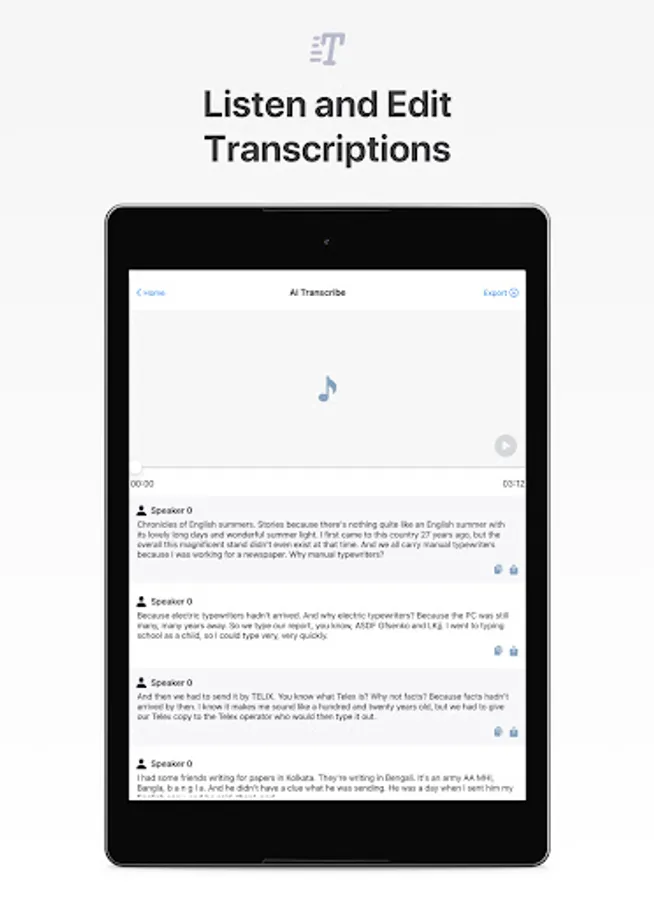
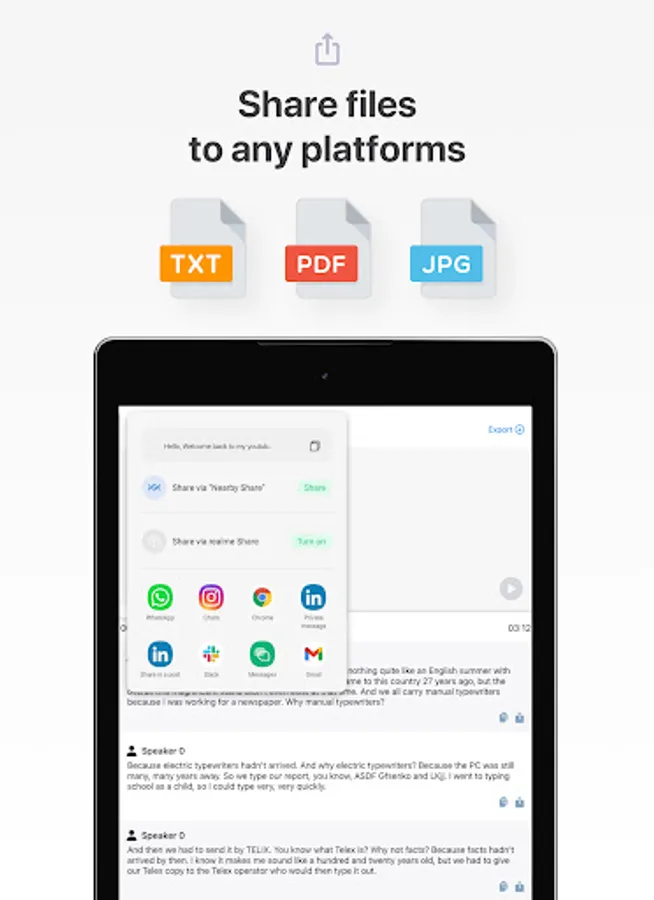
The Transcribe app is a powerful tool designed to convert meetings, classes, audio, and voice to text effortlessly. With this app, you can take meeting notes, dictate interviews, and more. It supports all file formats, allowing easy conversion of both audio and video to text. You can start with 90 minutes of free transcription to test the app's accuracy.
Key Features:
- Effortlessly take meeting notes with our audio-to-text converter.
- Boost productivity in school, work, and life.
- Seamlessly convert mp4 and mp3 to text.
- Enjoy automatic transcriptions within minutes.
- Add subtitles to videos with ease.
- Transcribe voice memos for WhatsApp.
What is the Transcribe App?
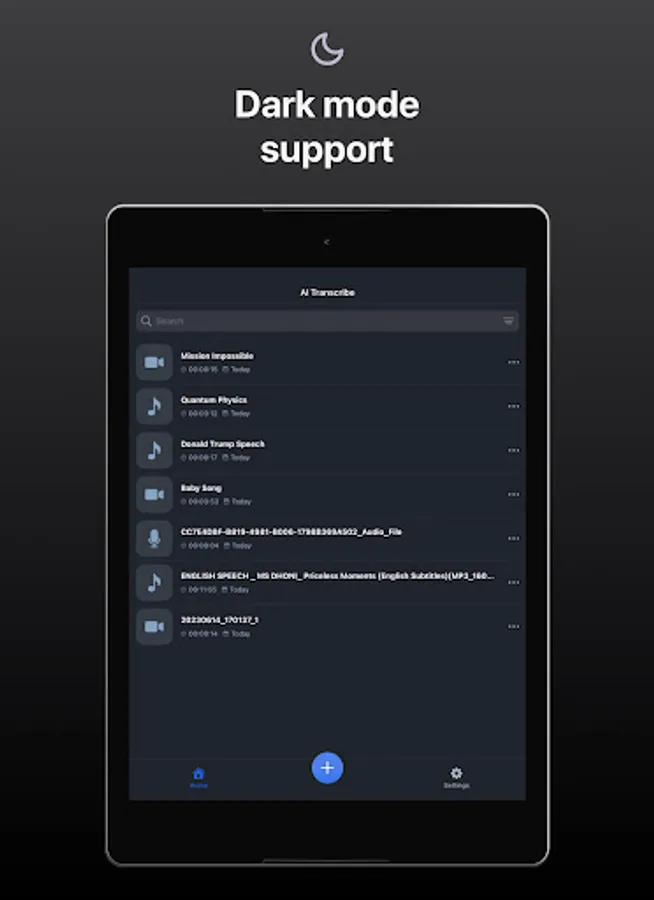
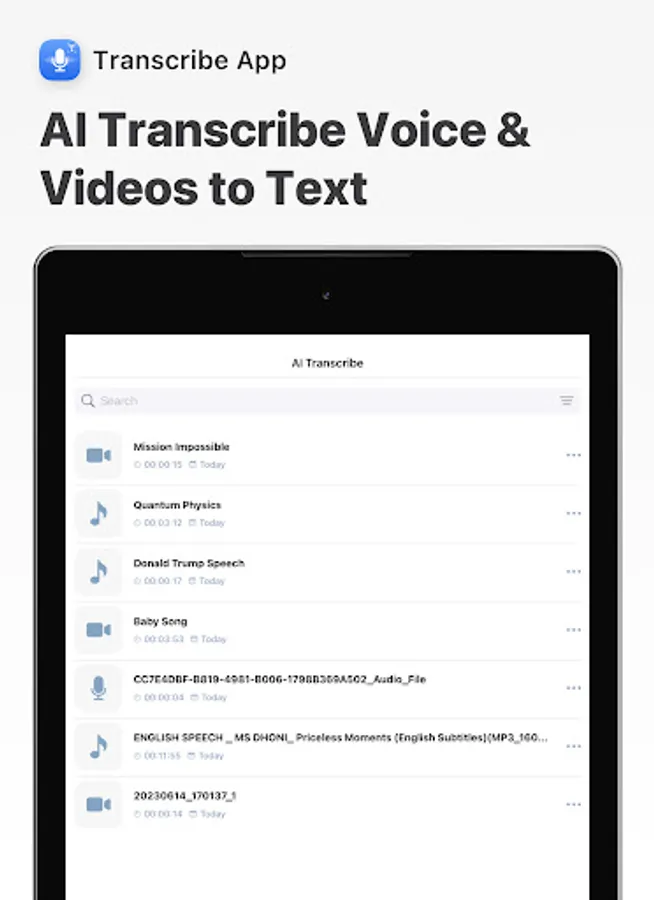
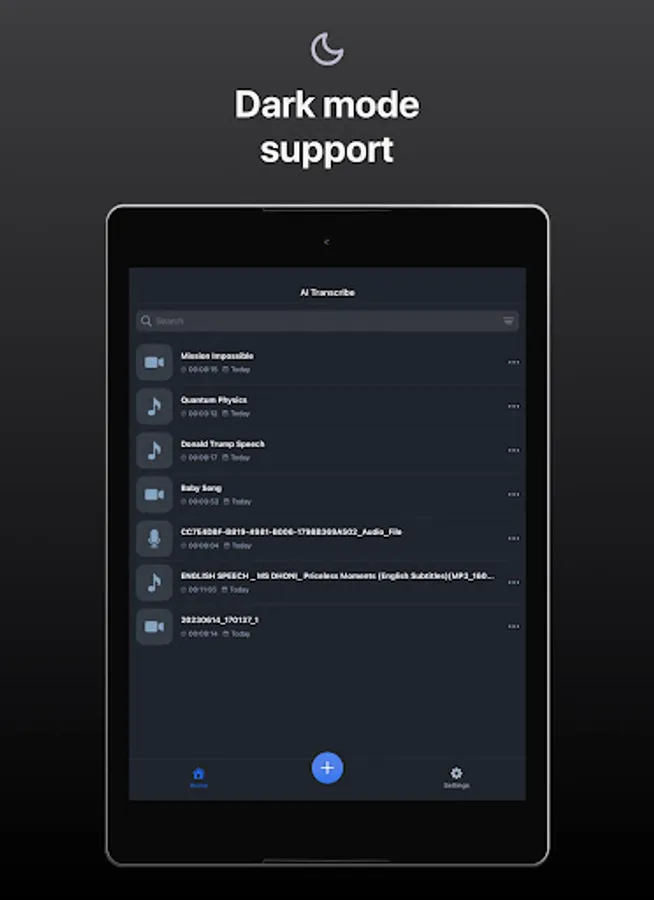
The Transcribe app uses advanced A.I.-powered technology to convert voice to text, similar to services like Happy Scribe, Transcribeme, Voicepop, and Otter.ai. The app is versatile and can be used for various applications, from dictating interviews to creating video captions. Simply sign up to start using the app for free. From your account dashboard, you can initiate new transcriptions and manage your previous files.
Why Use the Transcribe App?
- Fast and Accurate:
The Transcribe app combines speed, accuracy, and affordability. Automatic dictations are as accurate as manual transcriptions but are completed in less time. The app ensures that you can efficiently take speech notes and create subtitles and captions for videos.
- Easy to Use:
With a user-friendly interface, you can record and transcribe with a single click. If you're new to dictation, don't worry—the Transcribe app provides simple guides for various use cases, such as transcribing interviews, using the subtitle generator tool, and creating voice notes or podcast transcripts. The latest update even allows you to transcribe WhatsApp voice notes directly through the app.
- Versatile:
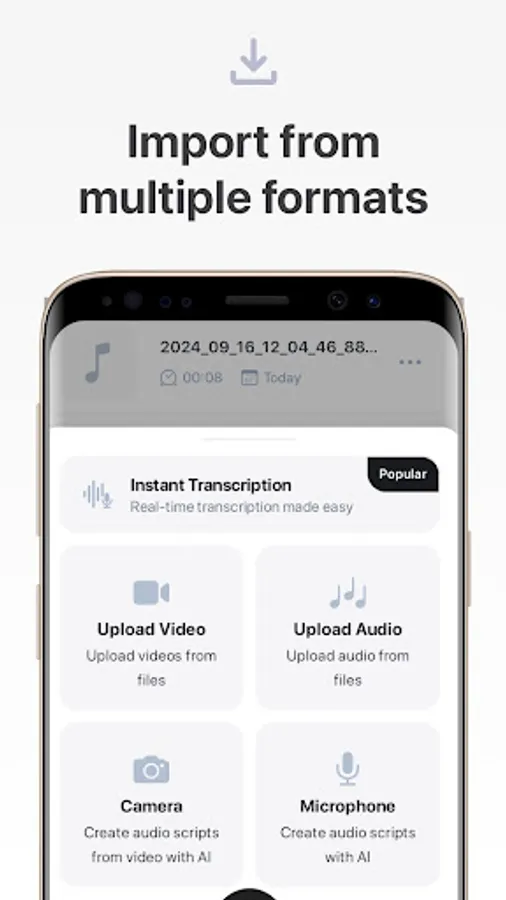
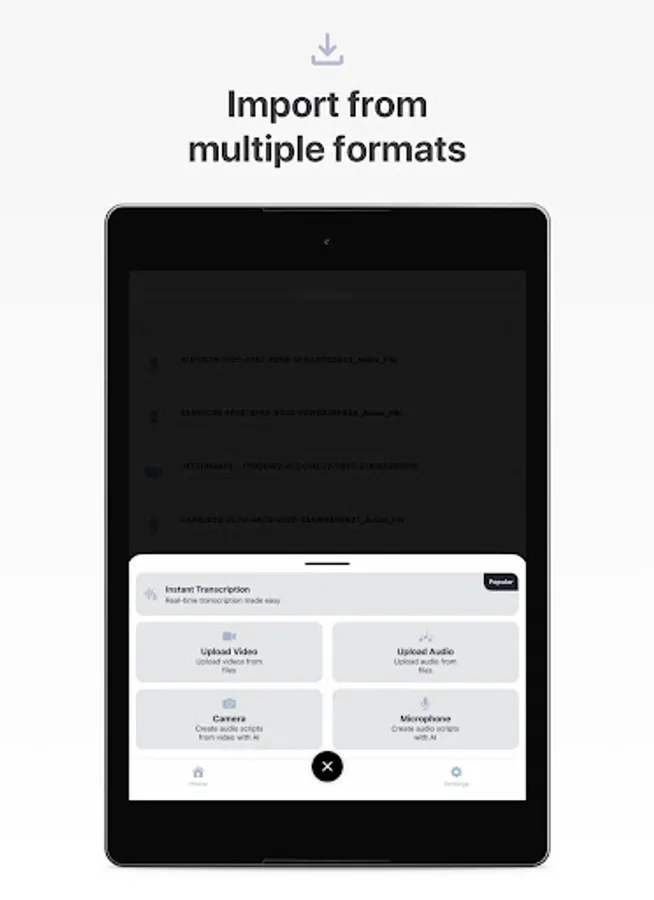
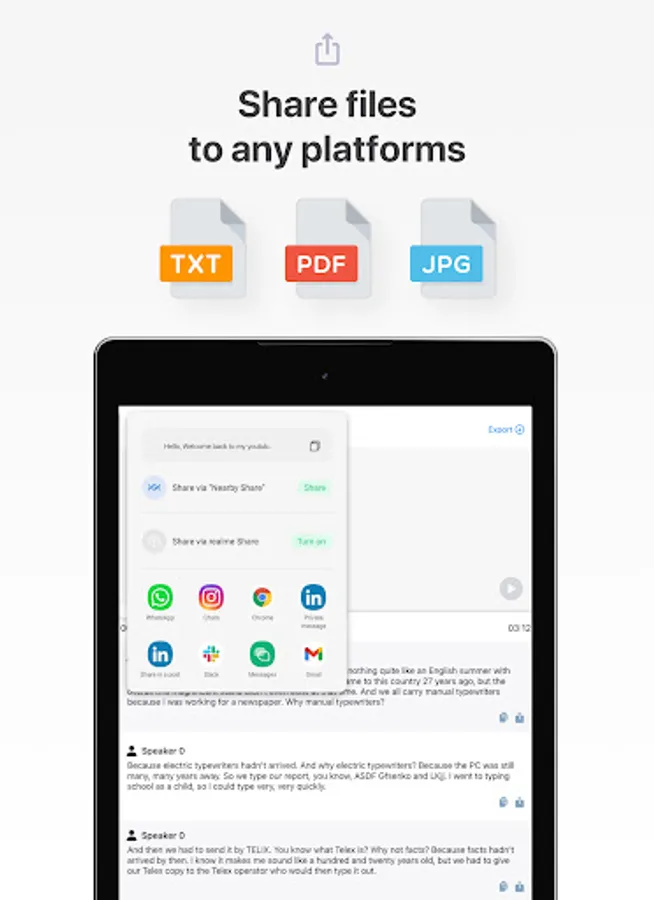
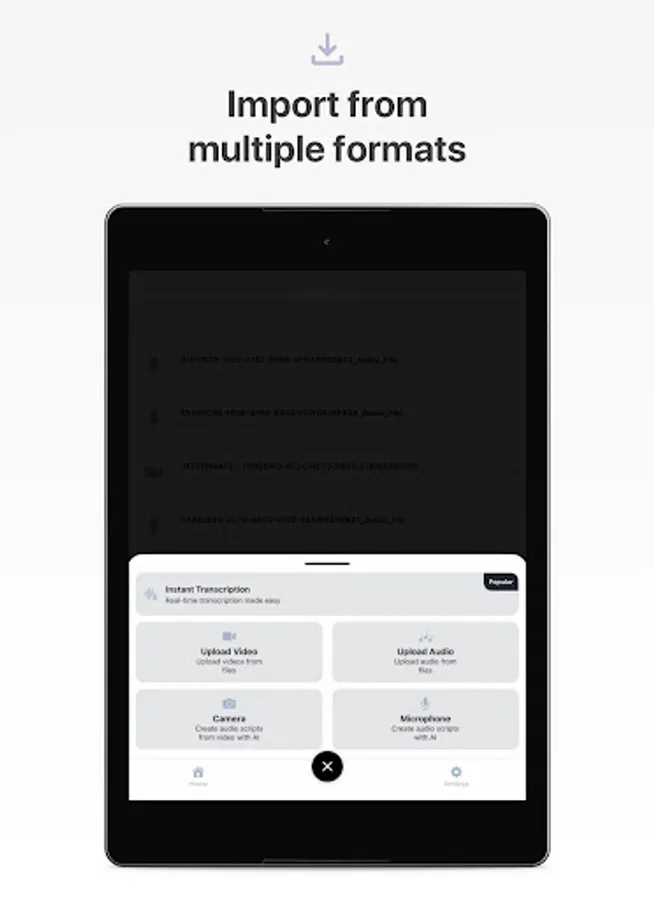
The Transcribe app supports a wide range of file formats, including m4a, wav, mp4, and mp3. Whether you need to transcribe video to text or voice to text, this app has you covered. It also helps you add subtitles to videos and generate YouTube video subtitles automatically. You can easily convert your audio and video to text and even transcribe YouTube videos by copying and pasting the video link.
- Affordable:
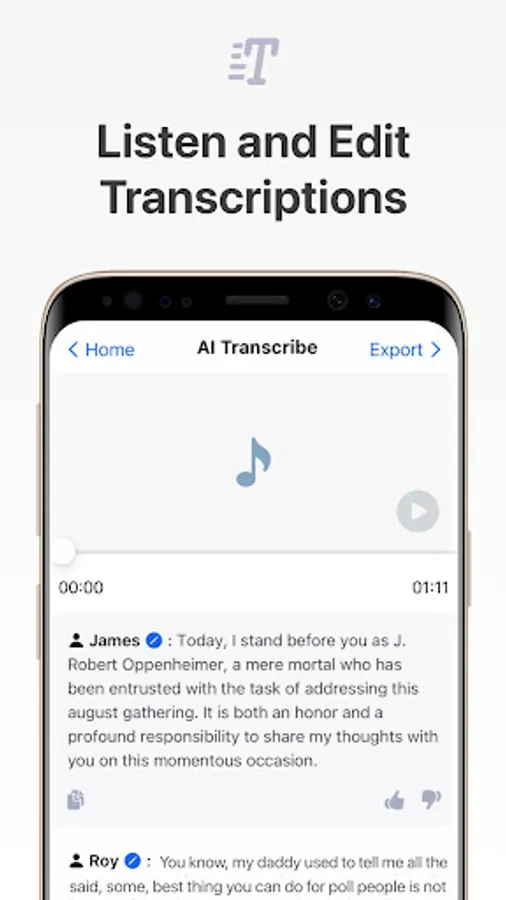
The Transcribe app offers its audio-to-text and video-to-text conversion services at competitive prices. A free trial is available for new users, allowing you to test the performance before committing. The Transcribe app is more efficient and cost-effective than many other speech-to-text apps, supporting verbatim group transcriptions for multi-speaker speeches and meetings.
- Accurate:
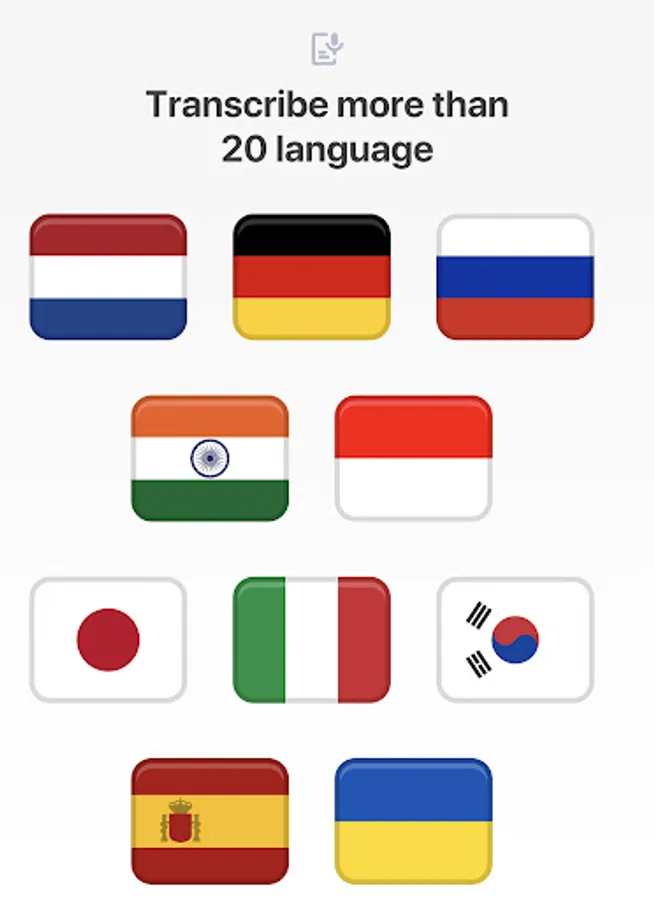
Powered by cutting-edge A.I. speech-to-text algorithms, the Transcribe app can achieve up to 99% accuracy, depending on the language and audio quality. The app learns speech patterns over time, continuously improving its accuracy. This makes the Transcribe app one of the best options for speech-to-text services available. As an online transcription app, it requires an internet connection to transcribe notes or use the caption generator for videos.
How to Improve Transcription Quality:
To get the best transcription results, minimize background noise and clean your audio before starting the transcription process.
Free Transcription Option:
Yes, you can transcribe for free! Sign up to receive credits for free transcription. Use the Transcribe app to transcribe audio or video files, just like you would with services such as Amberscript, Otter, Temi, Rev.com, or HappyScribe.
Transform audio to text with the Transcribe app and elevate your productivity across various areas of your life!
For any questions or requests, please use our customer support: feedback@pixsterstudio.com.
Privacy Policy: https://pixsterstudio.com/privacy-policy.html
Terms of Use : https://pixsterstudio.com/terms-of-use.html
The Transcribe app is a powerful tool designed to convert meetings, classes, audio, and voice to text effortlessly. With this app, you can take meeting notes, dictate interviews, and more. It supports all file formats, allowing easy conversion of both audio and video to text. You can start with 90 minutes of free transcription to test the app's accuracy.
Key Features:
- Effortlessly take meeting notes with our audio-to-text converter.
- Boost productivity in school, work, and life.
- Seamlessly convert mp4 and mp3 to text.
- Enjoy automatic transcriptions within minutes.
- Add subtitles to videos with ease.
- Transcribe voice memos for WhatsApp.
What is the Transcribe App?
The Transcribe app uses advanced A.I.-powered technology to convert voice to text, similar to services like Happy Scribe, Transcribeme, Voicepop, and Otter.ai. The app is versatile and can be used for various applications, from dictating interviews to creating video captions. Simply sign up to start using the app for free. From your account dashboard, you can initiate new transcriptions and manage your previous files.
Why Use the Transcribe App?
- Fast and Accurate:
The Transcribe app combines speed, accuracy, and affordability. Automatic dictations are as accurate as manual transcriptions but are completed in less time. The app ensures that you can efficiently take speech notes and create subtitles and captions for videos.
- Easy to Use:
With a user-friendly interface, you can record and transcribe with a single click. If you're new to dictation, don't worry—the Transcribe app provides simple guides for various use cases, such as transcribing interviews, using the subtitle generator tool, and creating voice notes or podcast transcripts. The latest update even allows you to transcribe WhatsApp voice notes directly through the app.
- Versatile:
The Transcribe app supports a wide range of file formats, including m4a, wav, mp4, and mp3. Whether you need to transcribe video to text or voice to text, this app has you covered. It also helps you add subtitles to videos and generate YouTube video subtitles automatically. You can easily convert your audio and video to text and even transcribe YouTube videos by copying and pasting the video link.
- Affordable:
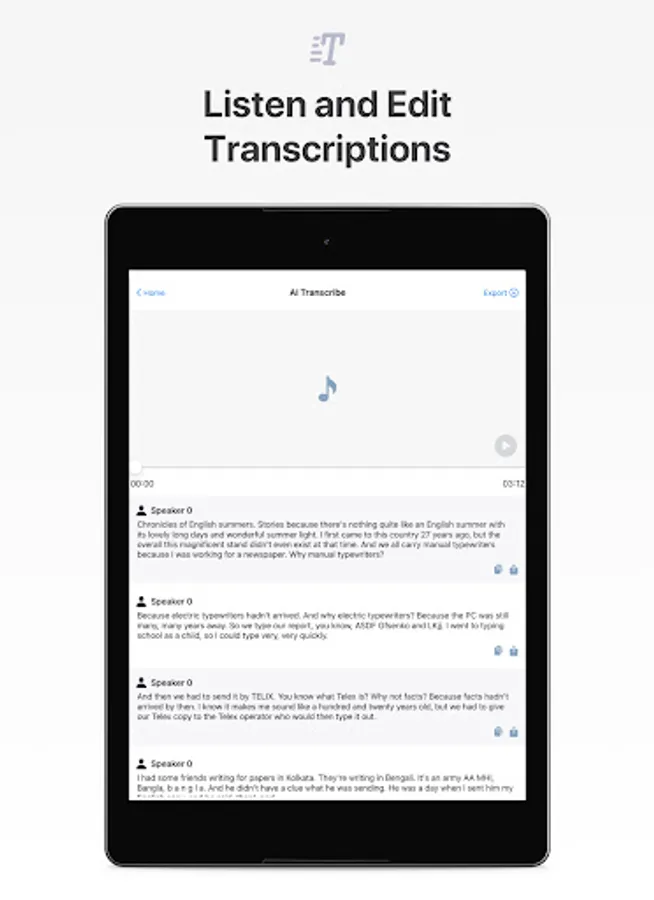
The Transcribe app offers its audio-to-text and video-to-text conversion services at competitive prices. A free trial is available for new users, allowing you to test the performance before committing. The Transcribe app is more efficient and cost-effective than many other speech-to-text apps, supporting verbatim group transcriptions for multi-speaker speeches and meetings.
- Accurate:
Powered by cutting-edge A.I. speech-to-text algorithms, the Transcribe app can achieve up to 99% accuracy, depending on the language and audio quality. The app learns speech patterns over time, continuously improving its accuracy. This makes the Transcribe app one of the best options for speech-to-text services available. As an online transcription app, it requires an internet connection to transcribe notes or use the caption generator for videos.
How to Improve Transcription Quality:
To get the best transcription results, minimize background noise and clean your audio before starting the transcription process.
Free Transcription Option:
Yes, you can transcribe for free! Sign up to receive credits for free transcription. Use the Transcribe app to transcribe audio or video files, just like you would with services such as Amberscript, Otter, Temi, Rev.com, or HappyScribe.
Transform audio to text with the Transcribe app and elevate your productivity across various areas of your life!
For any questions or requests, please use our customer support: feedback@pixsterstudio.com.
Privacy Policy: https://pixsterstudio.com/privacy-policy.html
Terms of Use : https://pixsterstudio.com/terms-of-use.html