With this planning app, you can create and organize plans using features like To-Dos, checklists, budgets, and notes. Includes multiple plan management, sorting options, and a dashboard view.
AppRecs review analysis
AppRecs rating 4.1. Trustworthiness 0 out of 100. Review manipulation risk 0 out of 100. Based on a review sample analyzed.
★★★★☆
4.1
AppRecs Rating
Ratings breakdown
5 star
44%
4 star
33%
3 star
19%
2 star
0%
1 star
4%
What to know
✓
High user satisfaction
77% of sampled ratings are 4+ stars (4.1★ average)
✓
Authentic reviews
No red flags detected
About Planning Note
Smart plan, smart life! Planning Note enables you to smartly create plans of your life.
You can simply take the following steps to set up your own plans at Planning Note.
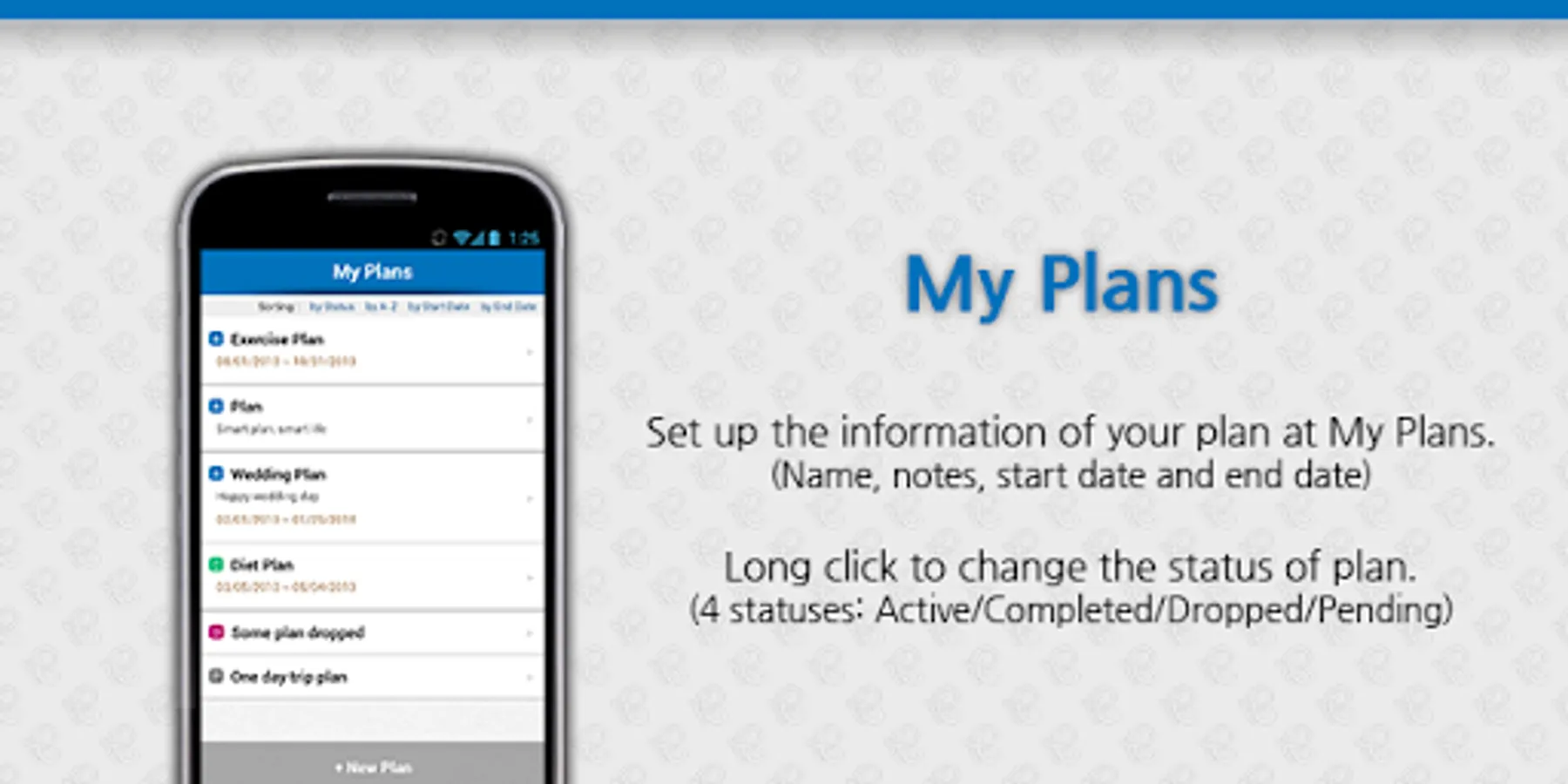
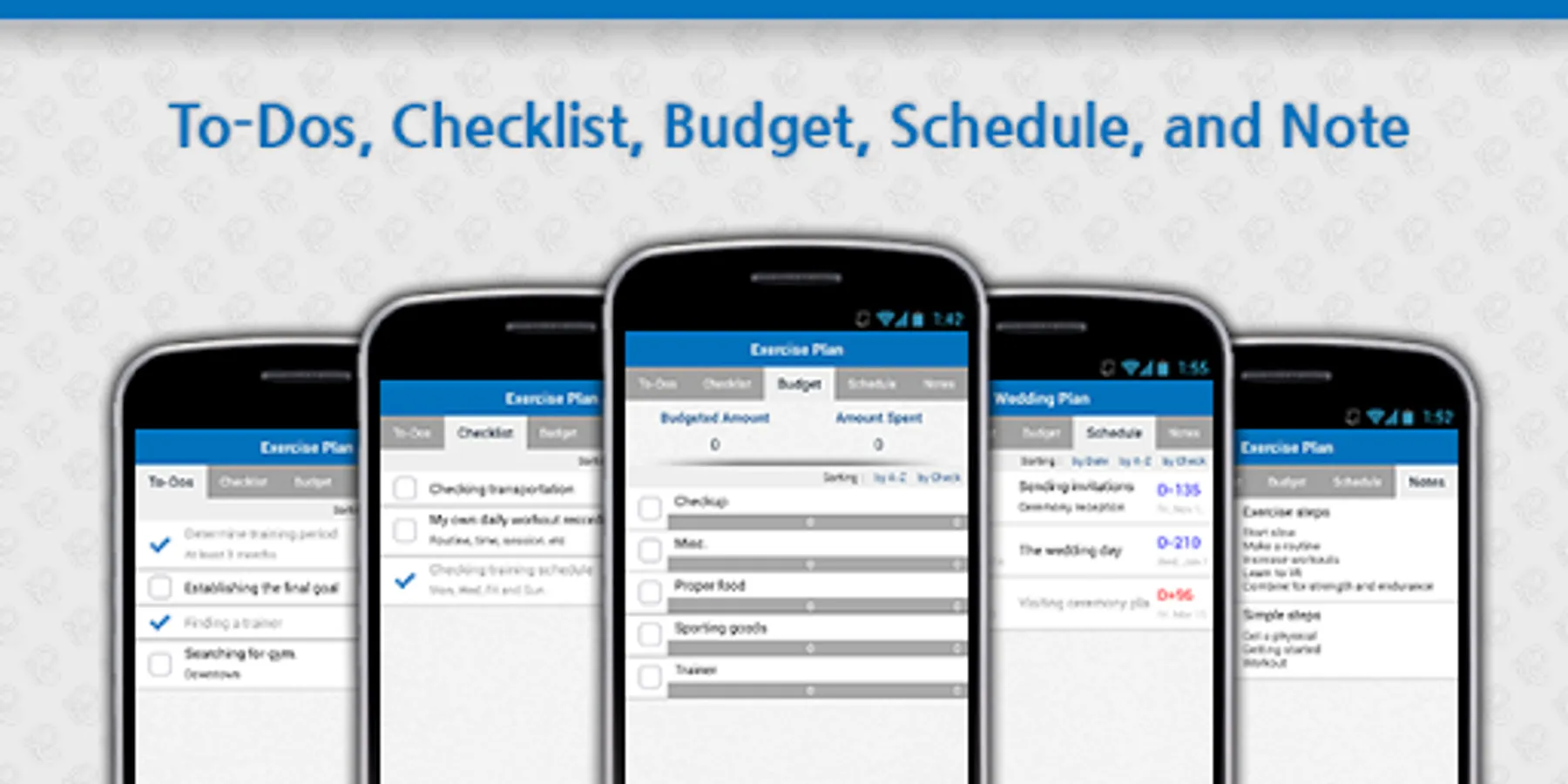
Set up the name of your plan at My Plan. Tap on the plan name, and you will see small items such as To-Dos, Checklist, Budget, Schedule, and Notes. To-Dos is where you list up all the small things to do. Use Checklist to check any preparation list you need in order to carry out your plan. You might need to smartly plan for the estimated money to spend, and for the actual money spent at Budget. At Schedule, you can also sort the important schedules by time, by A-Z, and by Checked list. Take simple notes at Notes. Simple and easy as it can be!
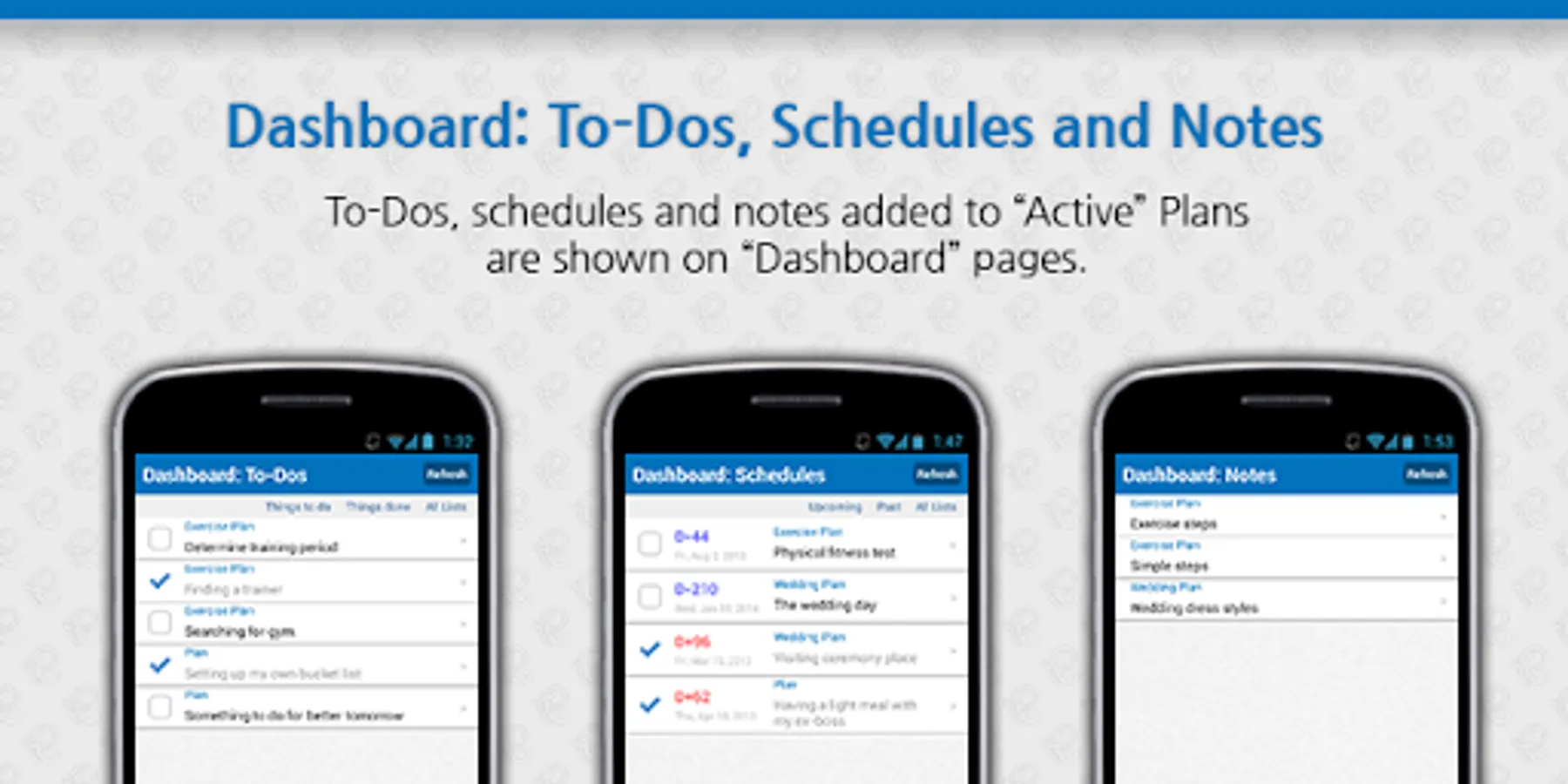
Dashboard is where you can view all item list in a glance. You can sort To-Dos by Things to do, by Things Done, and All Lists. Schedule is sorted by Upcoming schedules, Past schedules, and All Lists. Notes is where you can view all the notes you took during your planning process.
This is an advanced version of Planning Note Lite, and you can create as many plans with Planning Note.
If you like the application, don’t forget to rate it!
If you have any comment or problem, please send emails to us.
You can simply take the following steps to set up your own plans at Planning Note.
Set up the name of your plan at My Plan. Tap on the plan name, and you will see small items such as To-Dos, Checklist, Budget, Schedule, and Notes. To-Dos is where you list up all the small things to do. Use Checklist to check any preparation list you need in order to carry out your plan. You might need to smartly plan for the estimated money to spend, and for the actual money spent at Budget. At Schedule, you can also sort the important schedules by time, by A-Z, and by Checked list. Take simple notes at Notes. Simple and easy as it can be!
Dashboard is where you can view all item list in a glance. You can sort To-Dos by Things to do, by Things Done, and All Lists. Schedule is sorted by Upcoming schedules, Past schedules, and All Lists. Notes is where you can view all the notes you took during your planning process.
This is an advanced version of Planning Note Lite, and you can create as many plans with Planning Note.
If you like the application, don’t forget to rate it!
If you have any comment or problem, please send emails to us.