
In this video editing app, users can clip, organize, and sequence footage using swipe gestures and markers. Includes clip management, multi-clip scene sequencing, and export options for professional editing software.
AppRecs review analysis
AppRecs rating 4.4. Trustworthiness 78 out of 100. Review manipulation risk 21 out of 100. Based on a review sample analyzed.
★★★★☆
4.4
AppRecs Rating
Ratings breakdown
5 star
81%
4 star
0%
3 star
10%
2 star
10%
1 star
0%
What to know
✓
Low review manipulation risk
21% review manipulation risk
✓
Credible reviews
78% trustworthiness score from analyzed reviews
✓
High user satisfaction
81% of sampled ratings are 4+ stars (4.4★ average)
About SwitchTake
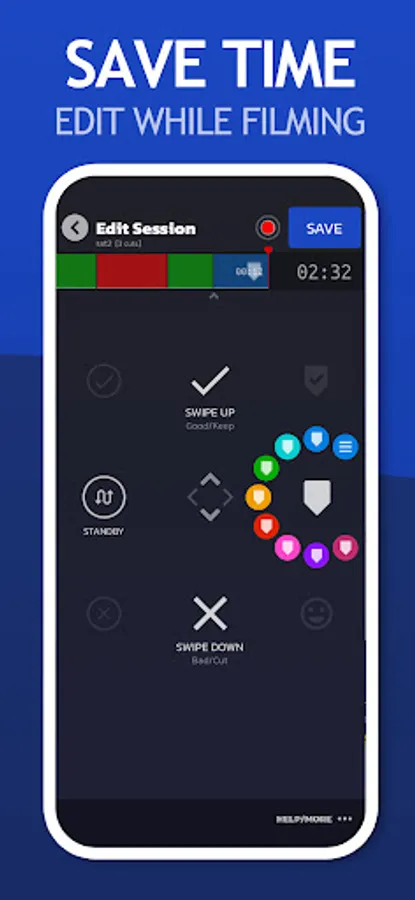
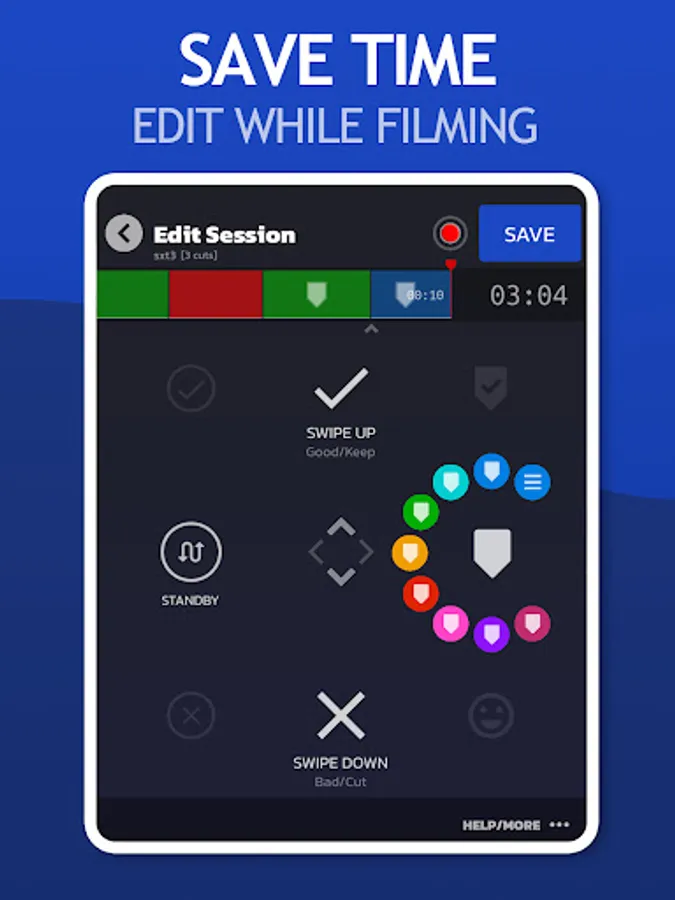
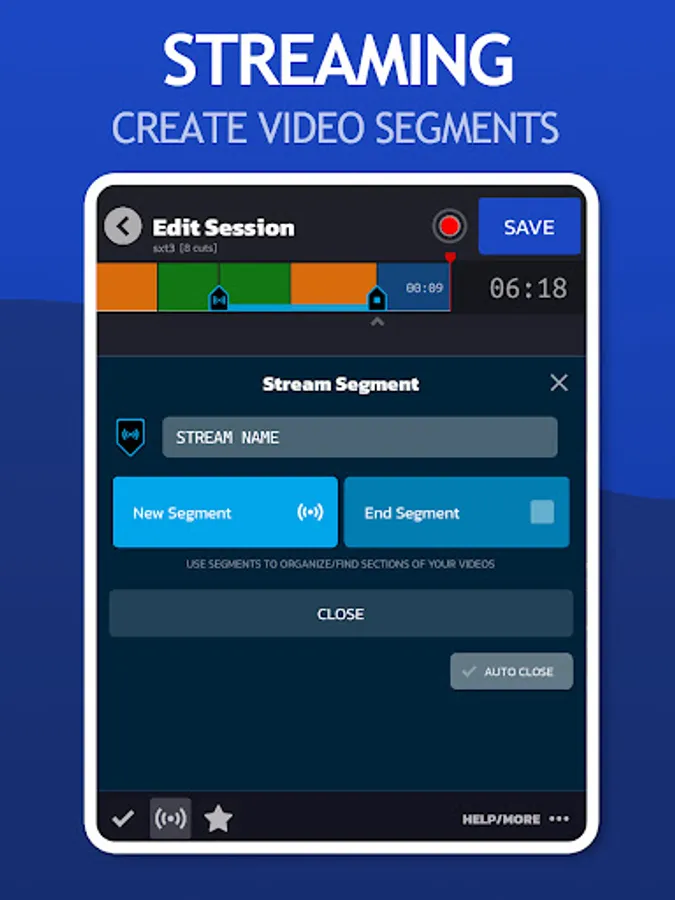
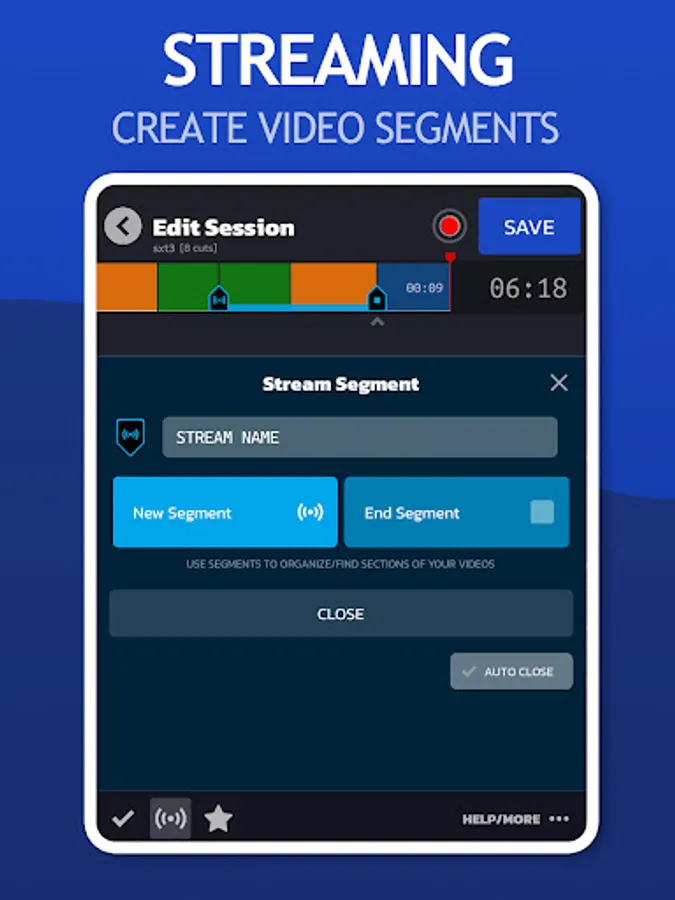
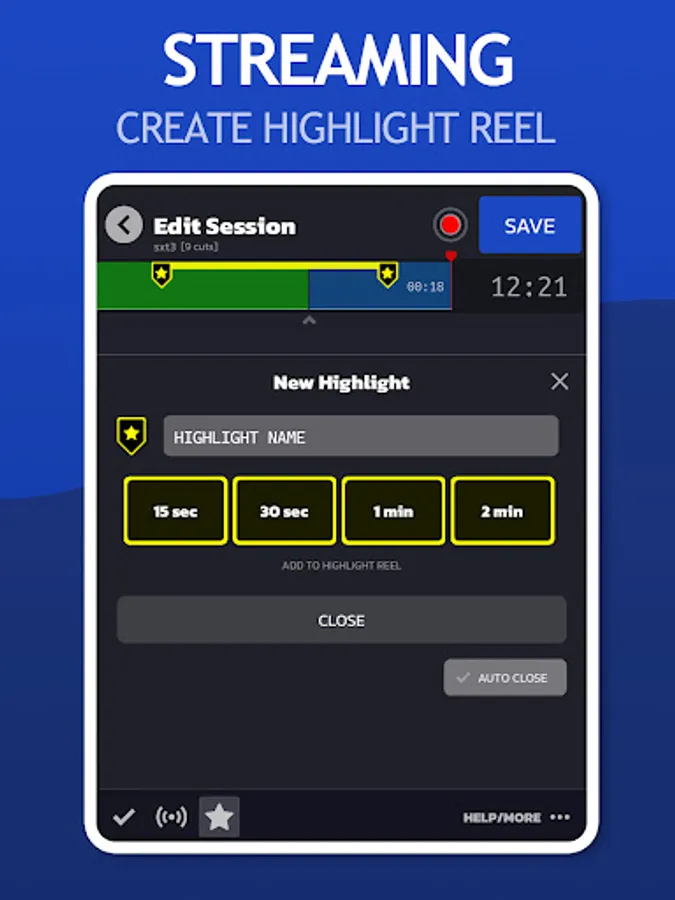
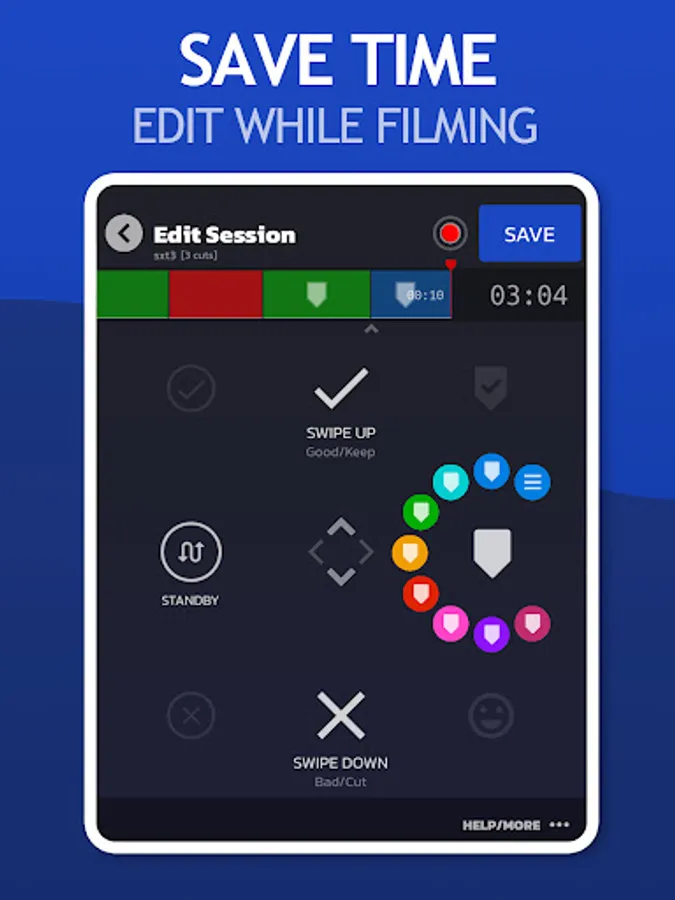
Join the Video Pre-Editing Revolution. SwitchTake is the ultimate video pre-editing system. Save time and optimize your workflow by making edits and organizing footage as you film. It's natural and easy. With simple swipe gestures, set in/out points, cut bad takes, create a blooper reel, set markers, and much more.
EDIT VIDEO
SwitchTake is perfect for editing any long take videos such as interviews, talking head shots, events, and much more.
MANAGE CLIPS
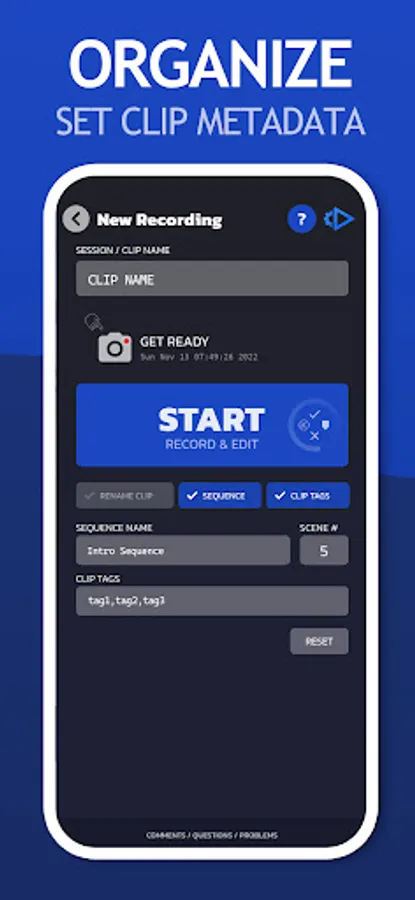
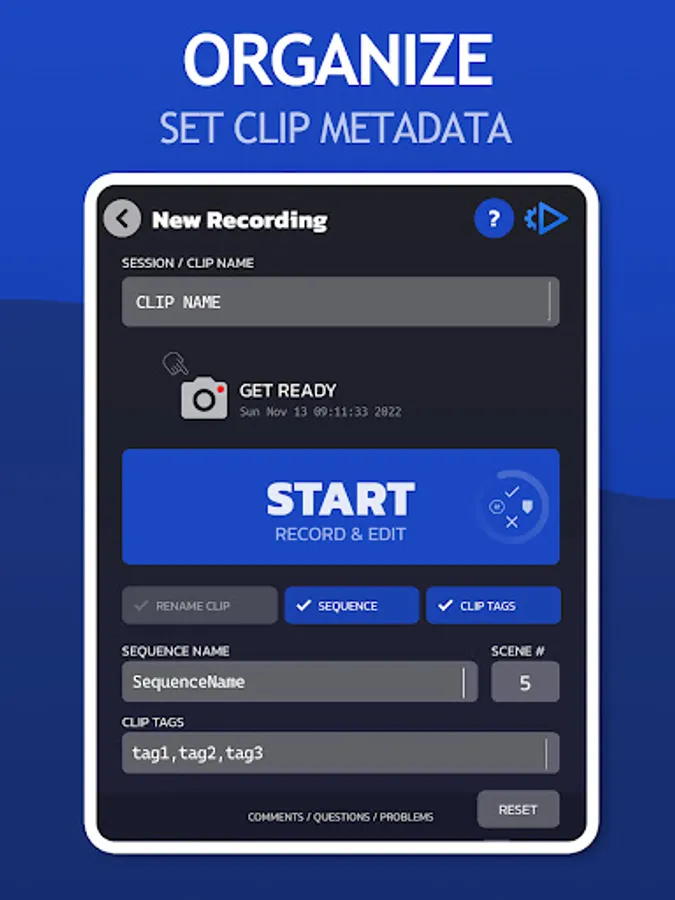
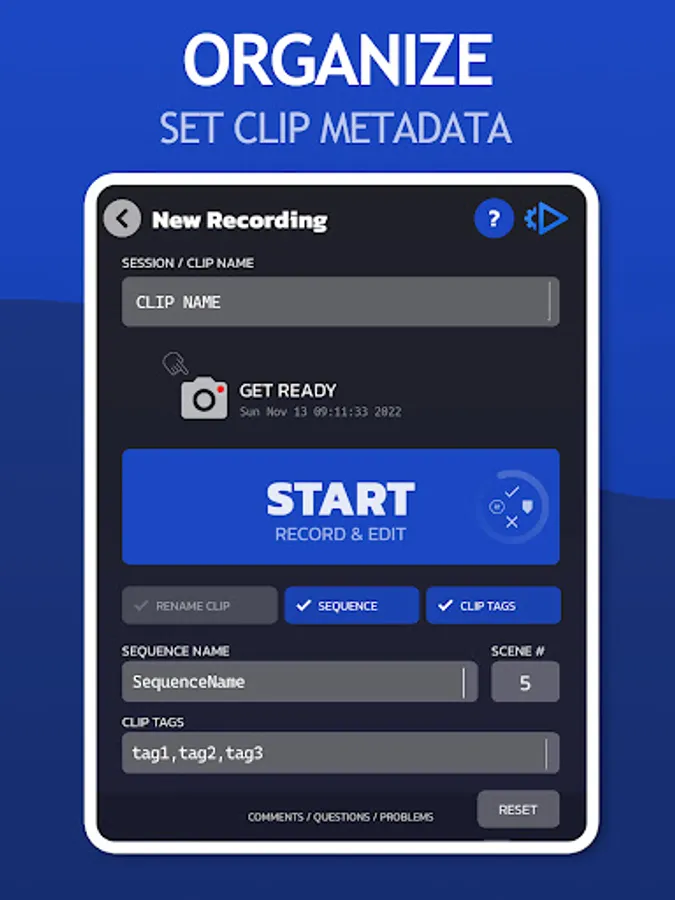
Rename clips, organize media by date/camera, set timeline markers and clip metadata.
MULTI-CLIP SCENE DIRECTOR
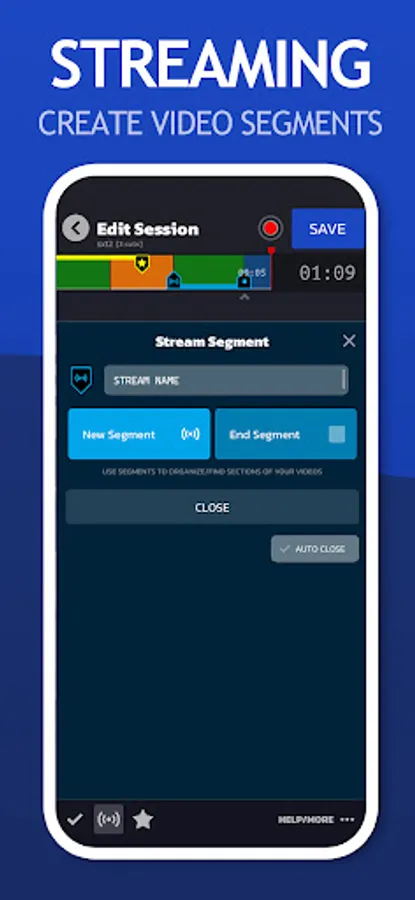
The SwitchTake Scene Director is a powerful tool to order and sequence all of your video clips. While filming give each clip a sequence name, scene number, and other context information. SwitchTake will order your clips and create rough-cut sequences with all the clips cut and combined into unified timelines.
VIDEO EDITOR IMPORT
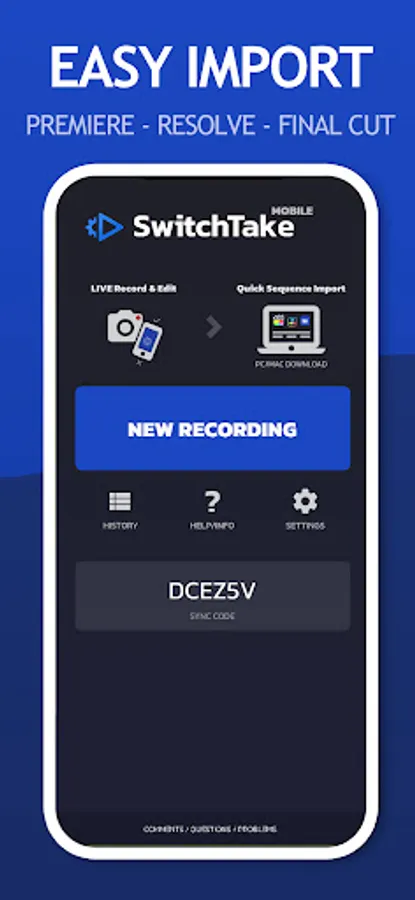
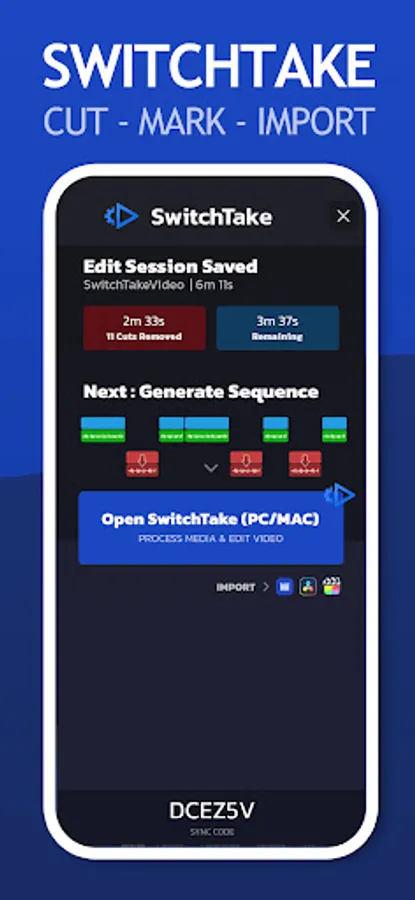
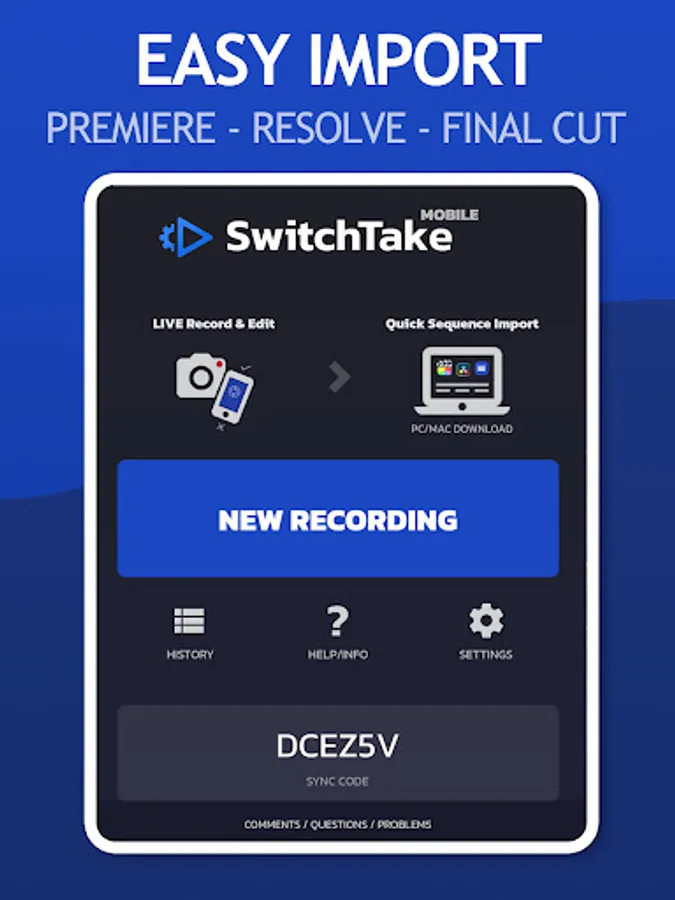
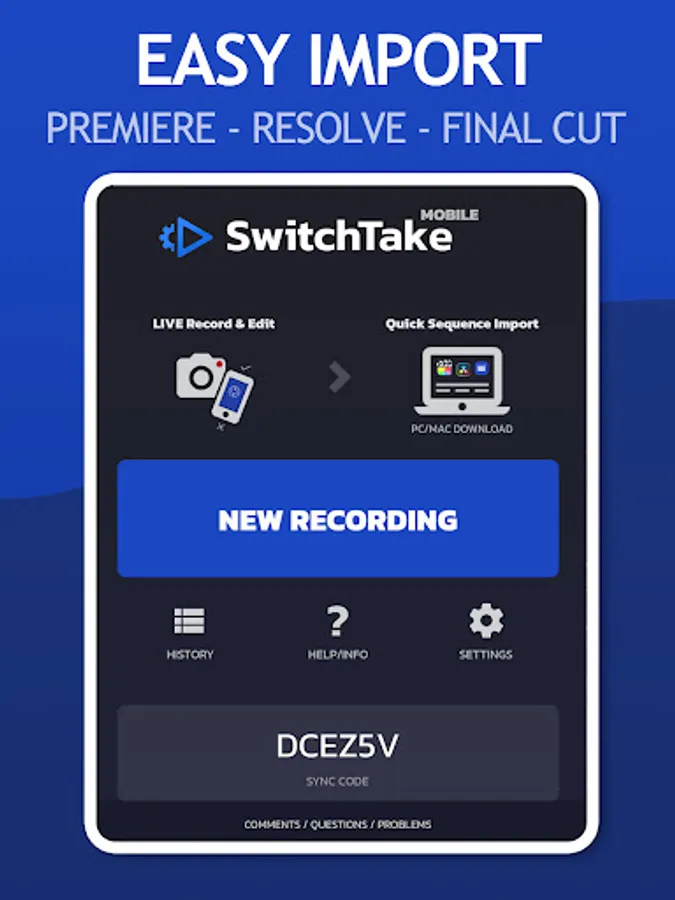
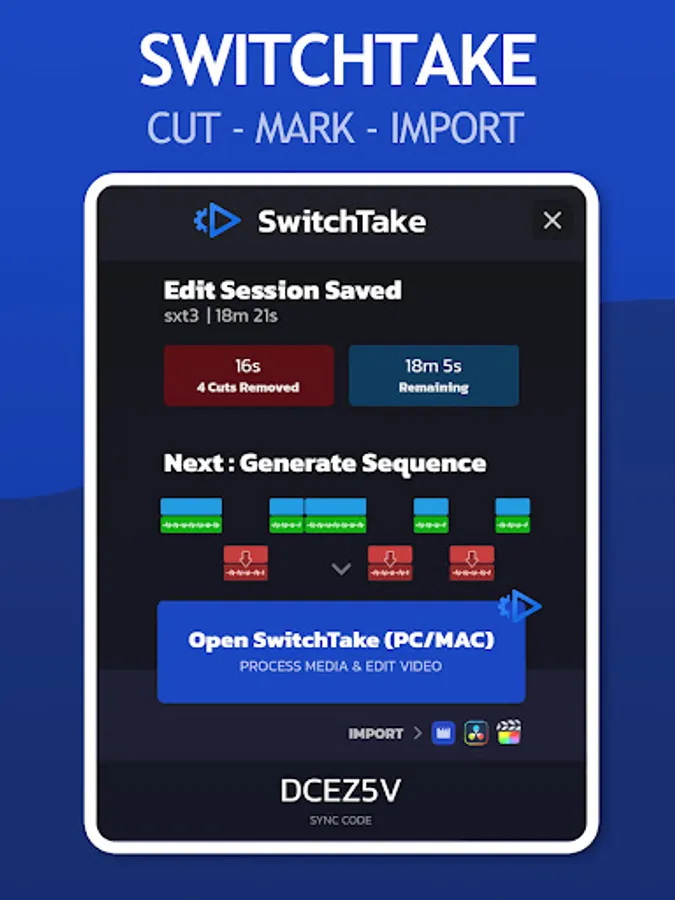
Open SwitchTake Timeline on your PC/Mac to easily generate import files to get your videos directly into Premiere Pro, Final Cut, or Davinci Resolve.
LIVE VIDEO EDITING
* Auto Sync
* No Look / Swipe to Edit
* Sequence Import
* Auto Cut on Silence
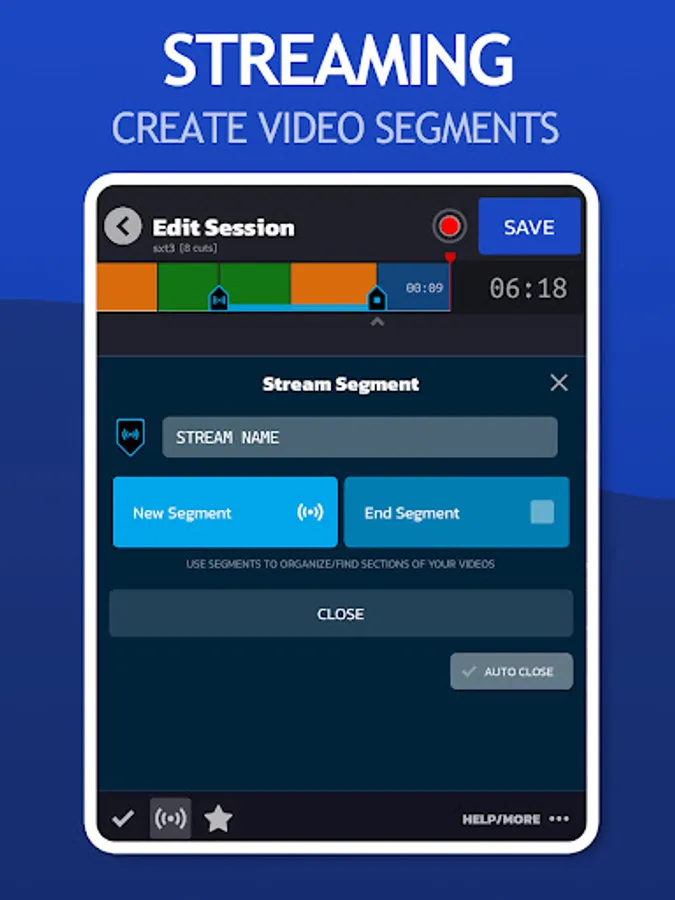
* Markers
* Clip Colors
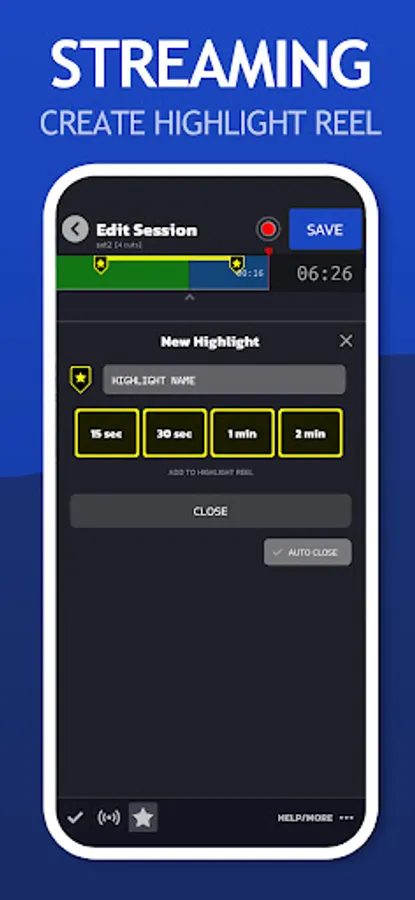
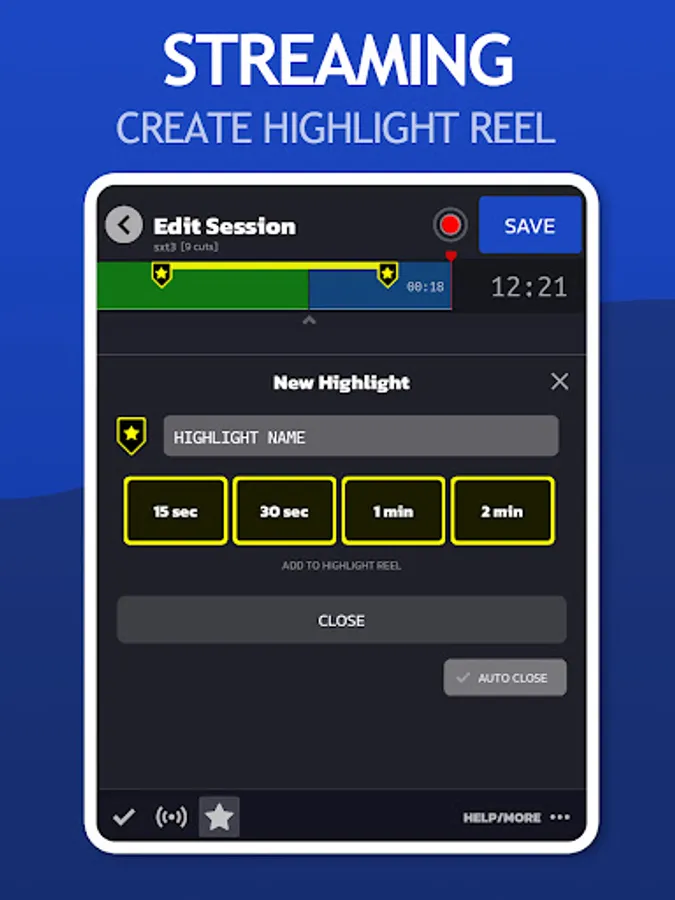
* Blooper Reel
* Pause/Resume
MANAGE VIDEO CLIPS
* Rename Clips
* Organize Media by Date/Camera
* Set Timeline Markers
* Clip Notes/Metadata
MULTI-CLIP SCENE DIRECTOR
* Multi-Clip Timelines
* Tag Clips
EDIT VIDEO
SwitchTake is perfect for editing any long take videos such as interviews, talking head shots, events, and much more.
MANAGE CLIPS
Rename clips, organize media by date/camera, set timeline markers and clip metadata.
MULTI-CLIP SCENE DIRECTOR
The SwitchTake Scene Director is a powerful tool to order and sequence all of your video clips. While filming give each clip a sequence name, scene number, and other context information. SwitchTake will order your clips and create rough-cut sequences with all the clips cut and combined into unified timelines.
VIDEO EDITOR IMPORT
Open SwitchTake Timeline on your PC/Mac to easily generate import files to get your videos directly into Premiere Pro, Final Cut, or Davinci Resolve.
LIVE VIDEO EDITING
* Auto Sync
* No Look / Swipe to Edit
* Sequence Import
* Auto Cut on Silence
* Markers
* Clip Colors
* Blooper Reel
* Pause/Resume
MANAGE VIDEO CLIPS
* Rename Clips
* Organize Media by Date/Camera
* Set Timeline Markers
* Clip Notes/Metadata
MULTI-CLIP SCENE DIRECTOR
* Multi-Clip Timelines
* Tag Clips
SwitchTake Screenshots
Tap to Rate:
Reviews for SwitchTake
sinan vakayil
2/3/2024
Good for editing live and organizing time and where you want to cut and remove and mark important places
Billy Rybka
2/2/2022
Absolutely a must have app for anyone who creates videos and wants to speed up the editing process