About Track It
TrackIt — Effortless Board Tracking for Powersoft19 Users
TrackIt is a powerful yet easy-to-use tool designed only for Powersoft19 users to efficiently track and manage the status of Boards (PCBA) throughout their lifecycle. Whether you scan a QR code or manually enter a serial number, TrackIt instantly retrieves detailed information about each board’s progress — from production to testing, shipment, and beyond.
Key Features
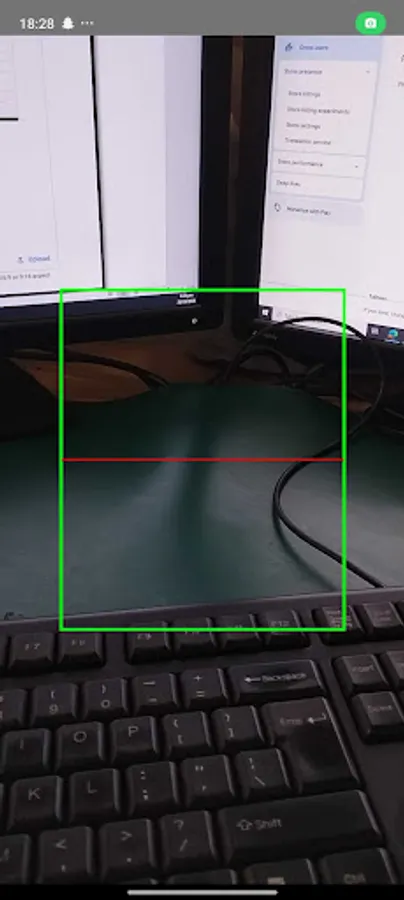
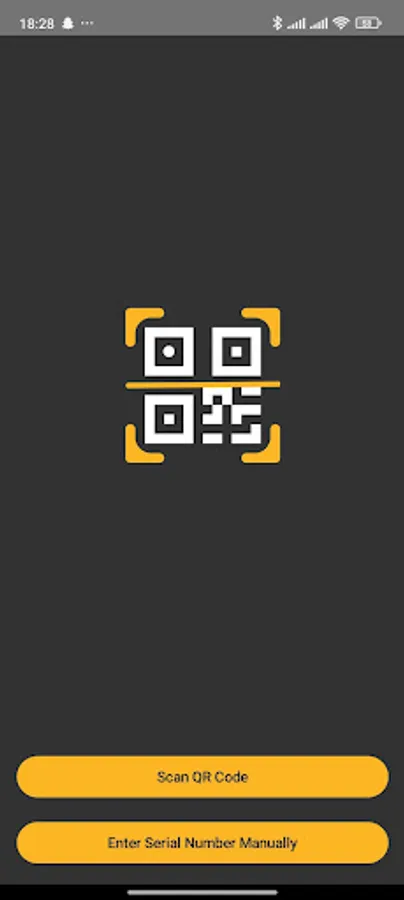
Instant QR Code Scanning: Quickly scan a board’s QR code to view its complete manufacturing and status details.
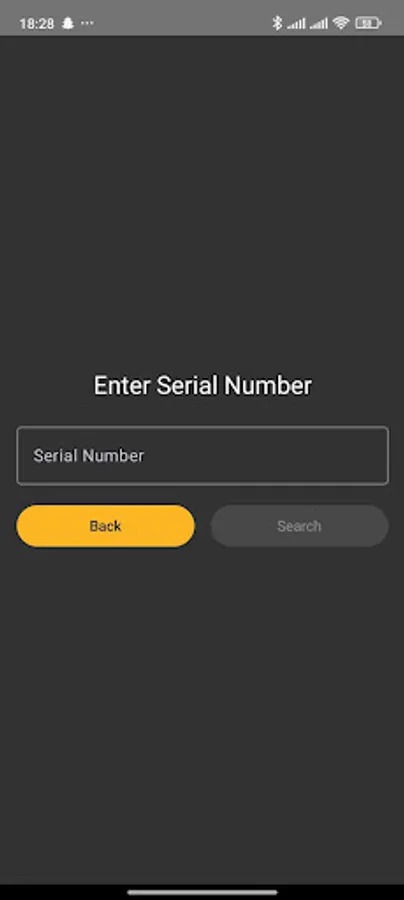
Manual Serial Number Entry: Enter a serial number manually to access the same comprehensive board information.
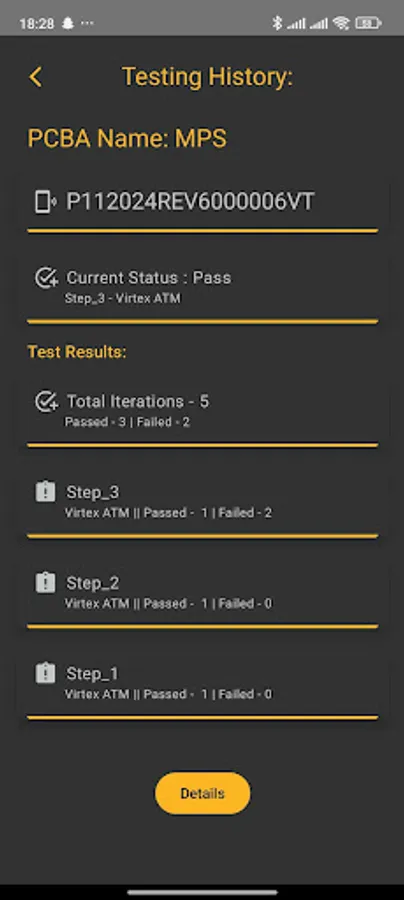
Complete Board History: Track every stage of your board’s journey — including manufacturing and testing
User-Friendly Interface: Designed for Powersoft19 users, TrackIt ensures smooth navigation and quick access to key data.
Accurate and Secure: All board data is securely managed and synchronized with Powersoft19, ensuring reliability and data integrity.
How It Works
Open the TrackIt tool.
Scan the board’s QR code or enter its serial number.
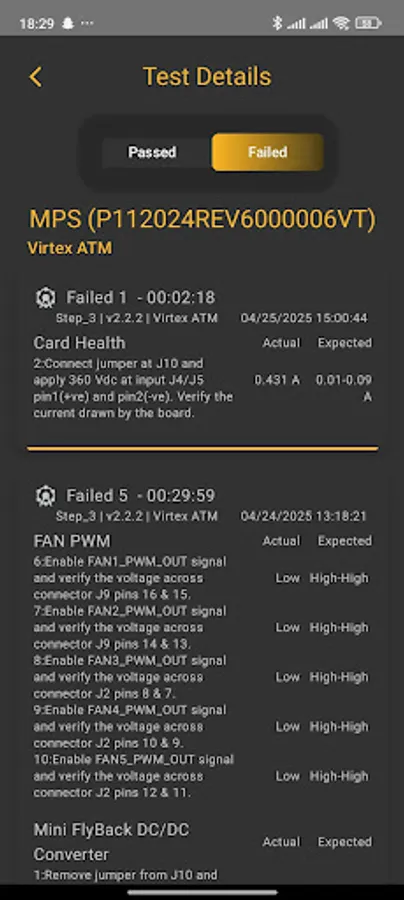
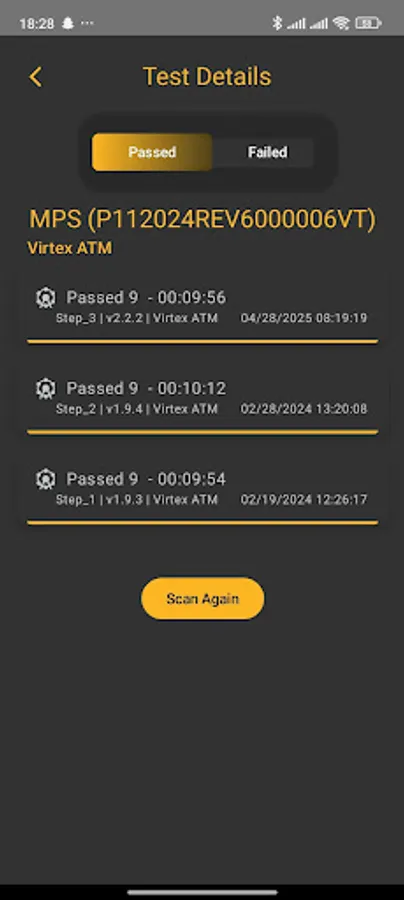
Instantly view detailed board status, event logs, and process history.
Why TrackIt?
In modern manufacturing, visibility and traceability are key to efficiency and quality. TrackIt empowers Powersoft19 users to maintain full transparency, improve process control, and ensure every board is tracked accurately from start to finish.
Disclaimer
TrackIt is exclusively intended for Powersoft19 users. Access and functionality are limited to authorized users within the Powersoft19 system.
TrackIt is a powerful yet easy-to-use tool designed only for Powersoft19 users to efficiently track and manage the status of Boards (PCBA) throughout their lifecycle. Whether you scan a QR code or manually enter a serial number, TrackIt instantly retrieves detailed information about each board’s progress — from production to testing, shipment, and beyond.
Key Features
Instant QR Code Scanning: Quickly scan a board’s QR code to view its complete manufacturing and status details.
Manual Serial Number Entry: Enter a serial number manually to access the same comprehensive board information.
Complete Board History: Track every stage of your board’s journey — including manufacturing and testing
User-Friendly Interface: Designed for Powersoft19 users, TrackIt ensures smooth navigation and quick access to key data.
Accurate and Secure: All board data is securely managed and synchronized with Powersoft19, ensuring reliability and data integrity.
How It Works
Open the TrackIt tool.
Scan the board’s QR code or enter its serial number.
Instantly view detailed board status, event logs, and process history.
Why TrackIt?
In modern manufacturing, visibility and traceability are key to efficiency and quality. TrackIt empowers Powersoft19 users to maintain full transparency, improve process control, and ensure every board is tracked accurately from start to finish.
Disclaimer
TrackIt is exclusively intended for Powersoft19 users. Access and functionality are limited to authorized users within the Powersoft19 system.