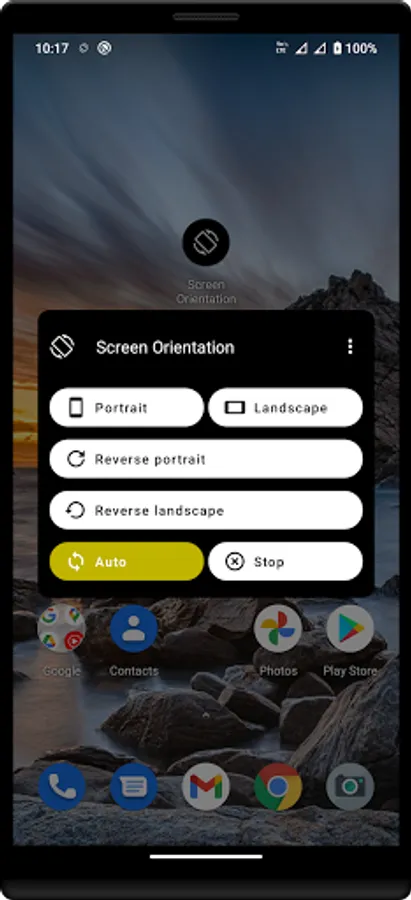
With this app, you can set and lock screen orientations to portrait, landscape, reverse, or auto modes. Includes multiple orientation options and auto rotation control settings.
AppRecs review analysis
AppRecs rating 3.6. Trustworthiness 76 out of 100. Review manipulation risk 33 out of 100. Based on a review sample analyzed.
★★★☆☆
3.6
AppRecs Rating
Ratings breakdown
5 star
46%
4 star
15%
3 star
10%
2 star
2%
1 star
27%
What to know
✓
Credible reviews
76% trustworthiness score from analyzed reviews
✓
Good user ratings
61% positive sampled reviews
✓
Authentic reviews
Natural distribution, no red flags
About Screen Orientations
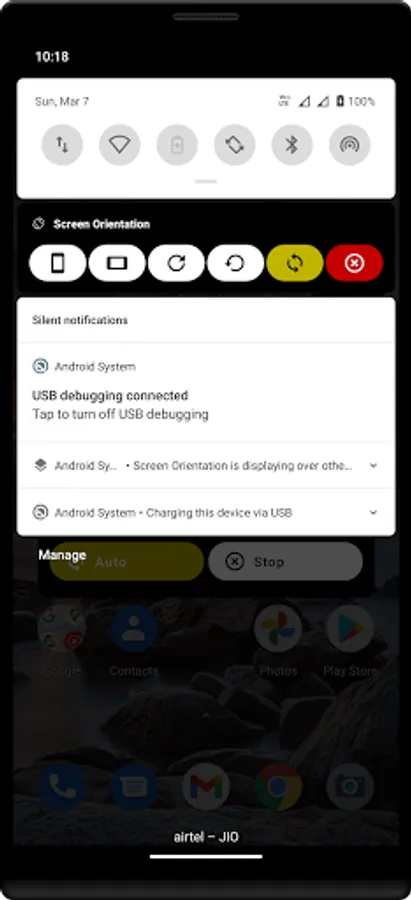
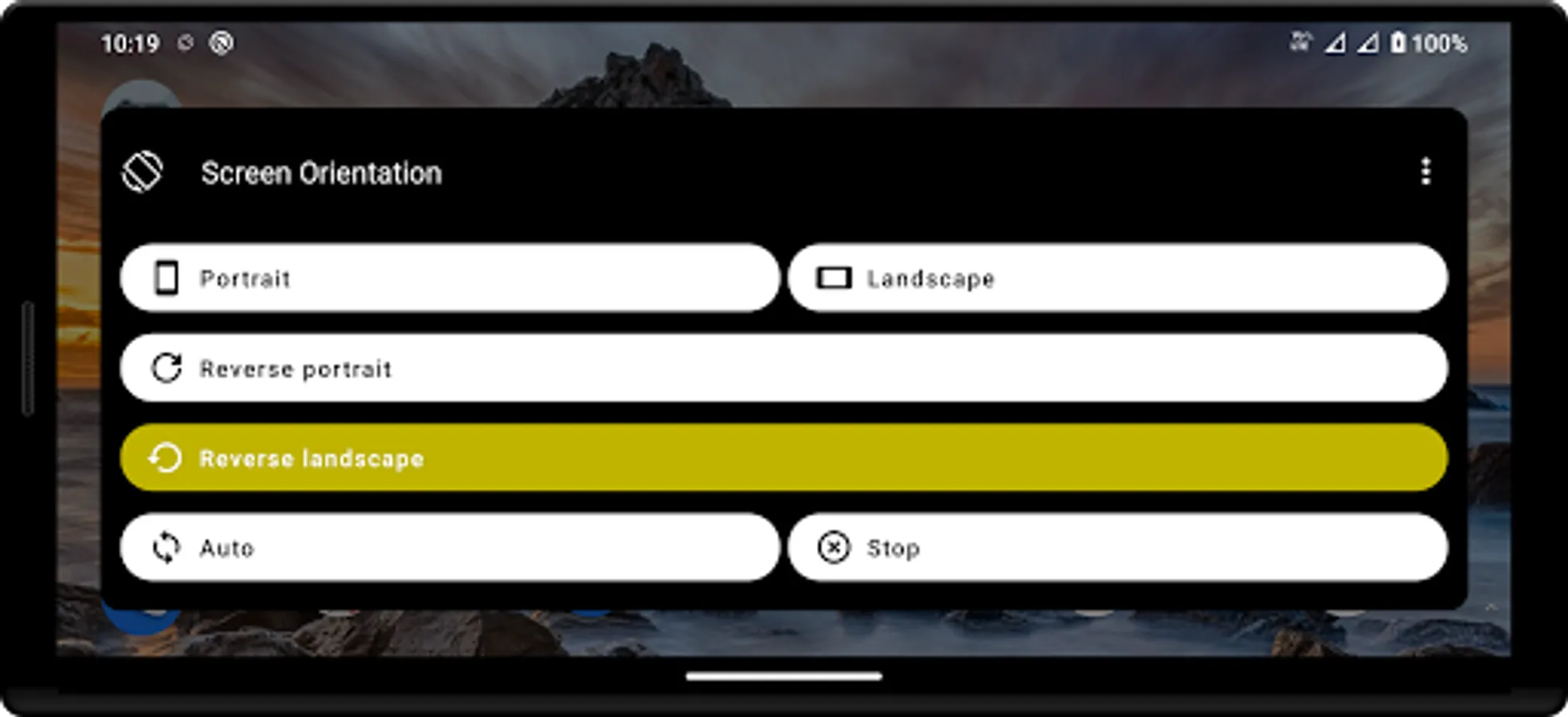
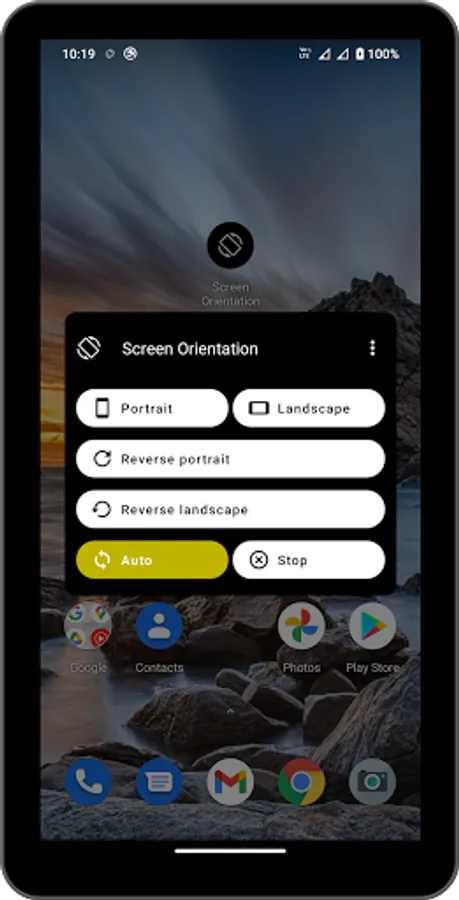
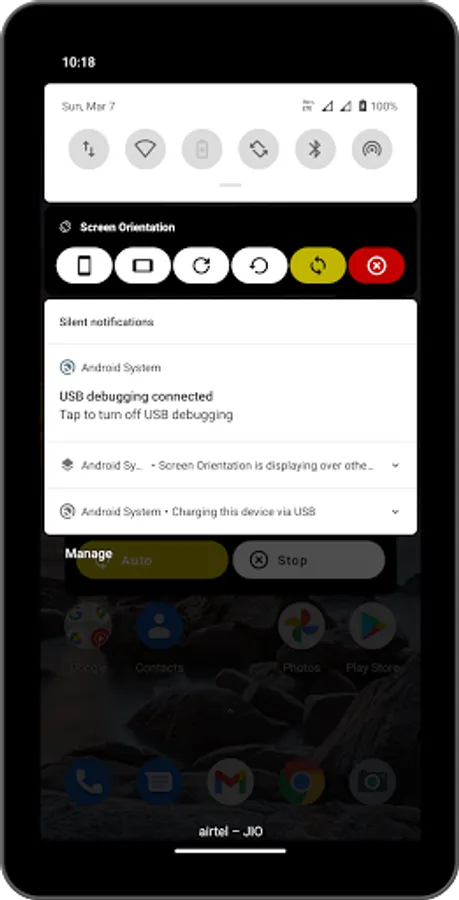
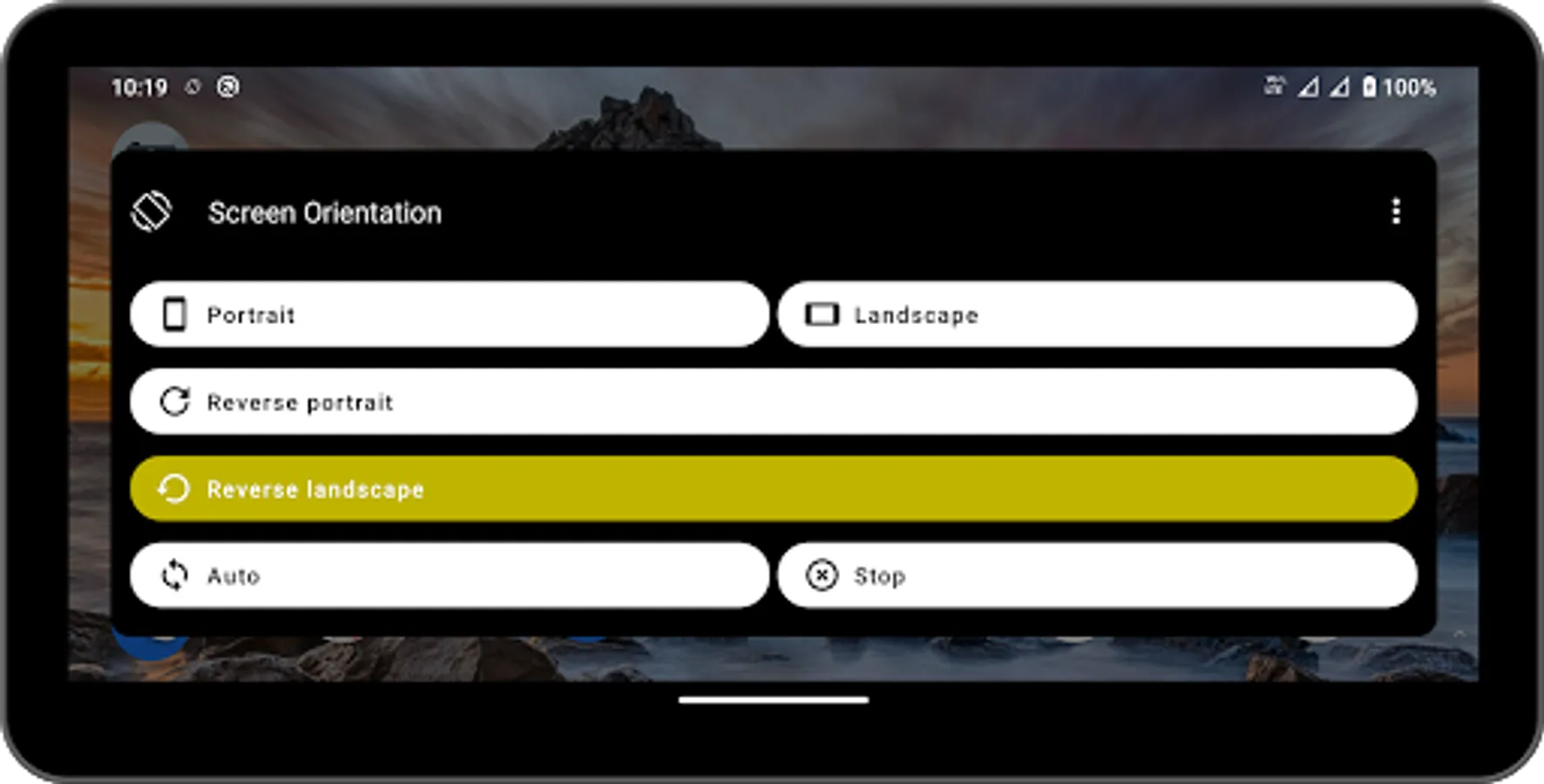
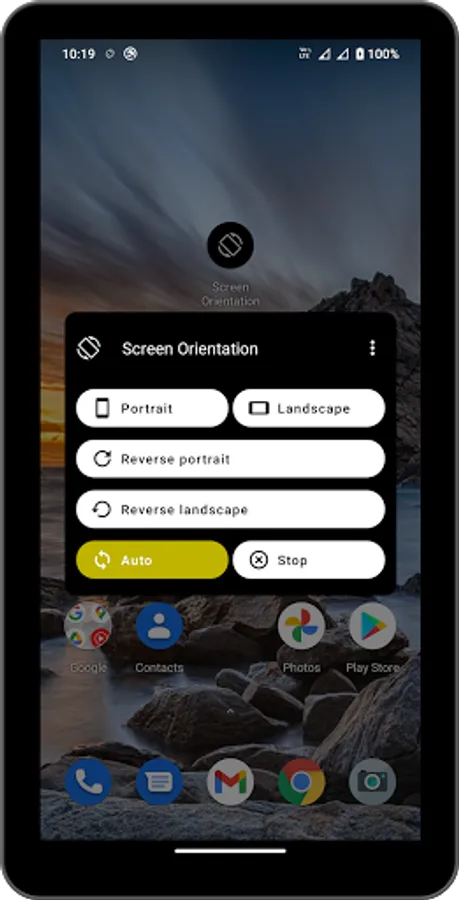
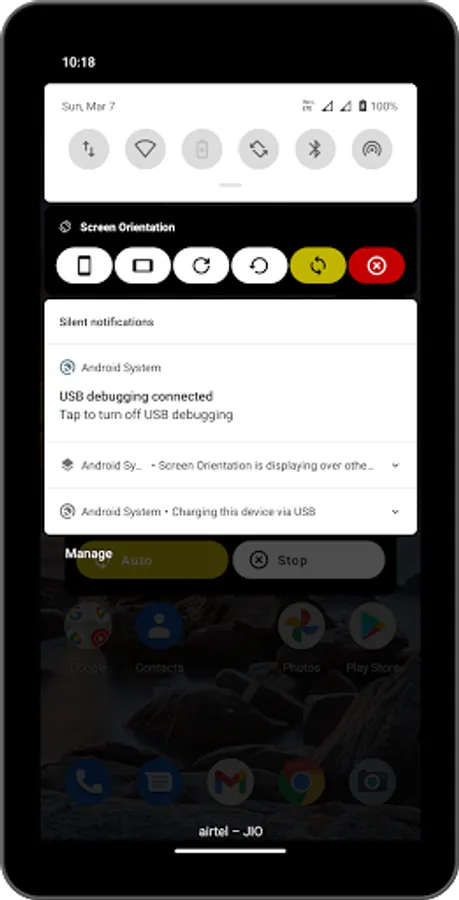
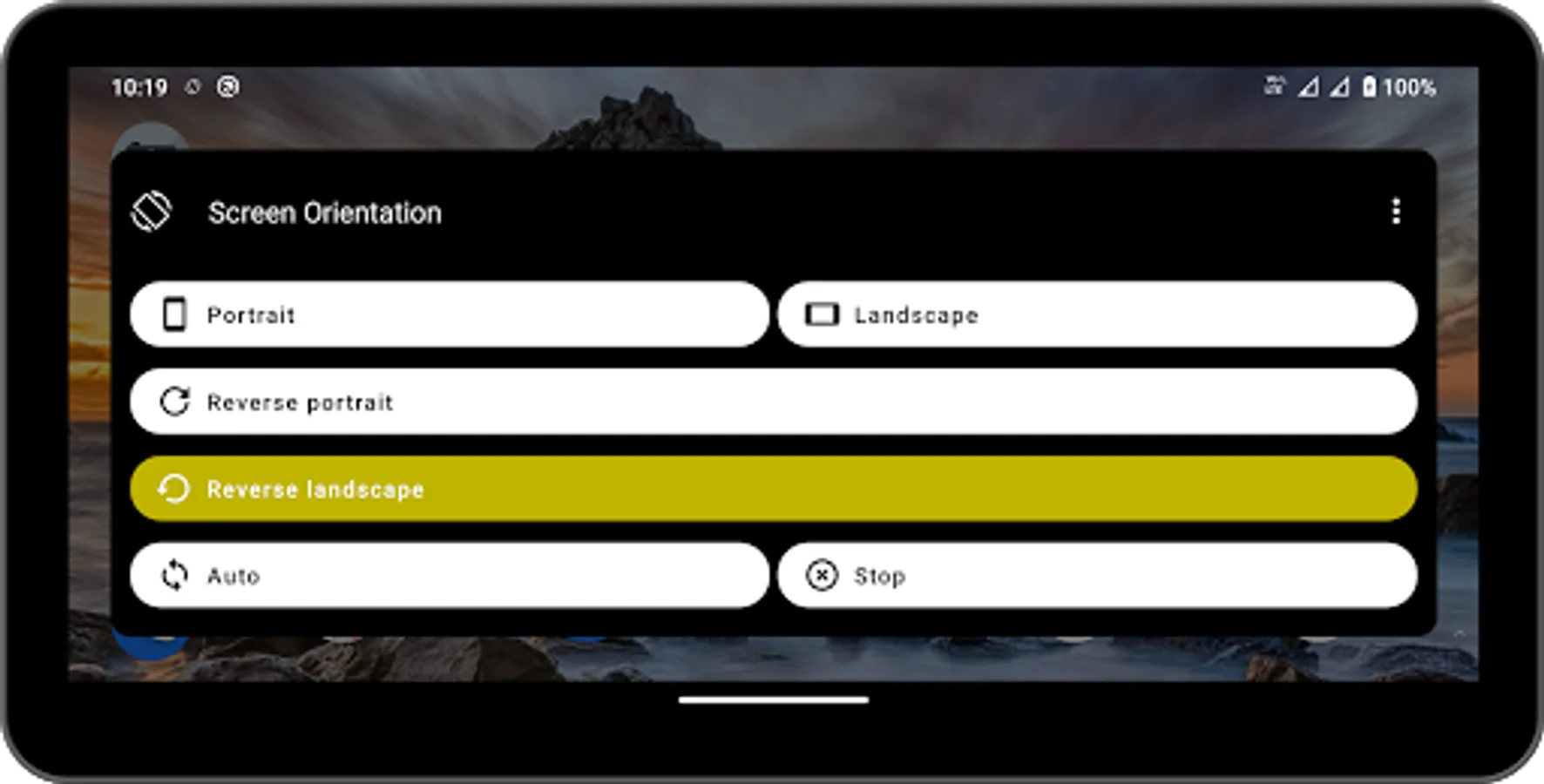
You can control portrait, landscape, reverse portrait, reverse landscape, auto.
Features:
> 4 screen orientation control (Horizontal, Vertical, Reverse Horizontal, Reverse Vertical)
> Specify the auto rotation screen.
> All App (app, game) support the direction of 4 orientation.
> Specific application to force portrait / landscape view setting may not display correctly. (Camera app etc..)
Legal notice:
E-mail: pransuinc@gmail.com
Features:
> 4 screen orientation control (Horizontal, Vertical, Reverse Horizontal, Reverse Vertical)
> Specify the auto rotation screen.
> All App (app, game) support the direction of 4 orientation.
> Specific application to force portrait / landscape view setting may not display correctly. (Camera app etc..)
Legal notice:
E-mail: pransuinc@gmail.com
Screen Orientations Screenshots
Tap to Rate:
Reviews for Screen Orientations
Paul adera
12/25/2025
can't solve cidea screen orientation issues
Arsalan Bhat
8/8/2025
best