AppRecs review analysis
AppRecs rating 4.5. Trustworthiness 62 out of 100. Review manipulation risk 35 out of 100. Based on a review sample analyzed.
★★★★☆
4.5
AppRecs Rating
Ratings breakdown
5 star
100%
4 star
0%
3 star
0%
2 star
0%
1 star
0%
What to know
✓
High user satisfaction
100% of sampled ratings are 5 stars
About Dokify
Dokify is an application for high quality PDFs from photo/images and converting images to text.
Save and archive anywhere and anytime .Converting image to PDF and text has never been so easy..!
Dokify is dead simple to use and best of all ,It is free of the advertisements ,watermark labels and made in India!
Features:
1. No subscription charges - unlimited document creation, absolutely free!
2. Free photo to pdf converter / image to text converter.
3. Convert multiple images into single PDF.
4. Safe to use as all the processing is done locally on your device.
5. Fast and easy to use.
6. Maintains file history.
7. Open Source software.
8. No Watermark.
9. No Advertisements.
10. No active internet required.
11. No Sign up required.
12. Proudly made in India 🇮🇳.
How to Use Dokify ?
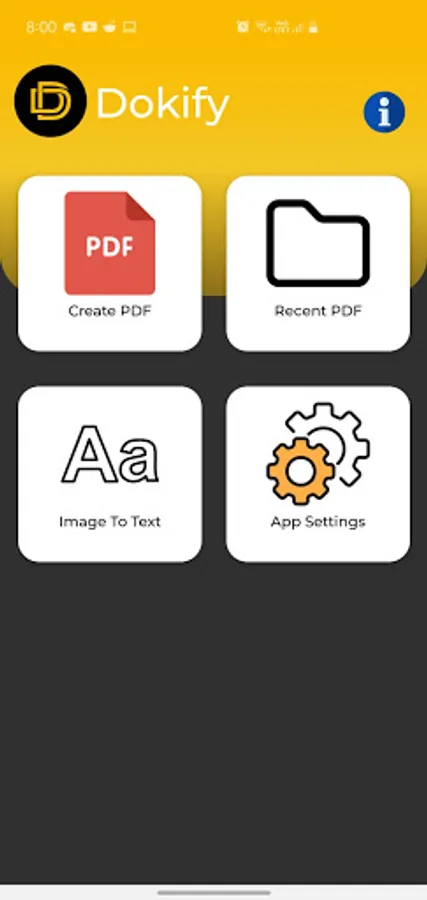
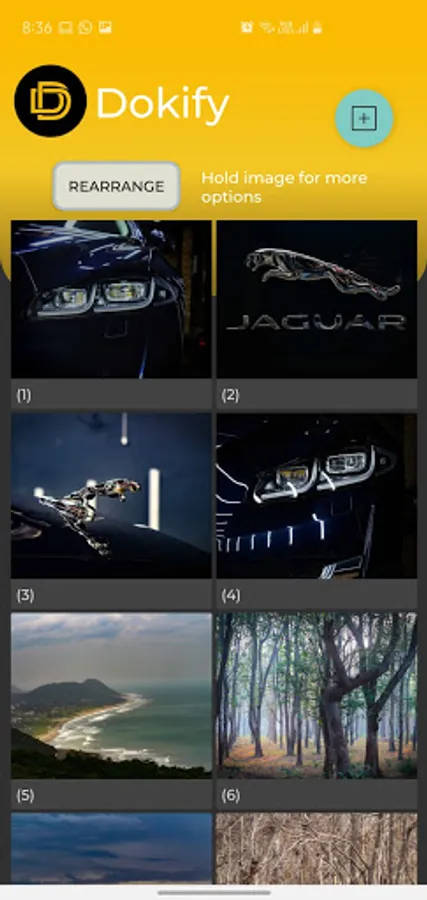
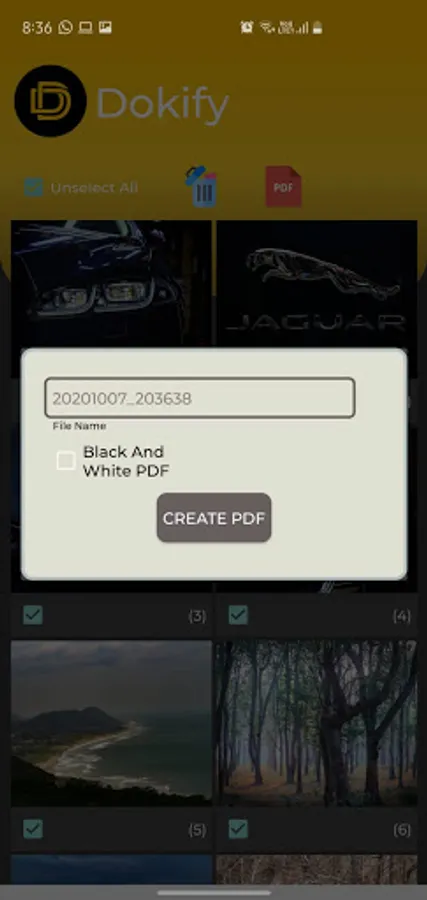
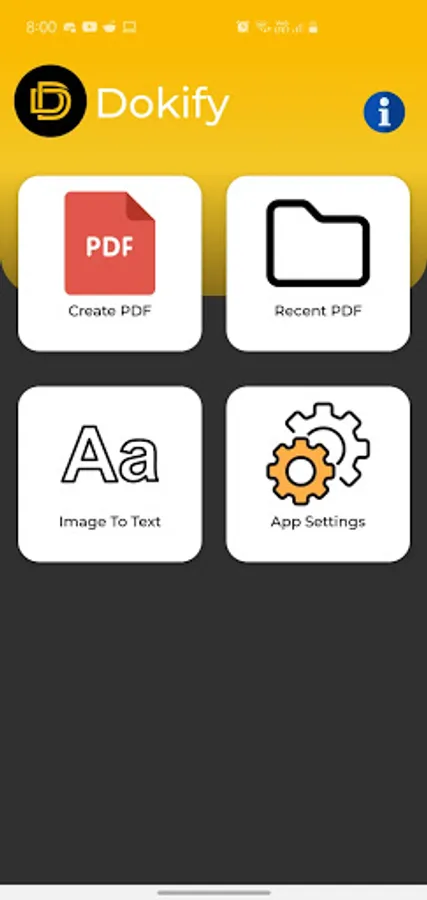
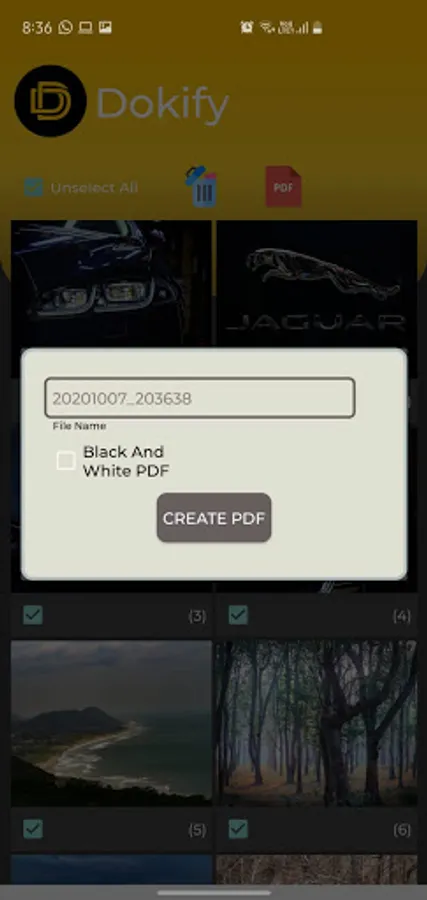
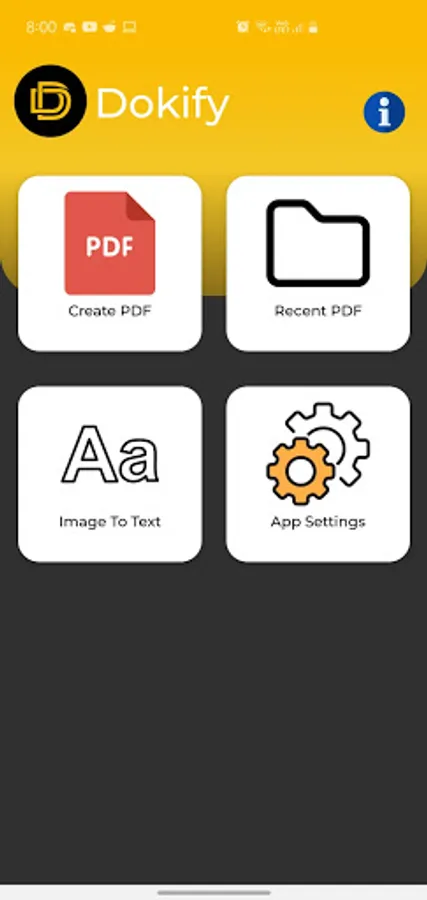
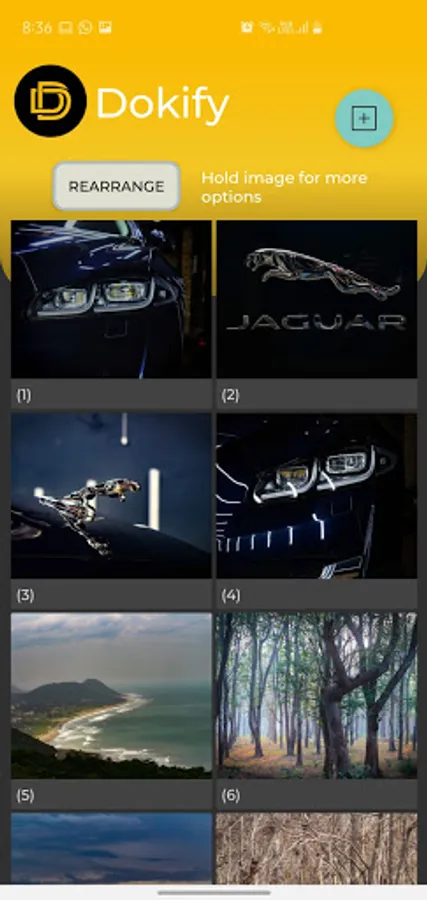
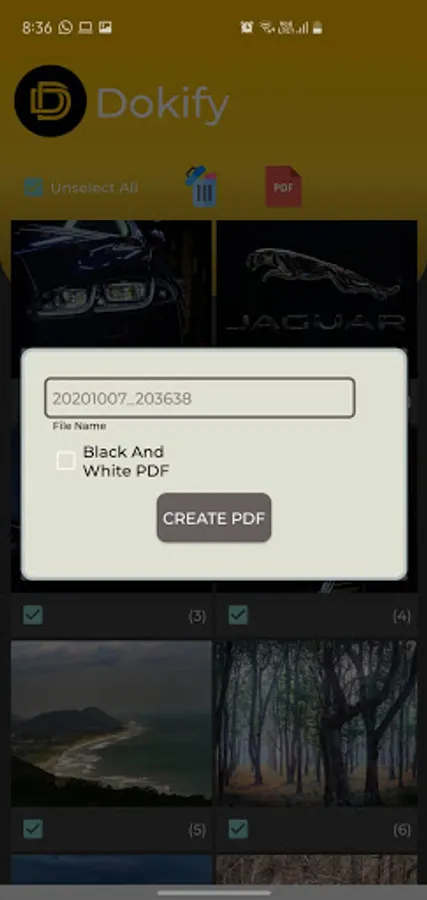
Use 'Create PDF' to click or choose photos from the gallery.
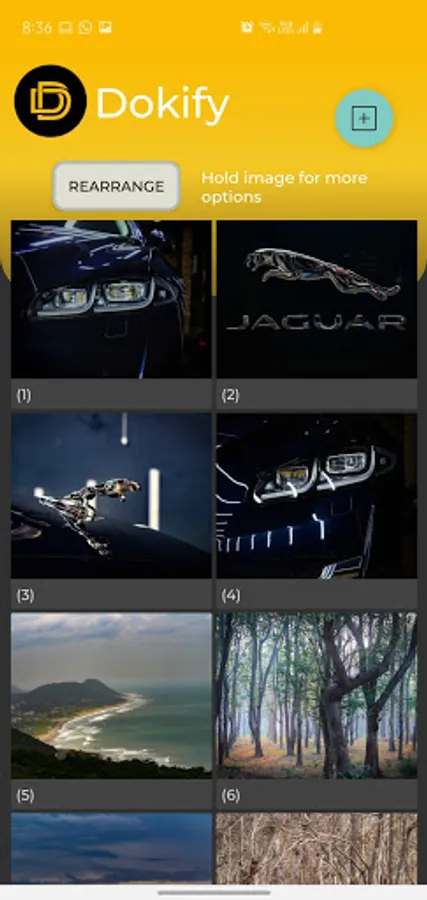
The photos that will be included in the PDF are shown at the bottom that can be cropped or rearranged.
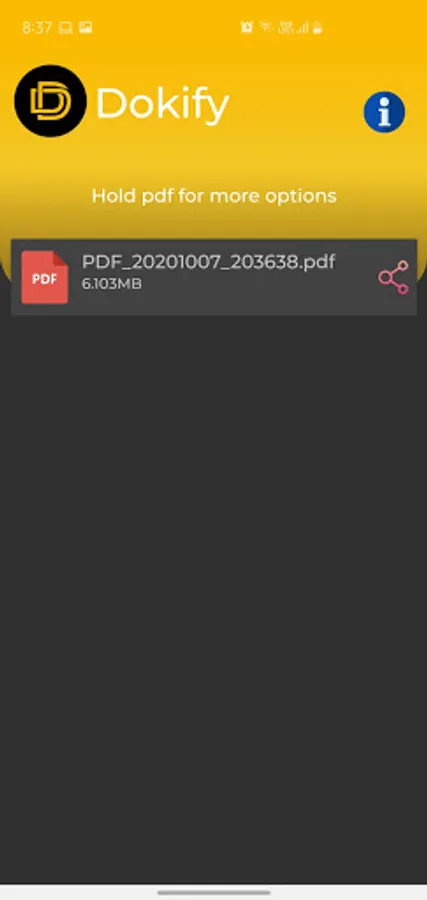
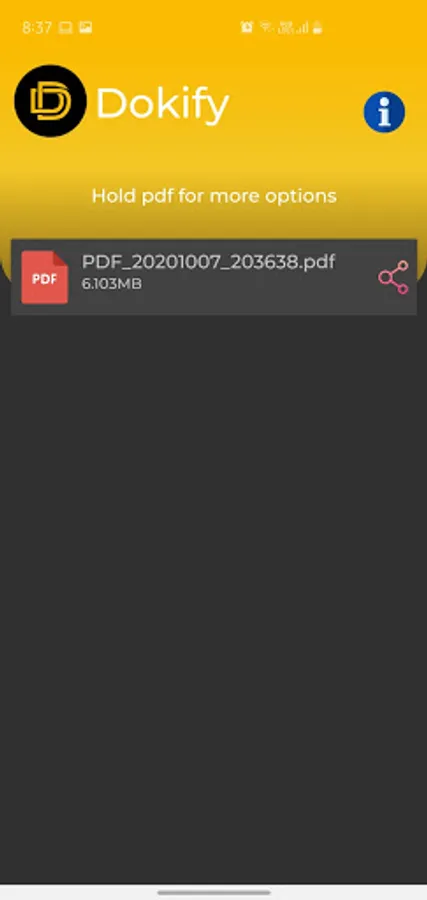
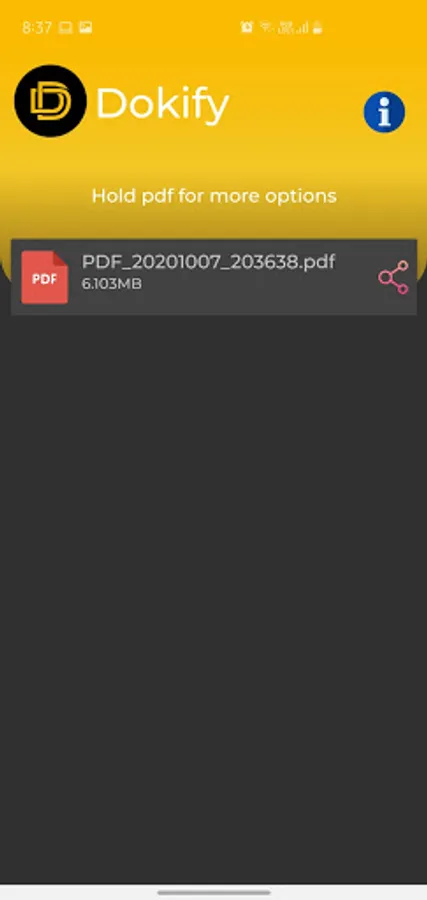
The “Recent PDF” tab shows the recently created documents.
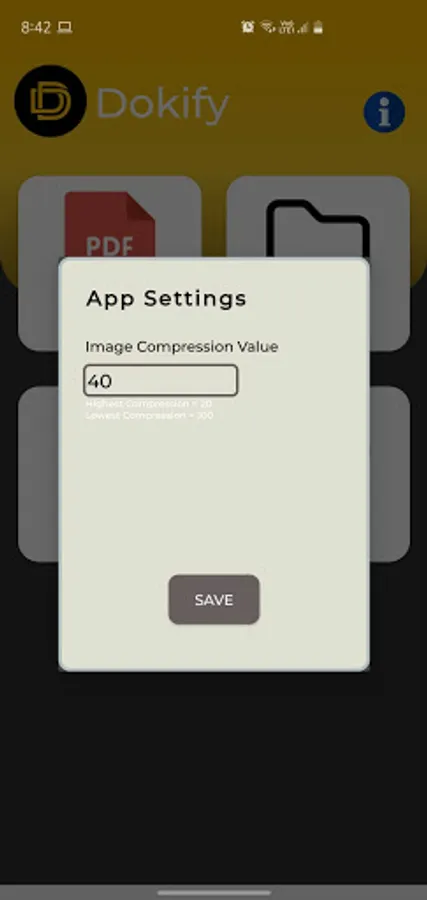
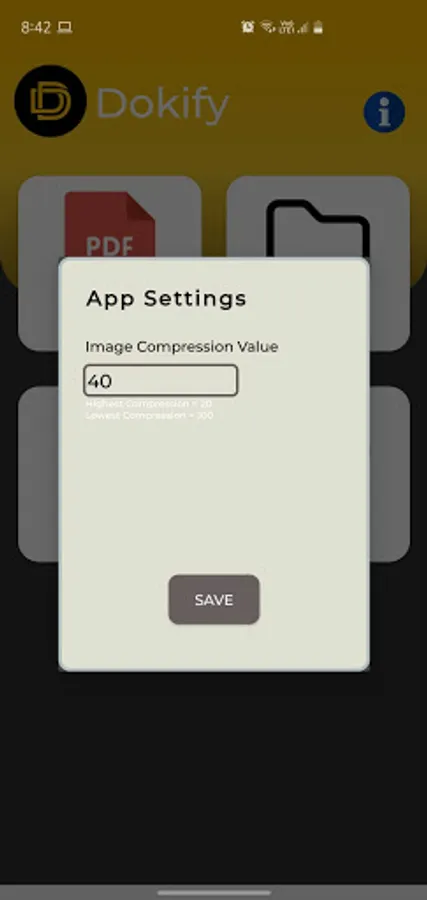
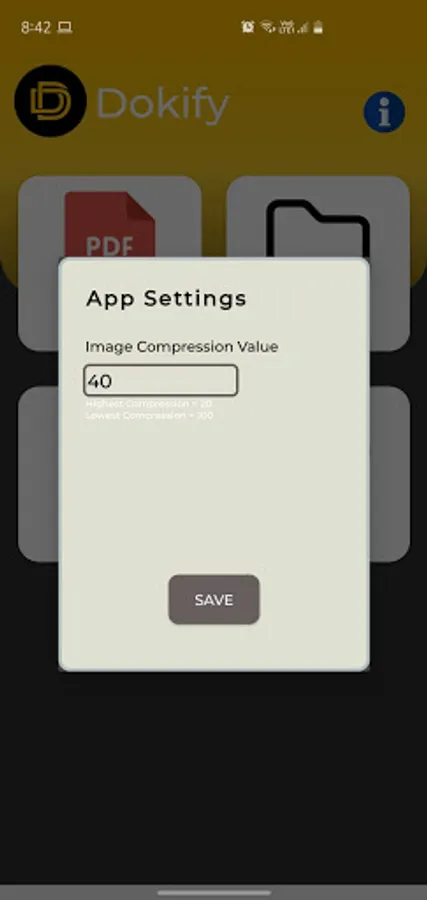
Set image compression in App Setting to get the best quality.
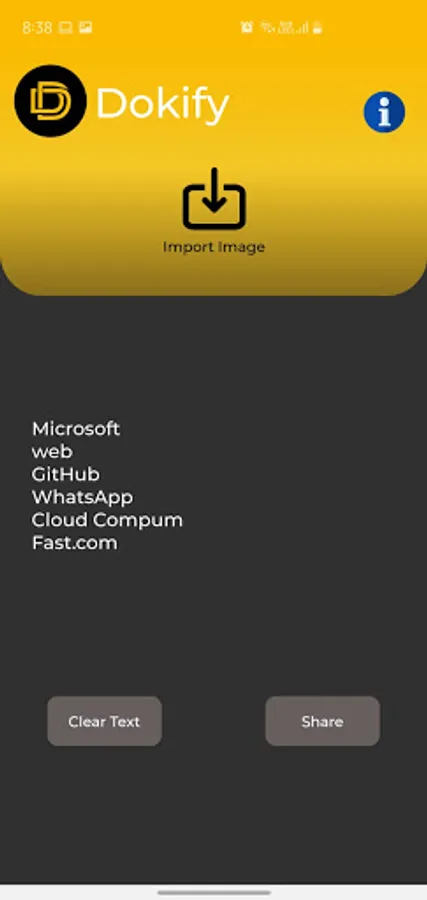
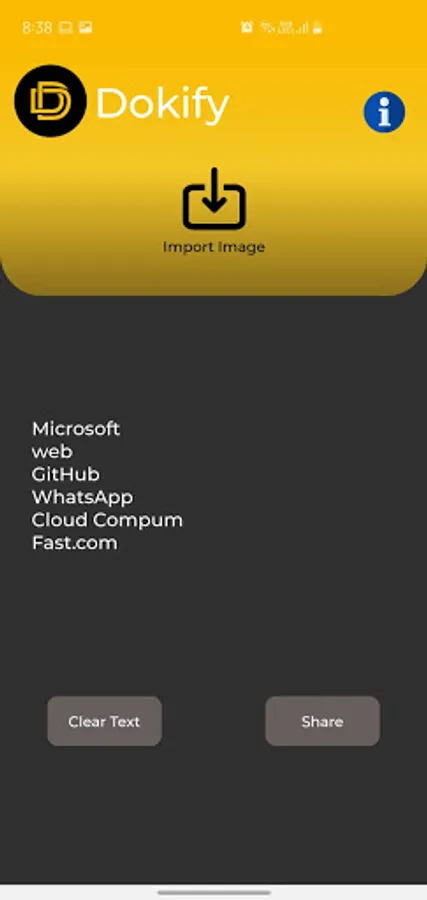
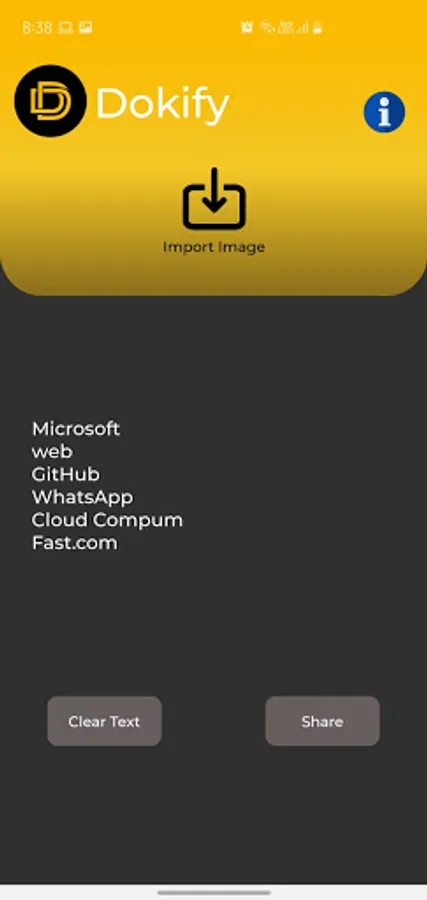
Use 'Image to Text' to click or import images from galleries that you need to convert.
The converted text is displayed in the same tab.
Save and archive anywhere and anytime .Converting image to PDF and text has never been so easy..!
Dokify is dead simple to use and best of all ,It is free of the advertisements ,watermark labels and made in India!
Features:
1. No subscription charges - unlimited document creation, absolutely free!
2. Free photo to pdf converter / image to text converter.
3. Convert multiple images into single PDF.
4. Safe to use as all the processing is done locally on your device.
5. Fast and easy to use.
6. Maintains file history.
7. Open Source software.
8. No Watermark.
9. No Advertisements.
10. No active internet required.
11. No Sign up required.
12. Proudly made in India 🇮🇳.
How to Use Dokify ?
Use 'Create PDF' to click or choose photos from the gallery.
The photos that will be included in the PDF are shown at the bottom that can be cropped or rearranged.
The “Recent PDF” tab shows the recently created documents.
Set image compression in App Setting to get the best quality.
Use 'Image to Text' to click or import images from galleries that you need to convert.
The converted text is displayed in the same tab.