Easy Diag - OBD2 Car Scanner
F&E
Free
(in-app purchases)
1,000+
downloads
About Easy Diag - OBD2 Car Scanner
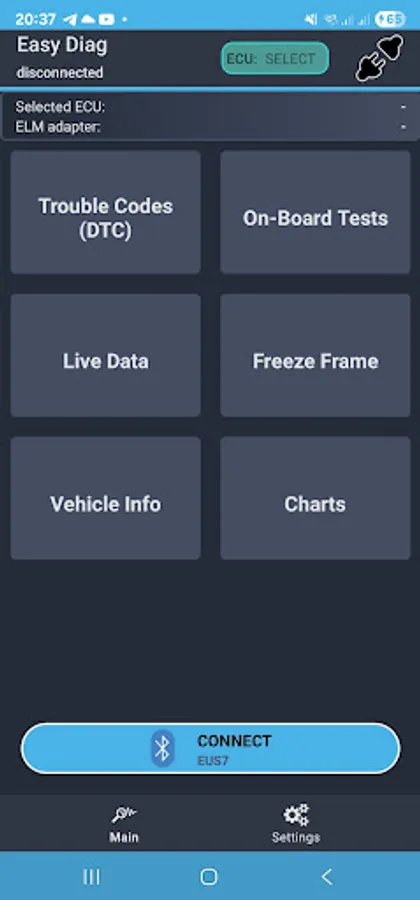
Easy Diag is universal scanner for car diagnostic by using ELM327 adapters with OBD2 protocol.
Types of supported ELM327 adapters: Wifi and Bluetooth.
Main features:
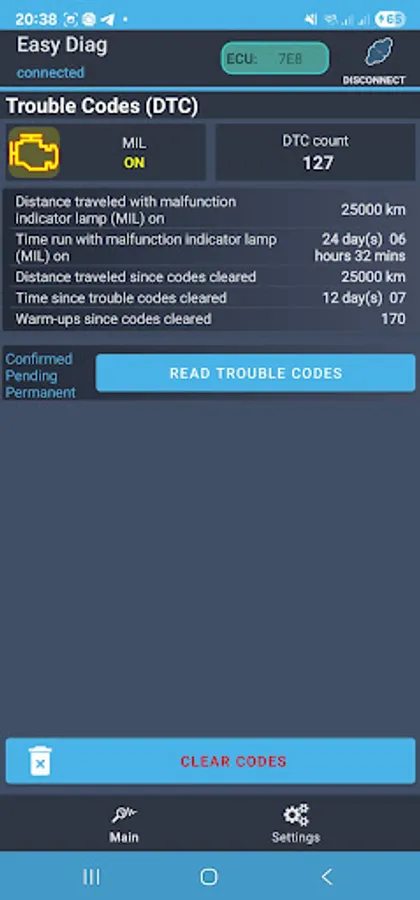
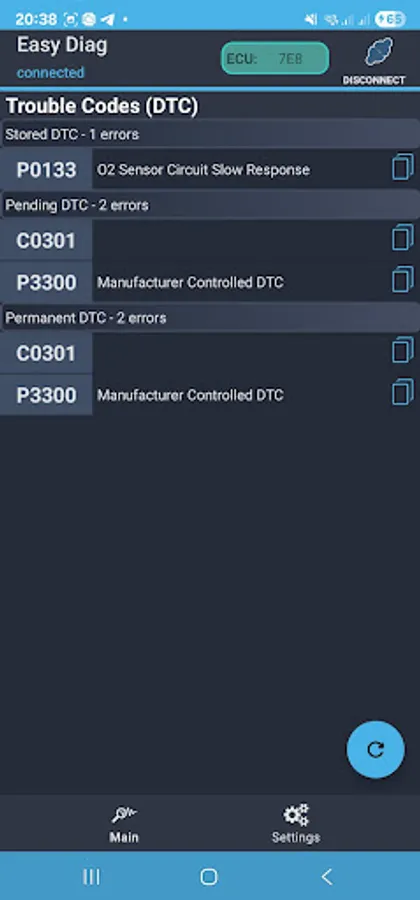
- Read trouble codes from car ECU
- Clear trouble codes from ECU
- Troubles codes description
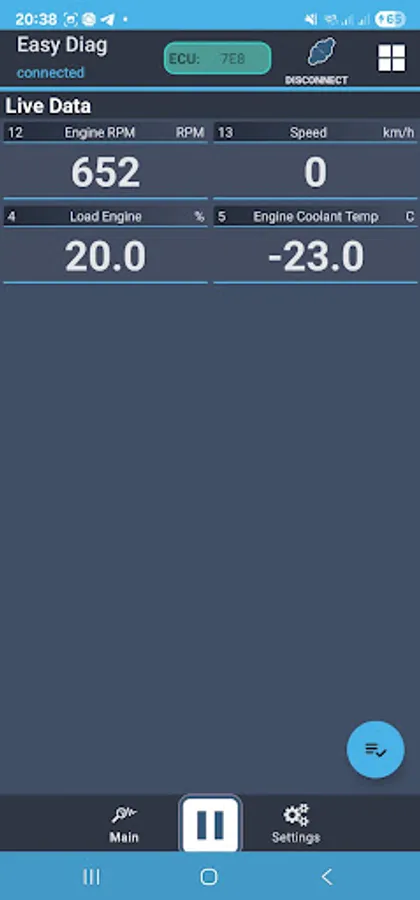
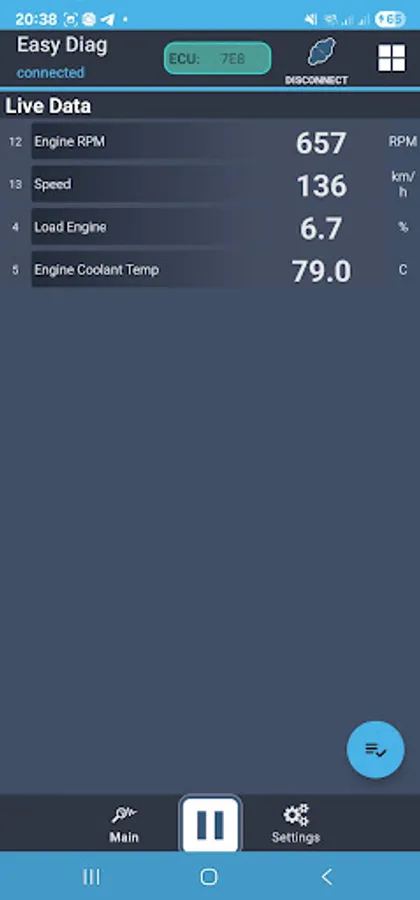
- Live parameters
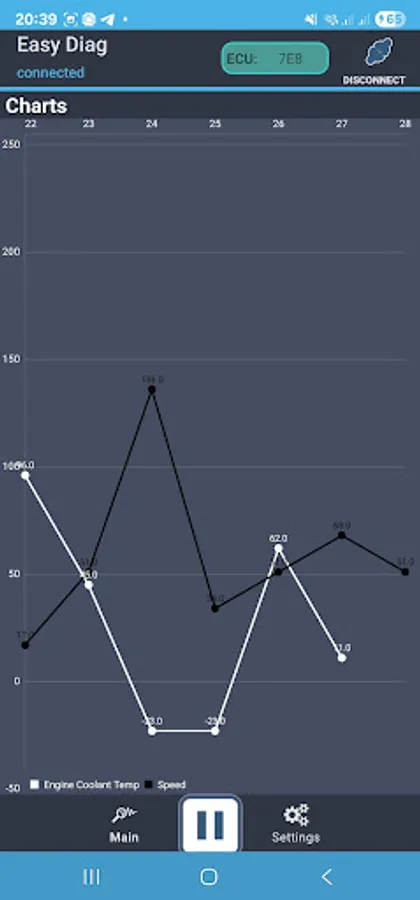
- Charts
- Support several ECU modules per car
- Freeze frame
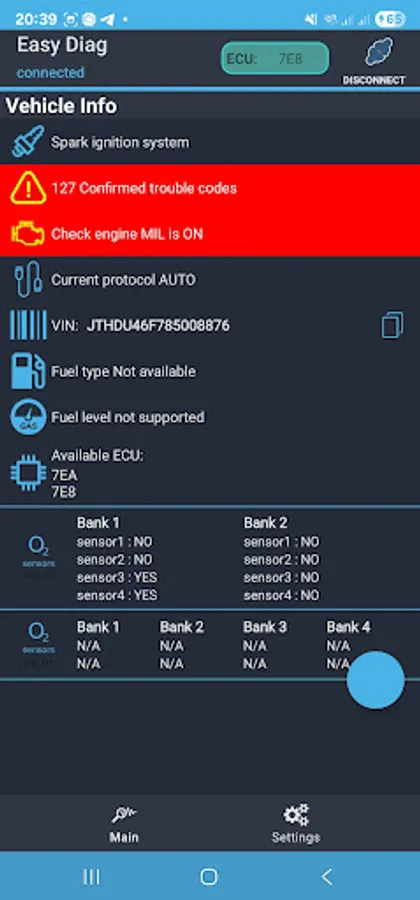
- Vehicle information
- On-board test
- Ability to choose ECU for data reading
How to connect:
Connect ELM327 adapter to vehicle and turn ignition on
in app:
- Choose 'Settings' on bottom bar
- Choose Connection menu
- Choose desired connection type in 'Connection Type' menu item
- for Bluetooth choose 'Bluetooth Device' (device should be paired first)
for Wifi set IP and Port data in case if it differ from default.
- Press round button 'CONNECT' (in the bottom)
- Connection progress indicator will appear
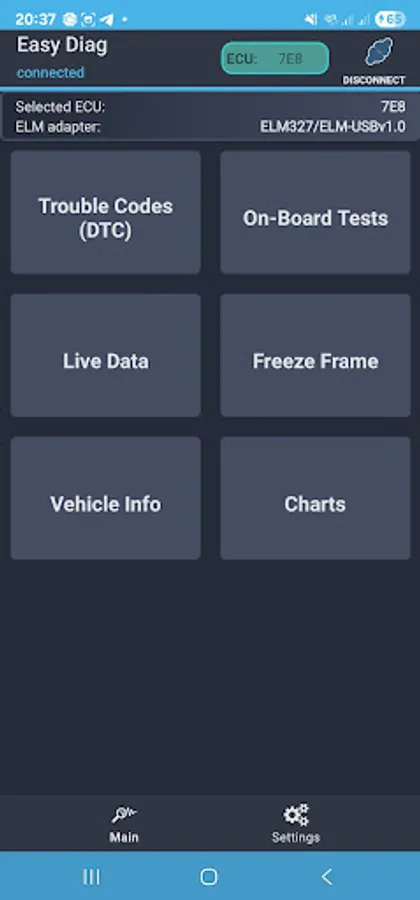
- When connection will be established, you will see connected plug in the top left corner.
How to disconnect:
Press on the 'connected plug' image on the right top corner or shut down application
Important: Easy Diag can be used for car diagnostic only through OBD2 protocol.
You can try application with free features before buy.
Please feel free to contact by email in case of any issues or suggestions : eldorado.apps.mail@gmail.com
Types of supported ELM327 adapters: Wifi and Bluetooth.
Main features:
- Read trouble codes from car ECU
- Clear trouble codes from ECU
- Troubles codes description
- Live parameters
- Charts
- Support several ECU modules per car
- Freeze frame
- Vehicle information
- On-board test
- Ability to choose ECU for data reading
How to connect:
Connect ELM327 adapter to vehicle and turn ignition on
in app:
- Choose 'Settings' on bottom bar
- Choose Connection menu
- Choose desired connection type in 'Connection Type' menu item
- for Bluetooth choose 'Bluetooth Device' (device should be paired first)
for Wifi set IP and Port data in case if it differ from default.
- Press round button 'CONNECT' (in the bottom)
- Connection progress indicator will appear
- When connection will be established, you will see connected plug in the top left corner.
How to disconnect:
Press on the 'connected plug' image on the right top corner or shut down application
Important: Easy Diag can be used for car diagnostic only through OBD2 protocol.
You can try application with free features before buy.
Please feel free to contact by email in case of any issues or suggestions : eldorado.apps.mail@gmail.com