
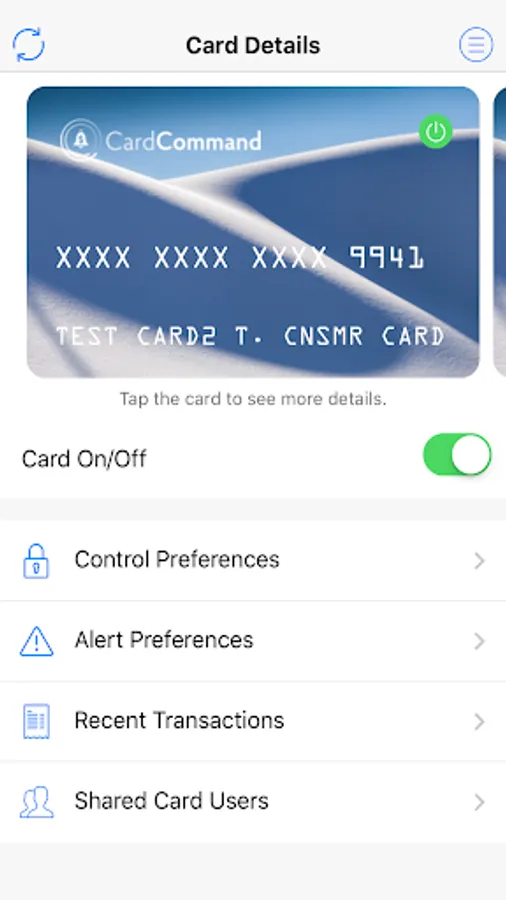
With this card management app, you can lock and unlock your cards, set spending controls, and receive activity alerts. Includes features for location-based controls, transaction monitoring, and shared cardholder access.
AppRecs review analysis
AppRecs rating 4.5. Trustworthiness 0 out of 100. Review manipulation risk 0 out of 100. Based on a review sample analyzed.
★★★★☆
4.5
AppRecs Rating
Ratings breakdown
5 star
76%
4 star
15%
3 star
4%
2 star
0%
1 star
6%
What to know
✓
High user satisfaction
76% of sampled ratings are 5 stars
✓
Authentic reviews
Natural distribution, no red flags
About CardCommand
Take Command of Your Credit or Debit Card Usage
Receive automatic alerts for suspicious activity, and set controls for debit or credit card usage with the user-friendly CardCommand card management app.
What Does CardCommand Do?
What if you’re missing your card and you’re worried it may be lost or stolen? With CardCommand, you can prevent unauthorized use by quickly using your smartphone to “lock” it. Then just as easily, unlock your card when it’s back in your possession.
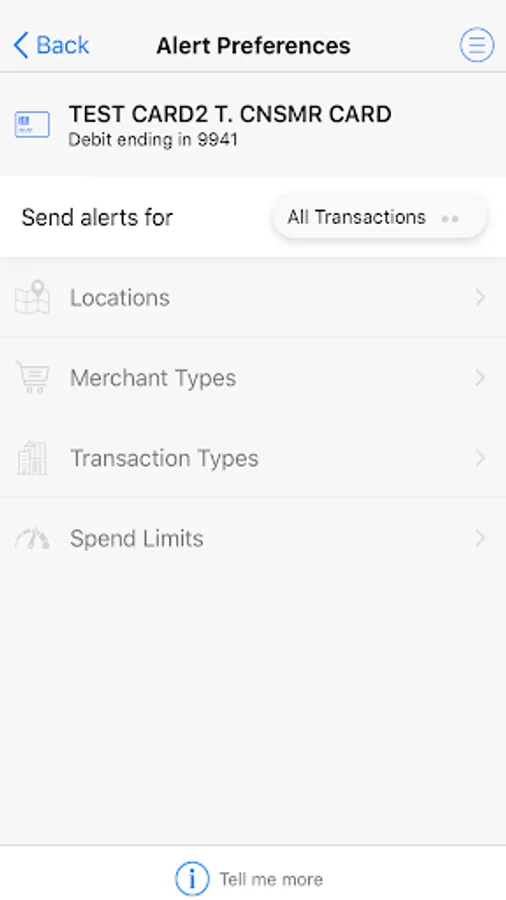
Or let’s say your card is getting used in a city that you have no history of visiting. You’ll receive an alert to check if the purchases are authorized by you.
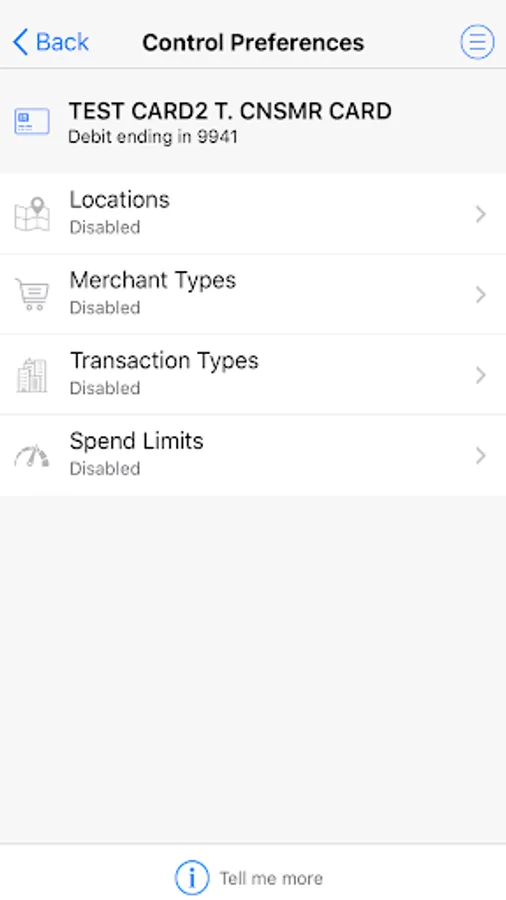
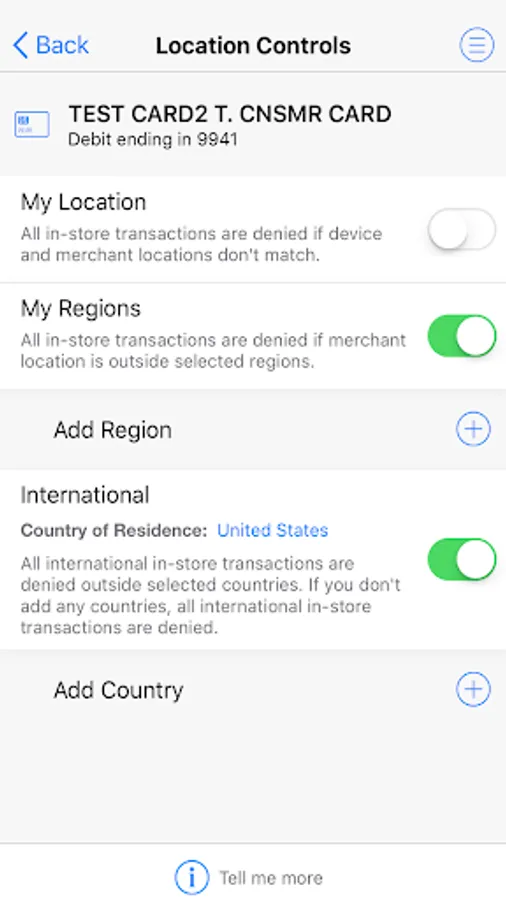
Those are just two examples of how CardCommand can protect your card account. This app also enables you to manage alerts and controls for:
• Local, regional, and international locations
• Different merchant types
• Different transaction types
• Daily and monthly spending limits
• Inviting shared cardholders to set up their own alerts and controls
Download Now for Peace-of-Mind
Card registration is easy from any mobile device, and your access is secure and protected by multi-factor authentication. Note: This app does not store personal information on the device.
Receive automatic alerts for suspicious activity, and set controls for debit or credit card usage with the user-friendly CardCommand card management app.
What Does CardCommand Do?
What if you’re missing your card and you’re worried it may be lost or stolen? With CardCommand, you can prevent unauthorized use by quickly using your smartphone to “lock” it. Then just as easily, unlock your card when it’s back in your possession.
Or let’s say your card is getting used in a city that you have no history of visiting. You’ll receive an alert to check if the purchases are authorized by you.
Those are just two examples of how CardCommand can protect your card account. This app also enables you to manage alerts and controls for:
• Local, regional, and international locations
• Different merchant types
• Different transaction types
• Daily and monthly spending limits
• Inviting shared cardholders to set up their own alerts and controls
Download Now for Peace-of-Mind
Card registration is easy from any mobile device, and your access is secure and protected by multi-factor authentication. Note: This app does not store personal information on the device.
CardCommand Screenshots
Tap to Rate: