Draw anywhere on Screen AZDraw
PTD Studio
3.1 ★
938 ratings
100,000+
downloads
Free
+ in-app
In this drawing app, you can freely sketch on your screen using various brushes and add text with customizable fonts. Includes undo and redo options, shape tools, and color adjustments.
AppRecs review analysis
AppRecs rating 3.2. Trustworthiness 81 out of 100. Review manipulation risk 25 out of 100. Based on a review sample analyzed.
★★★☆☆
3.2
AppRecs Rating
Ratings breakdown
5 star
28%
4 star
23%
3 star
8%
2 star
11%
1 star
30%
What to know
✓
Low review manipulation risk
25% review manipulation risk
✓
Credible reviews
81% trustworthiness score from analyzed reviews
⚠
High negative review ratio
40% of sampled ratings are 1–2 stars
About Draw anywhere on Screen AZDraw
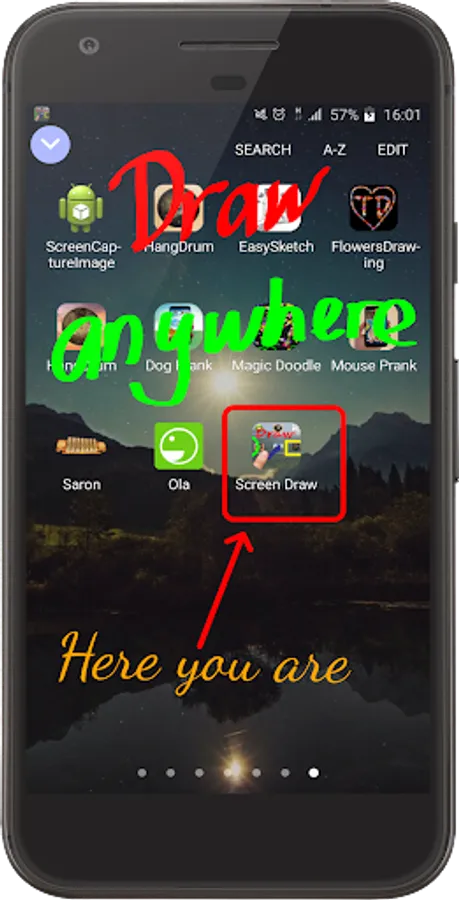
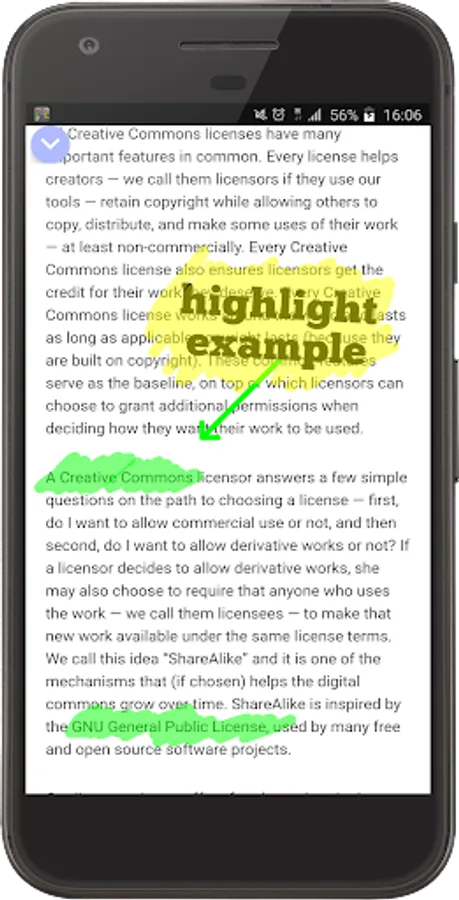
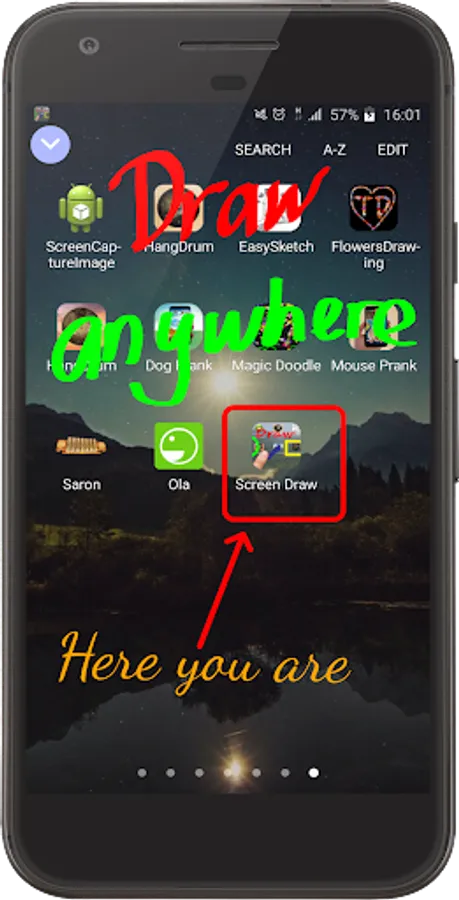
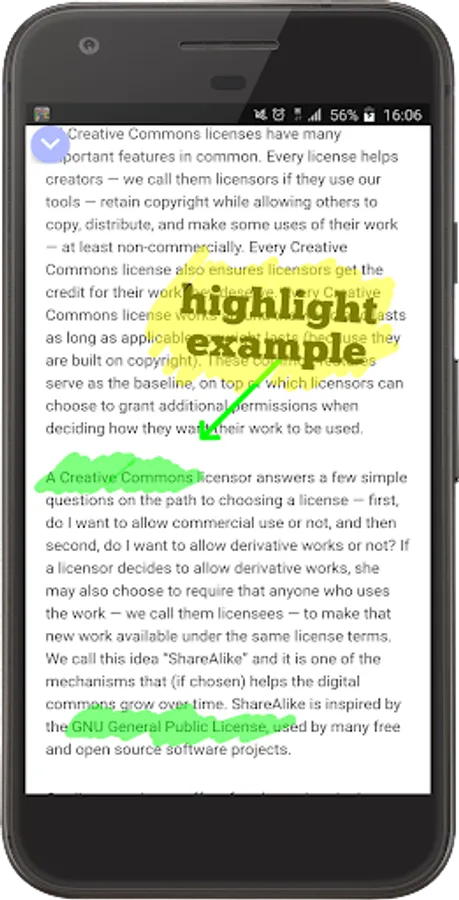
Express your creativity on your phone screen with AZDraw. This versatile app allows you to write and draw freely, offering endless possibilities for presentations, tutorials, or simply highlighting text, videos, and images.
Key Features:
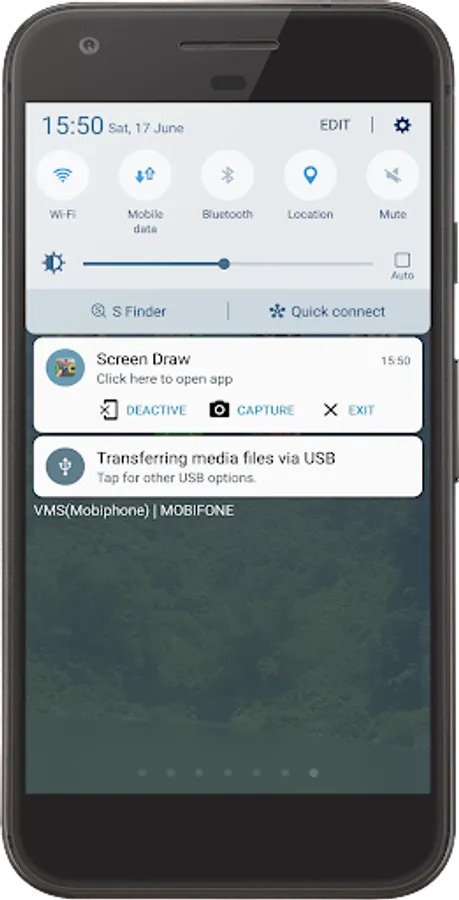
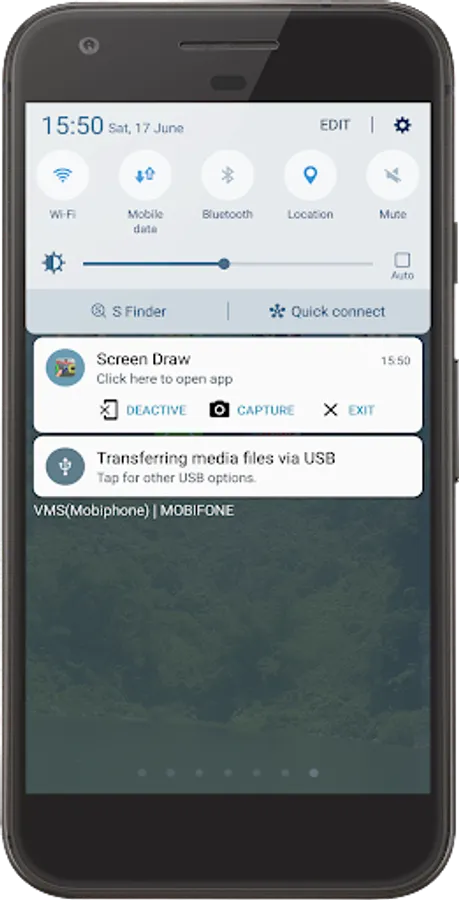
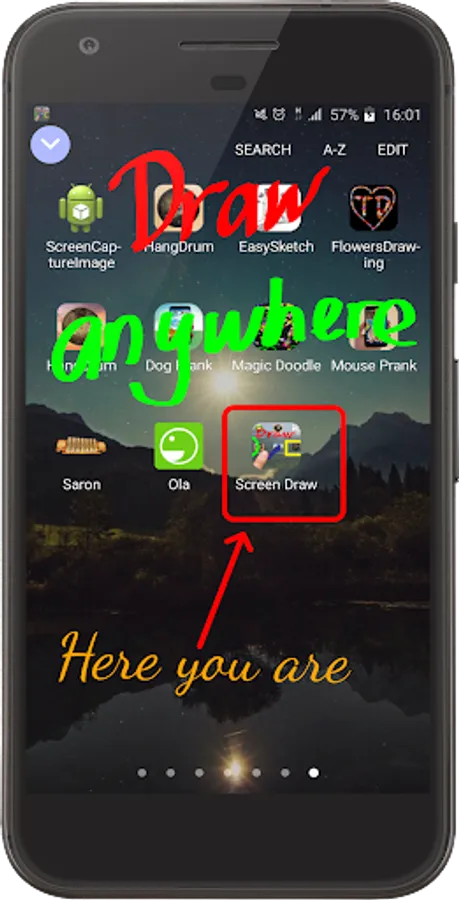
Draw anywhere on your screen, anytime.
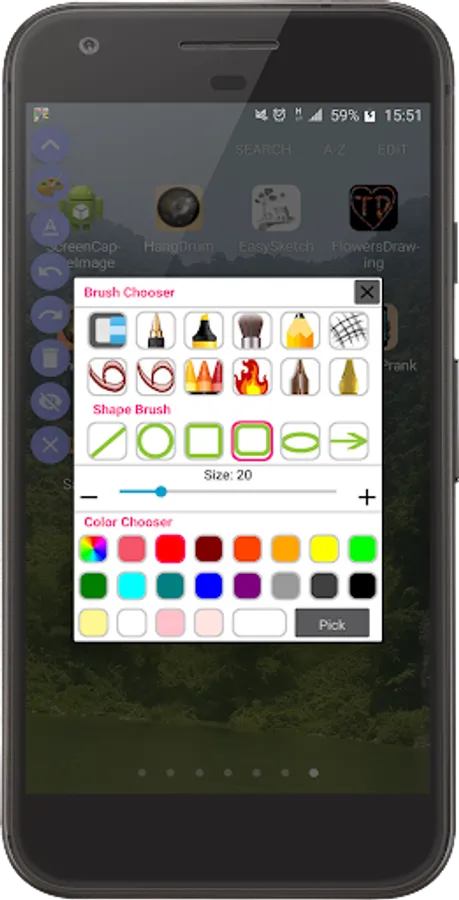
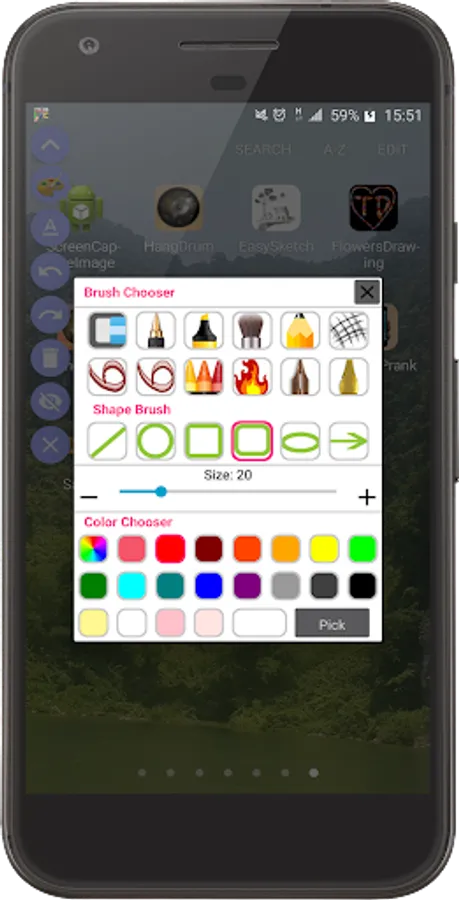
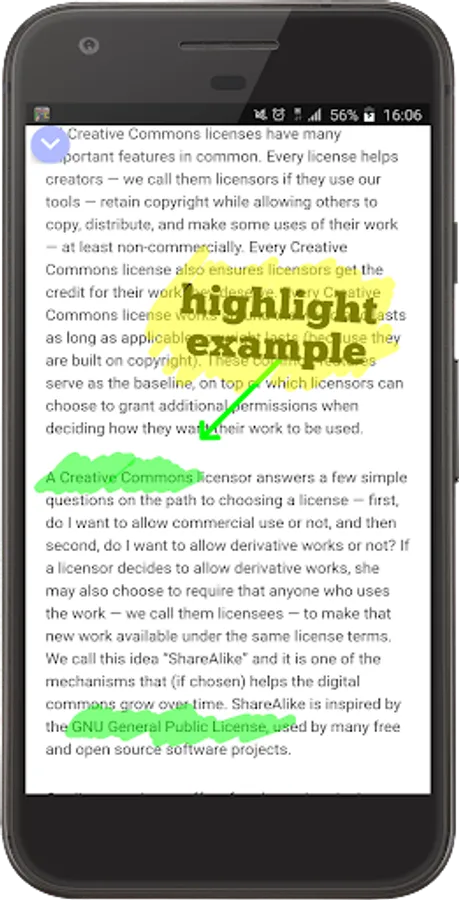
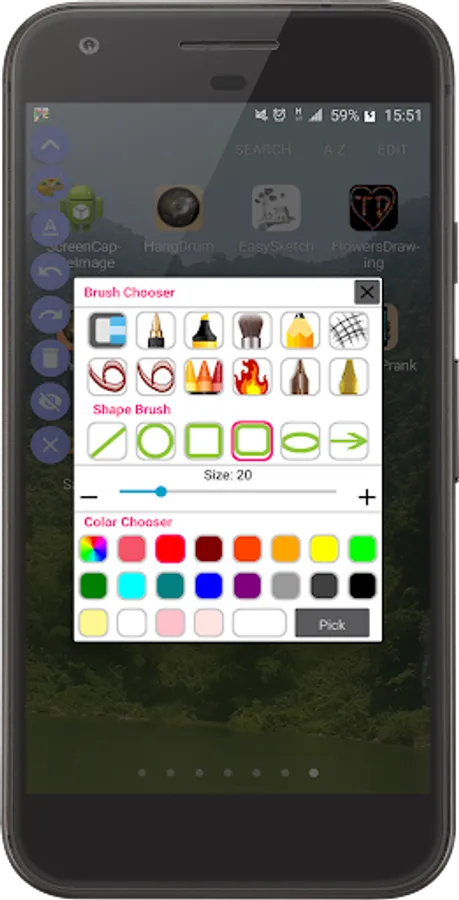
Choose from a wide range of brushes, including pencil, highlight marker, and bold pen strokes.
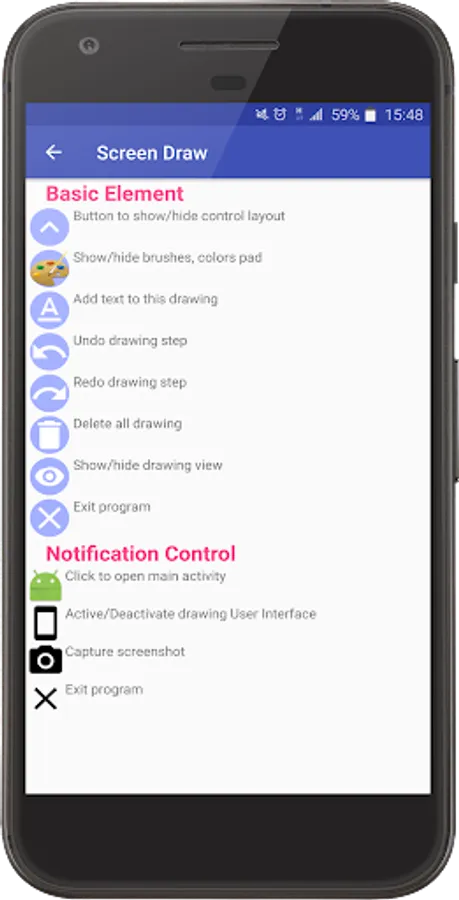
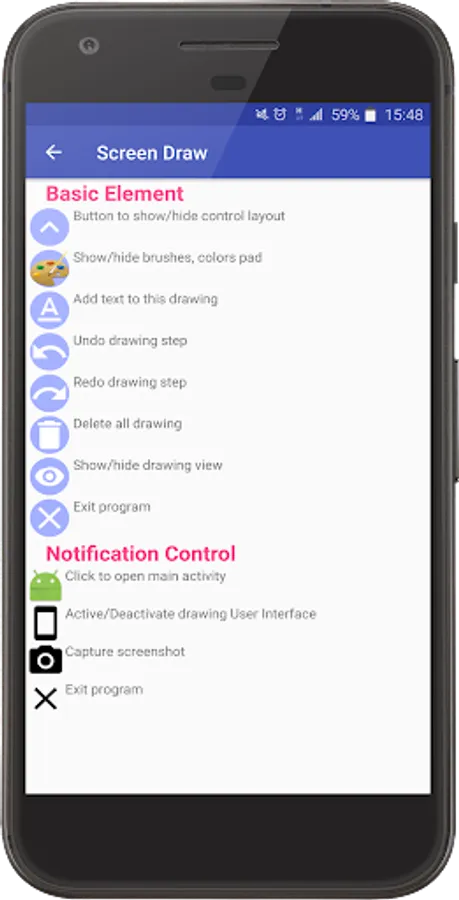
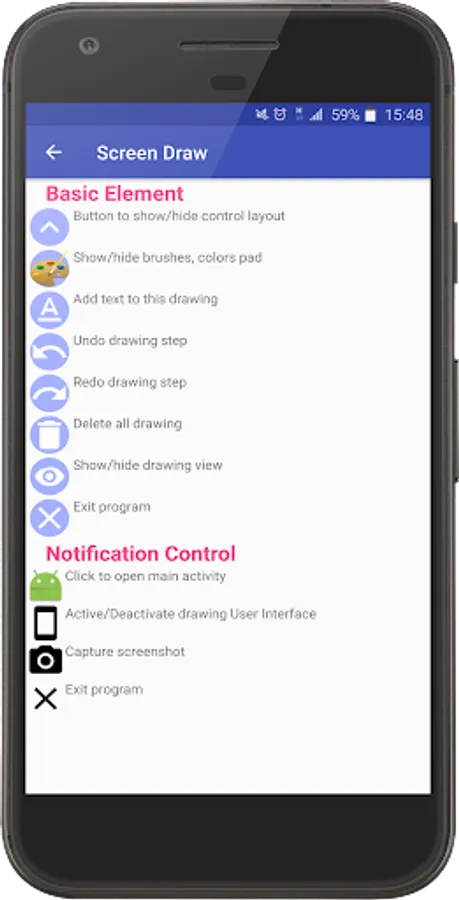
Easily undo and redo multiple steps to refine your work.
Correct mistakes effortlessly with the delete drawing and eraser tools.
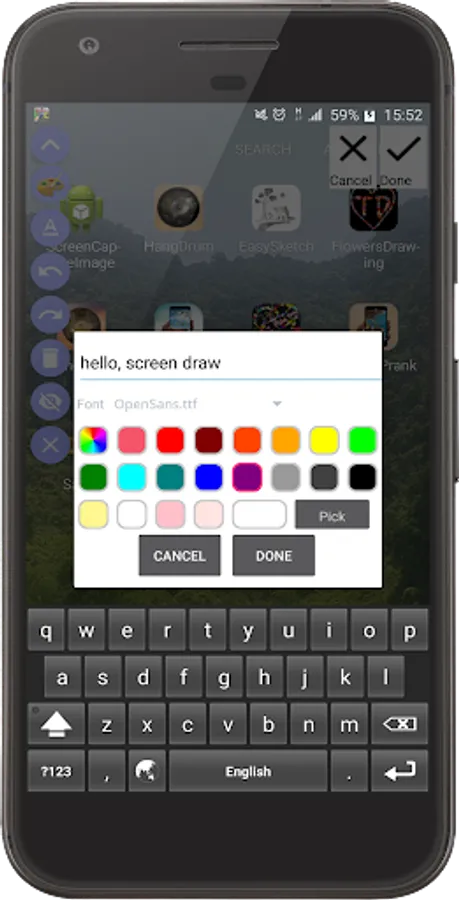
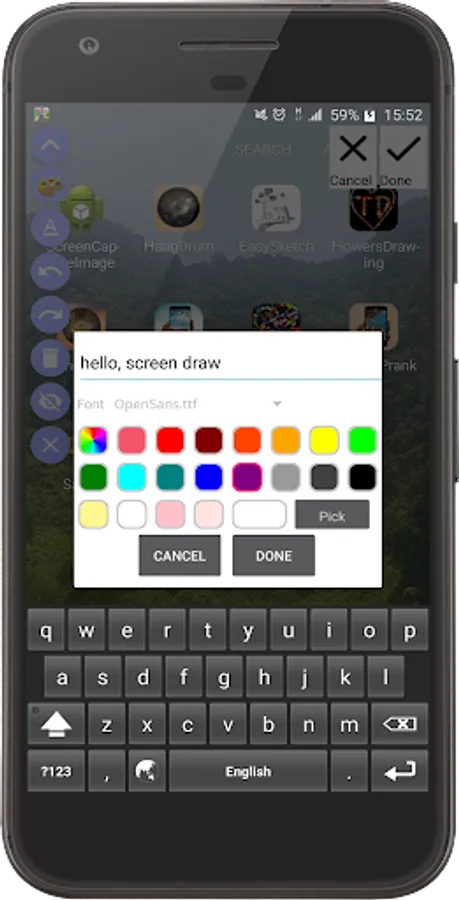
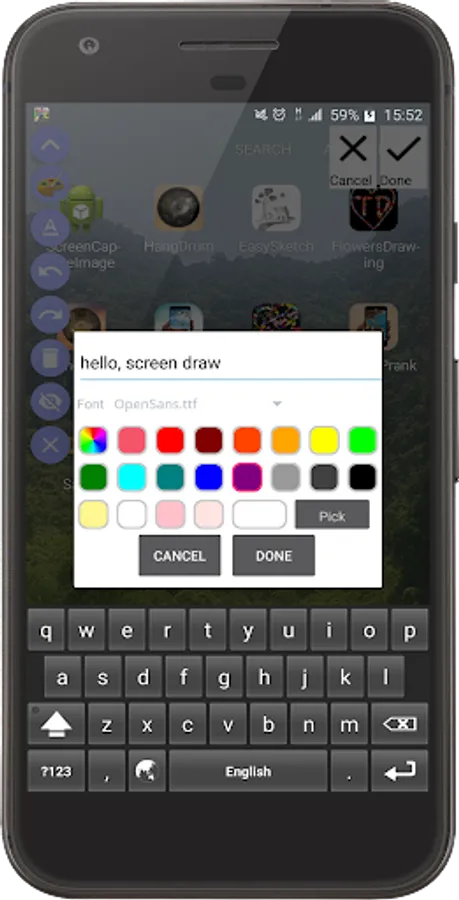
Enhance your creations with text using a variety of fonts, with options to customize size, location, and angle.
Create precise shapes like ovals, rectangles, lines, round rectangles, circles, and arrows.
Select colors and adjust brush sizes with ease.
Contribute to Our Growth:
We're constantly improving AZDraw with new features. Share your feedback and suggestions with us at ptdno1studio@gmail.com. Your input helps us enhance your drawing experience.
Important Note:
All fonts used in AZDraw are obtained from https://www.fontsquirrel.com/ under their free commercial use license, allowing you to embed them in applications and software hassle-free.
Key Features:
Draw anywhere on your screen, anytime.
Choose from a wide range of brushes, including pencil, highlight marker, and bold pen strokes.
Easily undo and redo multiple steps to refine your work.
Correct mistakes effortlessly with the delete drawing and eraser tools.
Enhance your creations with text using a variety of fonts, with options to customize size, location, and angle.
Create precise shapes like ovals, rectangles, lines, round rectangles, circles, and arrows.
Select colors and adjust brush sizes with ease.
Contribute to Our Growth:
We're constantly improving AZDraw with new features. Share your feedback and suggestions with us at ptdno1studio@gmail.com. Your input helps us enhance your drawing experience.
Important Note:
All fonts used in AZDraw are obtained from https://www.fontsquirrel.com/ under their free commercial use license, allowing you to embed them in applications and software hassle-free.
Draw anywhere on Screen AZDraw Screenshots
Tap to Rate:
Reviews for Draw anywhere on Screen AZDraw
Rajan Kumar
12/28/2025
please update this for Android 16
Sylvia Poojari
12/27/2025
very very very very very bad app it is so bad so bad it does not work it does not work it will lock up your phone and it won't work it is scam don't download it please