My Clipboard Manager - Clipboa
Puna Devops
3.6 ★
91 ratings
10,000+
downloads
Free
In this clipboard manager app, you can organize, search, and manage clipboard history easily. Includes features for backup, restore, note filtering, and offline access.
AppRecs review analysis
AppRecs rating 3.6. Trustworthiness 0 out of 100. Review manipulation risk 0 out of 100. Based on a review sample analyzed.
★★★☆☆
3.6
AppRecs Rating
Ratings breakdown
5 star
56%
4 star
8%
3 star
3%
2 star
13%
1 star
20%
What to know
✓
Good user ratings
64% positive sampled reviews
✓
Authentic reviews
Natural distribution, no red flags
⚠
High negative review ratio
33% of sampled ratings are 1–2 stars
About My Clipboard Manager - Clipboa
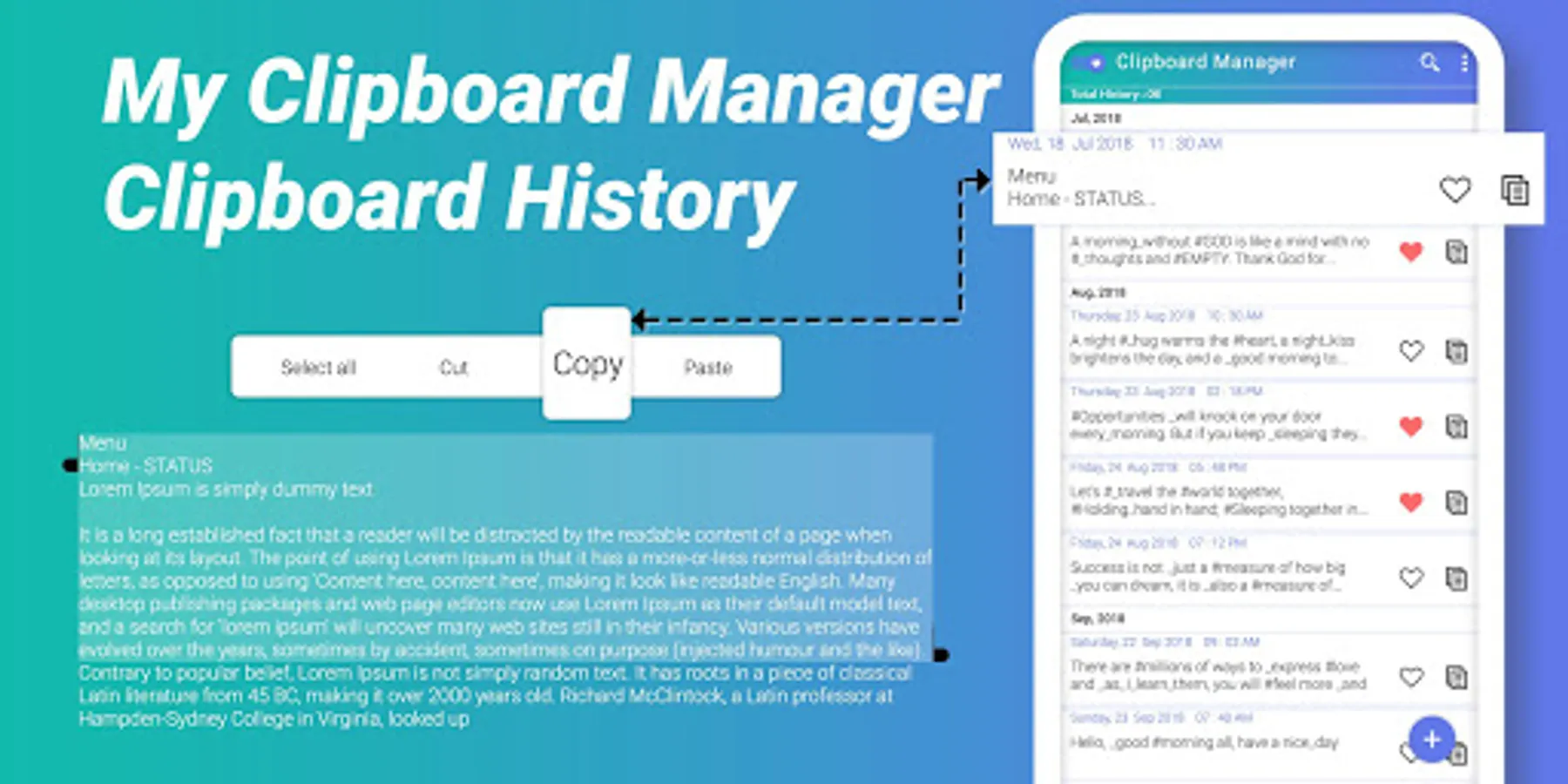
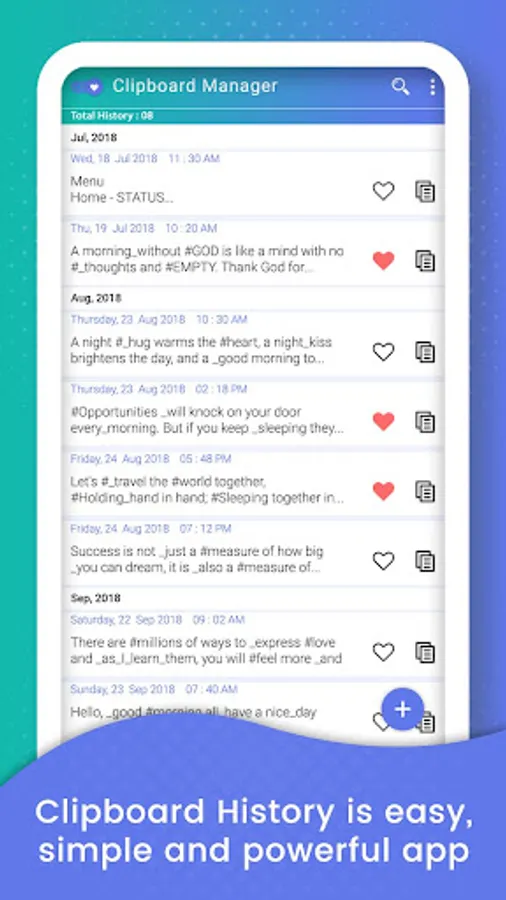
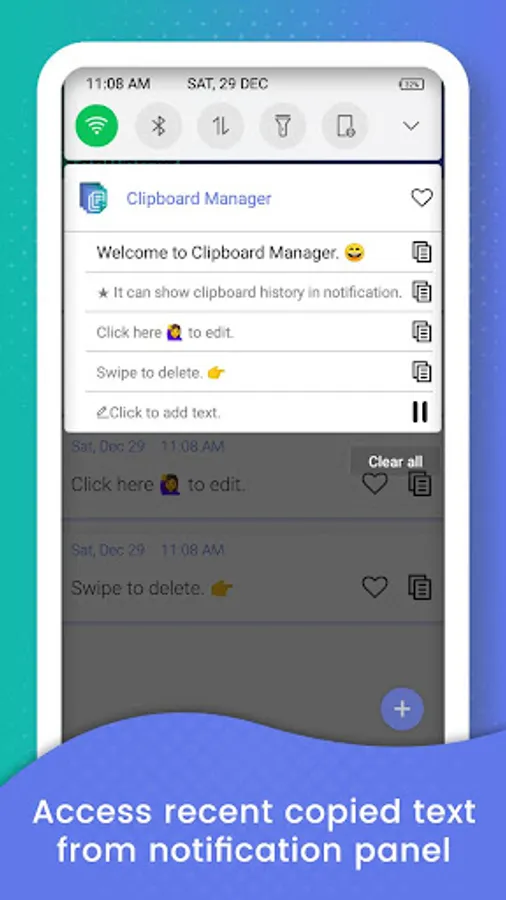
My Clipboard Manager - Clipboard History is easy, simple and powerful app to manage your clipboard stack, keep history, fast access to your notes in history, etc.
Import and export backup data to a file. Any data can now be restored from a previously saved backup.
Add notes to the favorites and you will always be able quickly to filter them from among all that is already kept in the history.
My Clipboard Manager - Clipboard History does not require network permission. It fully supports offline mode for notes creating, viewing & editing. You, and only you, can access your notes any time you want.
My Clipboard Manager - Clipboard History app Features :
- Search in notes contents. You will always be able quickly to find and filter the notes by any occurrence of the entered symbol.
- Manage Unlimited Clipboards
- Automatically save any notes or article that you have copied to Clipboard.
- Keyword search in all your notes or article and you could get the search notes instantly.
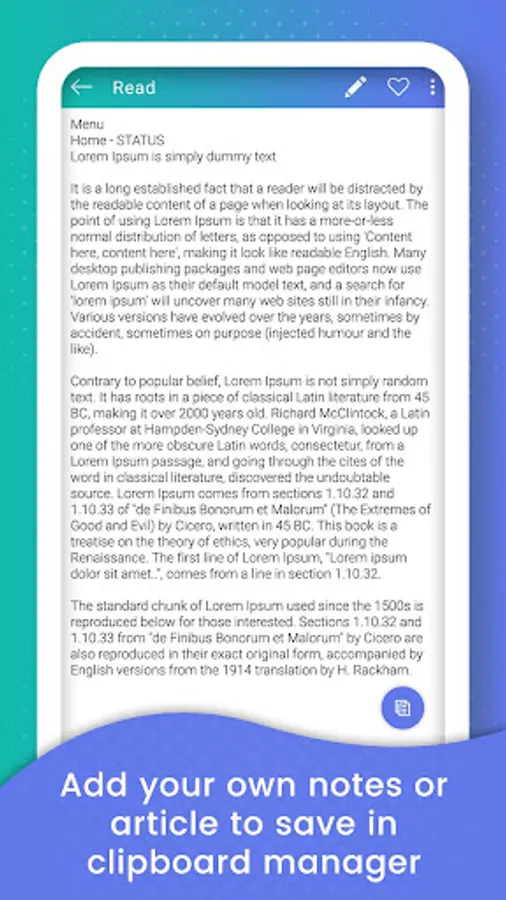
- Add your own notes or article to save in clipboard manager
- Clear clipboard: Clear all copied data
- Provide backup and restore your data with local storage device.
- Copy & Paste Clipboard, Copy to clipboard
- Copy Paste - Clipboard Manager, Copy Paste Anywhere
- Clipboard Settings, how many days you want to keep clipboard history?
Permission Usage
RECEIVE_BOOT_COMPLETED: Start a background service to listen the system clipboard. You can close it in Settings if you really don't want it.
WRITE_EXTERNAL_STORAGE and READ_EXTERNAL_STORAGE: For import & export your clipboard history. This app won't write any other files to your SD card.
Import and export backup data to a file. Any data can now be restored from a previously saved backup.
Add notes to the favorites and you will always be able quickly to filter them from among all that is already kept in the history.
My Clipboard Manager - Clipboard History does not require network permission. It fully supports offline mode for notes creating, viewing & editing. You, and only you, can access your notes any time you want.
My Clipboard Manager - Clipboard History app Features :
- Search in notes contents. You will always be able quickly to find and filter the notes by any occurrence of the entered symbol.
- Manage Unlimited Clipboards
- Automatically save any notes or article that you have copied to Clipboard.
- Keyword search in all your notes or article and you could get the search notes instantly.
- Add your own notes or article to save in clipboard manager
- Clear clipboard: Clear all copied data
- Provide backup and restore your data with local storage device.
- Copy & Paste Clipboard, Copy to clipboard
- Copy Paste - Clipboard Manager, Copy Paste Anywhere
- Clipboard Settings, how many days you want to keep clipboard history?
Permission Usage
RECEIVE_BOOT_COMPLETED: Start a background service to listen the system clipboard. You can close it in Settings if you really don't want it.
WRITE_EXTERNAL_STORAGE and READ_EXTERNAL_STORAGE: For import & export your clipboard history. This app won't write any other files to your SD card.