WiFi Speed Test Pro
Zoltán Pallagi
4.1 ★
444 ratings
5,000+
downloads
$3.19
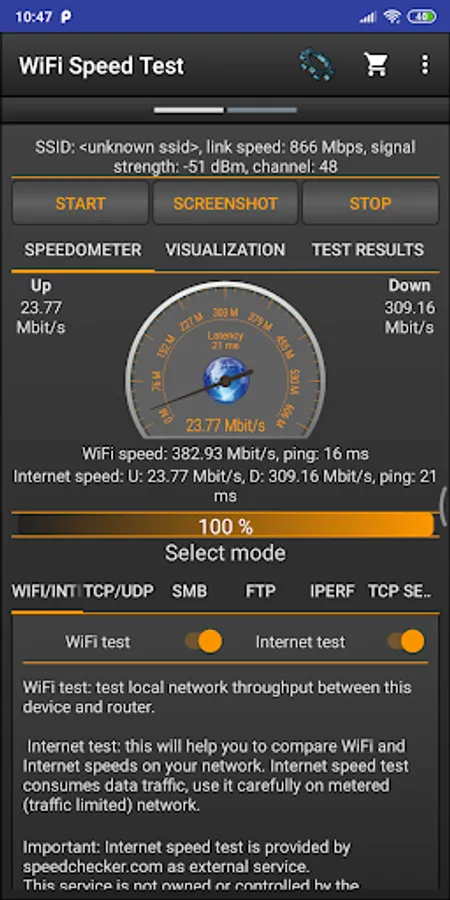
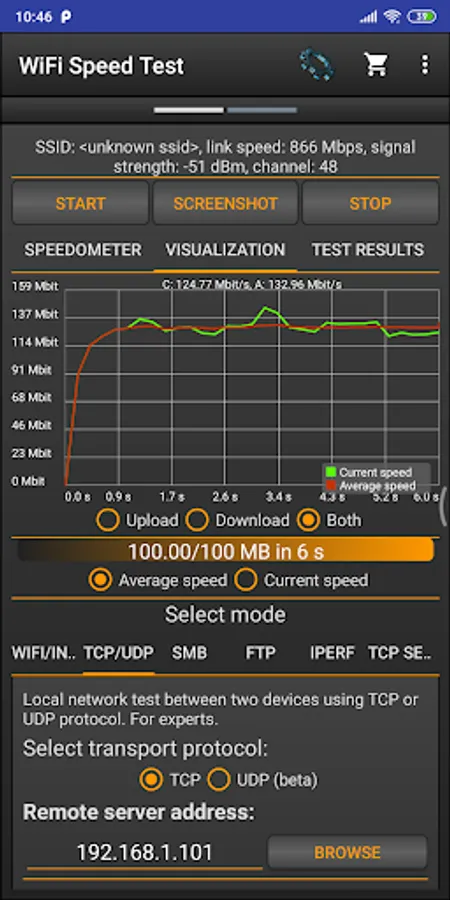
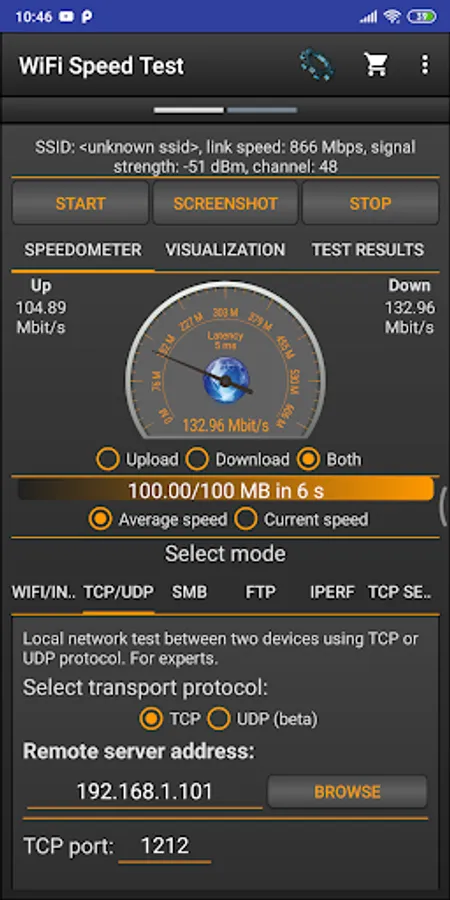
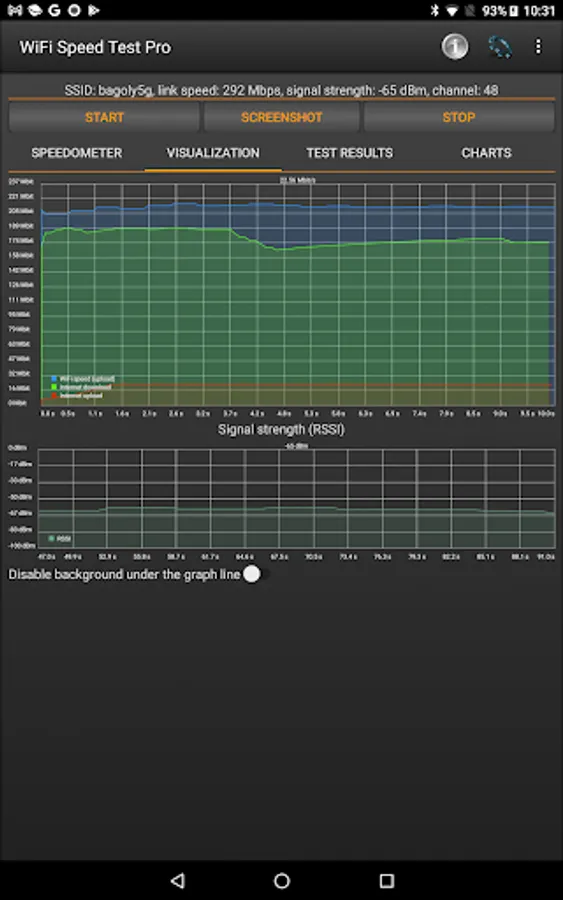
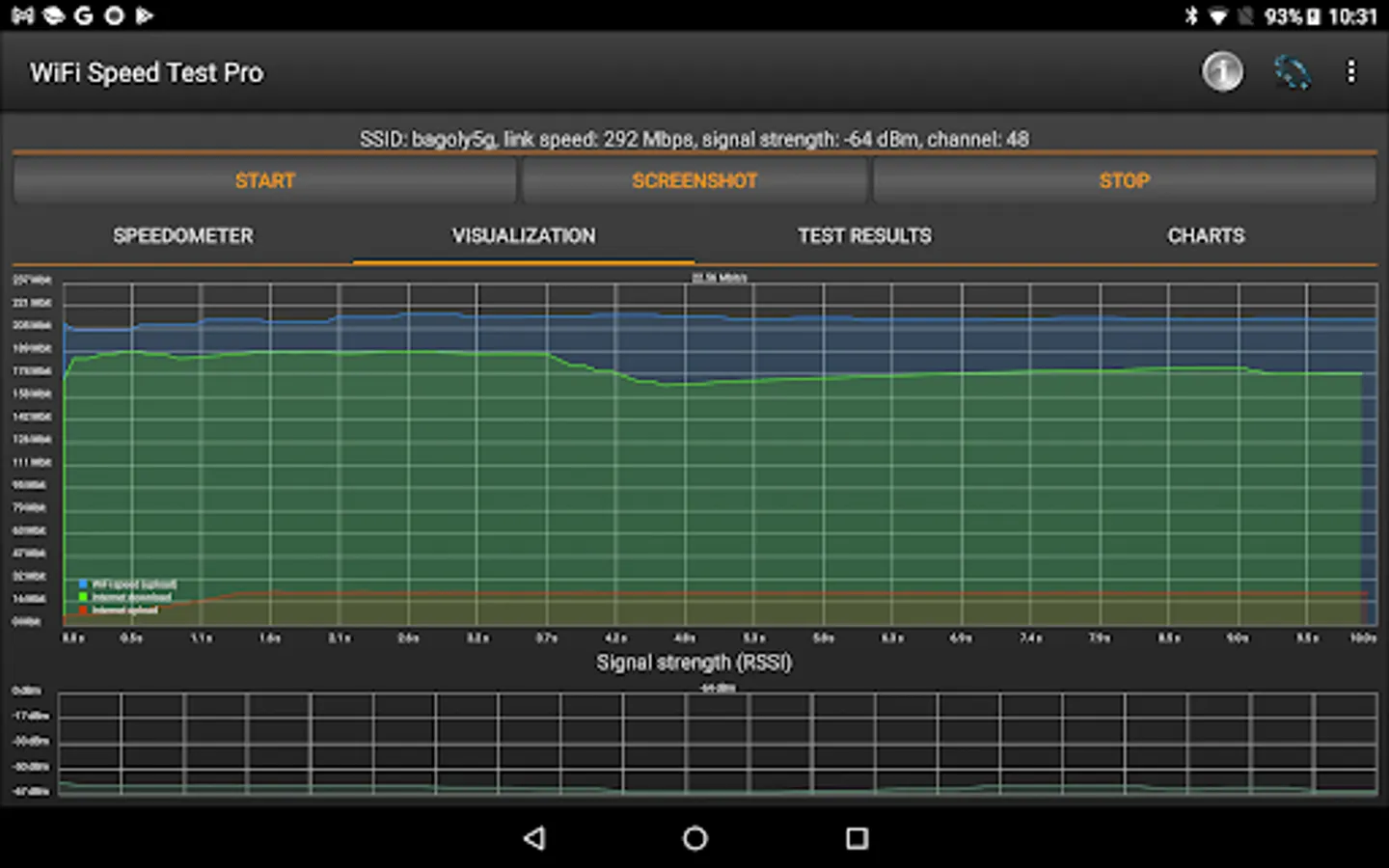
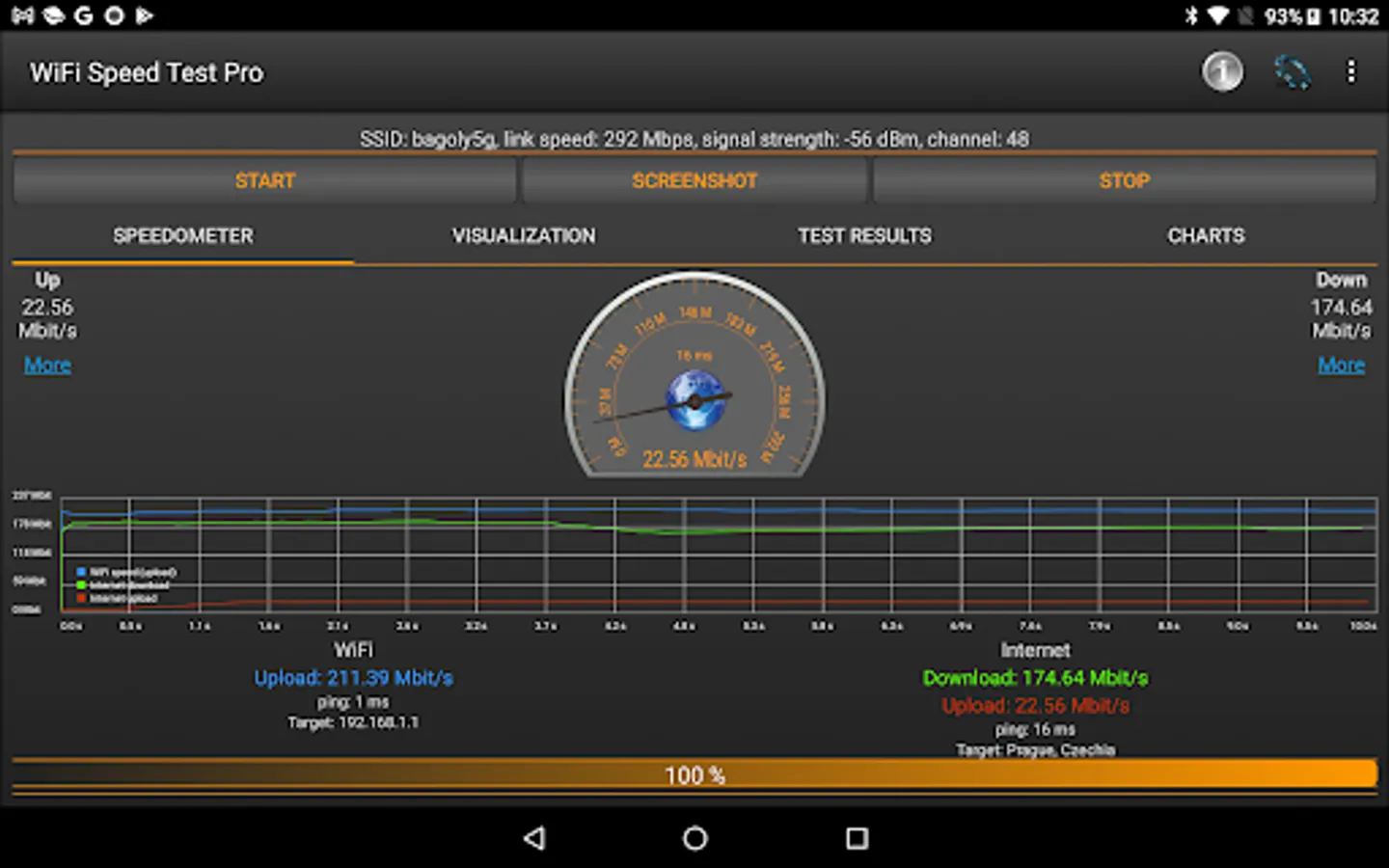
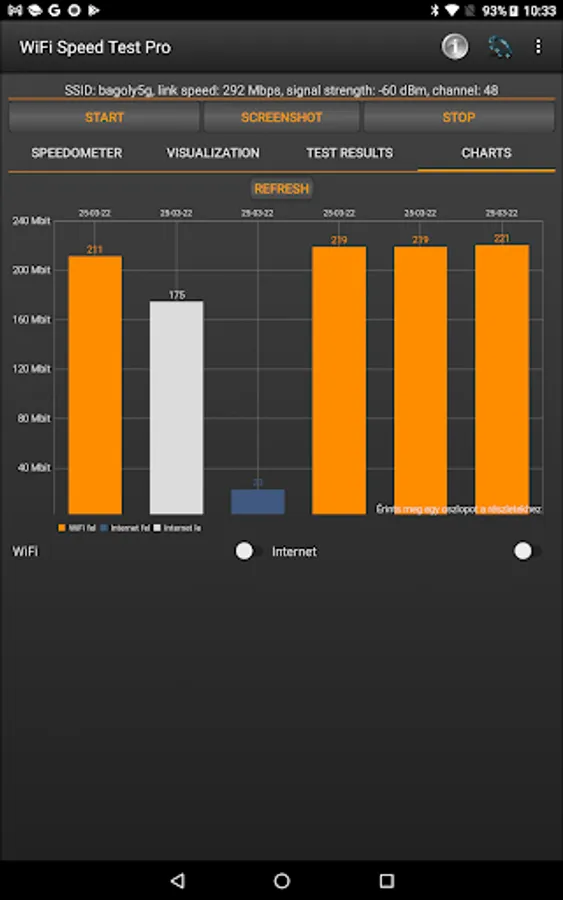
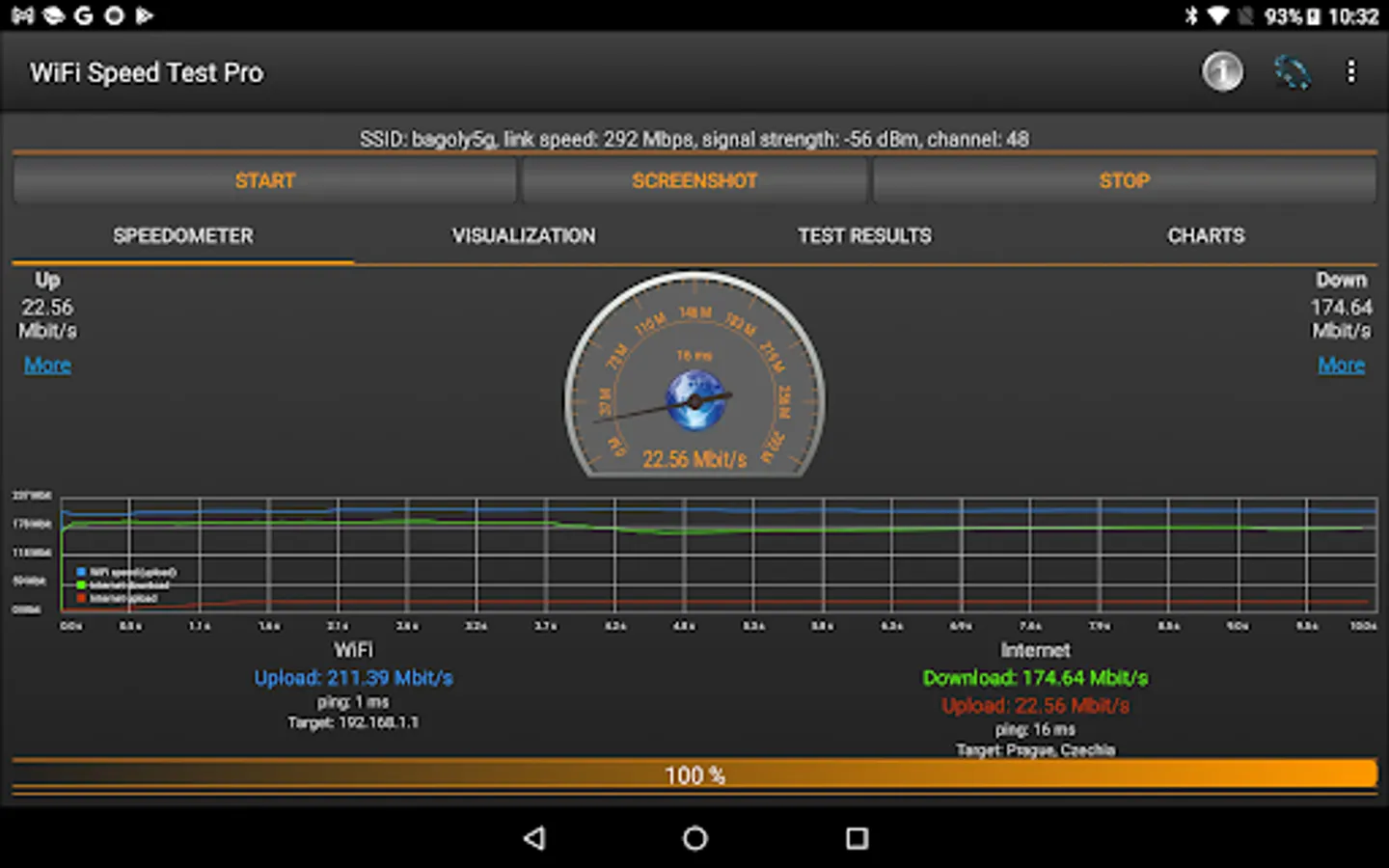
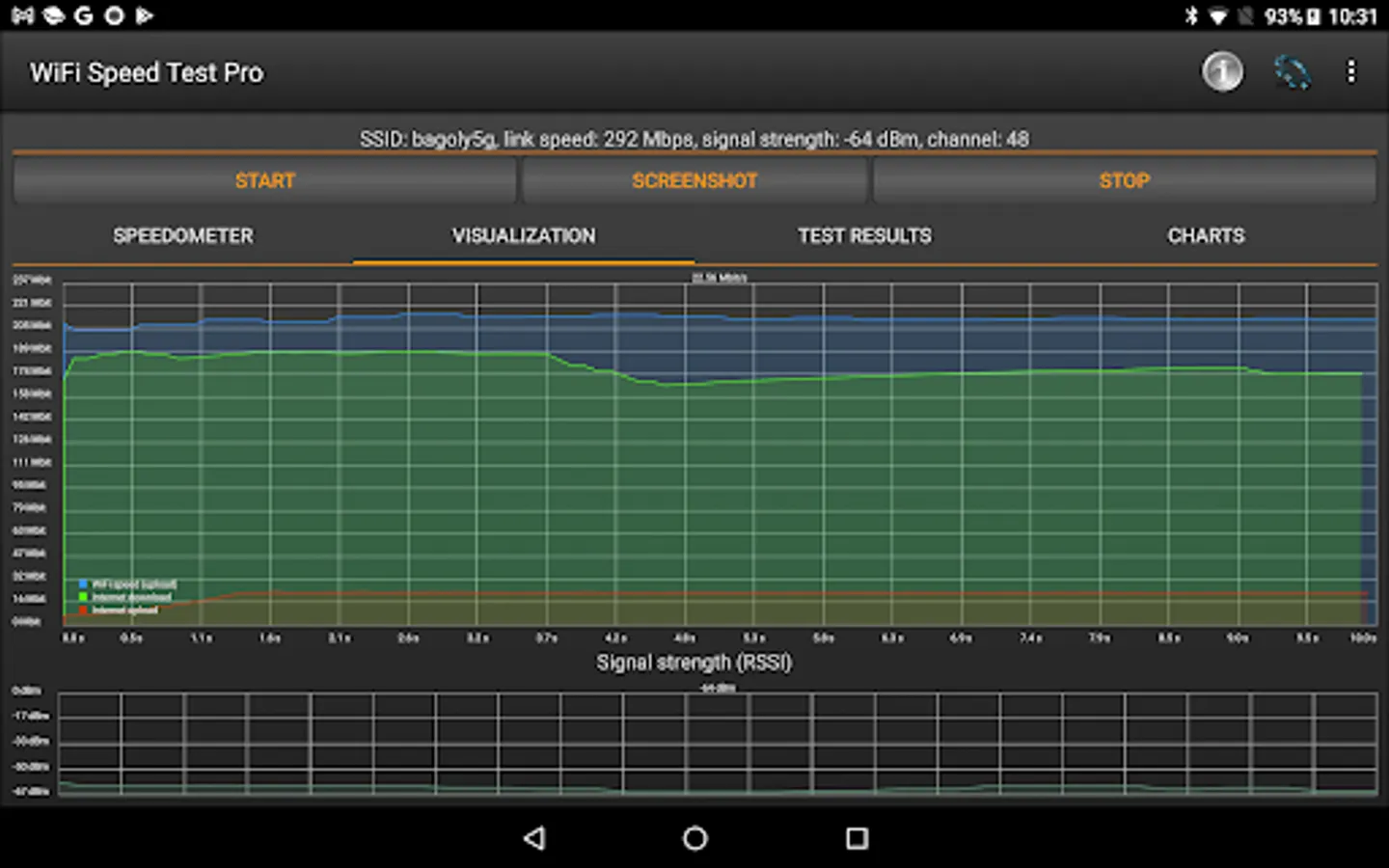
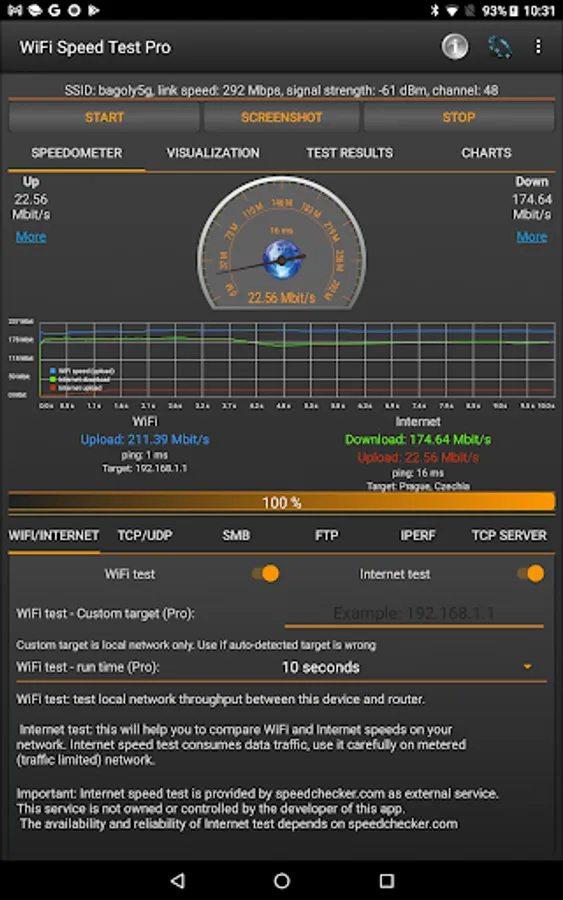
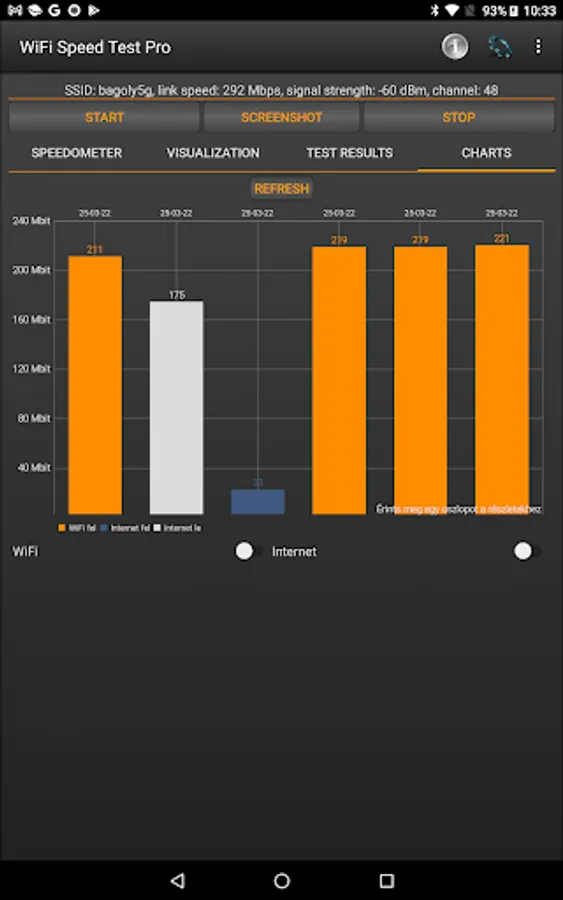
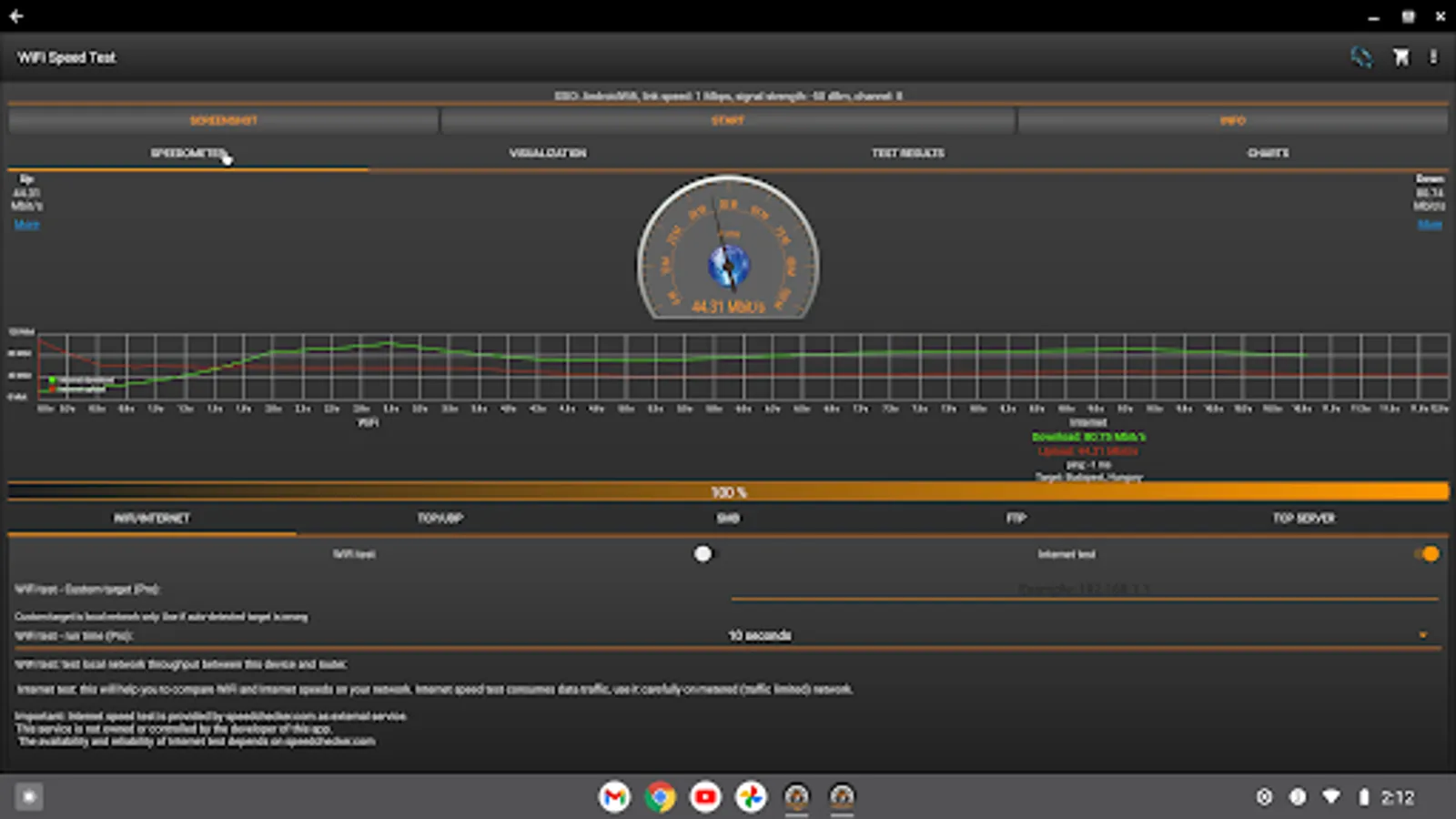
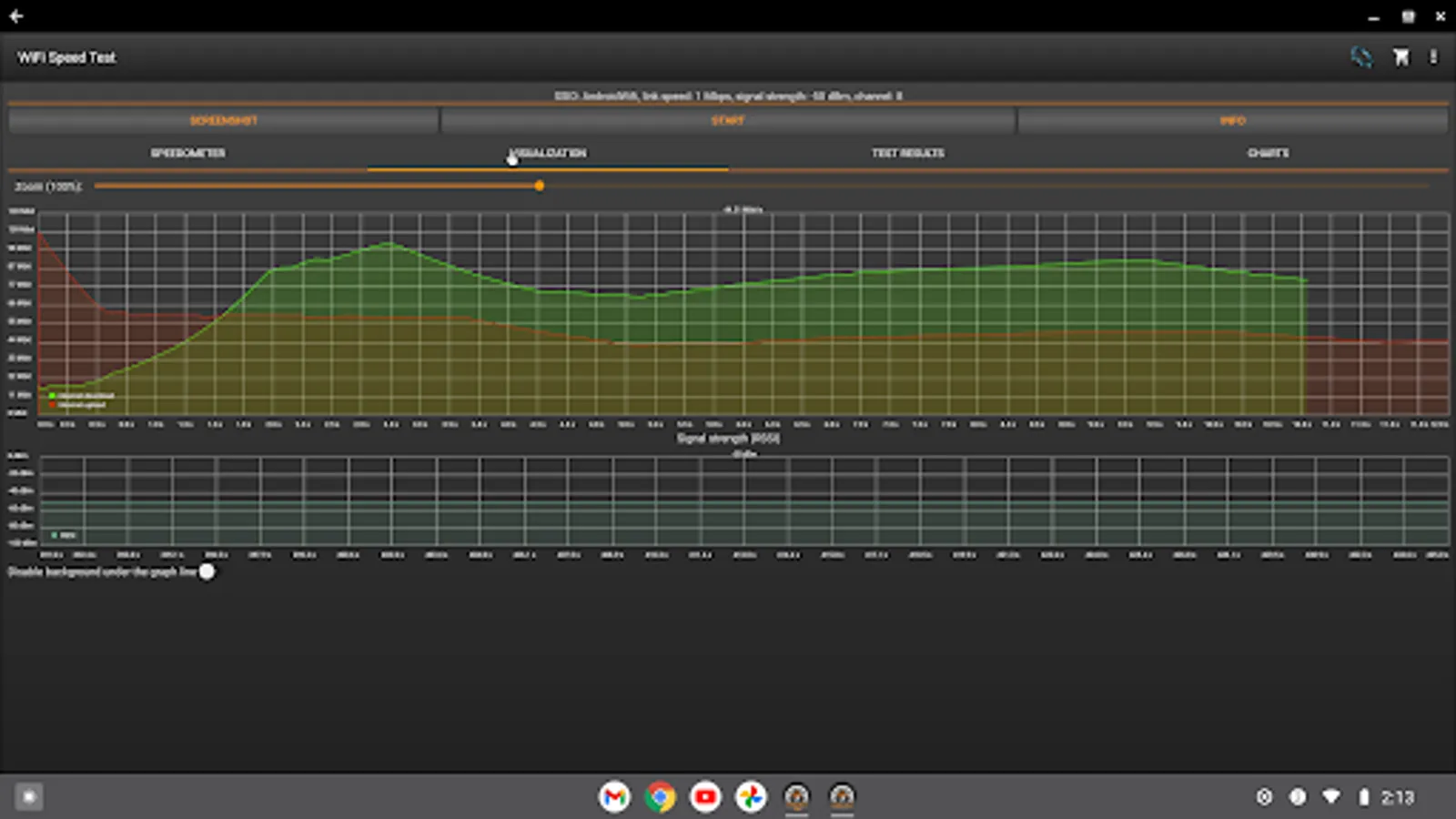
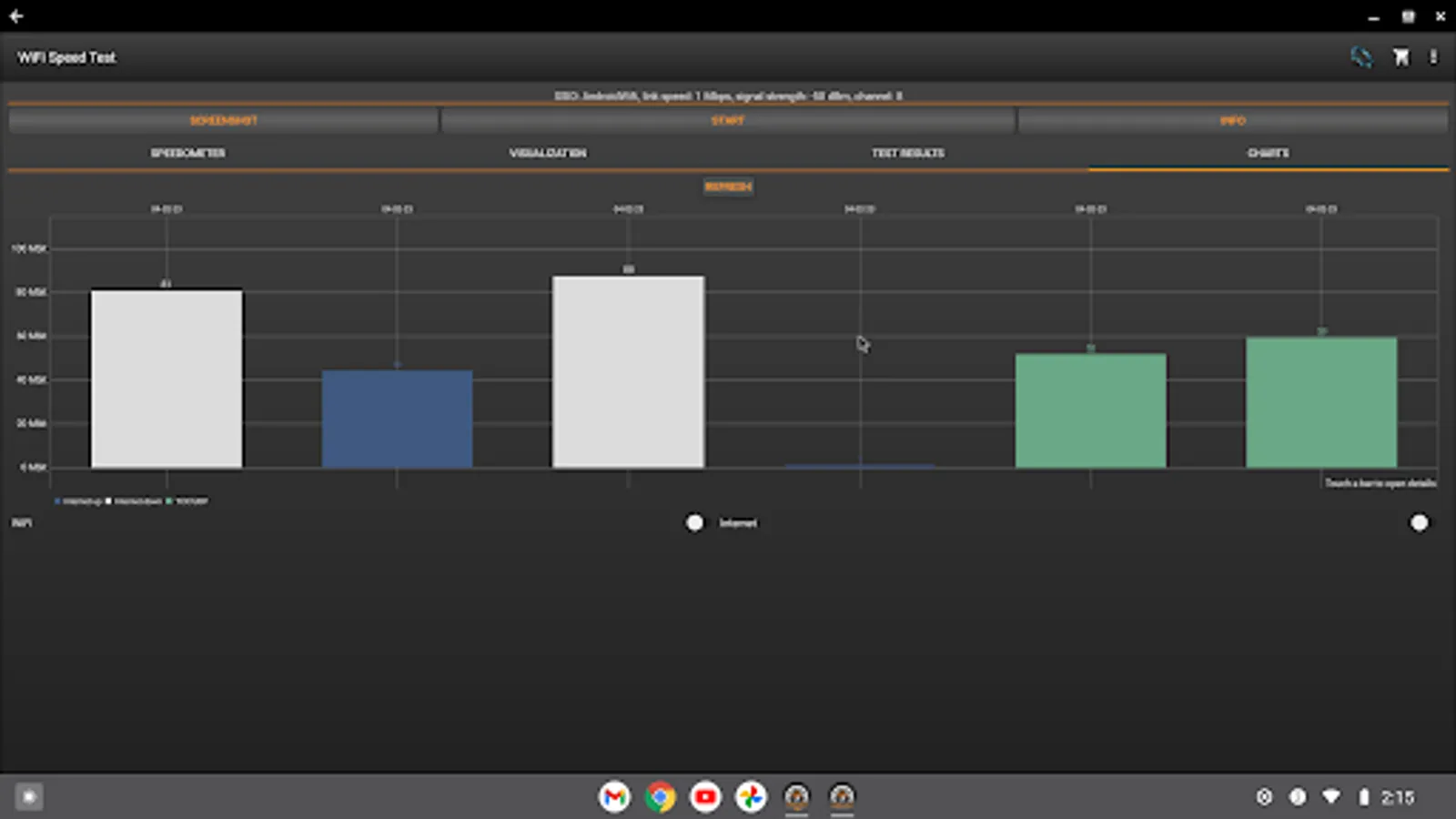
In this WiFi speed test app, you can measure local network and internet connection speeds, view detailed network information, and save test results. Includes support for testing Ethernet, WiFi, FTP, SMB, and UDP speeds, with options for result sharing and graph visualization.
AppRecs review analysis
AppRecs rating 4.1. Trustworthiness 78 out of 100. Review manipulation risk 26 out of 100. Based on a review sample analyzed.
★★★★☆
4.1
AppRecs Rating
Ratings breakdown
5 star
58%
4 star
22%
3 star
6%
2 star
7%
1 star
7%
What to know
✓
Low review manipulation risk
26% review manipulation risk
✓
Credible reviews
78% trustworthiness score from analyzed reviews
✓
High user satisfaction
80% of sampled ratings are 4+ stars (4.1★ average)
About WiFi Speed Test Pro
Wifi Speed Test app is a wifi speed and local network (LAN) speed meter. The best speed test for your Ethernet network!
Pro features:
✓ Ad free
✓ iperf support
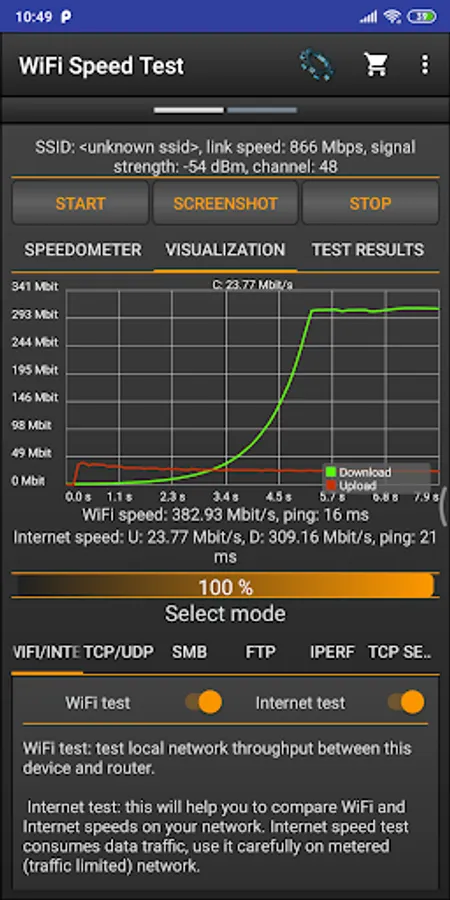
✓ You can enable zoom in/out in the graph (visualization)
✓ You can change the default time frame in the graph to see more data
Main Features:
✓ Test the speed of wireless and wired networks
✓ Test the Download and Upload Speed
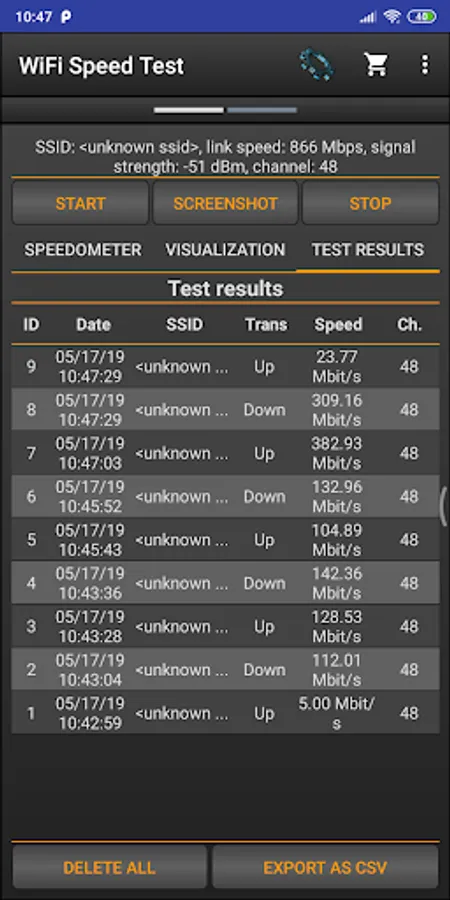
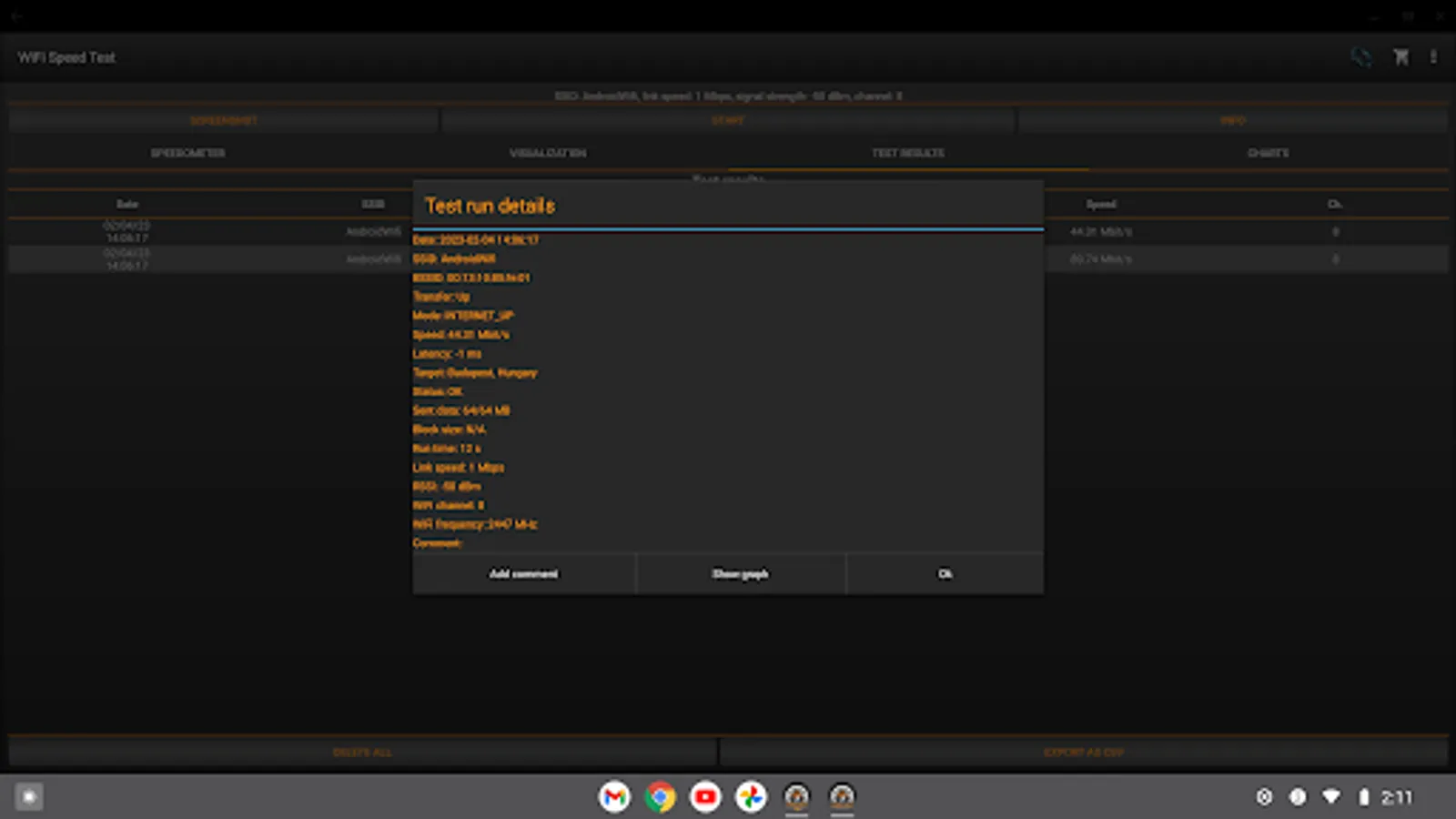
✓ Save the past results of Wifi speed test automatically, including download and upload speed, ping, signal strength, network name, IP address
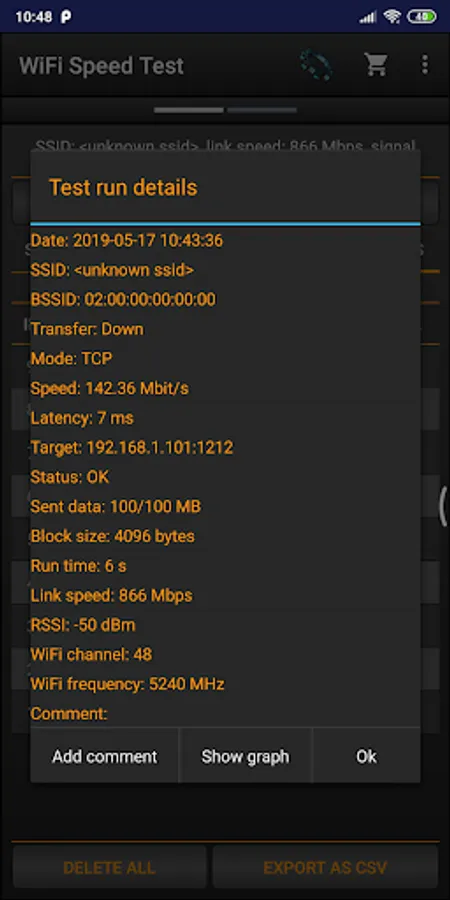
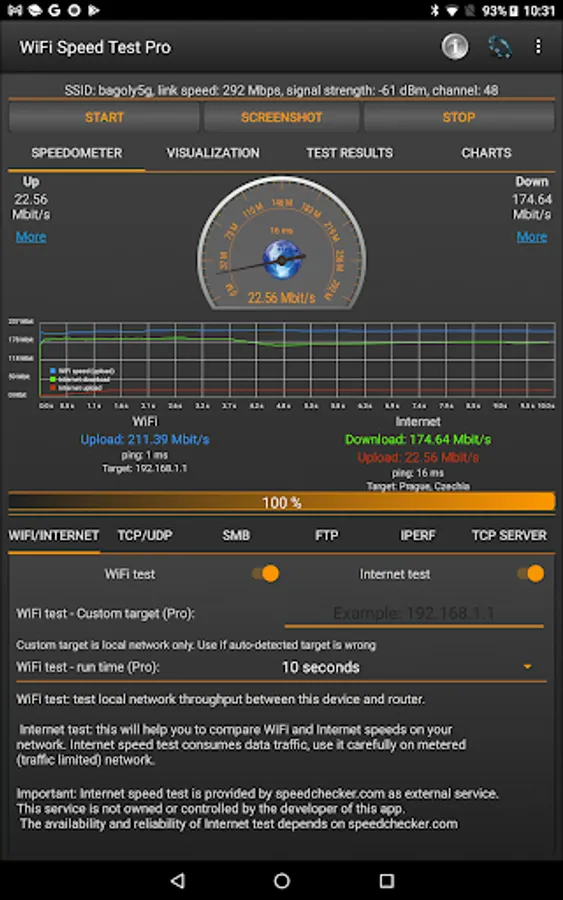
✓ Display IP address, network information, latency, signal strength, channel information
✓ Easy sharing of speed test results
✓ Test Windows share (SMB, Samba) speed
✓ Test the speed of FTP server
✓ Test can be done via TCP or UDP
✓ Internet speed test
✓ Tethering and hotspot support
✓ Easy sharing of test results
If you want to test the network speed between two devices you need to have a second phone or computer to use it as server!
You can download the server application (wifi_speed_test.exe/py) to your computer from here: https://bitbucket.org/pzolee/tcpserver/downloads
Important: This is not an Internet speed test app! (however you can test the Internet speed as well, but this is optional)
This application will measure the speed of your local network,
live Internet connection is not required.
Useful links:
Server application for computers: https://bitbucket.org/pzolee/tcpserver/downloads/
Documentation: http://pzoleeblogen.wordpress.com/2013/11/26/wifi-speed-test-for-android-how-to
Online demo about the usage: http://pzoleeblogen.wordpress.com/2014/03/09/wifi-speed-test-for-android-live-demo
Pro features:
✓ Ad free
✓ iperf support
✓ You can enable zoom in/out in the graph (visualization)
✓ You can change the default time frame in the graph to see more data
Main Features:
✓ Test the speed of wireless and wired networks
✓ Test the Download and Upload Speed
✓ Save the past results of Wifi speed test automatically, including download and upload speed, ping, signal strength, network name, IP address
✓ Display IP address, network information, latency, signal strength, channel information
✓ Easy sharing of speed test results
✓ Test Windows share (SMB, Samba) speed
✓ Test the speed of FTP server
✓ Test can be done via TCP or UDP
✓ Internet speed test
✓ Tethering and hotspot support
✓ Easy sharing of test results
If you want to test the network speed between two devices you need to have a second phone or computer to use it as server!
You can download the server application (wifi_speed_test.exe/py) to your computer from here: https://bitbucket.org/pzolee/tcpserver/downloads
Important: This is not an Internet speed test app! (however you can test the Internet speed as well, but this is optional)
This application will measure the speed of your local network,
live Internet connection is not required.
Useful links:
Server application for computers: https://bitbucket.org/pzolee/tcpserver/downloads/
Documentation: http://pzoleeblogen.wordpress.com/2013/11/26/wifi-speed-test-for-android-how-to
Online demo about the usage: http://pzoleeblogen.wordpress.com/2014/03/09/wifi-speed-test-for-android-live-demo
WiFi Speed Test Pro Screenshots
Tap to Rate:
Reviews for WiFi Speed Test Pro
Jamil Ahmed
8/9/2025
good. works.
apon adhar
8/5/2025
Long time user, however app is not showing SSID name and signal property section on the top properly.