AppRecs review analysis
AppRecs rating 3.8. Trustworthiness 71 out of 100. Review manipulation risk 42 out of 100. Based on a review sample analyzed.
★★★☆☆
3.8
AppRecs Rating
Ratings breakdown
5 star
75%
4 star
0%
3 star
25%
2 star
0%
1 star
0%
What to know
⚠
Questionable review patterns
42% review manipulation risk - some review patterns appear unusual
⚠
Rating authenticity concerns
High rating concentration (75% 5-star) in sampled ratings
About QR Code & Barcode Scanner
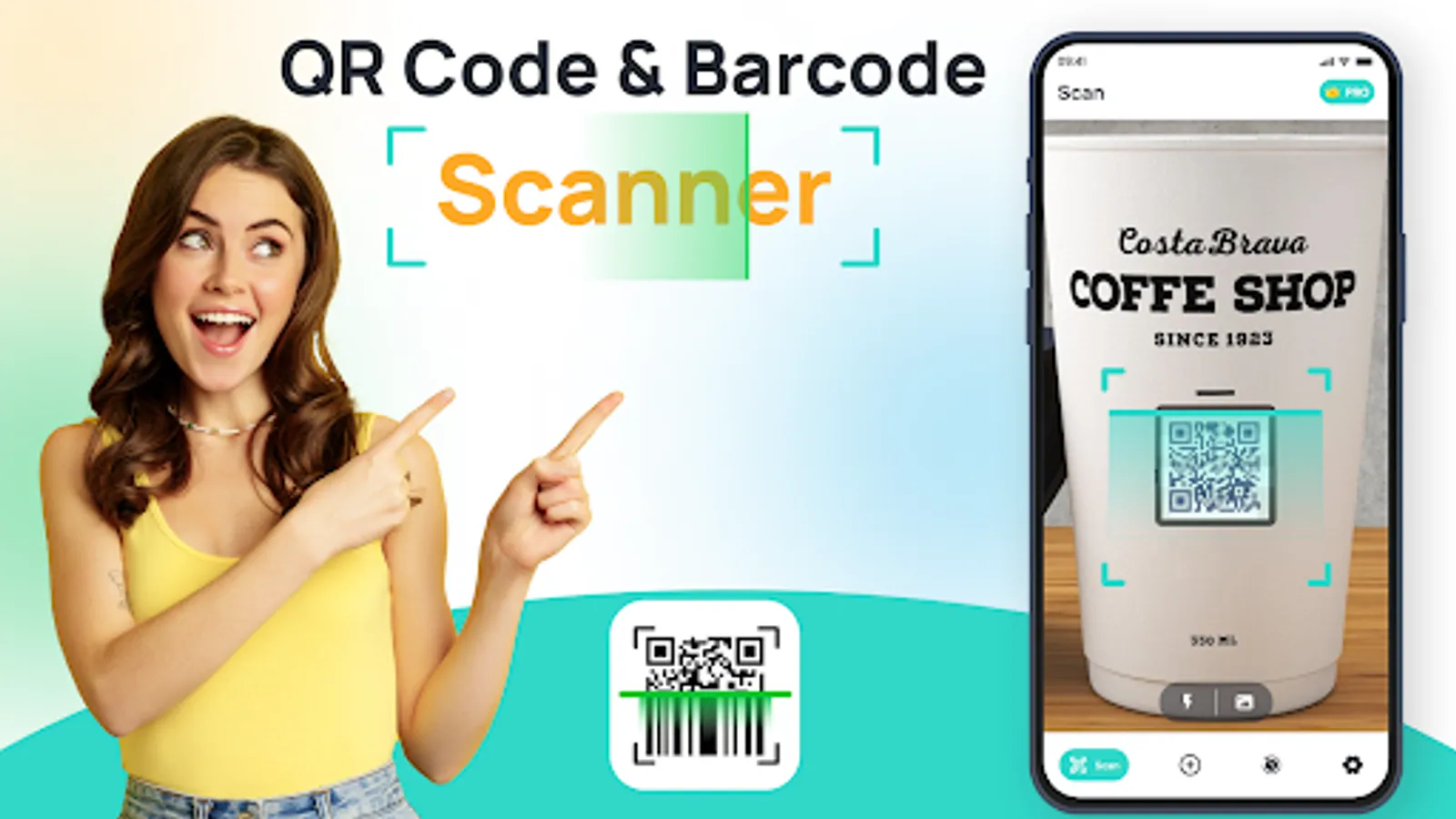
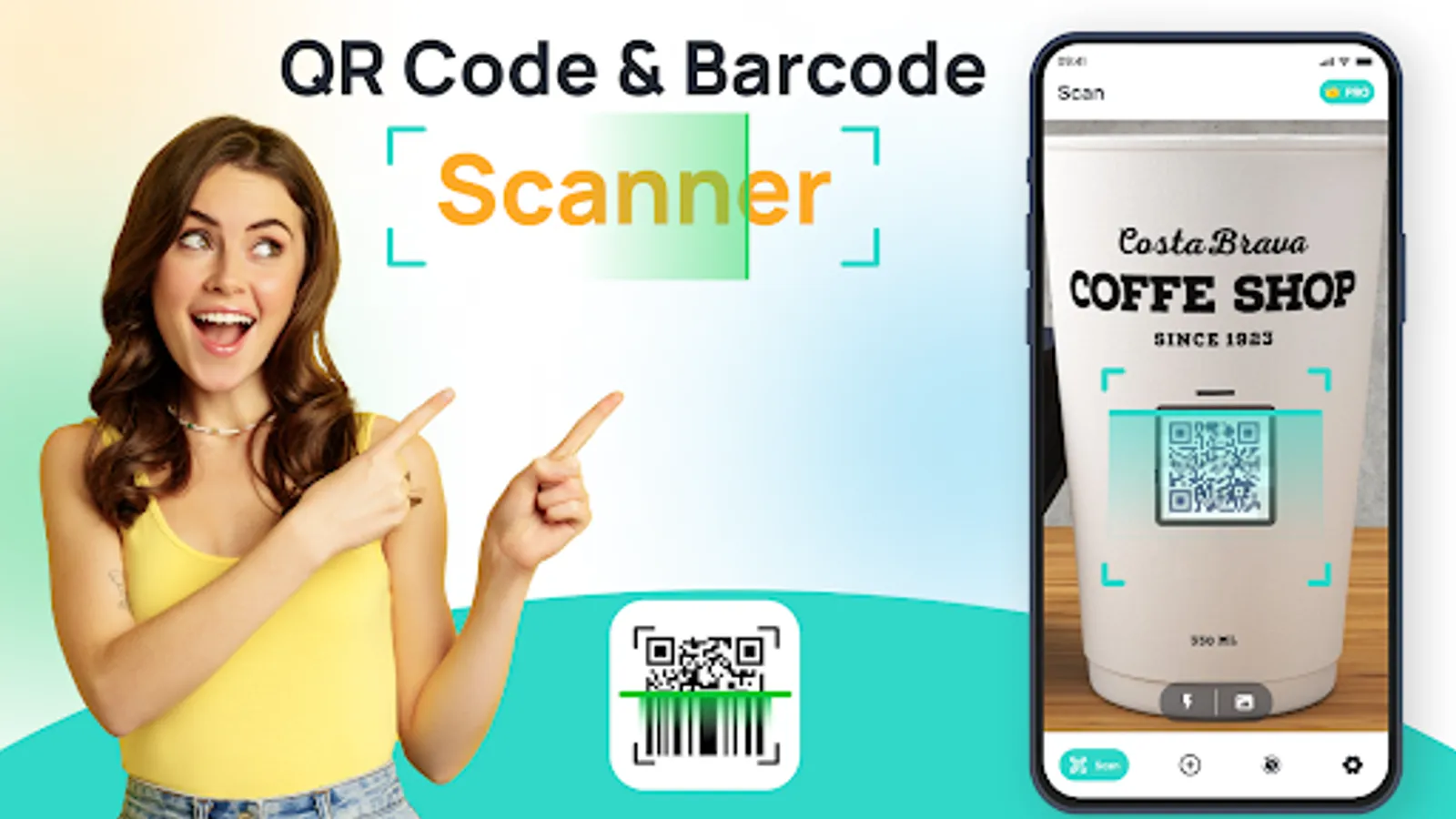
Looking for an easy and efficient way to scan QR codes and barcodes?
With the QR Code Scanner app, you can quickly access all kinds of information just by scanning a code. Whether you're shopping, networking, or connecting with others, this app allows you to scan everything from product barcodes to social media links and more. Its simple interface ensures a smooth scanning experience, making it an essential app for anyone who regularly uses QR codes in daily life.
With the QR Code Scanner app, you'll be able to scan a wide variety of code types and access a range of information. From opening URLs and adding contacts to connecting with Wi-Fi or sending messages, it’s designed to handle all your scanning needs. The app supports QR codes, barcodes, and other formats.
Key Features of QR Code & Barcode Scanner
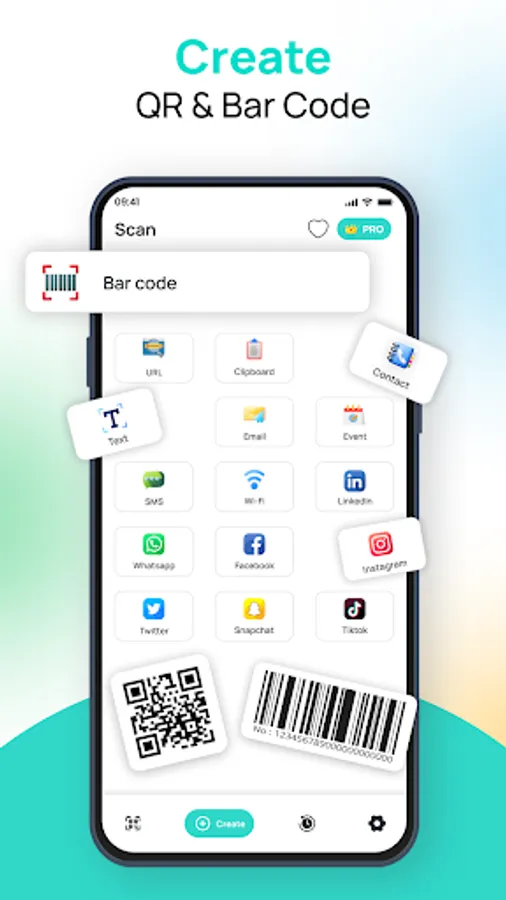
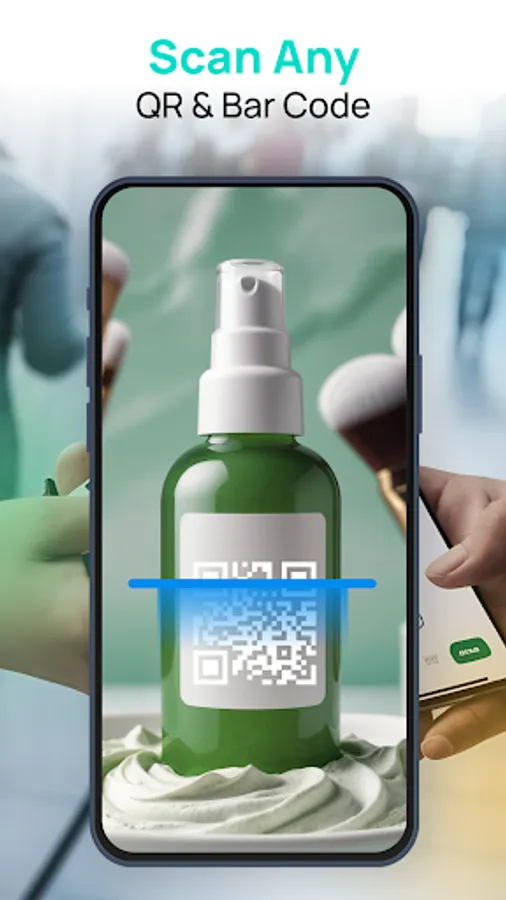
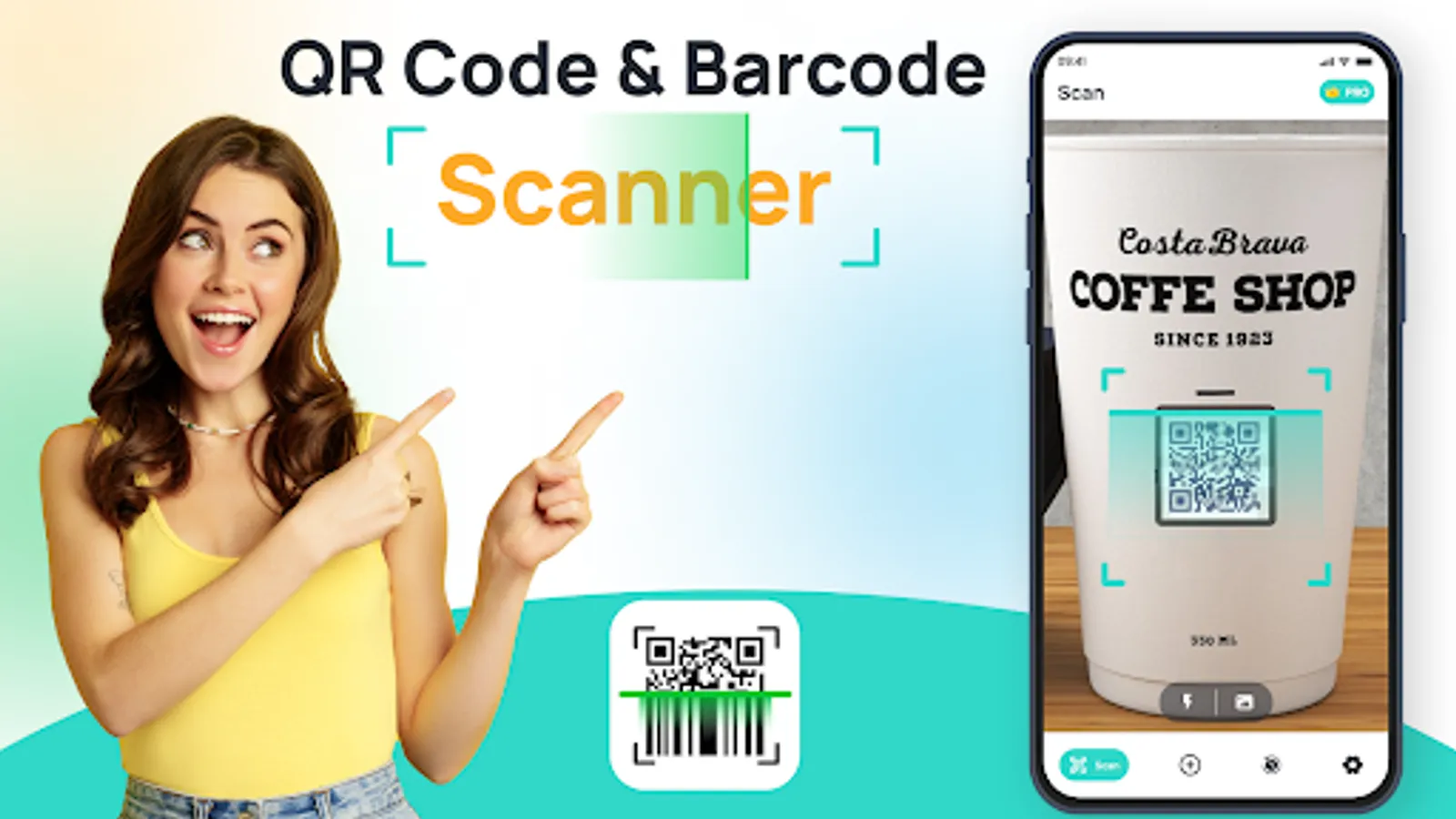
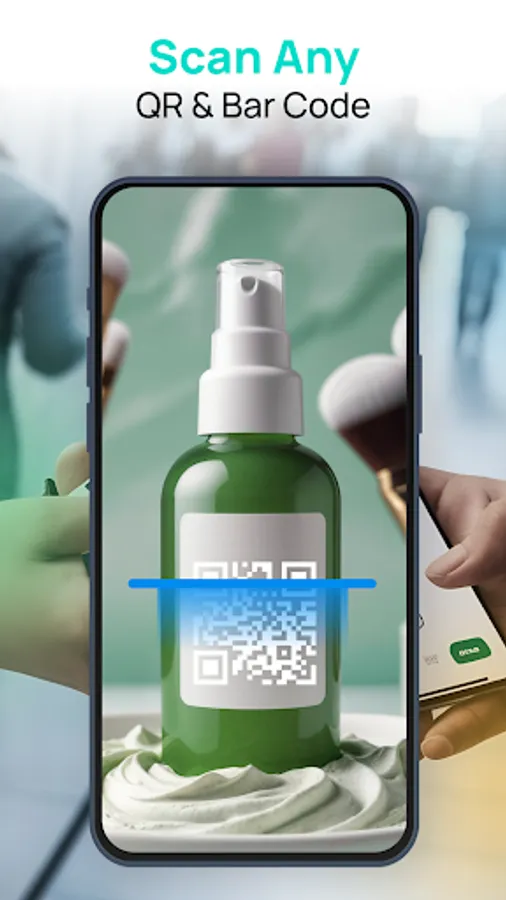
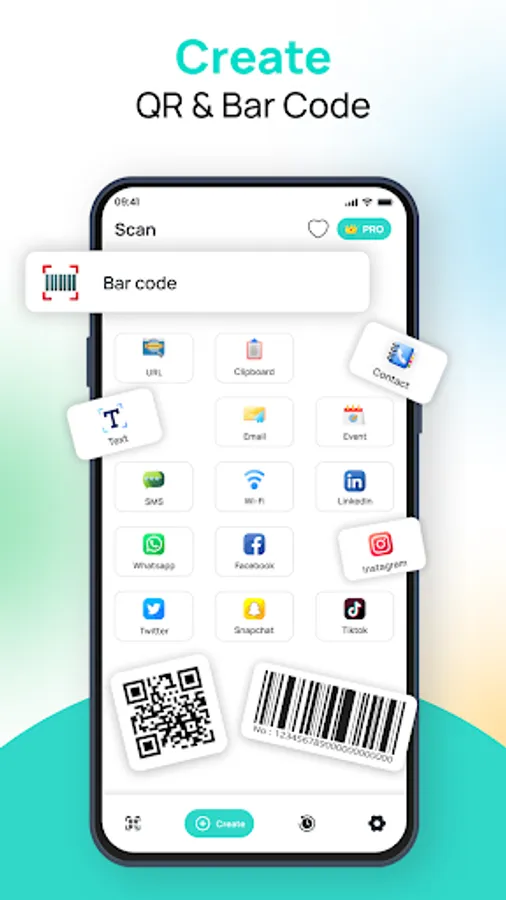
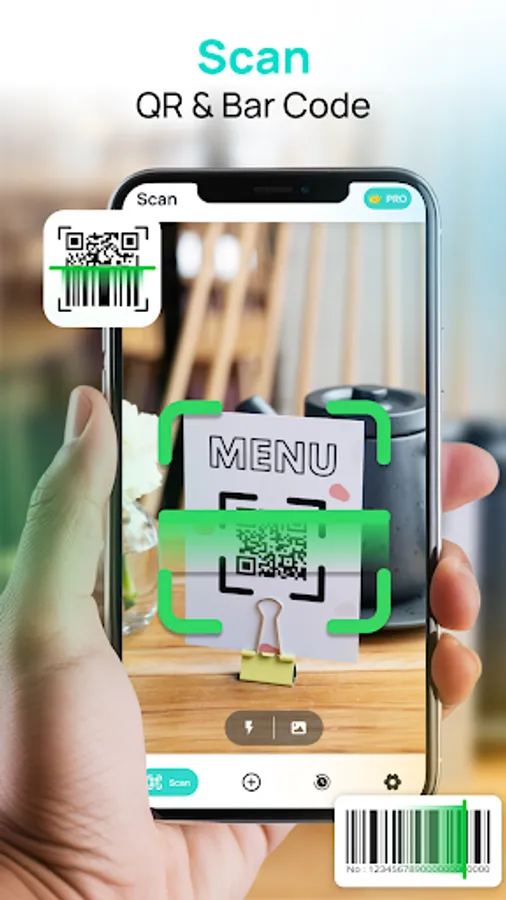
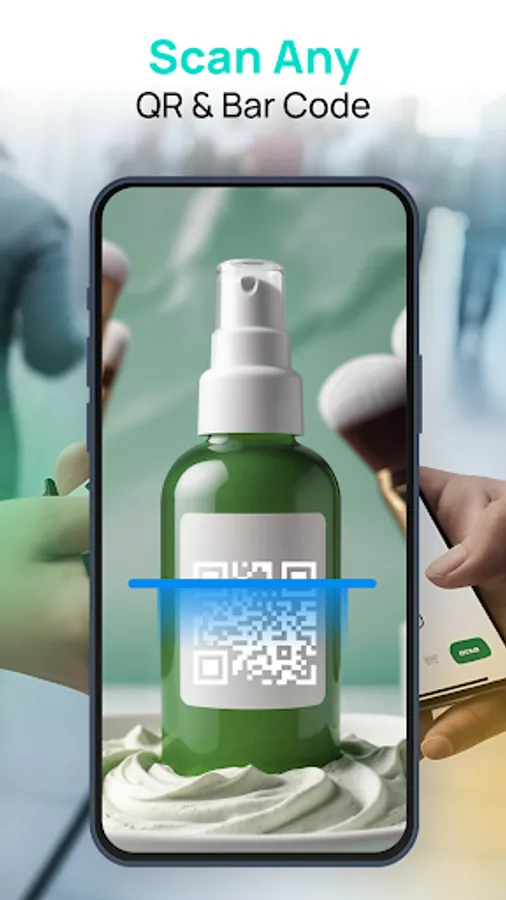
Scan QR Codes & Barcodes: Decode and access information from various types of QR codes and barcodes.
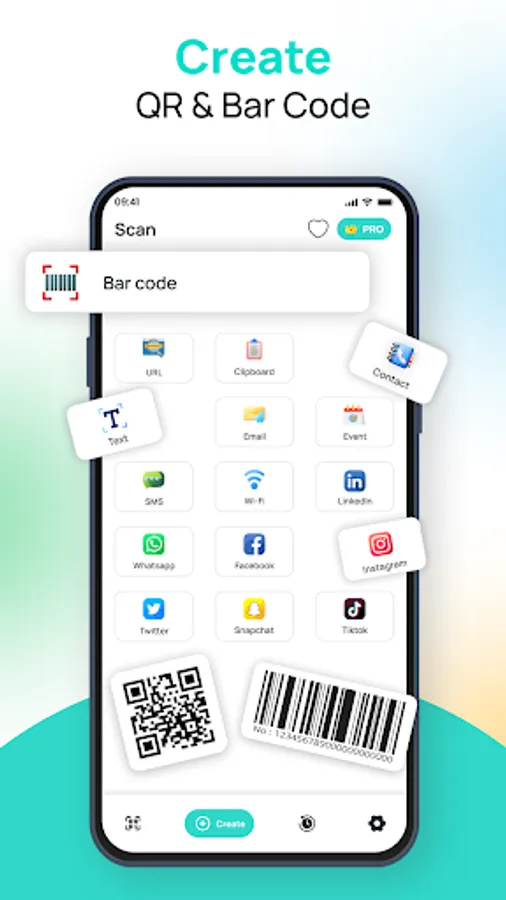
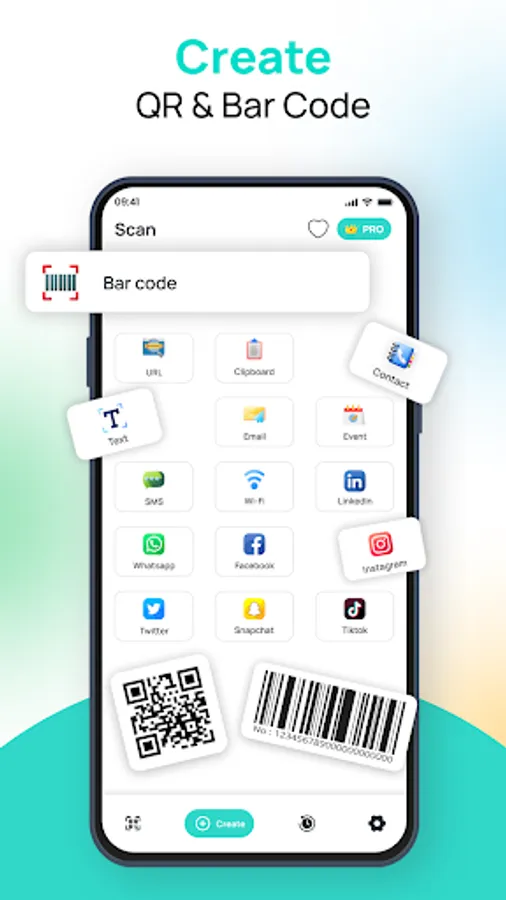
Scan URLs: Open website links embedded in QR codes with ease.
Scan Contact Information: Add new contacts directly from a QR code, saving time.
Scan Text: Extract text from QR codes and barcodes for reading or saving.
Scan Emails: Retrieve email addresses from QR codes .
Scan Event Information: Automatically add events to your calendar by scanning QR codes.
Scan SMS: Send SMS messages instantly from QR codes that contain phone numbers.
Generate QR Codes & Barcodes: Make your own codes and barcodes easily
Scan Wi-Fi Info: Connect to Wi-Fi networks with just a scan, no password typing required.
Social Media Links: Open direct links to Socialmedia platforms.
Clipboard Scanning: Scan QR codes copied to your clipboard for instant access.
How to Use a QR Code & Barcode Scanner App?
* Download and install the QR Code & Barcode Scanner app.
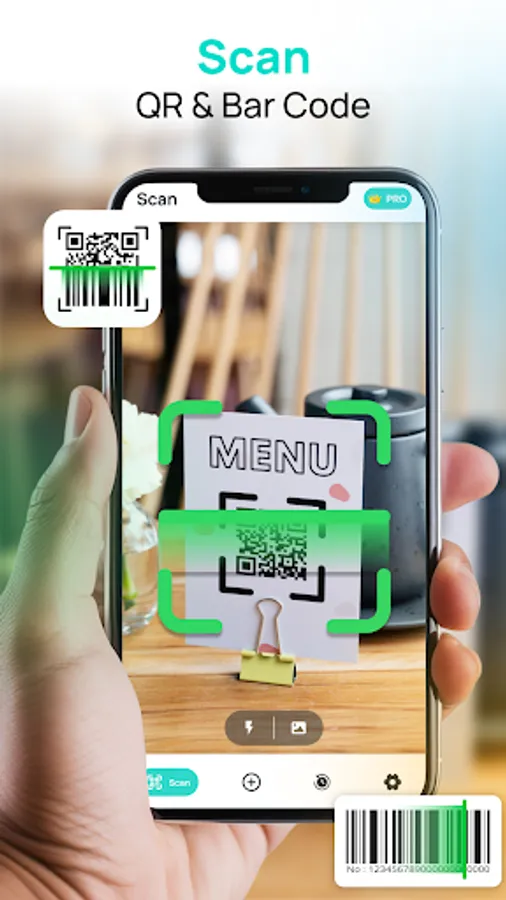
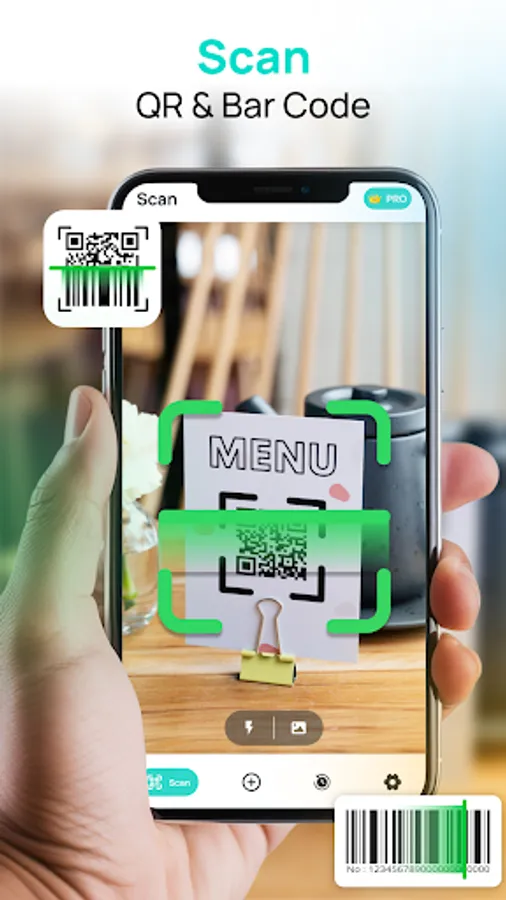
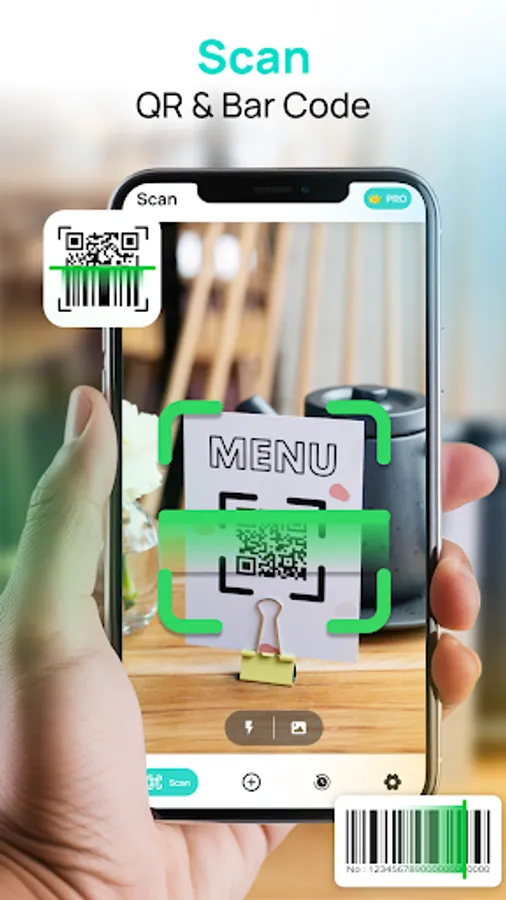
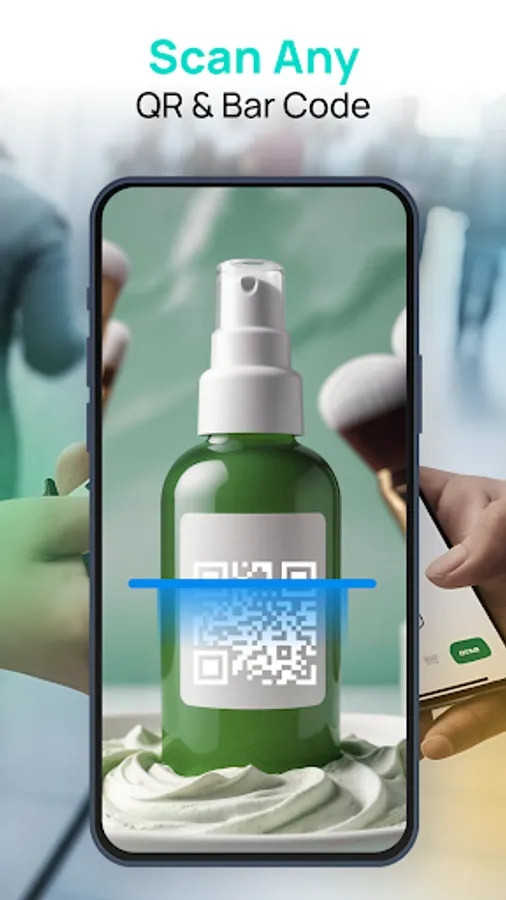
* Open the app and point the camera at the code.
* Wait for the app to recognize the QR code or barcode.
* Scan to access the desired information.
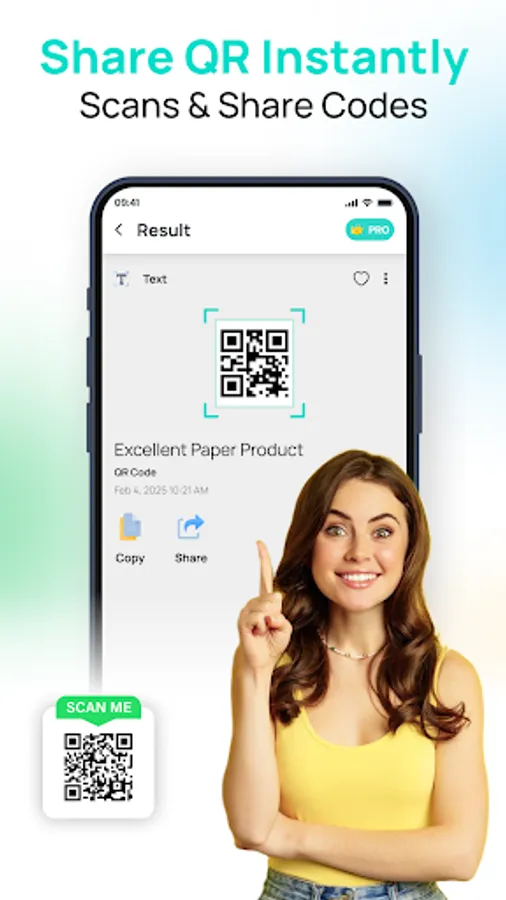
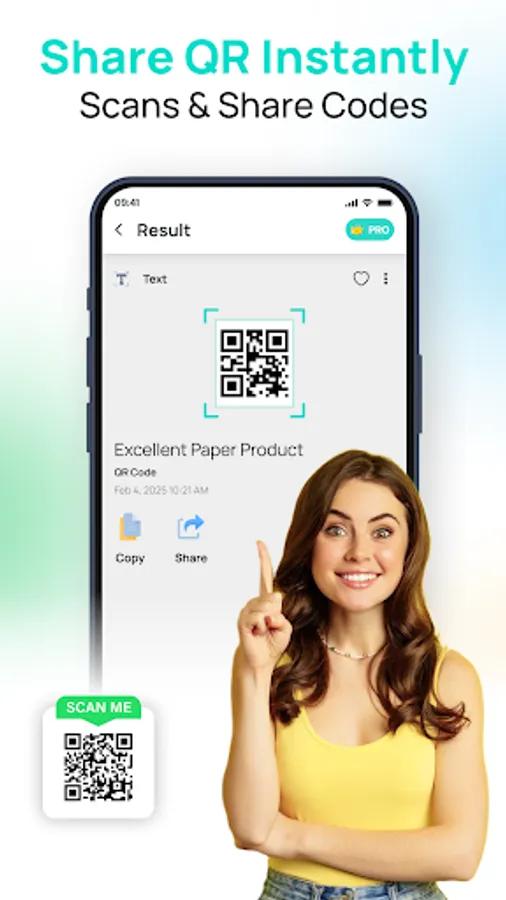
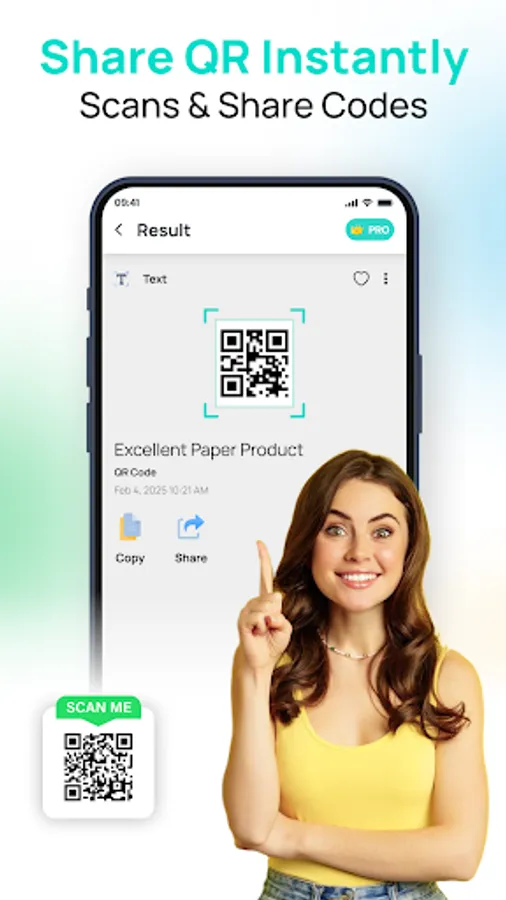
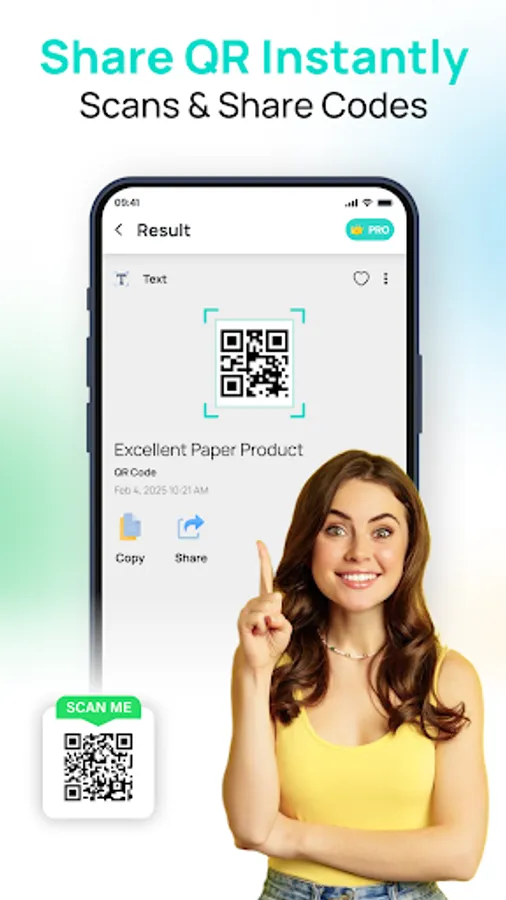
* Share the QR code you created and the information obtained from scanning it.
The QR Code Scanner app is designed to make your life easier by streamlining the way you interact with QR codes and barcodes. Whether for work, communication, or personal use, it's your go-to app for seamless scanning.
With the QR Code Scanner app, you can quickly access all kinds of information just by scanning a code. Whether you're shopping, networking, or connecting with others, this app allows you to scan everything from product barcodes to social media links and more. Its simple interface ensures a smooth scanning experience, making it an essential app for anyone who regularly uses QR codes in daily life.
With the QR Code Scanner app, you'll be able to scan a wide variety of code types and access a range of information. From opening URLs and adding contacts to connecting with Wi-Fi or sending messages, it’s designed to handle all your scanning needs. The app supports QR codes, barcodes, and other formats.
Key Features of QR Code & Barcode Scanner
Scan QR Codes & Barcodes: Decode and access information from various types of QR codes and barcodes.
Scan URLs: Open website links embedded in QR codes with ease.
Scan Contact Information: Add new contacts directly from a QR code, saving time.
Scan Text: Extract text from QR codes and barcodes for reading or saving.
Scan Emails: Retrieve email addresses from QR codes .
Scan Event Information: Automatically add events to your calendar by scanning QR codes.
Scan SMS: Send SMS messages instantly from QR codes that contain phone numbers.
Generate QR Codes & Barcodes: Make your own codes and barcodes easily
Scan Wi-Fi Info: Connect to Wi-Fi networks with just a scan, no password typing required.
Social Media Links: Open direct links to Socialmedia platforms.
Clipboard Scanning: Scan QR codes copied to your clipboard for instant access.
How to Use a QR Code & Barcode Scanner App?
* Download and install the QR Code & Barcode Scanner app.
* Open the app and point the camera at the code.
* Wait for the app to recognize the QR code or barcode.
* Scan to access the desired information.
* Share the QR code you created and the information obtained from scanning it.
The QR Code Scanner app is designed to make your life easier by streamlining the way you interact with QR codes and barcodes. Whether for work, communication, or personal use, it's your go-to app for seamless scanning.