Qr code scanner app, reader
First Line Softsearch LLC
4.1 ★
store rating
10,000+
downloads
Free
+ in-app
AppRecs review analysis
AppRecs rating 3.9. Trustworthiness 77 out of 100. Review manipulation risk 31 out of 100. Based on a review sample analyzed.
★★★☆☆
3.9
AppRecs Rating
Ratings breakdown
5 star
61%
4 star
14%
3 star
7%
2 star
7%
1 star
11%
What to know
✓
Credible reviews
77% trustworthiness score from analyzed reviews
✓
High user satisfaction
75% of sampled ratings are 4+ stars (4.1★ average)
✓
Authentic reviews
Natural distribution, no red flags
About Qr code scanner app, reader
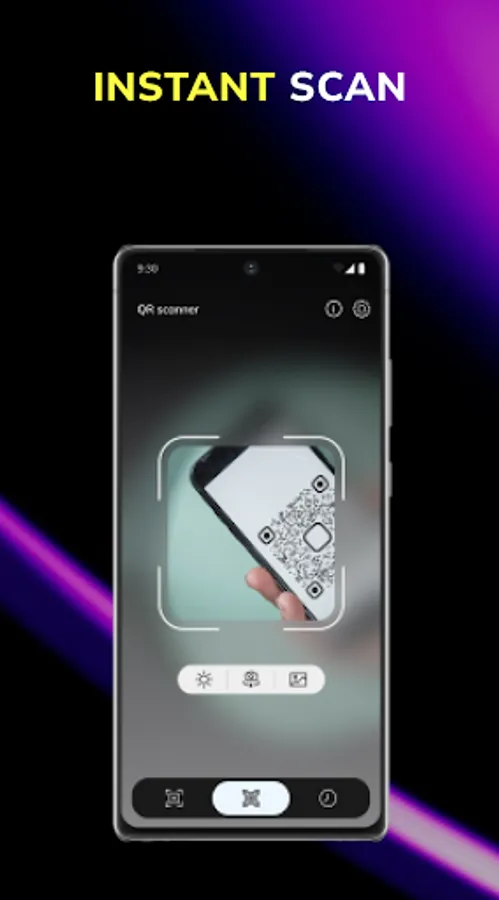
The best smart assistant for scanning and reading all kinds of QR codes - it's a QR scanner app for Android.
☝🏻Here is the list of features that you will receive the moment the app is installed:
- generation of new qr codes and scanning in poor lighting;
- reading all kinds of qr codes;
- creating QR codes;
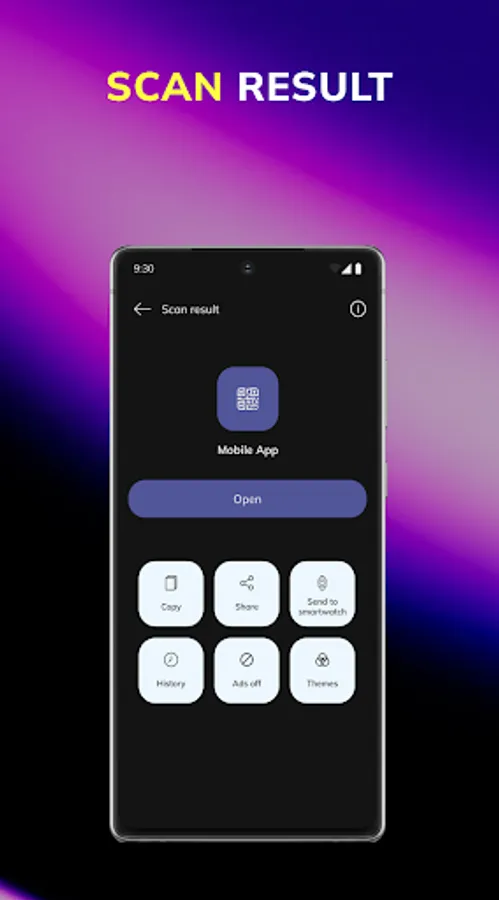
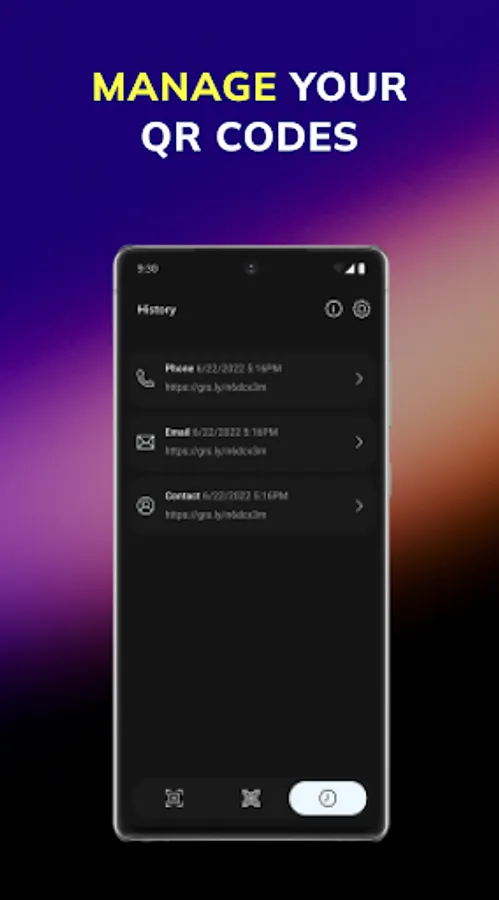
- history of scanning codes;
- sharing via social networks & messengers
Nowadays people use codes from all spheres around on daily basis: websites, business cards, URL addresses, and links for payments🖥. Various companies apply QR codes and share their information in such ways.
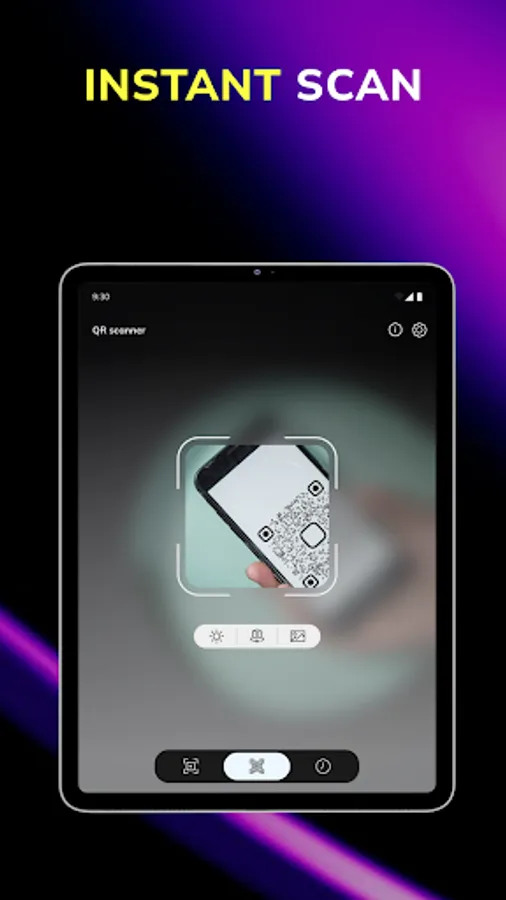
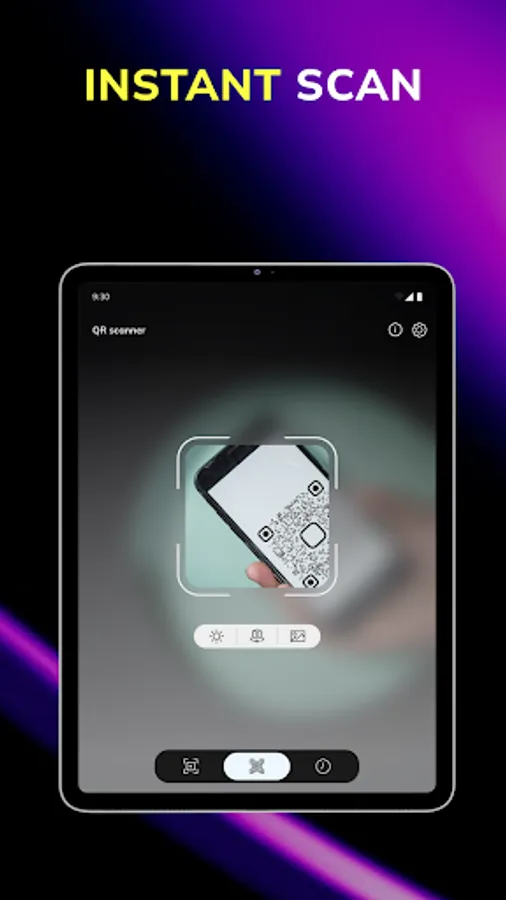
Since you install the QR code scanner on your phone, you can scan any code at any moment.
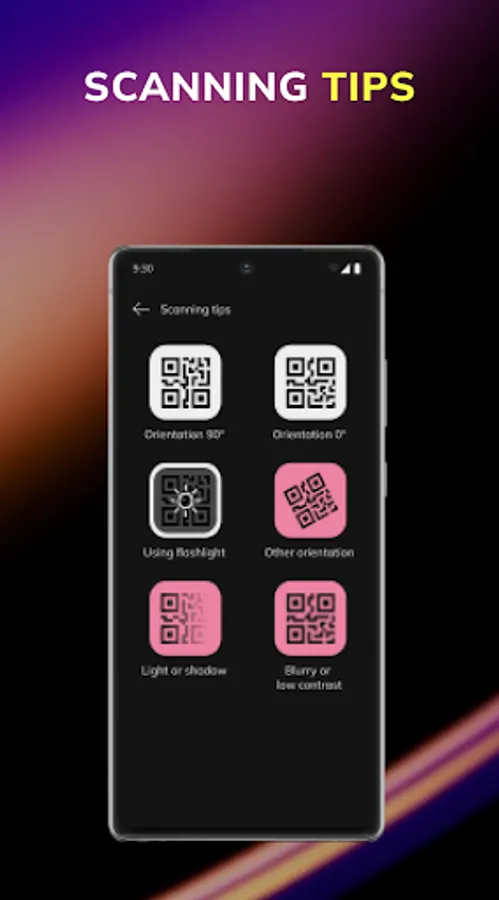
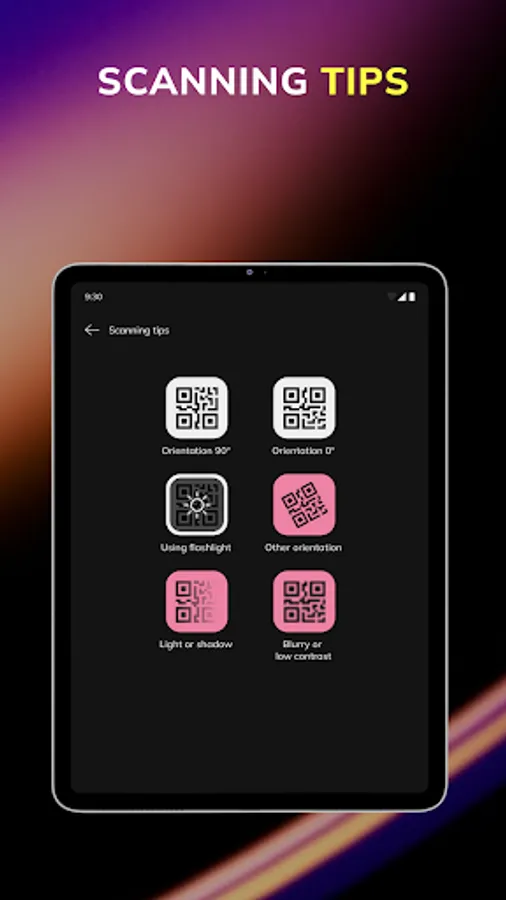
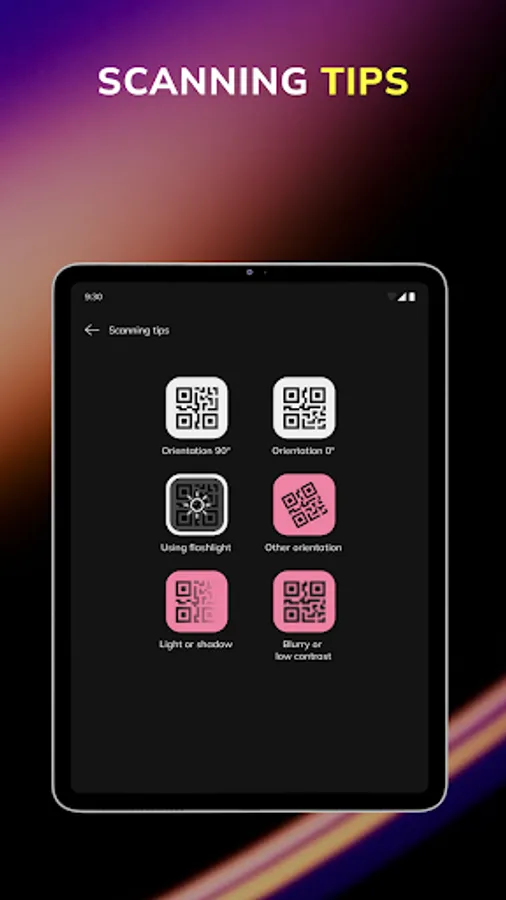
Bad lighting won't bother you anymore, because the app can scan even at night time. The app has a terrific ability to indicate data in high resolution of a camera, even if there is darkened code. The QR scanner has the skill to scan data even from photos.
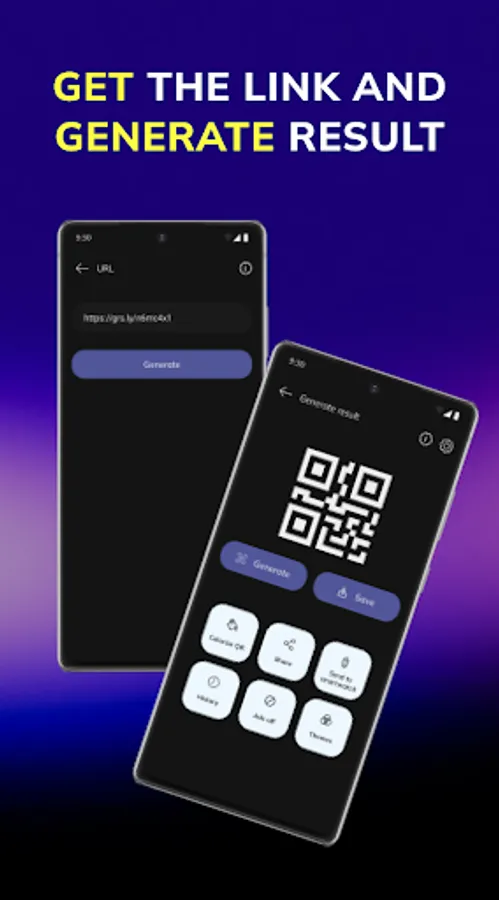
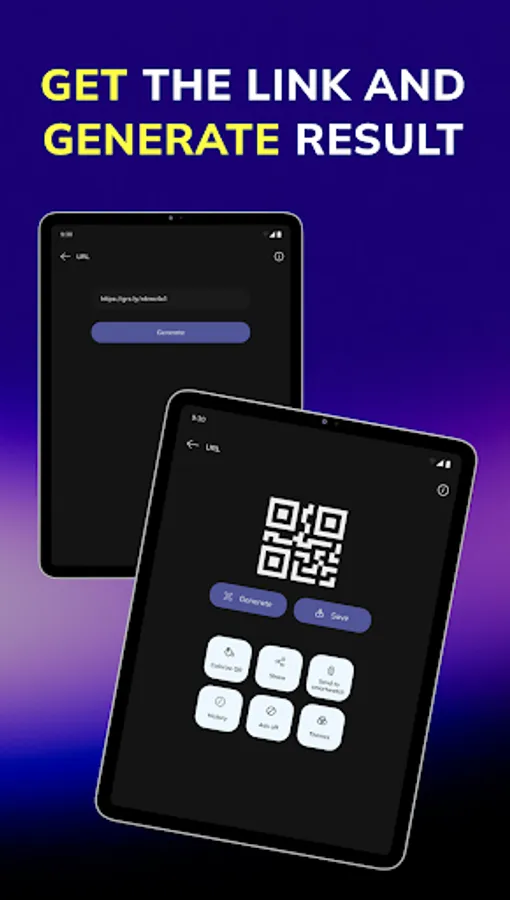
This is the instruction on how to generate QR codes📝:
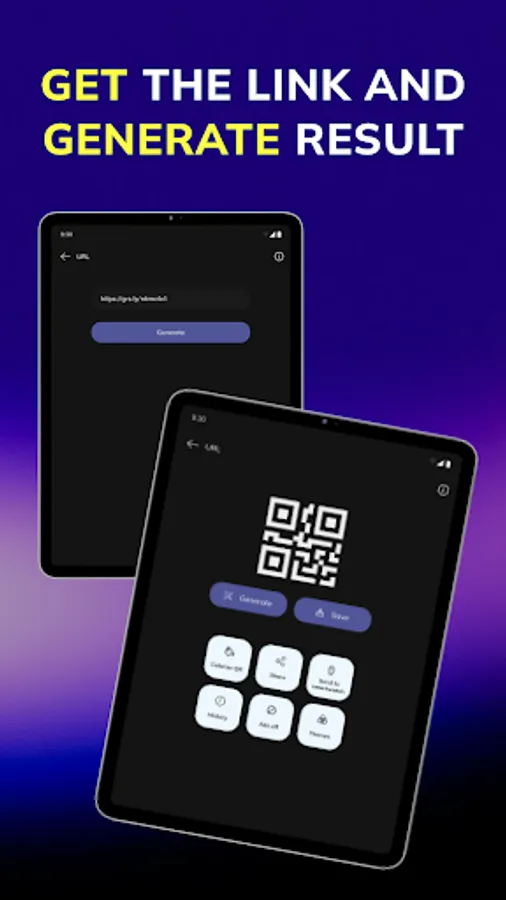
The scan reader can 'hide' any kind of information inside of the code: the website's link or just a full text. The generator can keep different kinds of data, not taking up much space.
It won't take a while to create a new code. It has to be specified the data to encrypt and press "create QR code".
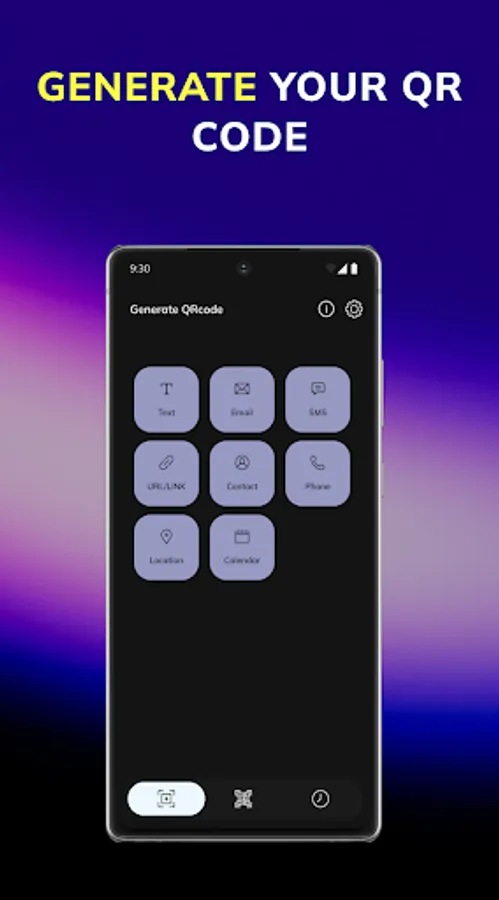
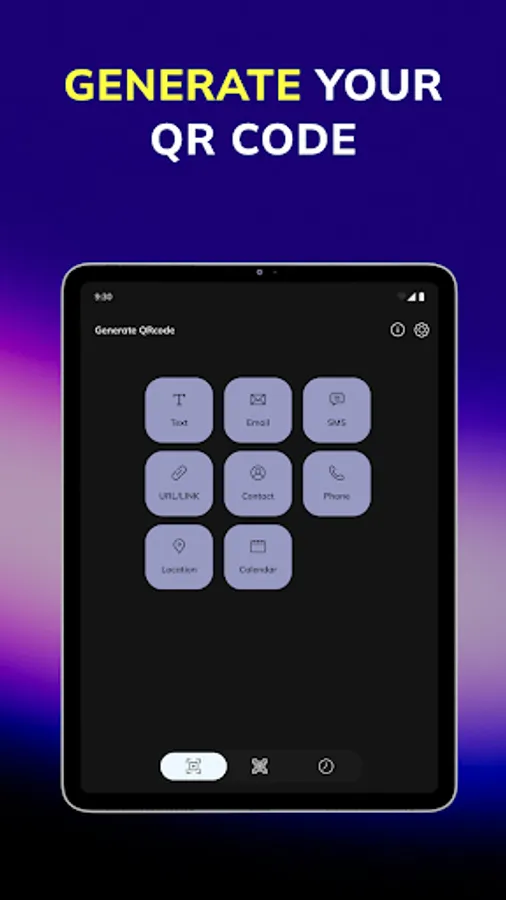
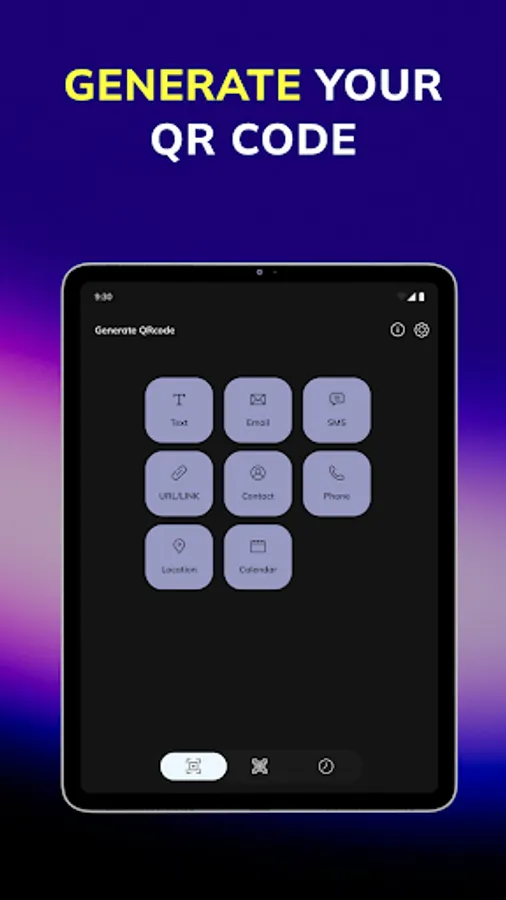
Here are more details about what can be generated as a QR code:
calendar 📆
location 📍
phone 📱
contact 👤
URL 🌐
SMS 📨
email 📩
text 💬
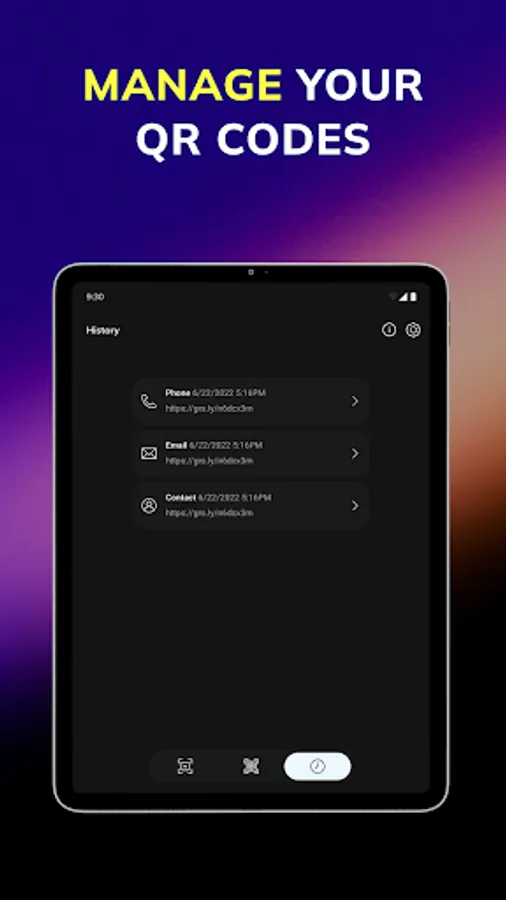
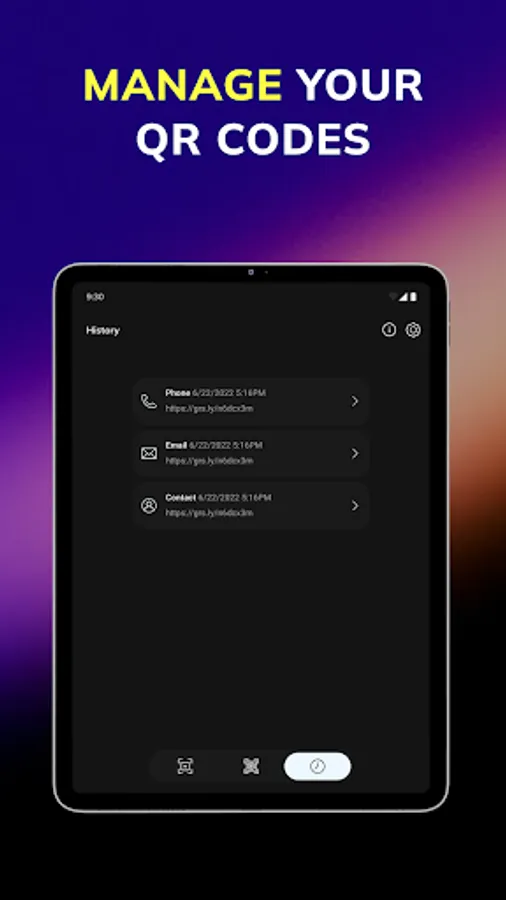
QR scan history
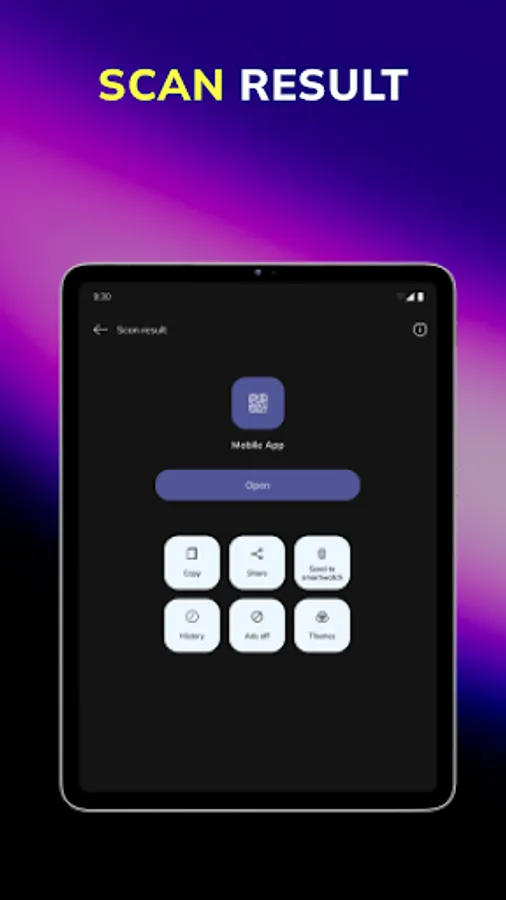
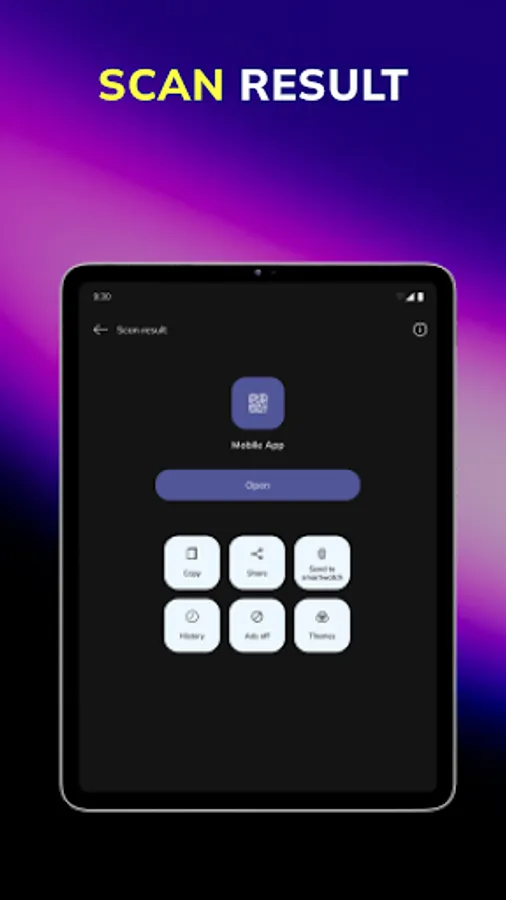
A history of scanning is a quite clever feature when you scan regularly and require access to already scanned codes earlier.
Ability to share ⤴️
You have access to share your received data from the codes as well. It may be previously saved information from scan history, a brand new formed code, or freshly scanned code. You can share with your friends or colleagues via different social media, messengers, email, etc.
QR scan from the other apps 📊
You have the opportunity to scan codes from outer apps - phone’s gallery, Google Disk, phone’s files, Google Photos, etc.
Have you ever needed full access to more options? Check out a PRO version of the product scanner.
❤️ Get more helpful opportunities from the QR app with a PRO:
- get rid of the ads for good;
- design unique codes by styling them with color and frames;
- quick QR code connection to your smartwatch;
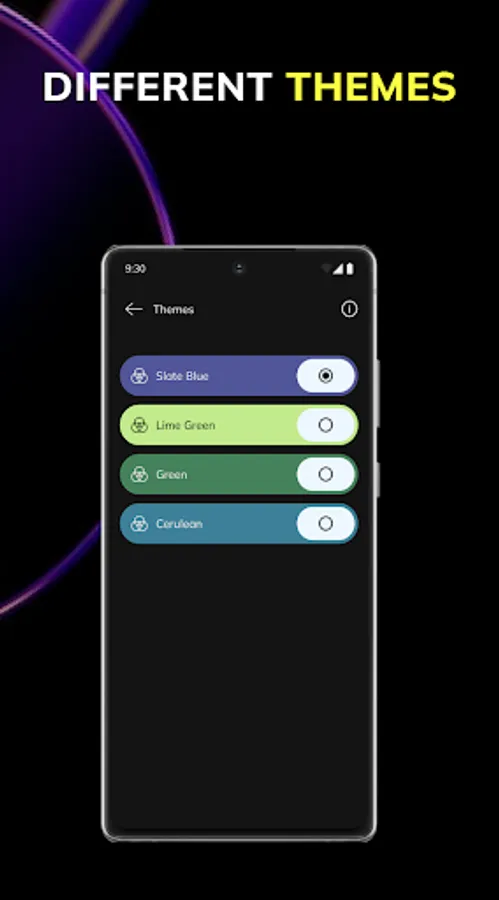
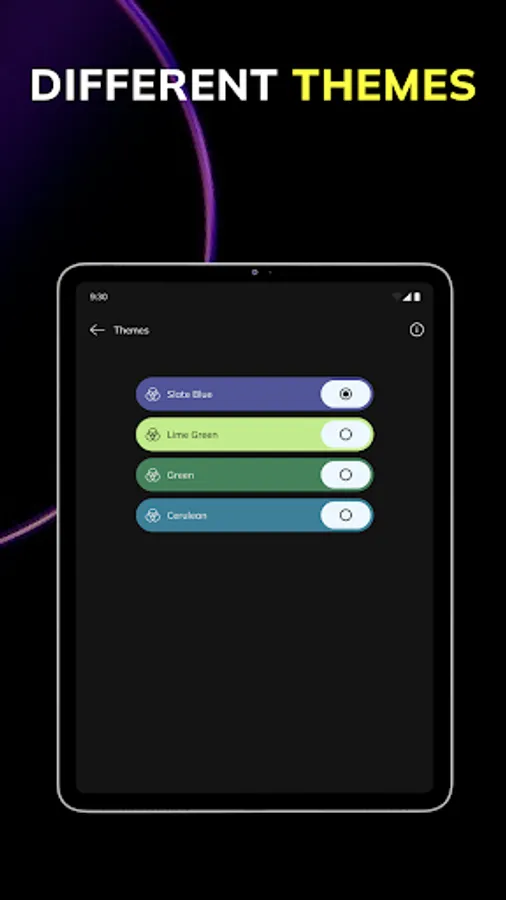
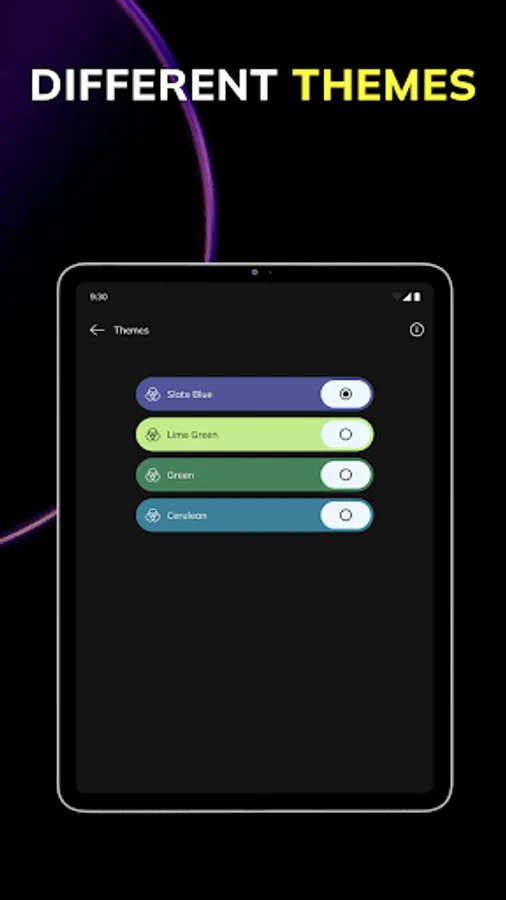
- various amount of themes;
- get VIP support;
Go install the QR scanner and take all the advantages! 🌟
☝🏻Here is the list of features that you will receive the moment the app is installed:
- generation of new qr codes and scanning in poor lighting;
- reading all kinds of qr codes;
- creating QR codes;
- history of scanning codes;
- sharing via social networks & messengers
Nowadays people use codes from all spheres around on daily basis: websites, business cards, URL addresses, and links for payments🖥. Various companies apply QR codes and share their information in such ways.
Since you install the QR code scanner on your phone, you can scan any code at any moment.
Bad lighting won't bother you anymore, because the app can scan even at night time. The app has a terrific ability to indicate data in high resolution of a camera, even if there is darkened code. The QR scanner has the skill to scan data even from photos.
This is the instruction on how to generate QR codes📝:
The scan reader can 'hide' any kind of information inside of the code: the website's link or just a full text. The generator can keep different kinds of data, not taking up much space.
It won't take a while to create a new code. It has to be specified the data to encrypt and press "create QR code".
Here are more details about what can be generated as a QR code:
calendar 📆
location 📍
phone 📱
contact 👤
URL 🌐
SMS 📨
email 📩
text 💬
QR scan history
A history of scanning is a quite clever feature when you scan regularly and require access to already scanned codes earlier.
Ability to share ⤴️
You have access to share your received data from the codes as well. It may be previously saved information from scan history, a brand new formed code, or freshly scanned code. You can share with your friends or colleagues via different social media, messengers, email, etc.
QR scan from the other apps 📊
You have the opportunity to scan codes from outer apps - phone’s gallery, Google Disk, phone’s files, Google Photos, etc.
Have you ever needed full access to more options? Check out a PRO version of the product scanner.
❤️ Get more helpful opportunities from the QR app with a PRO:
- get rid of the ads for good;
- design unique codes by styling them with color and frames;
- quick QR code connection to your smartwatch;
- various amount of themes;
- get VIP support;
Go install the QR scanner and take all the advantages! 🌟