About QR Attendance-WorkHoursManager
Please contact support@qrattendance.com to setup.
Visit www.qrattendance.com to learn how to use the application.
After registration
1-Login.
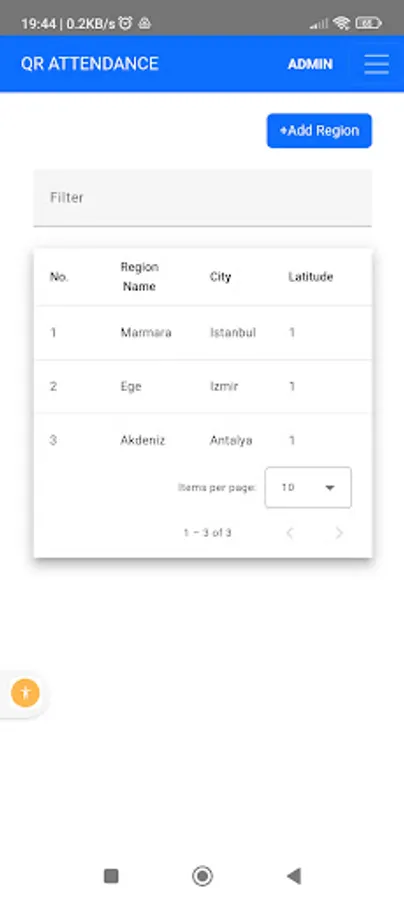
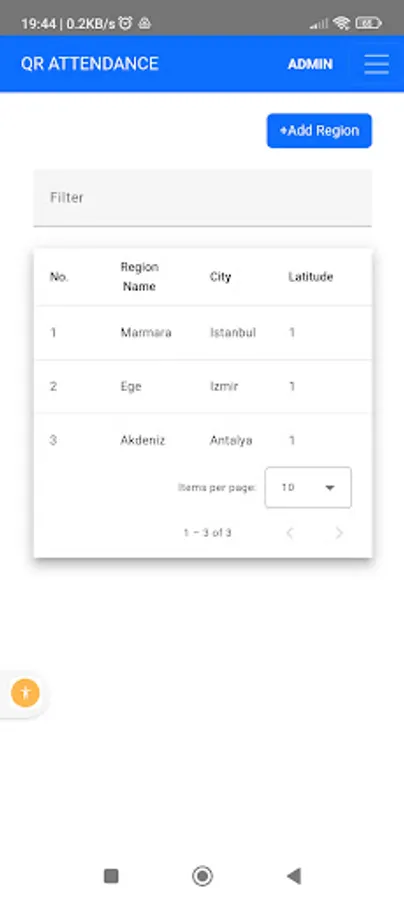
2-Create Region
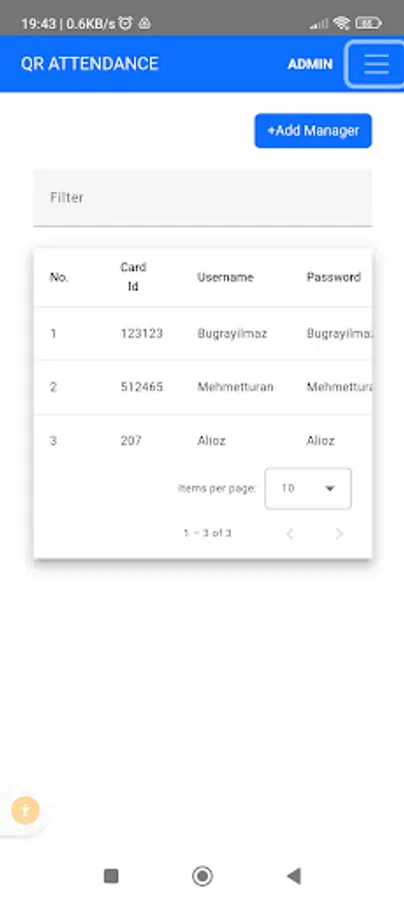
3-Create Manager
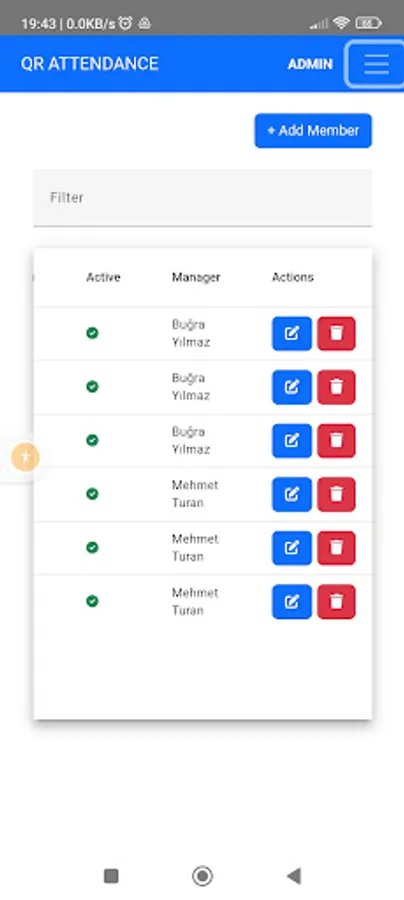
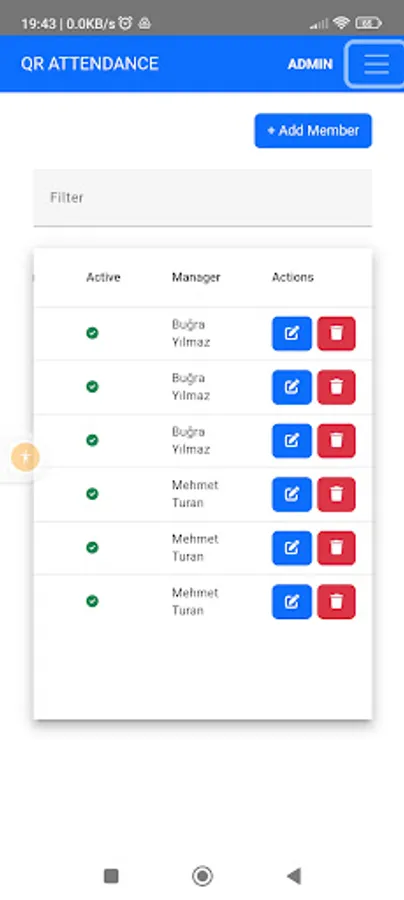
4-Create member
5-Go to Region detail by clicking "No" column.
6-Download Qr Code and display it at the entrance.
7-Give member credantials to member.
8-Member will login.
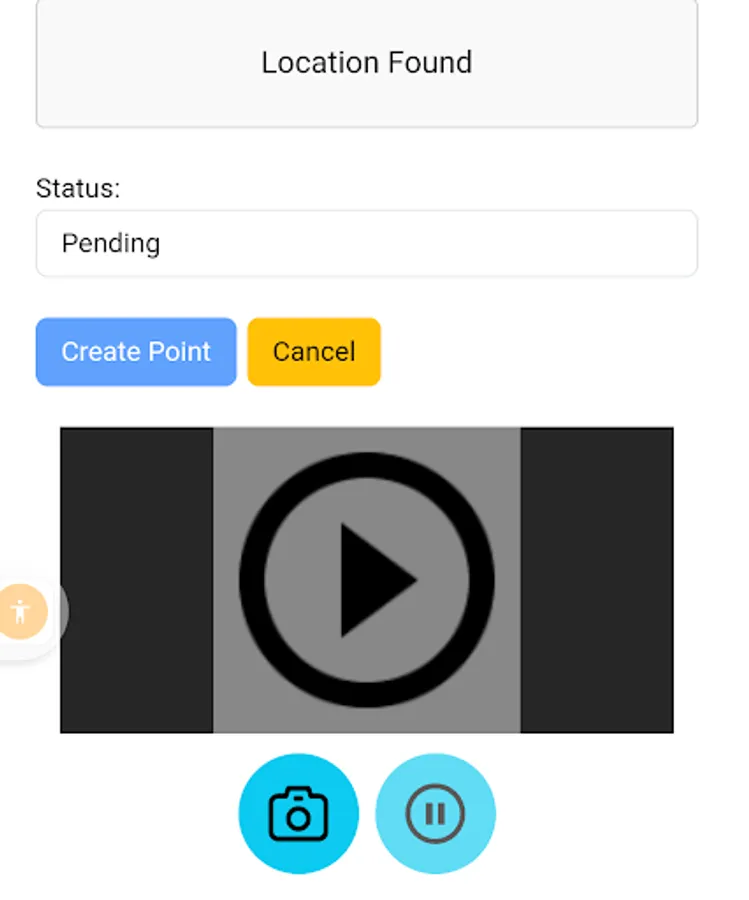
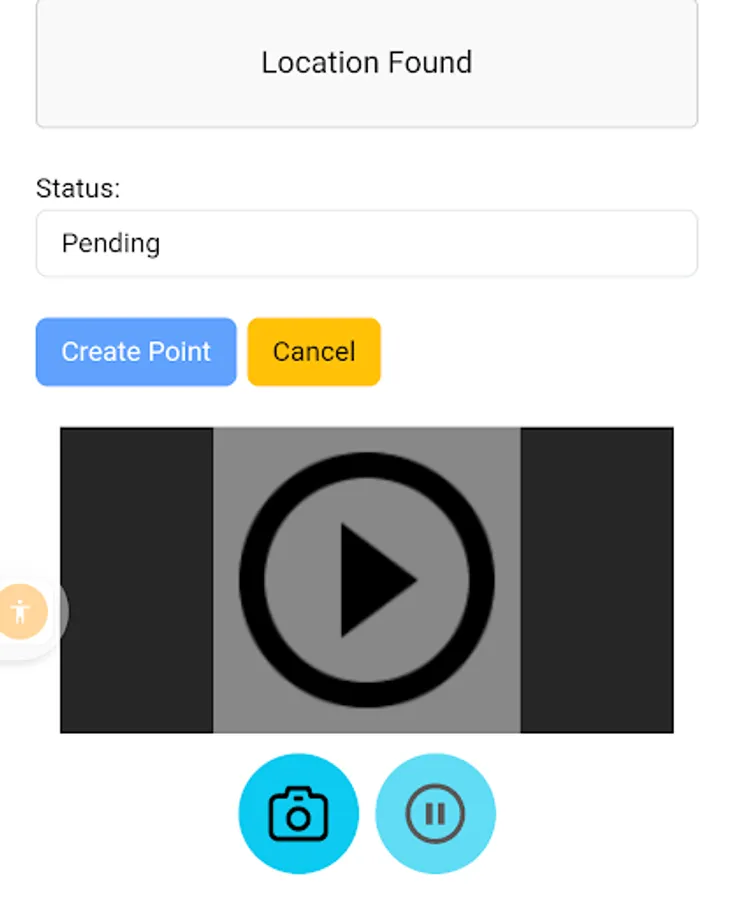
9-Member will read the Qr Code by application.
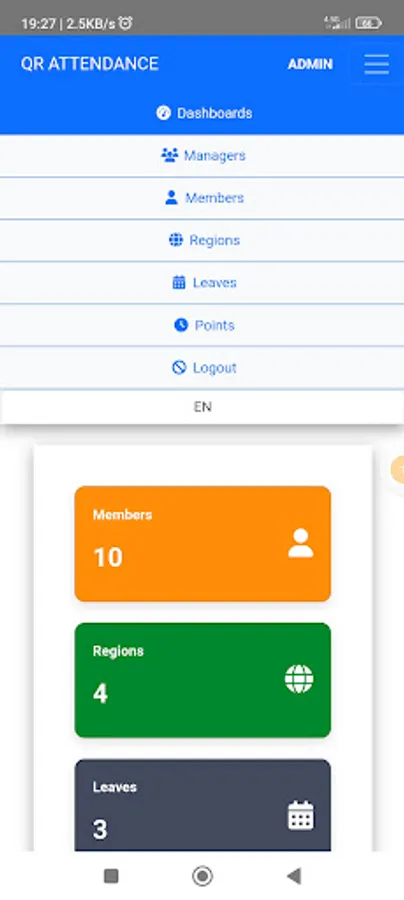
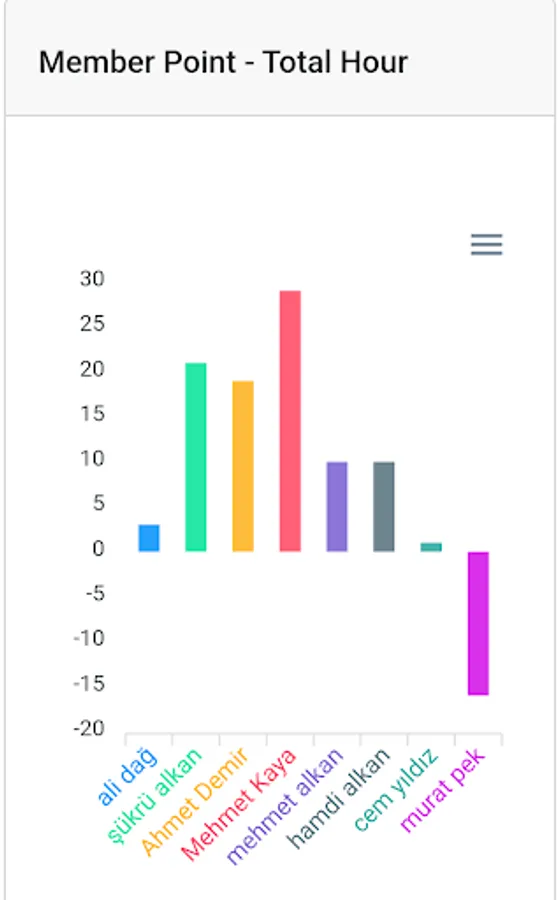
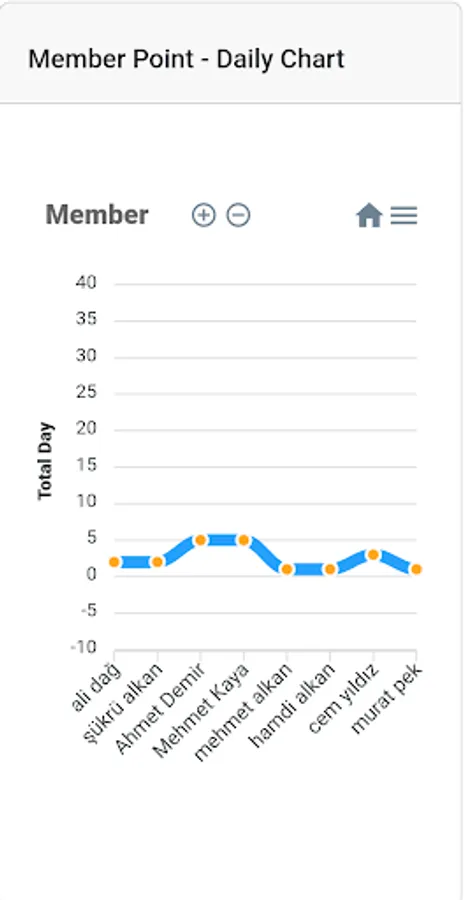
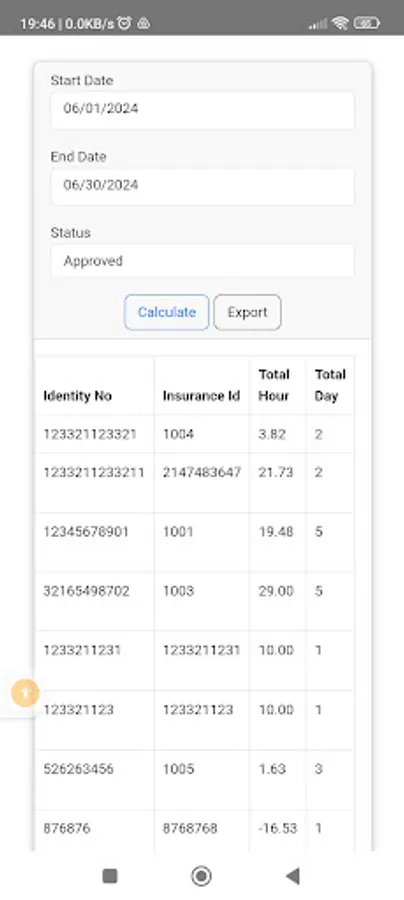
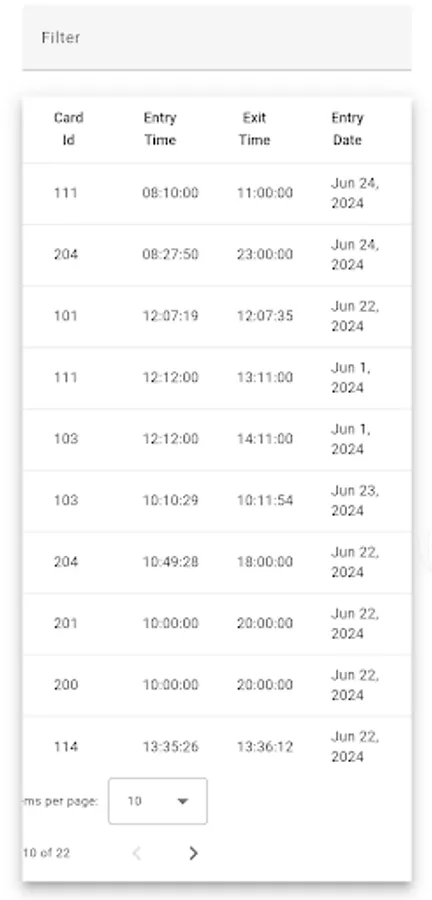
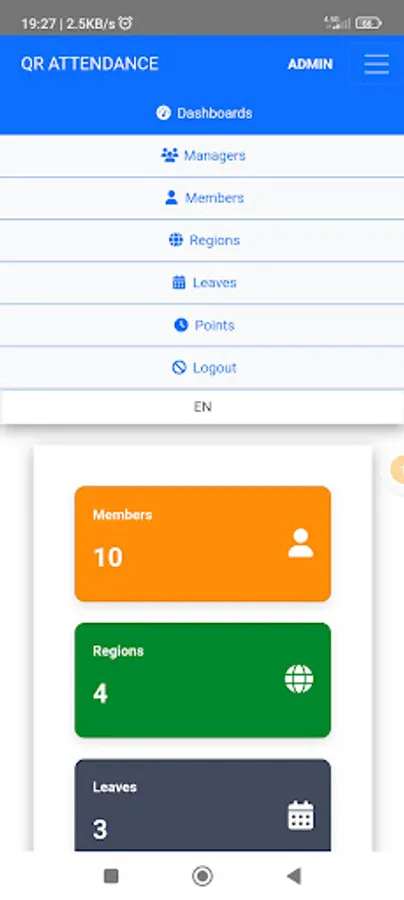
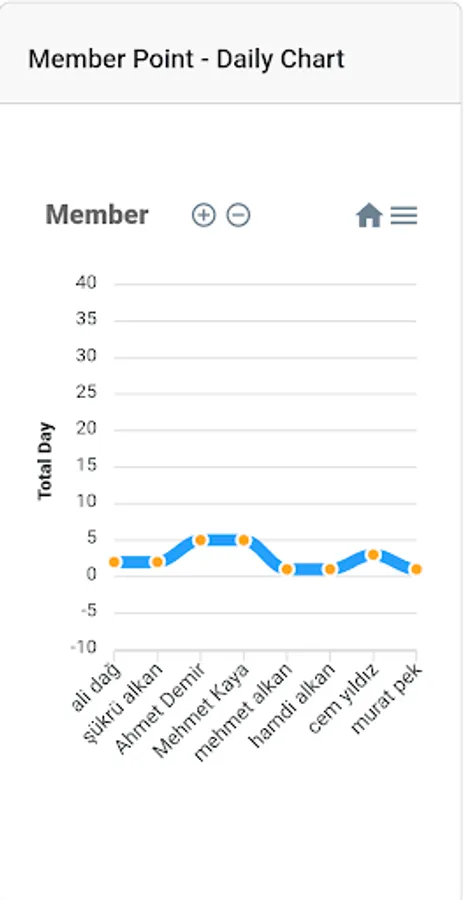
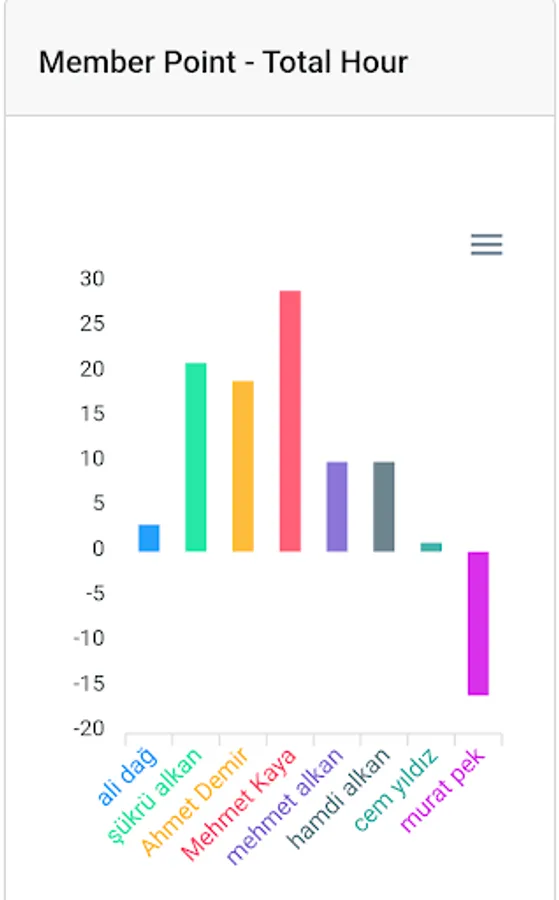
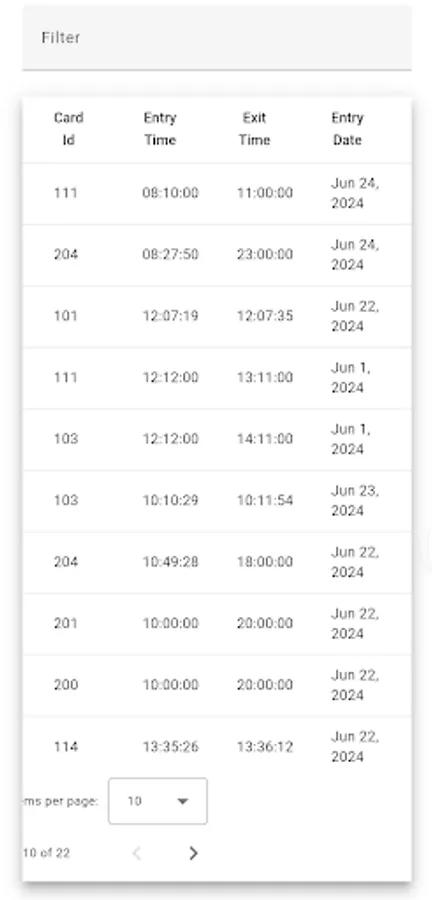
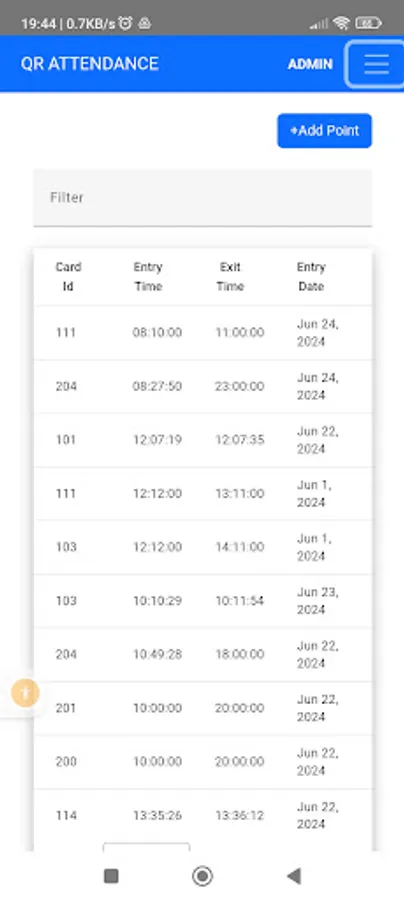
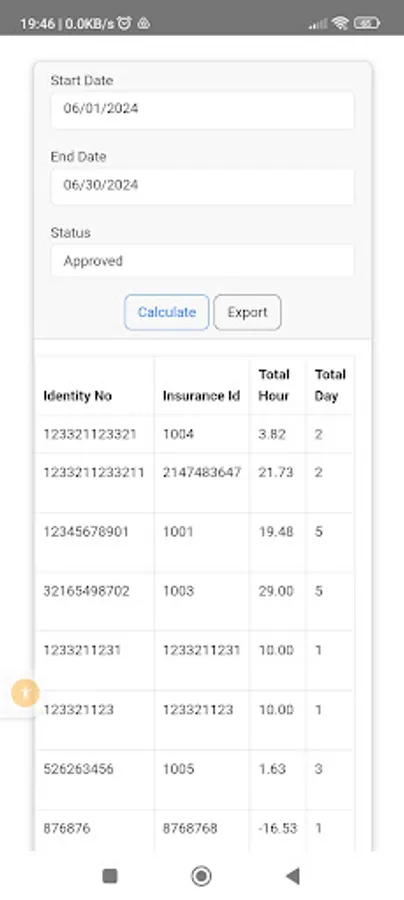
With this application, you can generate QR codes for your users. Track the total working hours of your users by scanning their QR codes. Users can log their entry and exit times by scanning the QR code displayed at a specific location. At the end of the month, you can view the total working hours of your users.
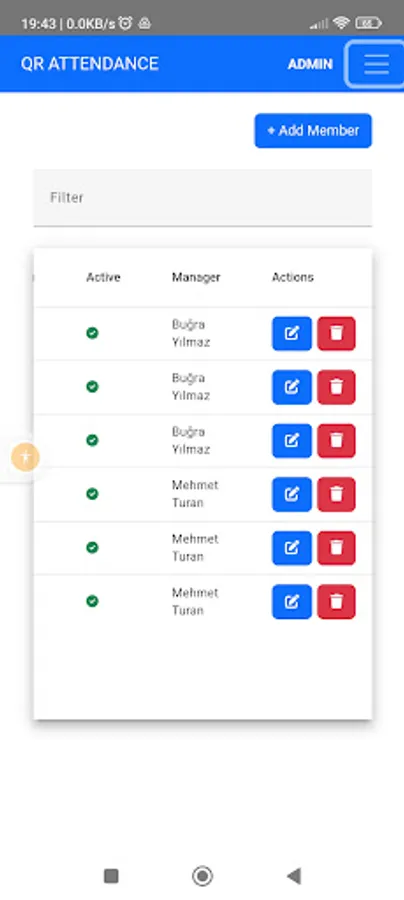
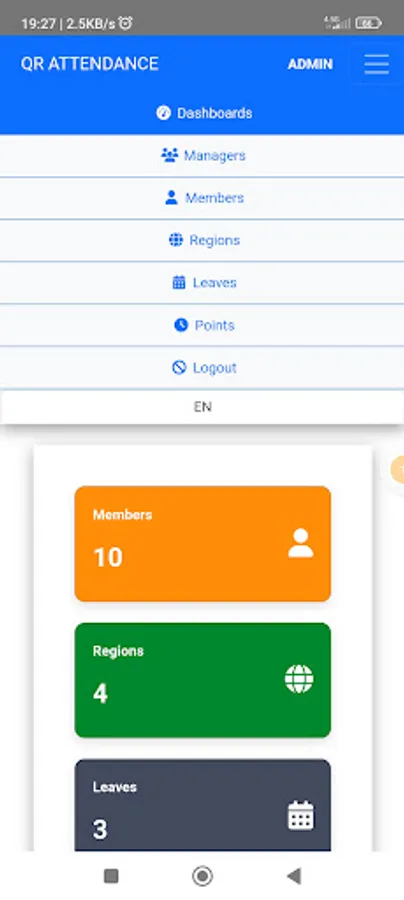
With authorization, you can create and report different regions. Assign different managers to each region to ensure efficient tracking and management.
Key Features:
Generate QR codes for users.
Track total working hours by scanning QR codes.
Users log entry and exit times by scanning QR codes at designated locations.
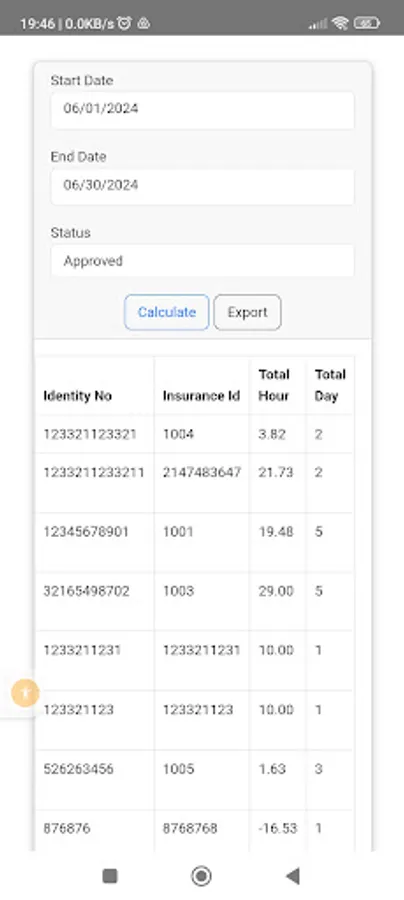
View total working hours at the end of the month.
Create and manage different regions with authorization.
Assign different managers to each region for better oversight.
Ensure accurate time tracking and efficient management with Work Hours Manager. Download now and simplify your attendance management process!
Visit www.qrattendance.com to learn how to use the application.
After registration
1-Login.
2-Create Region
3-Create Manager
4-Create member
5-Go to Region detail by clicking "No" column.
6-Download Qr Code and display it at the entrance.
7-Give member credantials to member.
8-Member will login.
9-Member will read the Qr Code by application.
With this application, you can generate QR codes for your users. Track the total working hours of your users by scanning their QR codes. Users can log their entry and exit times by scanning the QR code displayed at a specific location. At the end of the month, you can view the total working hours of your users.
With authorization, you can create and report different regions. Assign different managers to each region to ensure efficient tracking and management.
Key Features:
Generate QR codes for users.
Track total working hours by scanning QR codes.
Users log entry and exit times by scanning QR codes at designated locations.
View total working hours at the end of the month.
Create and manage different regions with authorization.
Assign different managers to each region for better oversight.
Ensure accurate time tracking and efficient management with Work Hours Manager. Download now and simplify your attendance management process!