LG Smart TV Remote Control
Quanticapps FZ LLE
3.2 ★
64K ratings
5,000,000+
downloads
Free
+ in-app
AppRecs review analysis
AppRecs rating 2.4. Trustworthiness 73 out of 100. Review manipulation risk 23 out of 100. Based on a review sample analyzed.
★★☆☆☆
2.4
AppRecs Rating
Ratings breakdown
5 star
44%
4 star
10%
3 star
5%
2 star
5%
1 star
37%
What to know
⚠
Ad complaints
Many low ratings mention excessive ads
⚠
Pricing complaints
Many low ratings mention paywalls or pricing
⚠
High negative review ratio
41% of sampled ratings are 1–2 stars
About LG Smart TV Remote Control
Are you tired of looking for the remote control for your LG TV? Want to control multiple LG TVs with a single remote? If so, it's time to replace an old plastic remote with LG Smart TV remote control app and control your LG Smart TV right from your Android device! 📺
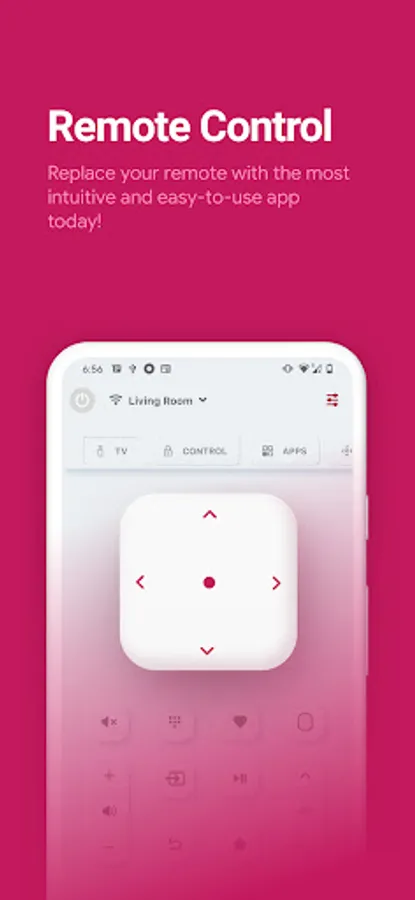
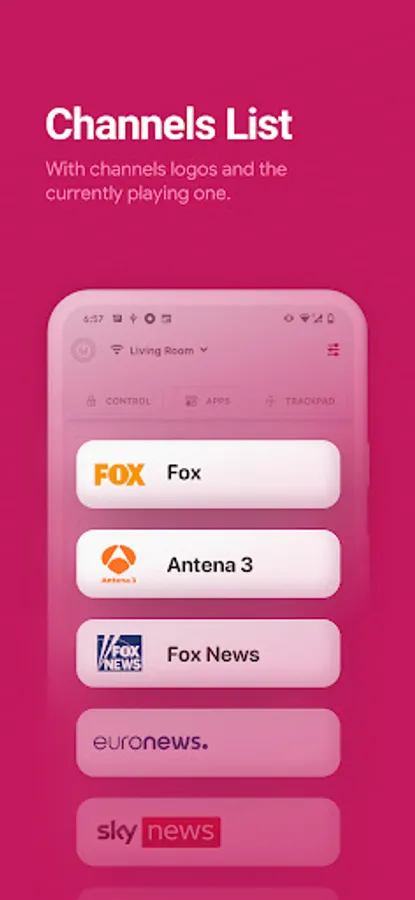
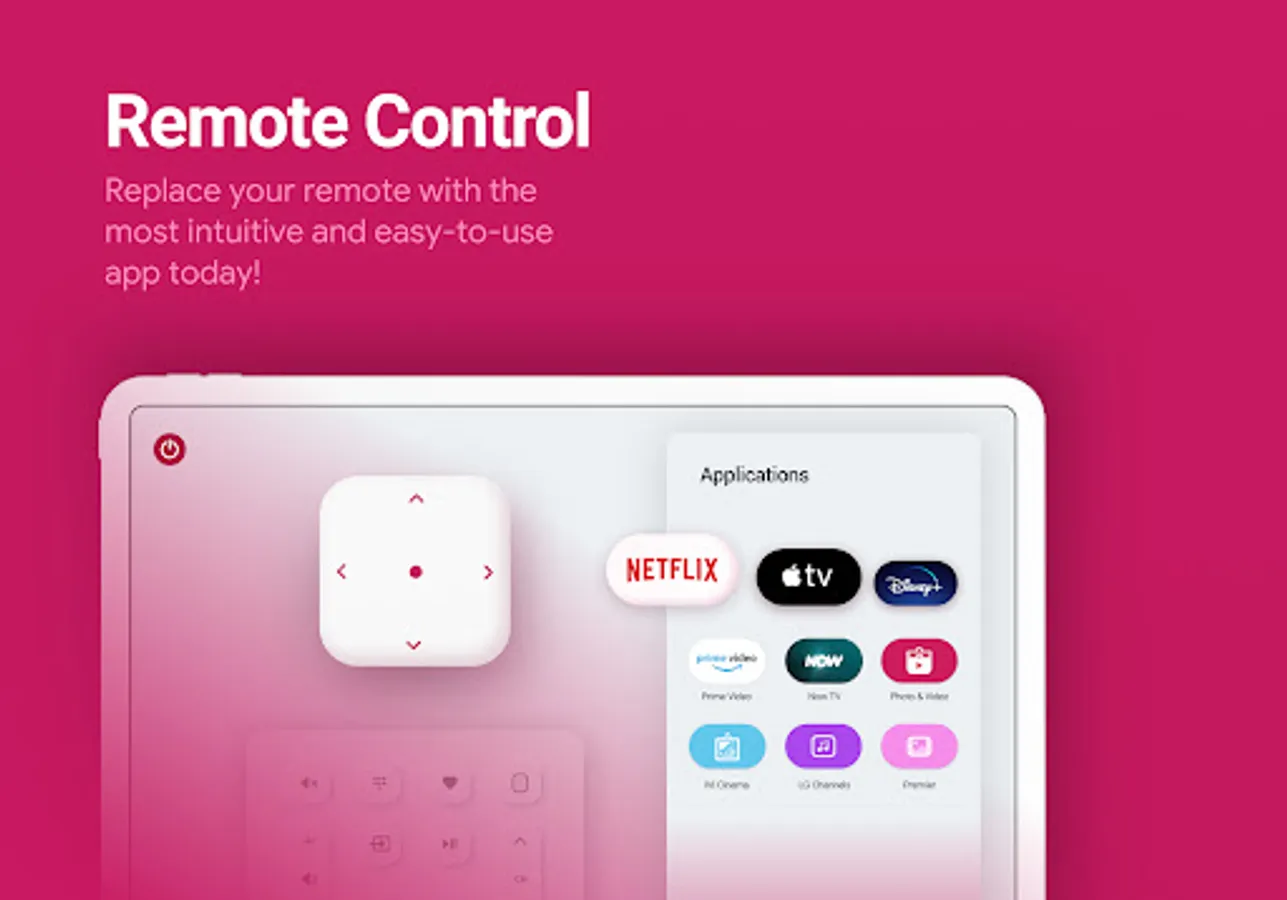
LG Remote Control for LG TV plus connects to your smart TV over WiFi and lets you turn your TV on and off, change channels, adjust the volume, enter text using a real keyboard, control all smart TV features, and much more.
Upgrade your clunky remote to a LG Remote Control app!
Key Features
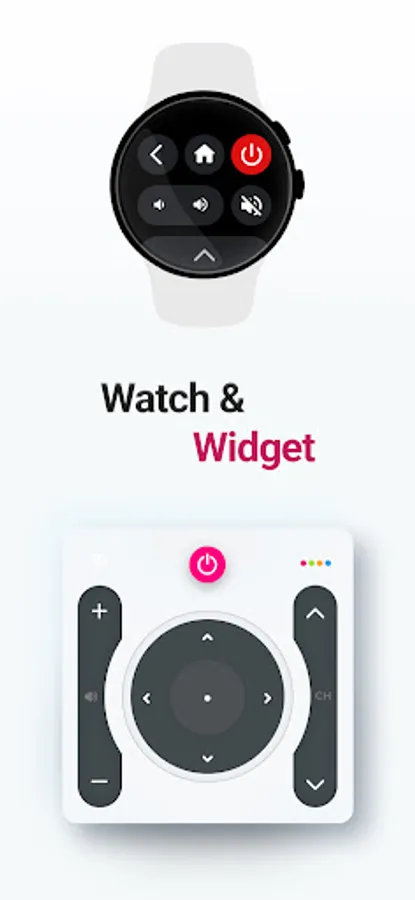
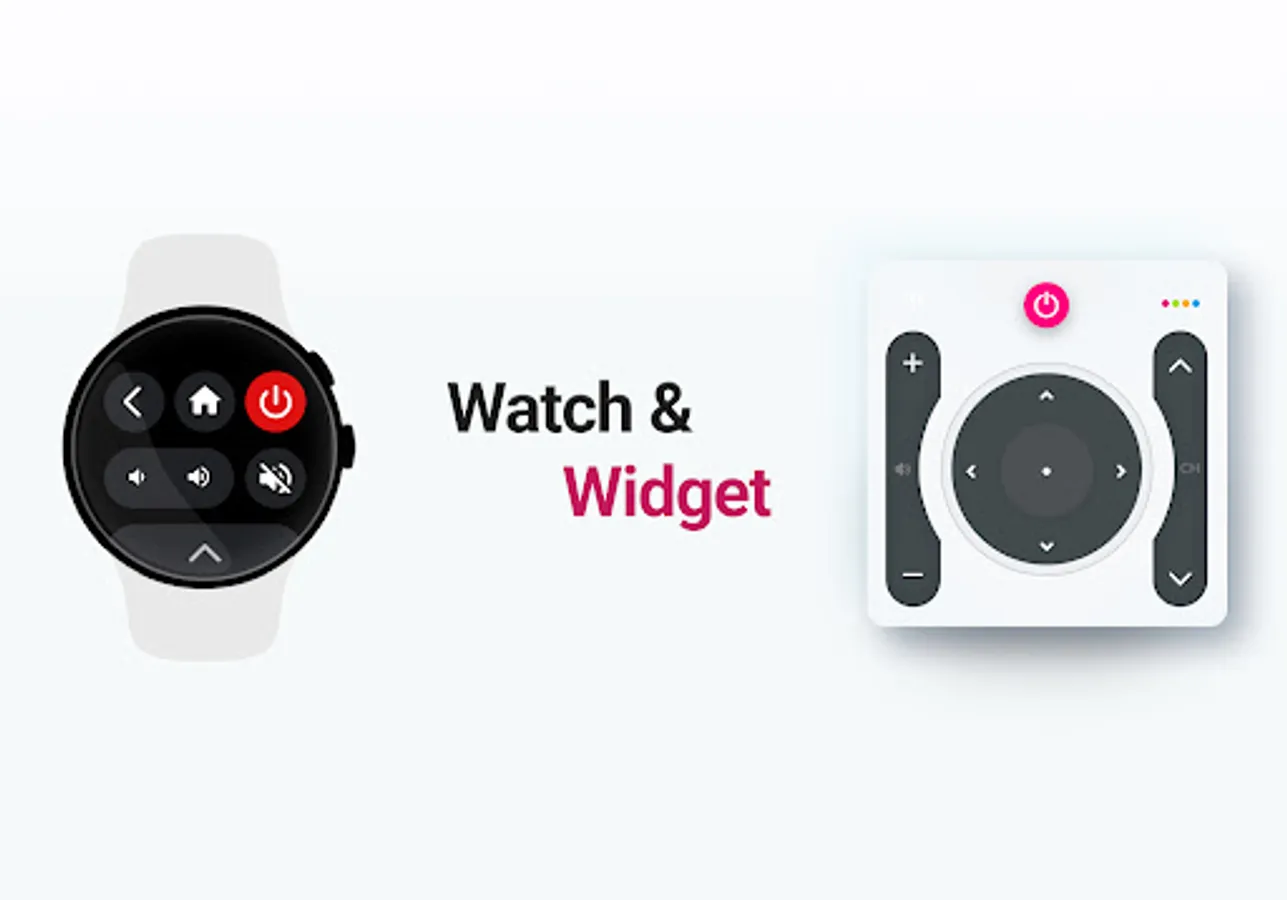
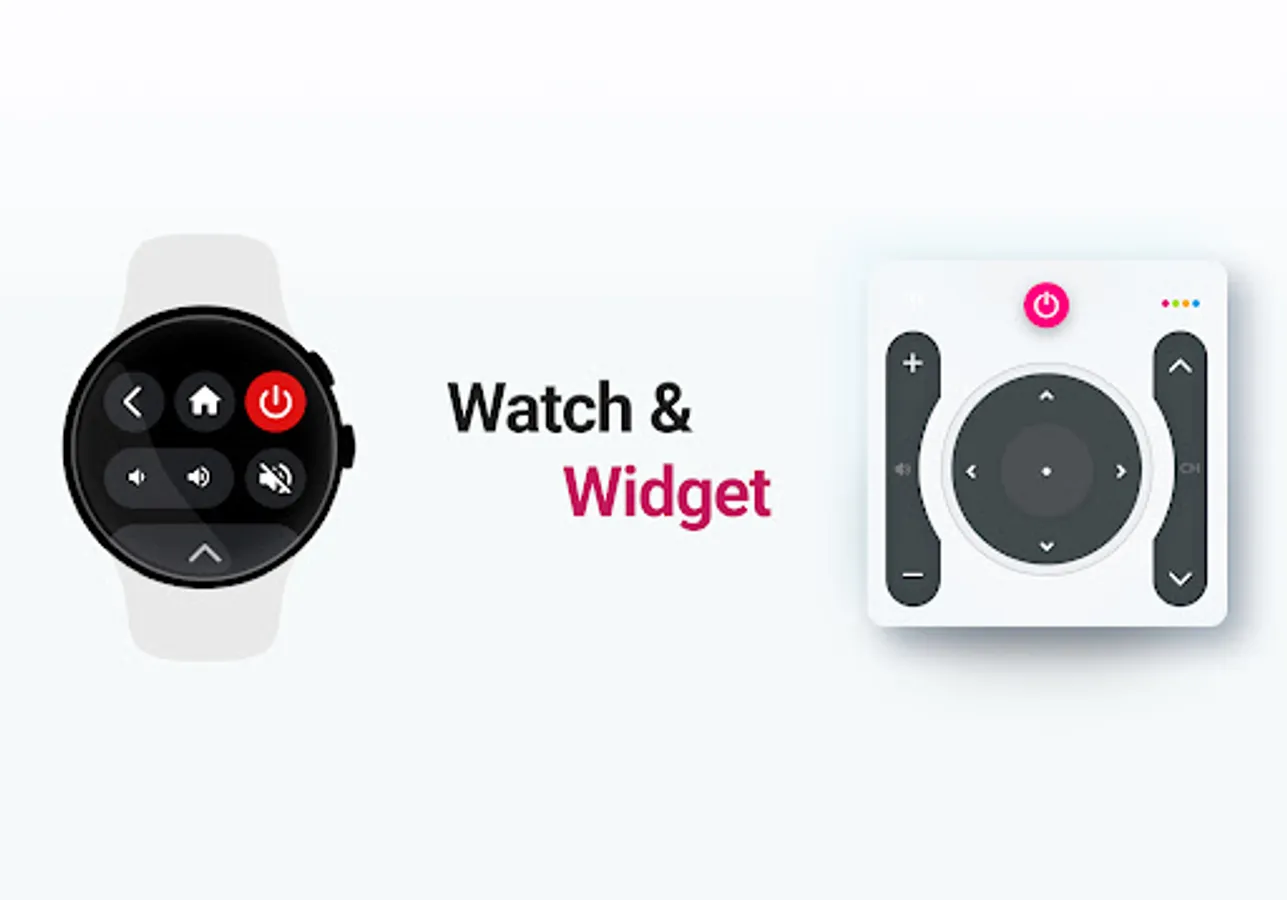
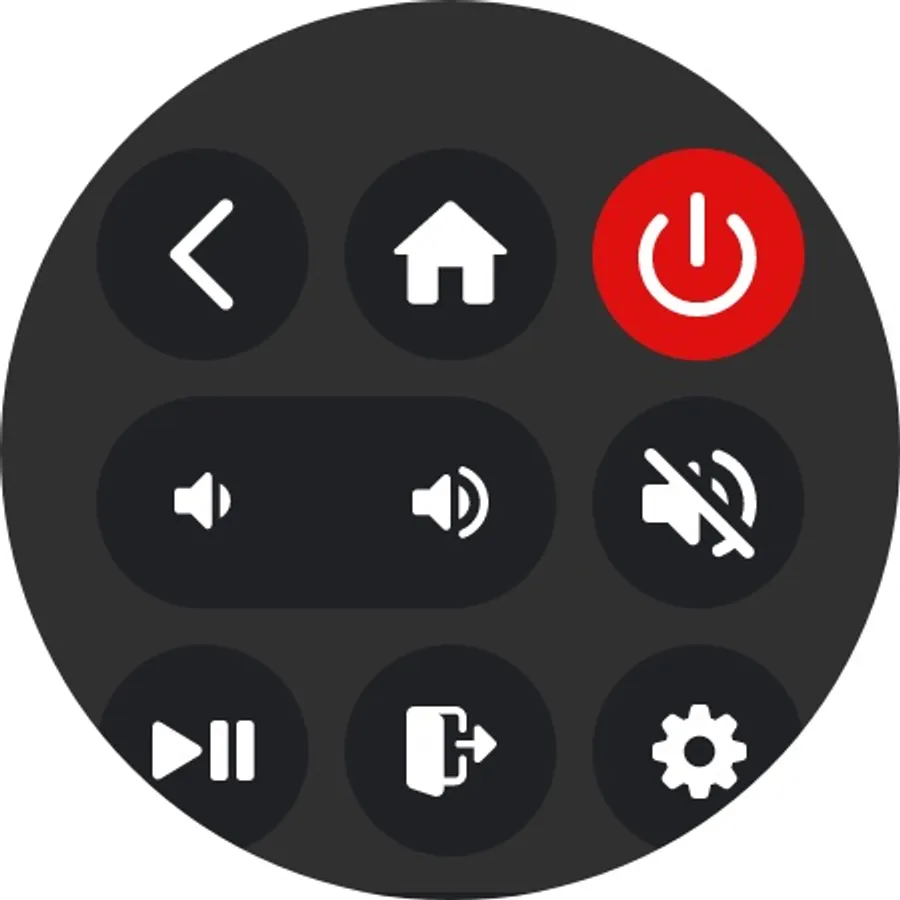
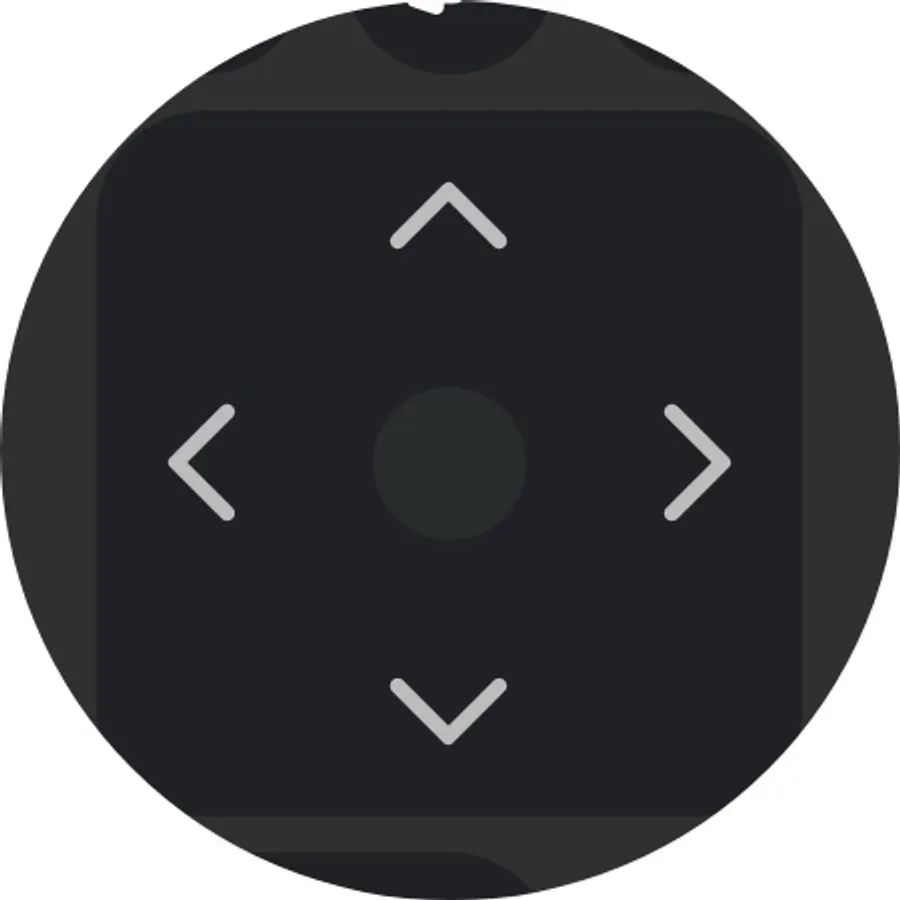
☑️ Wear OS. Control your LG TV remote from your wrist
☑️ Turn Smart TV ON or OFF (Supported models only)
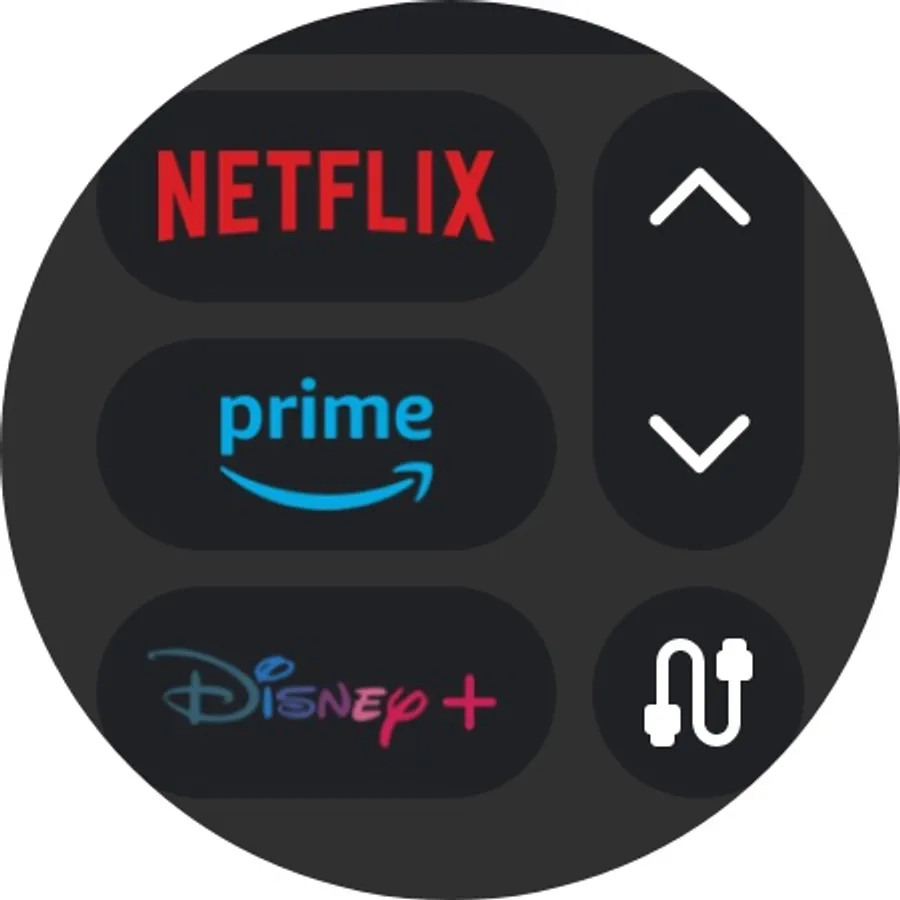
☑️ Switch channels by scrolling or entering a number.
☑️ Adjust the volume with LG TV Remote
☑️ Instant mute: one tap with LG Remote Control
☑️ Change the input source (HDMI, PC, AV, etc)
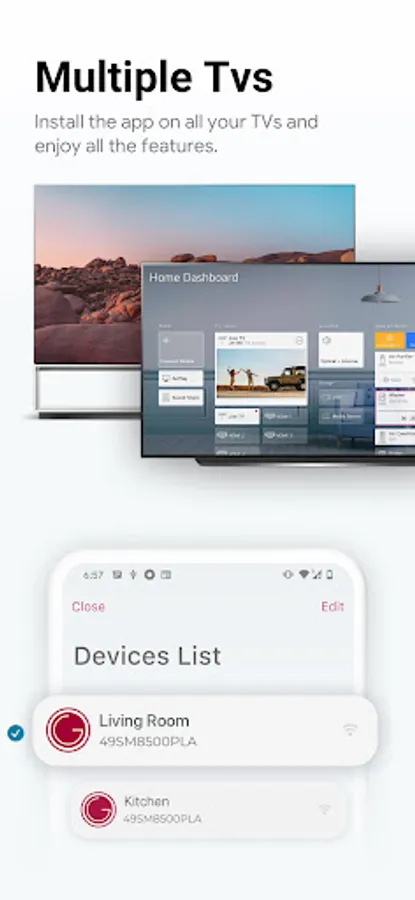
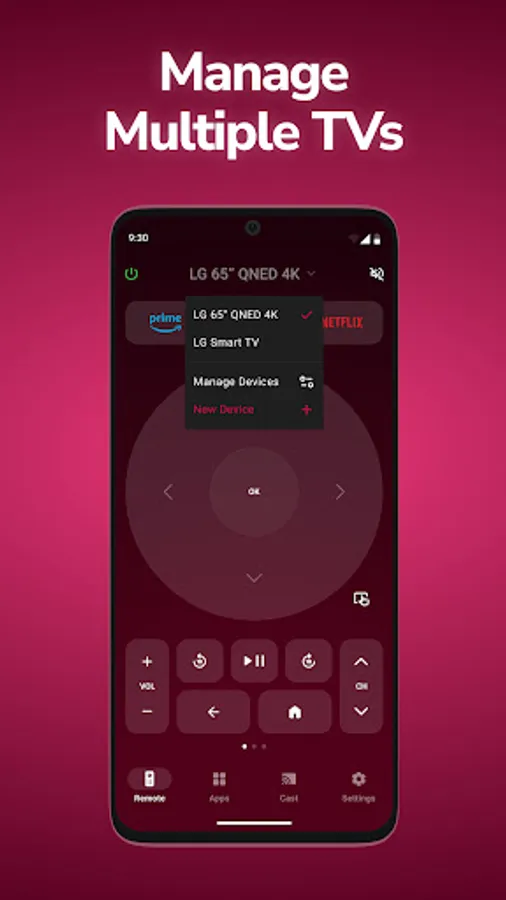
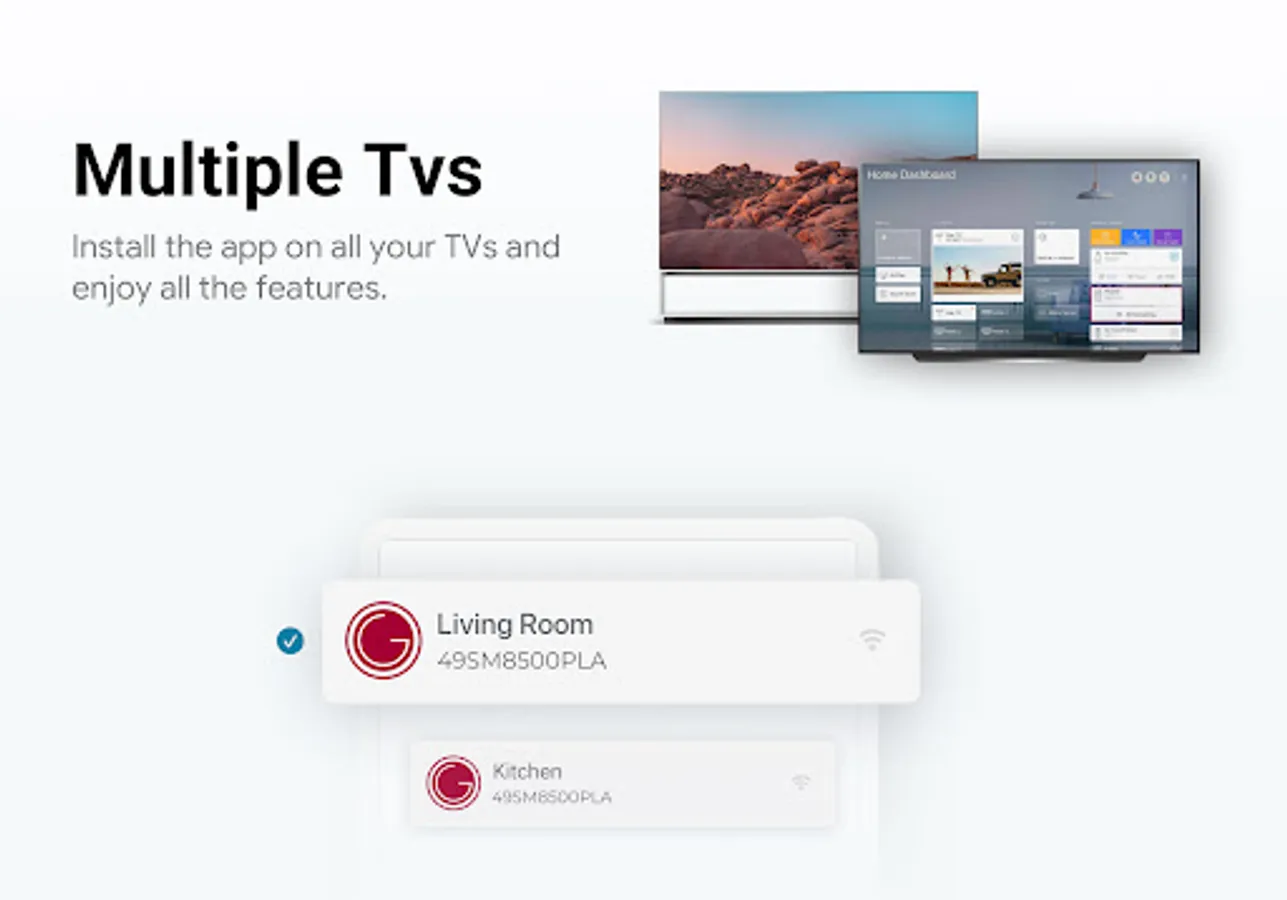
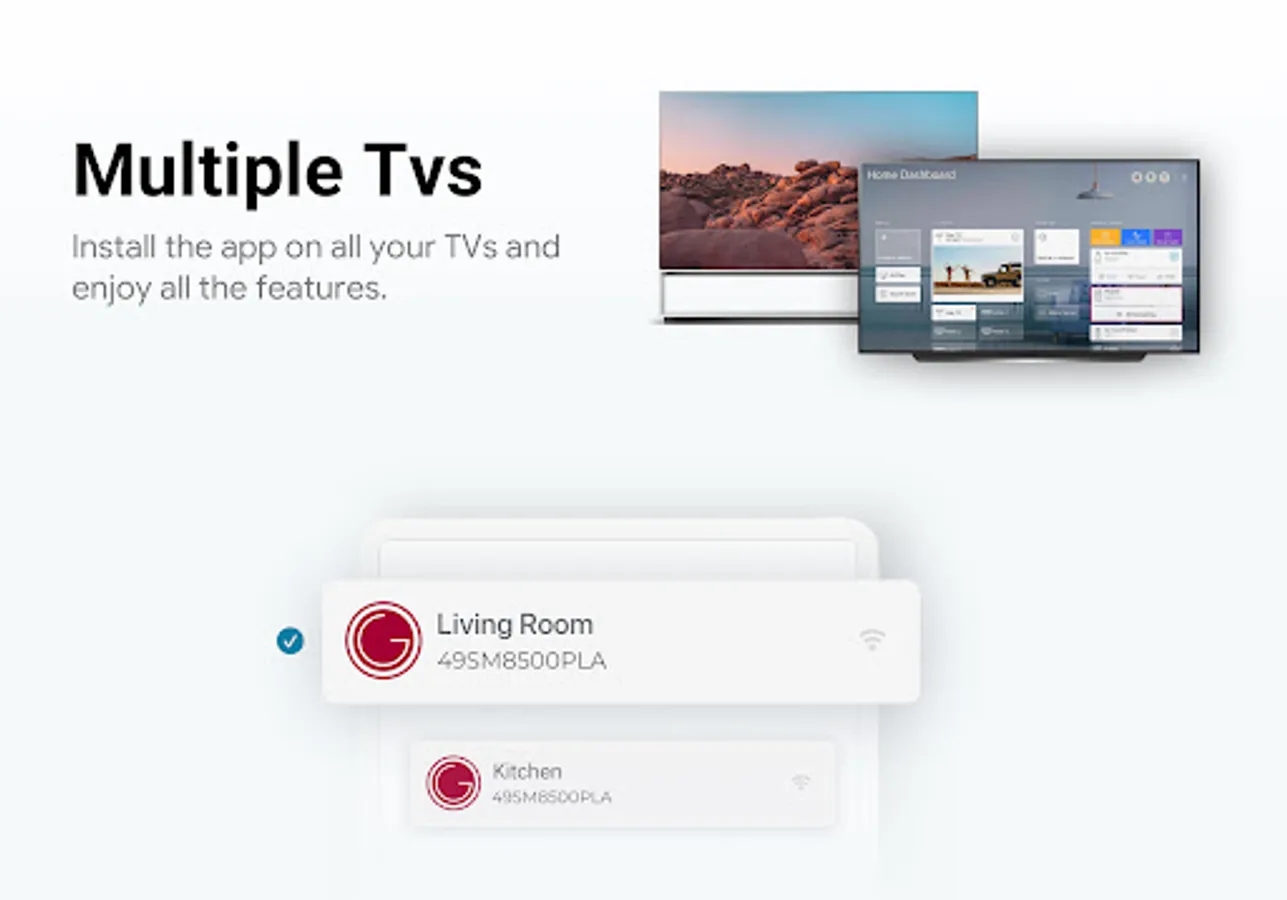
☑️ Control multiple Smart TVs from one place
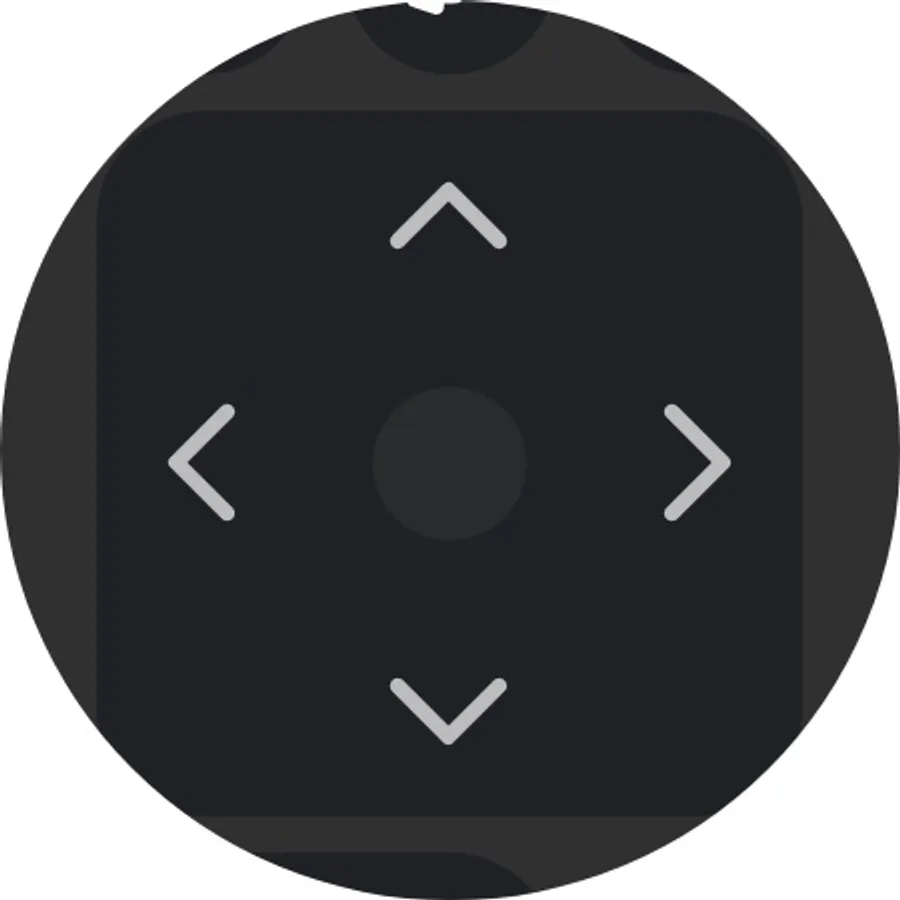
☑️ Navigate features with LG TV Remote
☑️ Add LG TV plus widget to your home screen
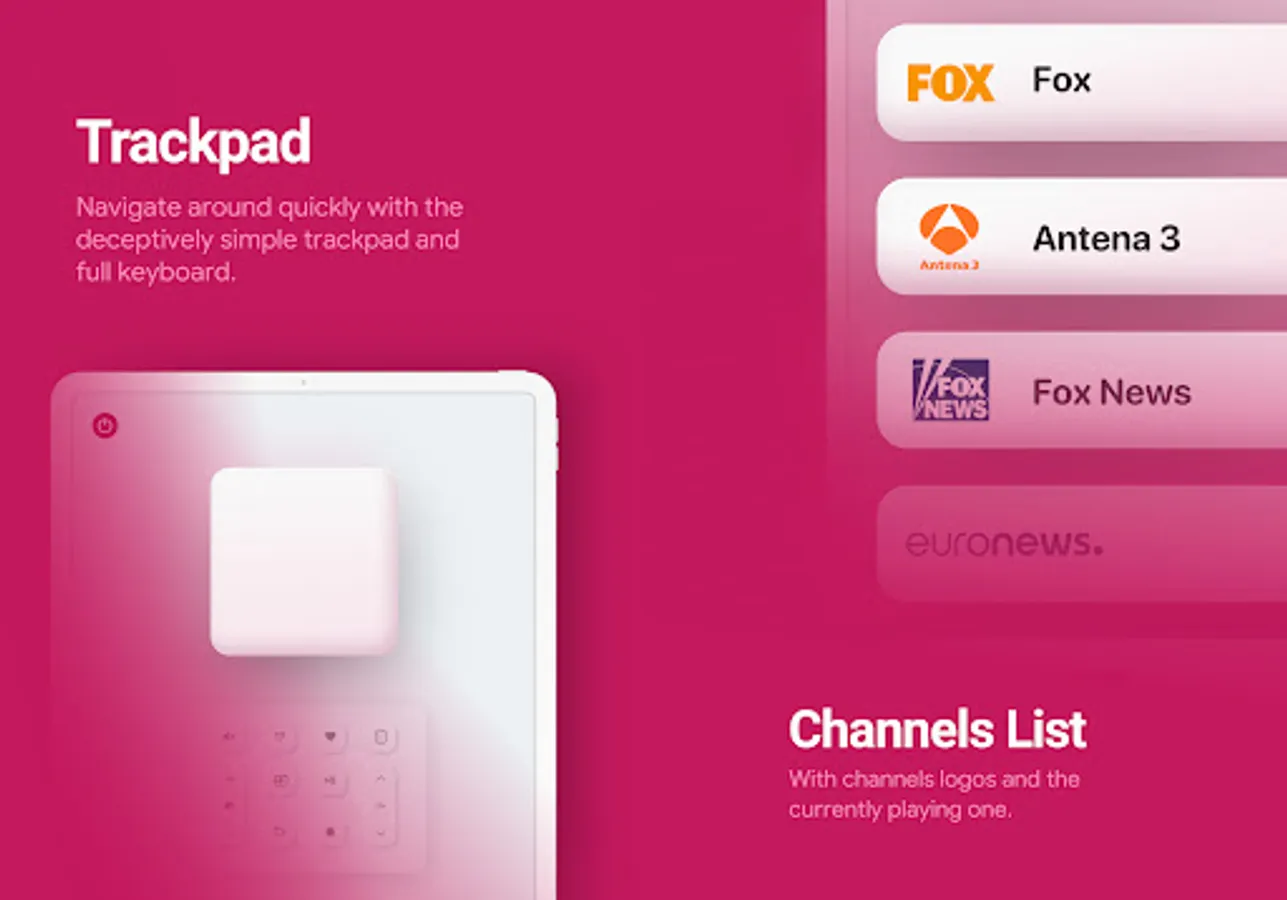
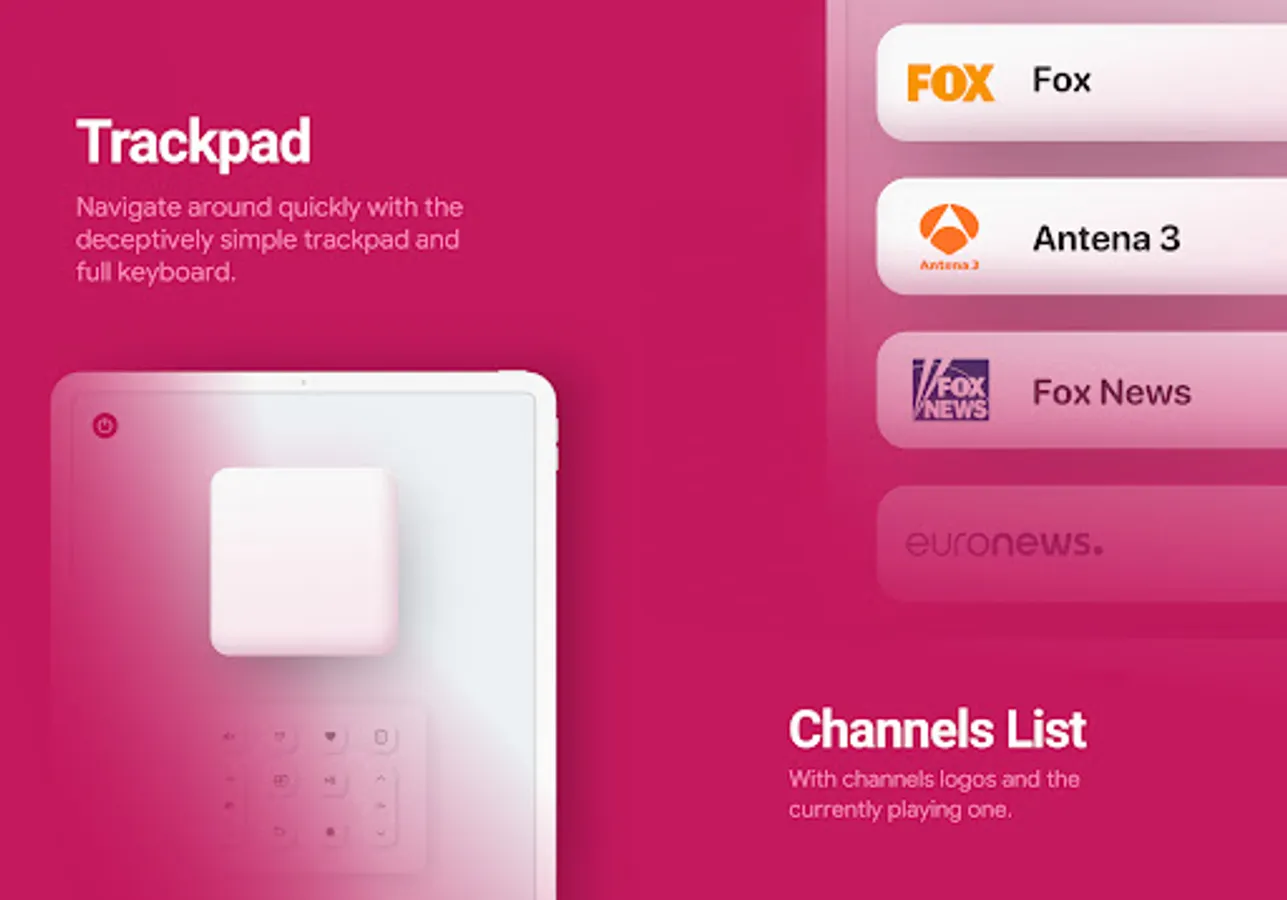
☑️ Use the trackpad while browsing the web
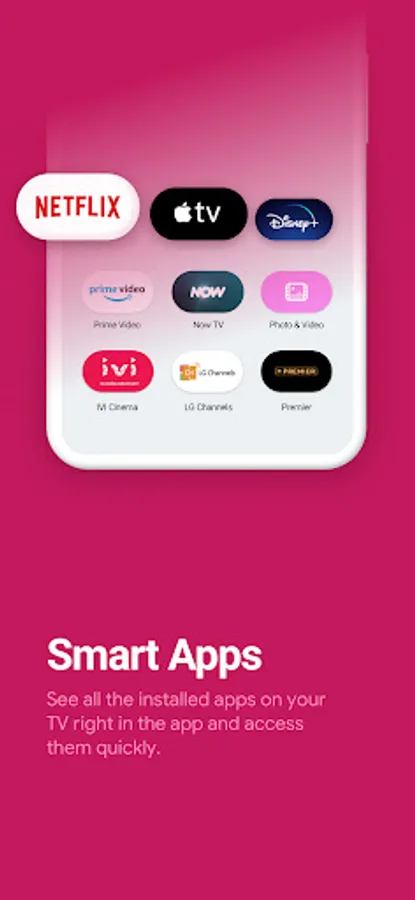
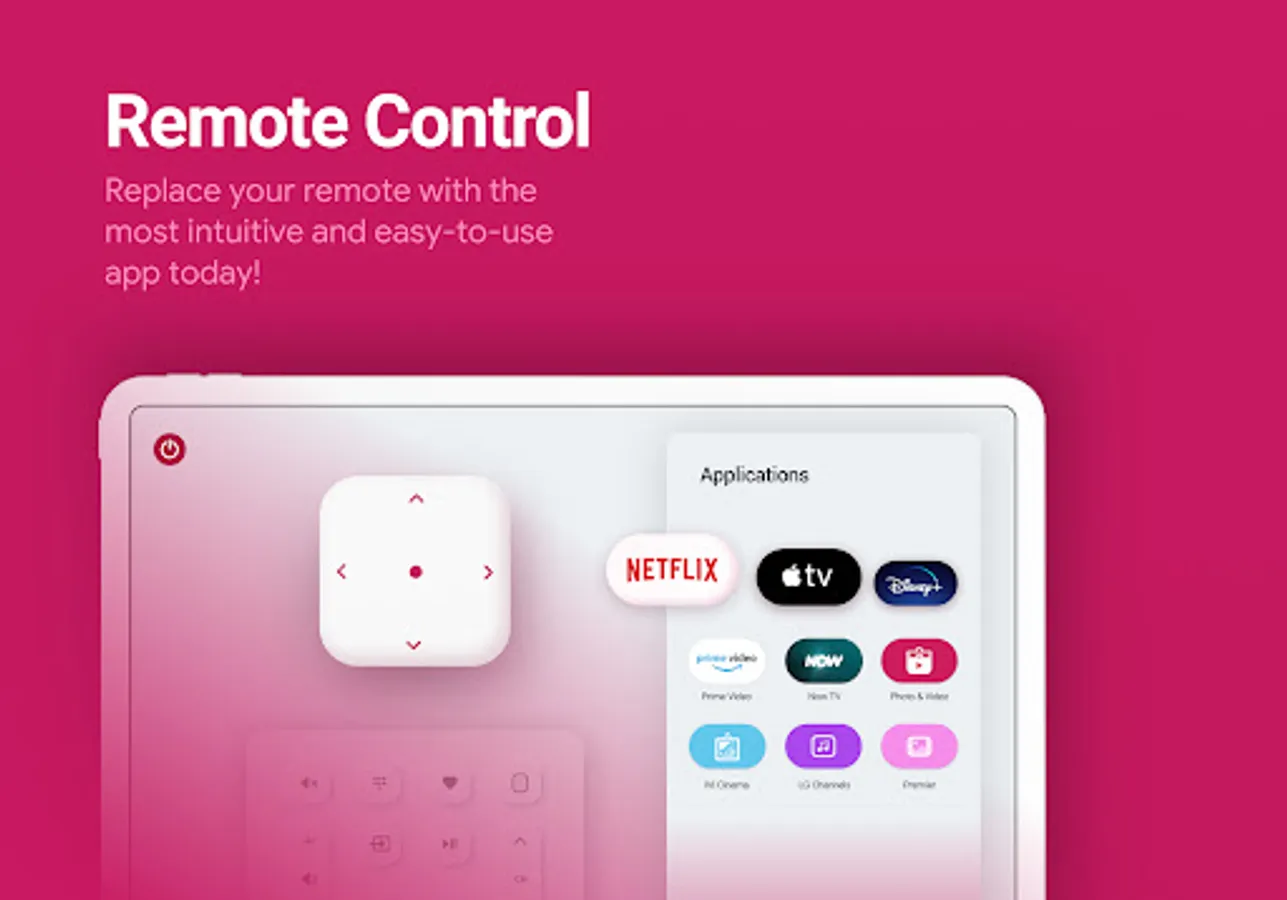
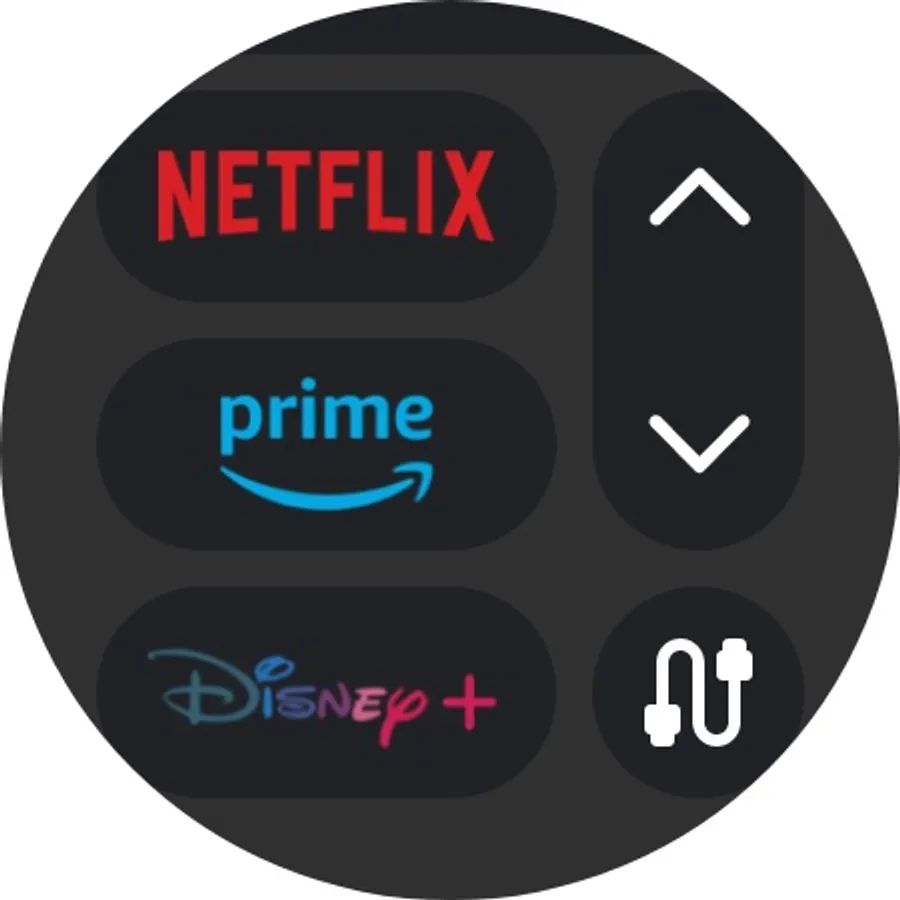
☑️ Quick access to built-in smart apps like Netflix
☑️ Widget directly integrated into the notification center
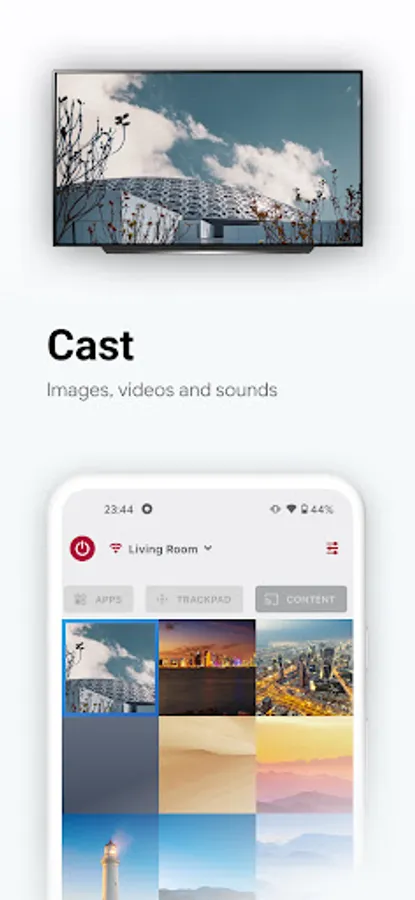
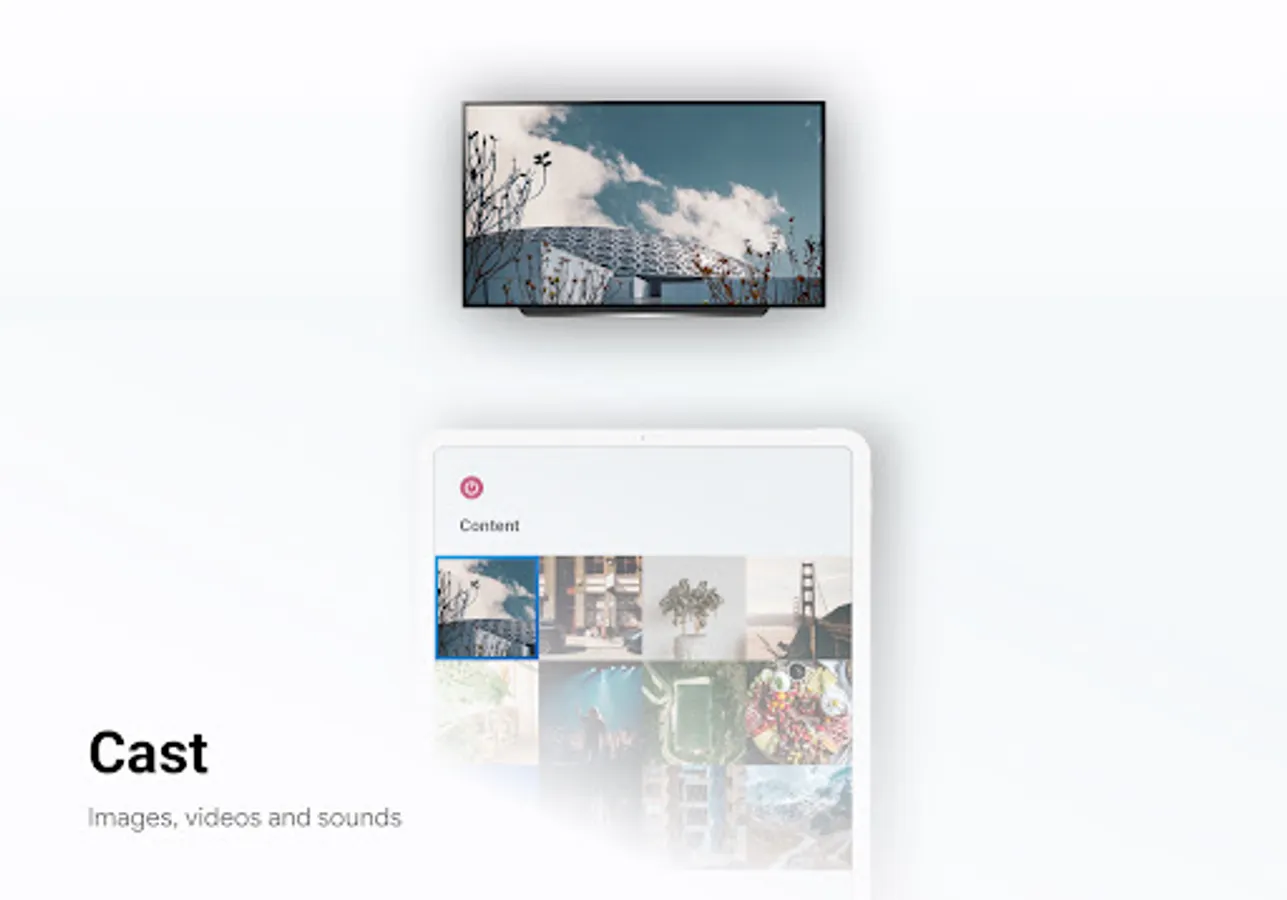
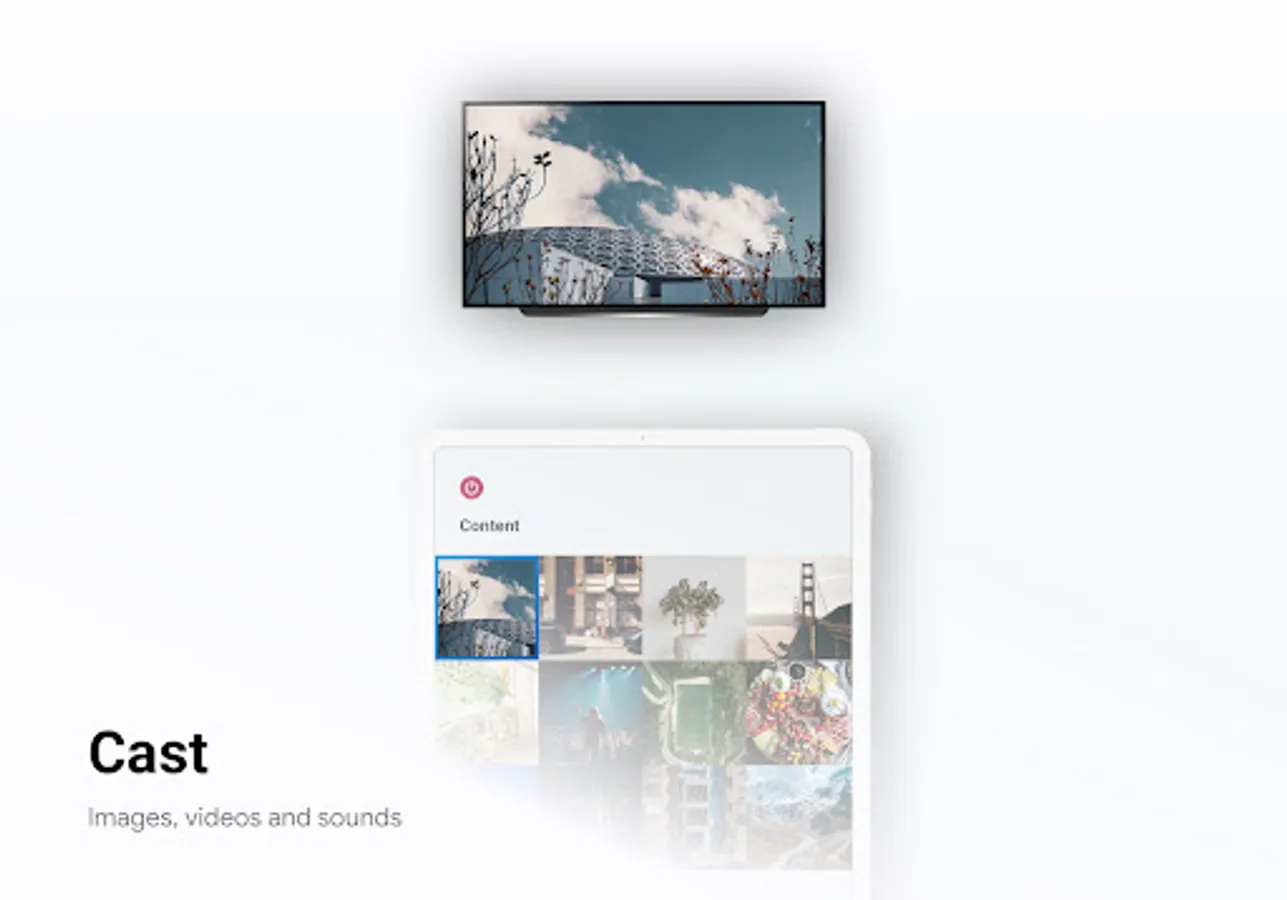
☑️ Media content: You can easily stream your local content to your LG TV plus directly from the app.
LG Smart TV Remote Control app is compatible with all the LG Smart TV OLED and NanoCell TVs with WebOS and Netcast systems.
FYI - We use this LG TV Remote ourselves, so we're always working hard to add more features. We'd love to hear how you use lg smart tv remote control, so please leave us a review and a rating.
Disclaimer:
LG Smart TV Remote Control is not an official LG ThinQ application. We are not affiliated with LG Electronics in any way.
LG Remote Control for LG TV plus connects to your smart TV over WiFi and lets you turn your TV on and off, change channels, adjust the volume, enter text using a real keyboard, control all smart TV features, and much more.
Upgrade your clunky remote to a LG Remote Control app!
Key Features
☑️ Wear OS. Control your LG TV remote from your wrist
☑️ Turn Smart TV ON or OFF (Supported models only)
☑️ Switch channels by scrolling or entering a number.
☑️ Adjust the volume with LG TV Remote
☑️ Instant mute: one tap with LG Remote Control
☑️ Change the input source (HDMI, PC, AV, etc)
☑️ Control multiple Smart TVs from one place
☑️ Navigate features with LG TV Remote
☑️ Add LG TV plus widget to your home screen
☑️ Use the trackpad while browsing the web
☑️ Quick access to built-in smart apps like Netflix
☑️ Widget directly integrated into the notification center
☑️ Media content: You can easily stream your local content to your LG TV plus directly from the app.
LG Smart TV Remote Control app is compatible with all the LG Smart TV OLED and NanoCell TVs with WebOS and Netcast systems.
FYI - We use this LG TV Remote ourselves, so we're always working hard to add more features. We'd love to hear how you use lg smart tv remote control, so please leave us a review and a rating.
Disclaimer:
LG Smart TV Remote Control is not an official LG ThinQ application. We are not affiliated with LG Electronics in any way.
LG Smart TV Remote Control Screenshots
Tap to Rate:
Reviews for LG Smart TV Remote Control
Father always Struggles
12/29/2025
very bad experience..adds adds adds only
Jorge Santizo
12/29/2025
this app has a ton of adds everything you use the app a add is playing. waste of time download this app.