
With this photo editing app, you can add custom watermarks as text or images and adjust their appearance with various settings. Includes options for font selection, transparency, rotation, stroke, shadows, and supports saving in JPG or PNG formats.
AppRecs review analysis
AppRecs rating 3.5. Trustworthiness 49 out of 100. Review manipulation risk 37 out of 100. Based on a review sample analyzed.
★★★☆☆
3.5
AppRecs Rating
Ratings breakdown
5 star
36%
4 star
23%
3 star
13%
2 star
8%
1 star
20%
What to know
✓
Authentic reviews
Natural distribution, no red flags
⚠
Review quality concerns
40% of sampled 5-star reviews are very short
About Watermark
****** Marshmallow users getting "Screen overlay detected" message please see solution at the bottom ******
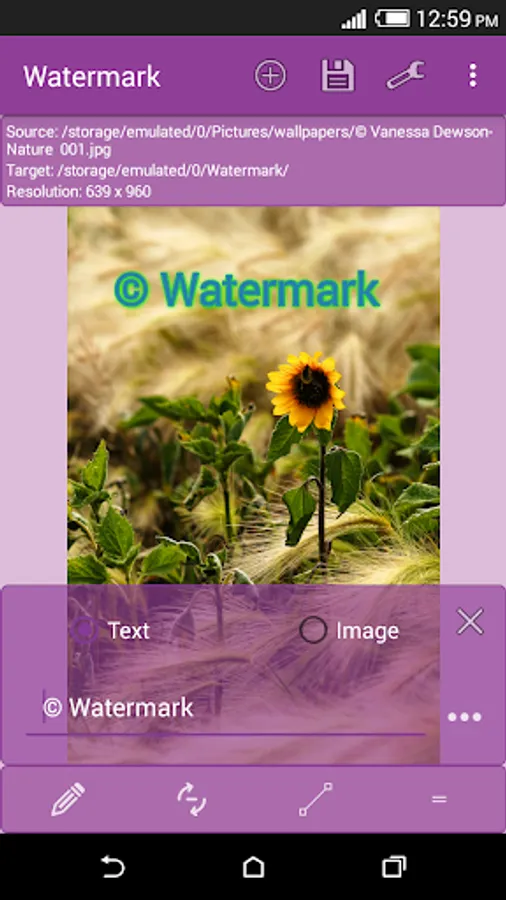
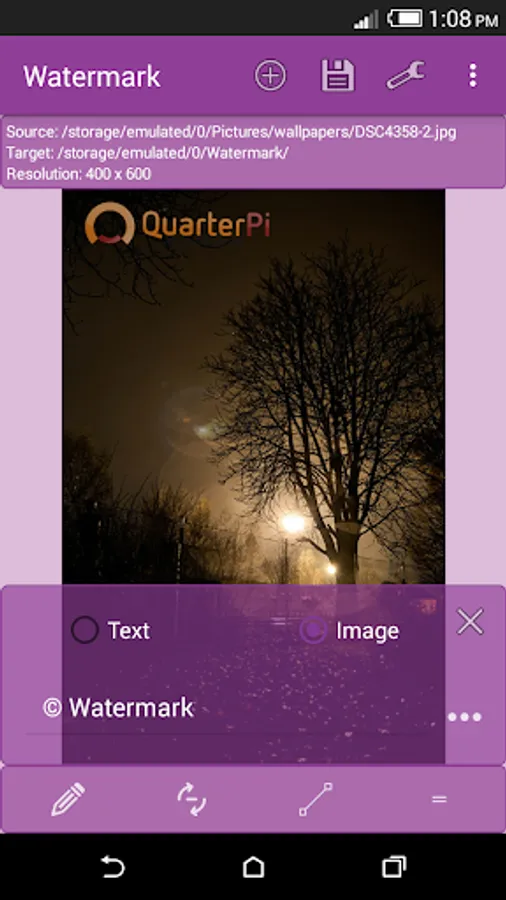
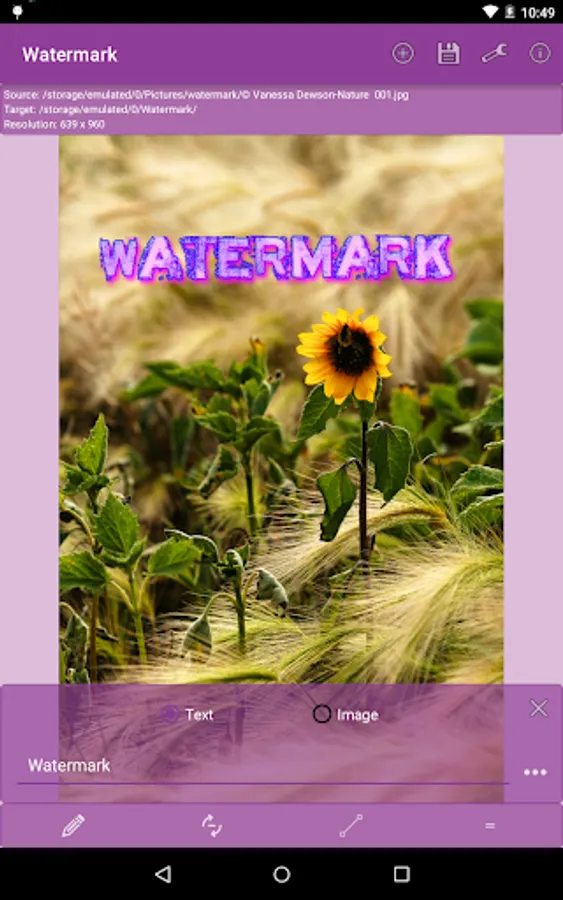
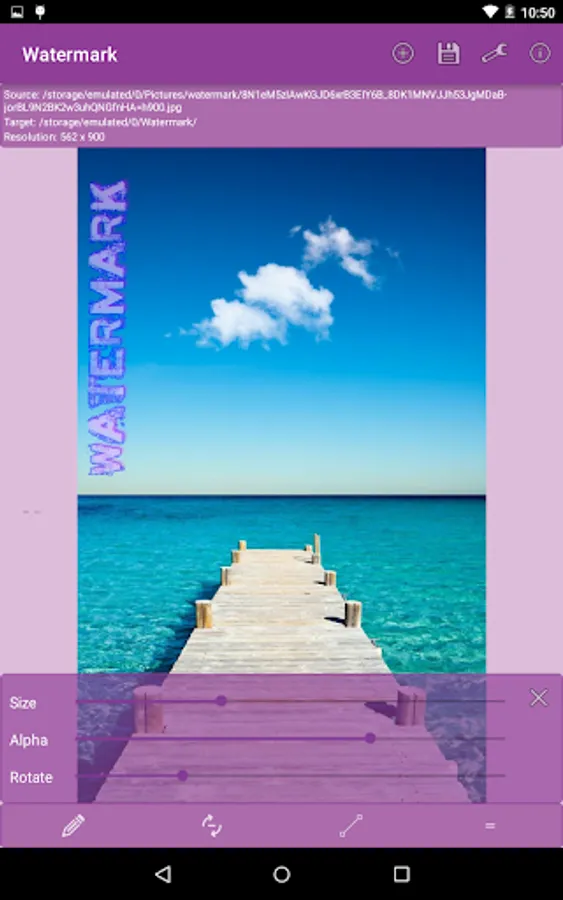
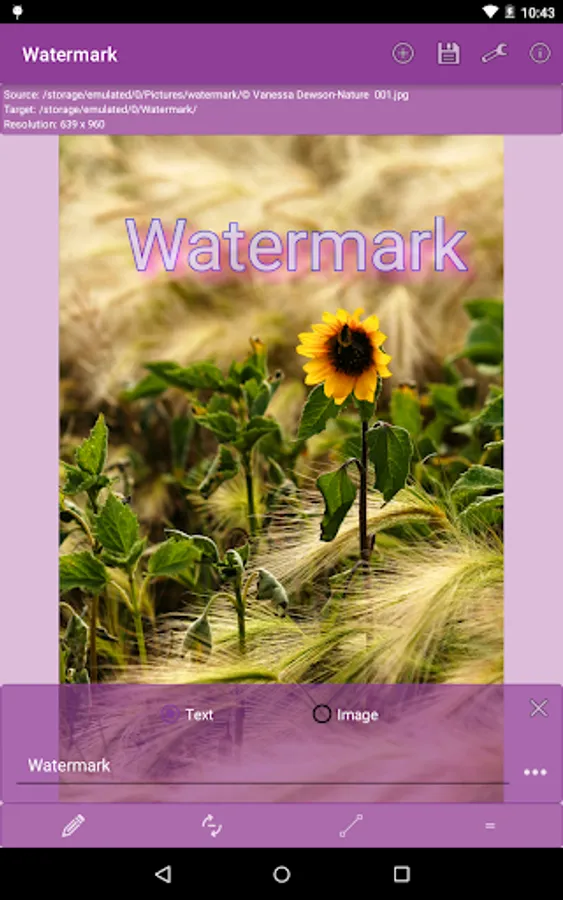
Watermark is an amazing app which helps you place any custom text, logo or your company trademark as watermark on your photos. You can easily adjust the size, rotation, transparency, text color, stroke and shadows.
Key Features:
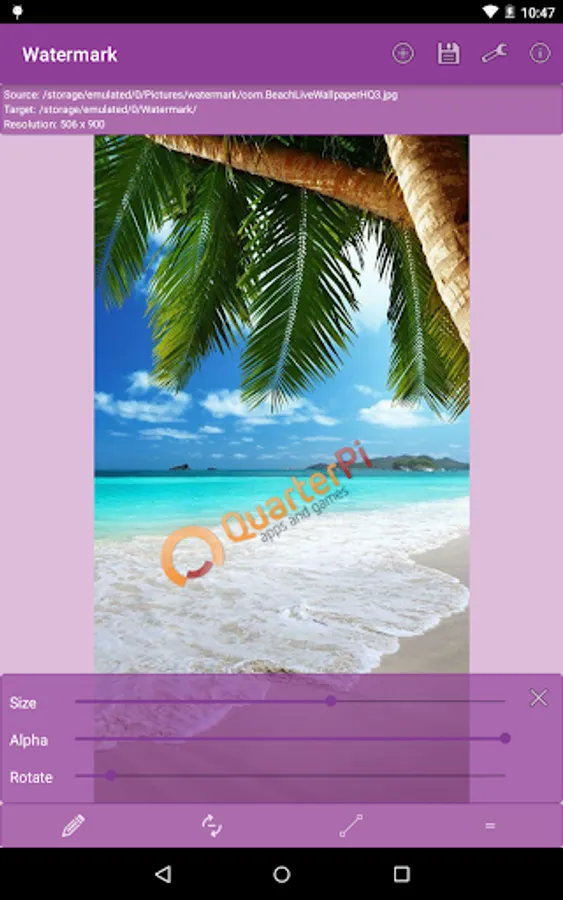
Add watermark as text or image.
Choose images from your gallery or take one from camera.
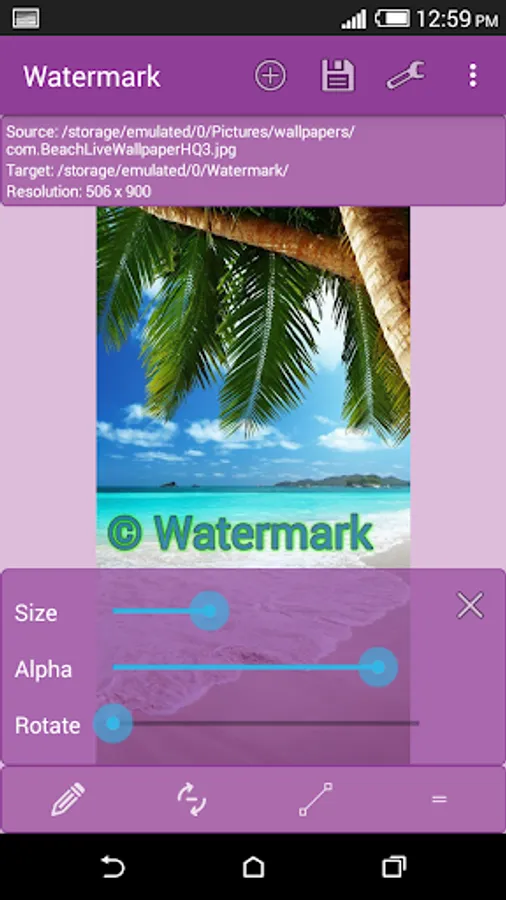
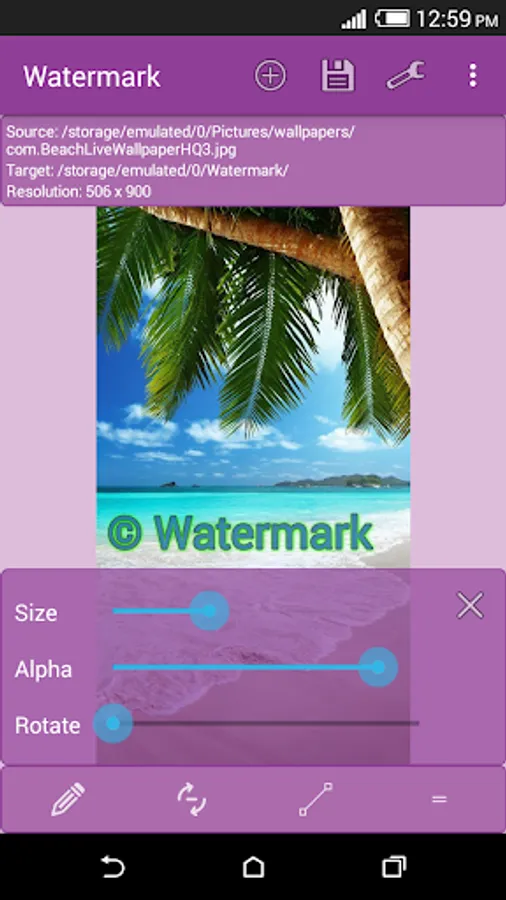
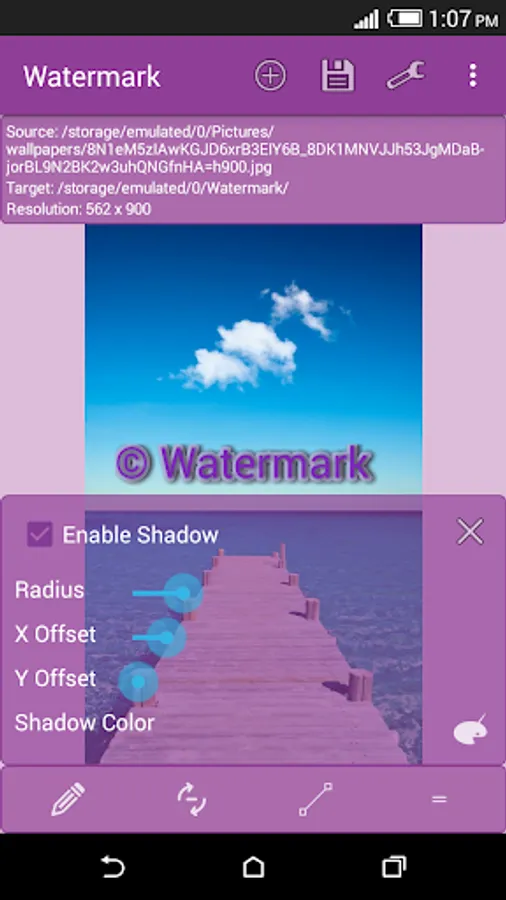
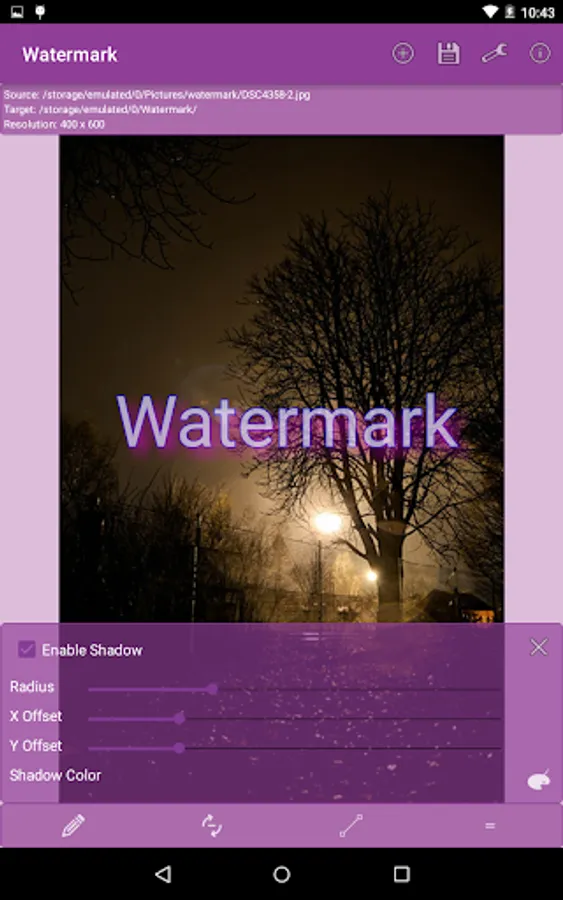
Easily adjust size, transparency (alpha), rotation, stroke width, shadow width, offset etc.
Choose from list of fonts. Change font color, stroke color and shadow color.
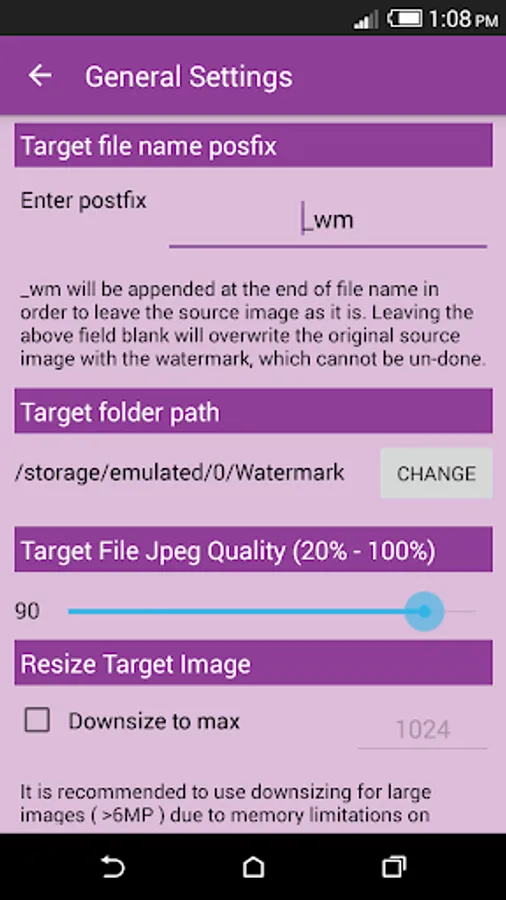
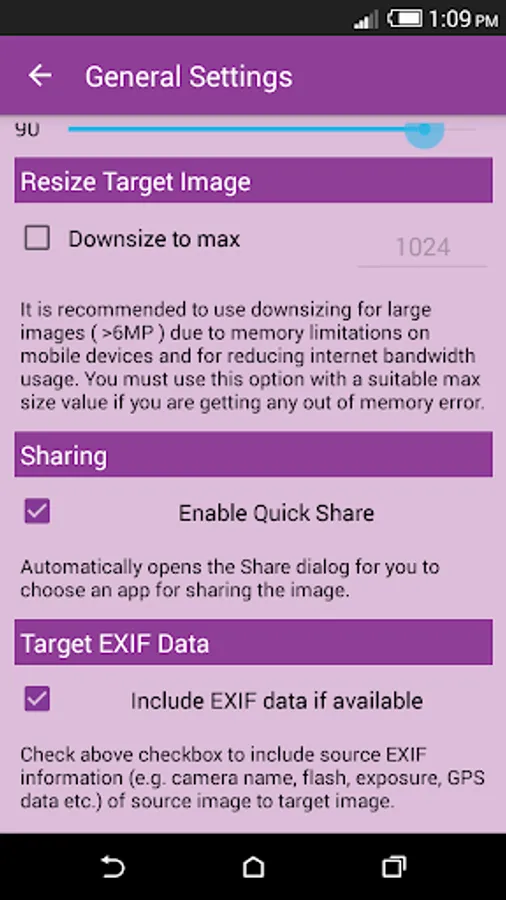
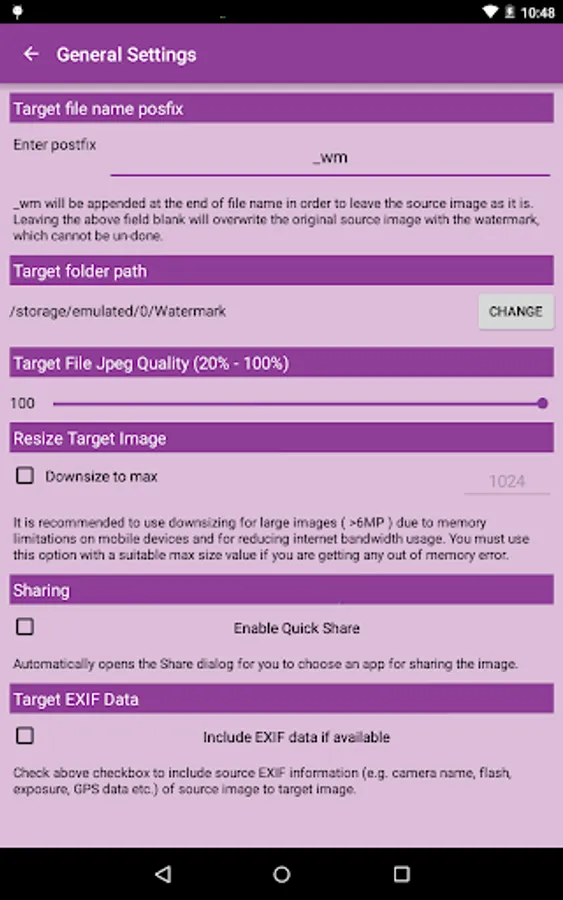
Full support of EXIF data
Saving target as .jpg or .png
Support of transparent .png images as watermark
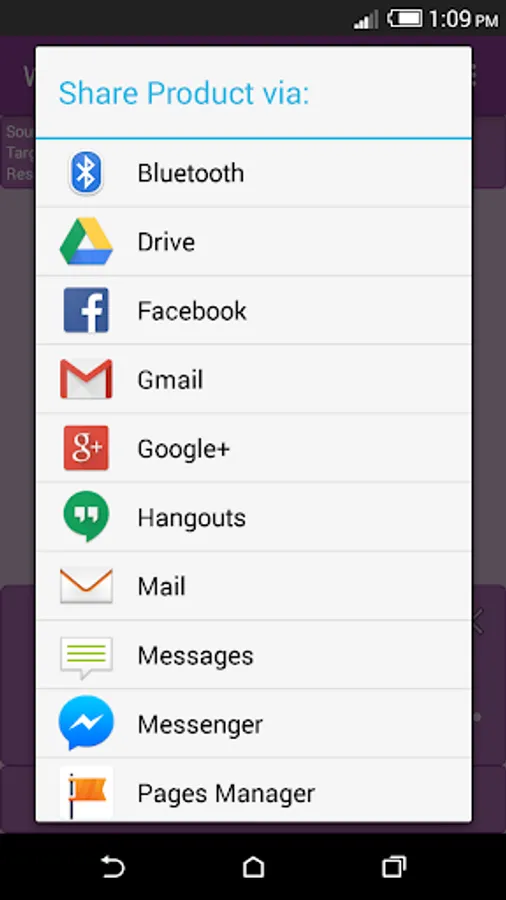
Quick share after saving image.
More features are coming in next release.
Tip: Don't delete original images after watermarking, because you can't remove watermarks from processed images.
********************************************
For Marshmallow user getting Screen overlay detected message
********************************************
This is not the app problem, its Marshmallow's, please don't give 1 star because of this. Try following solution.
Go to Settings->Application manager and from overflow menu (3 dots button) choose Reset app preferences and then restart your phone. This resets app preferences for all apps so you will see some notifications after restart.
Email us if you have any question.
Watermark is an amazing app which helps you place any custom text, logo or your company trademark as watermark on your photos. You can easily adjust the size, rotation, transparency, text color, stroke and shadows.
Key Features:
Add watermark as text or image.
Choose images from your gallery or take one from camera.
Easily adjust size, transparency (alpha), rotation, stroke width, shadow width, offset etc.
Choose from list of fonts. Change font color, stroke color and shadow color.
Full support of EXIF data
Saving target as .jpg or .png
Support of transparent .png images as watermark
Quick share after saving image.
More features are coming in next release.
Tip: Don't delete original images after watermarking, because you can't remove watermarks from processed images.
********************************************
For Marshmallow user getting Screen overlay detected message
********************************************
This is not the app problem, its Marshmallow's, please don't give 1 star because of this. Try following solution.
Go to Settings->Application manager and from overflow menu (3 dots button) choose Reset app preferences and then restart your phone. This resets app preferences for all apps so you will see some notifications after restart.
Email us if you have any question.
Watermark Screenshots
Tap to Rate:
Reviews for Watermark
Big Papa
8/23/2022
Don't download this garbage
Vijai Vijai
5/9/2022
super ❤️ Good 👍