QuestionPro - Offline Surveys
QuestionPro
3.5 ★
424 ratings
50,000+
downloads
Free
With this survey app, you can create, administer, and synchronize offline surveys with your QuestionPro account. Includes offline survey mode, multiple question types, and support for branding customization.
AppRecs review analysis
AppRecs rating 3.7. Trustworthiness 59 out of 100. Review manipulation risk 40 out of 100. Based on a review sample analyzed.
★★★☆☆
3.7
AppRecs Rating
Ratings breakdown
5 star
48%
4 star
13%
3 star
13%
2 star
0%
1 star
26%
What to know
⚠
Pricing complaints
Many low ratings mention paywalls or pricing
⚠
Questionable review patterns
40% review manipulation risk - some review patterns appear unusual
⚠
Review quality concerns
41% of sampled 5-star reviews are very short
About QuestionPro - Offline Surveys
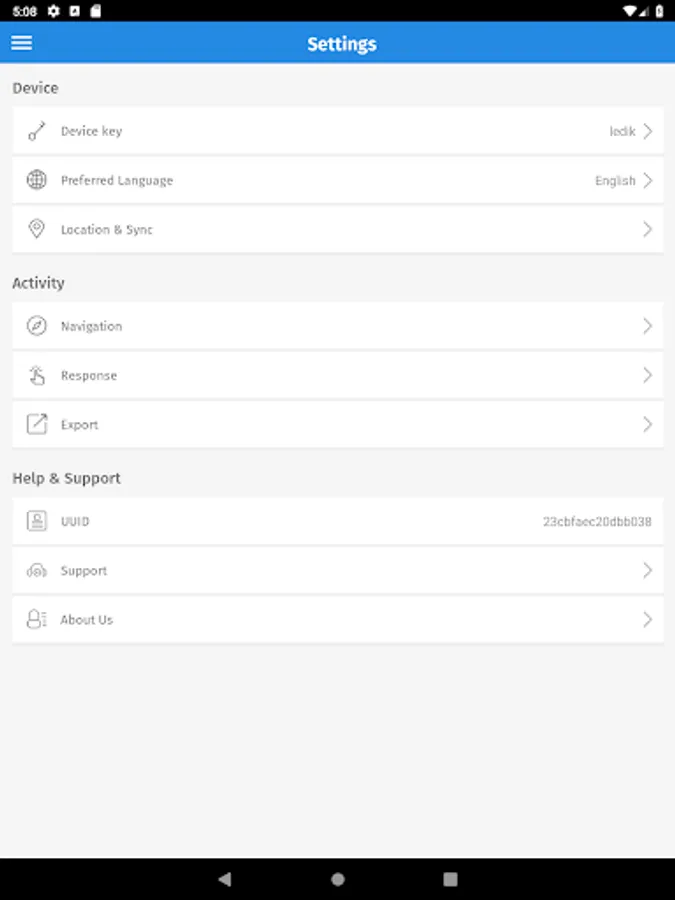
The QuestionPro app syncs with your QuestionPro account to enable access to Offline Survey. Collect survey responses and access reports anytime, anywhere - even when not connected to the web.
Offline Survey Mode
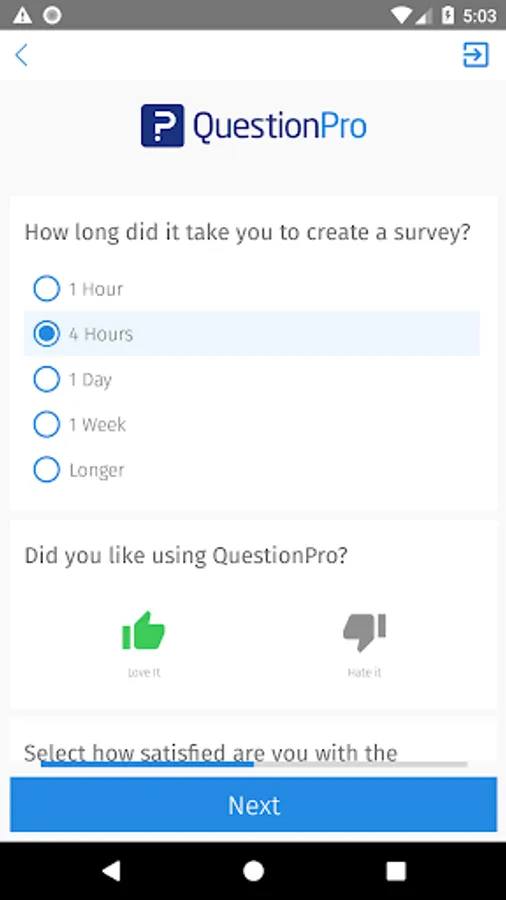
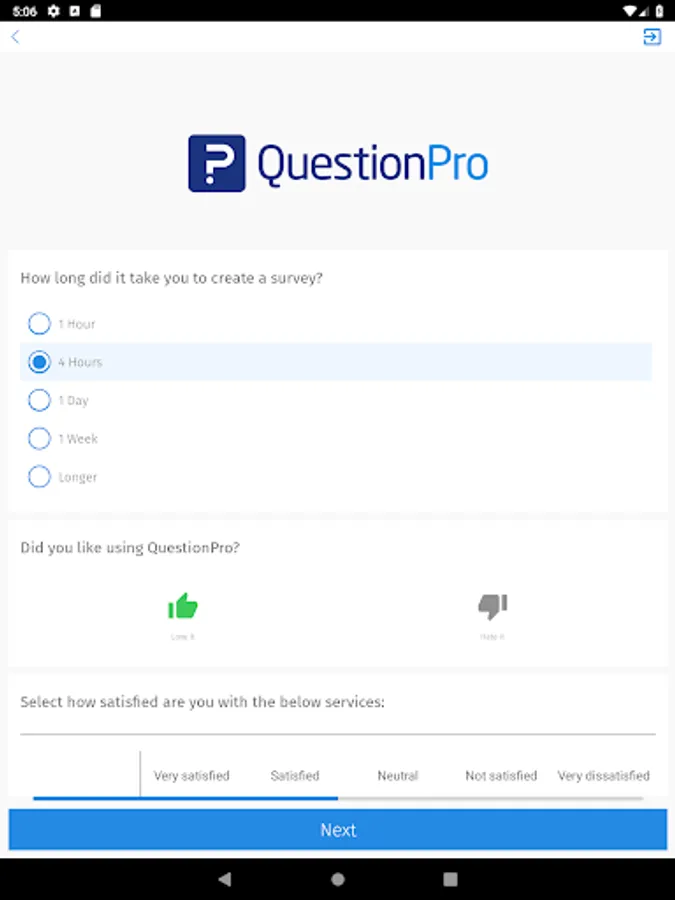
The offline survey mode provides the ability to administer user-created surveys even when the device is not connected to the web, alleviating concerns about losing data if a connection is lost while the survey is being completed. Once the Android Phone is back online, the completed surveys can be uploaded to your QuestionPro account.
OFFLINE SURVEY MODE FEATURES:
- Administer surveys from your QuestionPro account while not connected (offline)
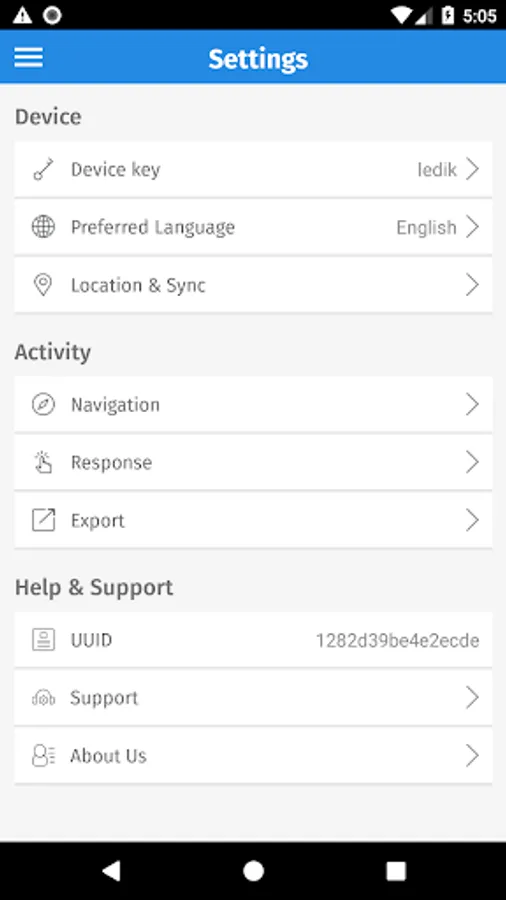
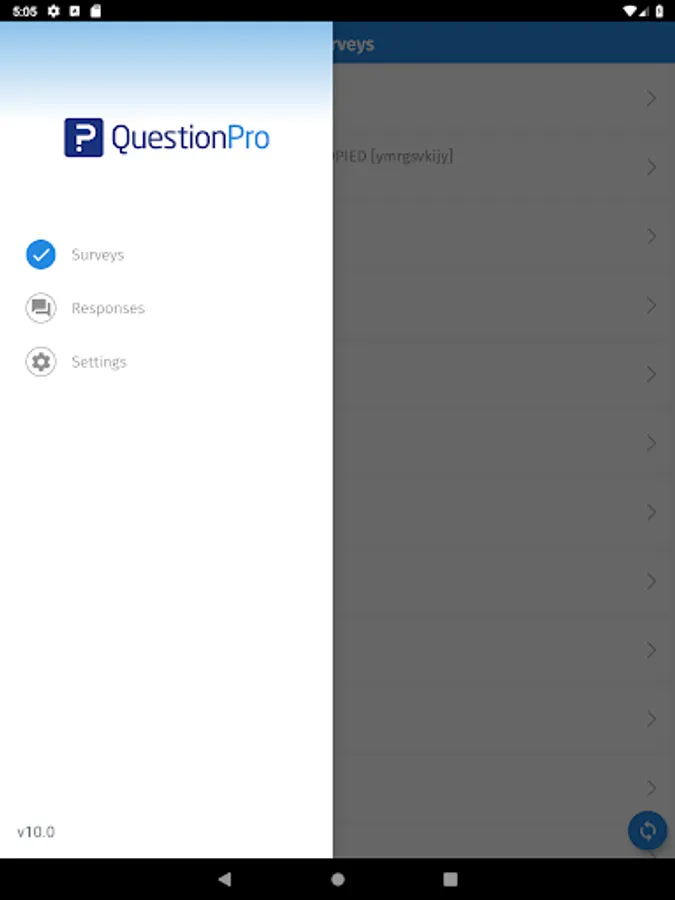
- Synchronize with your QuestionPro account's database to retrieve surveys created online
- Synchronizes with your QuestionPro account online and upload the surveys collected offline
- An intuitive user interface that shows the number of completed and incomplete surveys
- A convenient way to complete tradeshow surveys and polls, sales lead forms, mall-intercepts, field and market research, metric collection and more, all while offline
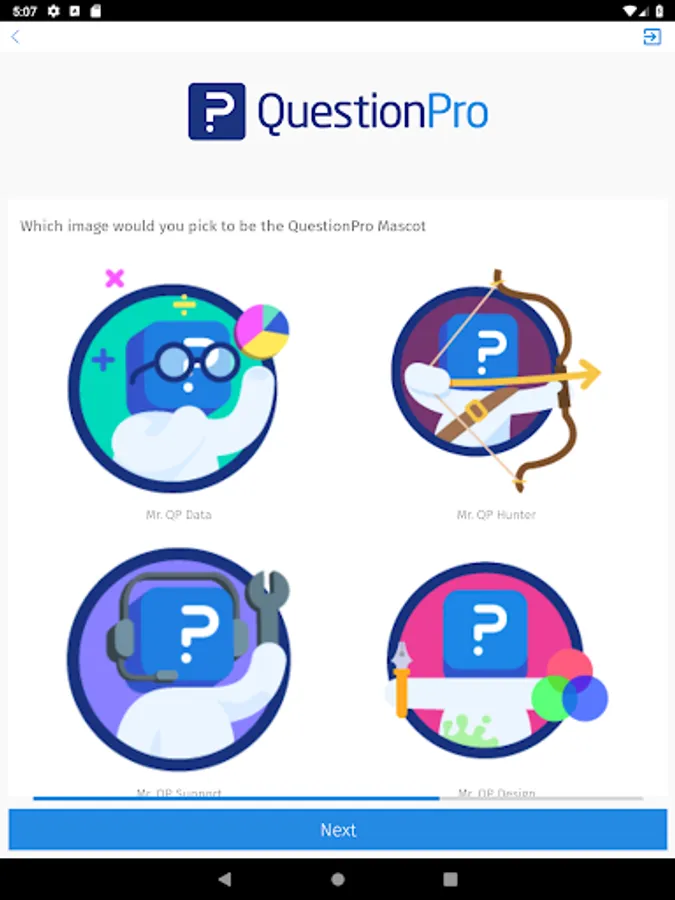
- Incorporate your company's branding/logo in the header of the surveys to strengthen your brand and enhance the user experience
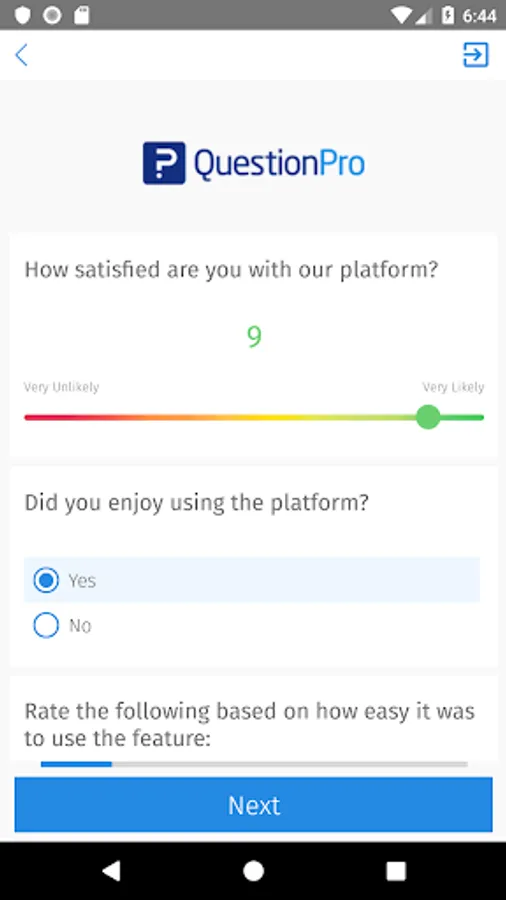
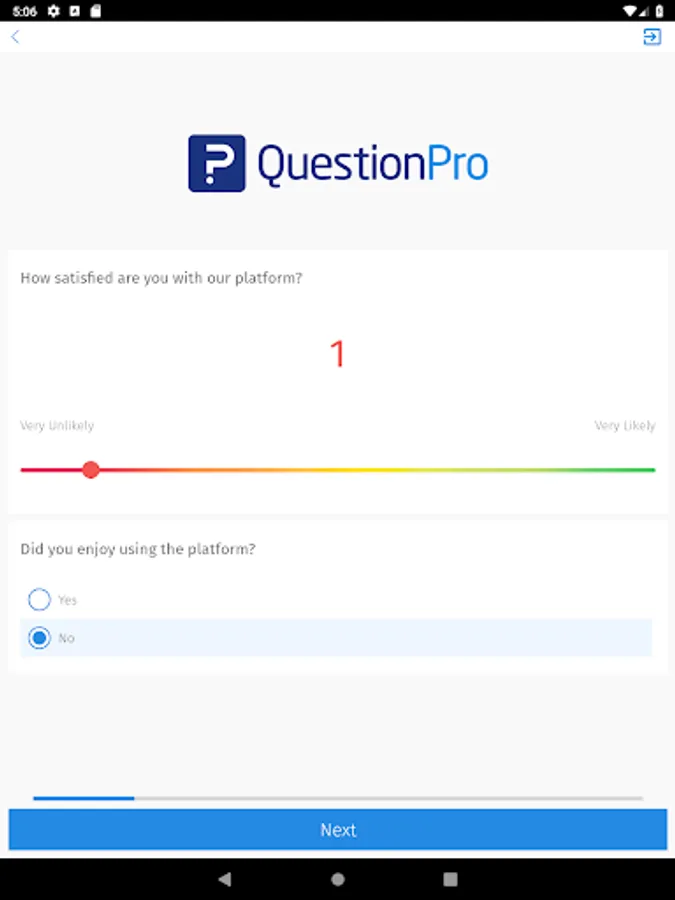
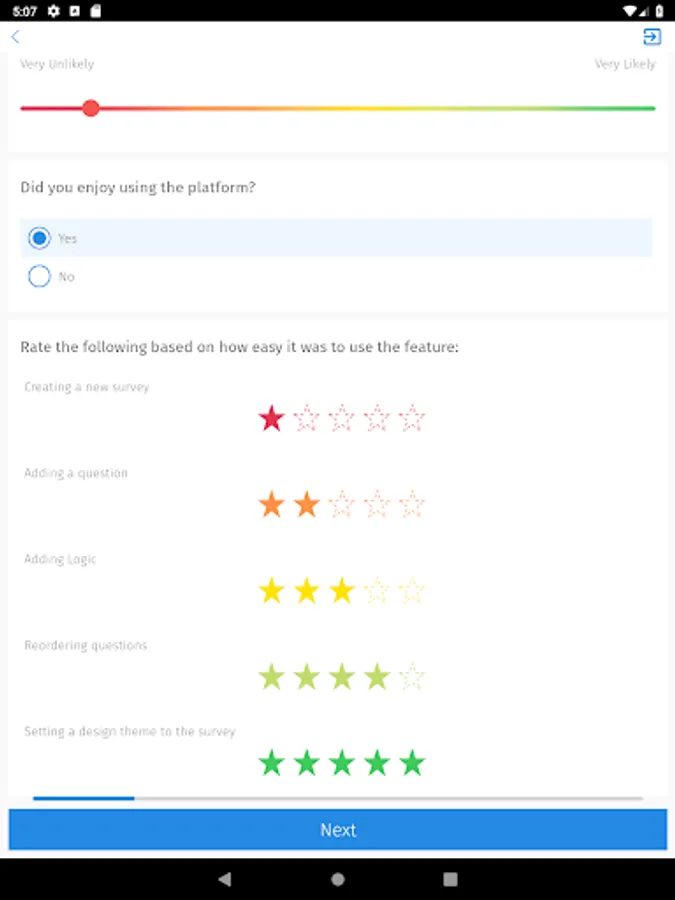
Question types for offline survey mode include:
Rank order
Signature collection
Multiple choice (select one or many)
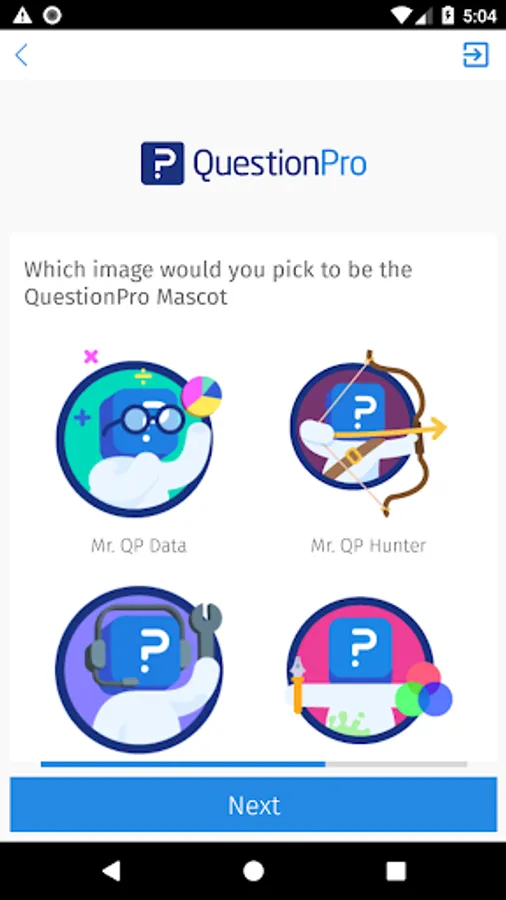
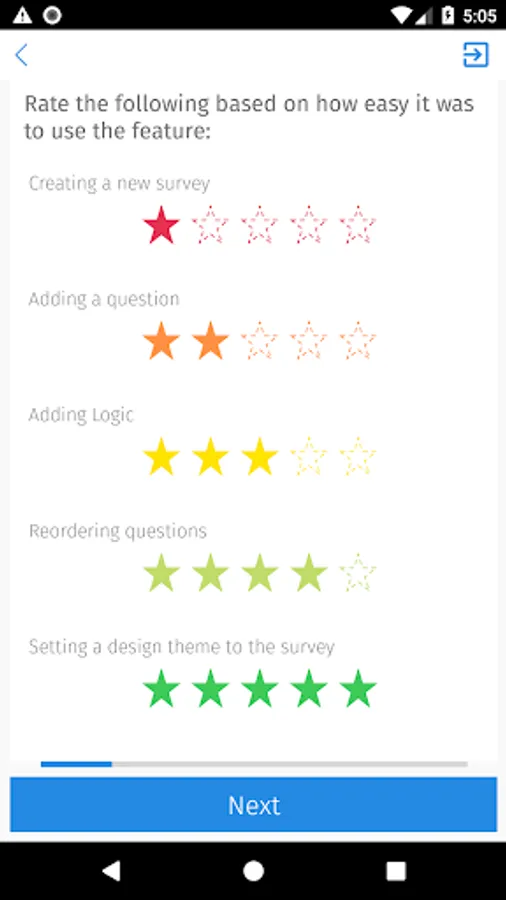
Multi-point & graphical scales
Drop-down menus
Comment boxes, single row and numeric input text
Contact information
Video play & rate
Audio, video, photo capture
Constant sum
Following Features are implemented in Next version:
Logic & scripting supported:
Branching, skip and preprocessor logic.
On-device data logging
Logic validation
- Custom Theme Support from Web
- Multilingual Support
- Branching
- Multiple Bug Fixes
- Online Mode(Reporting Dashboard )
QuestionPro's mobile reporting dashboard puts data visualization literally at your fingertips - utilize the touch gesture interface to visualize your survey results in a brand new way, even when you're not online. And graphs and charts are easily shared from within the app.
Offline Survey Mode
The offline survey mode provides the ability to administer user-created surveys even when the device is not connected to the web, alleviating concerns about losing data if a connection is lost while the survey is being completed. Once the Android Phone is back online, the completed surveys can be uploaded to your QuestionPro account.
OFFLINE SURVEY MODE FEATURES:
- Administer surveys from your QuestionPro account while not connected (offline)
- Synchronize with your QuestionPro account's database to retrieve surveys created online
- Synchronizes with your QuestionPro account online and upload the surveys collected offline
- An intuitive user interface that shows the number of completed and incomplete surveys
- A convenient way to complete tradeshow surveys and polls, sales lead forms, mall-intercepts, field and market research, metric collection and more, all while offline
- Incorporate your company's branding/logo in the header of the surveys to strengthen your brand and enhance the user experience
Question types for offline survey mode include:
Rank order
Signature collection
Multiple choice (select one or many)
Multi-point & graphical scales
Drop-down menus
Comment boxes, single row and numeric input text
Contact information
Video play & rate
Audio, video, photo capture
Constant sum
Following Features are implemented in Next version:
Logic & scripting supported:
Branching, skip and preprocessor logic.
On-device data logging
Logic validation
- Custom Theme Support from Web
- Multilingual Support
- Branching
- Multiple Bug Fixes
- Online Mode(Reporting Dashboard )
QuestionPro's mobile reporting dashboard puts data visualization literally at your fingertips - utilize the touch gesture interface to visualize your survey results in a brand new way, even when you're not online. And graphs and charts are easily shared from within the app.