Control Center Simple - OS 18
Call Recorder, Call App, Caller ID By TinyRecorder
4.9 ★
store rating
50,000+
downloads
Free
AppRecs review analysis
AppRecs rating 4.2. Trustworthiness 74 out of 100. Review manipulation risk 38 out of 100. Based on a review sample analyzed.
★★★★☆
4.2
AppRecs Rating
Ratings breakdown
5 star
90%
4 star
10%
3 star
0%
2 star
0%
1 star
0%
What to know
✓
Credible reviews
74% trustworthiness score from analyzed reviews
⚠
Recent negative feedback
25% of recent sampled reviews report problems
⚠
Review quality concerns
77% of sampled 5-star reviews are very short
About Control Center Simple - OS 18
Transform your phone with Control Center Simple - OS 18!
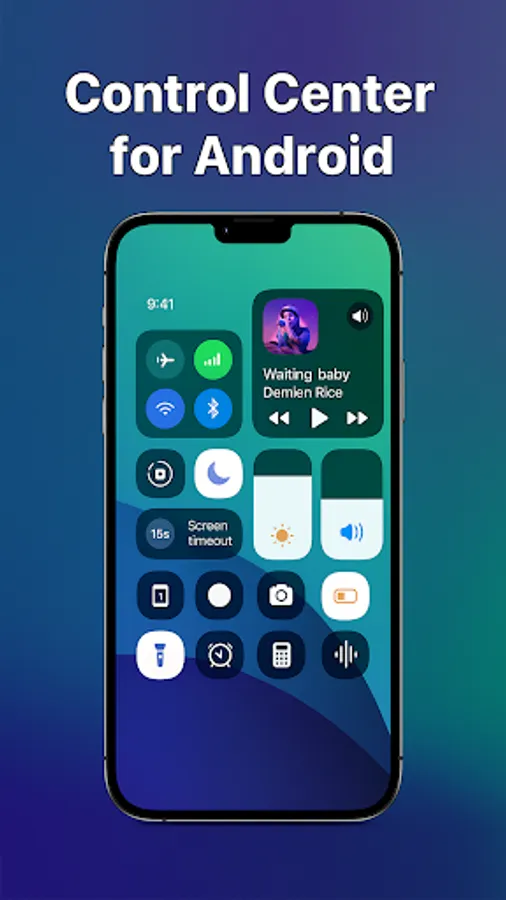
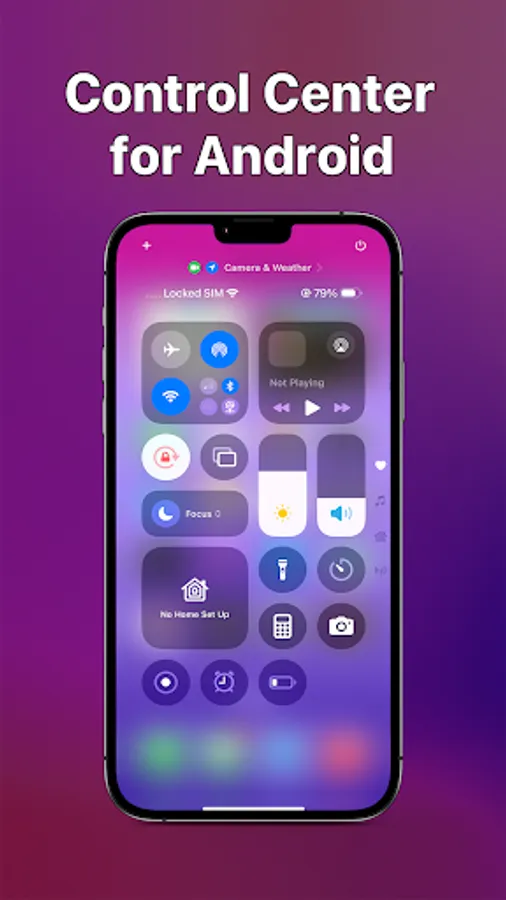
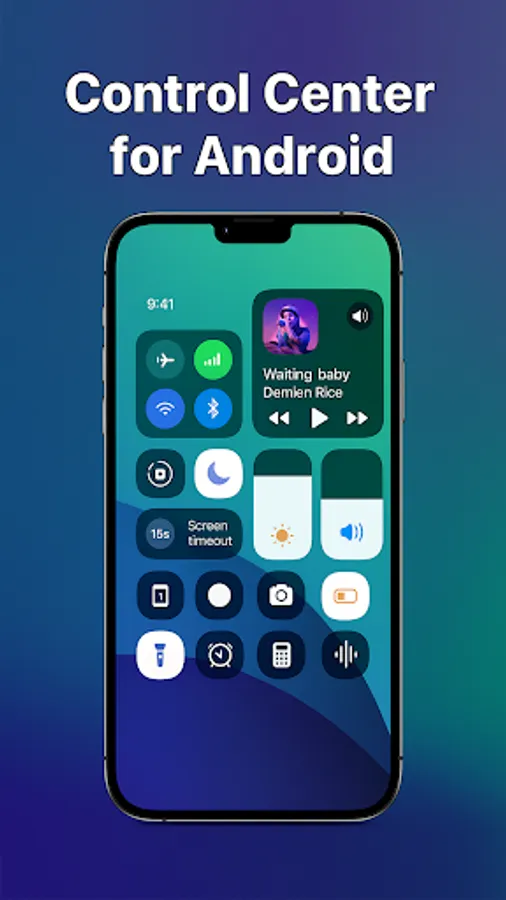
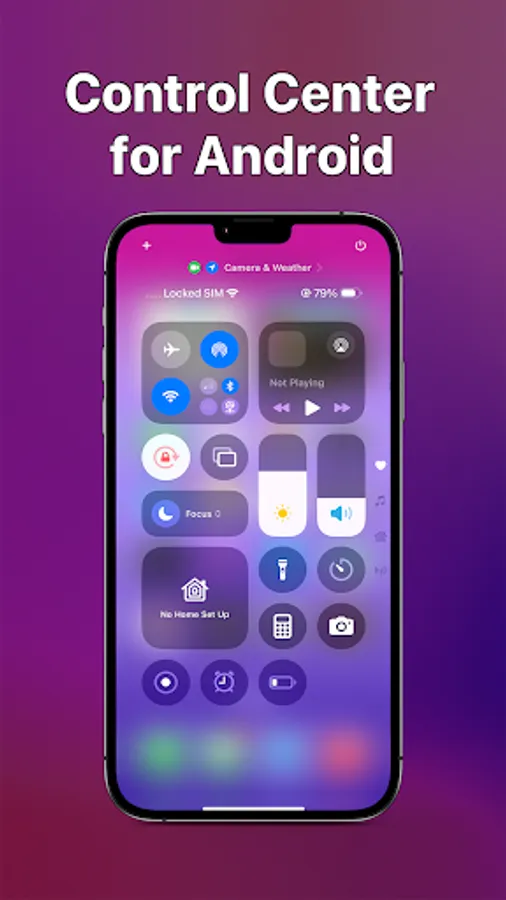
Experience a smooth, powerful, and elegant control panel designed to bring the OS 18 look to your Android device. Access your essential settings, screen recorder, and music player instantly with a single swipe.
Whether you want a custom control center to match your style or a fast quick settings tool, this app gives you total control.
🚀 Key Features:
🎛️ Instant Control Panel
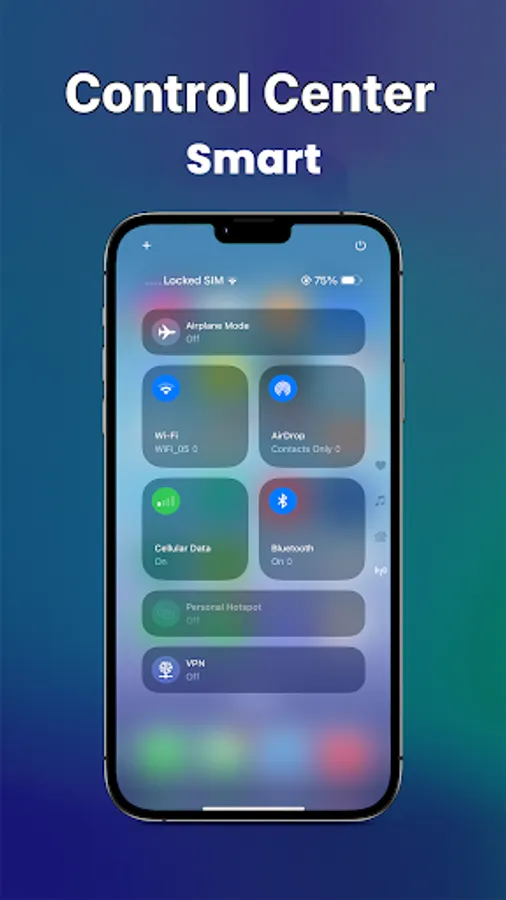
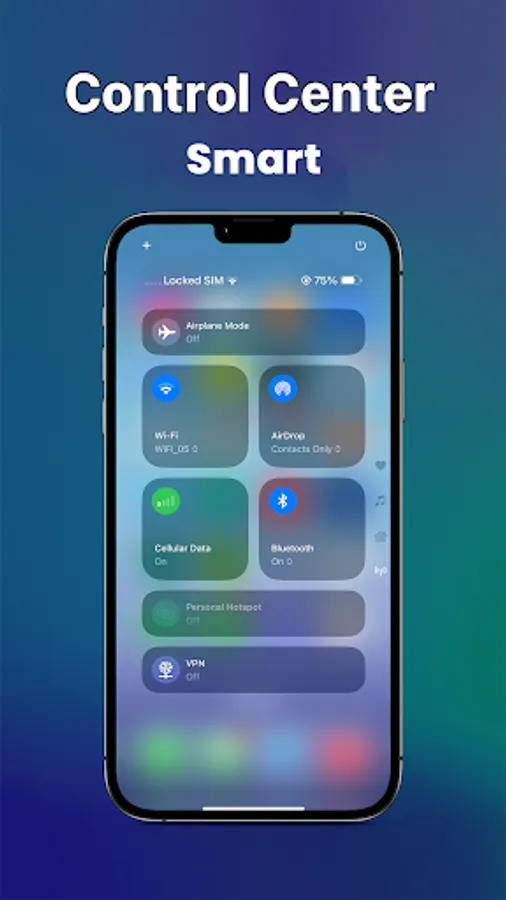
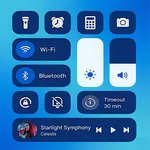
Swipe to access WiFi, Bluetooth, Airplane Mode, and Mobile Data instantly. Customize your quick settings layout to fit your needs.
🎥 Screen Recorder
Record your screen in high quality with one tap. Capture gameplay or tutorials effortlessly with our built-in screen recording tool.
🎵 Music & Media Control
Play, pause, and skip songs directly from your control center. Works with Spotify, YouTube Music, and more.
🔆 Volume & Brightness
Adjust screen brightness and volume levels smoothly with the OS 18 style slider interface.
🔦 Smart Toggles & Shortcuts
• Flashlight: One-tap LED toggle.
• Calculator: Quick access for calculations.
• Do Not Disturb: Silence notifications instantly.
• Rotation Lock: Lock screen orientation.
🎨 Custom Interface
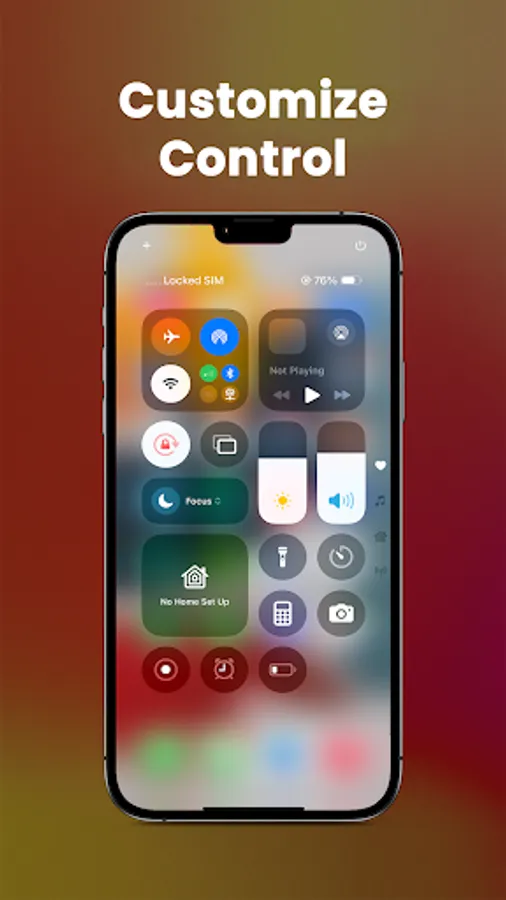
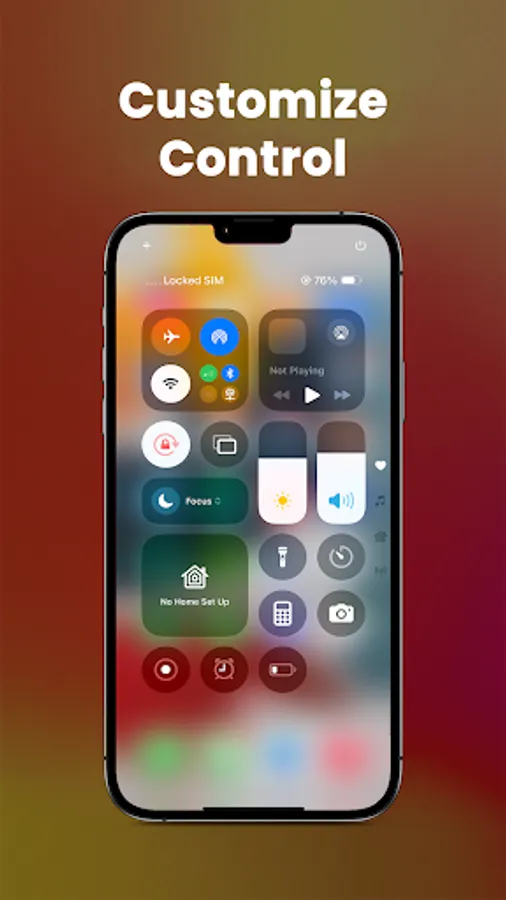
Change background colors, icon shapes, and transparency. Make your control panel truly yours with advanced customization themes.
⭐ Why Choose Control Center Simple?
✅ OS 18 Style: Get the modern, clean look on any Android phone.
✅ Lightweight: Optimized for speed and low battery usage.
✅ No Lag: Smooth animations and responsive touch controls.
🔒 Accessibility Service Disclosure
This app uses the Accessibility Service API to display the floating control view on your screen and to perform actions like turning off the screen or controlling volume.
• We do not collect or share any personal data via this permission.
• This permission is strictly used to ensure the app functions correctly as a Control Center.
Download Control Center Simple - OS 18 today! The ultimate customized panel and screen recorder for Android.
📩 Support: aprstudiodev@gmail.com
Experience a smooth, powerful, and elegant control panel designed to bring the OS 18 look to your Android device. Access your essential settings, screen recorder, and music player instantly with a single swipe.
Whether you want a custom control center to match your style or a fast quick settings tool, this app gives you total control.
🚀 Key Features:
🎛️ Instant Control Panel
Swipe to access WiFi, Bluetooth, Airplane Mode, and Mobile Data instantly. Customize your quick settings layout to fit your needs.
🎥 Screen Recorder
Record your screen in high quality with one tap. Capture gameplay or tutorials effortlessly with our built-in screen recording tool.
🎵 Music & Media Control
Play, pause, and skip songs directly from your control center. Works with Spotify, YouTube Music, and more.
🔆 Volume & Brightness
Adjust screen brightness and volume levels smoothly with the OS 18 style slider interface.
🔦 Smart Toggles & Shortcuts
• Flashlight: One-tap LED toggle.
• Calculator: Quick access for calculations.
• Do Not Disturb: Silence notifications instantly.
• Rotation Lock: Lock screen orientation.
🎨 Custom Interface
Change background colors, icon shapes, and transparency. Make your control panel truly yours with advanced customization themes.
⭐ Why Choose Control Center Simple?
✅ OS 18 Style: Get the modern, clean look on any Android phone.
✅ Lightweight: Optimized for speed and low battery usage.
✅ No Lag: Smooth animations and responsive touch controls.
🔒 Accessibility Service Disclosure
This app uses the Accessibility Service API to display the floating control view on your screen and to perform actions like turning off the screen or controlling volume.
• We do not collect or share any personal data via this permission.
• This permission is strictly used to ensure the app functions correctly as a Control Center.
Download Control Center Simple - OS 18 today! The ultimate customized panel and screen recorder for Android.
📩 Support: aprstudiodev@gmail.com