AppRecs review analysis
AppRecs rating . Trustworthiness 77 out of 100. Review manipulation risk 25 out of 100. Based on a review sample analyzed.
★
AppRecs Rating
Ratings breakdown
5 star
29%
4 star
14%
3 star
0%
2 star
14%
1 star
43%
What to know
✓
Low review manipulation risk
25% review manipulation risk
✓
Credible reviews
77% trustworthiness score from analyzed reviews
⚠
Mixed user feedback
Average 2.7★ rating suggests room for improvement
About Audio Video Compress Join Trim
Audio Video Encoder supports video converter formats : MP4, GIF, MKV, AVI, MOV, WMV, etc. This encoder supports converting, compressing, changing resolution, It can also convert video files into Audio formats like MP3, AAC, OGG, WAV, WMA, etc.
This video encoder editor also lets you trim/cut both audio and video as well as merge your audio and video files.
FEATURES:
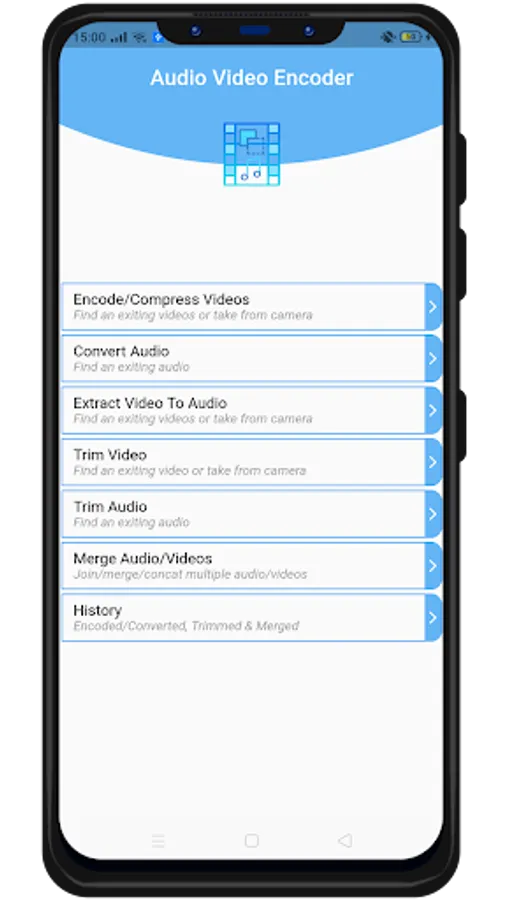
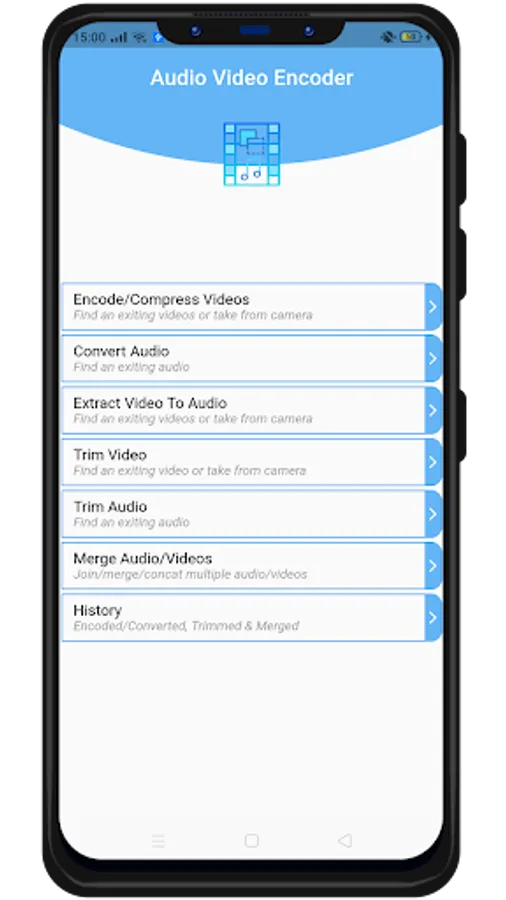
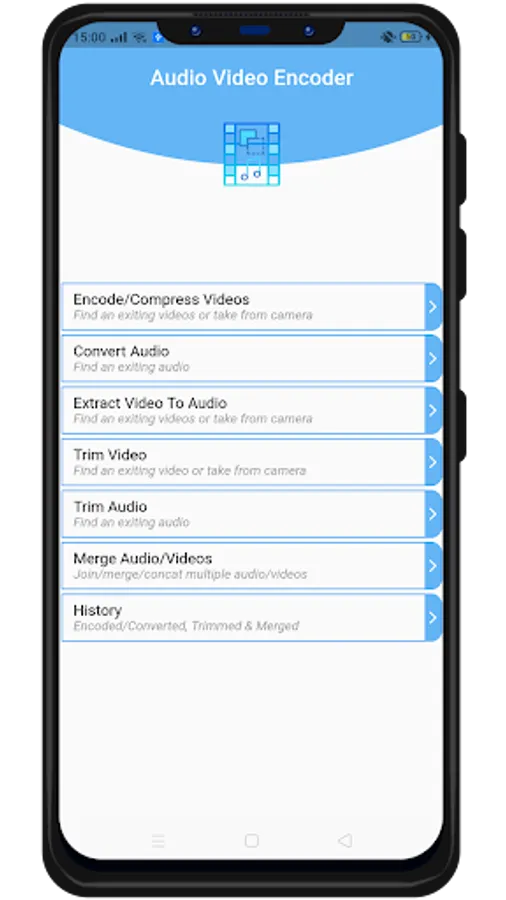
- Video encode/compress :
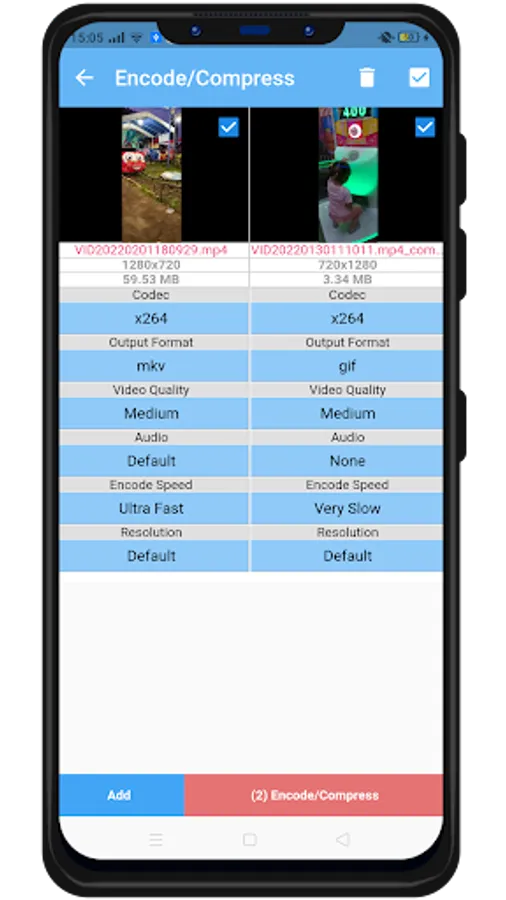
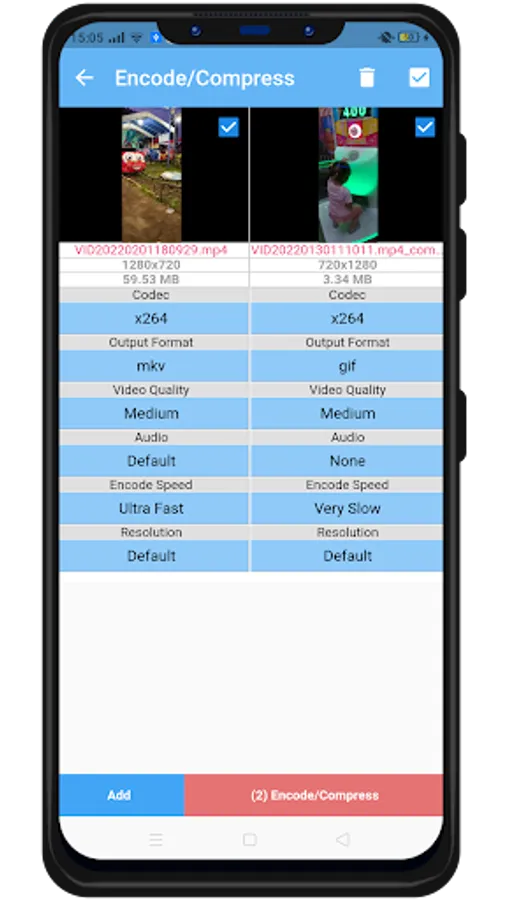
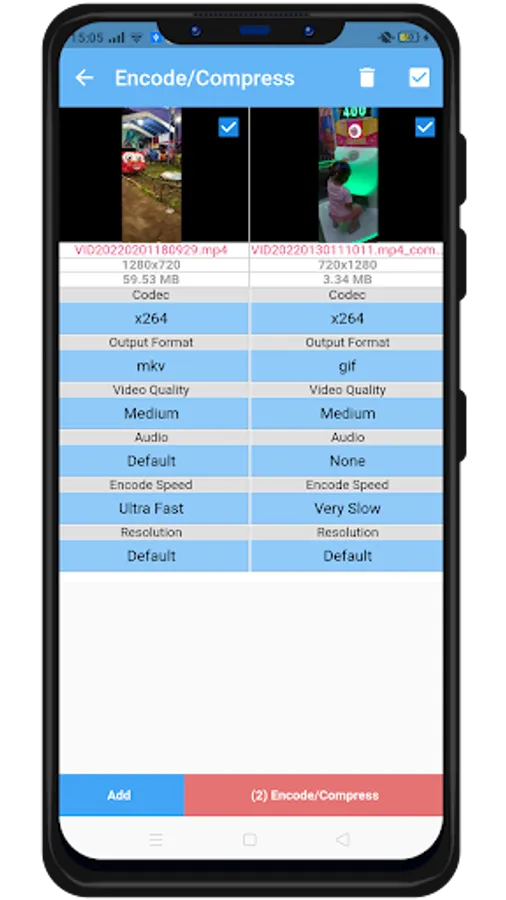
Support output format AVI, GIF, MKV, MOV, WMV, MP4. Codec support x264 and x265, options disable audio, change resolution, video quality, encode speed (very slow, slower, slow, medium, fast, faster, very fast, super fast, ultra fast). Compress video to very small size, freeing up a lot of memory space on your device. No duration limit and can convert multiple video unlimited.
- Convert Audio :
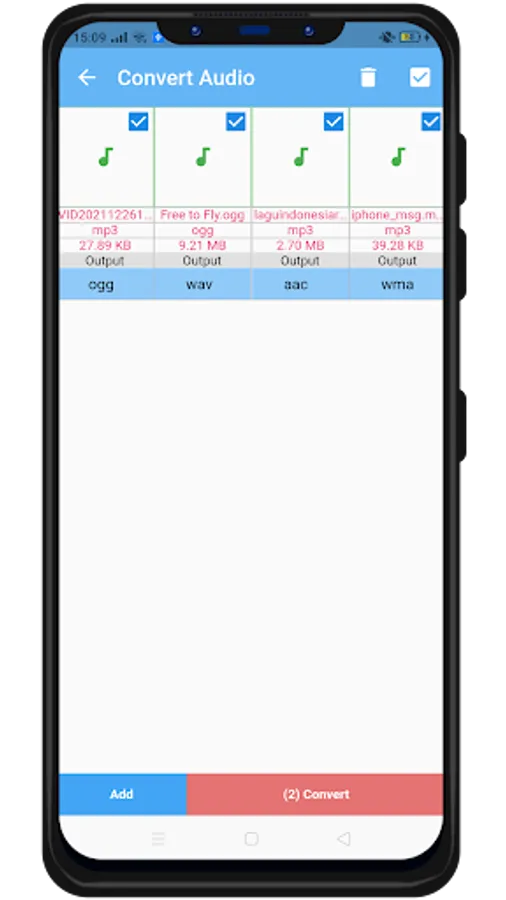
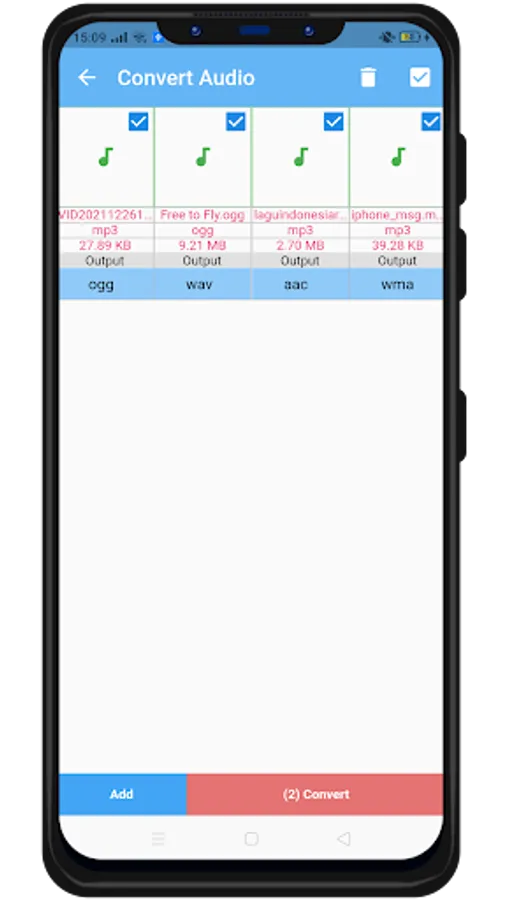
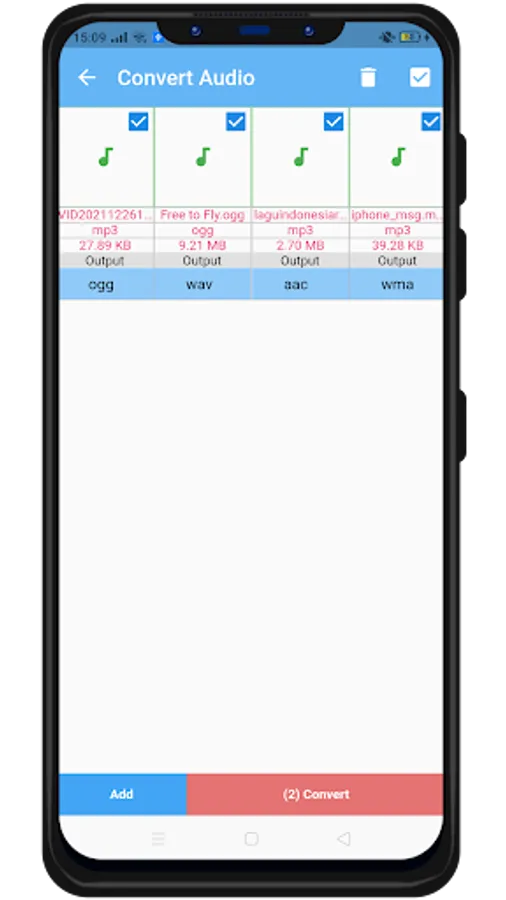
Support output format (MP3, OGG, WAV, AAC, WMA), can convert multiple audio unlimited
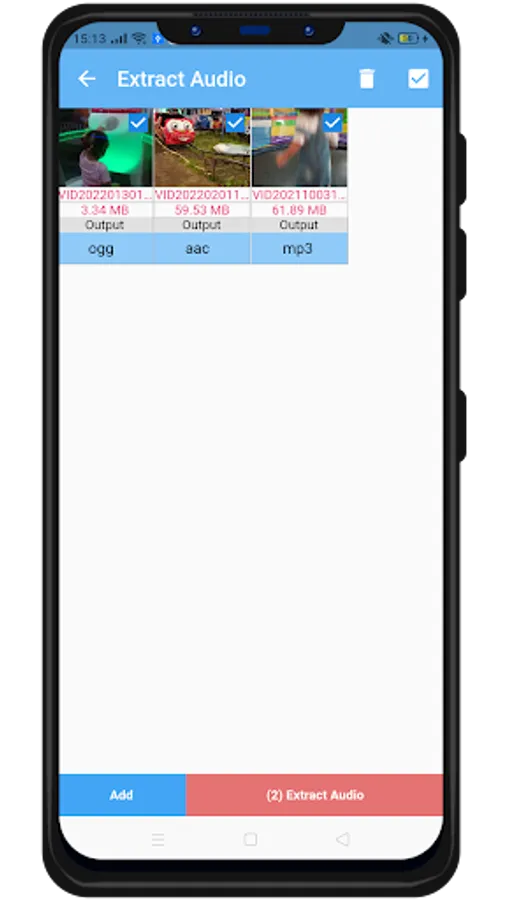
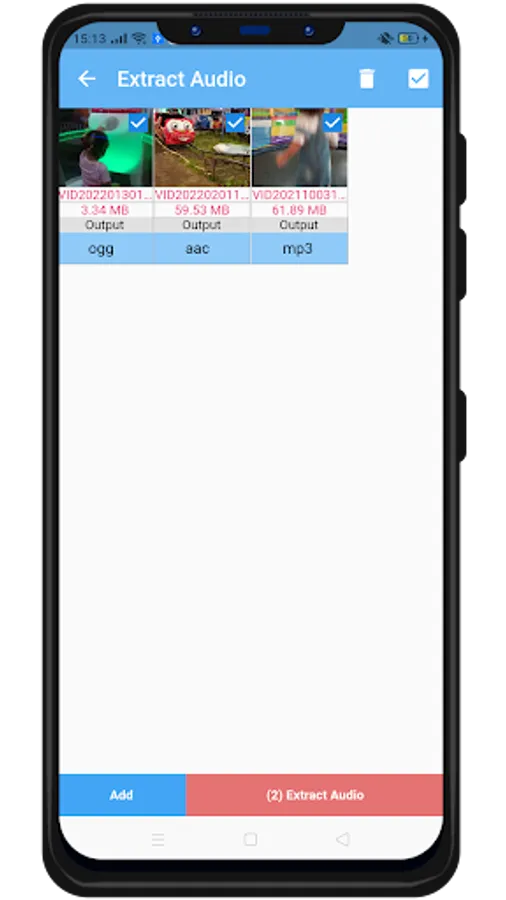
- Extract Video To Audio :
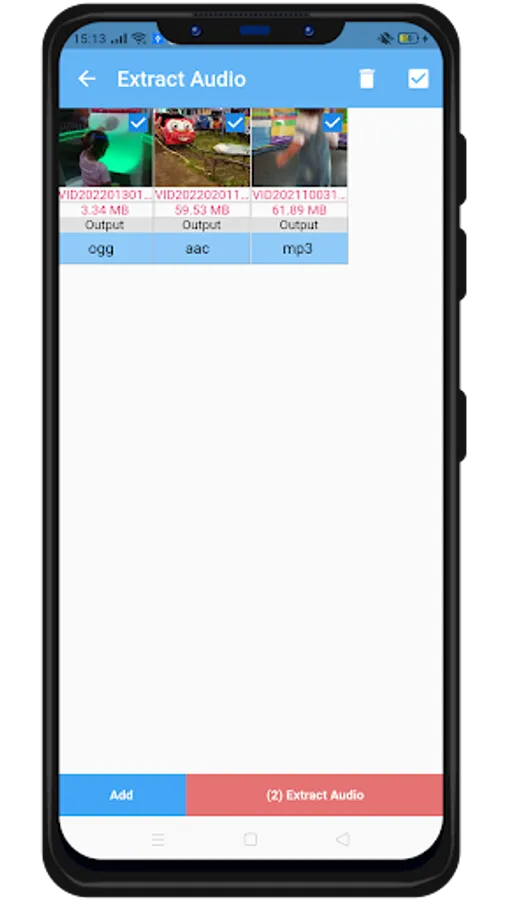
Convert videos to audio format compress (MP3, OGG, WAV, AAC, WMA)
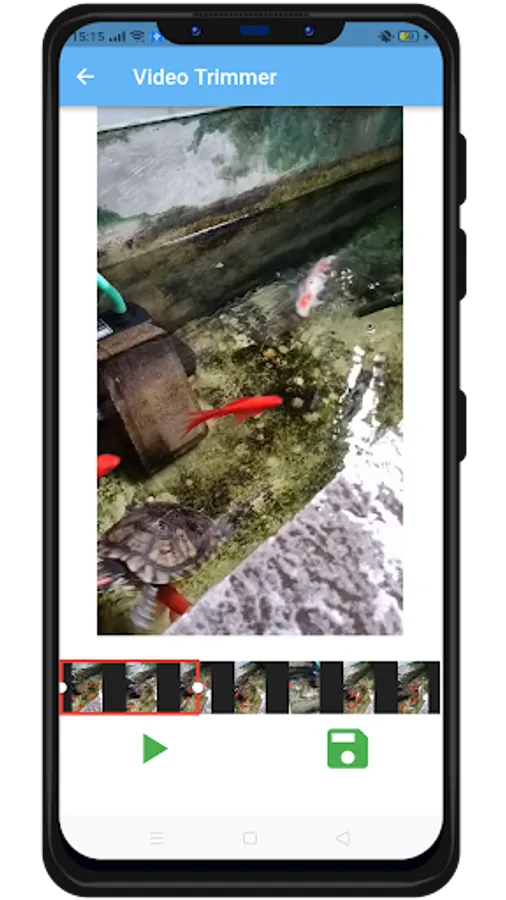
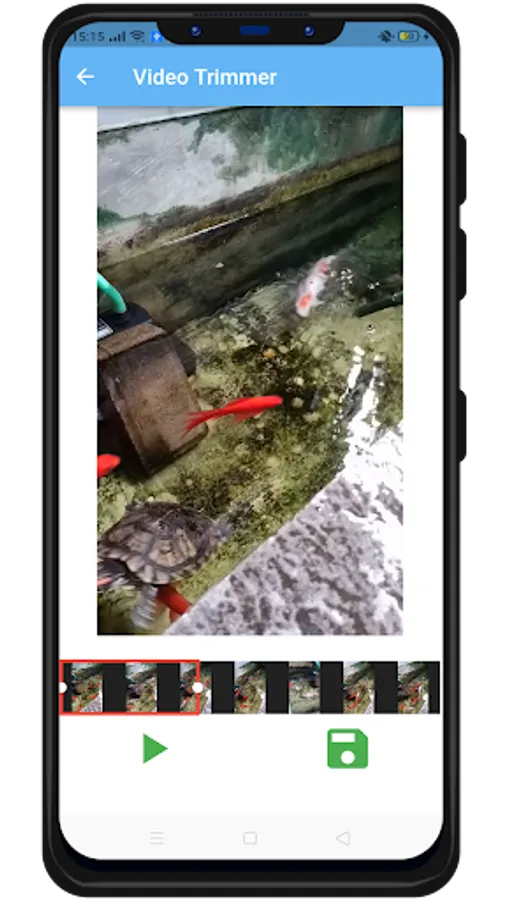
- Trim Video :
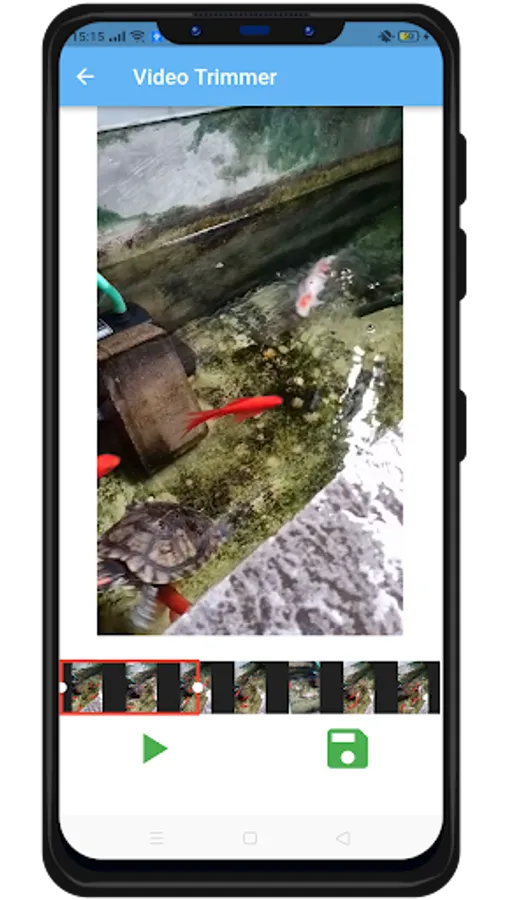
Trim your video files. You can input the exact starting and ending. This option keeps part of the video you selected.
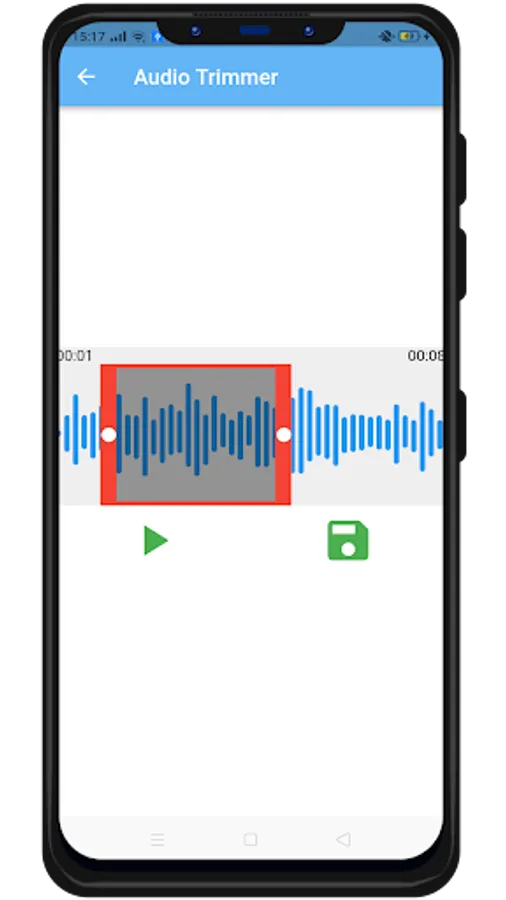
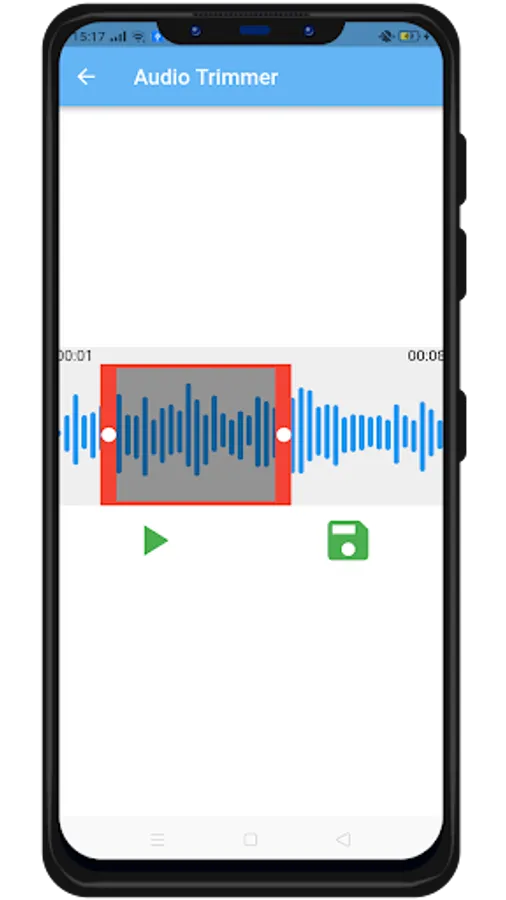
- Trim Audio :
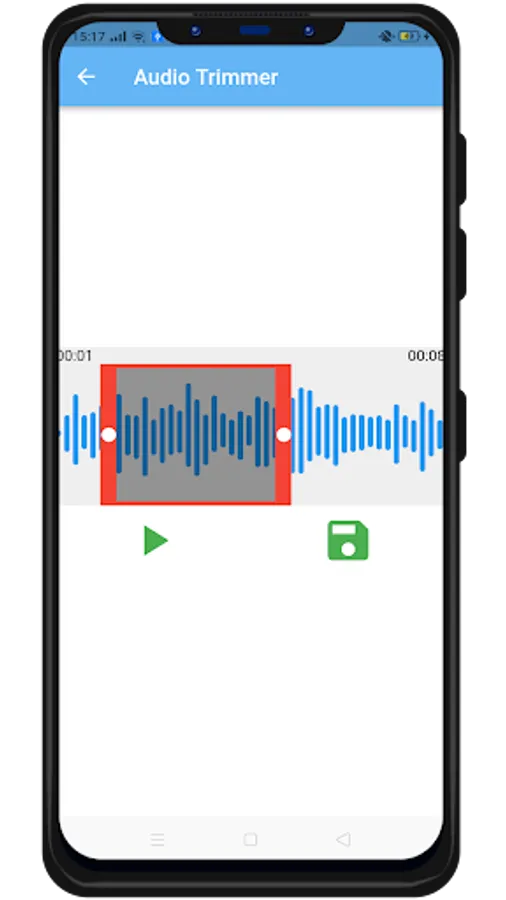
Cut and trim your audio files. You can input the exact starting and ending. This option keeps part of the Audio you selected.
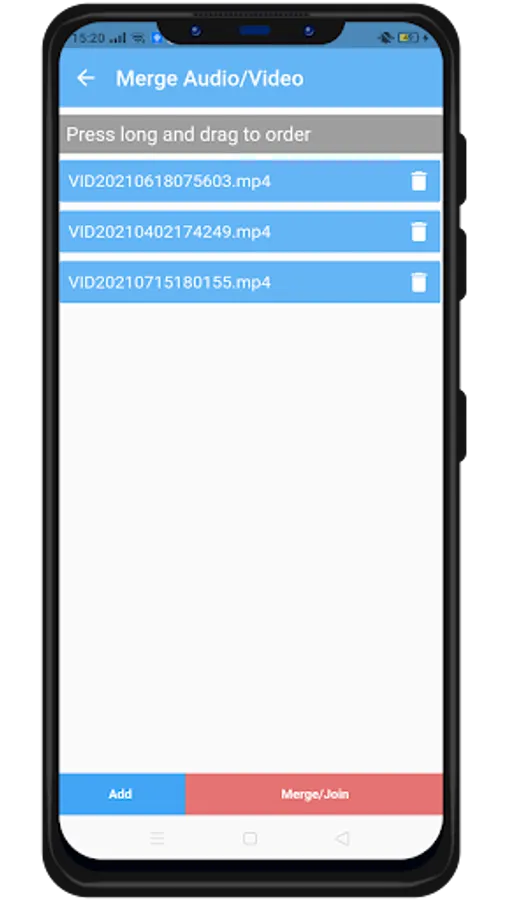
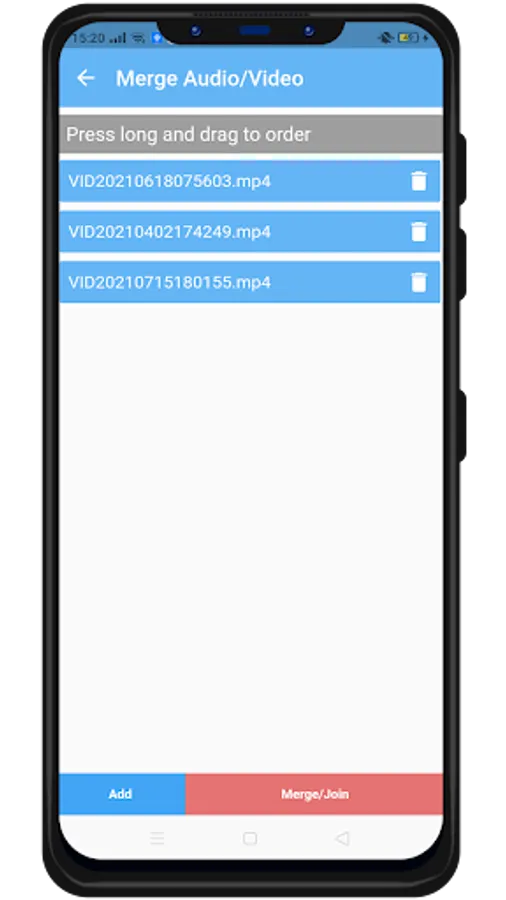
- Merge Audio/Video
Join/merge/concat multiple both audio/videos into one audio or video file. support audio format (mp3, ogg, wav, aac, wma) and video format (AVI, GIF, MKV, MOV, WMV, MP4)
- History
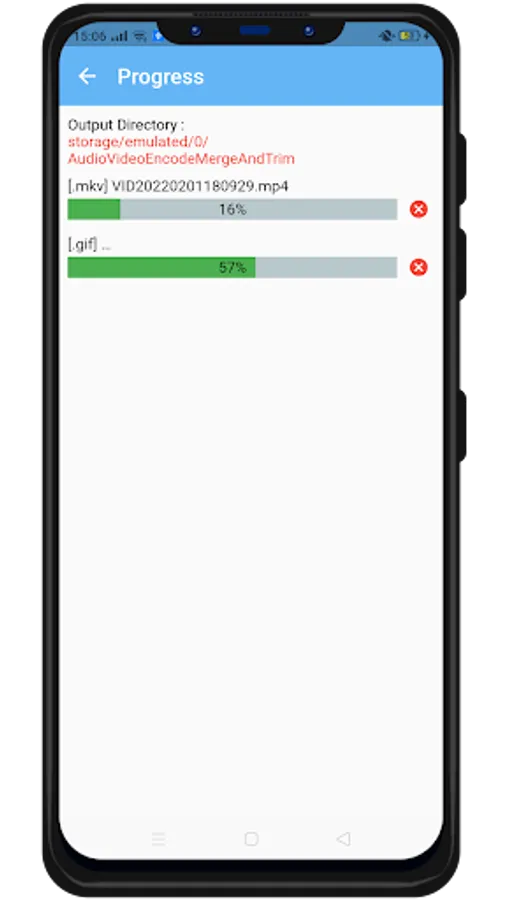
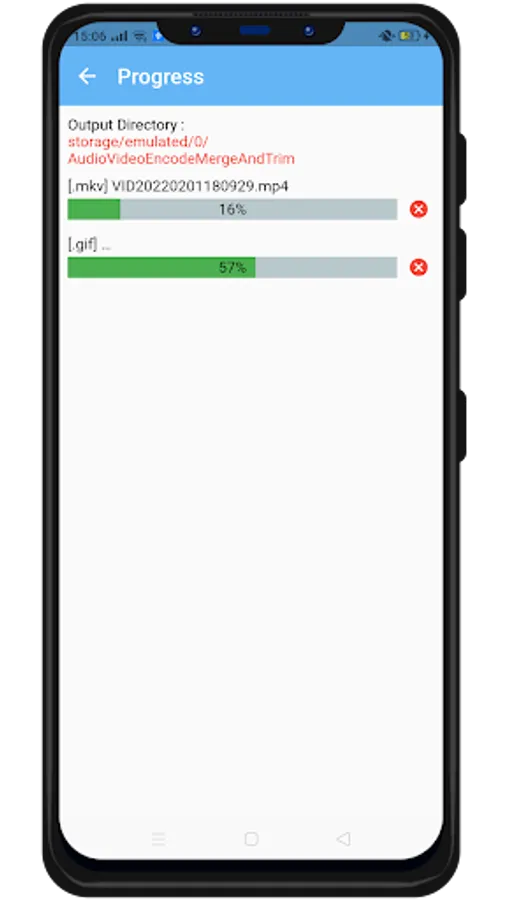
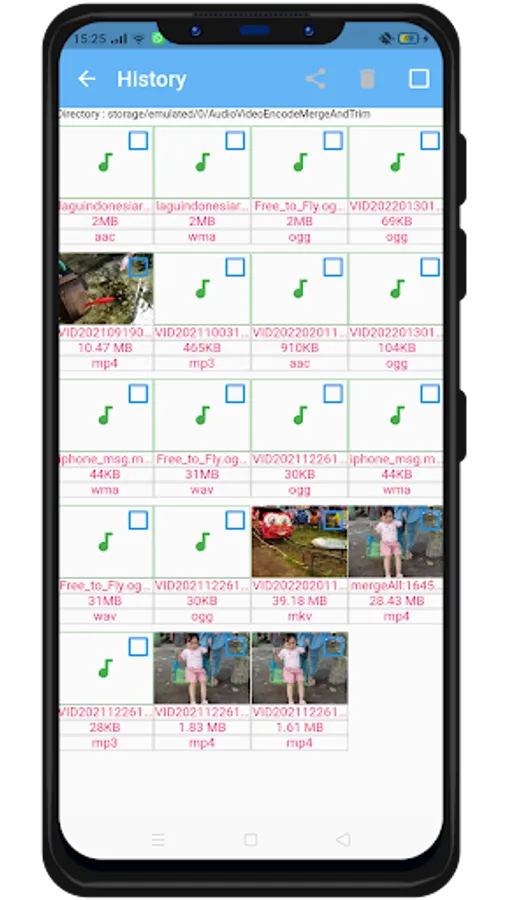
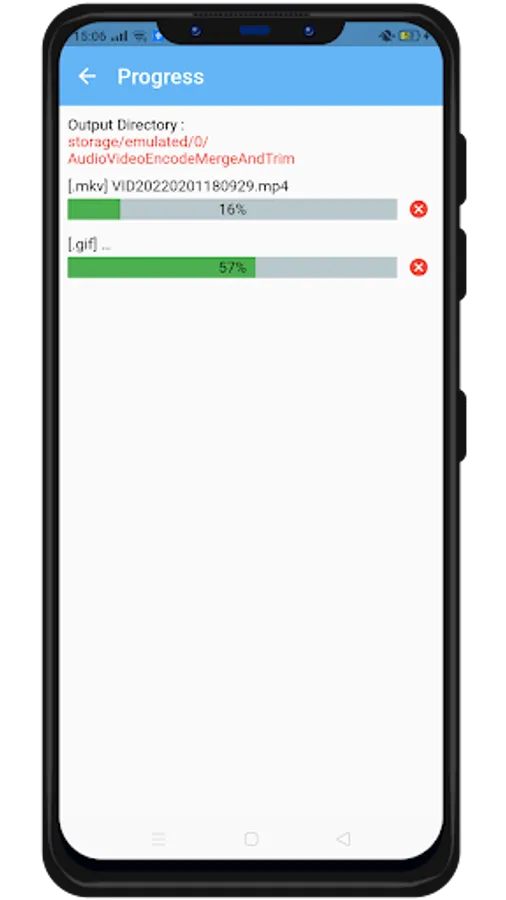
You don’t have to manually save audio or video converted because they are automatically saved in a separate folder titled (storage/emulated/0/AudioVideoEncodeMergeAndTrim).
* This app uses source code of FFmpeg
This video encoder editor also lets you trim/cut both audio and video as well as merge your audio and video files.
FEATURES:
- Video encode/compress :
Support output format AVI, GIF, MKV, MOV, WMV, MP4. Codec support x264 and x265, options disable audio, change resolution, video quality, encode speed (very slow, slower, slow, medium, fast, faster, very fast, super fast, ultra fast). Compress video to very small size, freeing up a lot of memory space on your device. No duration limit and can convert multiple video unlimited.
- Convert Audio :
Support output format (MP3, OGG, WAV, AAC, WMA), can convert multiple audio unlimited
- Extract Video To Audio :
Convert videos to audio format compress (MP3, OGG, WAV, AAC, WMA)
- Trim Video :
Trim your video files. You can input the exact starting and ending. This option keeps part of the video you selected.
- Trim Audio :
Cut and trim your audio files. You can input the exact starting and ending. This option keeps part of the Audio you selected.
- Merge Audio/Video
Join/merge/concat multiple both audio/videos into one audio or video file. support audio format (mp3, ogg, wav, aac, wma) and video format (AVI, GIF, MKV, MOV, WMV, MP4)
- History
You don’t have to manually save audio or video converted because they are automatically saved in a separate folder titled (storage/emulated/0/AudioVideoEncodeMergeAndTrim).
* This app uses source code of FFmpeg