
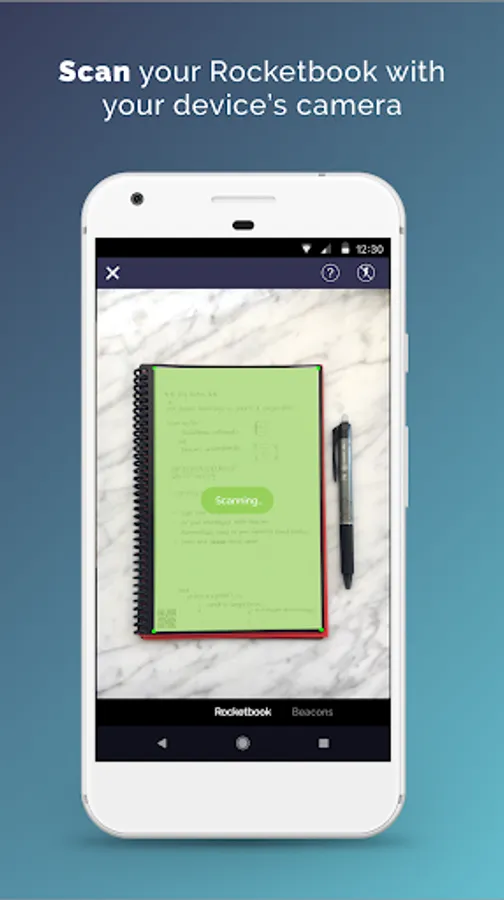
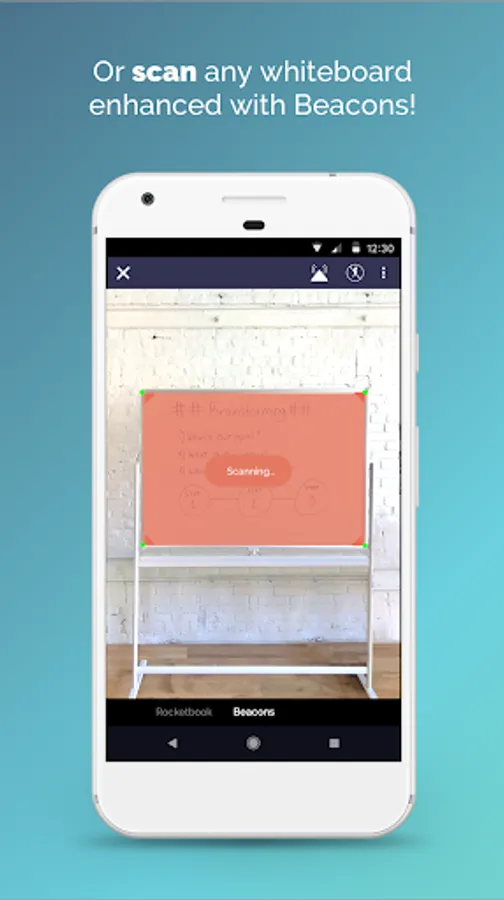
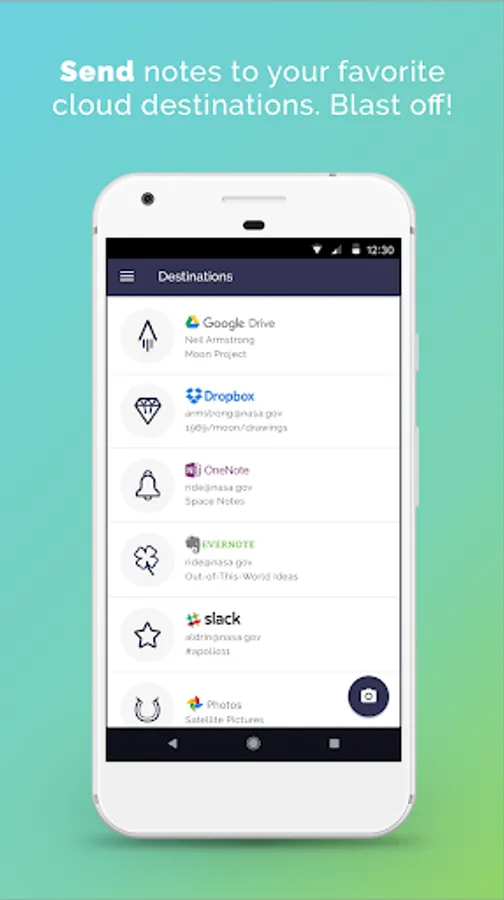
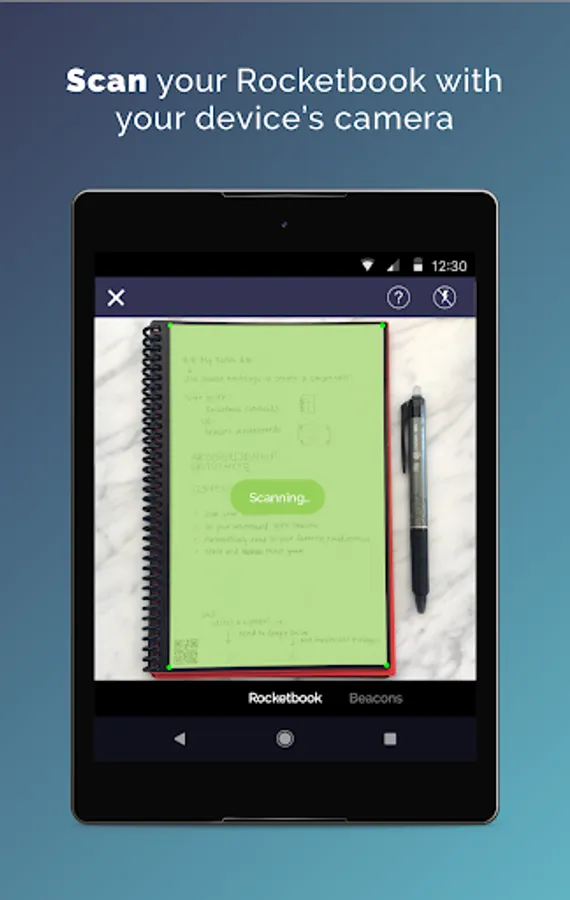
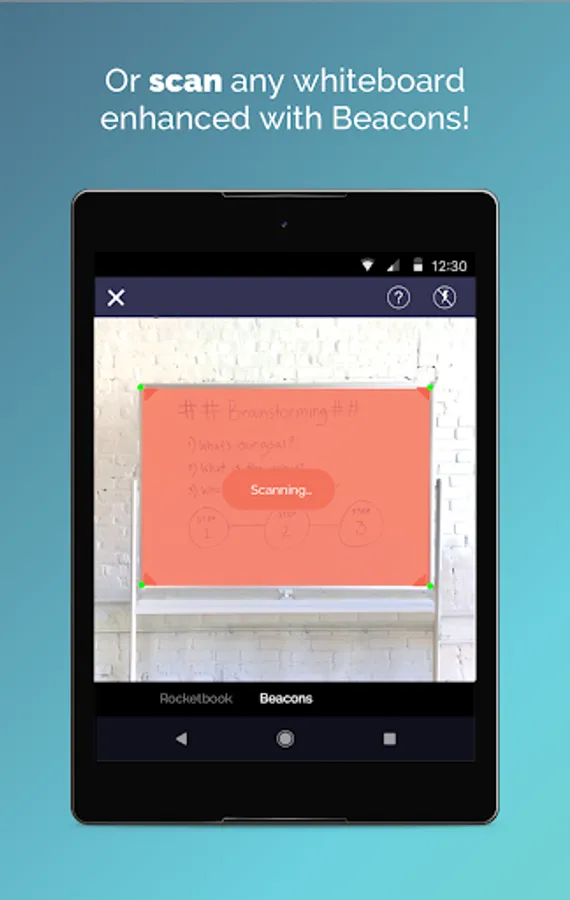
In this app, you can scan Rocketbook pages and whiteboards, then send and organize them in cloud services using shortcuts. Includes OCR text recognition, auto-cropping, and multiple cloud integrations.
AppRecs review analysis
AppRecs rating 4.4. Trustworthiness 90 out of 100. Review manipulation risk 19 out of 100. Based on a review sample analyzed.
★★★★☆
4.4
AppRecs Rating
Ratings breakdown
5 star
76%
4 star
14%
3 star
3%
2 star
2%
1 star
5%
What to know
✓
Low review manipulation risk
19% review manipulation risk
✓
Credible reviews
90% trustworthiness score from analyzed reviews
✓
High user satisfaction
76% of sampled ratings are 5 stars
About Rocketbook
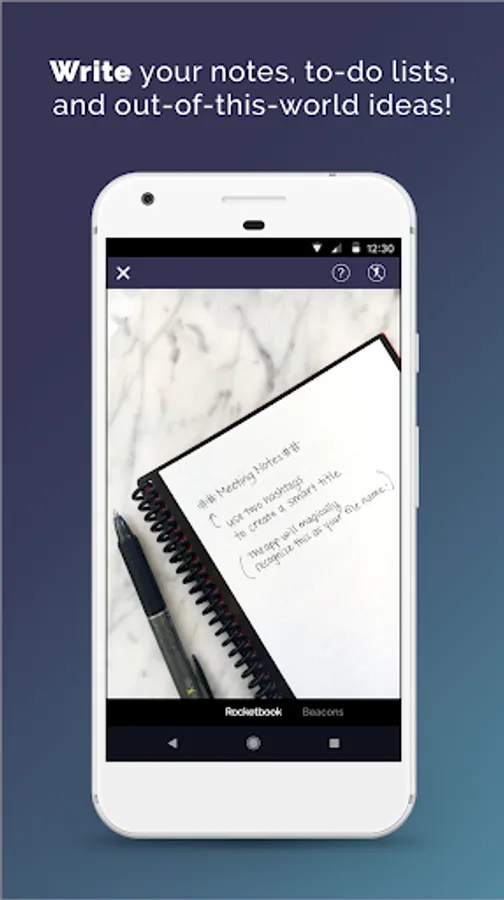
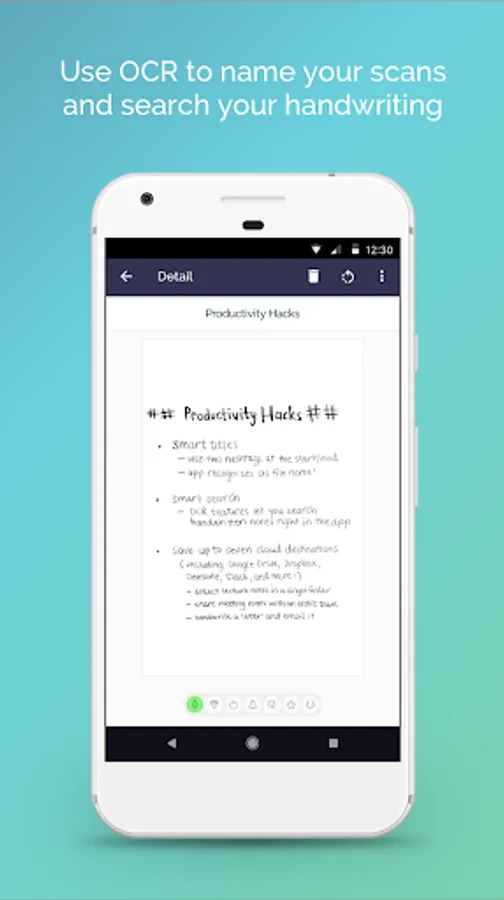
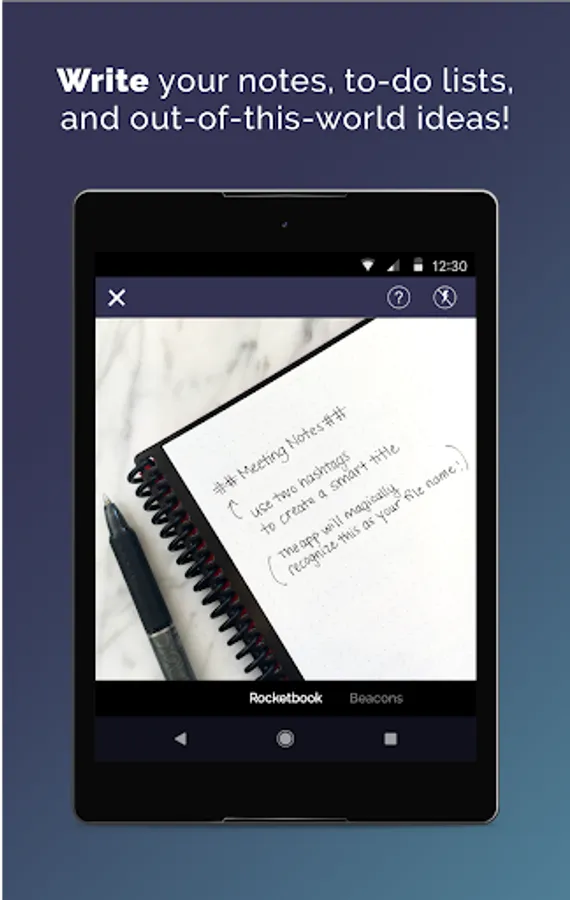
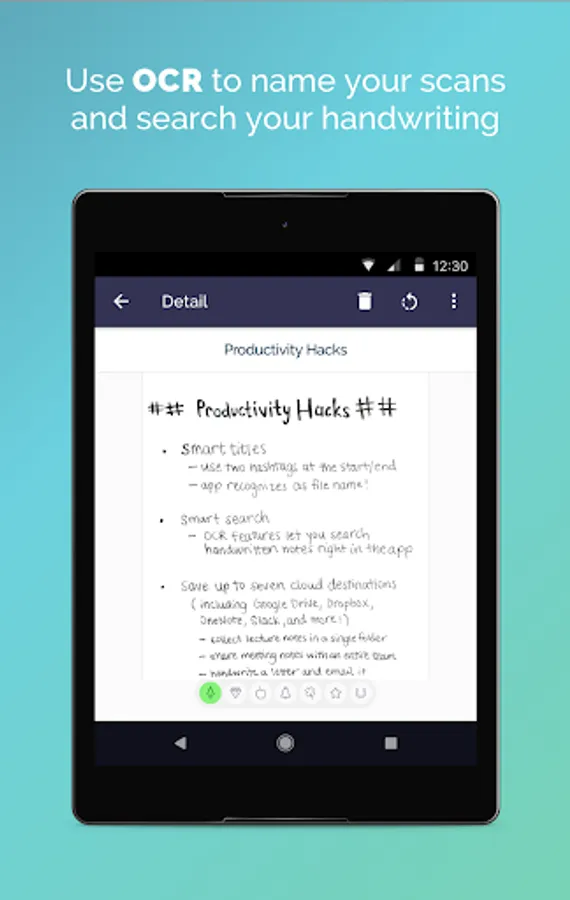
The app has a unique seven-symbol shortcut system that gets your auto-cropped and high quality scans into the cloud faster than any other scanning app. Using our Handwriting Recognition (OCR) features, you can search your handwriting inside the app, use your handwritten text as the filename, and get a full-page transcription via email.
The Rocketbook app is designed to work with Rocketbook products including the:
- Core (endlessly reusable notebook)
- Mini (pocket sized version of the Core)
- Wave (microwave-to-erase notebook)
- Color (reusable kid's coloring book)
- Whiteboards enhanced with Rocketbook Beacons (adjustable whiteboard attachments)
- One (single use notebook)
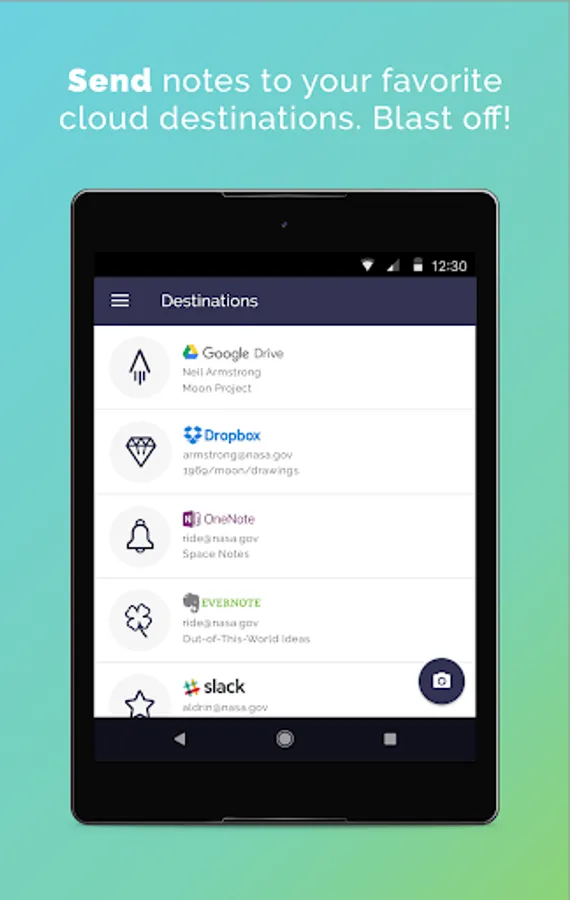
Enjoy the pleasure of writing and the efficiency, organization, and shareability of digitization. Write freely and use our shortcut system to send your scans as PDFs or JPEGs to specific locations in Google Drive, Dropbox, Trello, Evernote, Box, OneDrive, OneNote, Slack, Google Photos, and Email.
For more information about our reusable notebooks, please visit getrocketbook.com. Free Rocketbook PDFs and customizable pages can be found at start.getrocketbook.com.
Rocketbook Screenshots
Tap to Rate:
Reviews for Rocketbook
Tianon Gravi
12/28/2025
Scanning pages from their books works really well. All the other app features are honestly mostly distracting, and the periodic ads for other products are really off putting. Update from a year and a half later: the app keeps getting worse - the transcribe feature is now behind a "3rd party AI" warning, and the app exuberantly makes all my workflows require more clicks than ever before; we're seriously considering ditching the product entirely.
Rachel Mathews
12/28/2025
After the latest update, none of my scans will send to OneNote. They will send to my Outlook email and OneDrive, but not OneNote. I can create a new section in OneNote when setting up a new preset from Rocketbook, so the OneNote account is linked, but scanned files (neither PDF nor JPG) never show up.