In this mapping app, you can view your precise surface elevation based on your location and explore nearby attractions. Includes weather information, Wikipedia articles, bookmarking, and sharing options.
AppRecs review analysis
AppRecs rating 4.7. Trustworthiness 69 out of 100. Review manipulation risk 35 out of 100. Based on a review sample analyzed.
★★★★☆
4.7
AppRecs Rating
Ratings breakdown
5 star
85%
4 star
11%
3 star
2%
2 star
1%
1 star
2%
What to know
✓
High user satisfaction
85% of sampled ratings are 5 stars
⚠
Ad complaints
Many low ratings mention excessive ads
About My Elevation
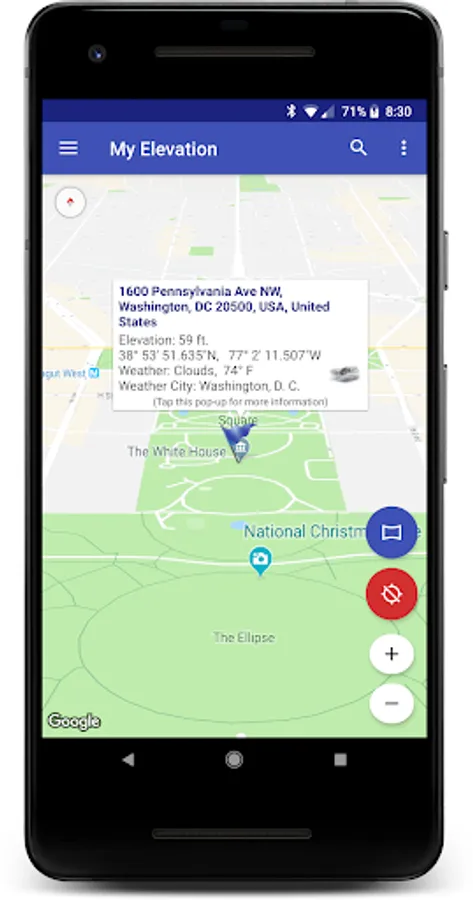
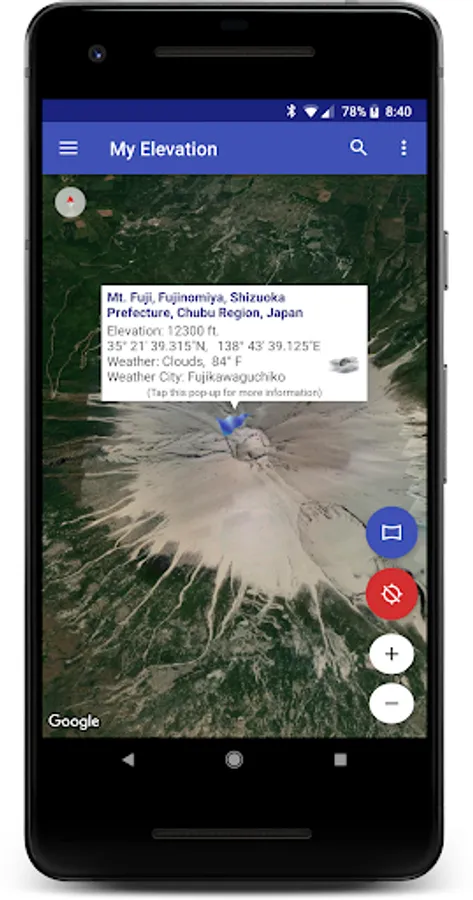
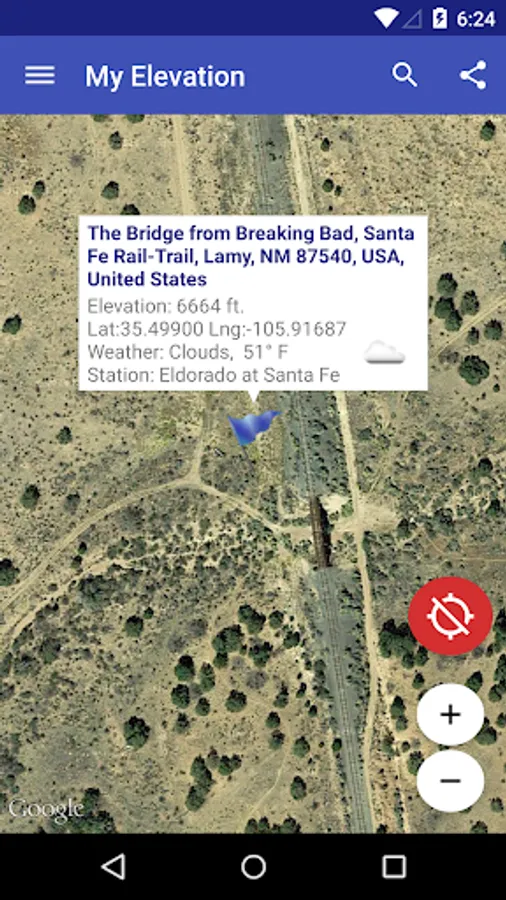
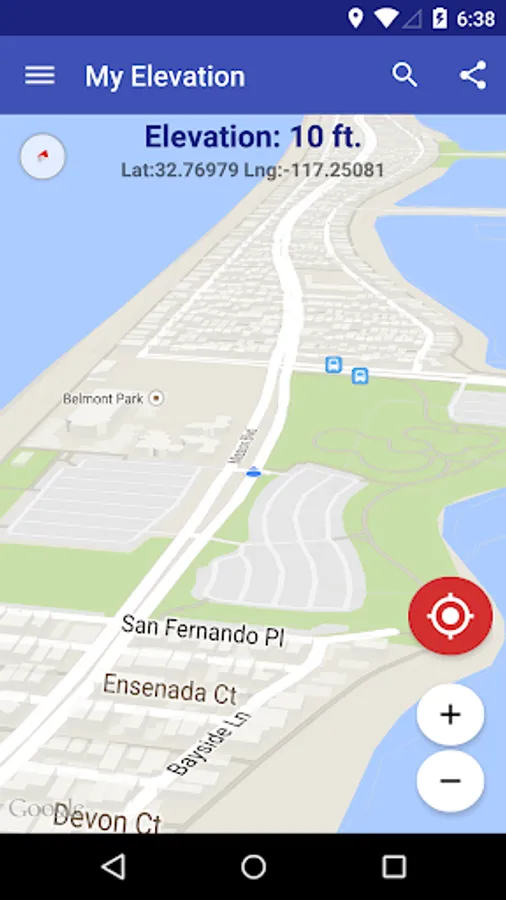
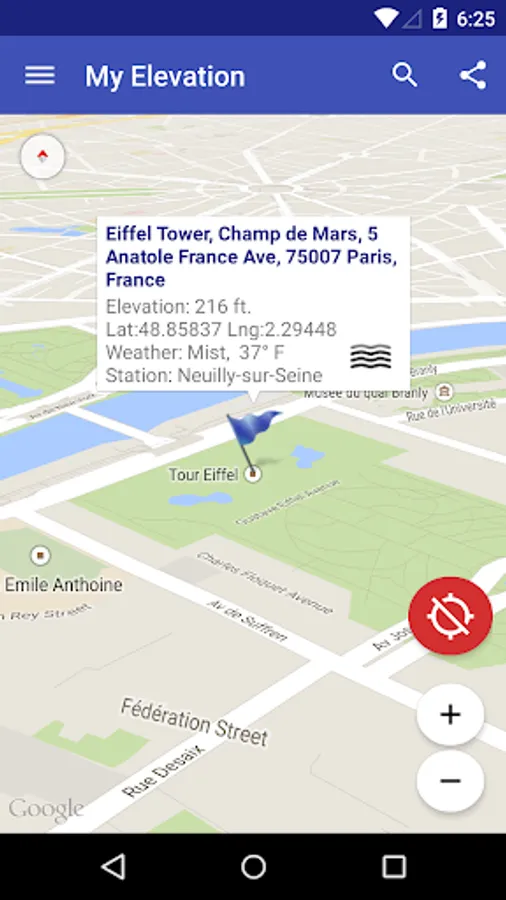
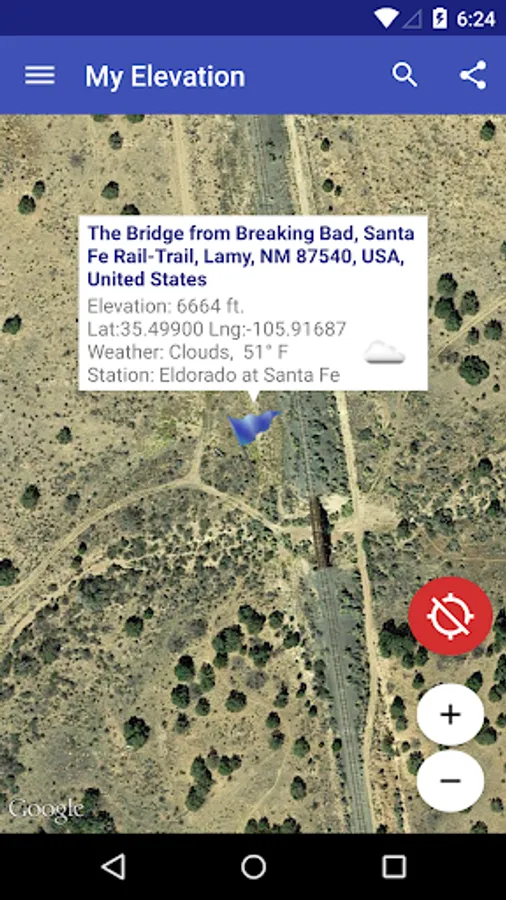
My Elevation uses web services to get your precise surface elevation based on your current location. This is far more accurate than the elevation data provided by your device. But there's so much more you can do with My Elevation. Try it and see!
Notes:
● The application shows the surface elevation above sea level based a latitude and longitude. It does not provide altitude in cases where you are in an aircraft, high up in a building, or high off of ground for some reason.
● This application must have a working data connection to be able to show your position on the map, get your precise elevation and provide much additional rich content . It does not have an off line mode. Please consider this before giving poor ratings when it doesn't work when you have no data connection.
Feature List
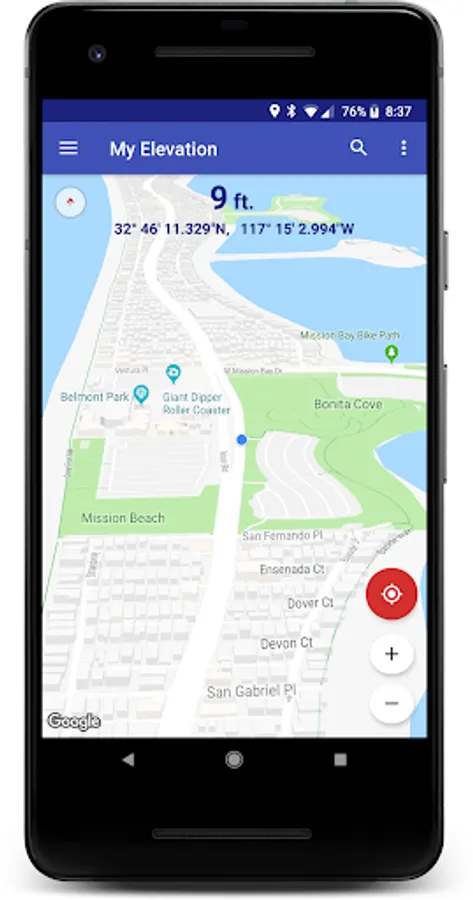
● Follow Me Mode - Follows your current location in real time. Watch your movements on a map and see your elevation and coordinates updating as you move.
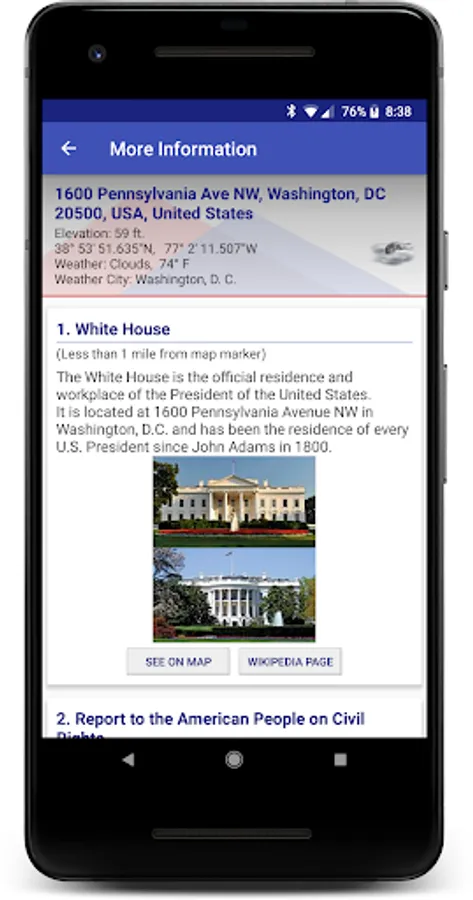
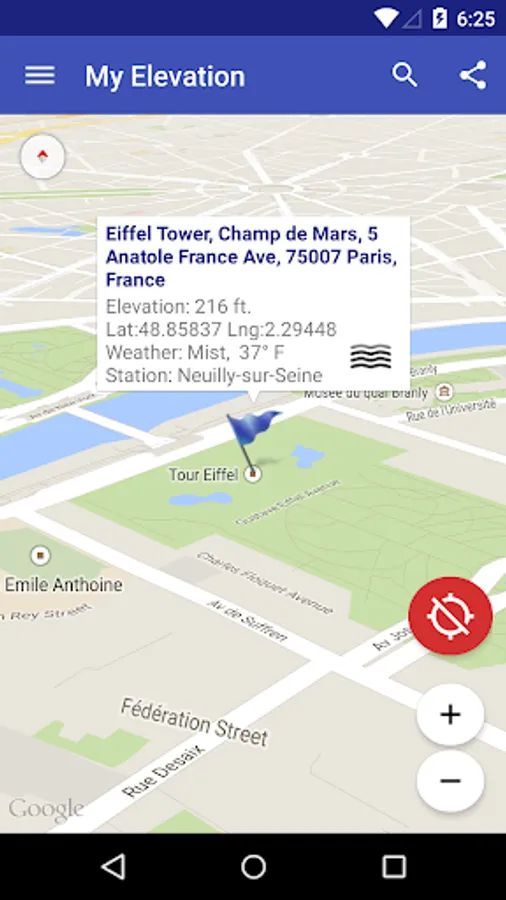
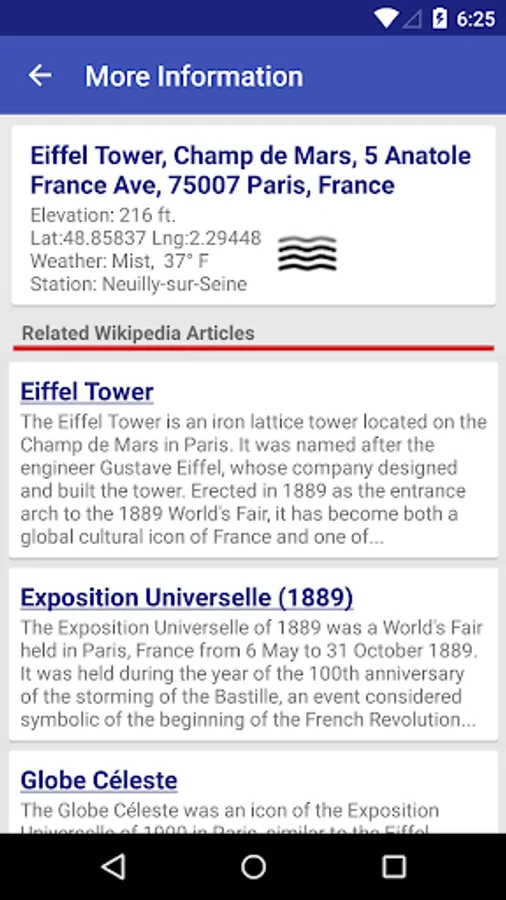
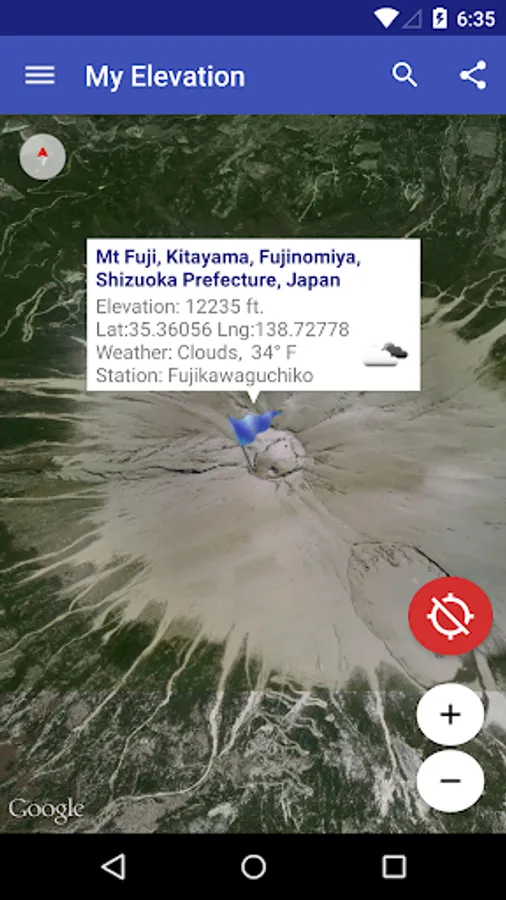
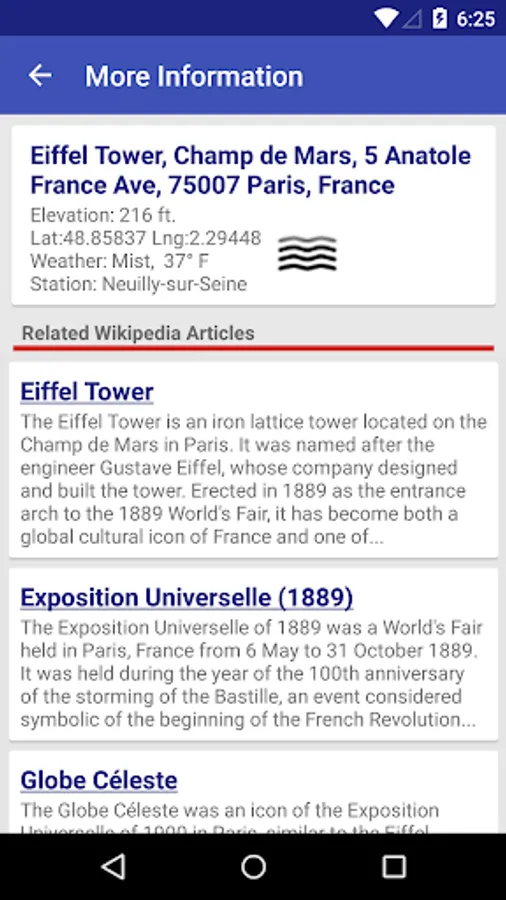
● Search for Locations and watch the map fly over to them. My Elevation will tell you the weather there and let you browse Wikipedia articles about attractions nearby the location. If you are curious at all about other places you will love this !
● Long press a location on the map and My Elevation will tell you the weather there and let you browse Wikipedia articles about attractions nearby the location.
● Add bookmarks for places you want to remember.
● Share your location or what you find in searches with your friends in a text or email.
Display Options
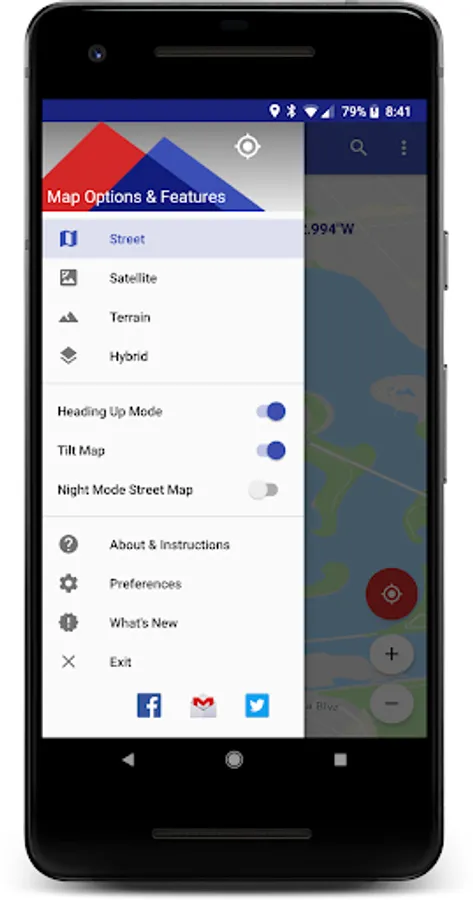
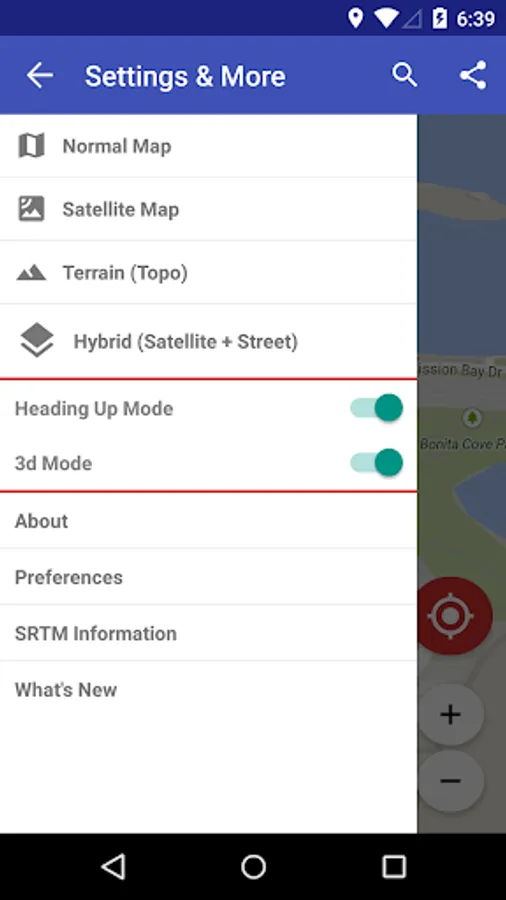
Map Mode - Lets you pick one of four Google Map types (Normal, Satellite, Topo and Hybrid)
Heading Up, Map Tilt and Night Mode
Try it out and let us know how it goes.
email us at support@rdhsoftware.com
or visit https://www.facebook.com/MyElevation
This application uses Google Analytics to collect anonymous data about how the application is used and what failures occur. This allows us to make the application better with each release. You can opt out of this by un-checking the Analytics data item in the application preferences. No personally identifying information is collected.
Notes:
● The application shows the surface elevation above sea level based a latitude and longitude. It does not provide altitude in cases where you are in an aircraft, high up in a building, or high off of ground for some reason.
● This application must have a working data connection to be able to show your position on the map, get your precise elevation and provide much additional rich content . It does not have an off line mode. Please consider this before giving poor ratings when it doesn't work when you have no data connection.
Feature List
● Follow Me Mode - Follows your current location in real time. Watch your movements on a map and see your elevation and coordinates updating as you move.
● Search for Locations and watch the map fly over to them. My Elevation will tell you the weather there and let you browse Wikipedia articles about attractions nearby the location. If you are curious at all about other places you will love this !
● Long press a location on the map and My Elevation will tell you the weather there and let you browse Wikipedia articles about attractions nearby the location.
● Add bookmarks for places you want to remember.
● Share your location or what you find in searches with your friends in a text or email.
Display Options
Map Mode - Lets you pick one of four Google Map types (Normal, Satellite, Topo and Hybrid)
Heading Up, Map Tilt and Night Mode
Try it out and let us know how it goes.
email us at support@rdhsoftware.com
or visit https://www.facebook.com/MyElevation
This application uses Google Analytics to collect anonymous data about how the application is used and what failures occur. This allows us to make the application better with each release. You can opt out of this by un-checking the Analytics data item in the application preferences. No personally identifying information is collected.
My Elevation Screenshots
Tap to Rate:
Reviews for My Elevation
roger biesterveld
12/29/2025
very good
Basil Sas
12/28/2025
EXCELLENT APP! precise, very quick, easy to use.