Valentine's Day Elegance
RECREATIVE Watch Faces
4.2 ★
store rating
1,000+
downloads
$1.49
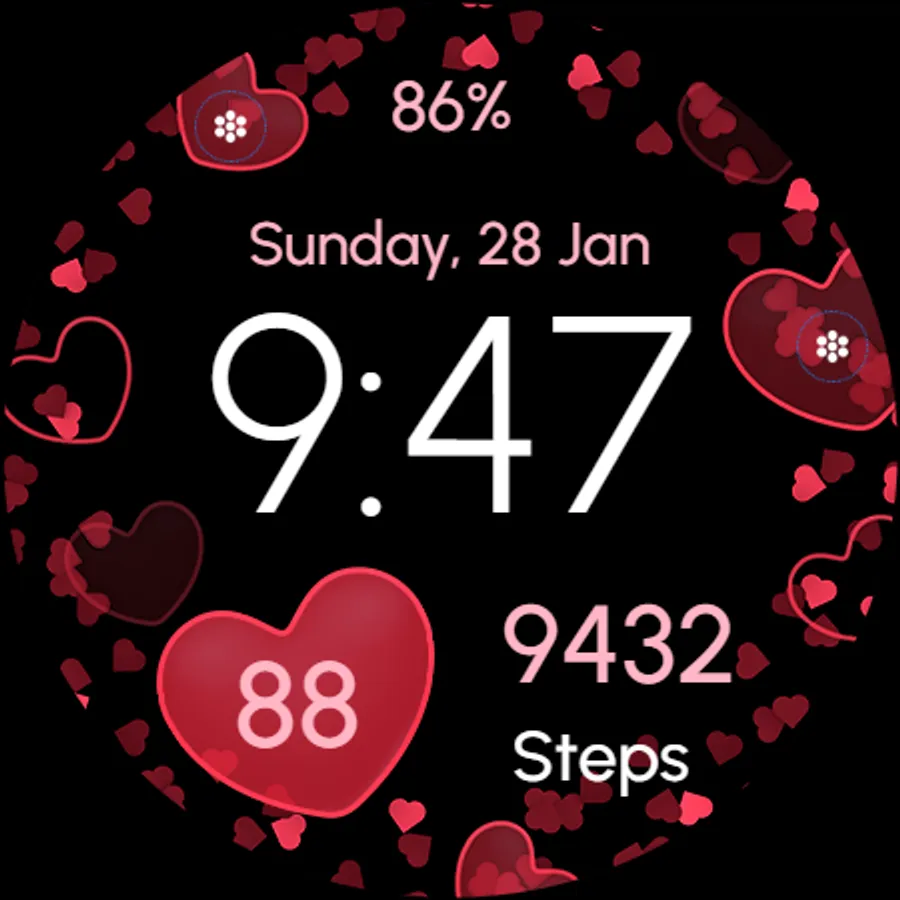
With this Wear OS watch face app, you can customize time, date, and health data display with various variations. Includes options for complications, shortcuts, and adjustable display settings.
AppRecs review analysis
AppRecs rating 4.2. Trustworthiness 0 out of 100. Review manipulation risk 0 out of 100. Based on a review sample analyzed.
★★★★☆
4.2
AppRecs Rating
Ratings breakdown
5 star
63%
4 star
14%
3 star
14%
2 star
5%
1 star
5%
What to know
✓
High user satisfaction
77% of sampled ratings are 4+ stars (4.2★ average)
About Valentine's Day Elegance
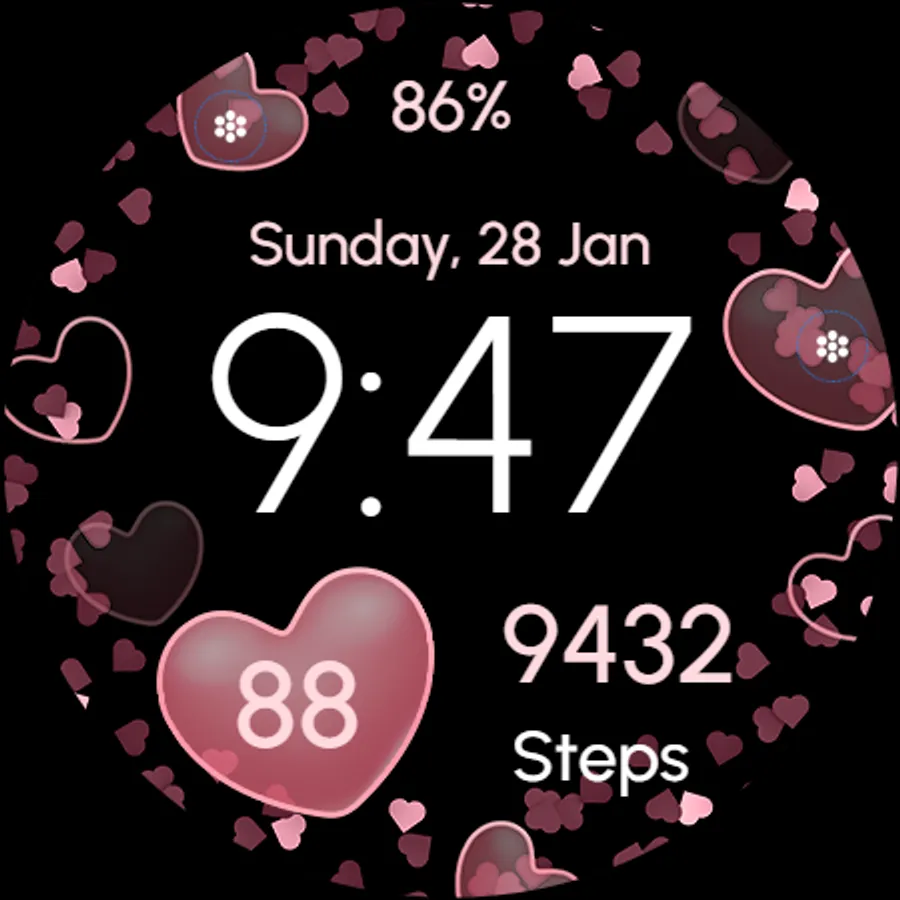
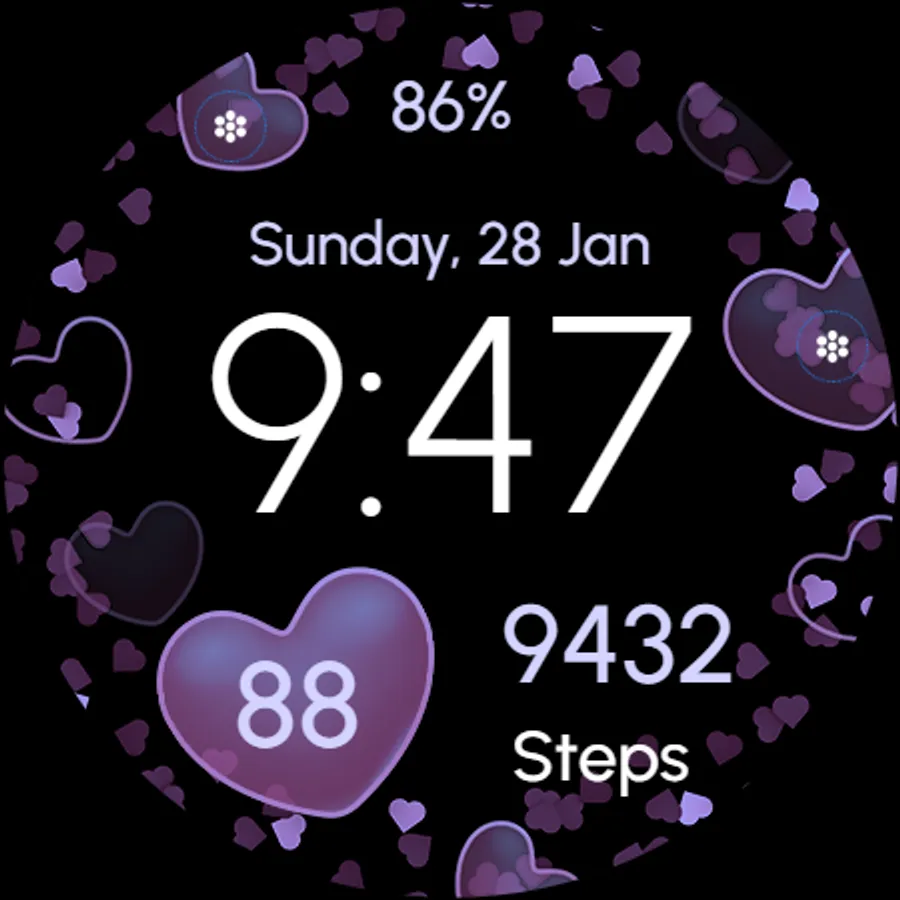
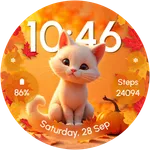
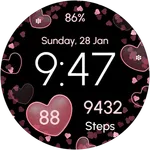
🐾💕 Dive into the adorable world of love with our Wear OS Watch Face for Valentine's Day!
Powered by Watch Face Format
⚙️ Phone App Features
The phone app is simply a tool to facilitate installation and locating the watch face on your Wear OS watch. Only the mobile app contains ads.
⚙️ Watch Face Features
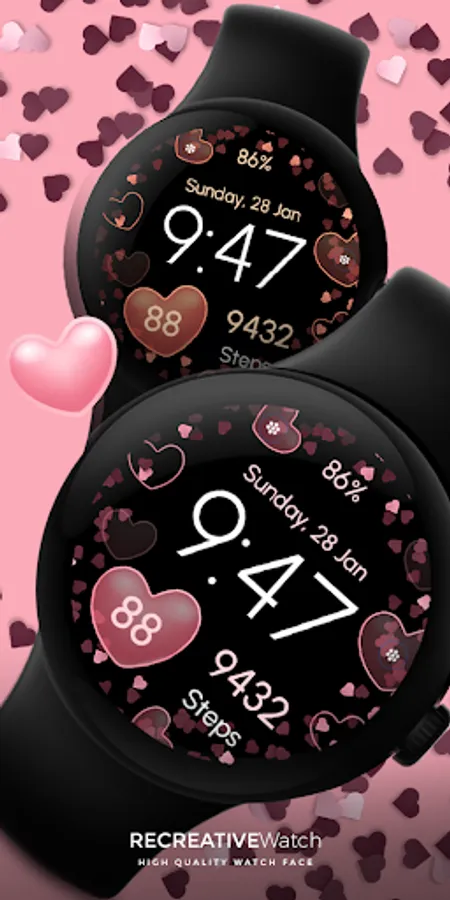
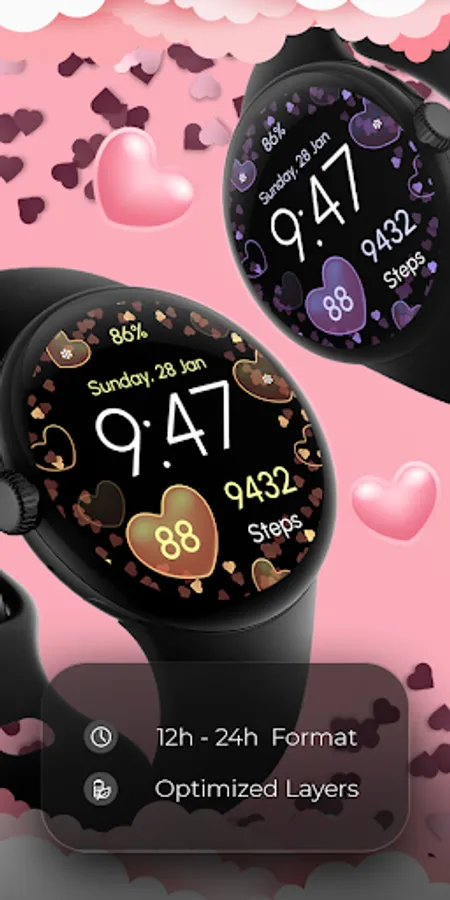
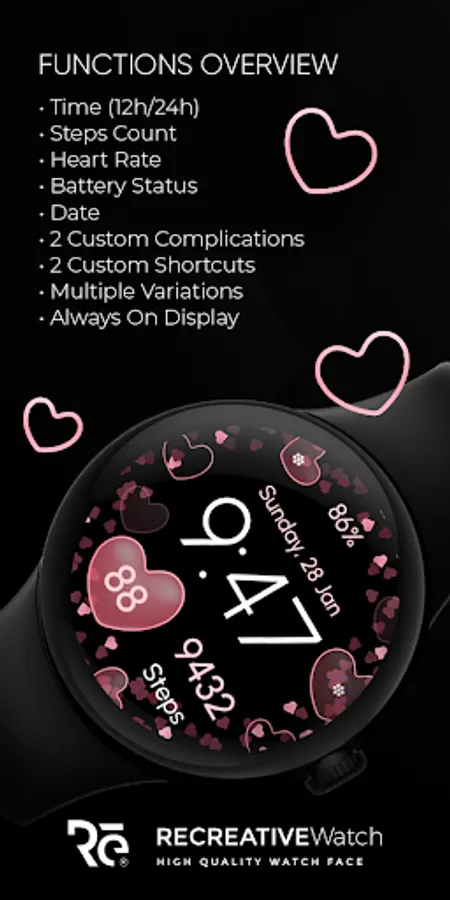
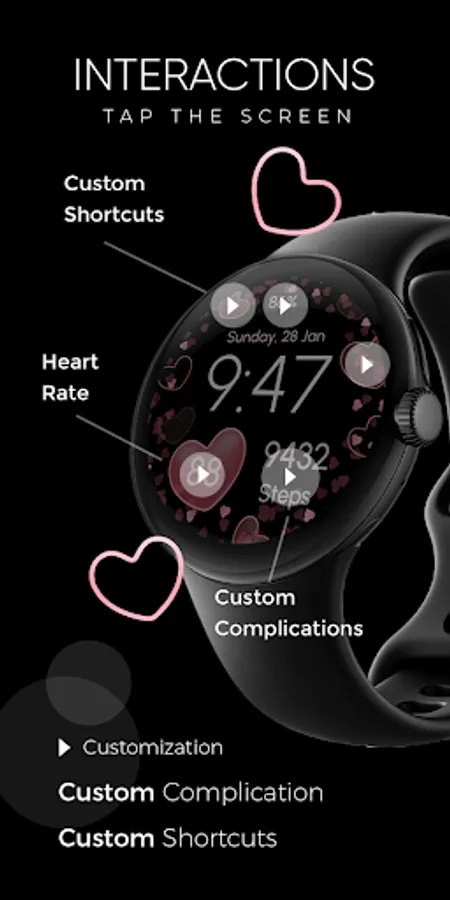
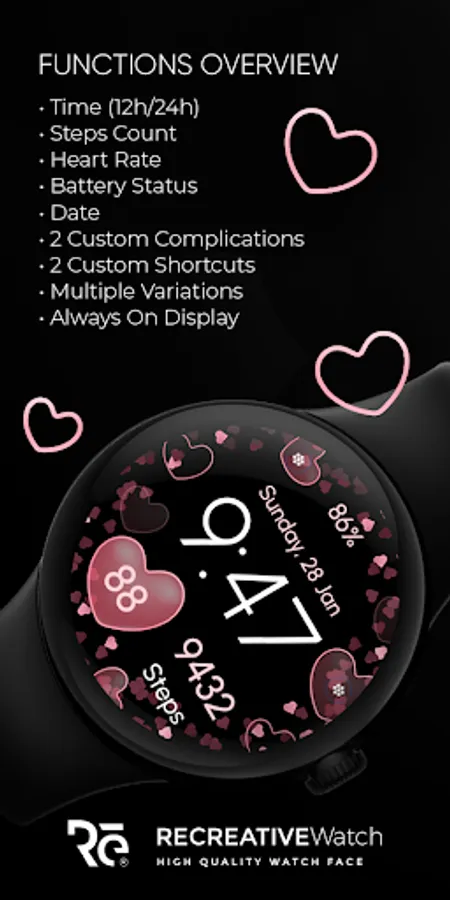
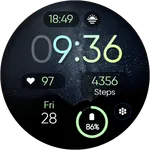
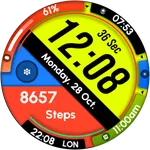
• 12/24h Digital Time
• Date
• Heart Rate
• Battery
• Steps Count
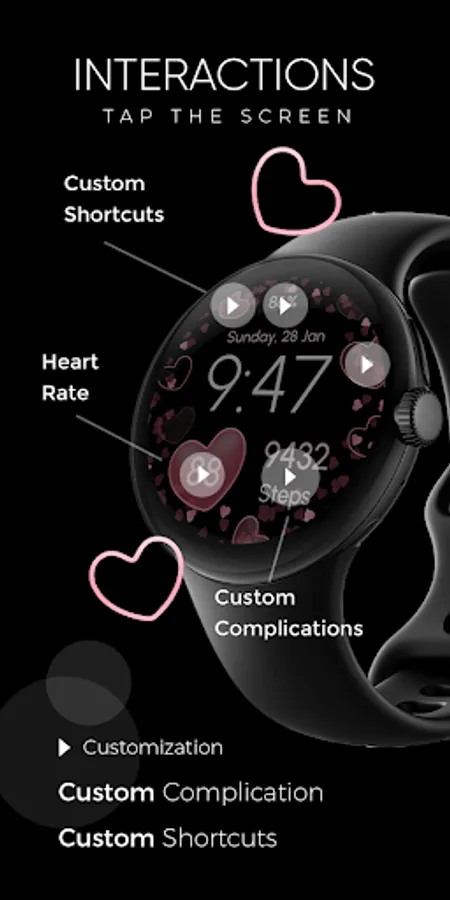
• 2 customizable Complications
• 2 customizable Shortcuts
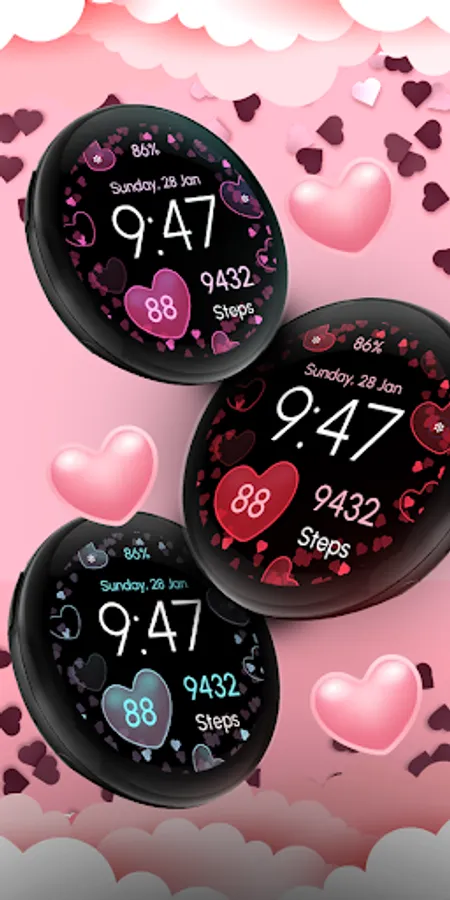
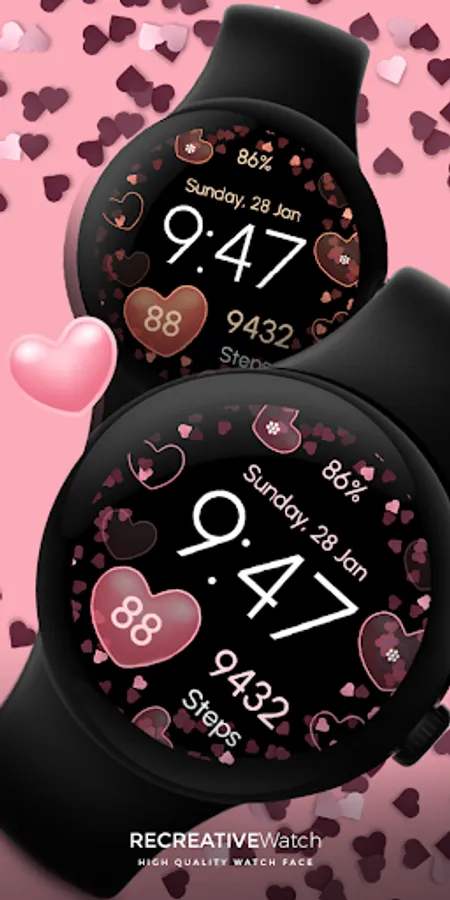
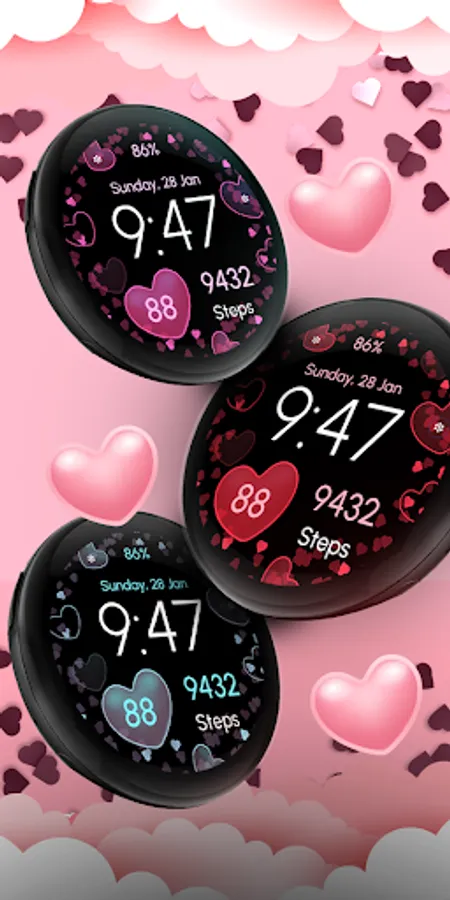
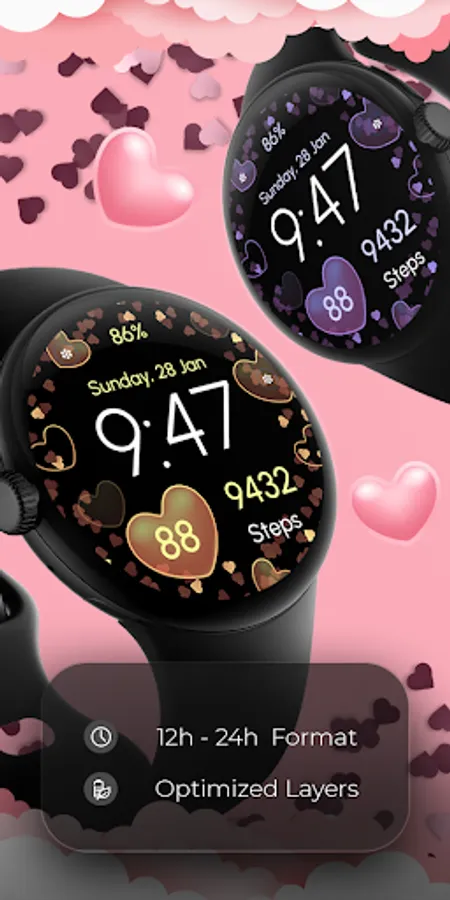
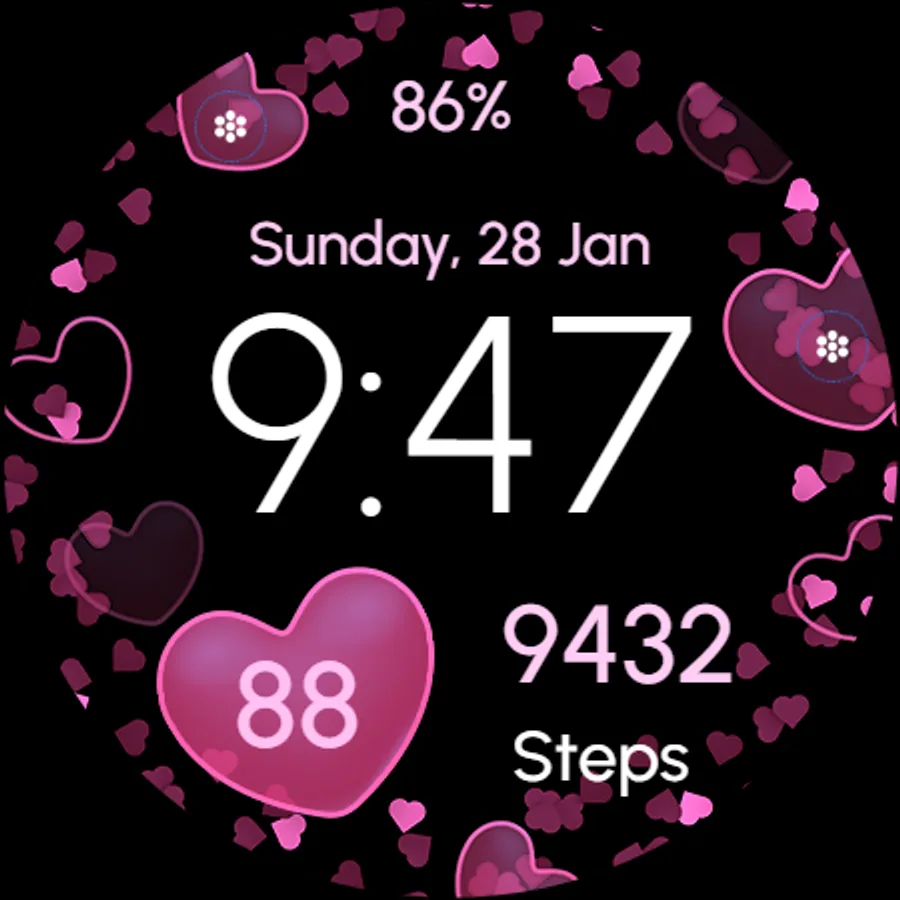
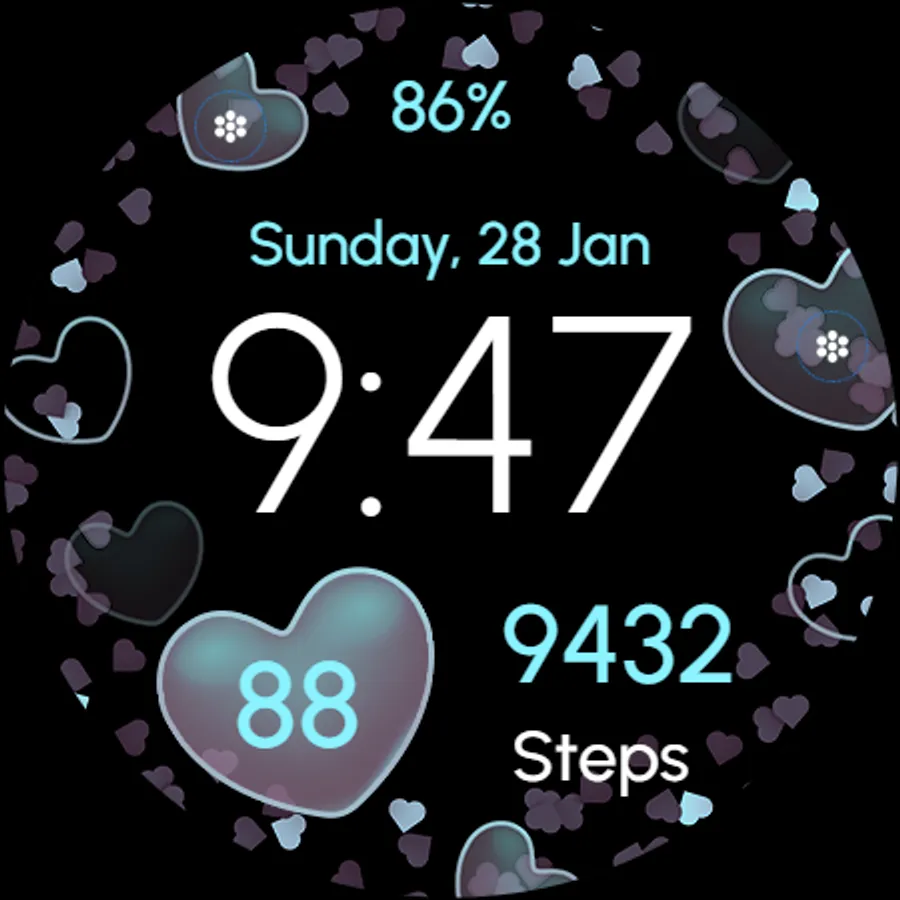
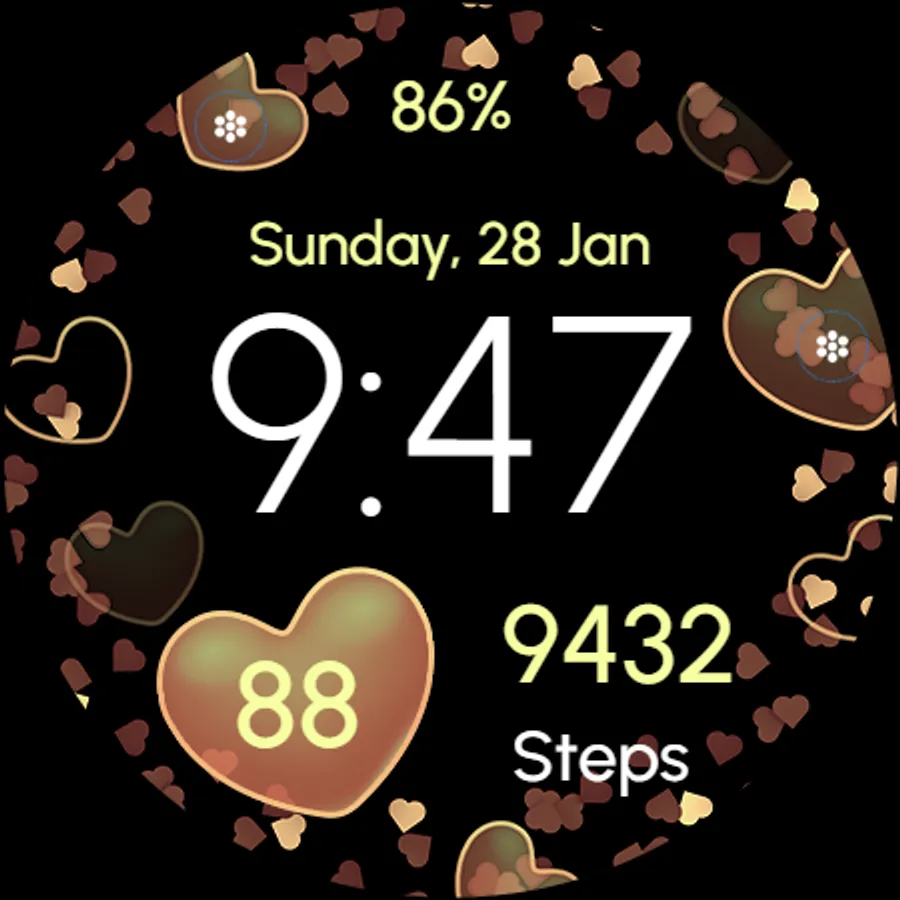
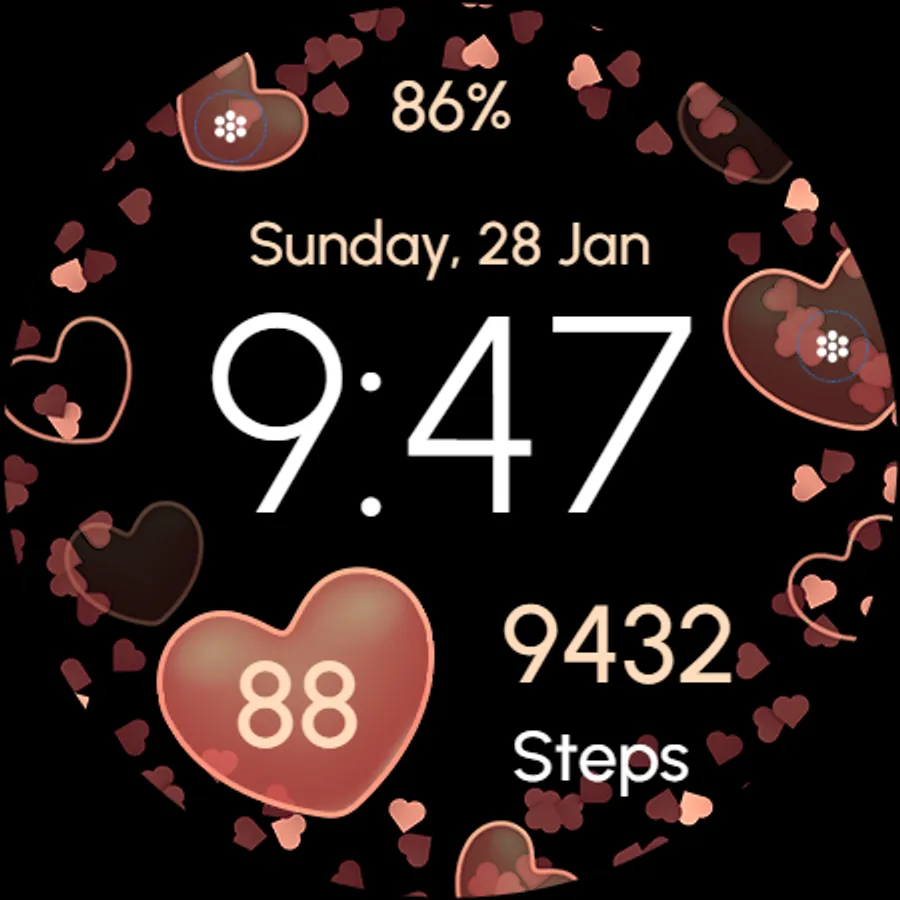
• Multiple Variations
• Always ON Display
🎨 Customization
1 - Touch and hold display
2 - Tap on Customize option
🎨 Complications
Touch and hold display to open customization mode. You can customize the field with any data you want.
🔋 Battery
For better battery performance of the watch, we recommend disabling the "Always On Display" mode.
✅ Compatible devices include API level 33+ Google Pixel, Galaxy Watch 4, 5, 6, and other Wear OS models.
Installation and troubleshooting
Follow this link: https://www.recreative-watch.com/help/#installation-methodes
Watch faces don't automatically apply on your watch screen after the installation. That's why you must set it on your watch's screen.
💌 Write to support@recreative-watch.com for assistance.
Powered by Watch Face Format
⚙️ Phone App Features
The phone app is simply a tool to facilitate installation and locating the watch face on your Wear OS watch. Only the mobile app contains ads.
⚙️ Watch Face Features
• 12/24h Digital Time
• Date
• Heart Rate
• Battery
• Steps Count
• 2 customizable Complications
• 2 customizable Shortcuts
• Multiple Variations
• Always ON Display
🎨 Customization
1 - Touch and hold display
2 - Tap on Customize option
🎨 Complications
Touch and hold display to open customization mode. You can customize the field with any data you want.
🔋 Battery
For better battery performance of the watch, we recommend disabling the "Always On Display" mode.
✅ Compatible devices include API level 33+ Google Pixel, Galaxy Watch 4, 5, 6, and other Wear OS models.
Installation and troubleshooting
Follow this link: https://www.recreative-watch.com/help/#installation-methodes
Watch faces don't automatically apply on your watch screen after the installation. That's why you must set it on your watch's screen.
💌 Write to support@recreative-watch.com for assistance.