About Kuick Shop TV
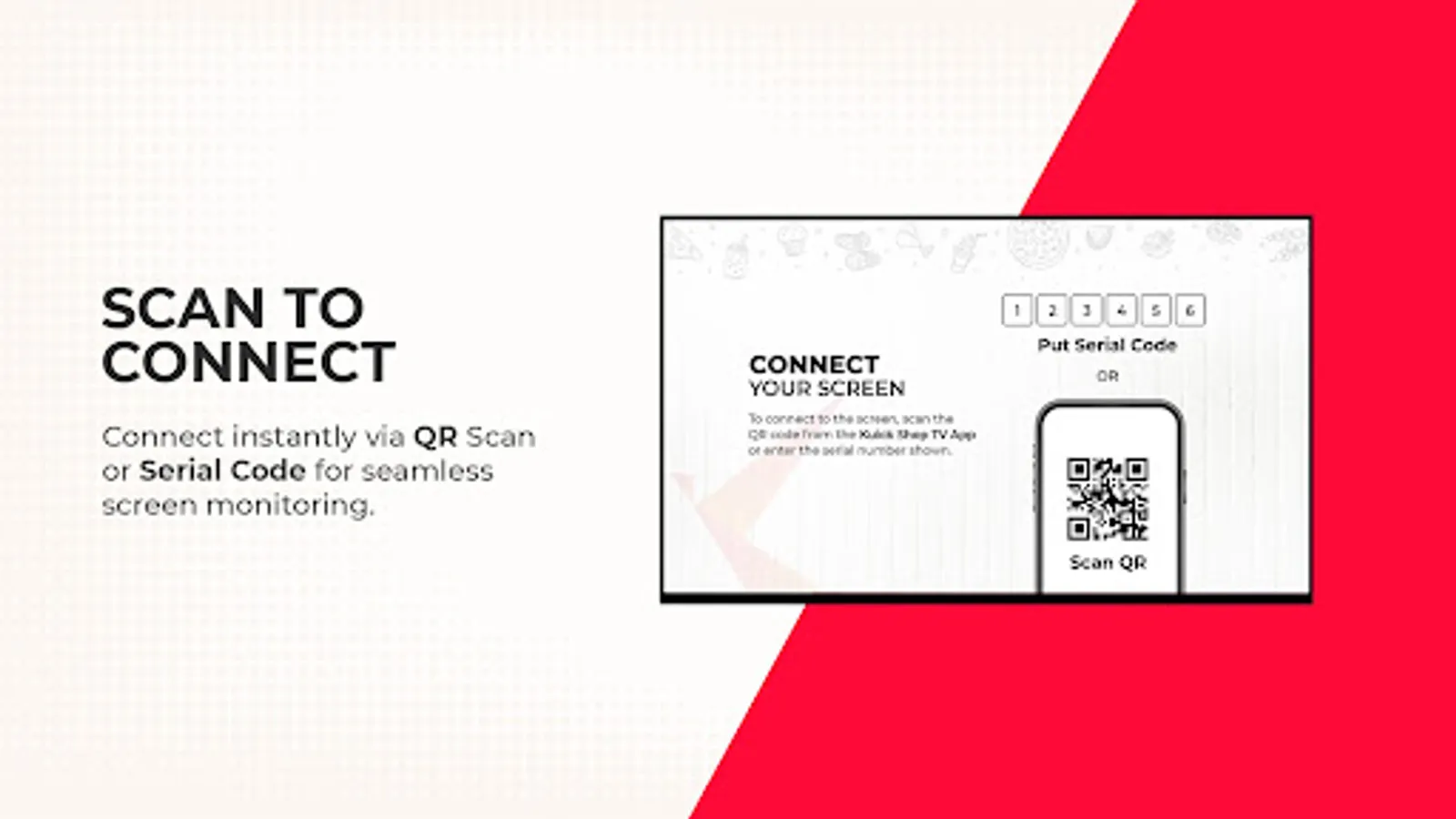
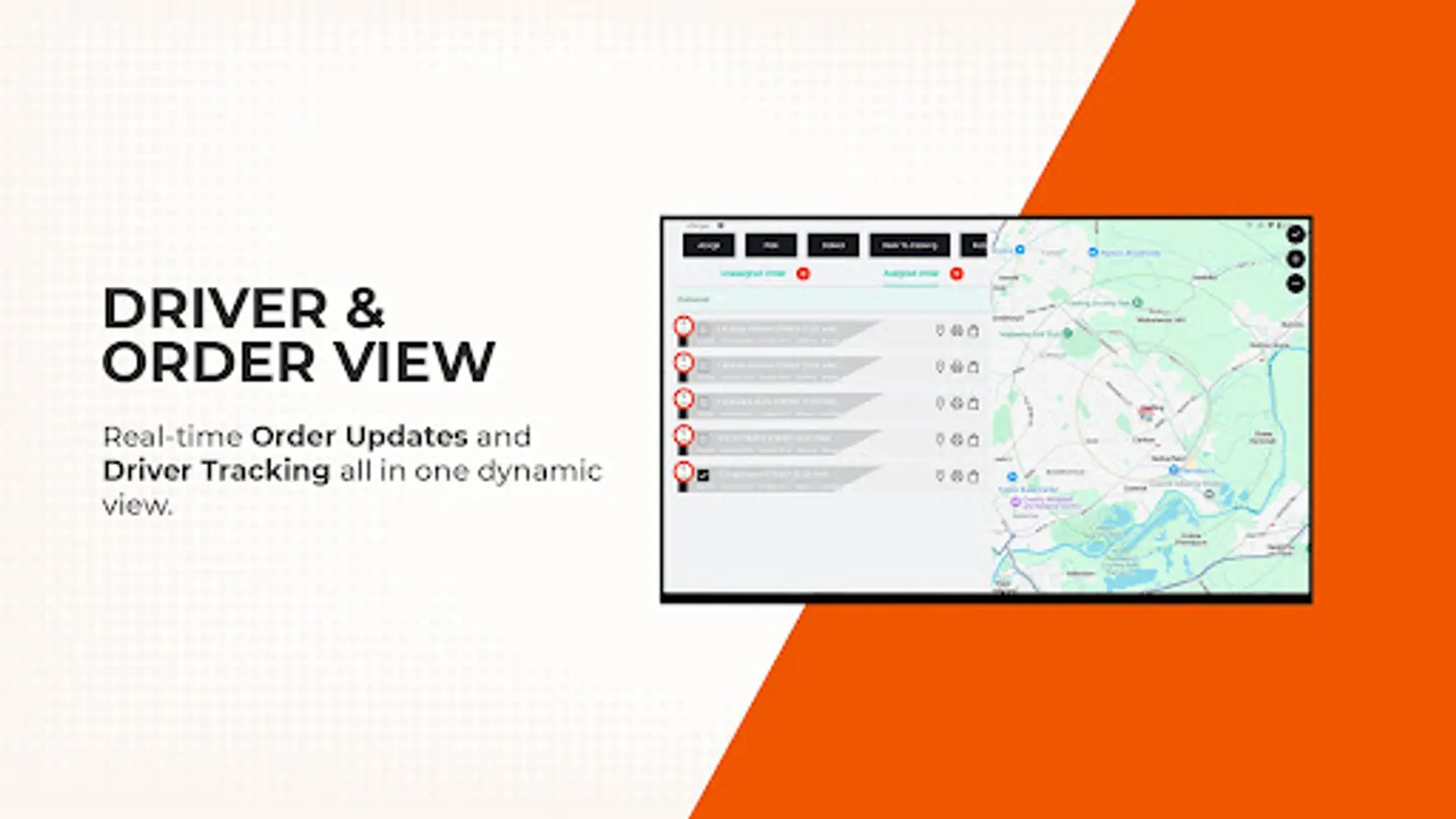
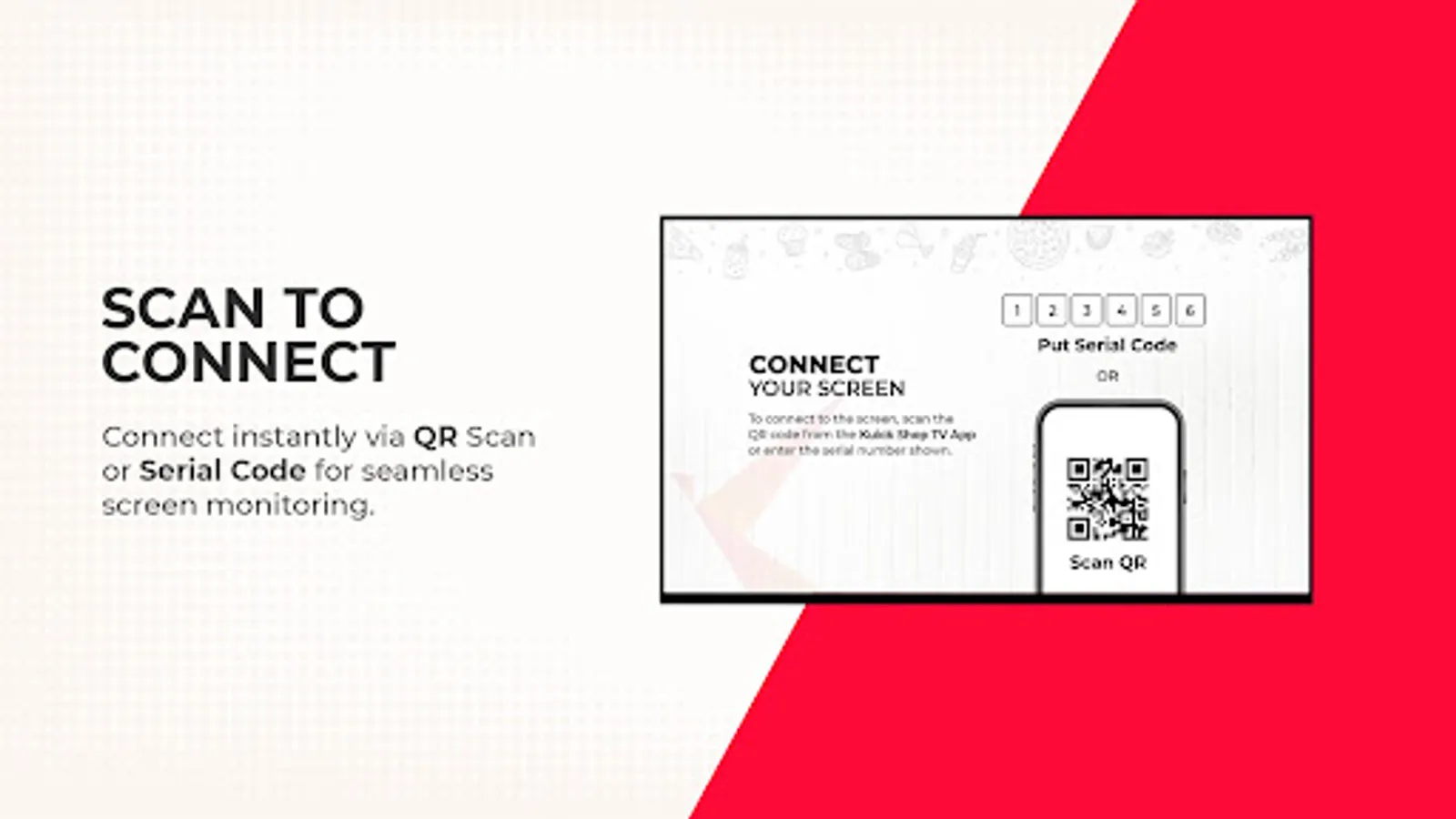
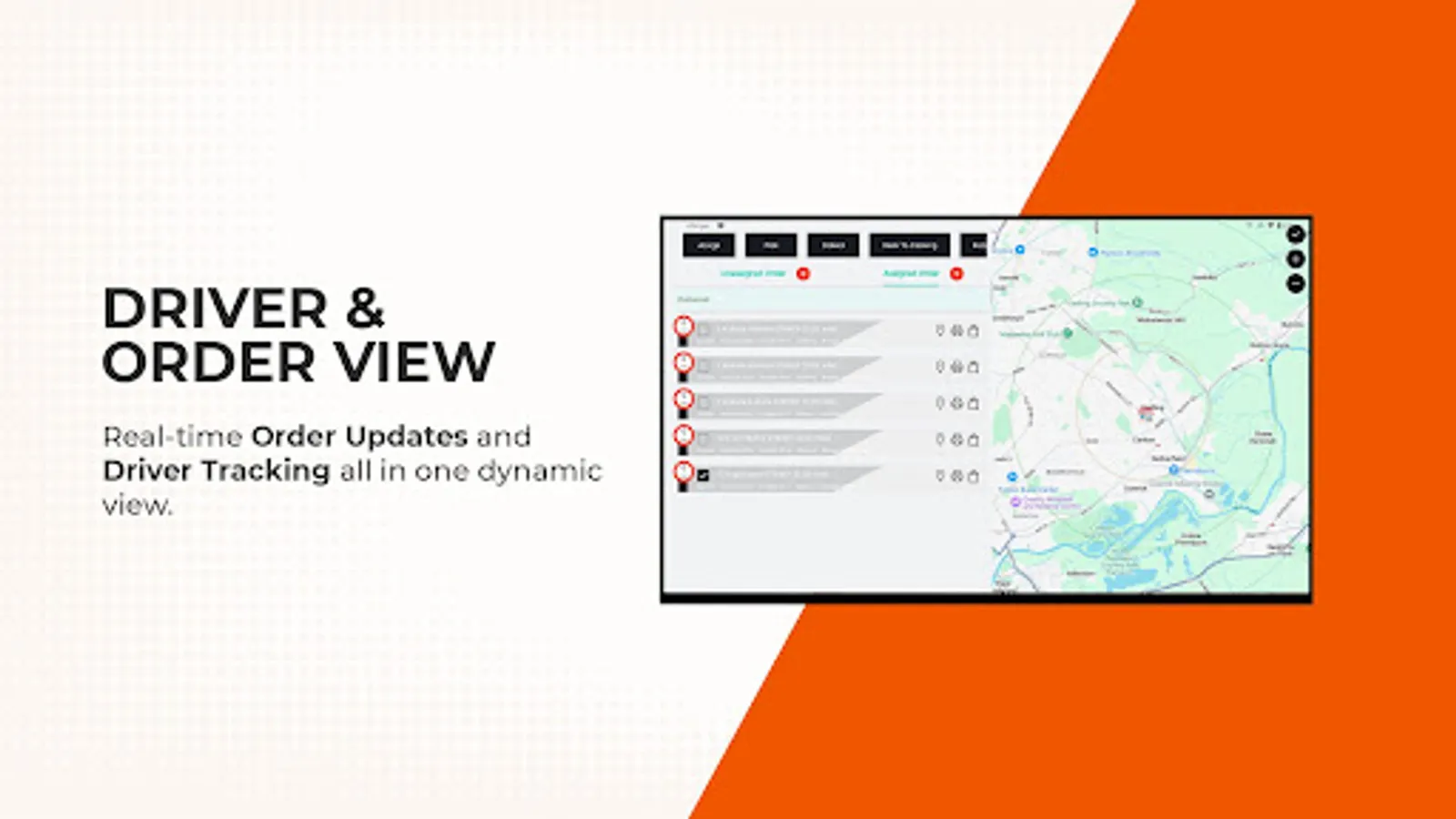
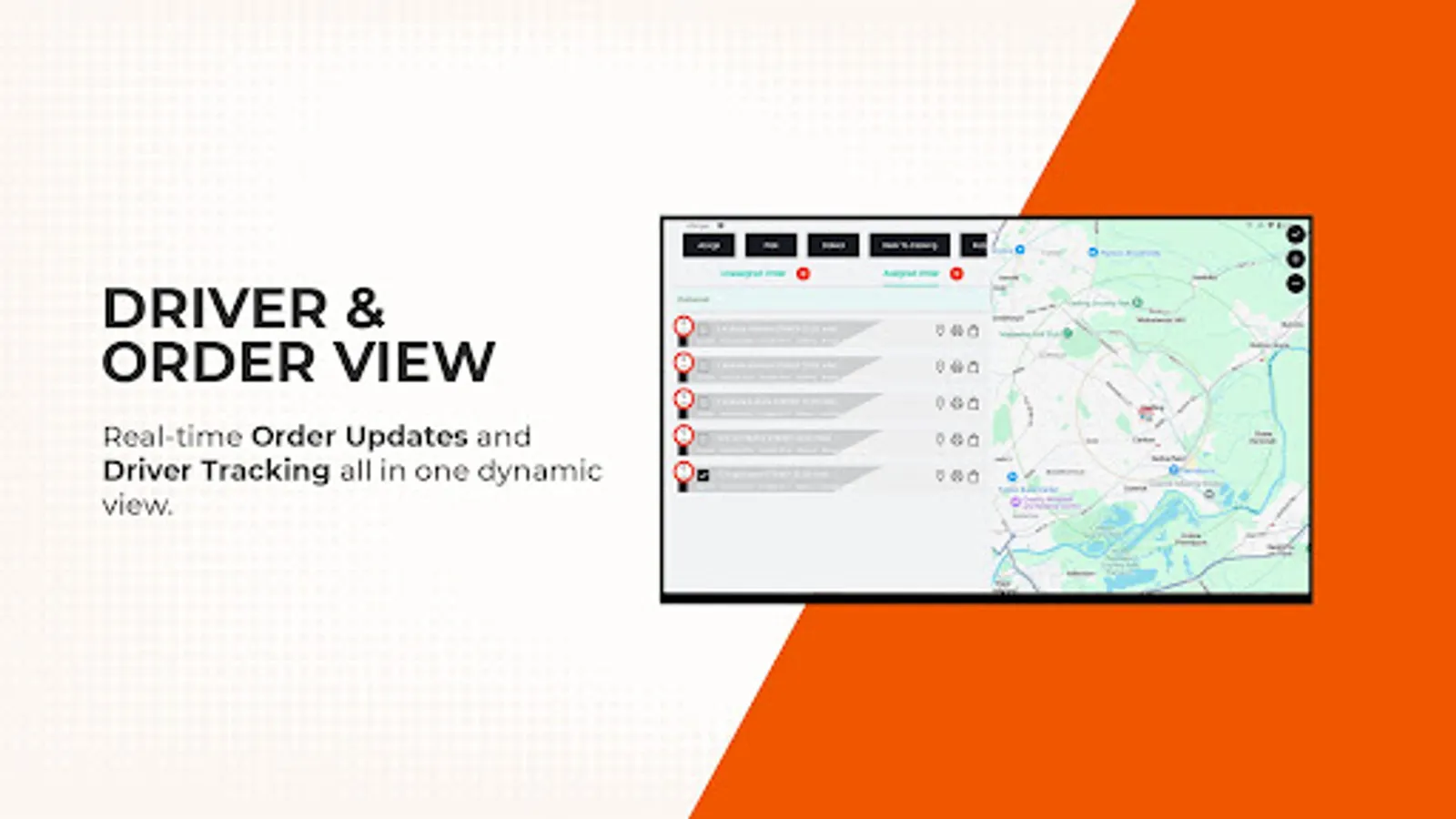
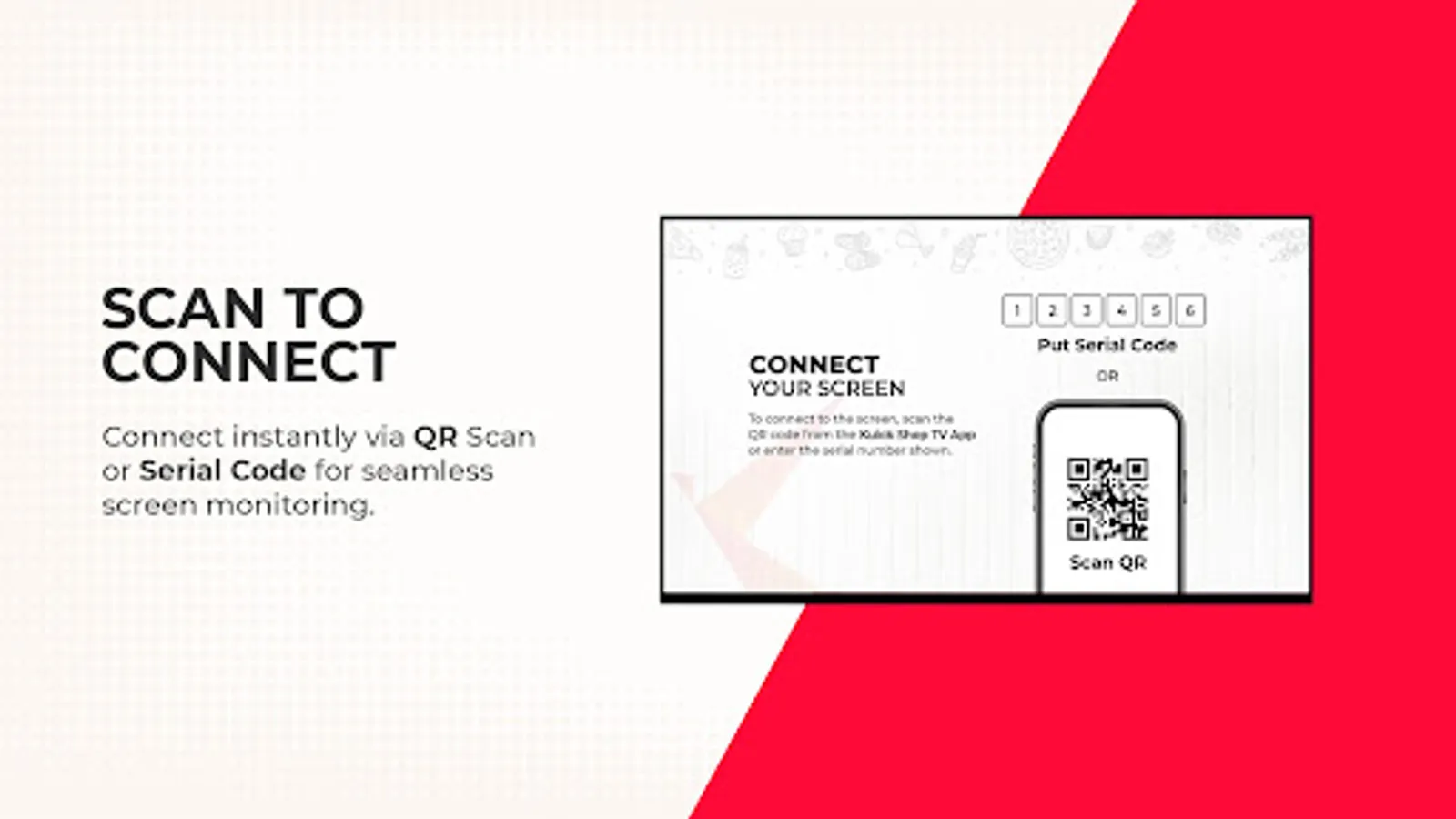
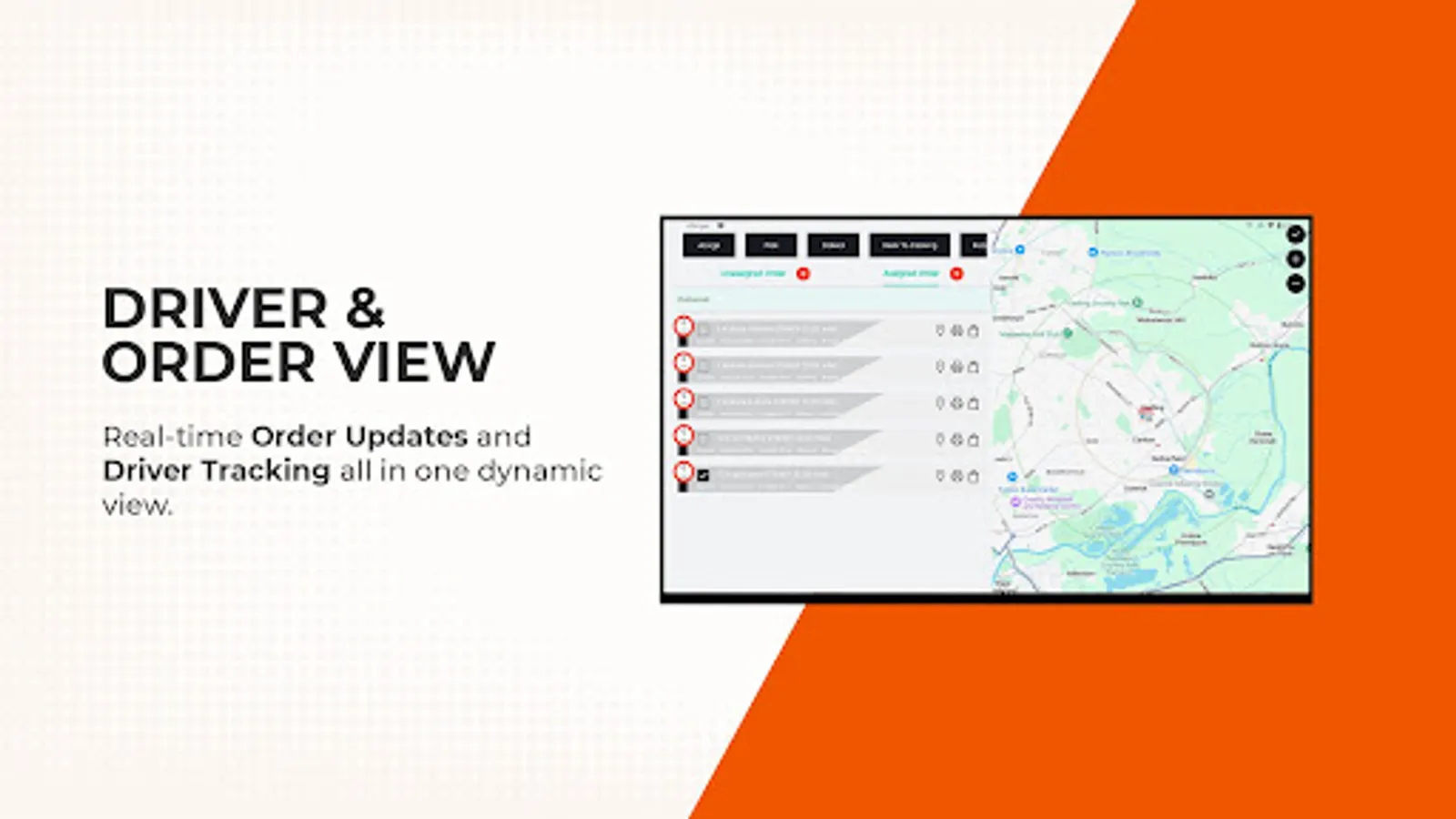
Kuick Shop TV provides real-time visibility of driver screens, showing both assigned and unassigned orders. View interactive maps and customize display settings, all while operational controls remain in Kuick Shop CC. Connect easily using a QR code or 6-digit serial number for instant tracking, keeping you informed on your delivery operations.
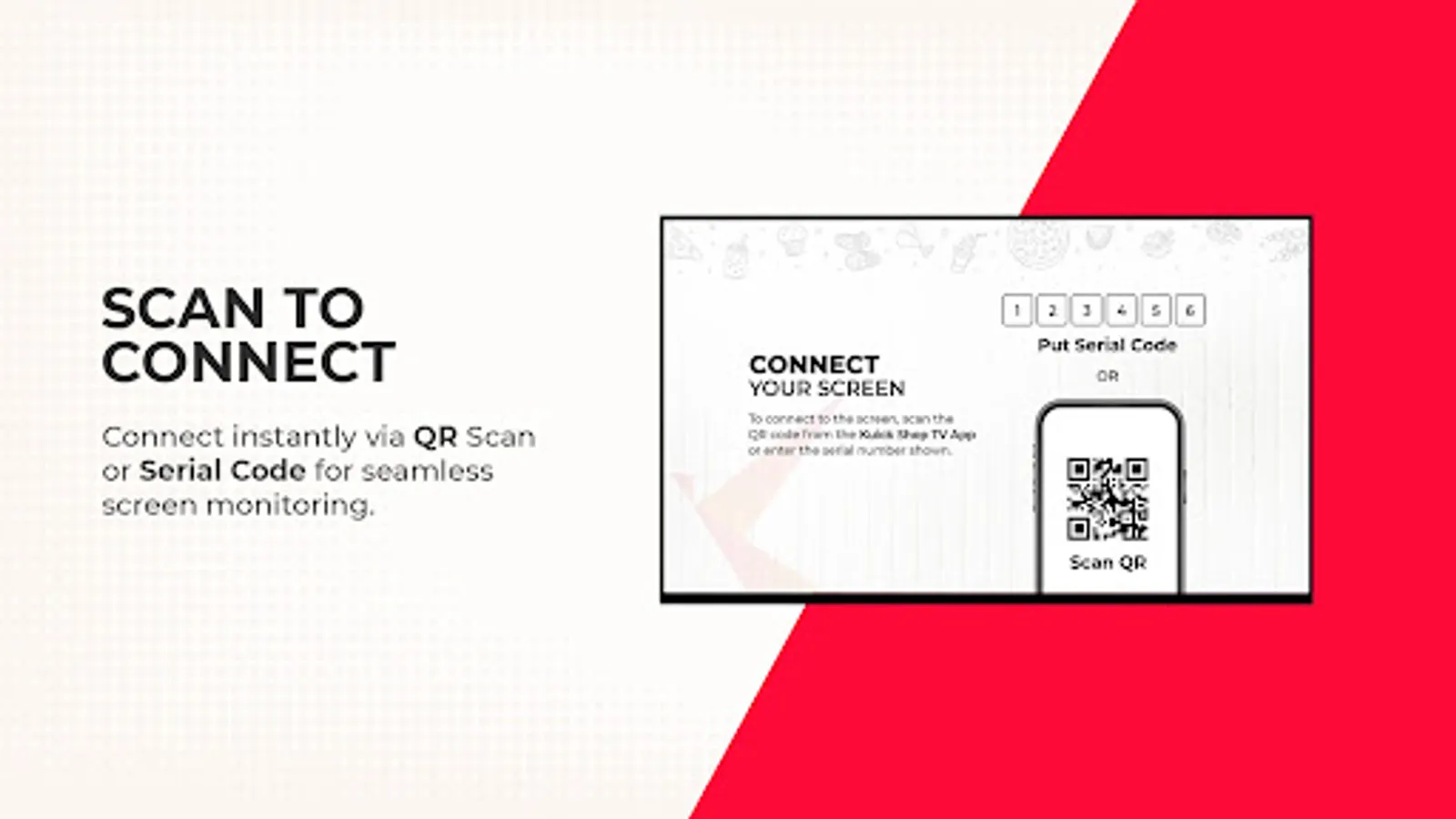
Getting started with Kuick Shop TV is simple. Log in through the driver screen by navigating to Kuick Shop CC -> Driver Screen -> Add +. From here, you can connect using a QR code or a 6-digit serial number, making the setup quick and effortless. Once connected, you'll have access to live updates and the ability to make on-the-fly changes directly from Kuick Shop CC.
Getting started with Kuick Shop TV is simple. Log in through the driver screen by navigating to Kuick Shop CC -> Driver Screen -> Add +. From here, you can connect using a QR code or a 6-digit serial number, making the setup quick and effortless. Once connected, you'll have access to live updates and the ability to make on-the-fly changes directly from Kuick Shop CC.
Kuick Shop TV Screenshots
Tap to Rate: