Regions Quick Deposit Mobile
Regions Bank
2.6 ★
215 ratings
50,000+
downloads
Free
With this banking app, you can capture check images to deposit checks remotely and manage deposits on the go. Includes check image capture, secure login, and deposit scheduling features.
AppRecs review analysis
AppRecs rating 2.5. Trustworthiness 74 out of 100. Review manipulation risk 21 out of 100. Based on a review sample analyzed.
★★☆☆☆
2.5
AppRecs Rating
Ratings breakdown
5 star
33%
4 star
6%
3 star
3%
2 star
2%
1 star
57%
What to know
✓
Low review manipulation risk
21% review manipulation risk
⚠
Mixed user feedback
Average 2.6★ rating suggests room for improvement
⚠
High negative review ratio
58% of sampled ratings are 1–2 stars
About Regions Quick Deposit Mobile
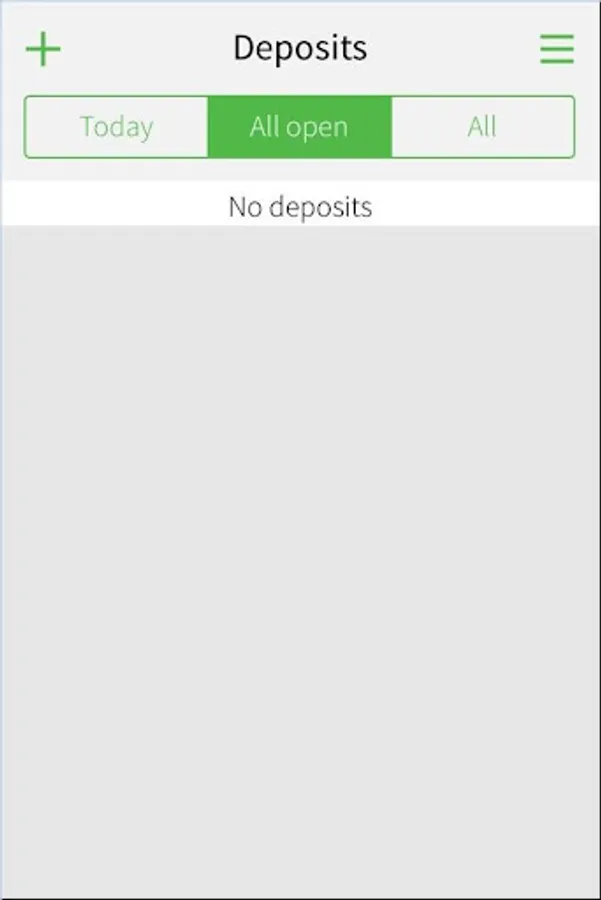
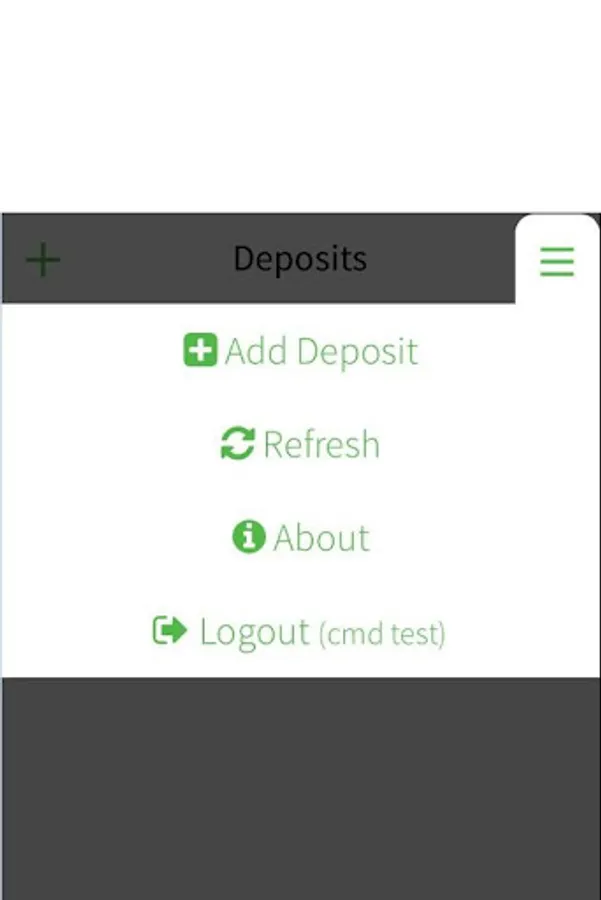
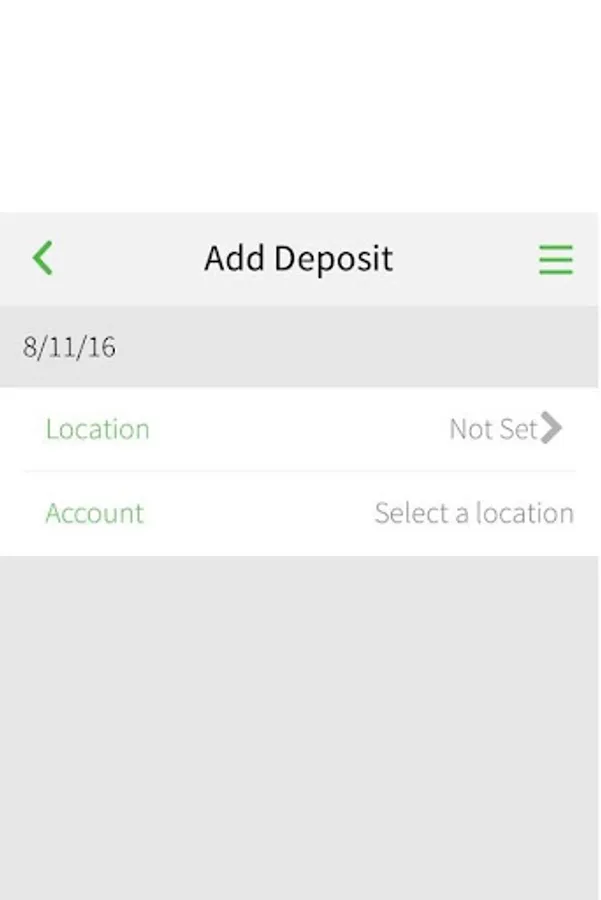
Regions Quick Deposit® Mobile enables Regions business clients to capture check images to make deposits without ever having to travel to a Regions branch or back to their office. Leveraging their mobile device, users can easily deposit checks on the go. As with all of the Regions Quick Deposit offerings, clients also will benefit from an extended deposit deadline and the ability to centralize company deposits.
Important Note: You must be a Regions business client and enrolled in Regions Quick Deposit Mobile to use the service. Registration is required and enrolled users will be assigned a Regions OnePass℠ security login ID and password to access the mobile app.
To learn more, contact your Regions Relationship Manager or Treasury Management Officer, call Regions Treasury Management Small Business Group at 1-866-822-3770, or visit Regions.com/QuickDepositMobile.
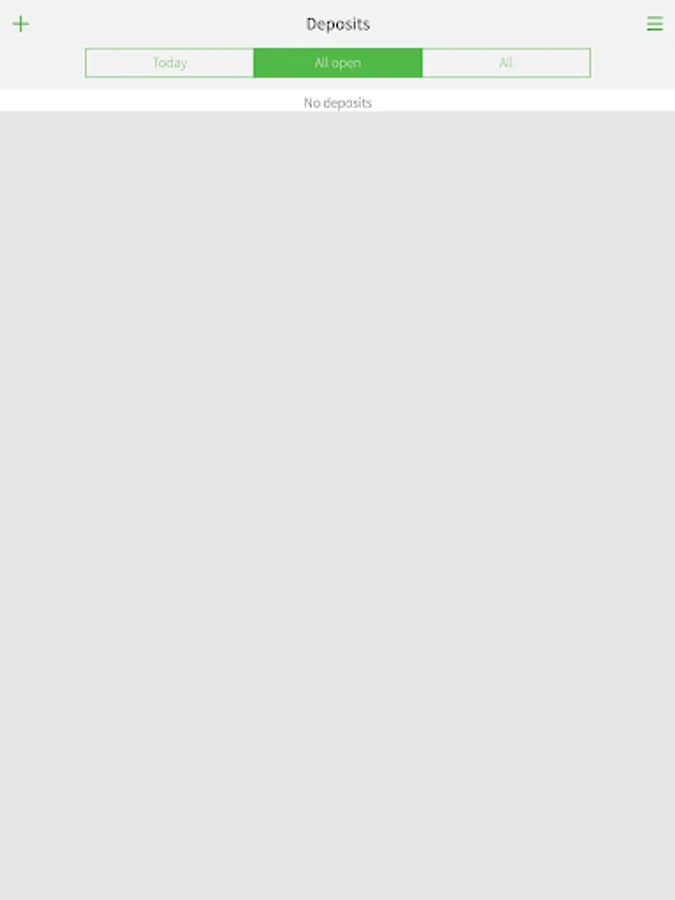
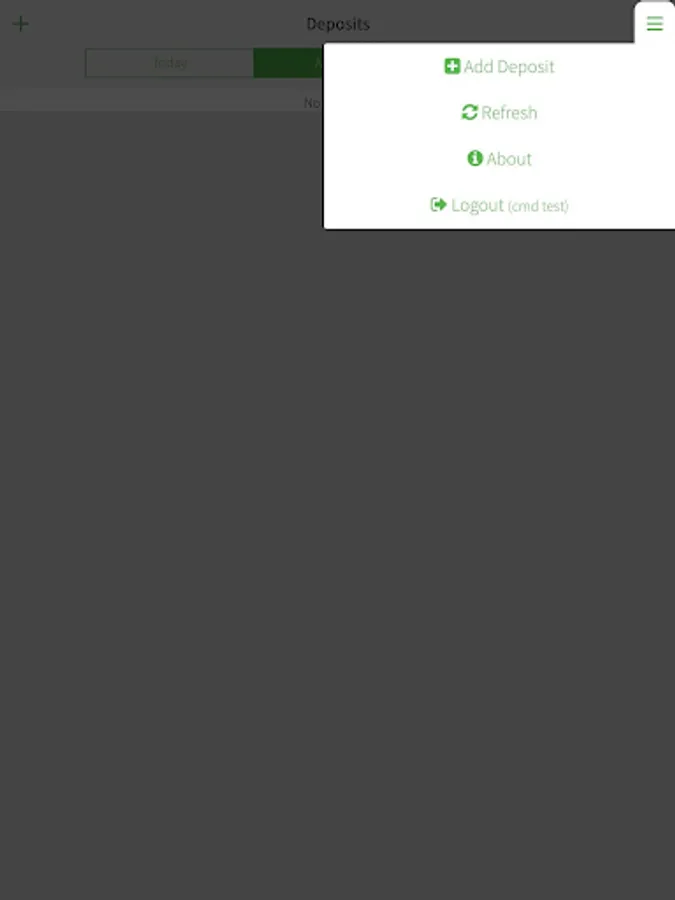
Regions Quick Deposit Mobile Screenshots
Tap to Rate:
Reviews for Regions Quick Deposit Mobile
Troy Neff
1/3/2026
Couldn't get past login either. Doesn't explain the "Onepass" either. Regions mobile app won't work in my phone anymore which is a shame because they'll probably start losing customers like myself because they turned their backs on us!
Patty Ladyfaith-Johnson
8/16/2025
I keep getting error message. AP won't let me log on to even try it.